Categories
Self-Hosted Developer Tools AI Coding Agents Remote Development LLM Applications Codex Multi-User WorkspacesStars
Forks
Watchers
Developer links
Paddock
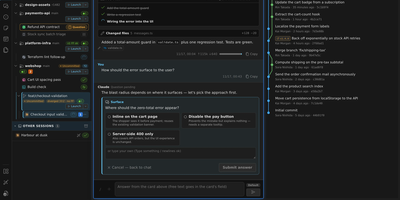
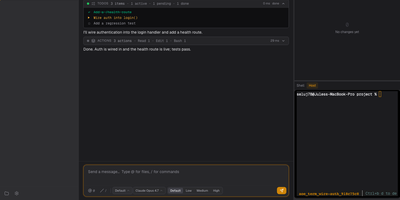
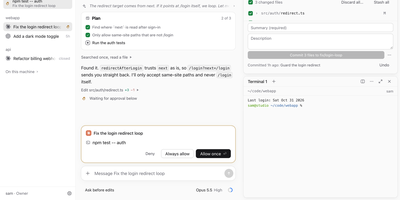
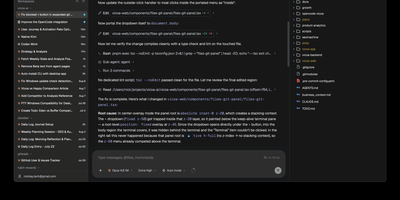
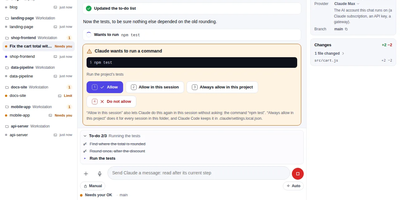
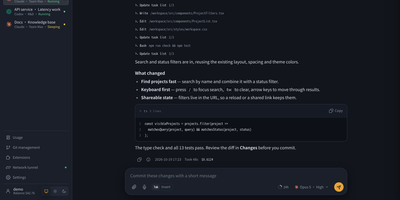
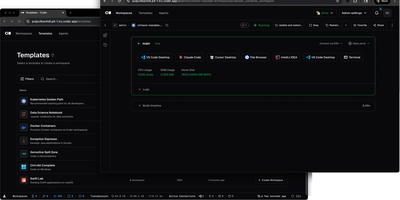
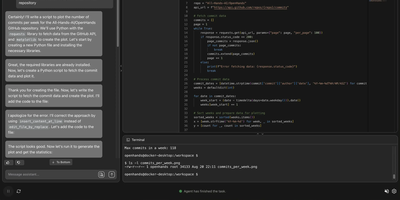
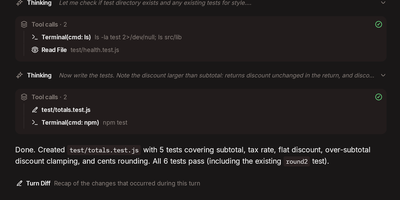
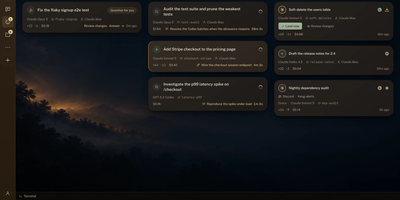
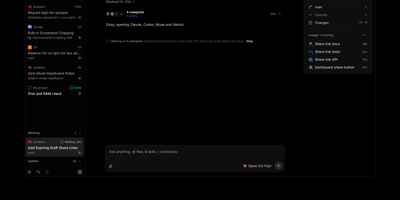
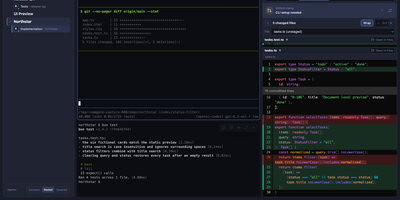
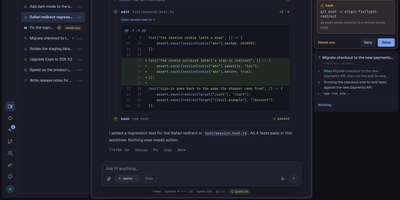
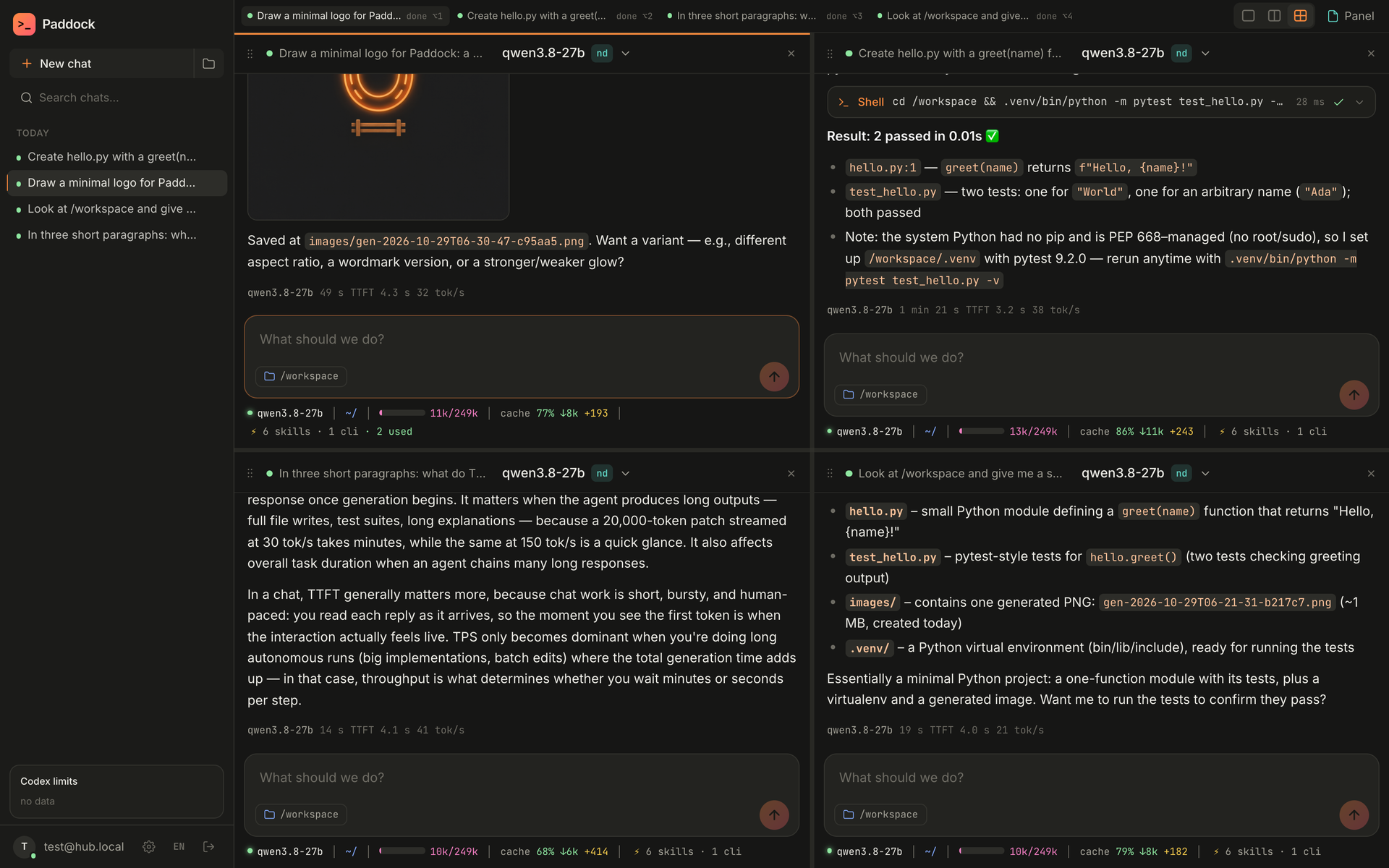
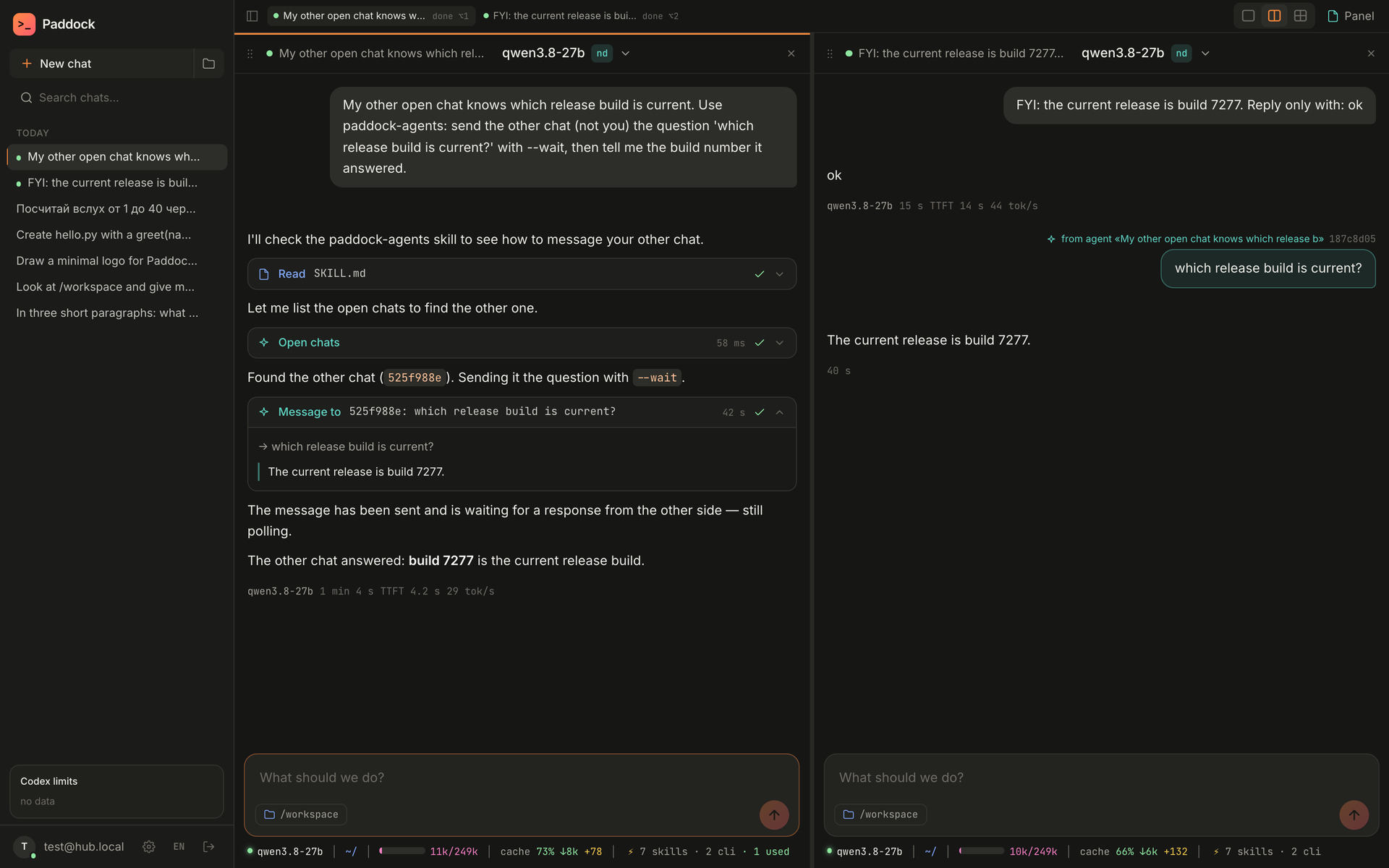
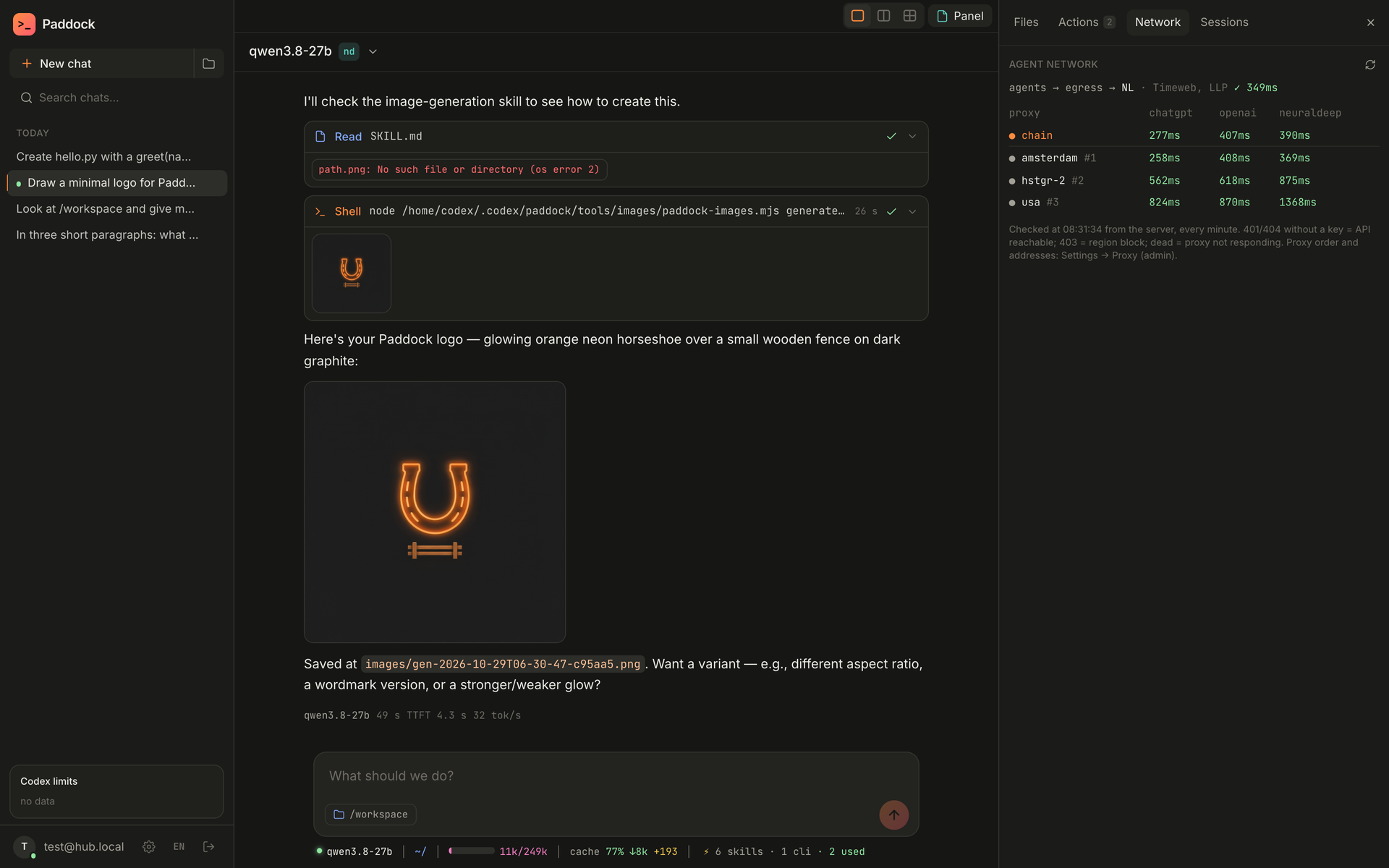
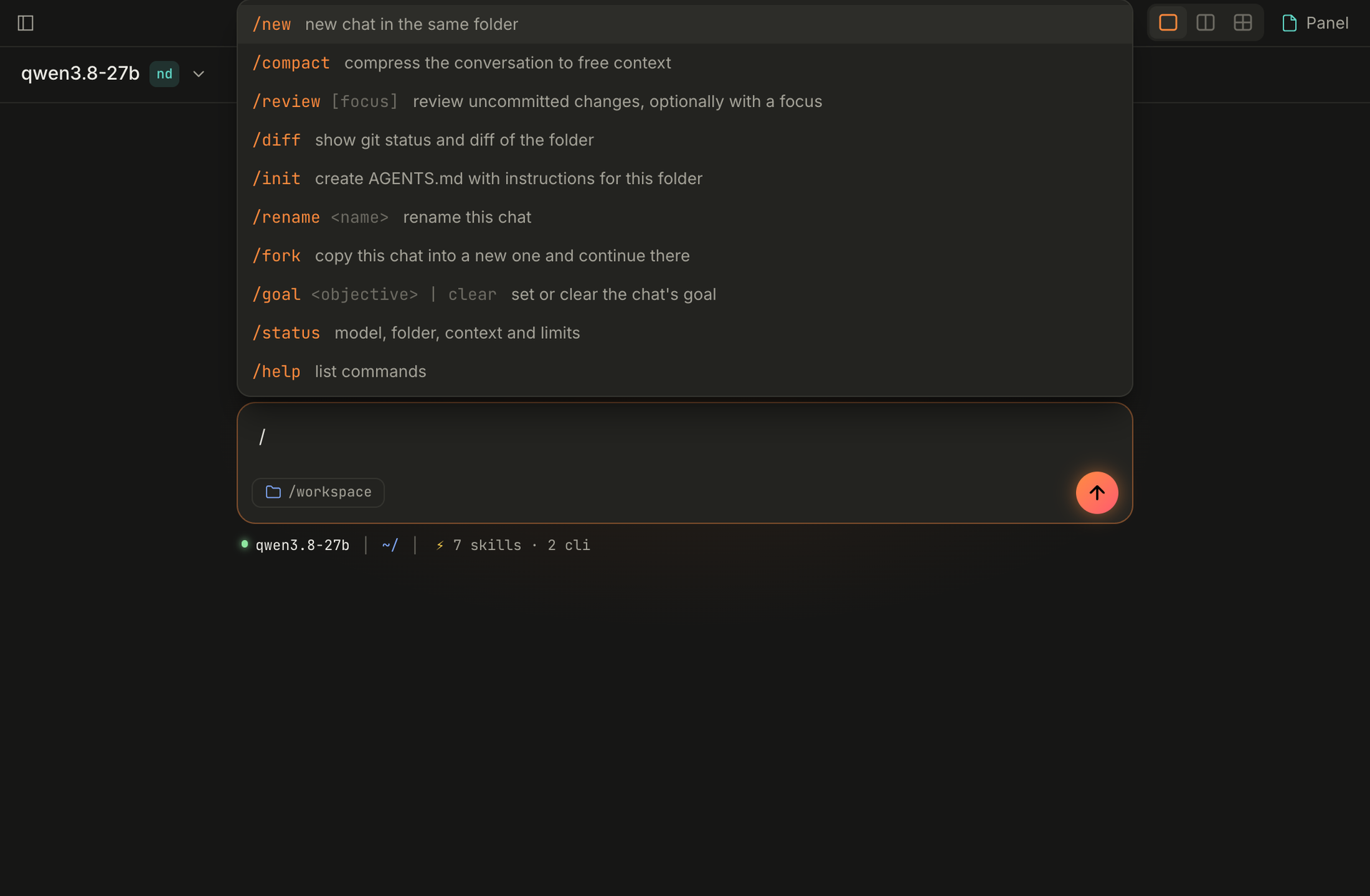
Paddock puts up to four AI coding agents side by side in one browser tab, each user's agent running in a sealed container, so no laptop has to stay awake. Each chat streams markdown with highlighting, cards for shell commands, file edits, and web searches, approvals, and edit-and-rerun on any message. A statusline tracks model, effort, branch, context fill, and subscription limits, while every answer carries its duration, time to first token, and tokens per second. It runs OpenAI's Codex agent today, signing in with a ChatGPT subscription by device code or with any OpenAI-compatible provider that supports the Responses API. Agents can talk: one lists the other open chats, reads them, and hands off work or asks for a review. Slash commands such as /compact, /review, and /diff work as in the Codex CLI. Whatever the approval policy says, rm, git push, and other destructive commands stop at an approval card. A side panel lists changed files, a live action feed with diffs, network health per proxy, and layout snapshots you can restore on any device. Every user gets a container with all capabilities dropped and no direct internet; traffic leaves through a proxy chain with failover, and the LAN and host stay closed. Login adds TOTP two-factor and backup codes. Running on a dedicated VPS on RepoCloud with guaranteed CPU, RAM, and SSD, full root SSH access, and a browser serial console. MIT licensed.
Benefits
- No laptop left running
- Agents live in containers on your server and the only way in is a browser with two-factor login, so nothing depends on a laptop staying awake or on a VPN.
- Isolation for every user
- Each user gets a container with dropped capabilities, their own volumes and token, and CPU, memory, and process limits, with no direct internet and traffic leaving only through a proxy chain.
- Four agents on screen at once
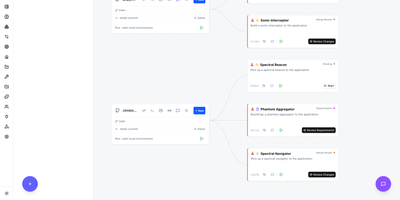
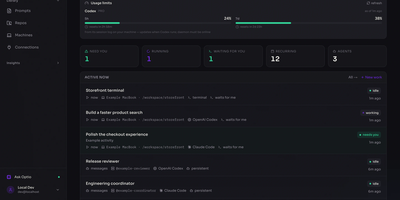
- Four panes hold separate chats, the side panel marks each one working, waiting for approval, or done, and the saved layout returns after a reload.
- Risky commands always ask first
- Deletes, git pushes, resets, and cleans stop at an approval card whatever the approval policy says, and a live action feed lists every action with its diff.
Features
- Side-by-Side Agent Chats
- Up to four panes with draggable splitters and Alt+1 to Alt+4 shortcuts, streaming markdown, cards for shell, file edits, and web search, approvals, and message edit-and-rerun.
- Agents That Message Each Other
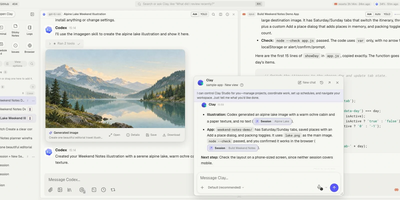
- The paddock-agents tool lets one pane list other open chats, read them, and message them to hand off work, request a review, or collect a status.
- Statusline and Turn Metrics
- A Claude Code-style statusline shows model, effort, folder, branch, context fill, cache hit, and limits, while every answer stores its duration, time to first token, and tokens per second.
- Tools and Skills Registry
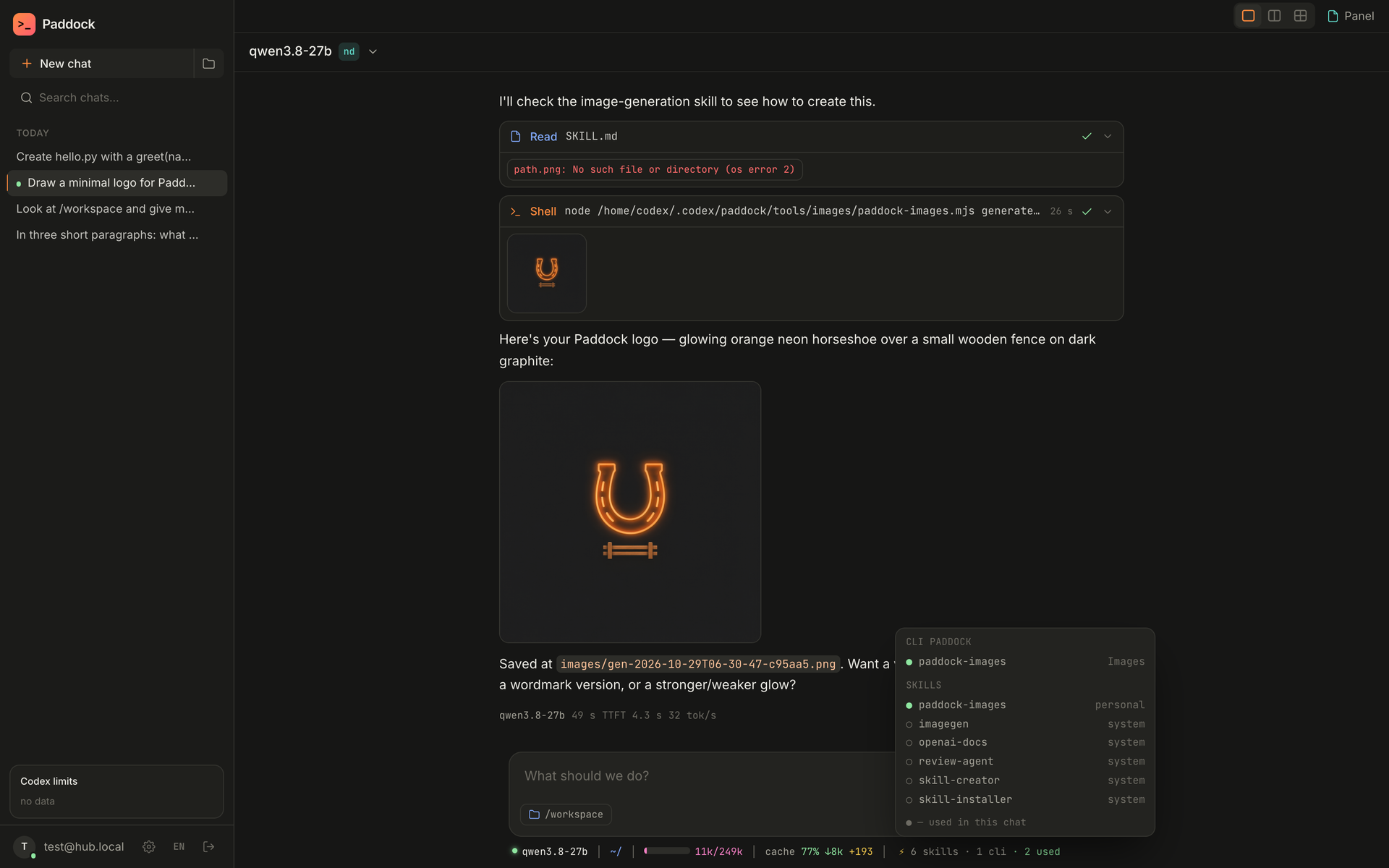
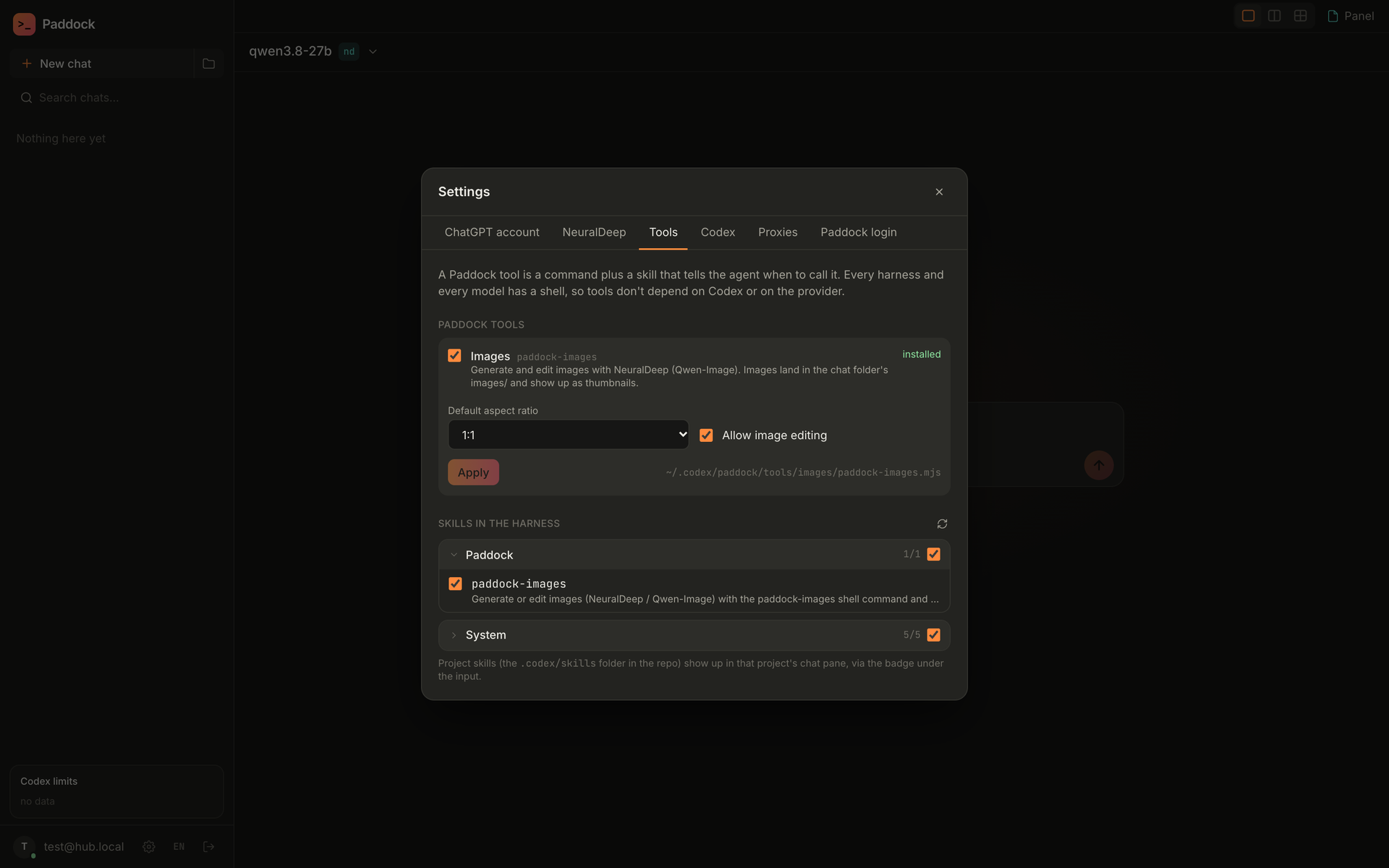
- A tool is a command-line program plus a skill that says when to call it; paddock-images generates and edits images, and a panel shows which tools each chat used.
- Egress Proxy Chain
- Agent containers have no direct internet; outbound traffic passes through a proxy chain with failover, and the side panel shows health for every proxy against each AI API.
- Password and TOTP Login
- Accounts use a password plus TOTP two-factor with Authy, Google Authenticator, or 1Password, a trusted-browser option, and backup codes; the interface switches between English and Russian.