Categories
Collaboration AI Coding Agents Team Productivity Developer Workspace Coding Assistants Self-Hosted IDE ToolsStars
Forks
Watchers
Developer links
Clay Studio
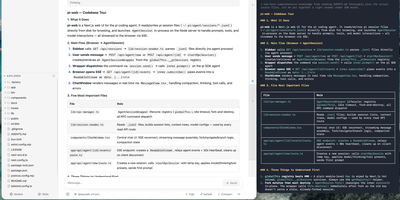
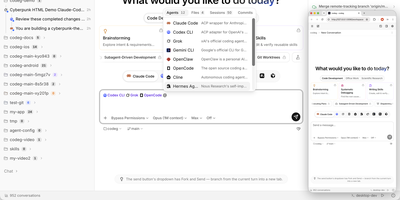
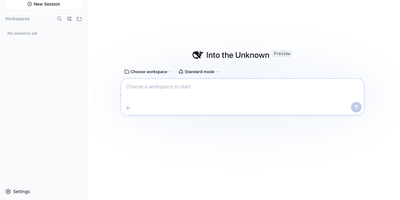
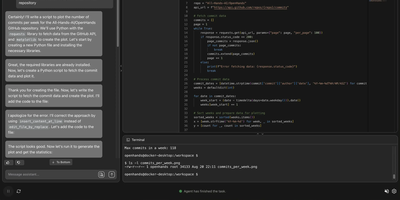
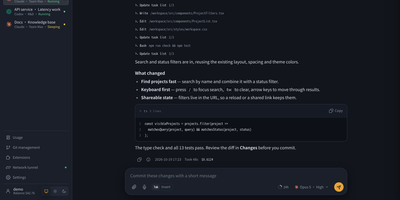
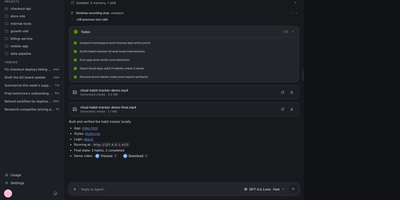
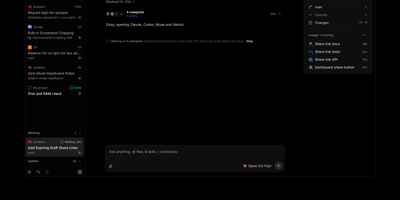
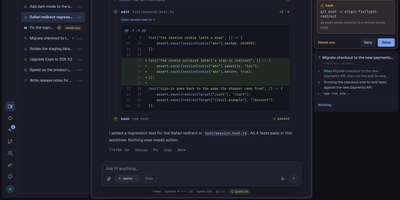
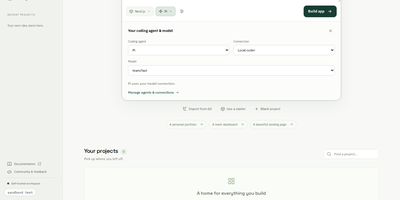
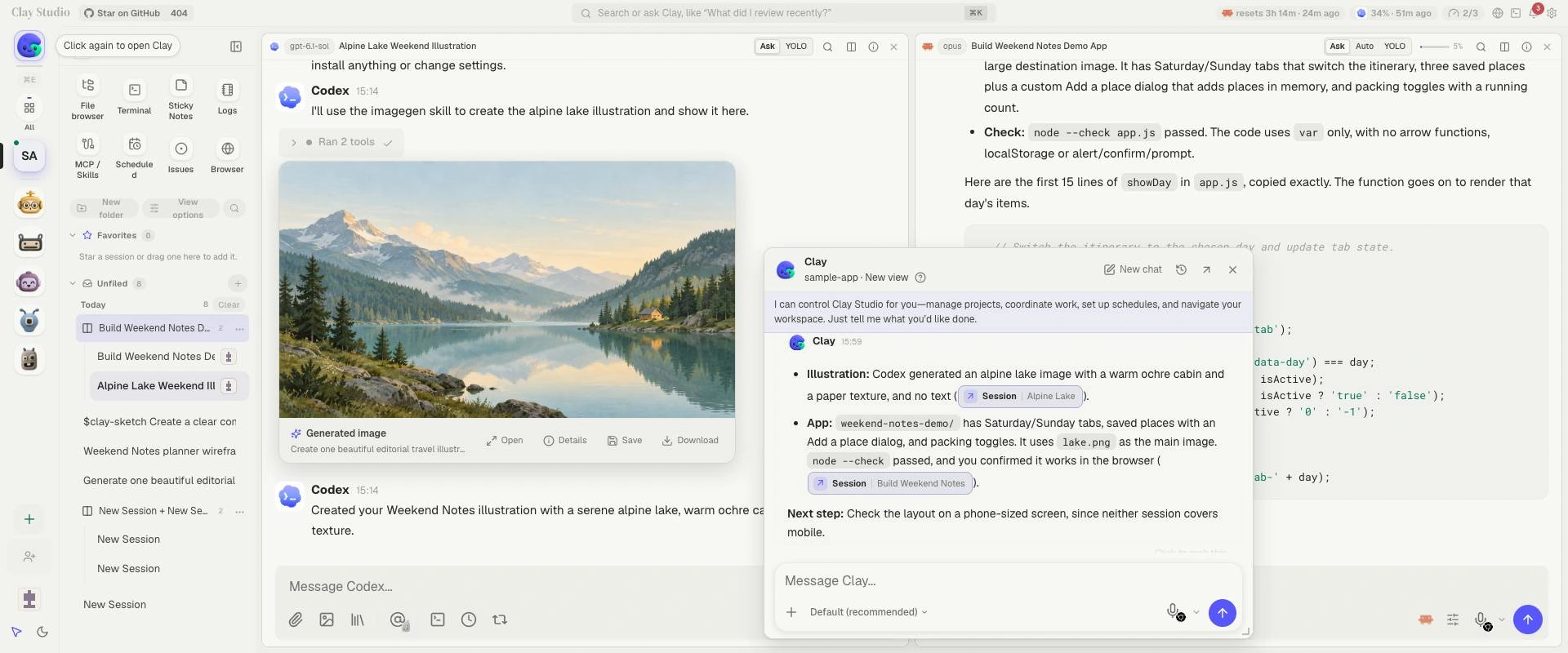
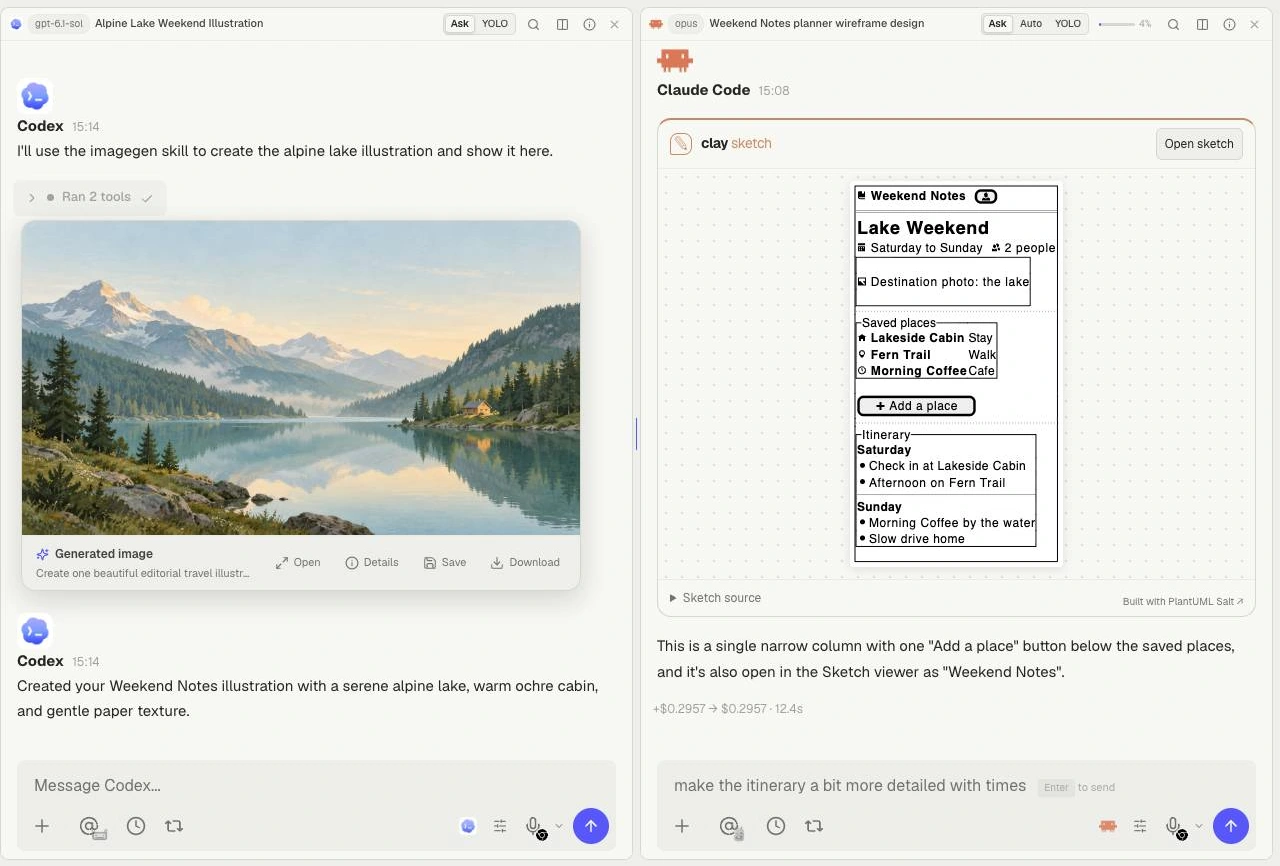
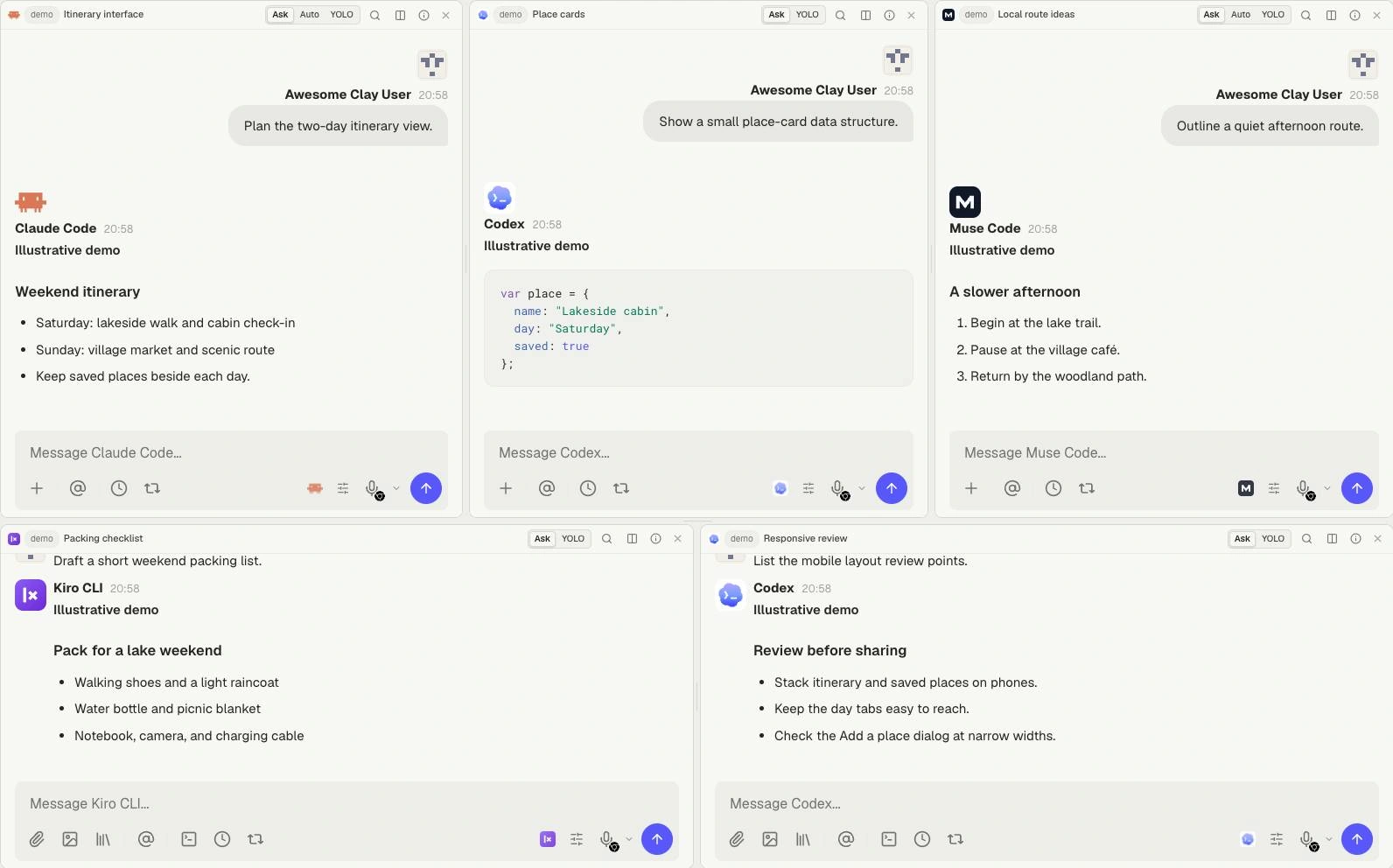
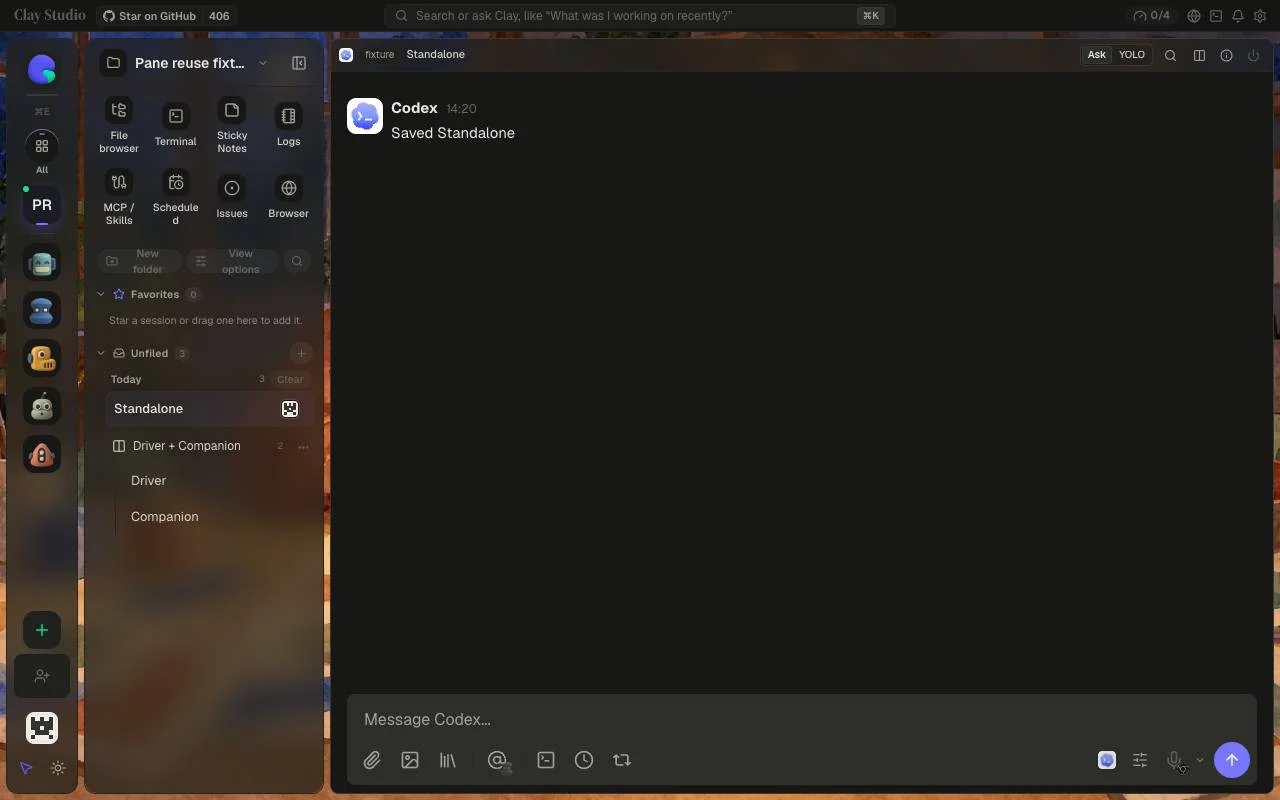
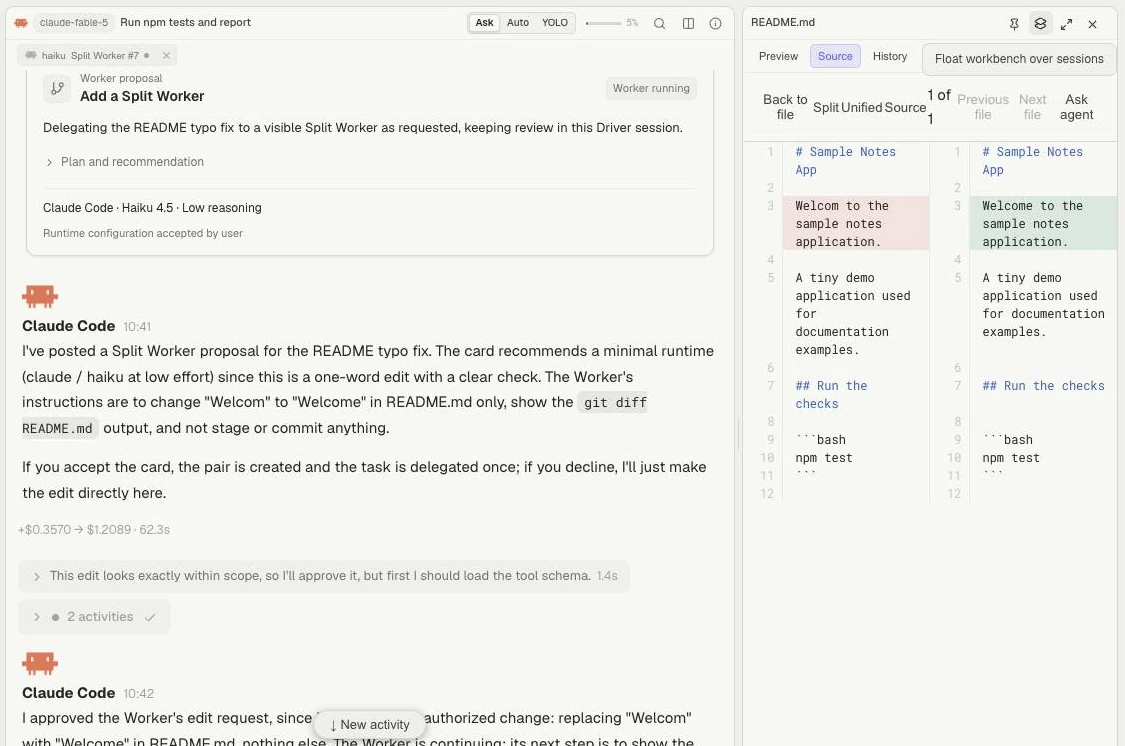
Clay Studio is a self-hosted workspace where your team and its coding agents share projects, live sessions, and project knowledge in one browser interface instead of scattering them across terminals. You organize several repositories in one sidebar and run sessions in parallel while teammates watch live activity, enter the same session, hand work off, and answer permission requests from wherever they are. Ten agent runtimes plug into the same workspace, Claude Code, Codex, Grok Build, Kimi Code, GitHub Copilot CLI, Qwen Code, Junie CLI, Antigravity CLI, OpenCode, and Kiro CLI, each keeping its own authentication and models. Persistent Mates give AI collaborators an identity, instructions, memory, direct messages, and roles in structured debates that survive beyond a single chat. Worktrees, paired sessions, spawned workers, scheduled tasks, and Ralph Loops let background jobs proceed without losing sight of what is running. You browse and edit files, inspect diffs and history, open terminals, install skills, connect MCP servers, and manage project knowledge without leaving the workspace. The installable PWA works on mobile and pushes notifications for approvals, failures, and finished work. Sessions and knowledge stay on your disk as portable JSONL and Markdown, so switching providers never means migrating your workspace. Running on a dedicated VPS on RepoCloud with guaranteed CPU, RAM, and SSD, full root SSH access, and a browser serial console. AGPL-3.0-only licensed.
Benefits
- Every Agent, One Workspace
- Claude Code, Codex, Grok Build, Kimi Code, Copilot CLI, Qwen Code, Junie, Antigravity, OpenCode, and Kiro CLI all run inside one browser workspace with their own authentication intact.
- Live Shared Sessions
- Teammates see agent activity as it happens, join the same session, hand tasks off, and answer permission requests remotely instead of gathering around a single terminal screen.
- Mates That Remember
- Persistent AI collaborators keep identities, instructions, knowledge, and memory across conversations, and can direct-message each other or take defined roles in structured debates.
- Portable On-Disk Knowledge
- Sessions and project knowledge live as JSONL and Markdown files on your server, so the workspace survives provider changes with no proprietary database migration required.
Features
- Parallel Worktrees
- Run sessions in git worktrees with paired sessions, spawned workers, scheduled tasks, and Ralph Loops while keeping every running job visible in one place.
- YOKE Continuity Layer
- YOKE gives supported coding agents a common session interface and carries project instruction files across vendor boundaries when you switch runtimes mid-project.
- In-Workspace Tooling
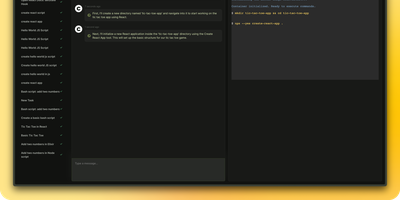
- Browse and edit files, inspect diffs and history, open terminals, install skills, and connect MCP servers without leaving the browser workspace.
- PWA With Push Alerts
- Install the workspace as a PWA on mobile and receive push notifications for approvals, failures, and completed work wherever you are.
- Reverse Proxy Origins
- Server Settings accepts browser-facing origins for reverse proxies and tunnels, applying them to new WebSocket connections without restarting the daemon.