Categories
Self-Hosted Developer Tools AI Coding Agents Claude Code Remote Development LLM Applications OpenCodeStars
Forks
Watchers
Developer links
Hoprig
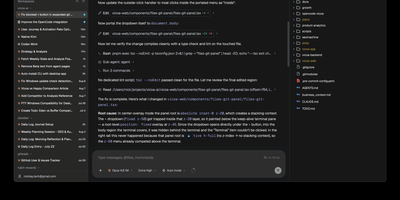
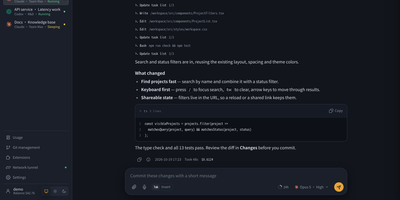
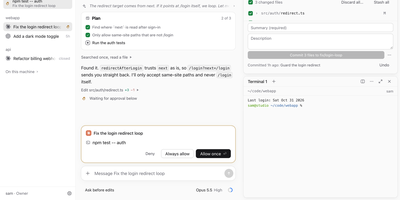
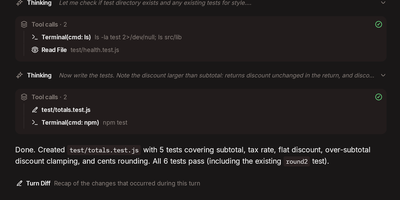
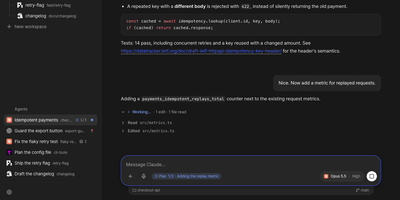
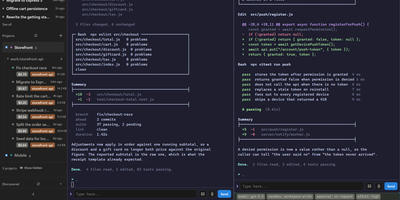
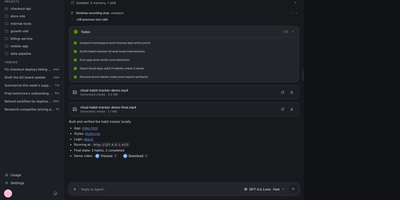
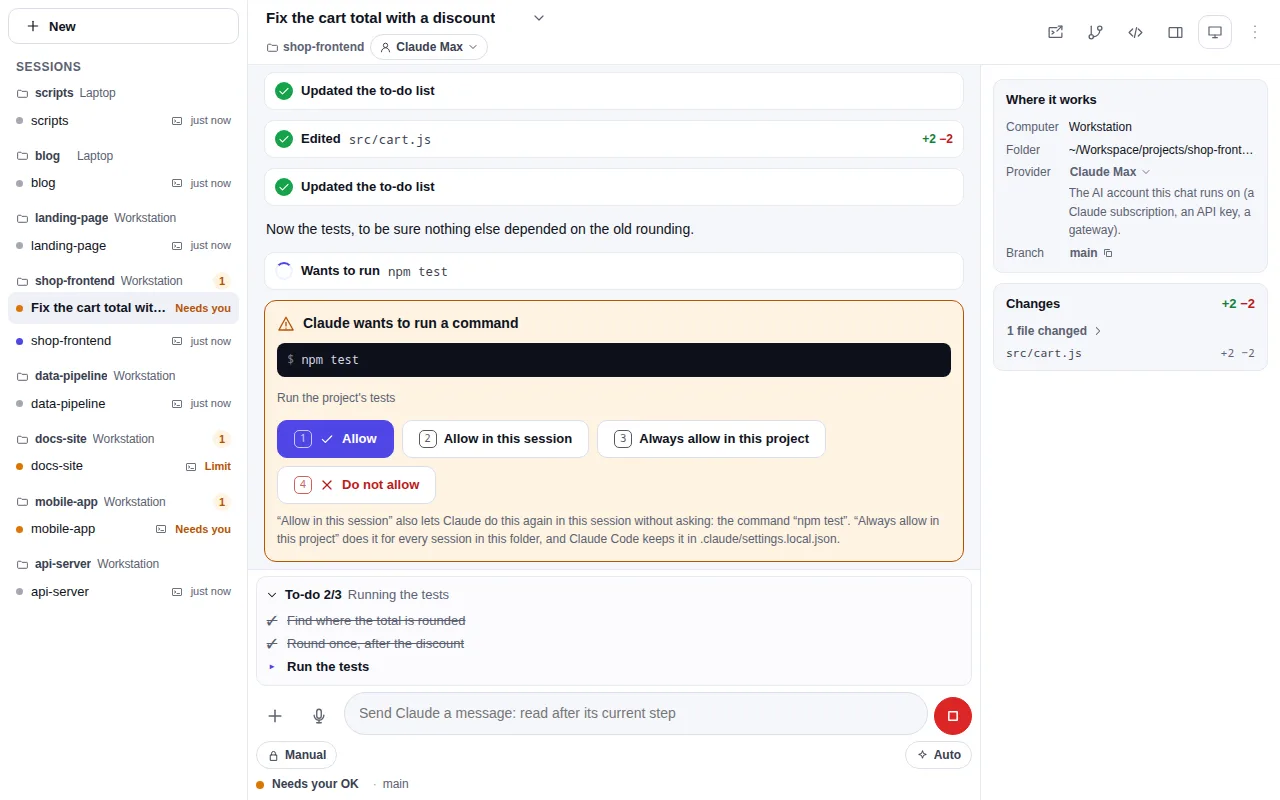
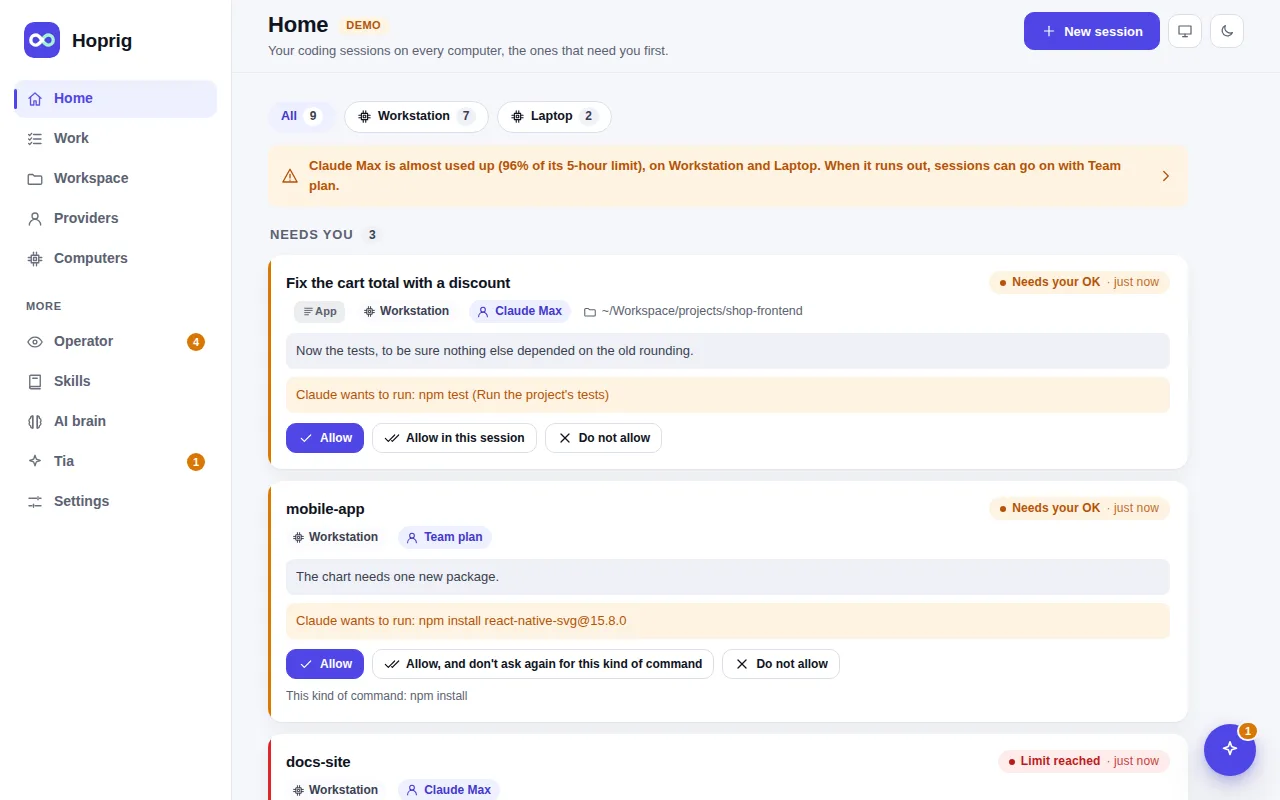
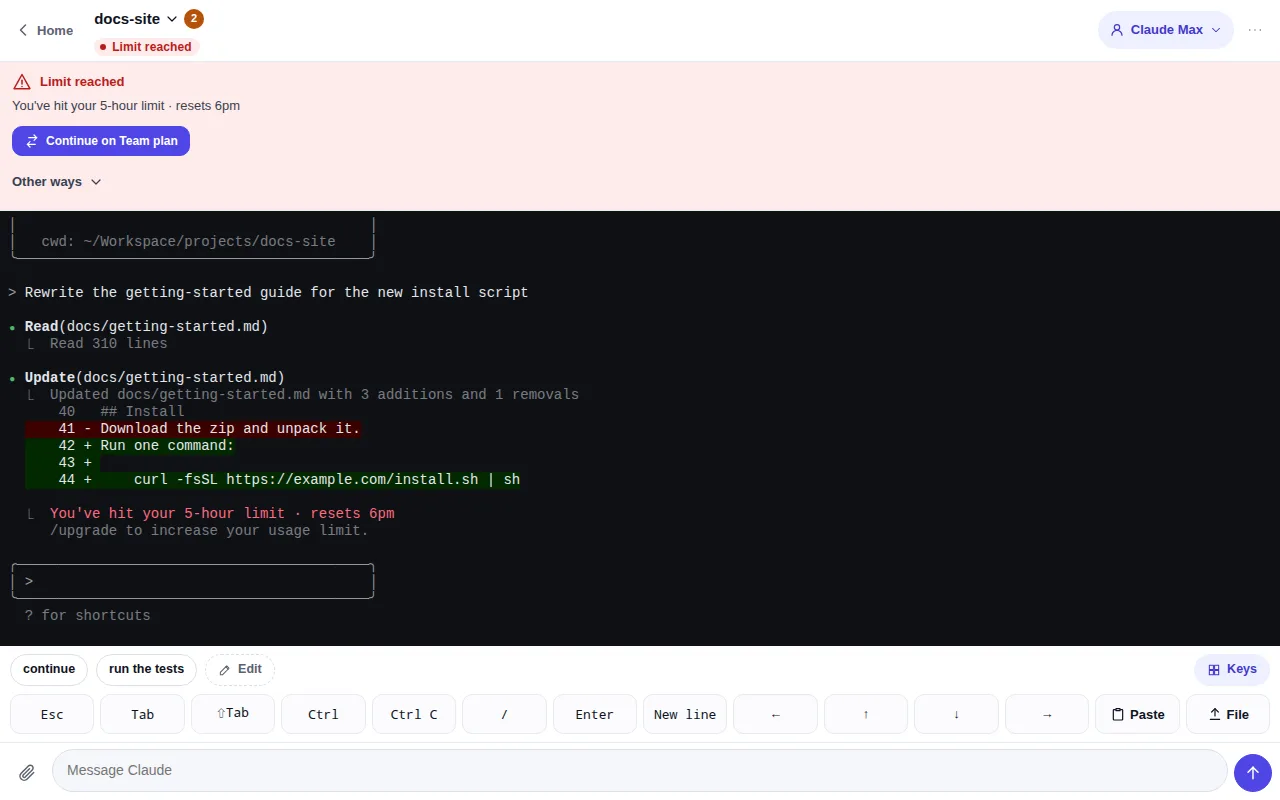
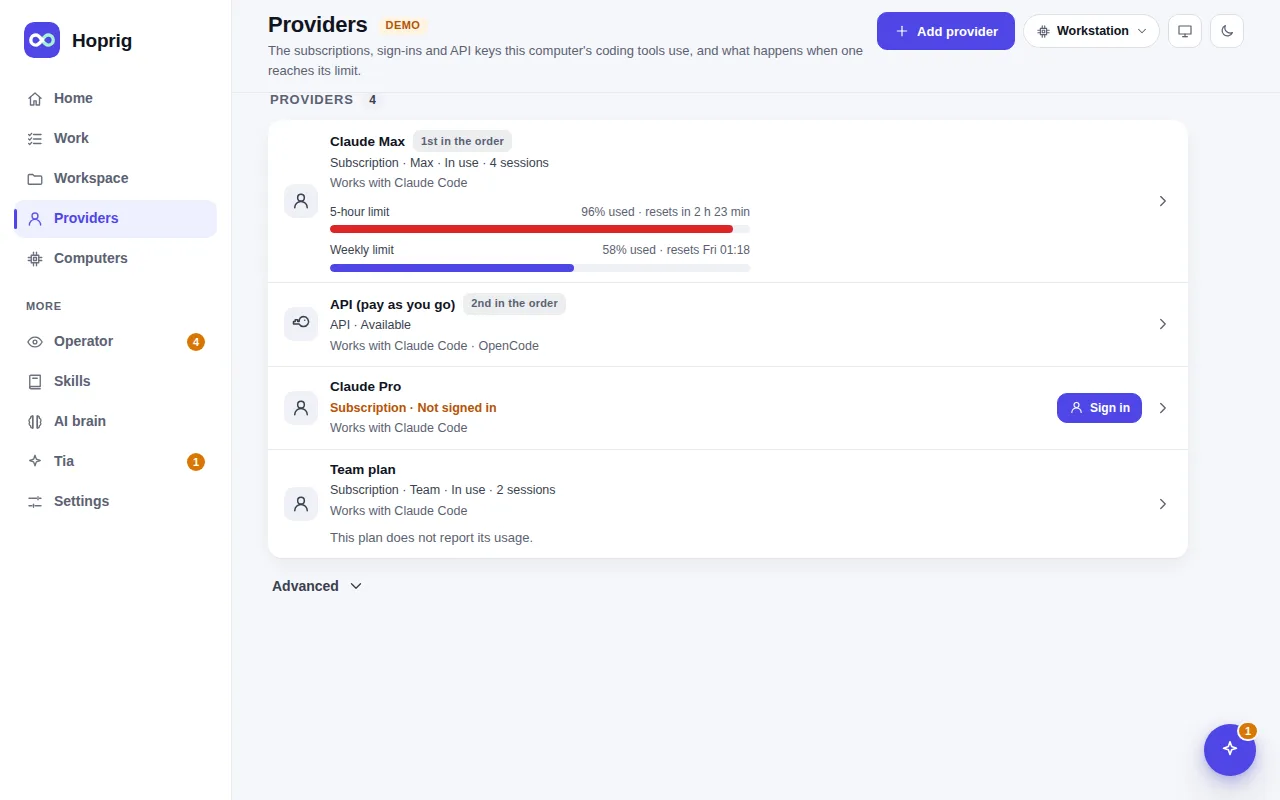
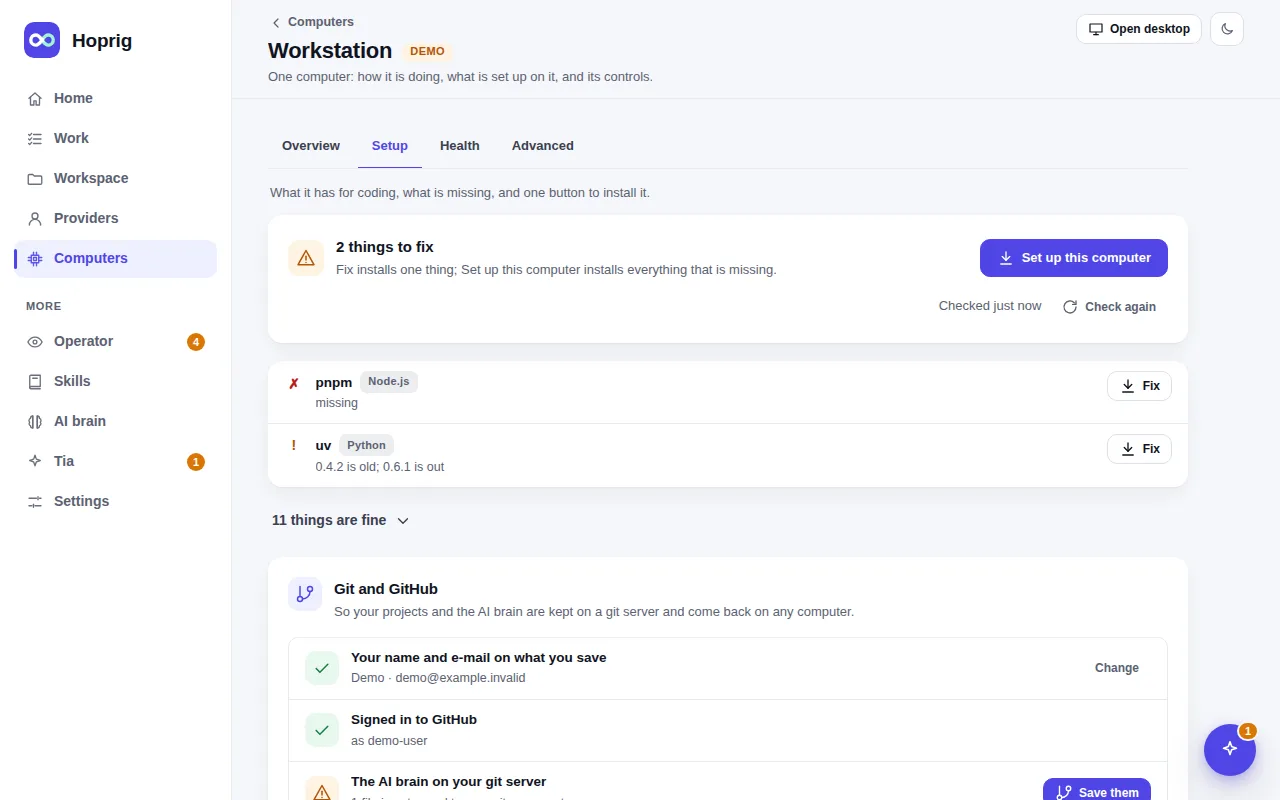
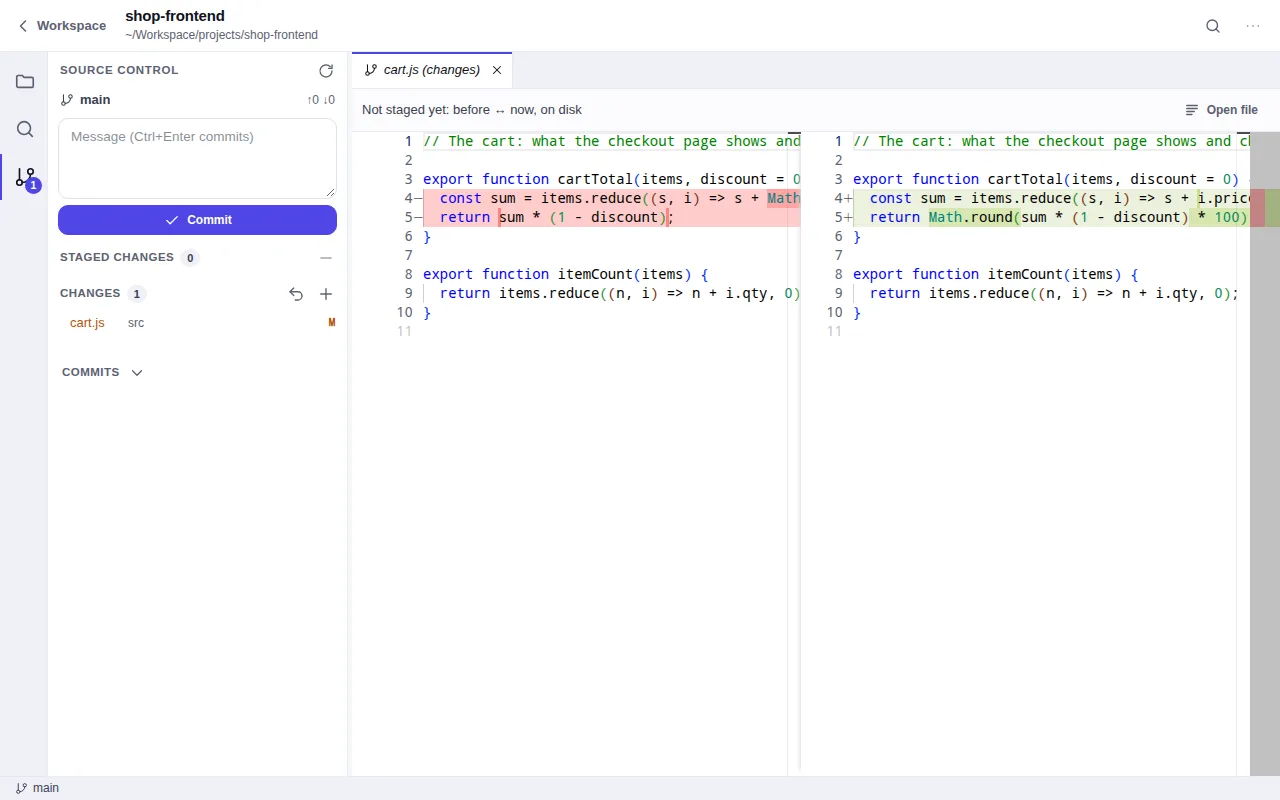
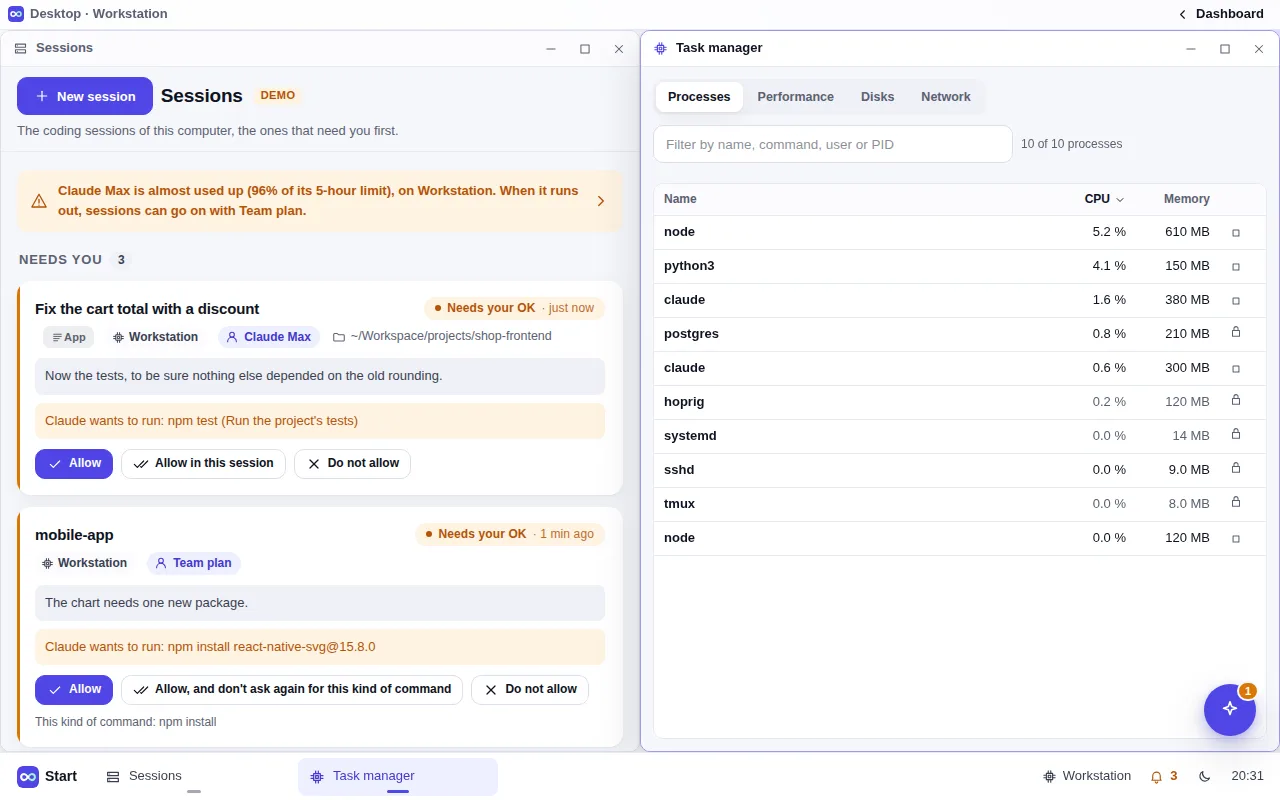
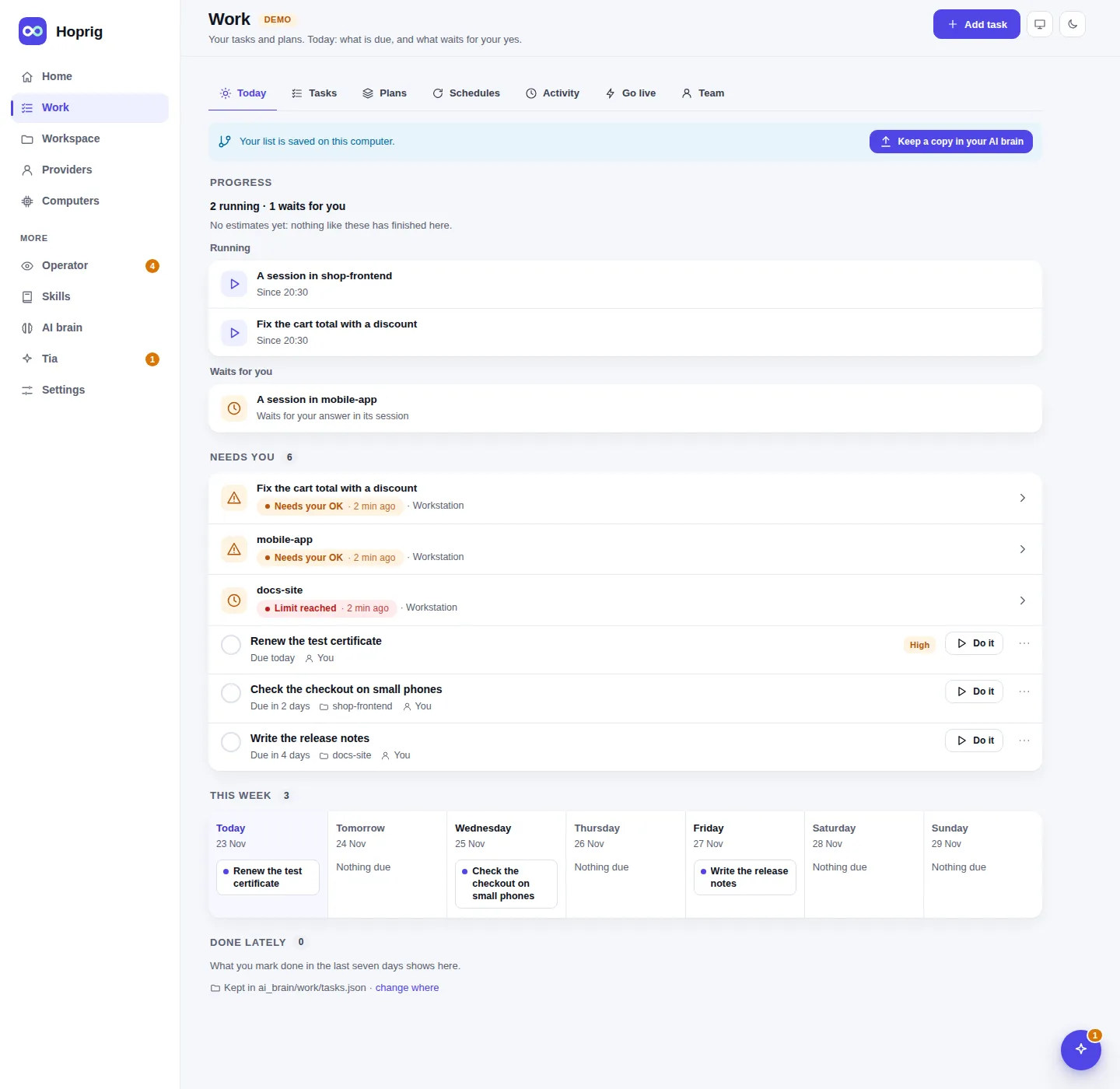
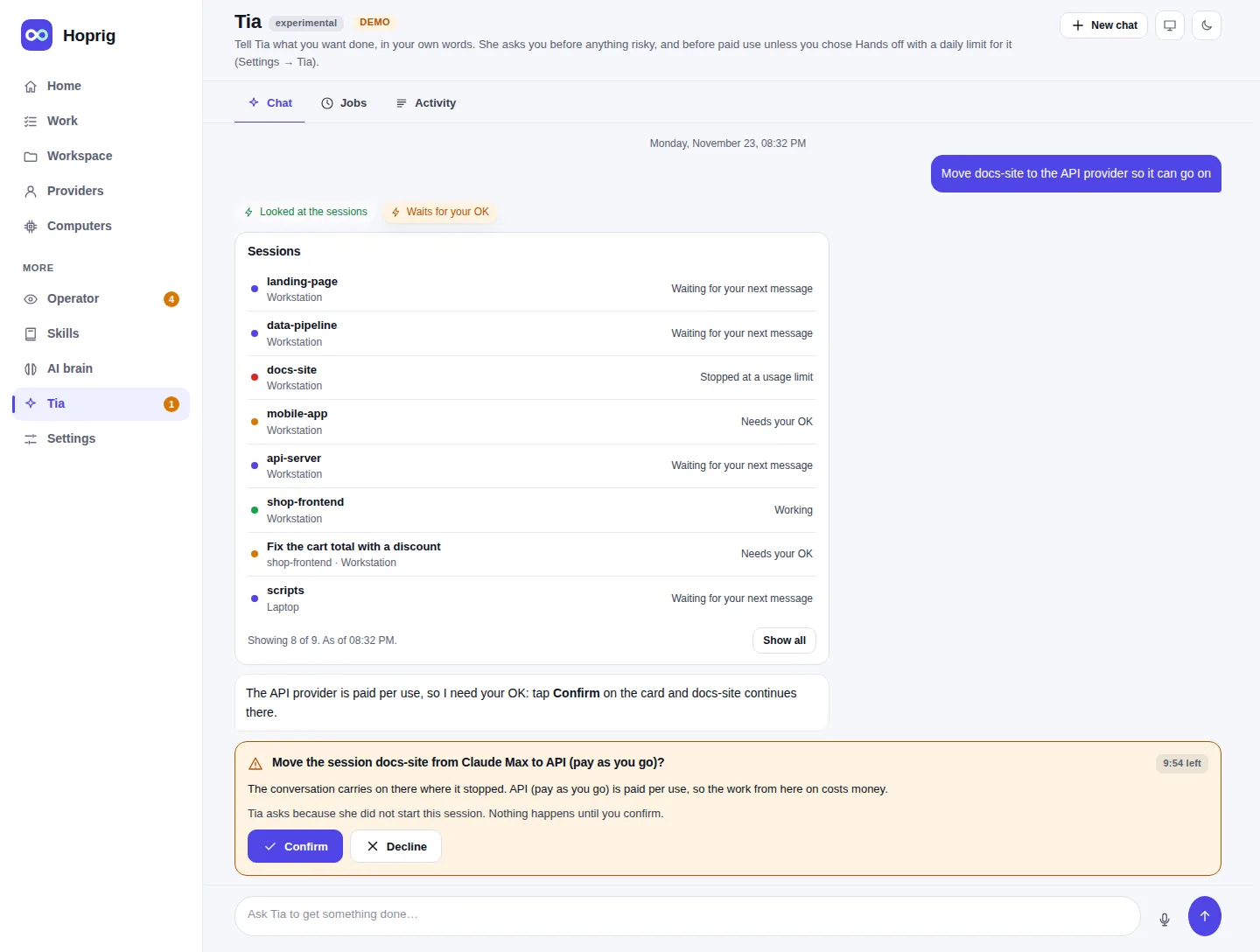
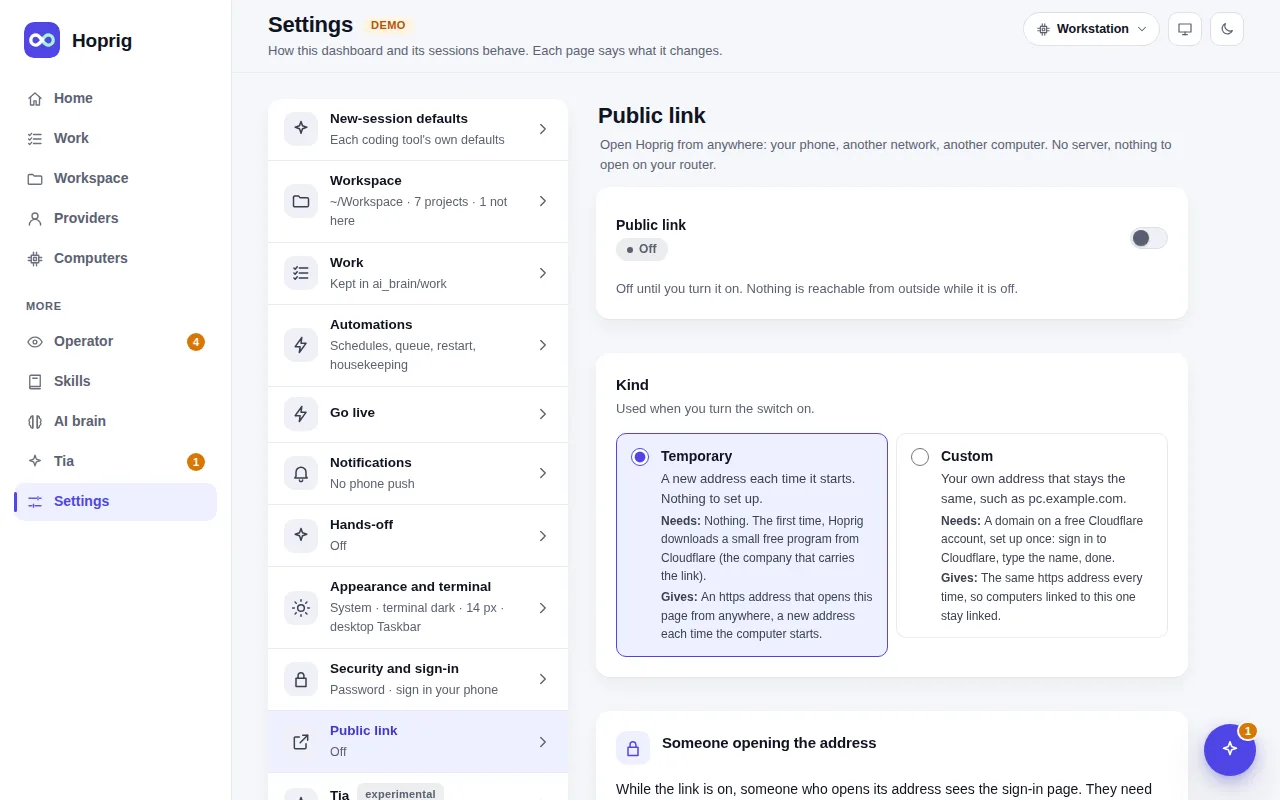
One install line later, Hoprig has turned a spare Linux PC or small server into an always-on AI coding machine, with every Claude Code and OpenCode session on one page, phone included. Each project opens as a chat that streams replies, shows every change as a diff, offers Allow or Deny when the tool asks permission, and keeps the real terminal one tap away. At a usage limit, one tap moves the same conversation to another provider (a subscription of yours, an API key, or a gateway), or Auto mode does it for you. One git repository holds the rules, skills, and memory both coding tools share, and a new computer gets your projects back after an install and a git sign-in. The page also holds a code editor with Explorer, Search, and Source Control, and a browser desktop for terminal, files, processes, services, and logs. Computers behind a router connect out by themselves into one list, and one switch makes the dashboard reachable from anywhere through a Cloudflare tunnel behind a sign-in. Schedules start AI work by itself at set times, on a branch of its own, and an Operator page lists whatever stopped or waits on you. Tia, an experimental assistant that stays off until switched on, asks by card before she changes your computer. Running on a dedicated VPS on RepoCloud with guaranteed CPU, RAM, and SSD, full root SSH access, and a browser serial console. Apache-2.0 licensed.
Benefits
- A new computer comes back whole
- Rules, skills, memory, and the list of projects live in git, so after an install and a git sign-in a new, formatted, or lost computer gets its setup back.
- Work survives usage limits
- Reaching a plan limit does not end the task: the same conversation continues on another subscription, API key, or gateway, chosen by one tap or by Auto mode.
- One page for every session
- Every session, project, and computer shows on one page that works on a phone, and a public link lets you reach it from anywhere without opening your router.
- You stay in control of changes
- Each change shows as a diff, Allow and Deny buttons guard tool requests, and a task started with Do it works on its own branch in a separate copy of the project.
Features
- Chat for Every Project
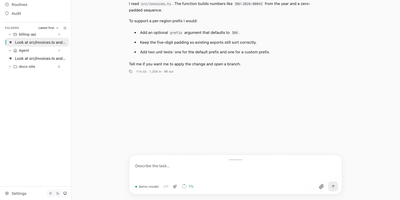
- Open a project and talk to Claude Code or OpenCode in a chat with live replies, diffs of every change, the to-do list, and Allow or Deny buttons.
- Providers and Auto Mode
- Subscriptions, API keys, and gateways all count as providers. At a usage limit a session moves to the next one by one tap, or Auto mode does it.
- One Shared AI Brain
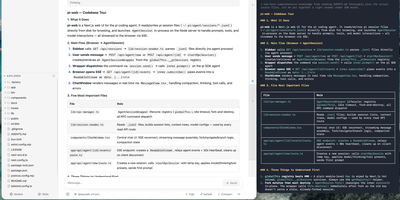
- Working rules, skills, and memory sit in one git repository and are linked into Claude Code and OpenCode, so both tools read the same guidance.
- Editor and Desktop in Browser
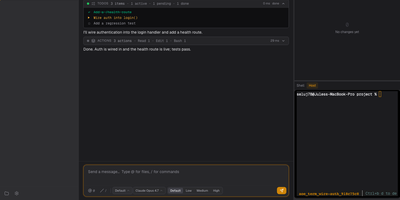
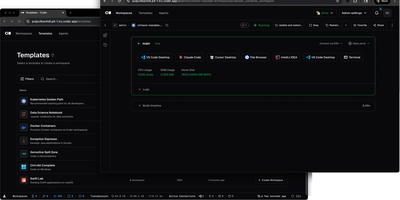
- A code editor with Explorer, Search, and Source Control runs in the page, beside a desktop of windows for terminal, files, processes, services, and logs.
- Many Computers, One Page
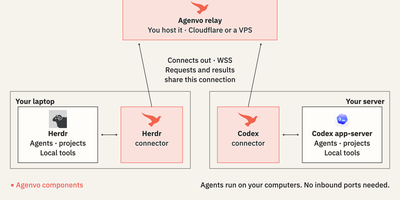
- Home PCs, office machines, and servers share one list, computers behind a router connect out by themselves, and a Cloudflare tunnel can add a public link.
- Work, Schedules, and Operator
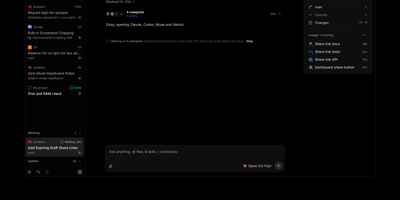
- Tasks start coding sessions on a branch in git projects, schedules run AI work at set times, and the Operator page lists what stopped or waits on you.