Categories
Self-Hosted Office Suite Document Editor Local-First Software Spreadsheet Editor WebMCP AI Document Assistant PDF AnnotationStars
Forks
Watchers
Developer links
Online Document Editor
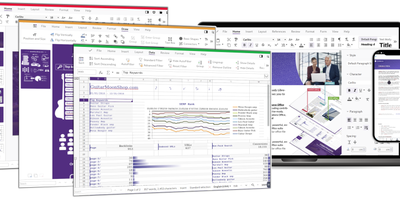
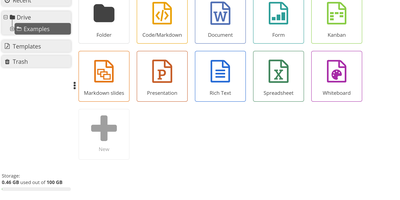
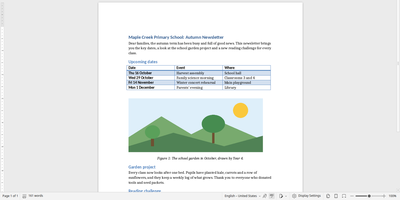
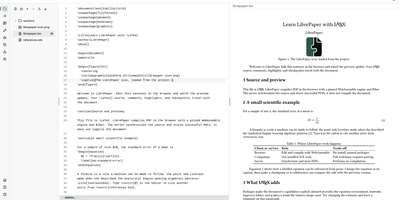
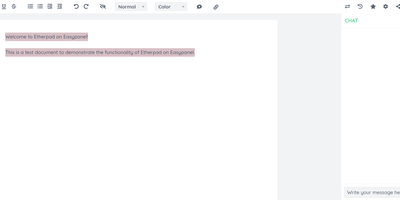
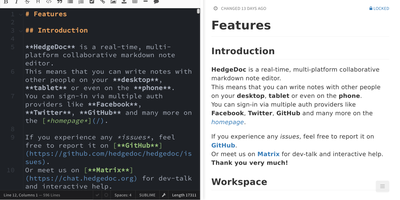
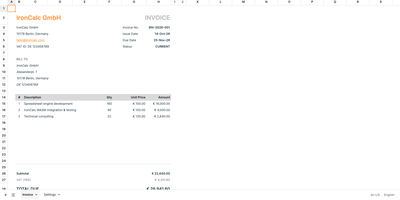
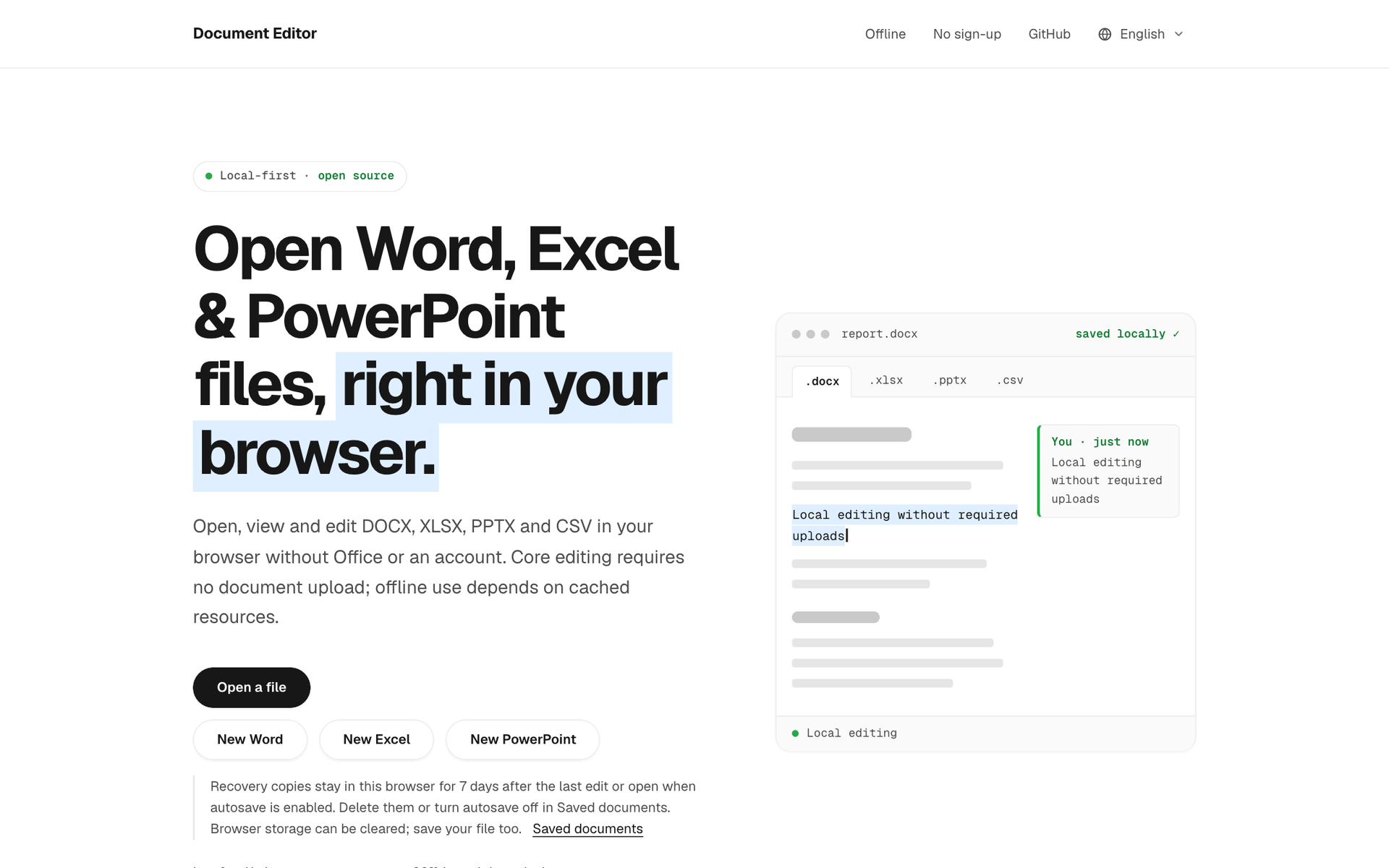
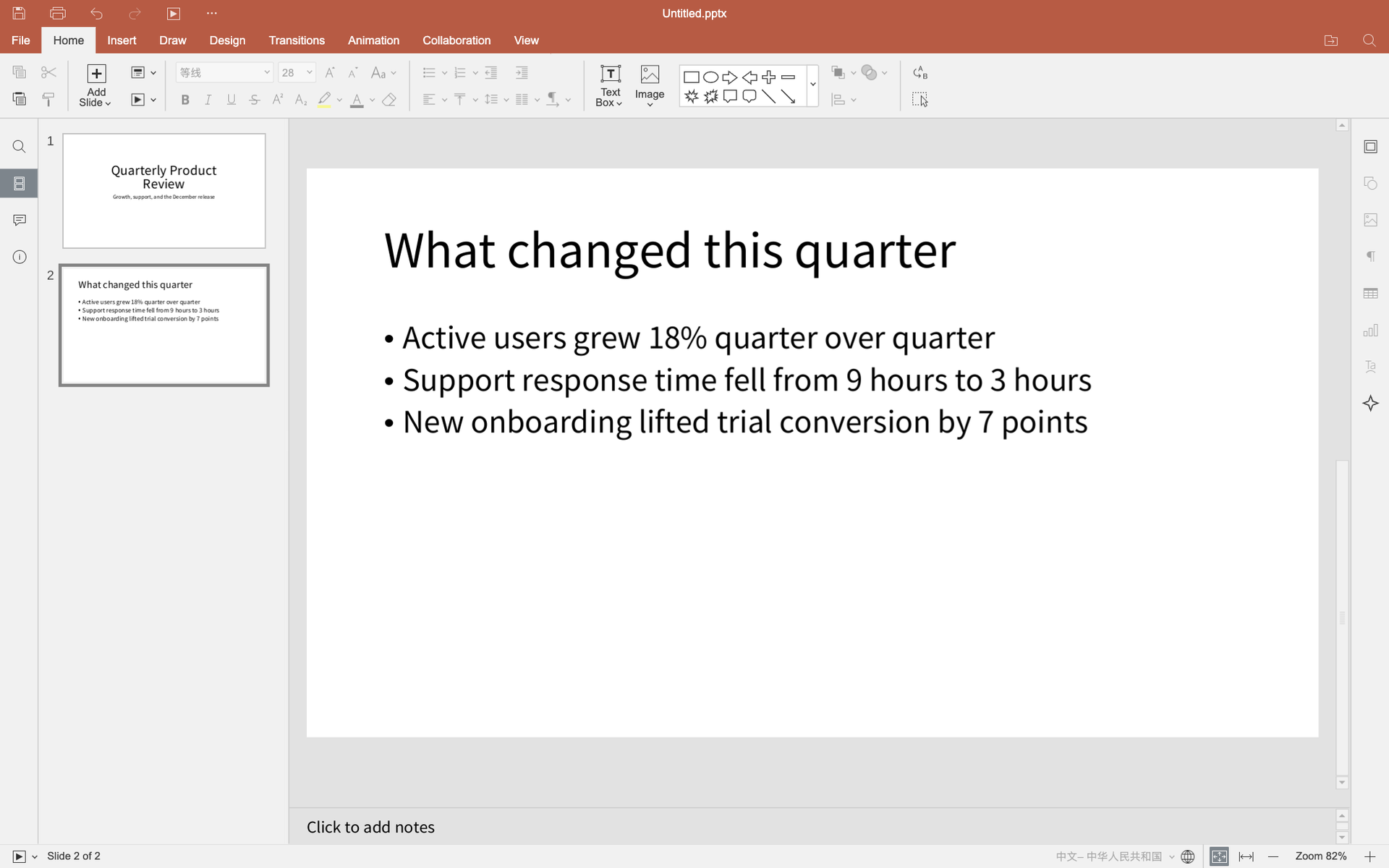
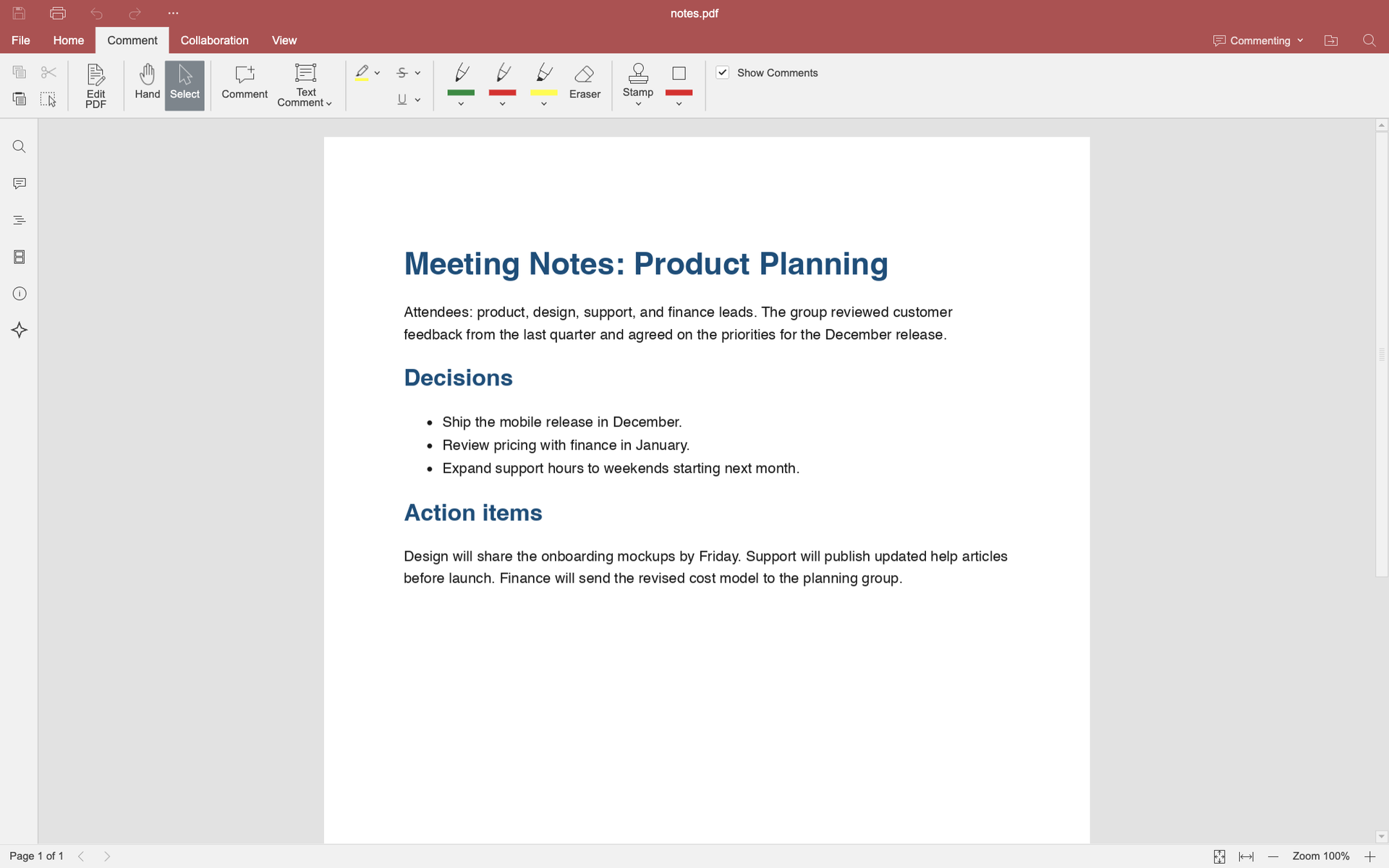
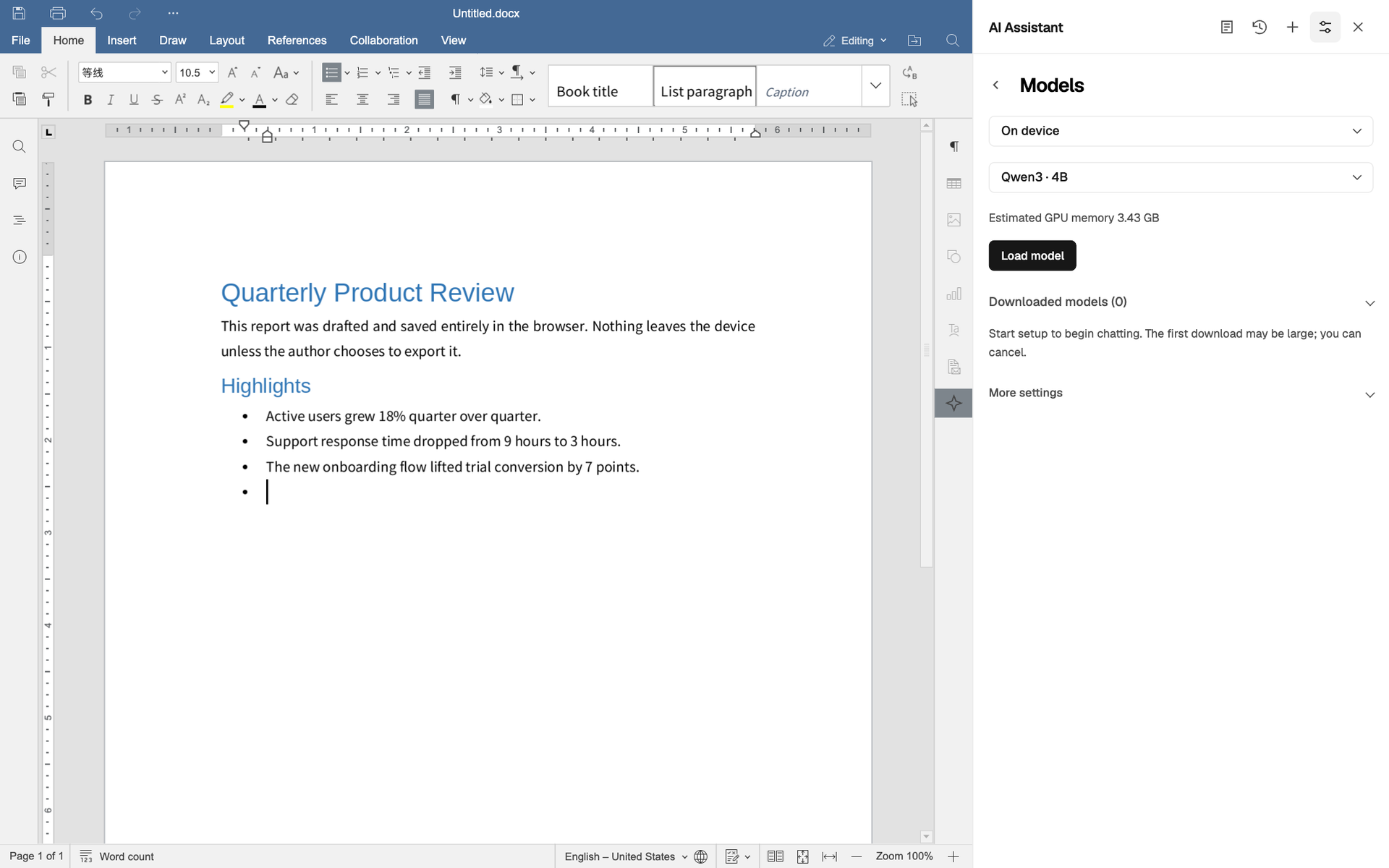
Open a browser tab and a full office suite appears, with no account to create and your files kept on your own device. Start a new Word document, spreadsheet, or presentation, or drop in a file, and edit with the familiar ribbon: styles and bullets in documents, formulas and charts in sheets, slides with layouts and notes. PDFs open for reading, commenting, highlighting, and filling, then save back out. Convert Word, Excel, and PowerPoint files to PDF, or move spreadsheets to CSV and back, without uploading a byte. An optional AI assistant, off by default, can rewrite, summarize, or translate a passage, fill spreadsheet cells, draft slides, or answer questions about a PDF page, using an on-device model or an AI service you connect. WebMCP tools let compatible browser agents open, convert, and export documents. Recovery copies stay in the browser for seven days, autosave can be switched off, and the site installs as a PWA for offline use. Host it as one static container or embed the editor in your own app through an iframe API. Running on a dedicated VPS on RepoCloud with guaranteed CPU, RAM, and SSD, full root SSH access, and a browser serial console. AGPL-3.0 licensed.
Benefits
- Documents Never Leave Your Device
- Core editing, conversion, and recovery copies run in the browser, so contracts and financial sheets stay private without any required upload or document server.
- Office Formats Without Office
- Open and edit DOCX, XLSX, PPTX, and CSV files, read older and OpenDocument formats, and annotate PDFs, all from a plain browser tab on any computer.
- AI Help You Control
- The assistant stays off until enabled, runs on an on-device model or your own service, and shows changes for review so edits can be undone.
- One Container To Host
- The editor ships as a static site in a single Docker image, so a team can self-host it behind its own domain or embed it elsewhere.
Features
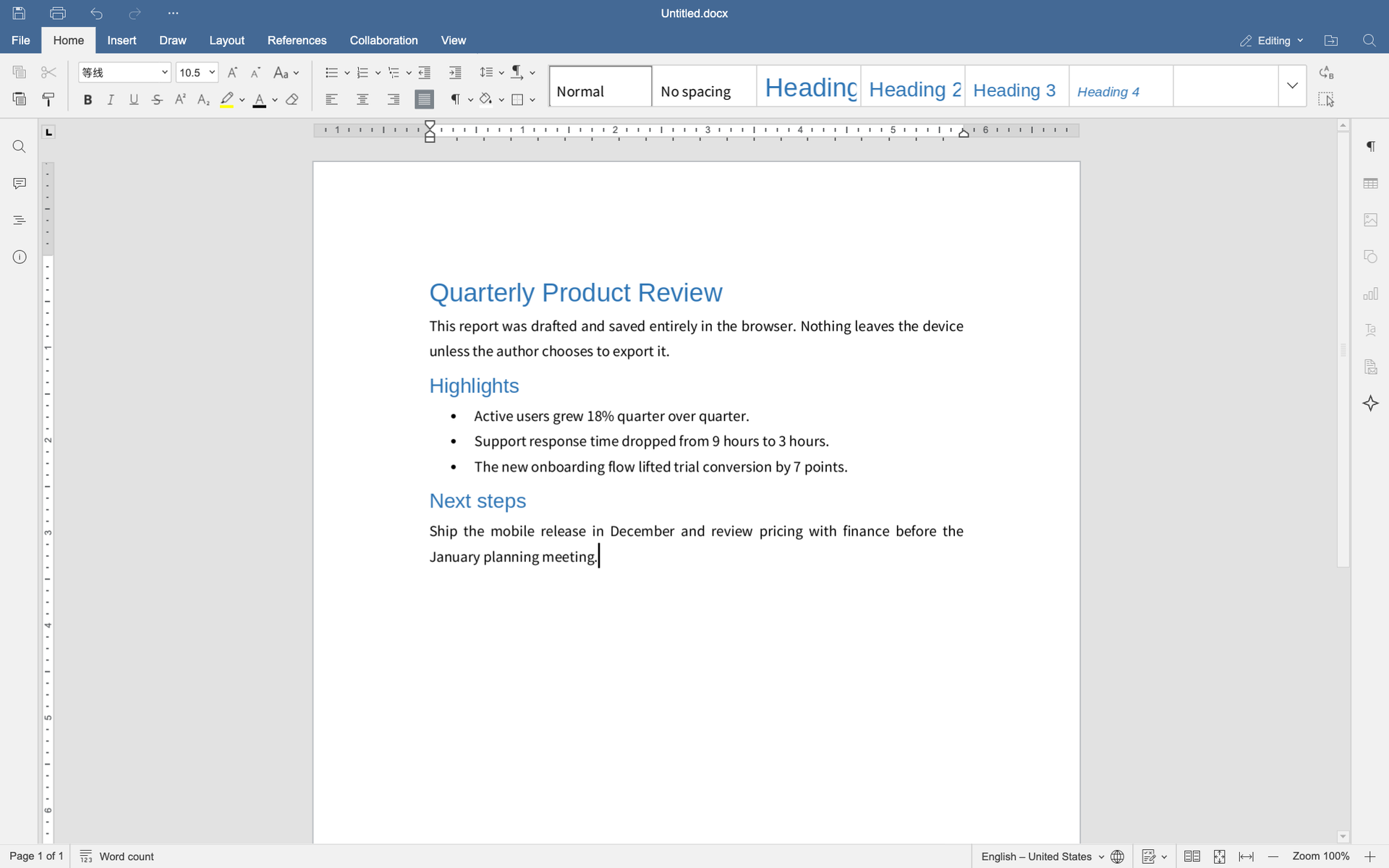
- Word Processor Editing
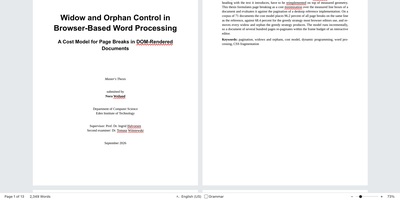
- Write reports with heading styles, bullet lists, tables, images, references, comments, and a ruler, then save to DOCX or export a PDF.
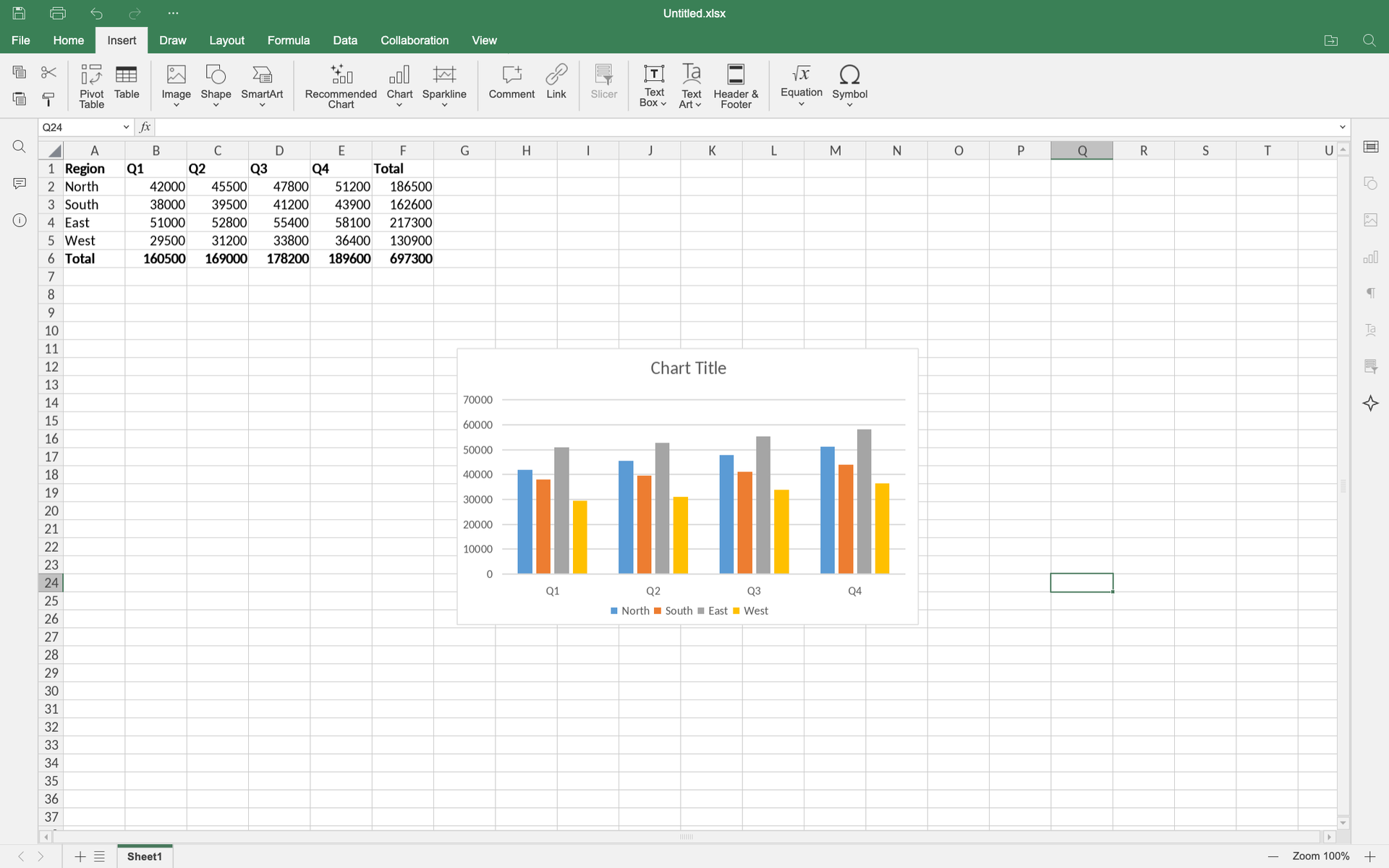
- Spreadsheet With Charts
- Enter data, calculate with formulas and totals, format cells, and insert column, line, pie, and other charts across multiple sheets.
- Slide Presentation Editor
- Build decks with title and content layouts, shapes, images, notes, transitions, and animations, with a slide panel for quick reordering.
- PDF Reading And Annotation
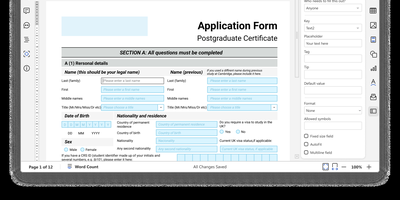
- Read PDFs, add comments and highlights, draw, stamp, and fill forms, then save the annotated copy back to your computer.
- Optional AI Assistant Panel
- Pick an on-device model or connect your own AI service, then ask for rewrites, summaries, spreadsheet help, or slide drafts inside the editor.