Categories
Self-Hosted Productivity Collaboration Office Suite Presentations Spreadsheets Document Editing Word ProcessorStars
Forks
Watchers
Developer links
ElixirOffice
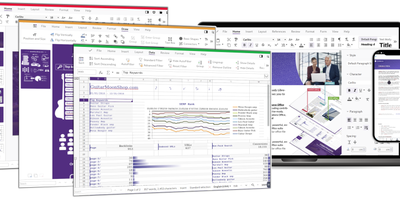
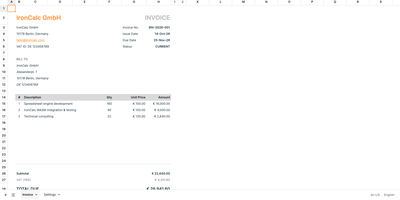
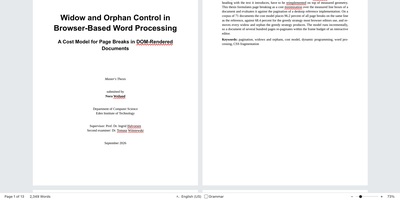
ElixirOffice gives teams a Word, Excel, and PowerPoint style editing suite that runs in the browser on a server you control. The ribbon tabs, Alt key tips, mini toolbar, and keyboard shortcuts match Microsoft Office, so muscle memory keeps working from the first day. Documents in .docx, .xlsx, .pptx, .odt, .ods, and .odp open with layout tuned to match Word, and free metric-compatible fonts keep page breaks stable. Comments appear in the margin, tracked changes show every edit, and several people can co-edit a file in real time. Connect Nextcloud or Murena Workspace through a revocable app password to browse, open, and save with conflict protection. Spreadsheets bring pivot tables, charts, Flash Fill, and Quick Analysis, and presentations add a slide sorter, sections, and Presenter View. An optional assistant called Ask Elixir can rewrite text, write formulas, build charts and pivot tables, or draft slides with the AI service you choose, including one you host yourself. It stays off until you enable it, and its edits wait for Accept or Discard. Forty-five interface languages and dozens of spelling dictionaries suit schools and international teams. Running on a dedicated VPS on RepoCloud with guaranteed CPU, RAM, and SSD, full root SSH access, and a browser serial console. AGPL-3.0 licensed.
Benefits
- Feels Like Microsoft Office
- The ribbon, Alt key tips, mini toolbar, and familiar shortcuts carry over, so colleagues who live in Word, Excel, and PowerPoint can start editing without any retraining.
- Documents Keep Their Layout
- Layout is tuned against Microsoft Word, and free metric-compatible fonts hold line and page breaks, so files exchanged with colleagues look right when they open.
- Co-Edit On Your Own Cloud
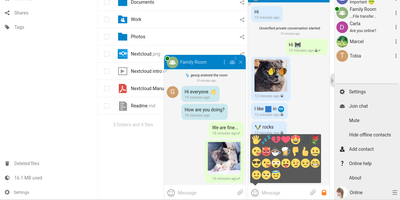
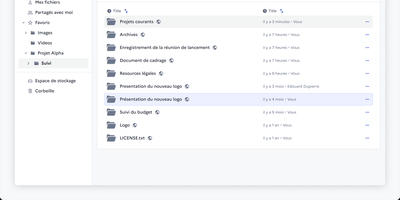
- Open files from Nextcloud or Murena Workspace, save with conflict protection, and edit together in real time, with documents staying on infrastructure that you control.
- AI Only When You Choose
- The suite is complete without AI, and the optional Ask Elixir assistant stays disabled until configured, sends nothing without consent, and shows changes for review.
Features
- Word Processor With Review Tools
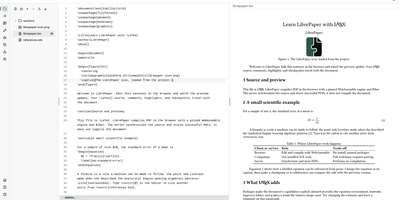
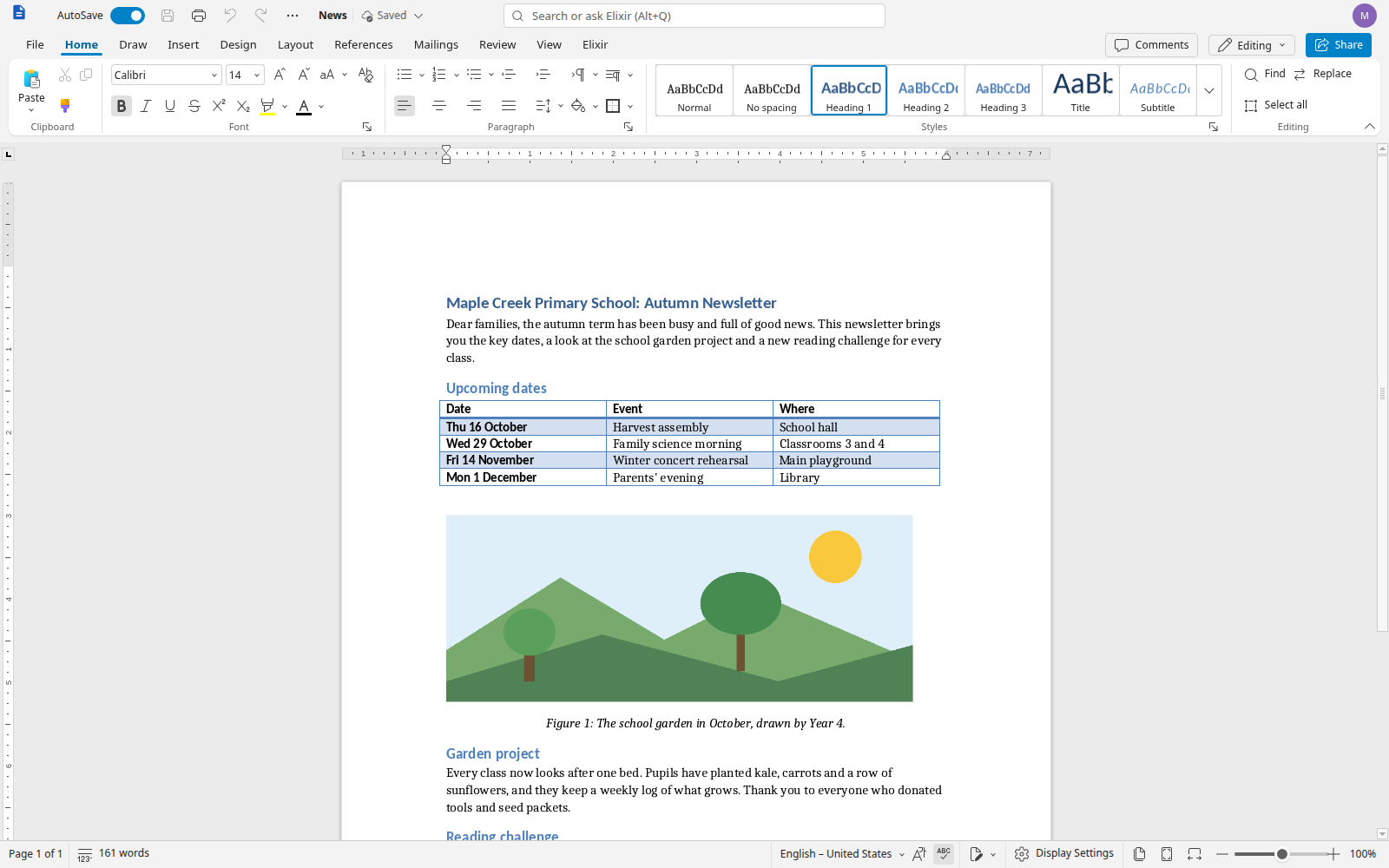
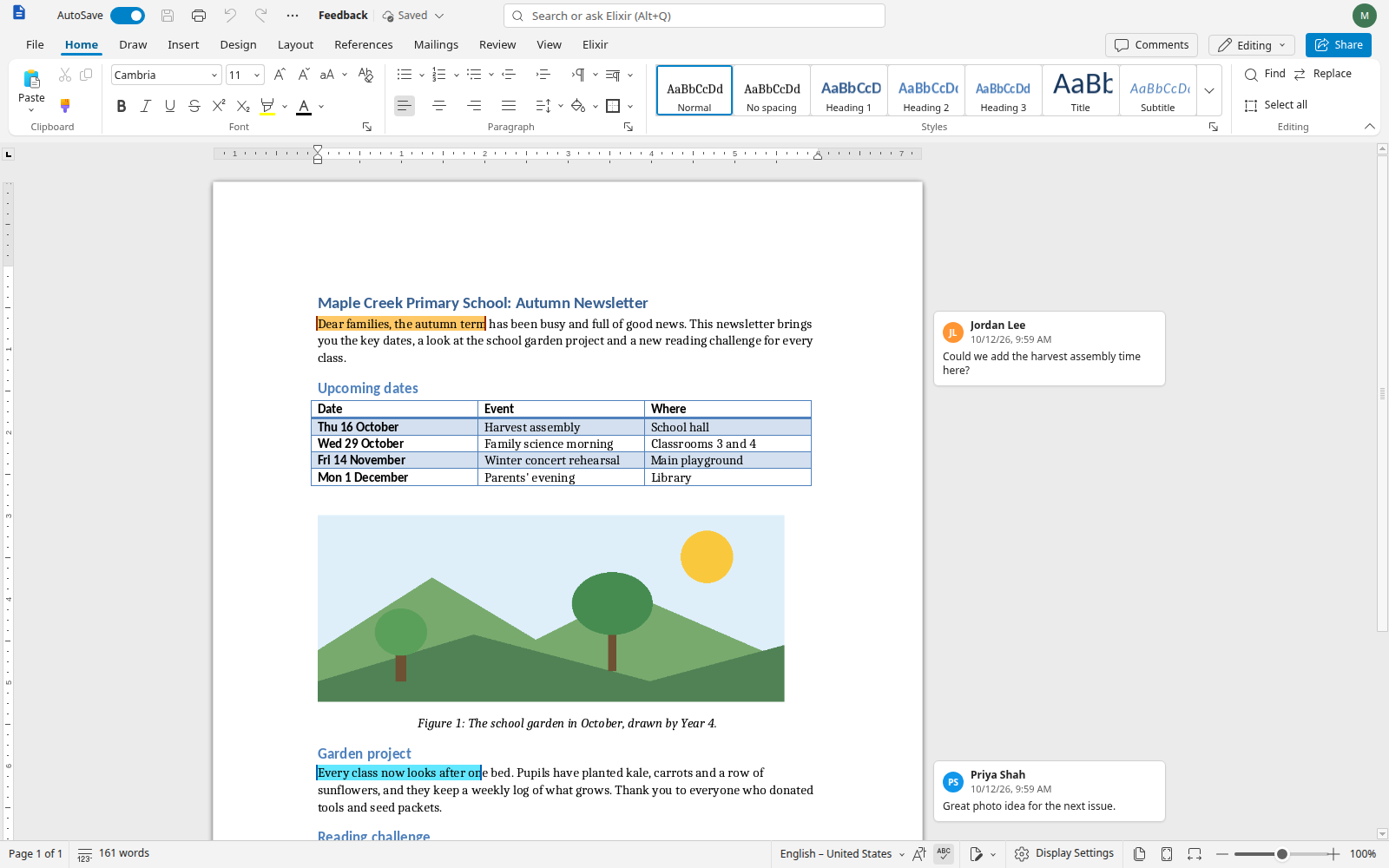
- Write with styles, tables, images, and captions, add comments in the margin, and review edits with tracked changes in a layout that mirrors Word.
- Spreadsheet Editor
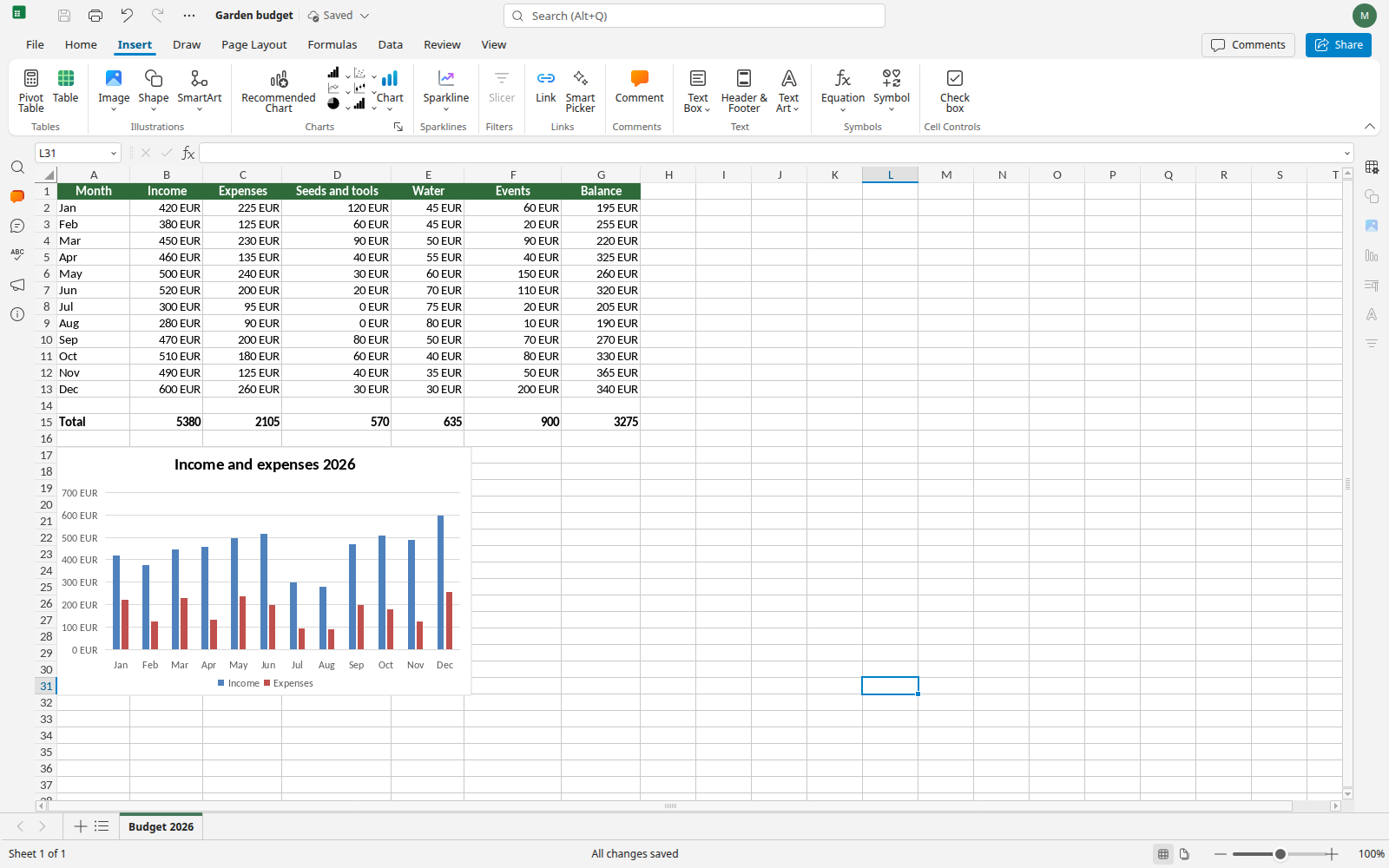
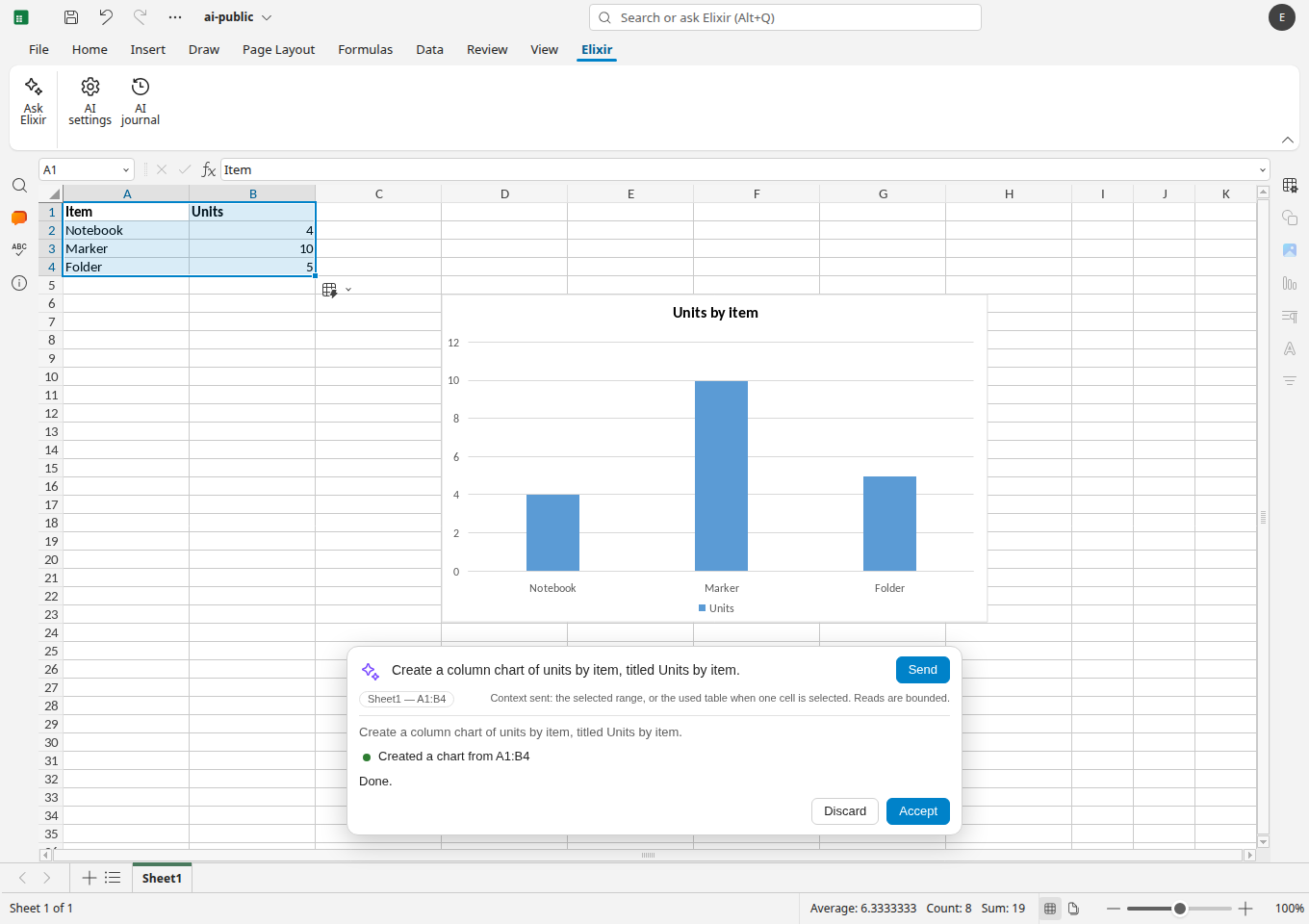
- Work with formulas, charts, pivot tables, sparklines, Flash Fill, and Quick Analysis, with a formula bar and sheet tabs laid out like Excel.
- Presentation Editor
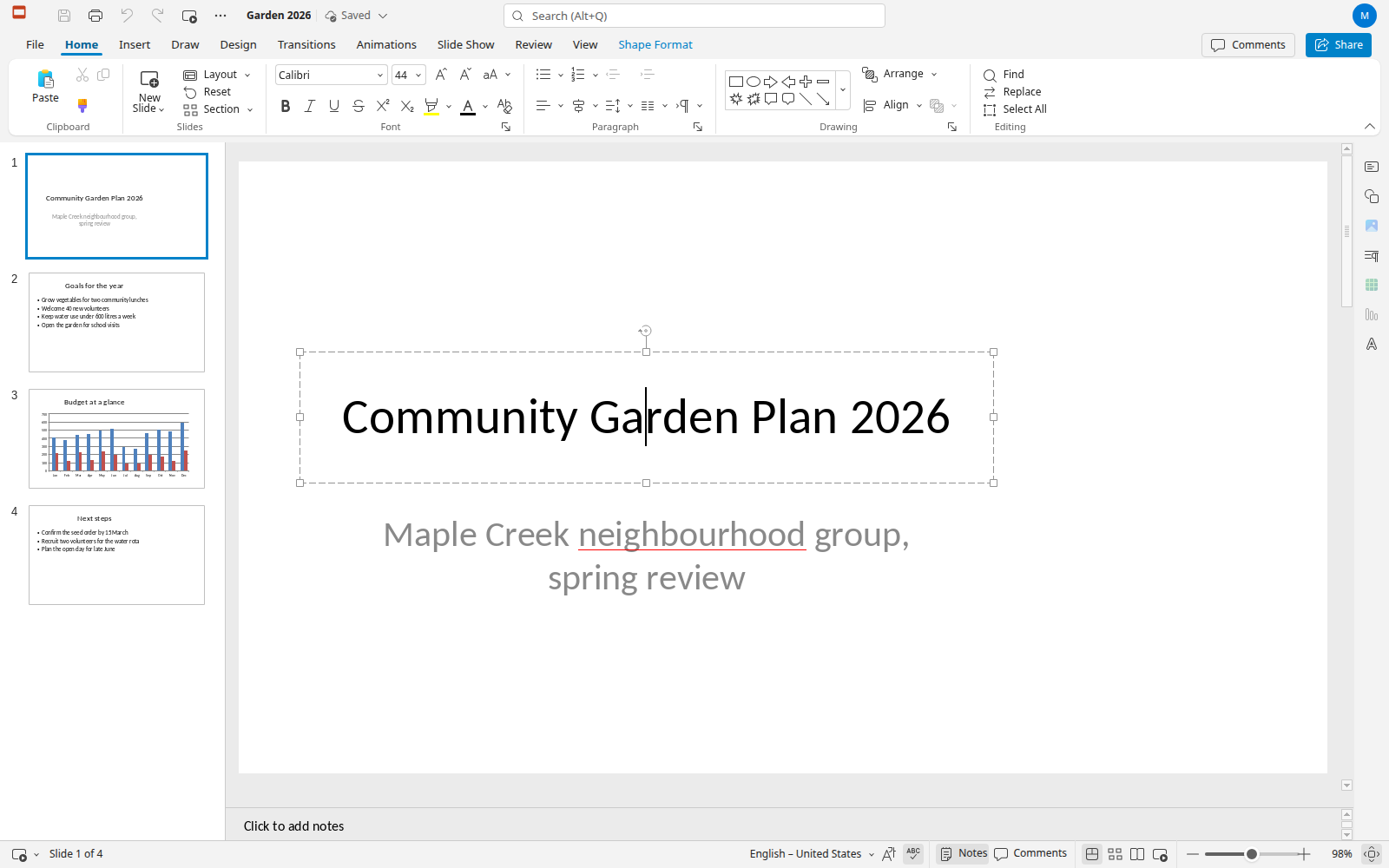
- Build slides with thumbnails, themes, transitions, animations, sections, a slide sorter, and Presenter View for rehearsing talks before an audience.
- Ask Elixir Assistant
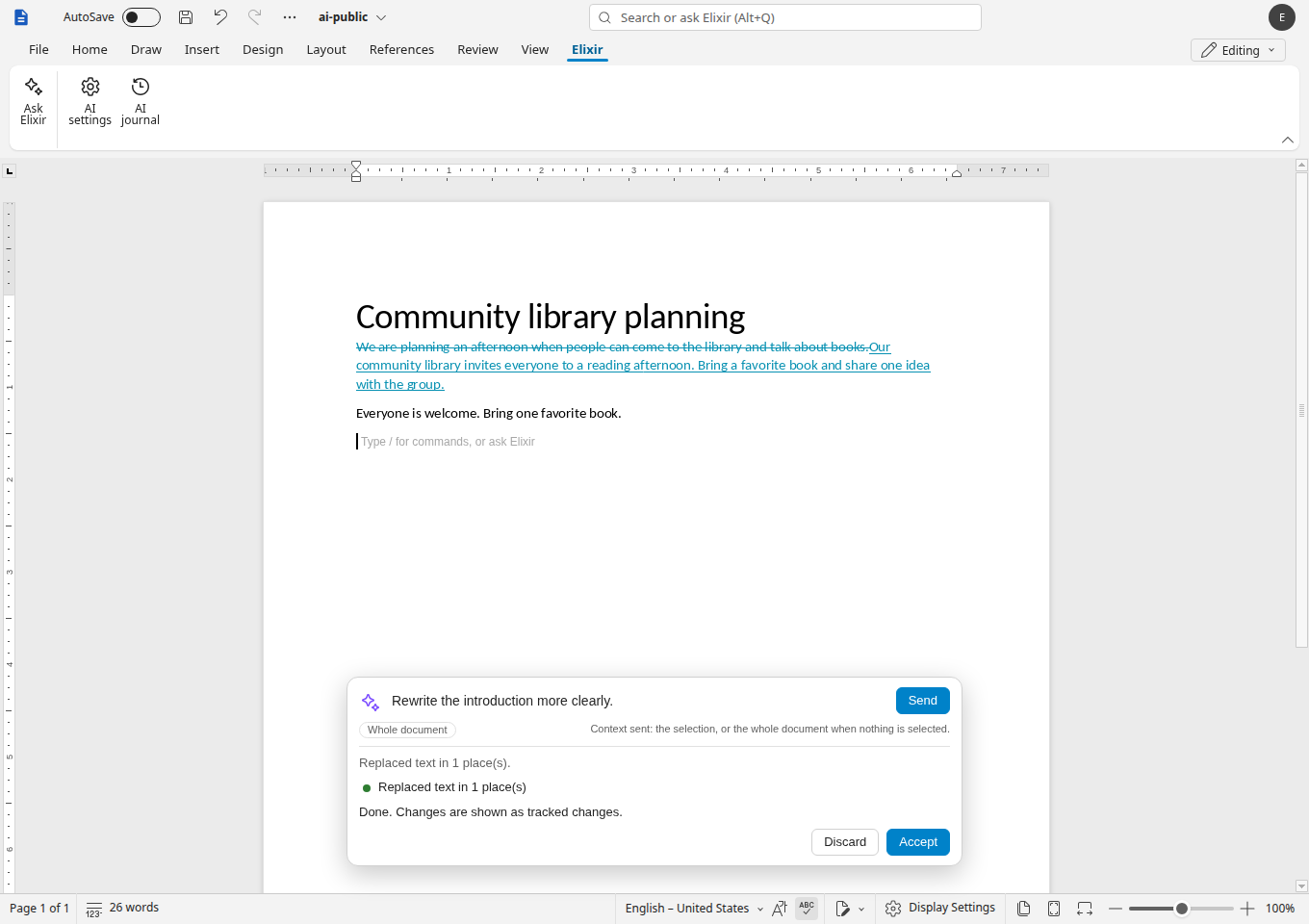
- Rewrite text, write formulas, create charts and pivot tables, or draft slides through an assistant that proposes changes and waits for your approval.
- Nextcloud And Murena Storage
- Sign in through a secure login flow with a revocable app password, then browse, open, and save cloud documents with conflict protection.
- Many Languages And Dictionaries
- Choose the interface language independently of the document language, with spelling dictionaries, thesauri, and Chinese, Japanese, and Korean text support.