Categories
Self-Hosted Markdown Real-Time Collaboration Document Editor Academic Writing Collaborative Writing LaTeXStars
Forks
Watchers
Developer links
LibrePaper
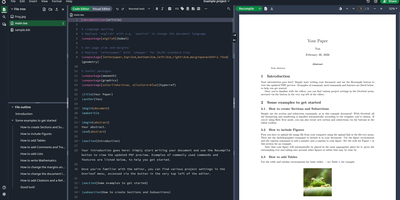
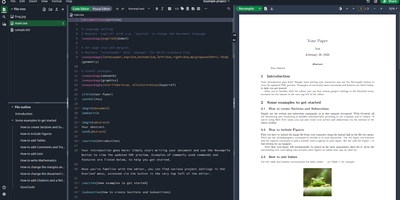
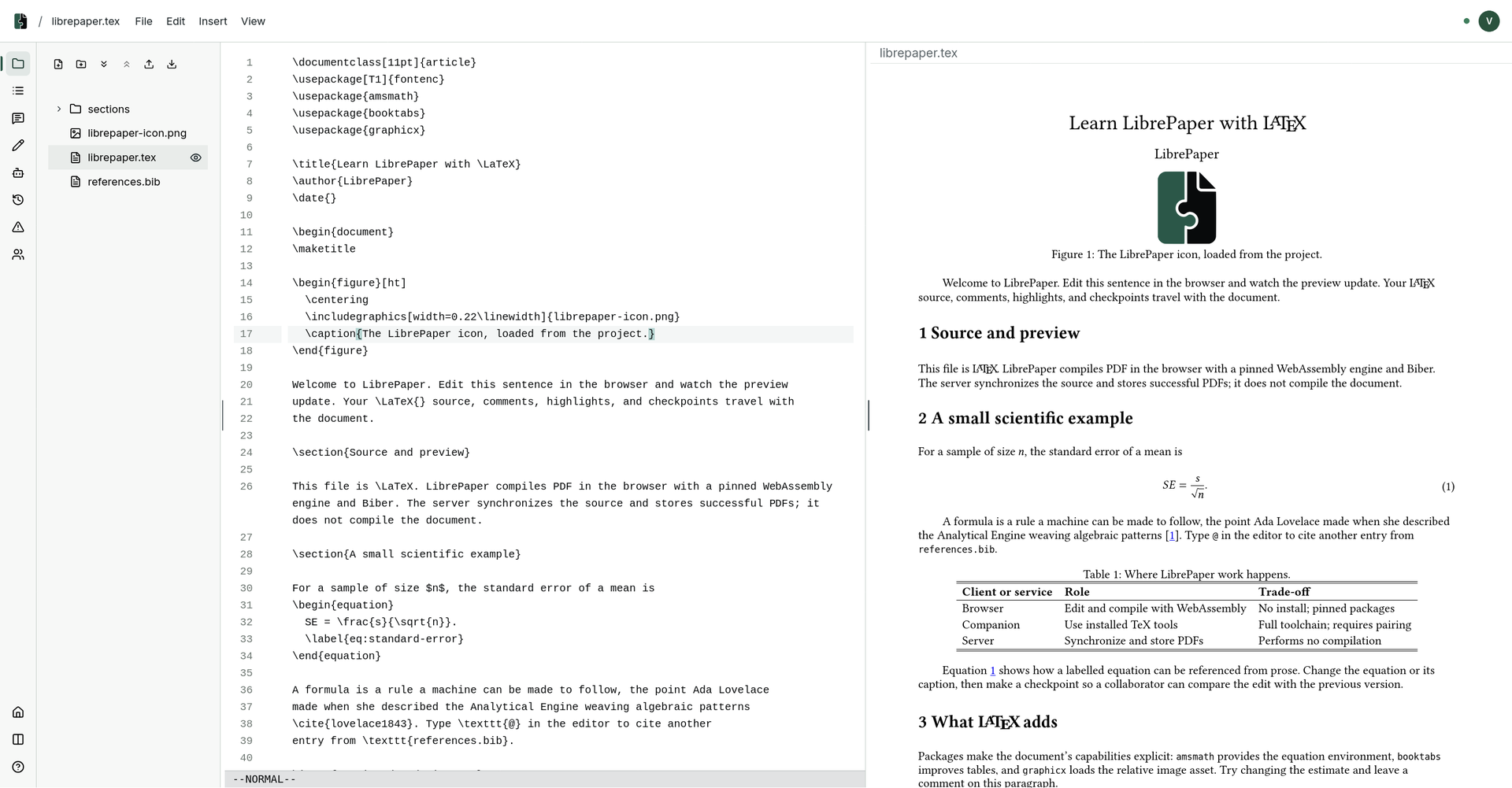
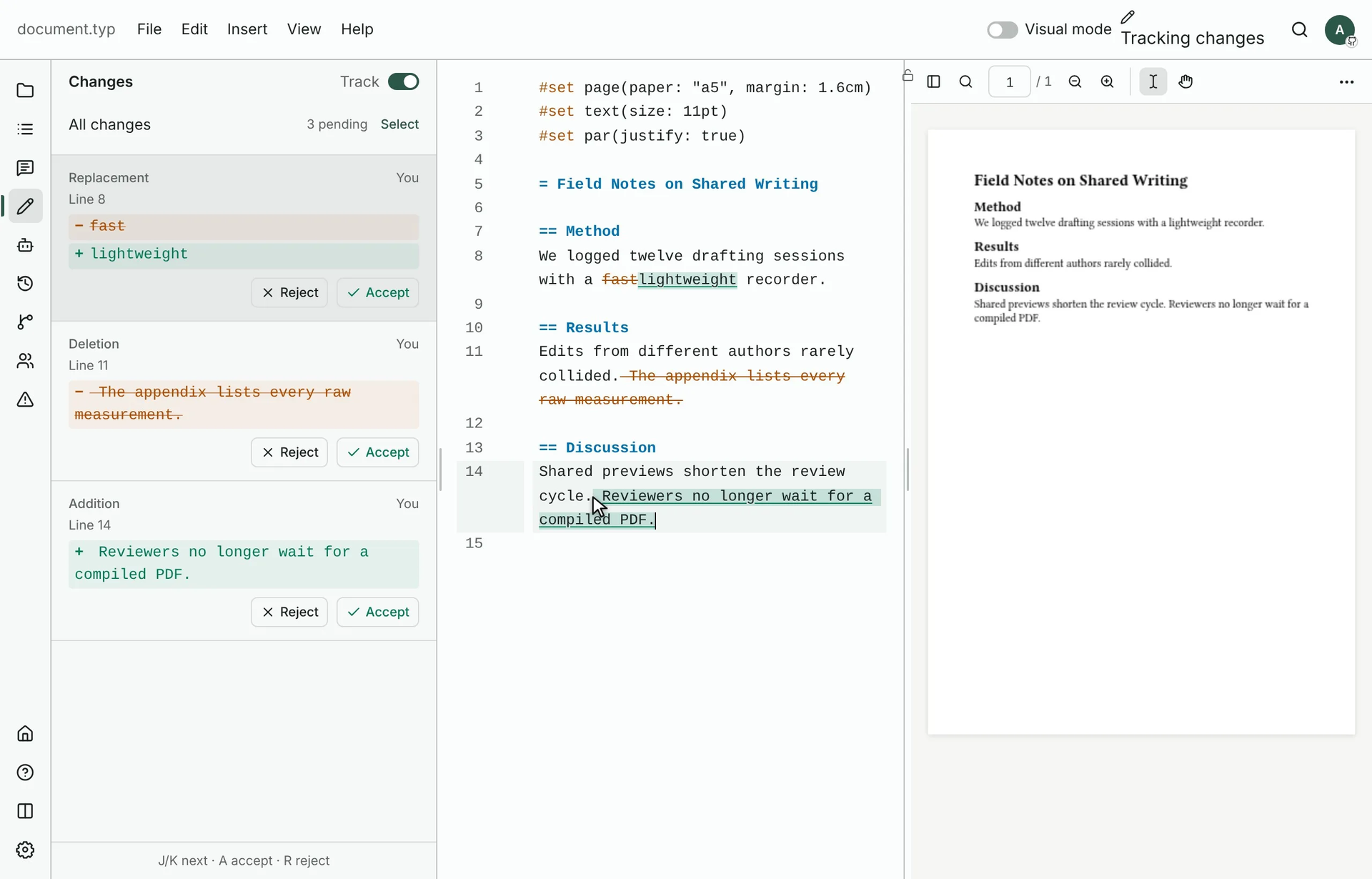
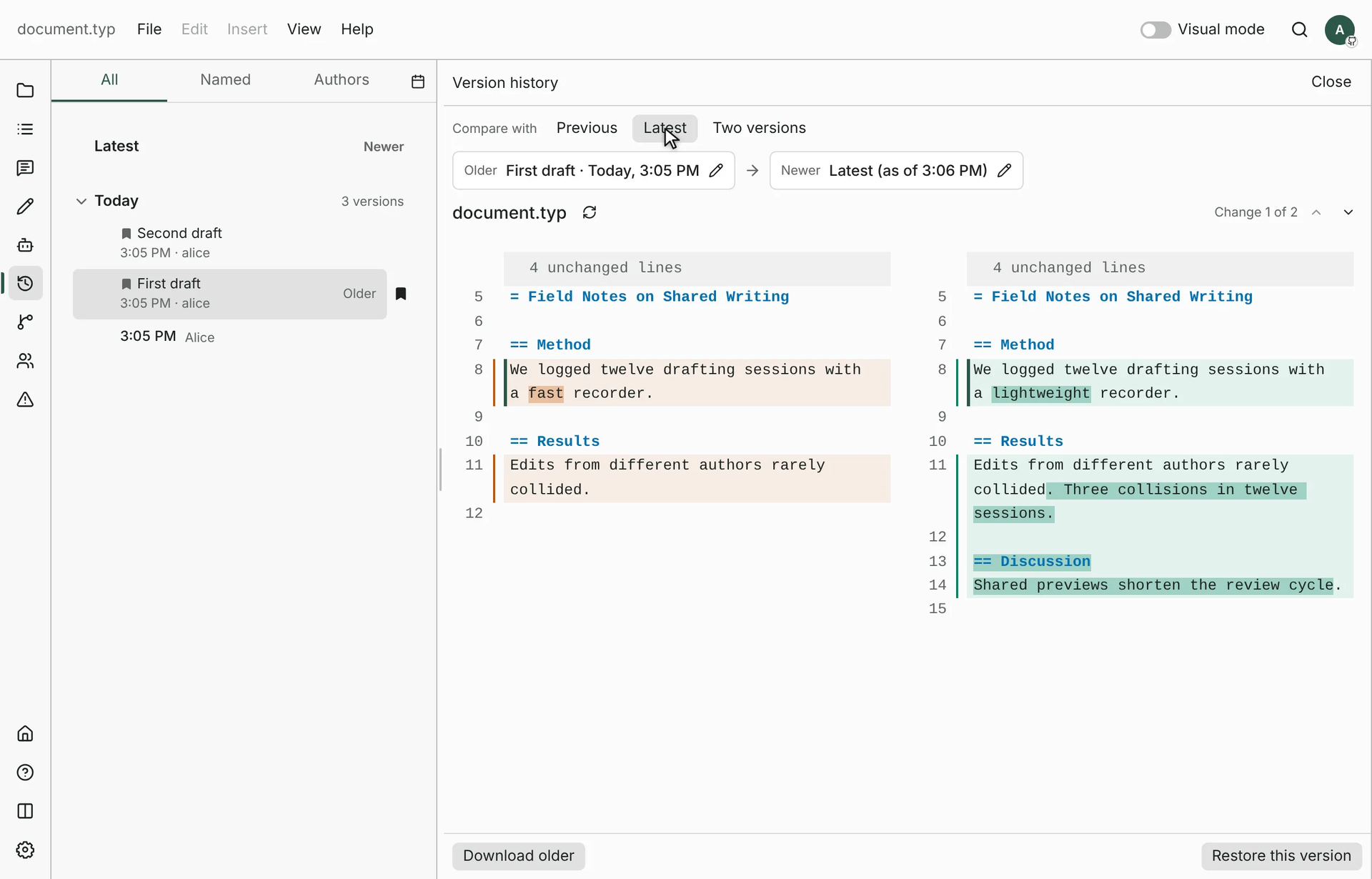
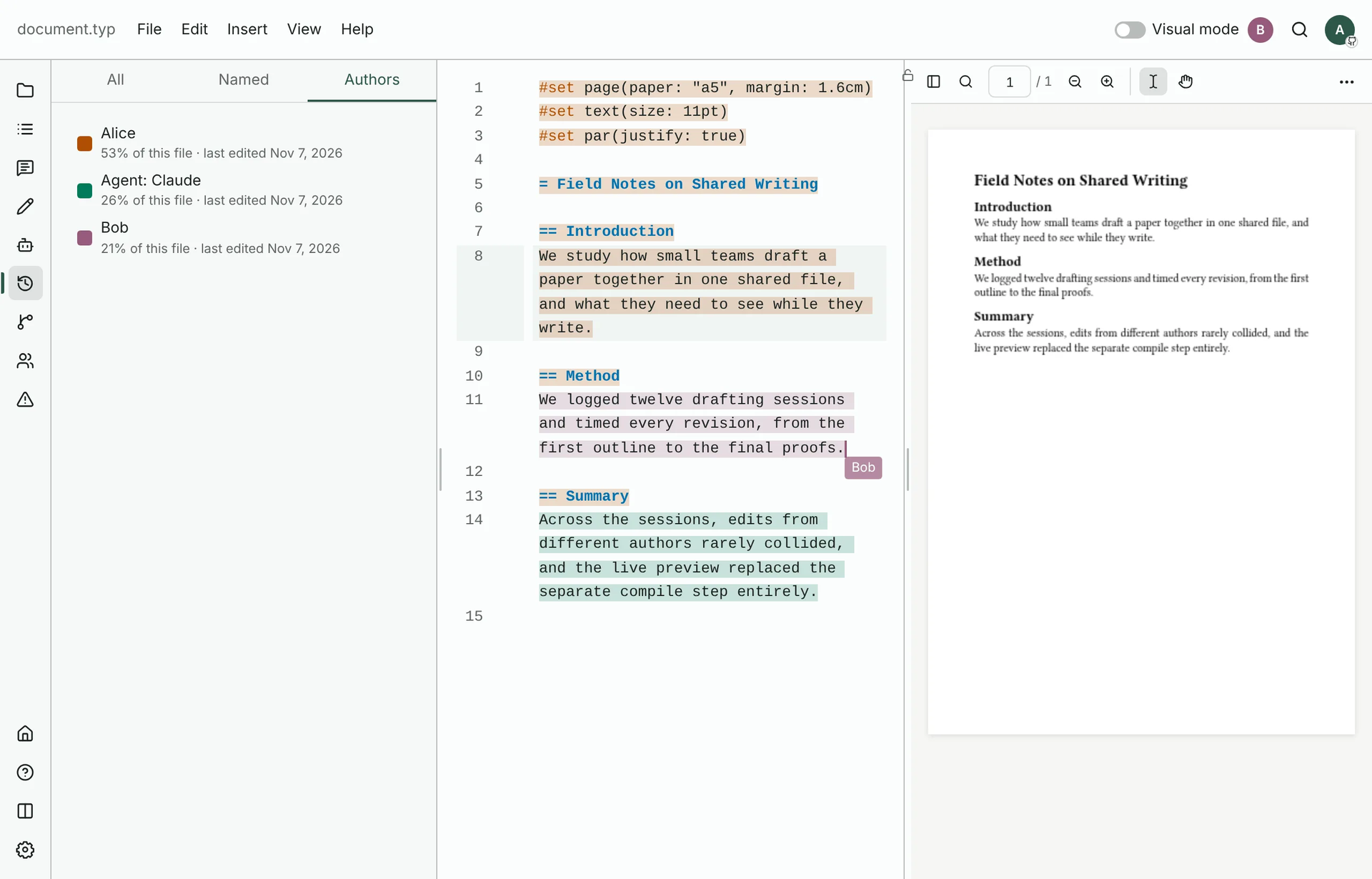
Emailed copies of the same document, each with a different filename and a different set of edits, are where collaborative writing goes to die. LibrePaper keeps one living document in the browser instead: start a project in HTML, Markdown, Typst, LaTeX, or Quarto, or upload an existing one, and the editor renders the compiled result beside the source as you type. Readers highlight the exact passage they mean and comment on it, suggested edits land as tracked changes, and threads resolve on the text in real time. Finished work publishes to its own separate host, so scripts and interactive figures inside a document can never reach a reader's sign-in session. Nobody manages another password: sign-in runs through GitHub, Google, Microsoft Entra ID, ORCID, or any OpenID Connect provider, per-provider lists decide who may publish and who may only comment, and anonymous comments can be switched on for outside reviewers. Every project exports as a complete, independent copy from the command line, which also administers the deployment and can serve a document's tools to an AI agent over MCP. Operators get graphs, account management, and moderation, with per-account storage quotas, upload limits, and retention rules keeping a public instance under control. Four Docker containers behind Caddy with automatic HTTPS, one configuration file, and nightly backups of database and files complete the deployment. Running on a dedicated VPS on RepoCloud with guaranteed CPU, RAM, and SSD, full root SSH access, and a browser serial console. MIT licensed.
Benefits
- Comments On The Passage
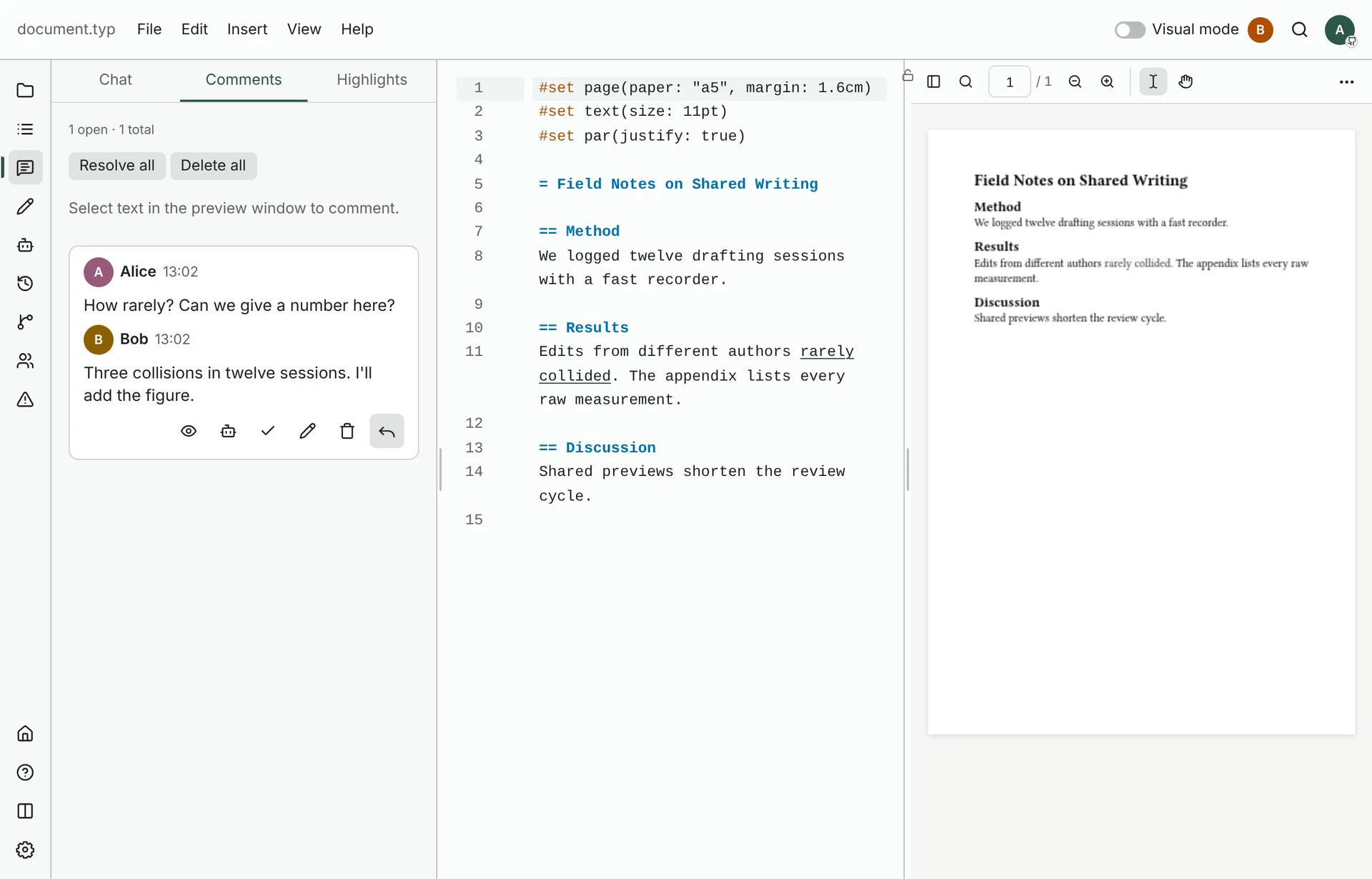
- Readers highlight the exact sentence they mean and comment there, and several people can annotate at once with live updates. Threads resolve on the text, so feedback never detaches from the passage it answers.
- Five Formats, One Editor
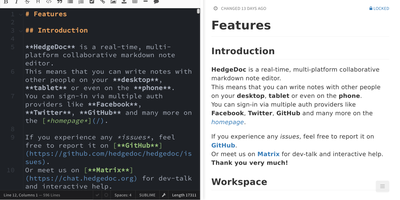
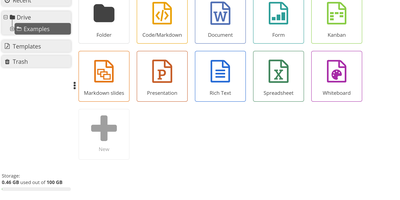
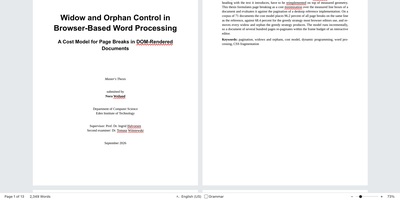
- HTML, Markdown, Typst, LaTeX, and Quarto projects all open in the same browser editor, with the rendered paper, figures, equations, and tables beside the source. Upload an existing project or start from a blank page.
- Publishing On Its Own Host
- Published documents are served from a second hostname you control, apart from the app. Scripts and interactive figures inside a document run there, where they cannot see or borrow a signed-in reader's session.
- Sign-In Without Passwords
- LibrePaper keeps no passwords of its own: people sign in with GitHub, Google, Entra ID, ORCID, or any OpenID Connect provider. Per-provider lists decide who may publish, who may comment, or nobody at all.
Features
- Real-Time Co-Annotation
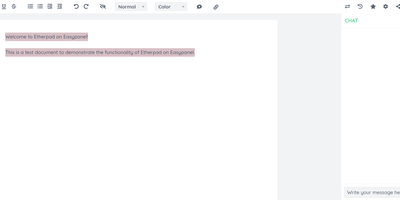
- Multiple people highlight, comment, and suggest edits on the same document simultaneously, with every change appearing live for the others, no refresh, merging, or version filenames required.
- Export And Agent Tools
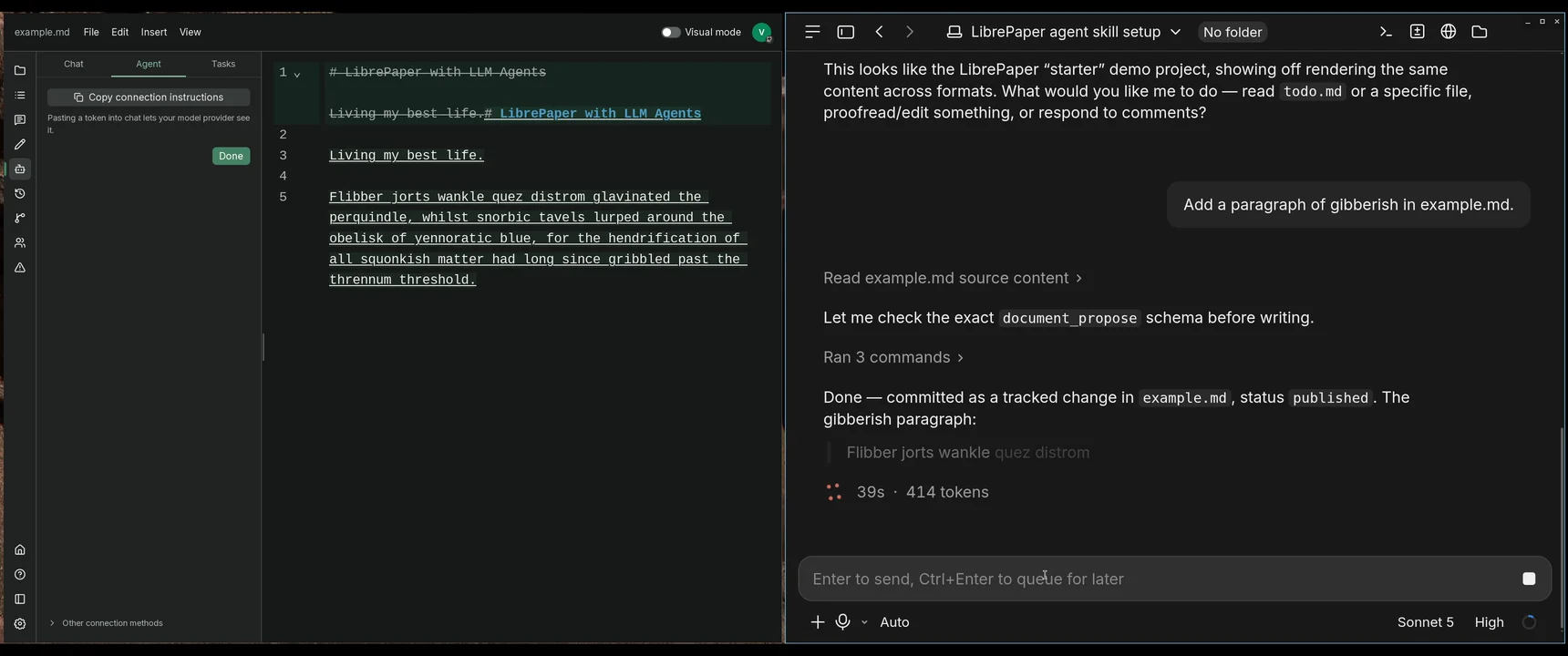
- The CLI logs in, lists projects, and exports a complete independent copy of any document, and its mcp mode serves a document's tools to an AI agent.
- Operator Console And Limits
- An optional admin host shows graphs, accounts, and moderation, with defaults of 50 MiB storage per account, 30 uploads per hour, and 5 GiB across the whole deployment.
- Nightly Off-Site Backups
- A fourth container copies the PostgreSQL database and files volume to off-site storage every night once configured, and files can move to S3 or the database to a managed service.