Categories
Self-Hosted Dashboard Homelab Network Monitoring Fleet Management WireGuard MikroTik RouterOSStars
Forks
Watchers
Developer links
MikroDash
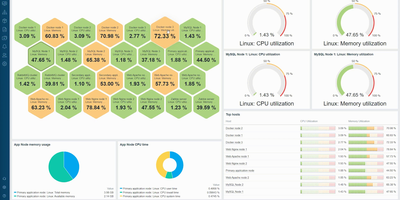
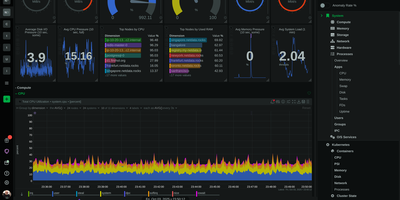
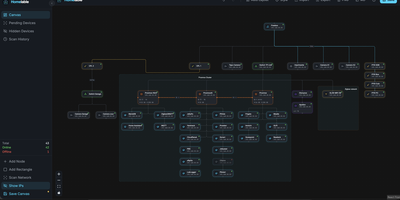
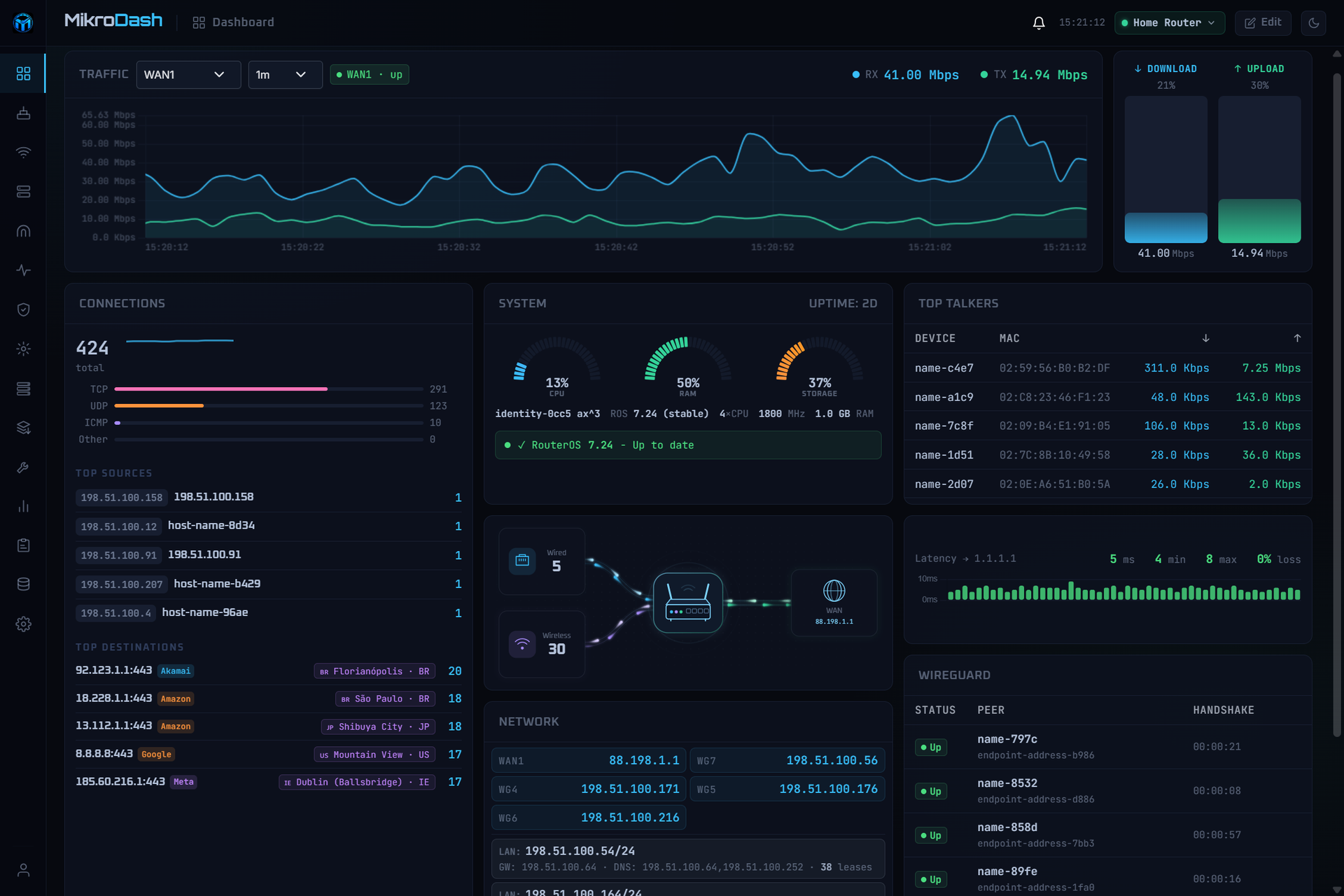
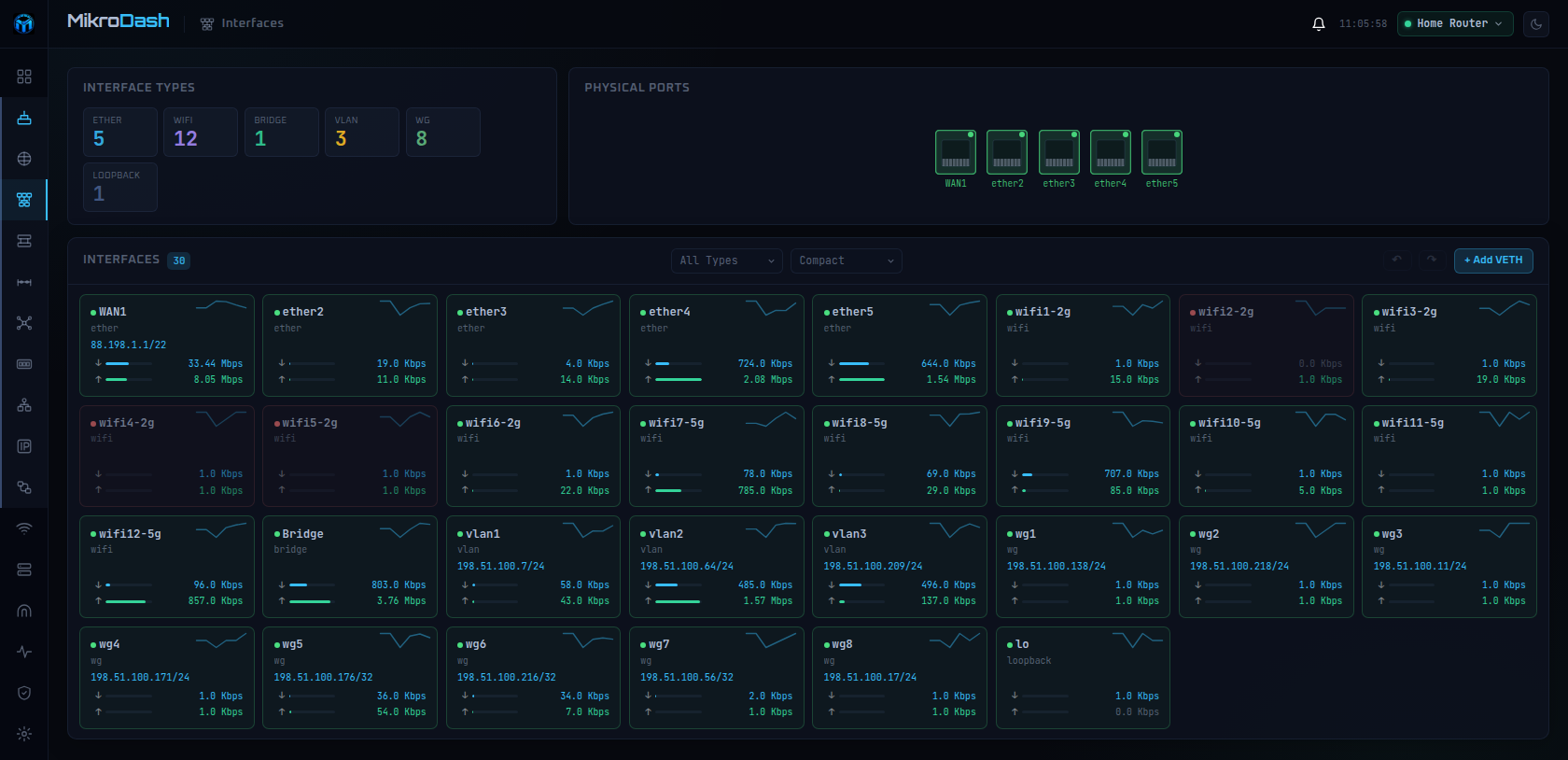
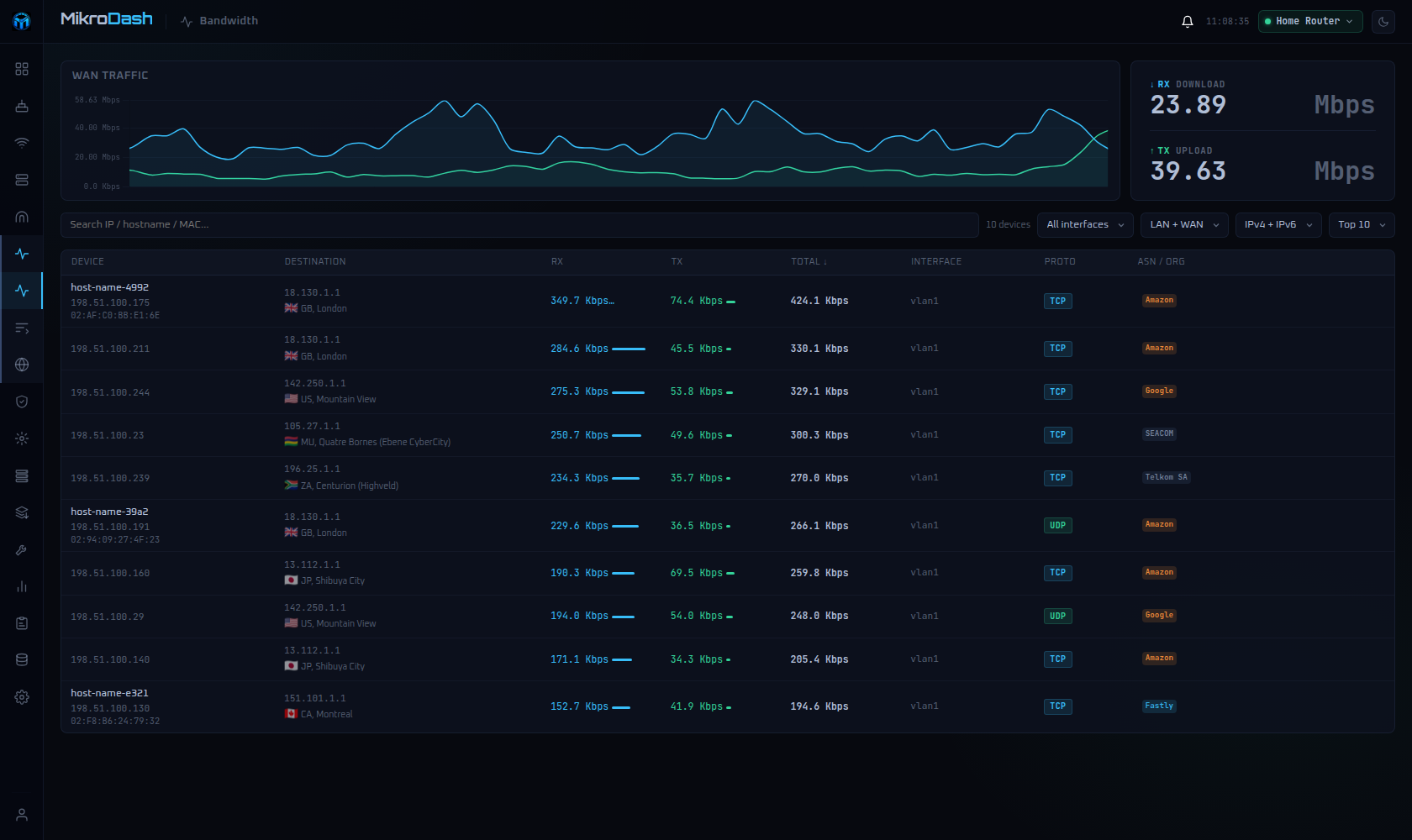
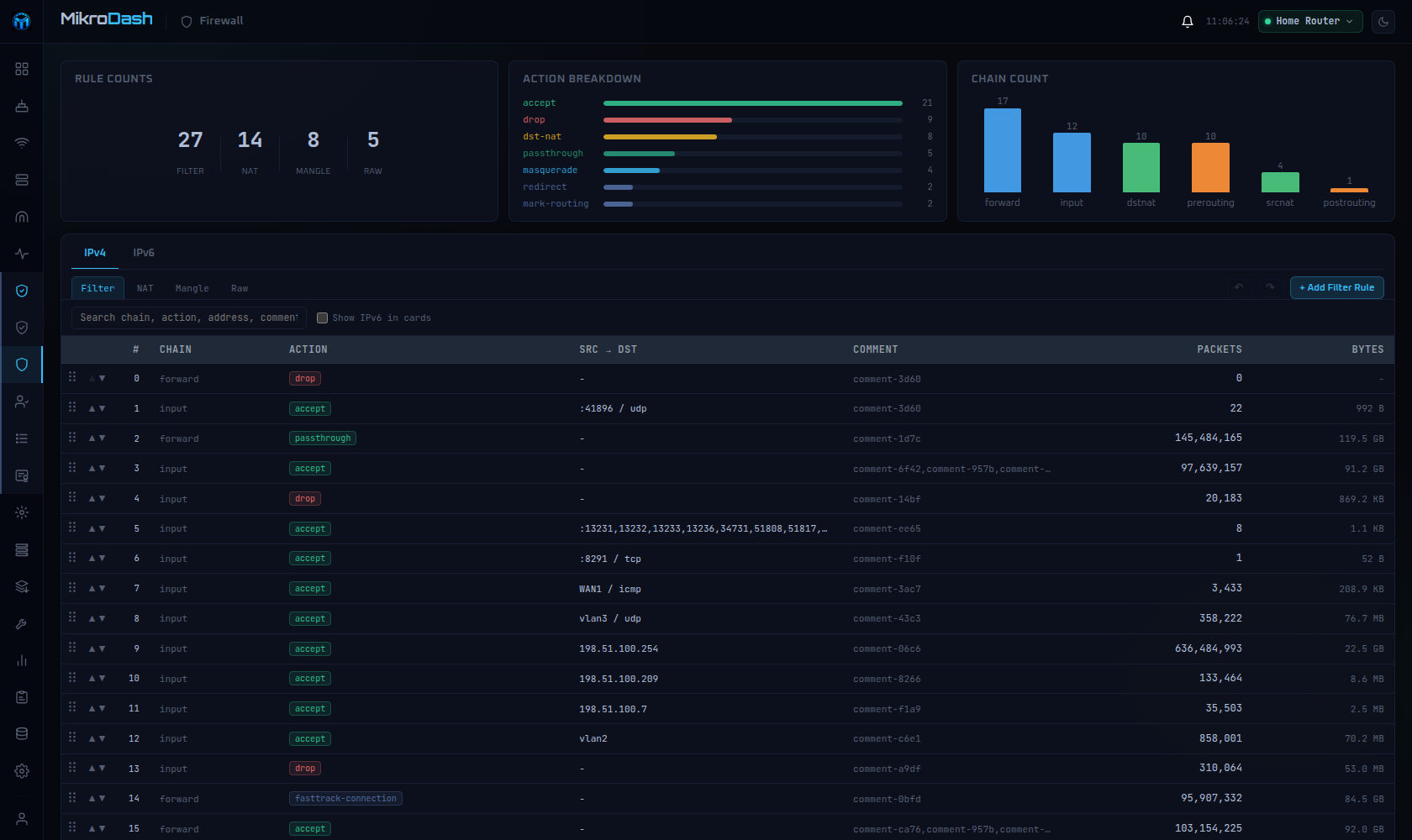
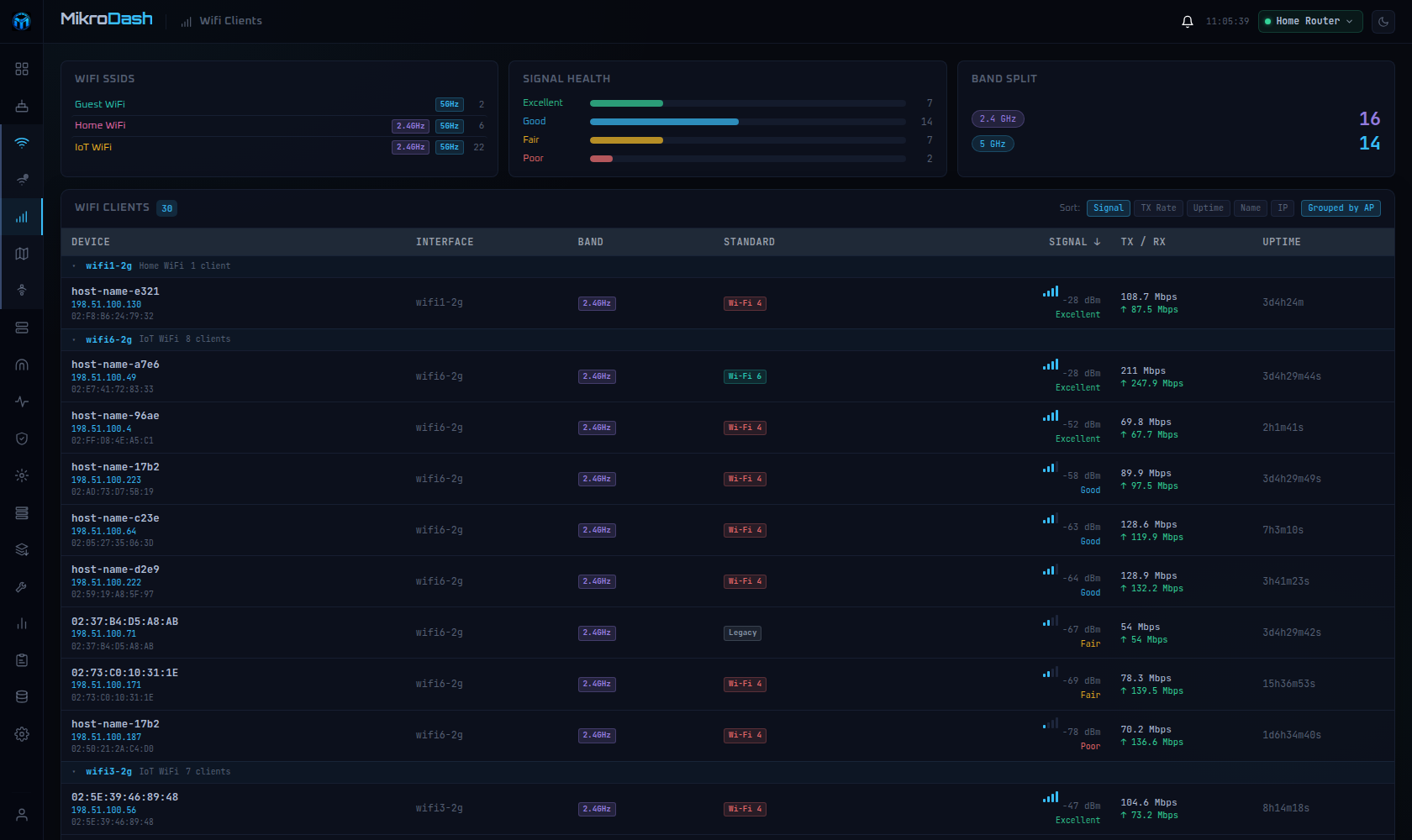
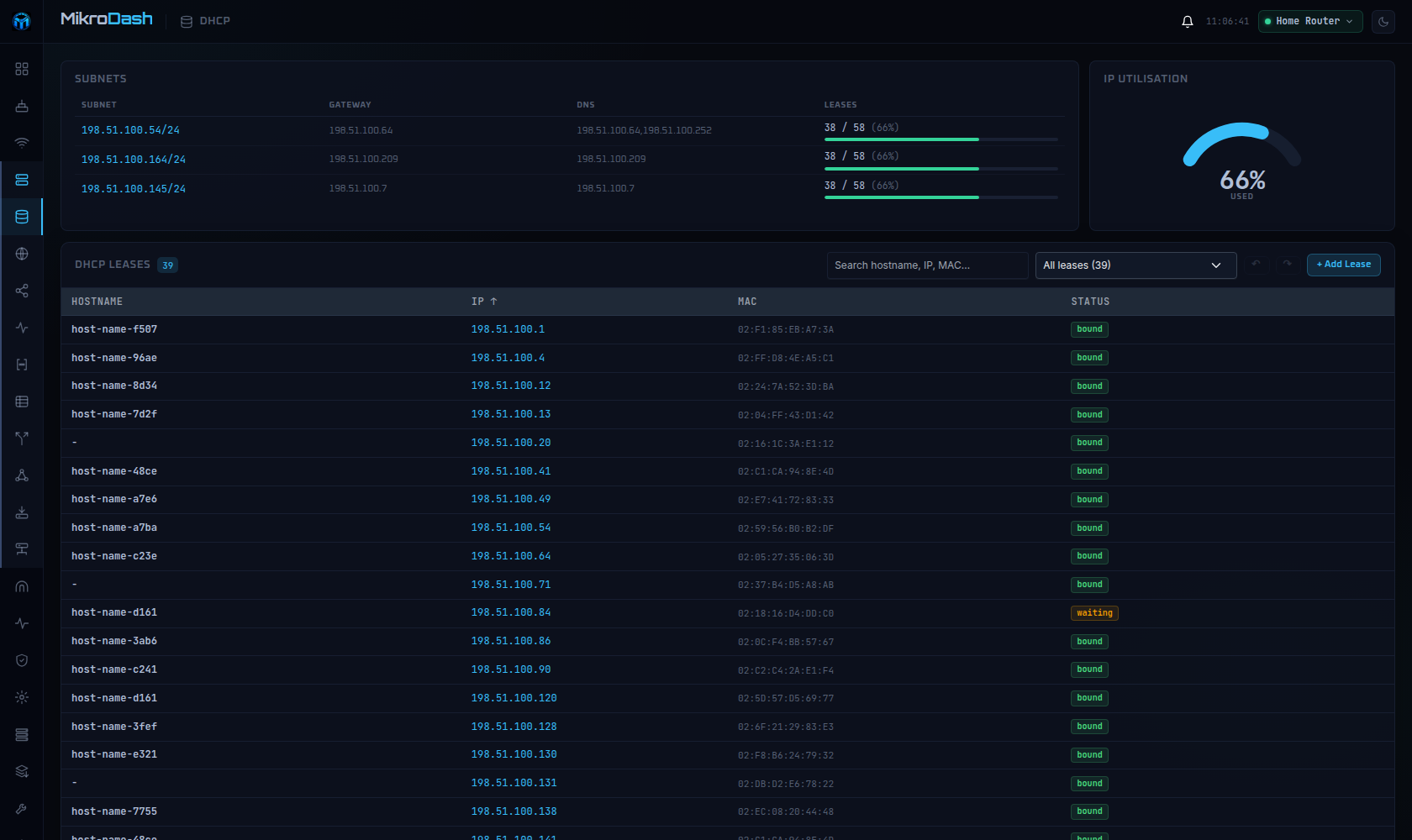
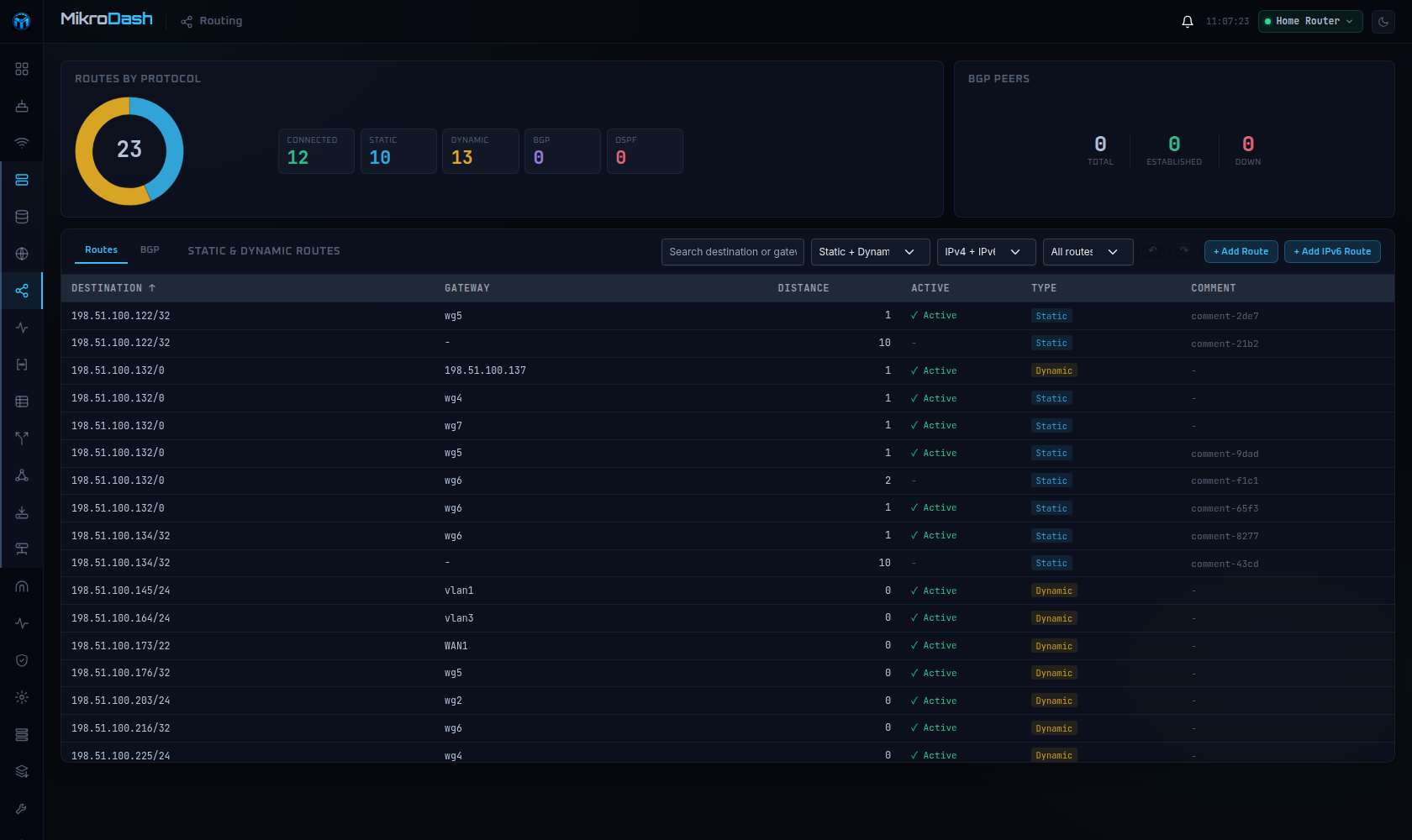
Watching a MikroTik RouterOS v7 router in real time is what MikroDash is for: live traffic, connections, Wi-Fi clients, DHCP leases, and WireGuard peers reach the browser the moment anything changes. Cards drag into any layout, and the arrangement follows your account to every browser. Managing a fleet happens on the Devices page, which shows routers as cards, a list, or a world map with 24-hour connectivity, last backup, open alerts, and pending updates. Rolling out a change starts in Config Management: choose one of 20 ready-made templates or capture your own, then deploy to one router or the fleet with a restore point, a canary router, and an automatic revert if a change cuts MikroDash off. Scheduled backups are kept only when something changed, with a diff and a guarded restore. New sites join through a generated script that calls home over a built-in WireGuard tunnel, even from behind NAT. Alerts reach SMTP, Telegram, ntfy, Discord, Slack, Gotify, Pushover, and Apprise. Troubleshooting stays in the browser with ping, traceroute, torch, bandwidth tests, a packet sniffer, and a RouterOS terminal. Read-only API access covers every page and alert, while roles, OpenID Connect sign-in, and an audit trail of every write govern shared use. Off by default, an optional assistant answers from live router data and asks before changing anything. Running on a dedicated VPS on RepoCloud with guaranteed CPU, RAM, and SSD, full root SSH access, and a browser serial console. MIT licensed.
Benefits
- See router activity as it happens
- Each router keeps one live connection that pushes traffic, connections, Wi-Fi clients, and DHCP leases to the browser the moment they change, without a page refresh.
- Manage a whole fleet together
- Group routers by site, browse them as cards, a list, or a world map, and deploy one configuration template to every device with a canary router and automatic revert.
- Gentle on small MikroTik routers
- Each RouterOS menu is read once however many pages need it, and collectors sleep when nobody is watching, so low-powered hardware is not strained by the dashboard.
- Read-only access by default
- A dedicated read-only API user covers every page and alert, while write features are opt-in, permission-checked, audited, and guarded against changes that would lock MikroDash out.
Features
- Live Dashboard Cards
- Drag-and-drop cards for traffic, system health, network flow, connections, top talkers, and WireGuard peers, fed by the RouterOS binary API with layouts saved to your account.
- Fleet Devices Overview
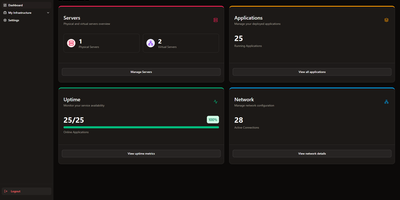
- Cards, list, or world-map views with 24-hour connectivity strips, last backup, open alerts, and available updates per router, plus bulk device import from CSV.
- Backups and Config Templates
- Scheduled backups kept only on change with unified diffs and guarded restore, plus 20 ready-made templates deployed with syntax check, restore point, and canary router.
- Zero-Touch Provisioning
- A wizard generates a script a new router runs to call home and join the fleet, with remote sites dialing in over a built-in WireGuard tunnel from behind NAT.
- Alerts and Reports
- Alert channels for SMTP, Telegram, ntfy, Discord, Slack, Gotify, Pushover, and Apprise, plus SQLite history exported to CSV or PDF and emailed on a schedule.
- Tools and Terminal
- Ping, traceroute with an animated map, torch, bandwidth test, and a packet sniffer with pcap export, plus a RouterOS console in the browser.