Stars
Forks
Watchers
Developer links
Garage UI
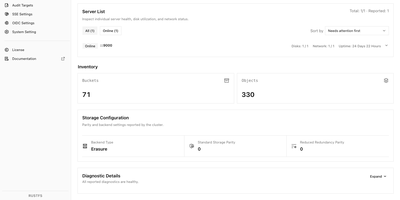
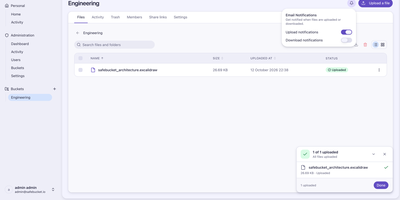
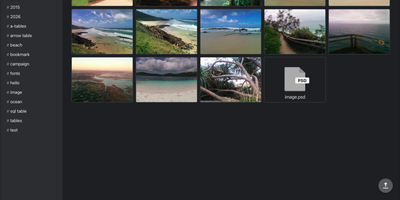
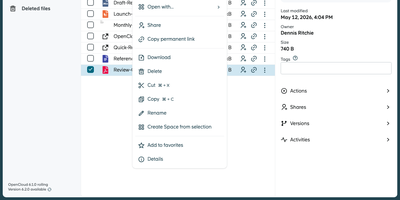
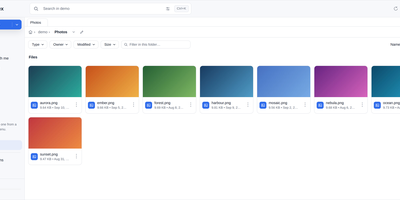
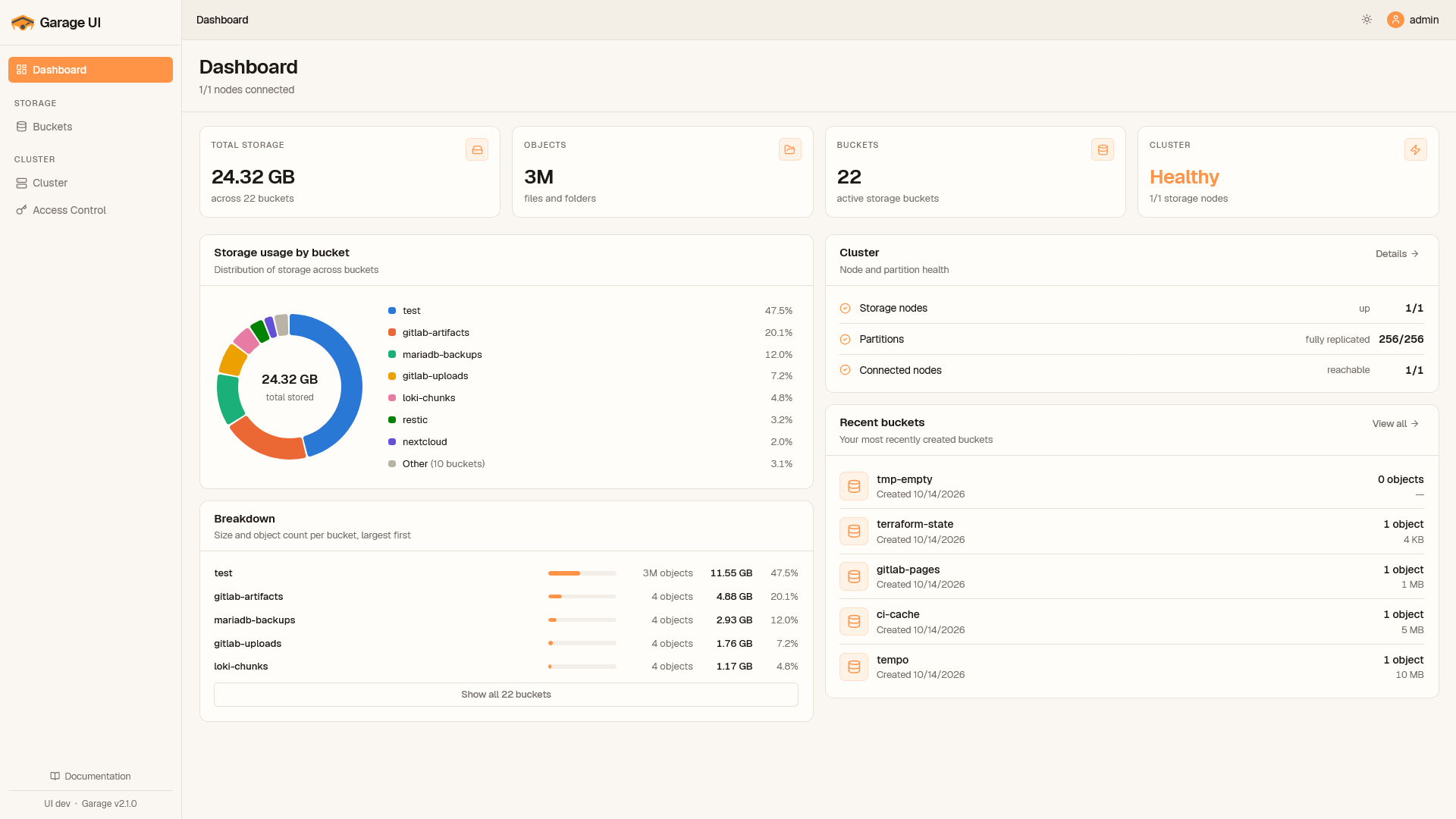
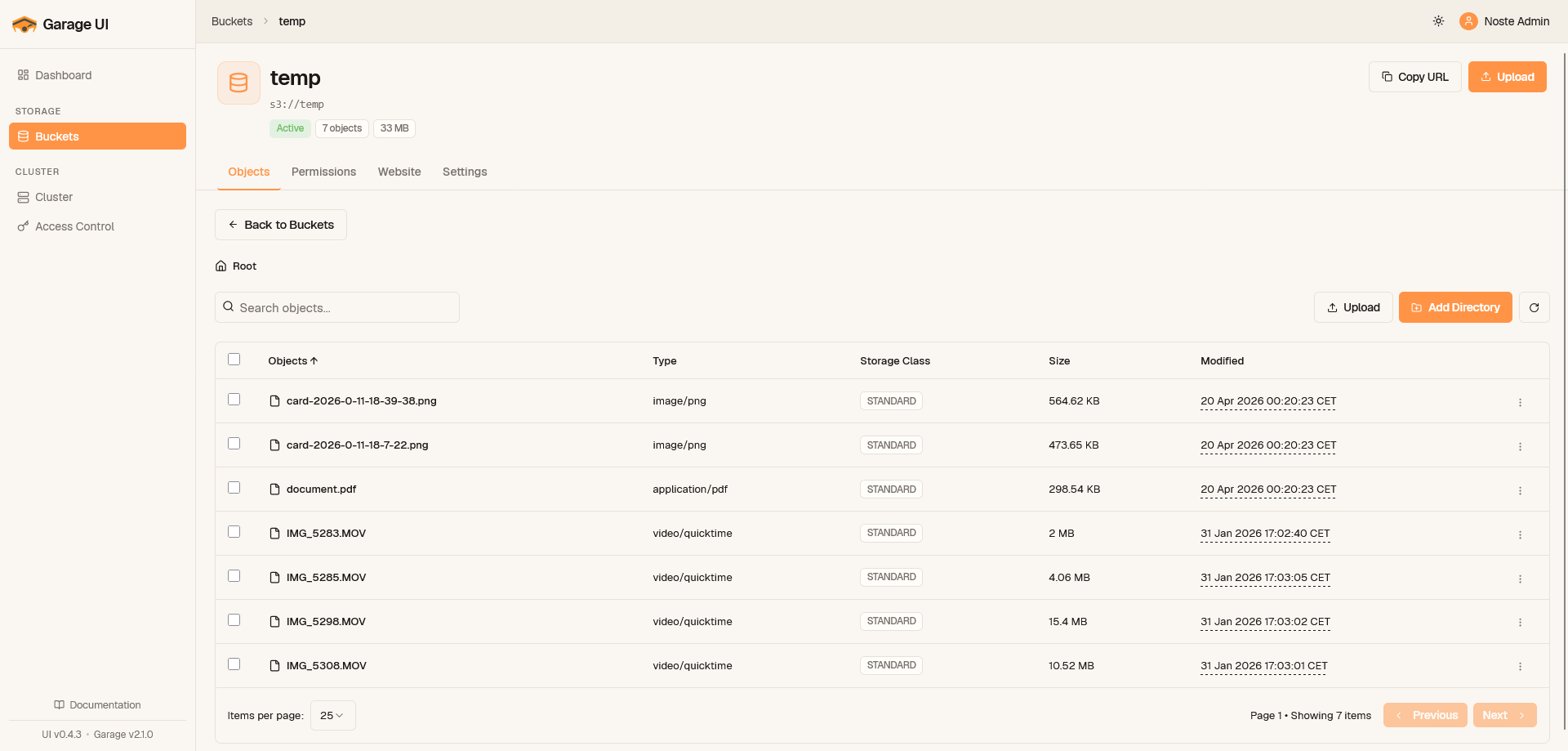
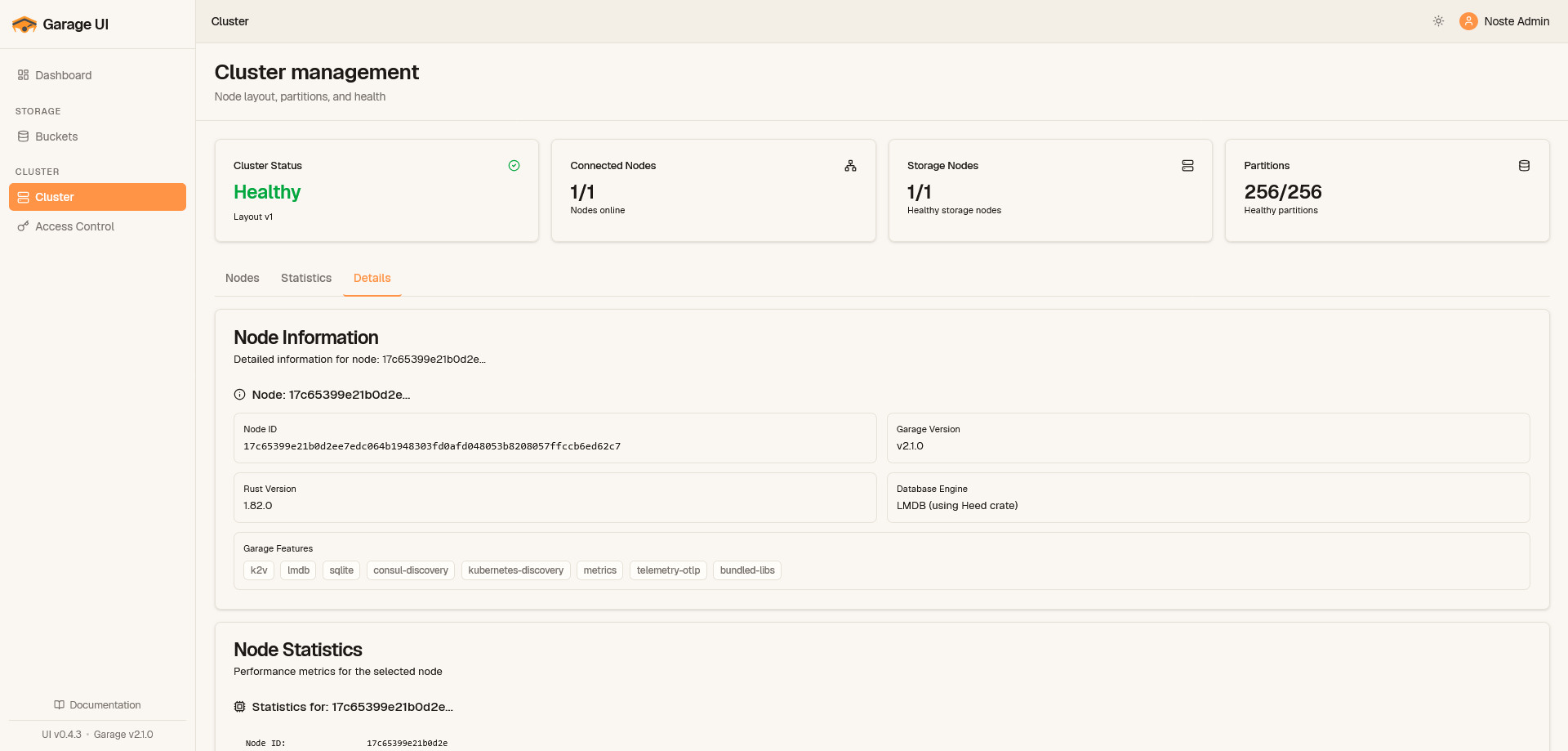
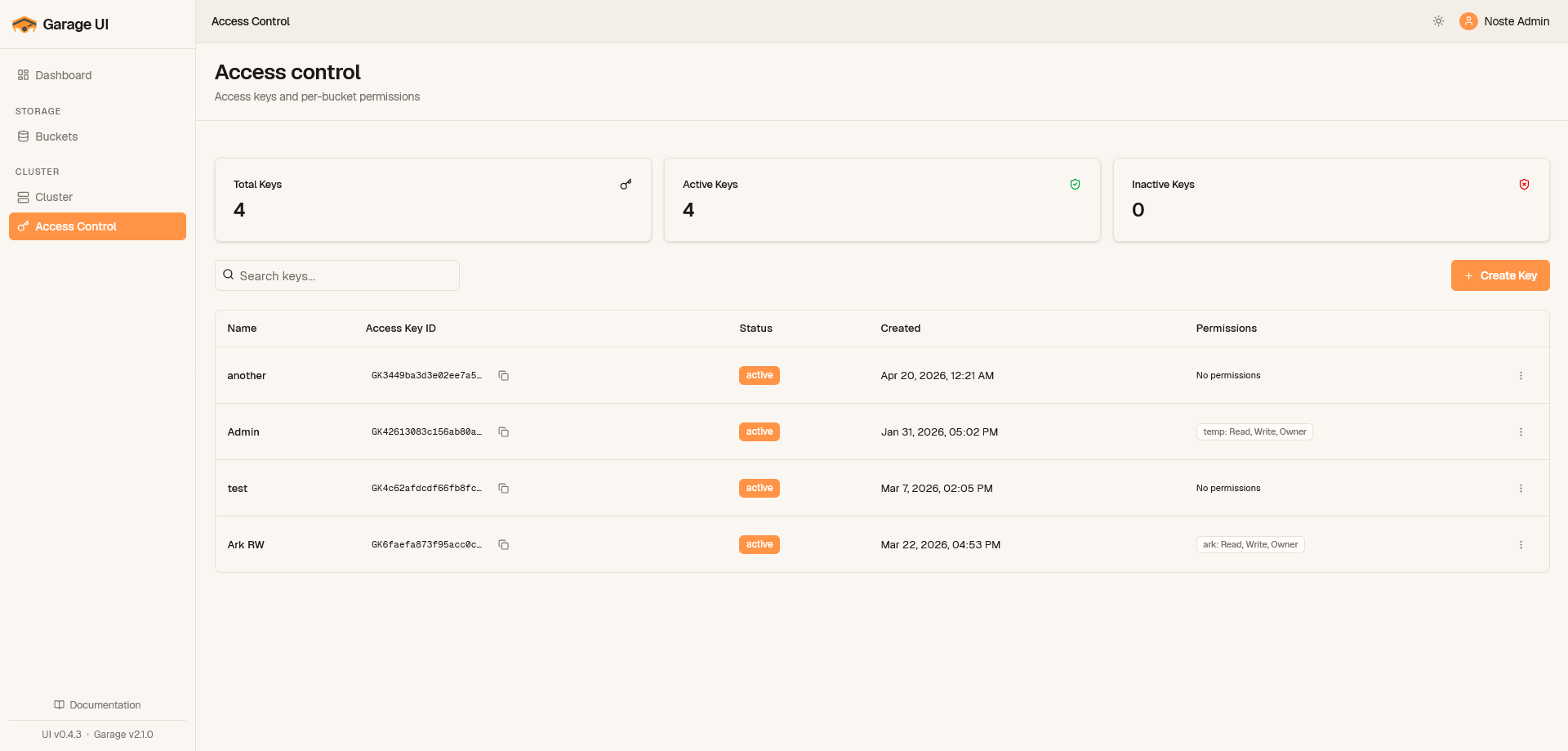
Garage UI is the web dashboard that Garage object storage never shipped, turning an admin API that speaks JSON over HTTP into screens your whole team can use. Create and configure buckets, browse objects with drag-and-drop uploads, and preview images, video, PDFs, and text inline instead of downloading files just to check what they are. A recursive search finds objects across a whole bucket, and bucket settings carry size and object-count quotas so one tenant cannot quietly eat the cluster. Access keys are created in the UI and assigned per-bucket permissions, replacing error-prone command-line key surgery. The cluster overview watches node status, layout configuration, and storage usage, so a degrading node shows up in the dashboard before it shows up as an outage. Sign-in flexes to your setup: no auth on a trusted network, basic admin credentials, the Garage admin token, or OIDC single sign-on through providers like Keycloak and Authentik. With OIDC teams enabled, access control maps token claims to bucket prefixes with named permission presets, and unmatched users are denied by default rather than promoted. Zero-config startup reads your existing garage.toml, so the first login takes minutes. Running on a dedicated VPS on RepoCloud with guaranteed CPU, RAM, and SSD, full root SSH access, and a browser serial console. MIT licensed.
Benefits
- Garage gets a dashboard
- Buckets, objects, access keys, and cluster layout move from command-line API calls into a browser interface with drag-and-drop uploads and inline previews for images, video, PDF, and text files.
- Teams scoped by prefix
- OIDC team claims map to bucket prefixes with reusable permission presets, so the backend team owns backend- buckets and only reads shared ones, with default-deny for unmatched users.
- Keys without CLI surgery
- Create access keys in the UI and assign per-bucket permissions directly, while the cluster overview tracks node status, layout, and storage usage before a degrading node becomes an outage.
- Minutes to first login
- Zero-config startup reads your existing garage.toml and accepts the Garage admin token, and deployment is one Docker image or a Helm chart configured by a single YAML file.
Features
- Buckets and objects
- Create, configure, and browse buckets with drag-and-drop uploads, recursive substring object search across a bucket, inline previews, and per-bucket size and object-count quotas.
- Access key management
- Create S3 access keys from the browser and assign per-bucket read and write permissions, replacing manual Admin API calls and command-line key administration entirely.
- Cluster and layout overview
- Monitor node status, health, layout configuration, and storage usage across the Garage cluster, with optional Prometheus metrics exposed at /metrics for external scraping.
- OIDC team access control
- Single sign-on via any OpenID Connect provider, with team claims extracted by JMESPath and bound to bucket prefixes through composable permission presets and default-deny policy.