SaaS Alternative
Docker Hub GitHub Container Registry Amazon Elastic Container Registry Google Artifact RegistryCategories
Self-Hosted Open Source DevOps Docker Container Registry Web Interface Registry UI Image ManagementStars
Forks
Watchers
Developer links
Docker Registry UI
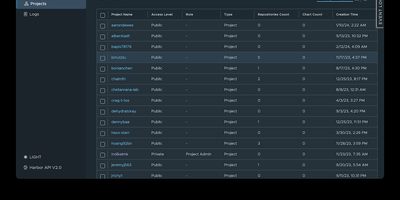
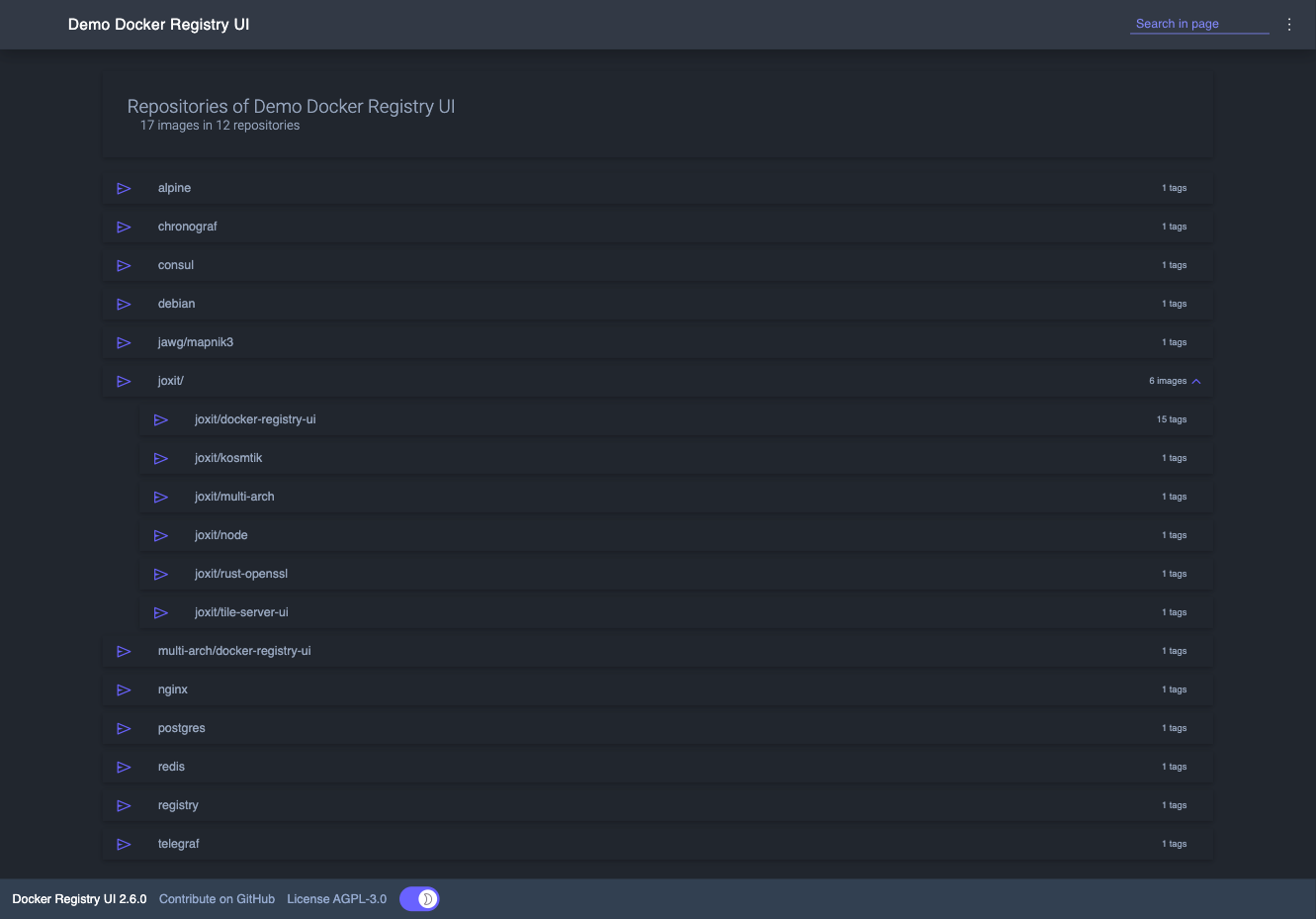
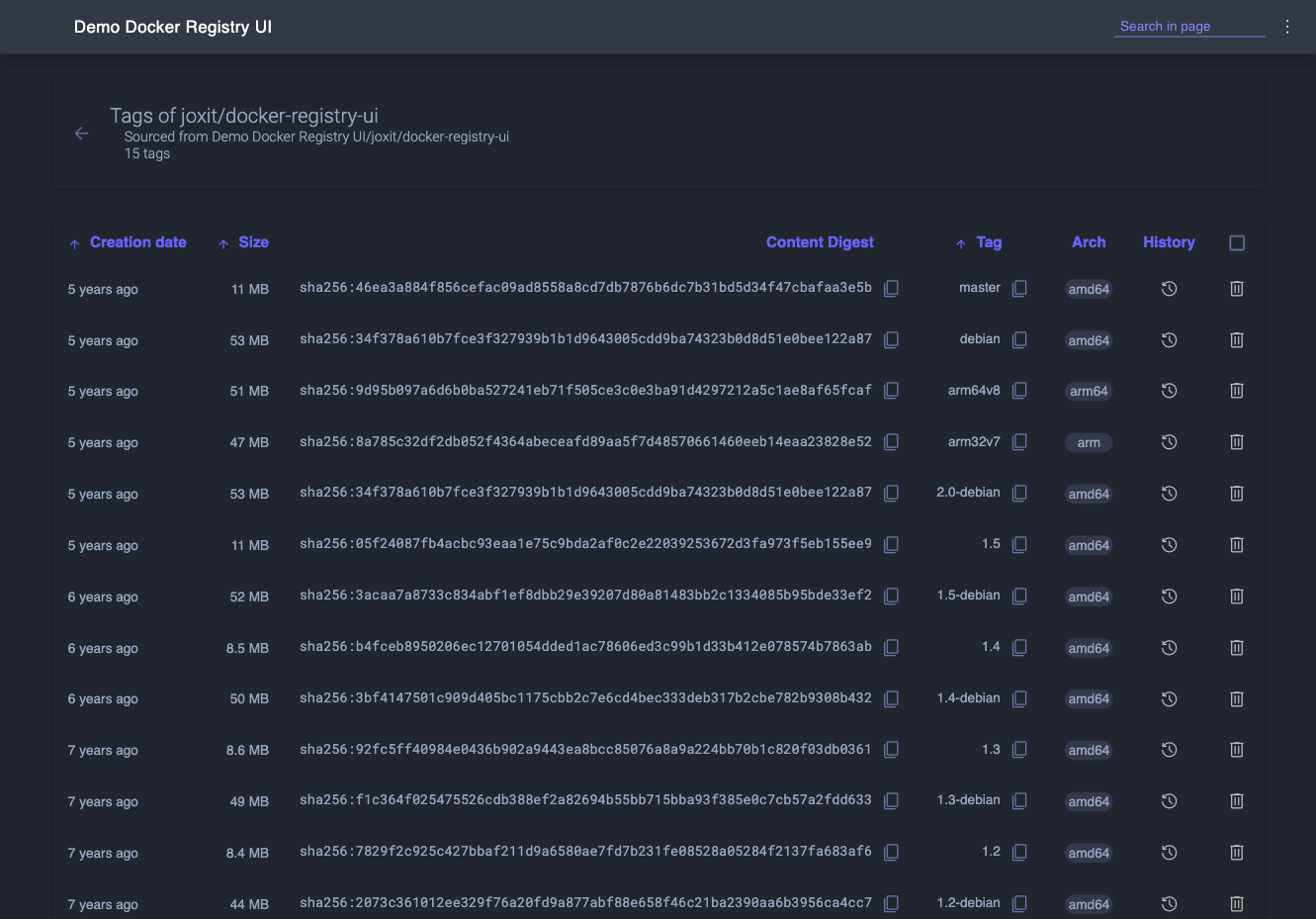
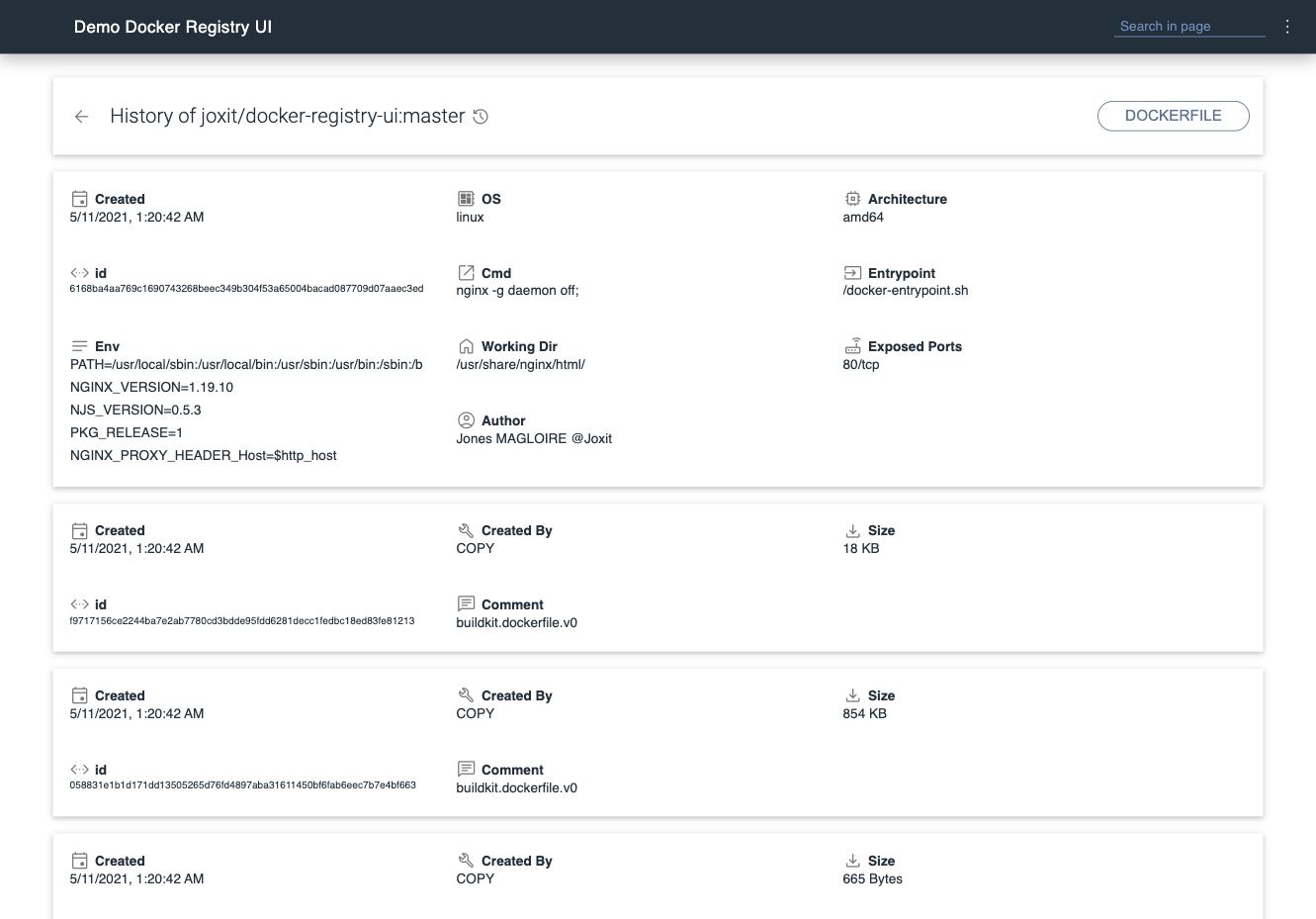
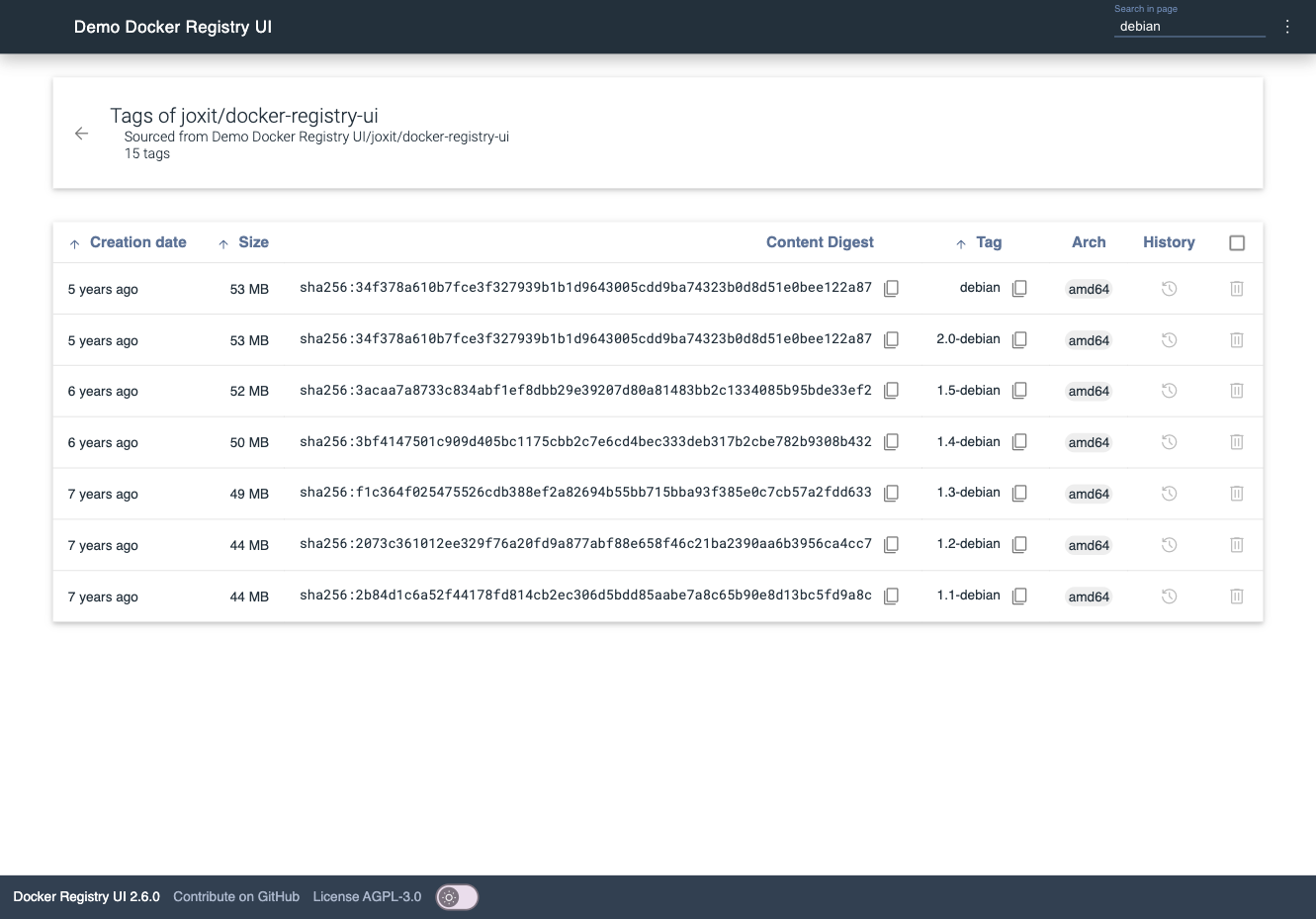
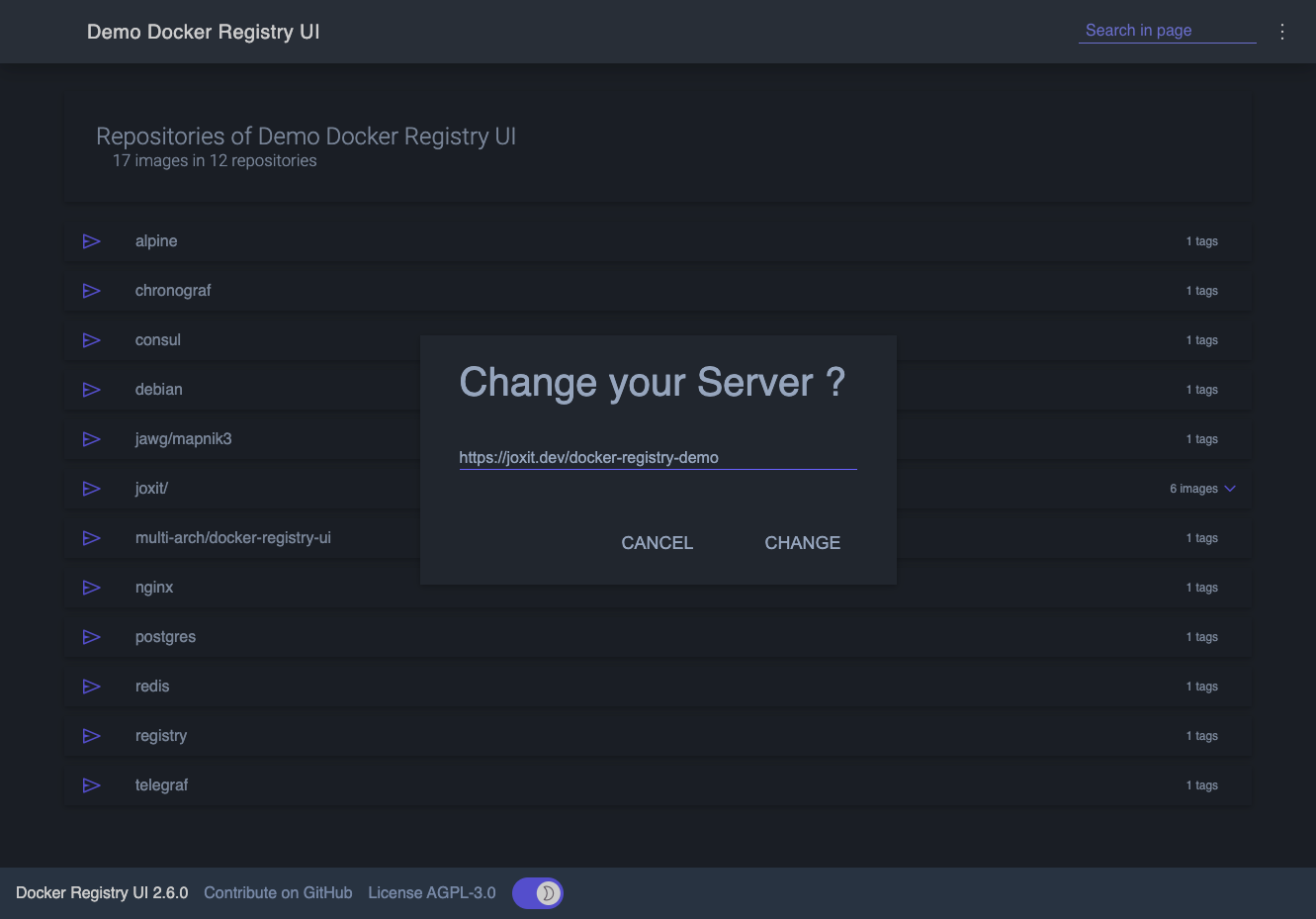
Instead of querying a private registry with curl and its HTTP API, open Docker Registry UI and click through repositories, tags, digests, and layers in a browser. The catalog groups images by namespace, shows tag counts, and filters as you type in the search bar, which Ctrl+F or F3 focuses. Each repository's tag list shows creation date, size, content digest, and CPU architecture, sorts numerically, and copies a ready-made pull reference with one click. A history page expands any tag into its operating system, entrypoint, environment variables, exposed ports, and layer-by-layer build steps, and a Dockerfile view reconstructs the file from those steps. The same view also covers multi-architecture images and OCI Helm exports. When the registry allows deletion, tags go one at a time or in bulk with checkboxes, Alt+Click for a whole page, and Shift+Click for a range. One interface can switch between several registries from its menu, or be locked to a single registry with your own title. Basic authentication passes through the browser, and a built-in proxy option forwards requests to your registry container so CORS needs no configuration. Light, dark, and automatic themes come with color variables for custom branding, and a weekly notice announces newer releases. Running on a dedicated VPS on RepoCloud with guaranteed CPU, RAM, and SSD, full root SSH access, and a browser serial console. AGPL-3.0 licensed.
Benefits
- Skip curl for registry inspection
- Repositories, tags, digests, sizes, and architectures appear in one sortable table instead of scripted registry API calls, so anyone on the team can check exactly what was pushed.
- Clean up tags in bulk
- Checkbox selection, Alt+Click for a whole page, and Shift+Click for ranges remove many tags at once, while deletion stays disabled until you set DELETE_IMAGES to true.
- Manage several registries in one place
- Add, change, or remove registry URLs from the menu, preset a list with DEFAULT_REGISTRIES, or lock the menu with READ_ONLY_REGISTRIES for shared installations.
- Customize themes and secure access
- Pick dark, light, or automatic themes with custom colors, terminate HTTPS at your own reverse proxy, and keep registry credentials on standard basic authentication.
Features
- Repository Catalog Browser
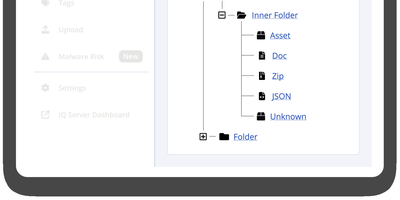
- Lists every repository with tag counts, groups images by namespace with configurable branching, can expand namespaces by default, and caps entries with CATALOG_ELEMENTS_LIMIT, which defaults to 1000.
- Tag Table and Digests
- Shows creation date, compressed size, sha256 content digest, tag, and architecture, with numeric-aware sorting, copy buttons for pull commands, and paging controlled by TAGLIST_PAGE_SIZE.
- Image History and Dockerfile
- Expands each tag into OS, architecture, entrypoint, environment, exposed ports, labels, and layer steps, supports multi-arch manifests, and can display the reconstructed Dockerfile.
- Bulk Image Deletion
- Enable DELETE_IMAGES to remove tags with checkboxes or Alt+Click and Shift+Click selection; the registry needs storage.delete enabled, plus garbage-collect to reclaim disk space.
- Multi-Registry and Proxy Modes
- SINGLE_REGISTRY toggles the registry switcher, while NGINX_PROXY_PASS_URL proxies to a backend registry such as http://registry:5000, avoiding CORS configuration, and custom headers can be forwarded.
- Theming and Branding Options
- THEME accepts dark, light, or auto with a switch, eleven THEME_* color variables restyle the interface, and REGISTRY_TITLE or DOCKER_REGISTRY_UI_TITLE sets the header text.