Categories
Self-Hosted AI Infrastructure Object Storage Data Lake S3 Compatible Distributed Storage Backup Storage Erasure CodingStars
Forks
Watchers
Developer links
RustFS
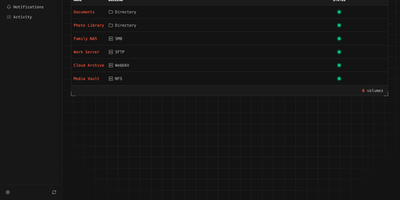
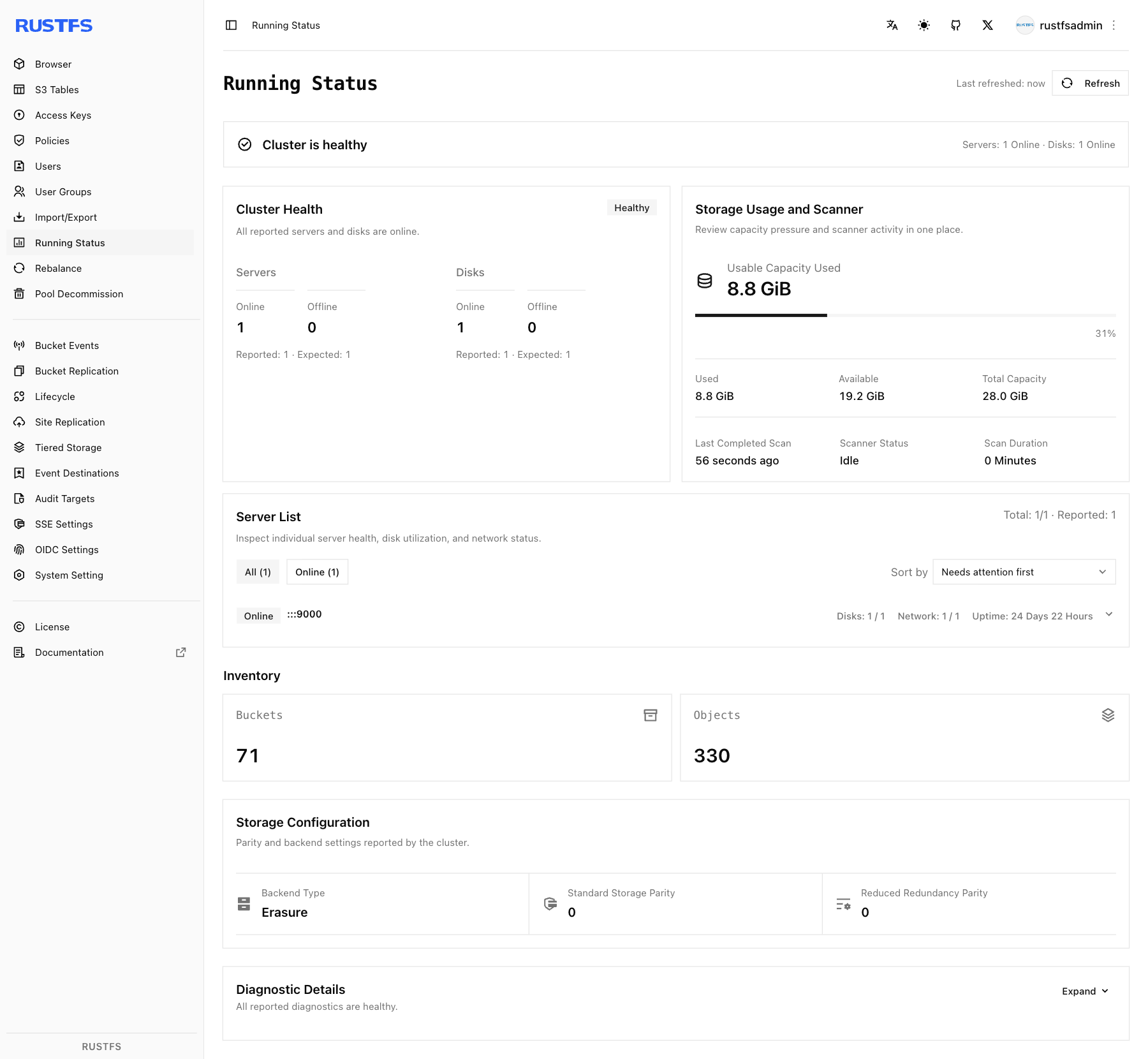
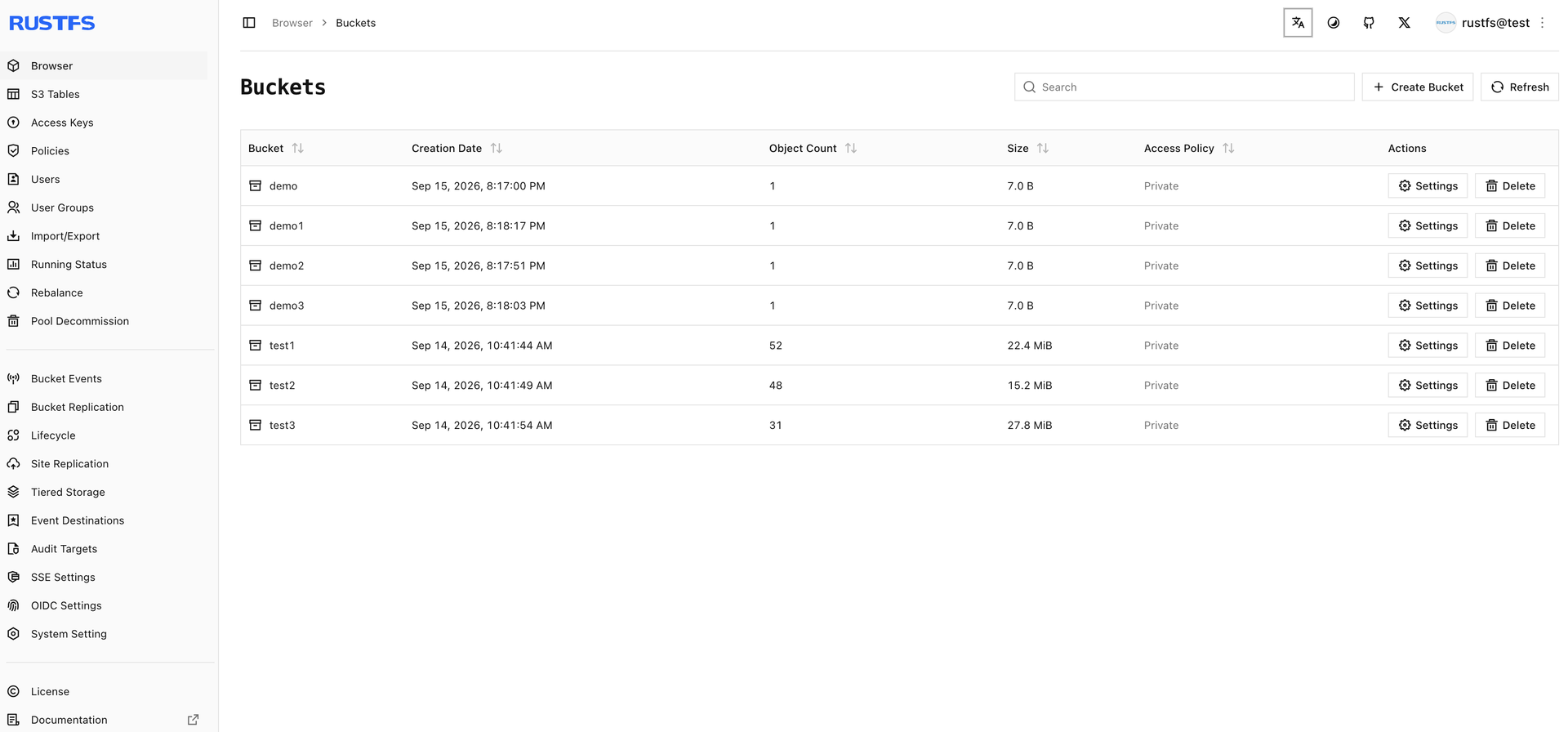
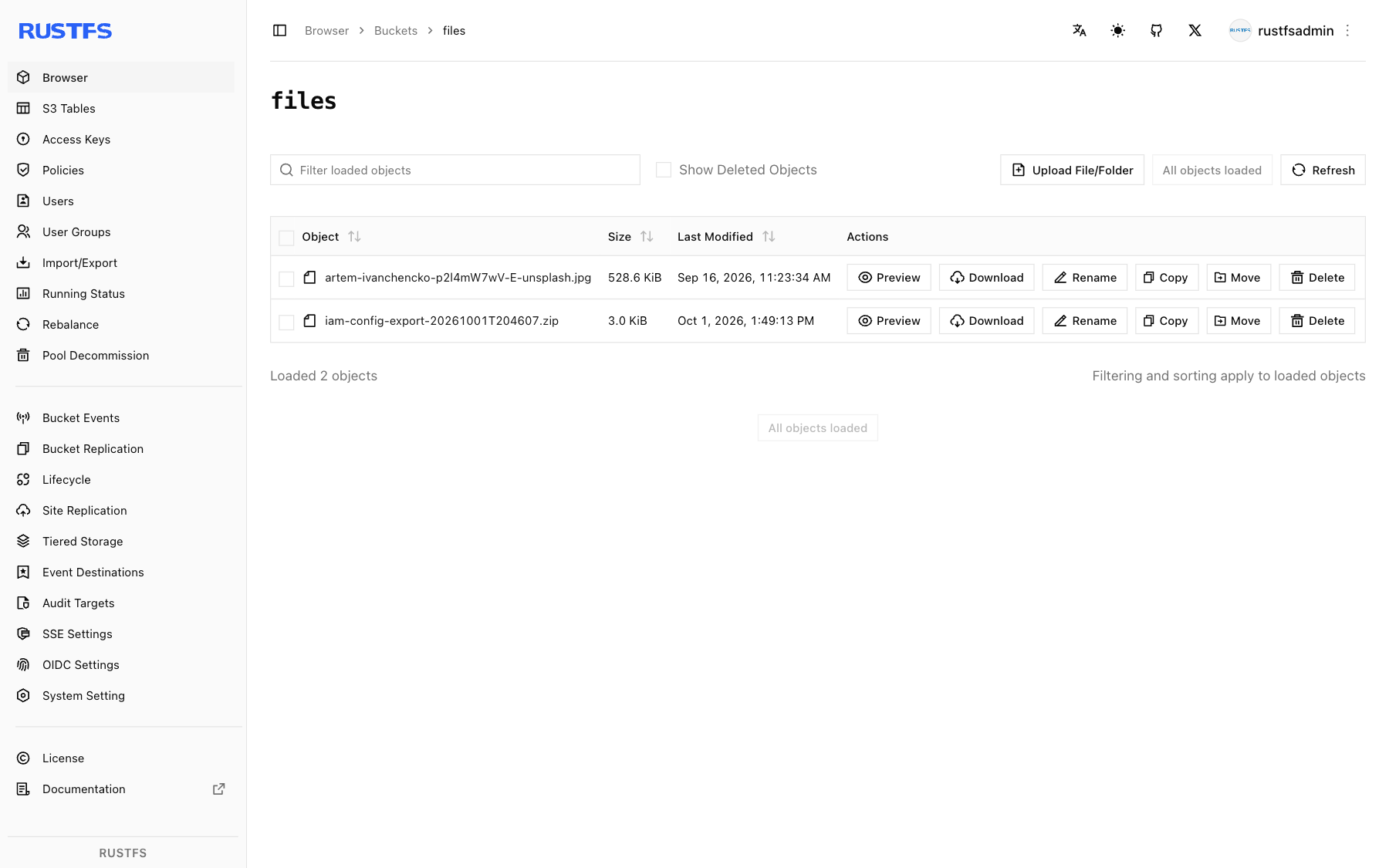
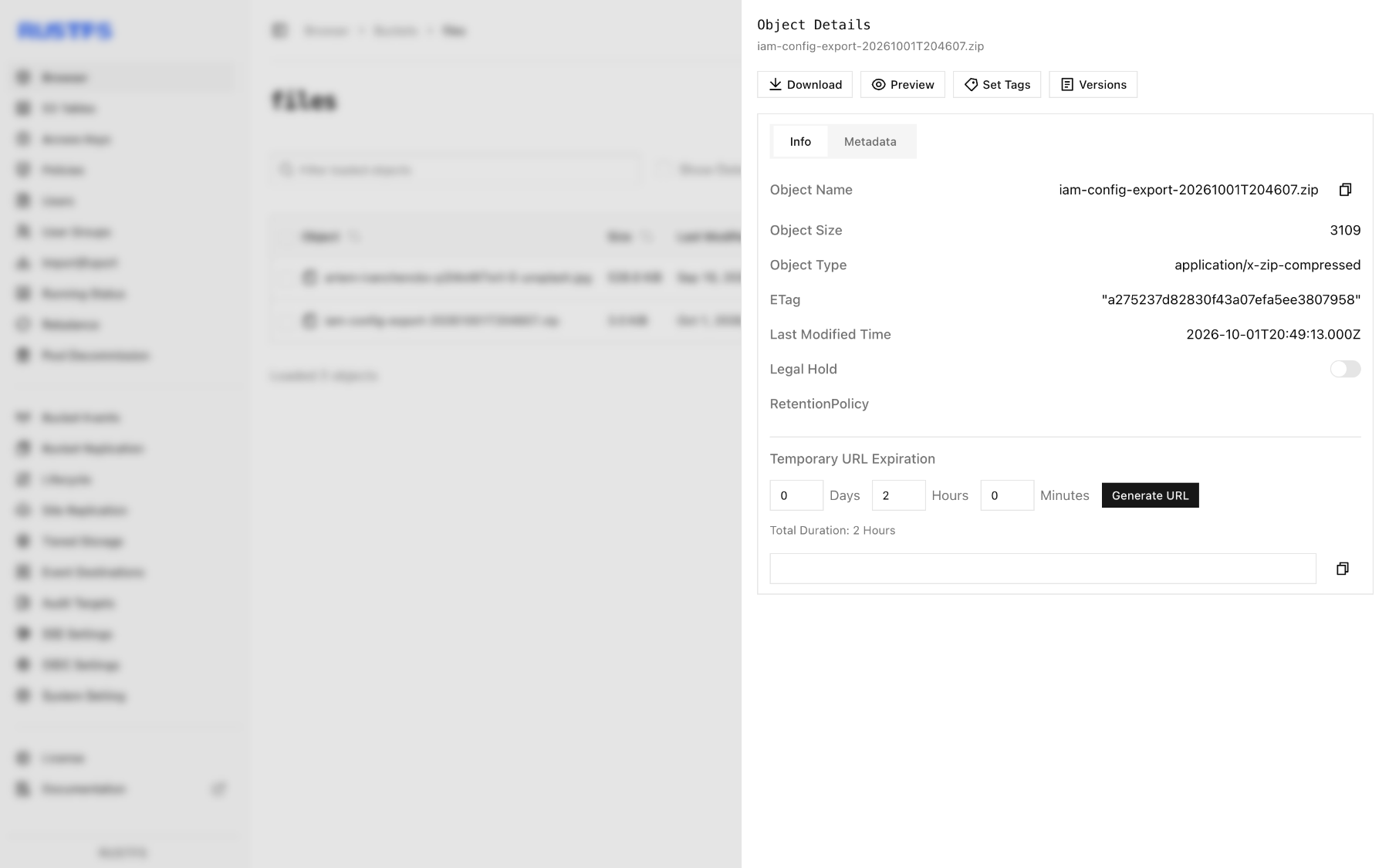
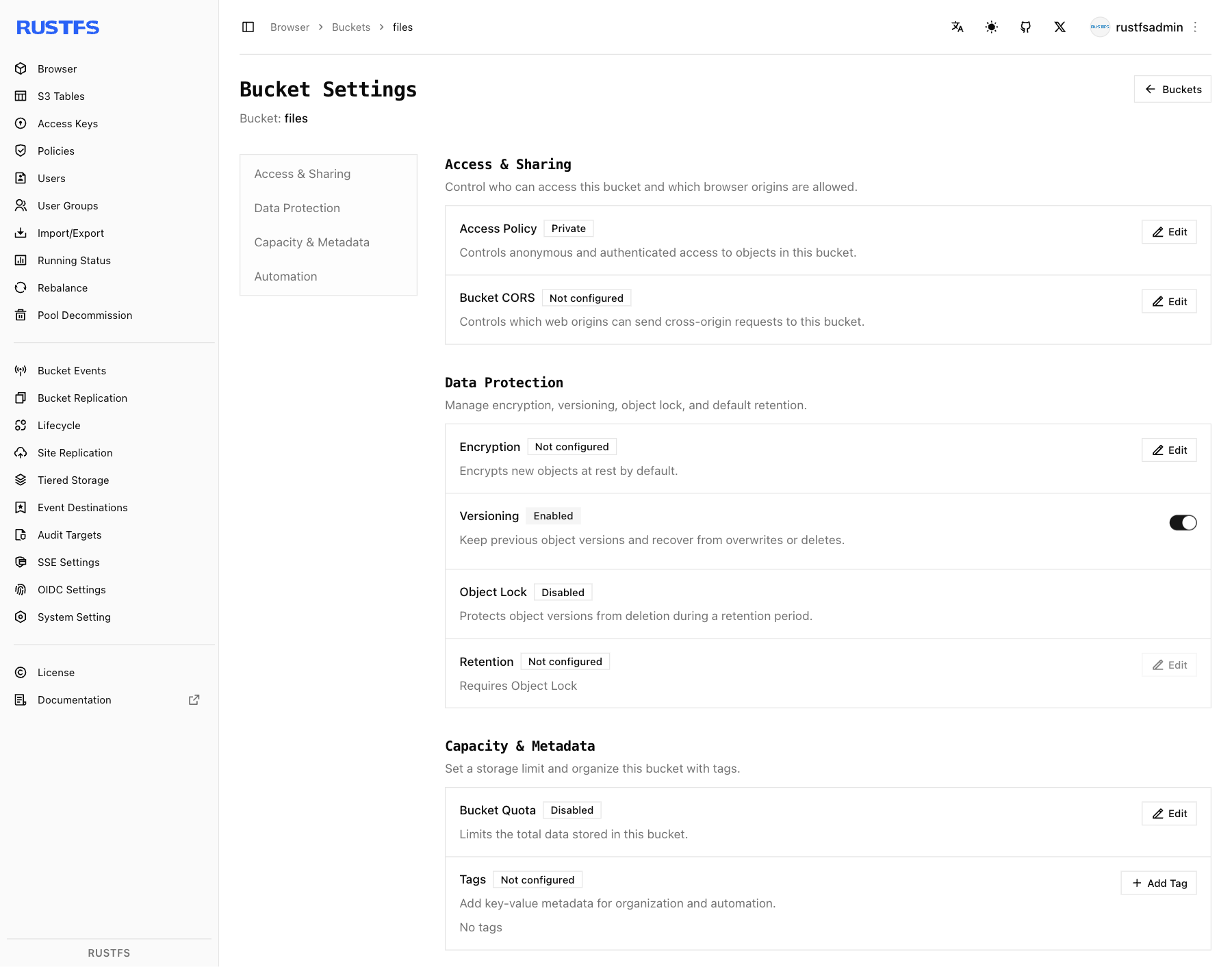
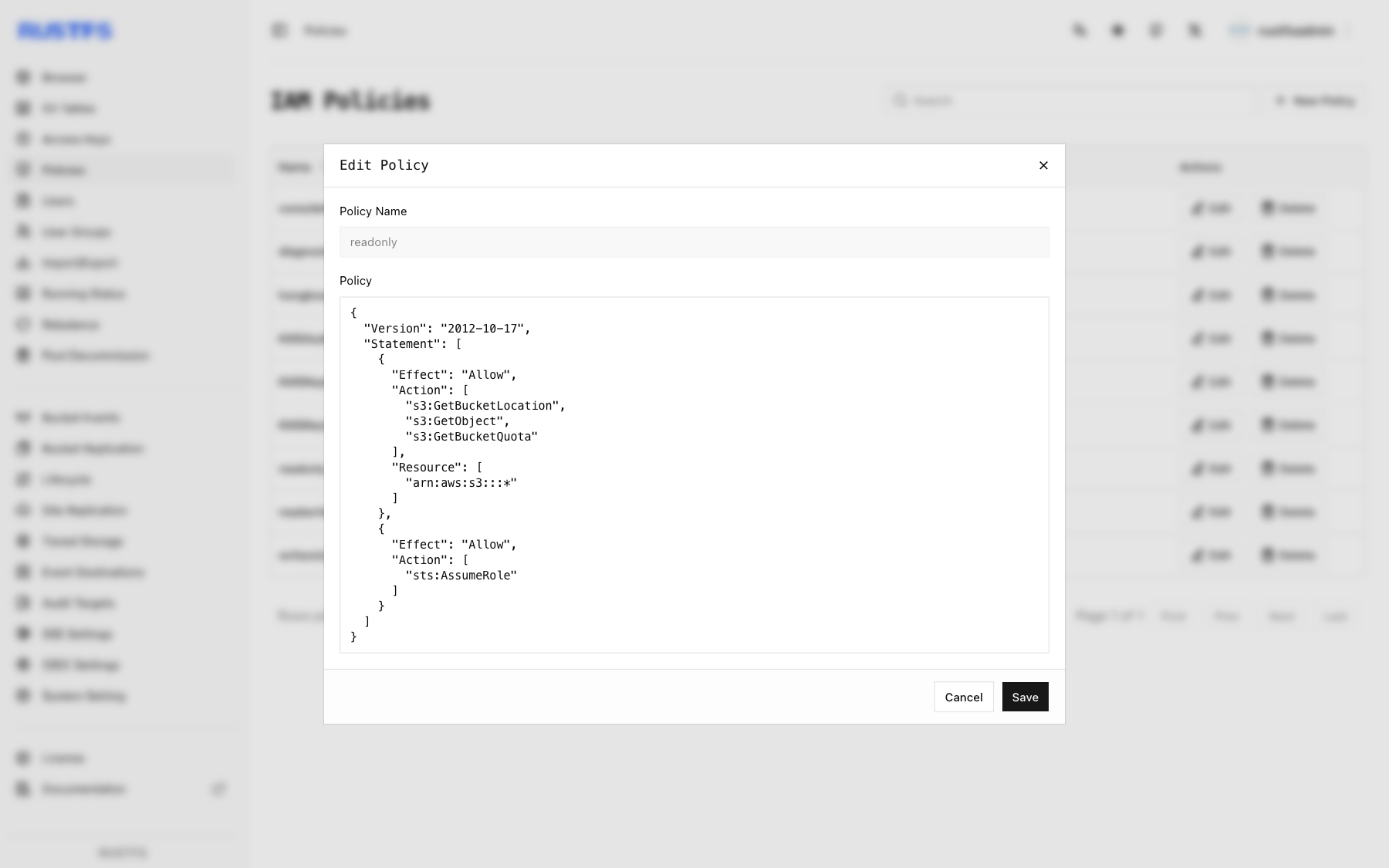
Tools and applications that already speak S3 can use RustFS as their storage backend, so backup jobs, data pipelines, and services keep working while the data stays on infrastructure you control. A built-in web console on port 9001 manages buckets, object uploads and downloads, access keys, users, groups, and IAM policies, with a status page for cluster health, capacity, and scanner activity. Versioning, Object Lock retention, bucket quotas, and server-side encryption with Vault or AWS KMS backends protect objects once they land. Lifecycle rules expire or transition data, and tiering moves cold objects to remote targets such as Amazon S3 or Wasabi. Bucket replication and site replication keep clusters in sync, and event notifications call webhooks when objects change. Single-node mode suits a lab or small server, while distributed mode adds erasure coding, bitrot protection, background healing, and pool expansion or decommissioning as capacity grows. Sign-in works with local users, OIDC single sign-on, or OpenStack Keystone, and FTPS and WebDAV are available by default, with SFTP and the Swift API as opt-in builds. A preview of S3 Tables exposes an Iceberg REST catalog for tools such as DuckDB and PyIceberg, and a documented migration path moves existing MinIO deployments across. Typical uses include backups, container registries, logs and traces, data lakes, and AI training sets. Running on a dedicated VPS on RepoCloud with guaranteed CPU, RAM, and SSD, full root SSH access, and a browser serial console. Apache-2.0 licensed.
Benefits
- Existing S3 tools keep working
- AWS CLI, AWS SDKs, and other S3 clients connect on port 9000 with Signature Version 4 and path-style addressing, so most tools only need a new endpoint, credentials, and addressing style.
- Permissive license, no AGPL obligations
- Apache-2.0 licensing allows commercial use and embedding without AGPL obligations, a difference the project itself highlights against other object stores.
- Grow from one node to clusters
- Single-node mode starts small, then distributed mode adds erasure coding, bitrot protection, background healing, and pool expansion with decommissioning when storage needs grow.
- Data protection built into storage
- Versioning, Object Lock retention, bucket quotas, and server-side encryption with Vault or AWS KMS backends guard objects against deletion, overwrites, and exposure at rest.
Features
- Built-in Web Console
- A browser console on port 9001 manages buckets, objects, users, groups, access keys, and IAM policies, and shows cluster health, capacity, and scanner status.
- S3 and File Protocols
- The S3 API on port 9000 uses Signature Version 4, with FTPS and WebDAV in the default build and opt-in SFTP and OpenStack Swift support.
- Replication and Tiering
- Bucket replication, site replication, and lifecycle tiering to remote S3 targets such as Amazon S3 or Wasabi keep copies in sync and move cold data off primary disks.
- Identity and Encryption
- IAM policies, OIDC single sign-on, Keystone authentication, TLS, and server-side encryption with KMS backends control who reaches data and how it is stored.
- S3 Tables Preview
- An Iceberg REST Catalog preview manages table buckets, namespaces, tables, and views, with automated PyIceberg and DuckDB test coverage.
- Events and Audit Logging
- Event notifications deliver object changes to webhooks, and audit targets forward audit logs, both configured in the console once enabled in system settings.