Categories
Developer Tools AI Agents Local LLM MCP Tools Coding Agent Browser IDE Code Editor Agent HarnessStars
Forks
Watchers
Developer links
Eidoloom Studio
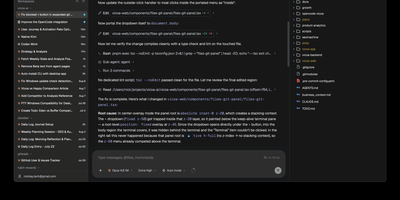
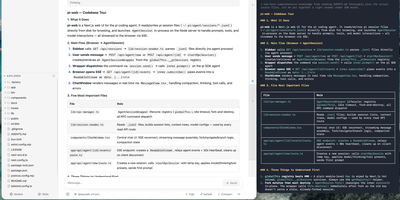
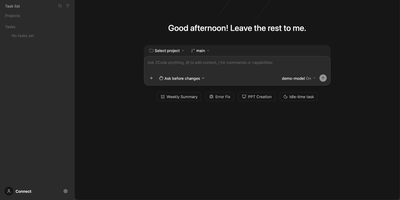
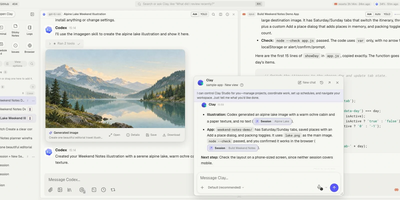
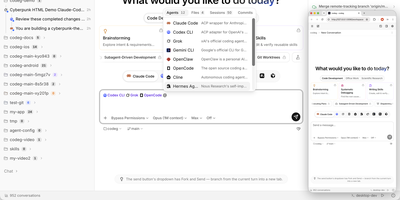
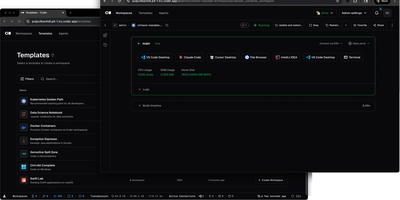
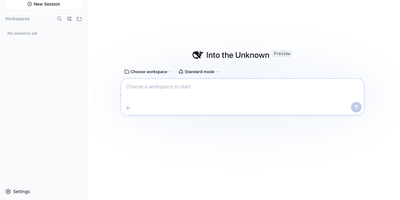
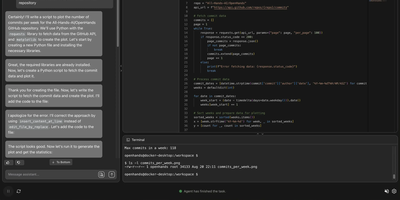
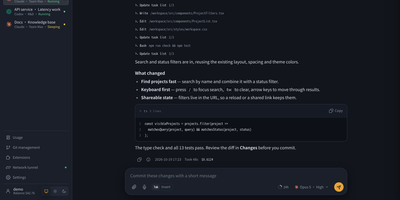
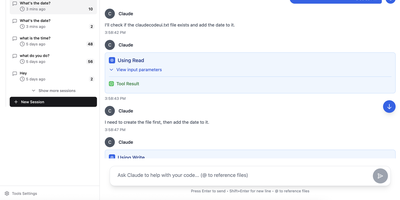
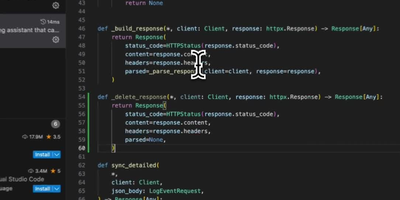
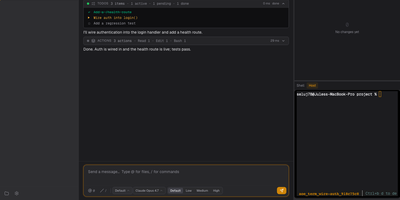
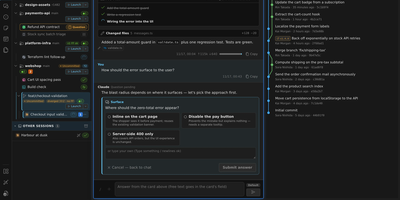
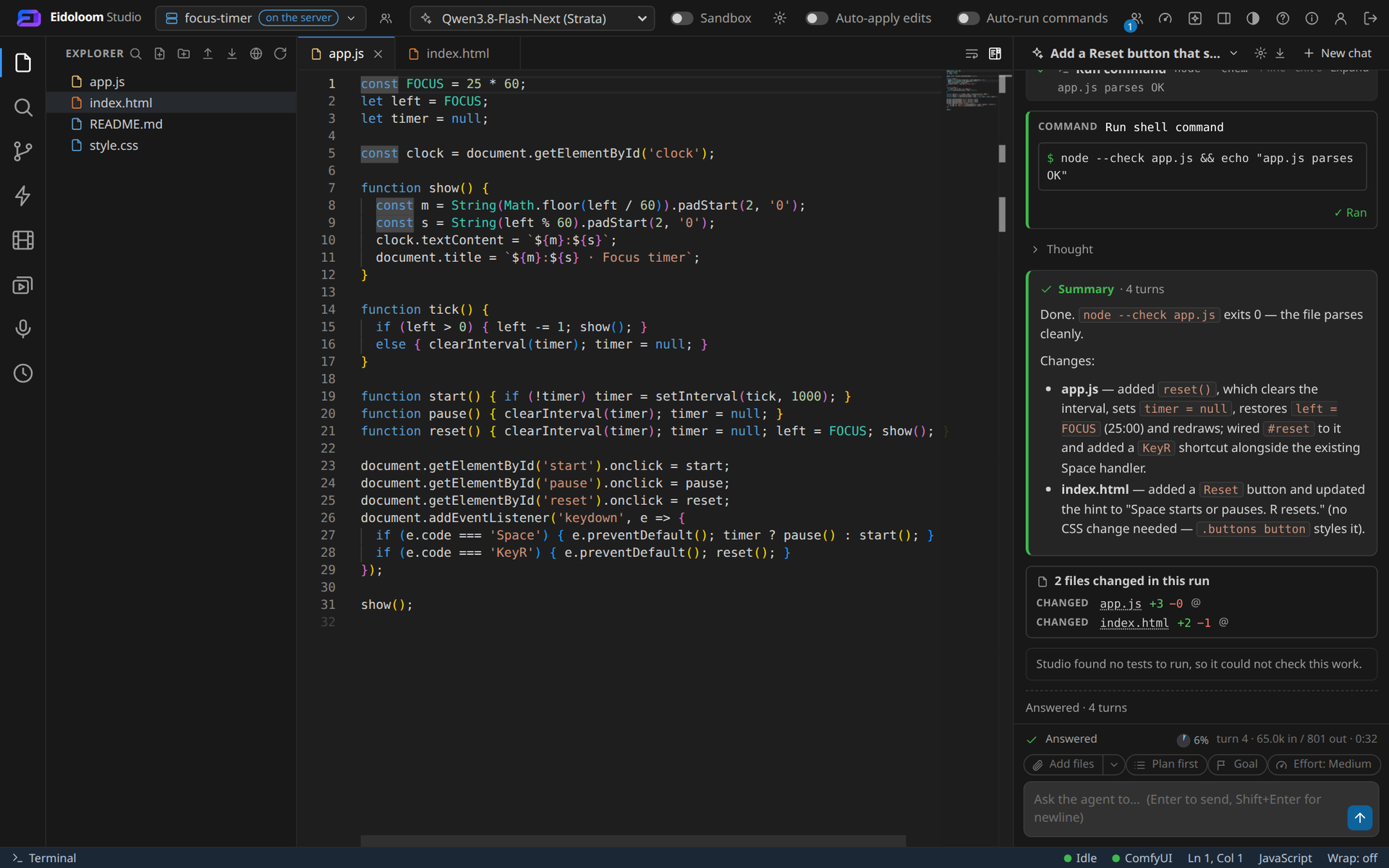
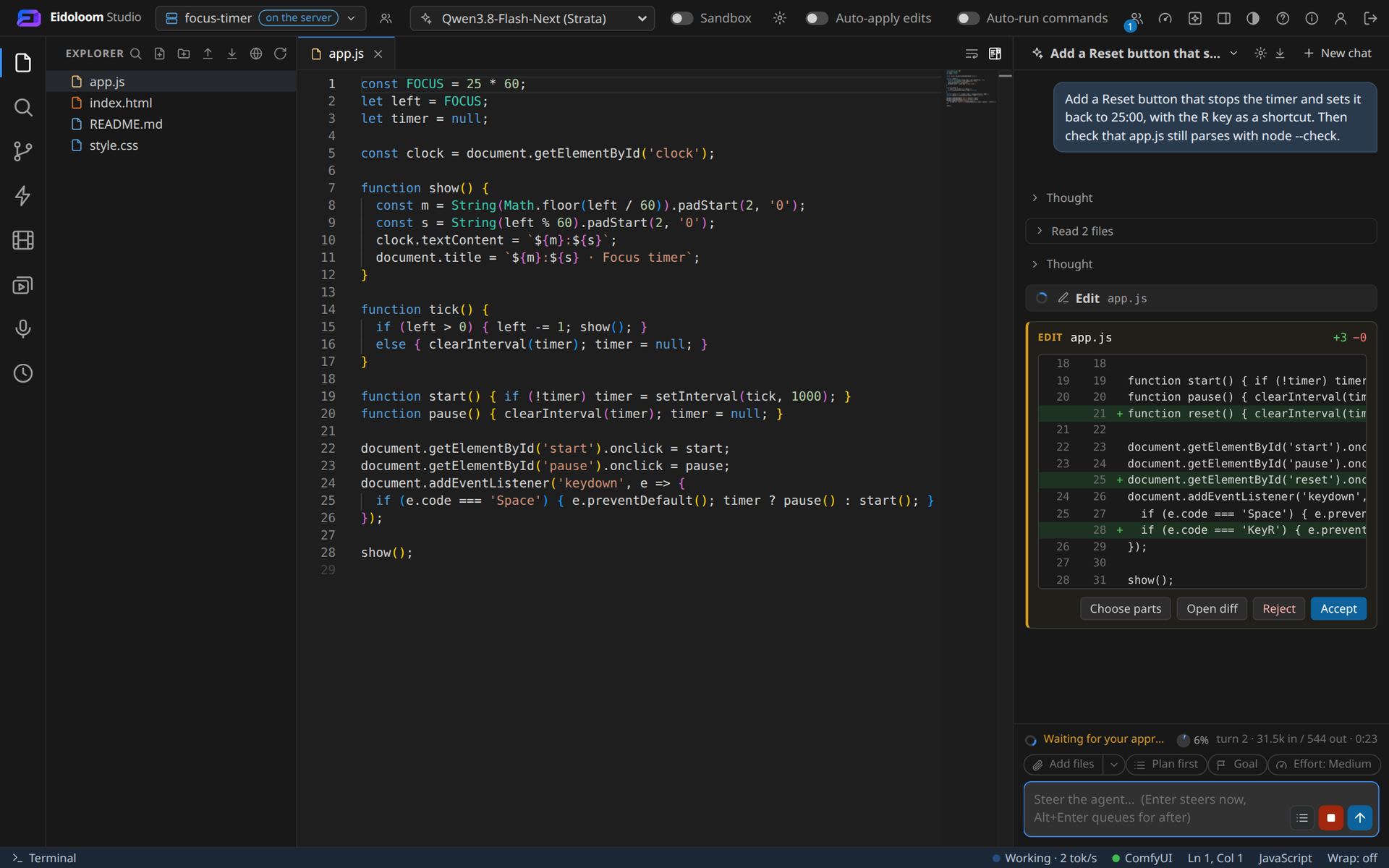
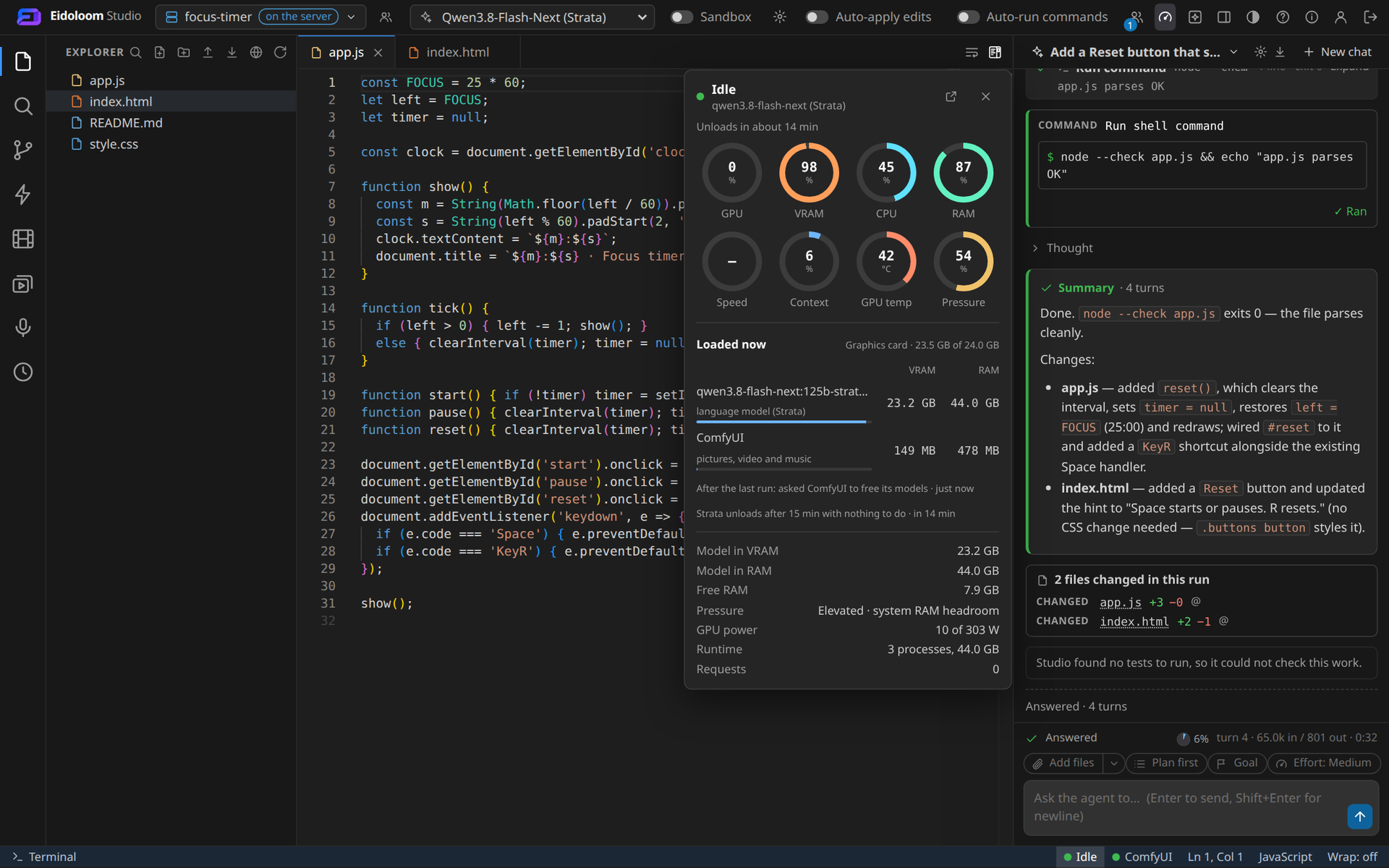
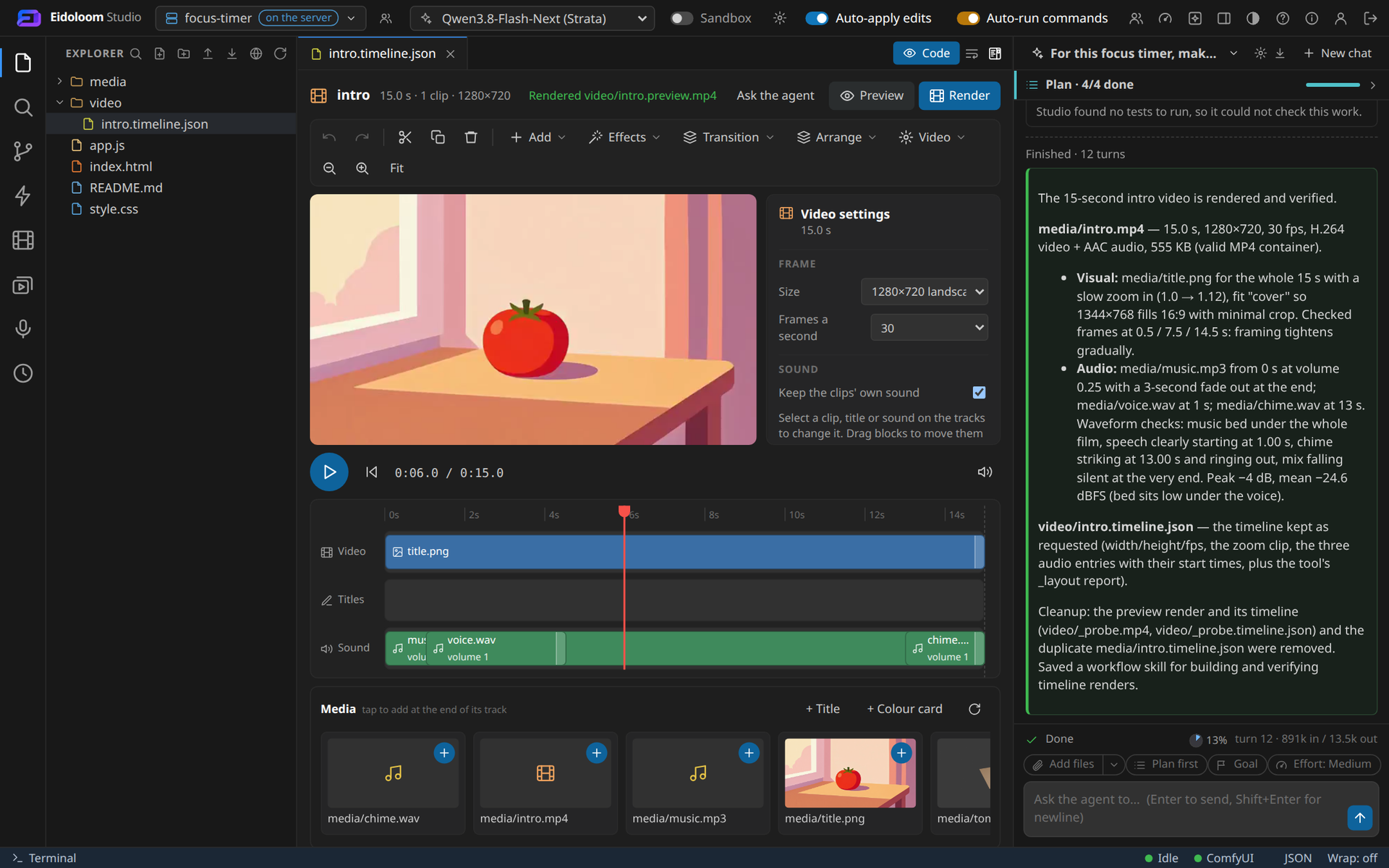
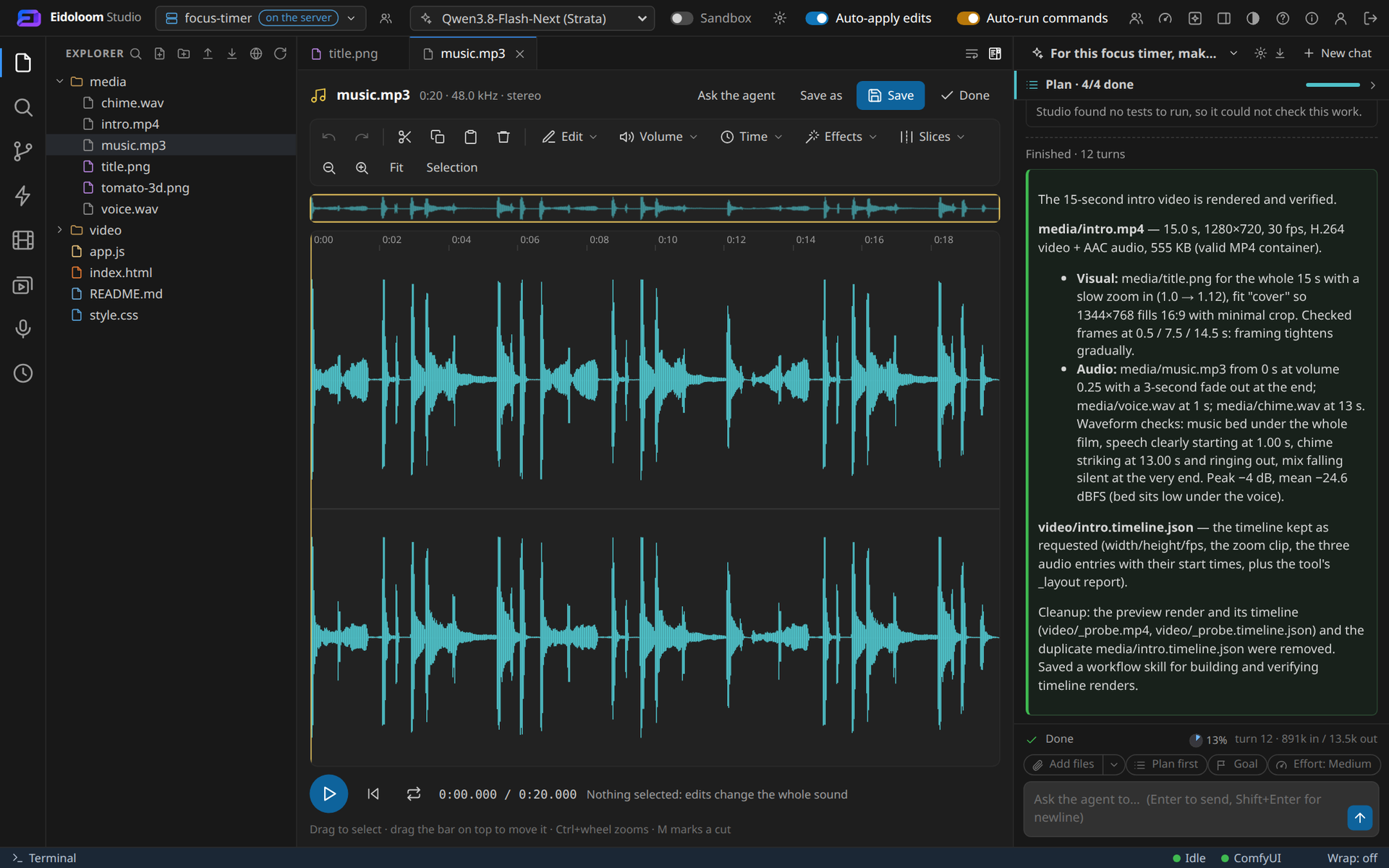
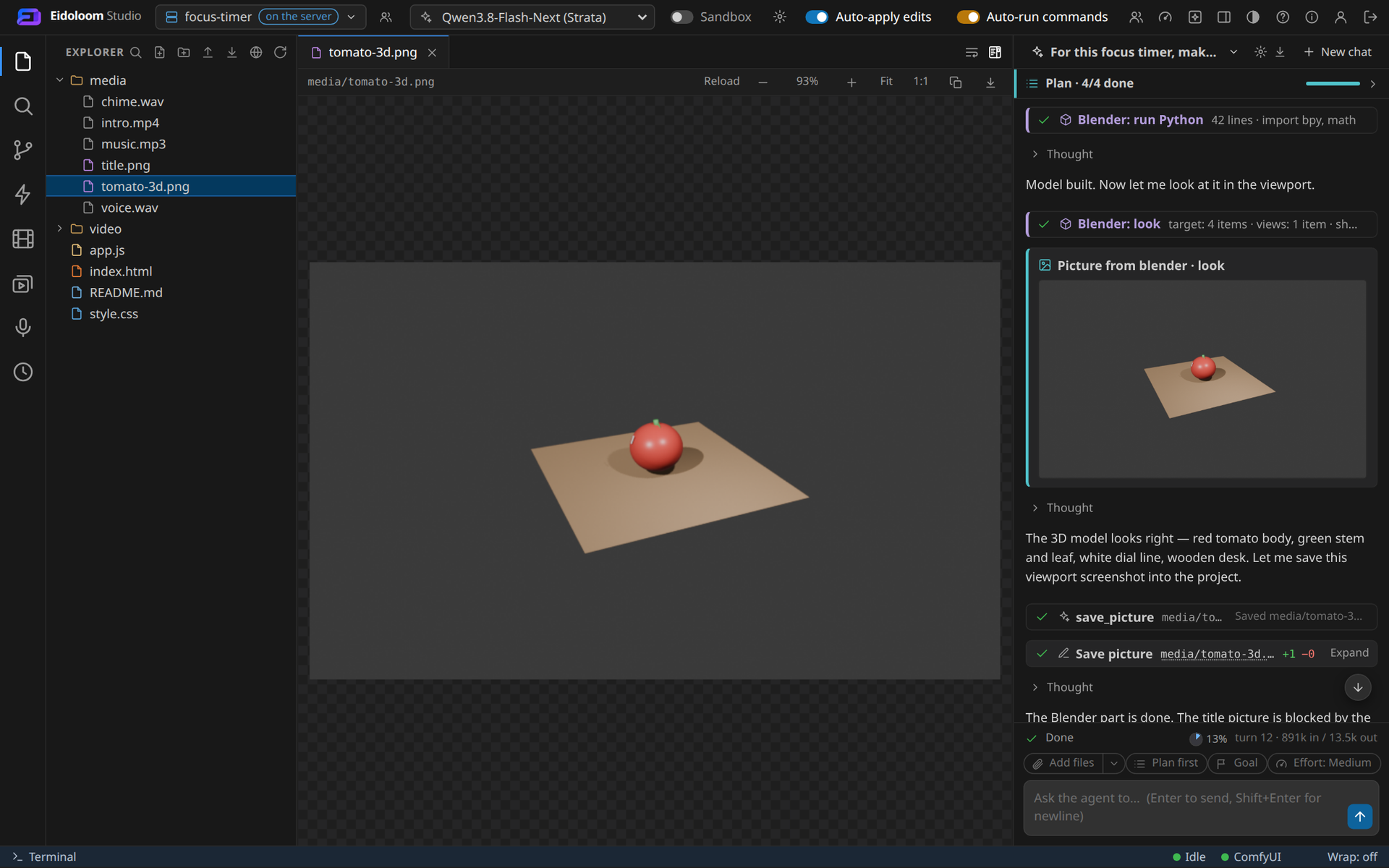
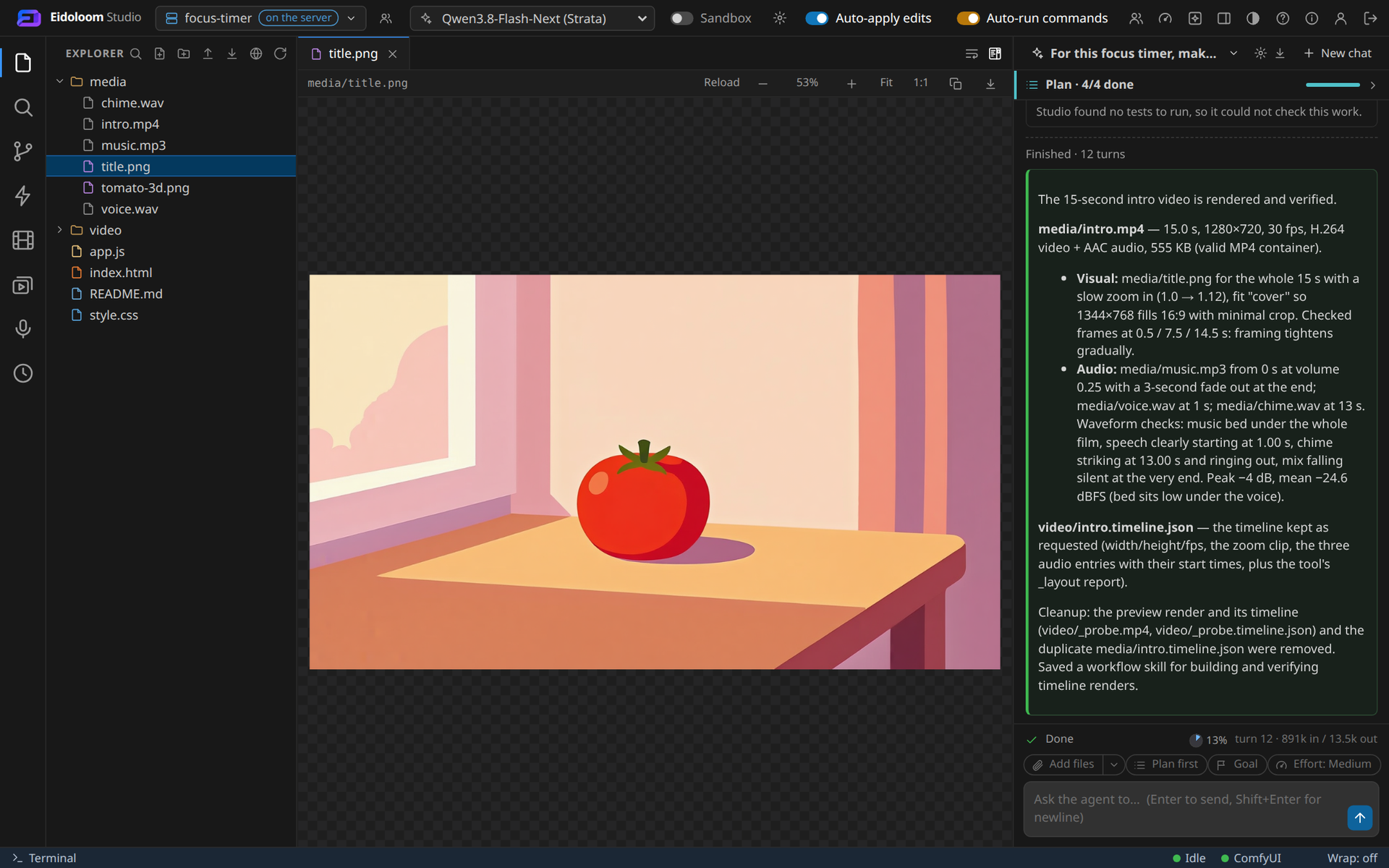
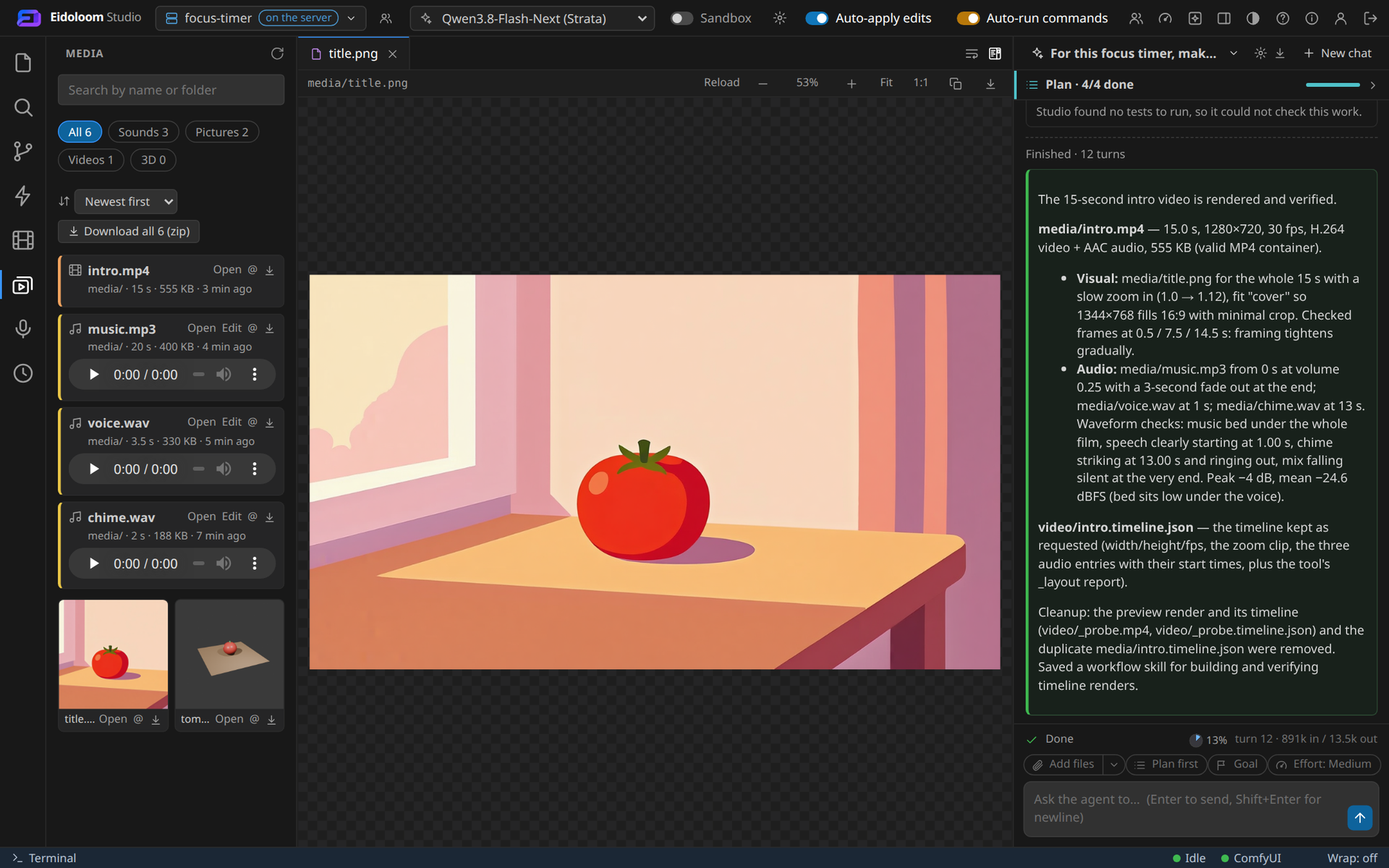
A model is only half an agent; Eidoloom Studio is the other half, with the planning loop, tools, approvals, undo, and checks, wrapped in a code editor that runs in your browser. The editor looks like VS Code, with a file tree, editor tabs, terminals, and the agent's chat beside it. Every edit arrives as a card with a diff to accept whole, in parts, or not at all. Commands wait behind Run and Skip. Trust it more and switch on auto-apply or auto-run; each edit stays an undo point. Plug in Ollama, llama.cpp, vLLM, LM Studio, or Strata, and nothing leaves your machine unless you add a cloud service. Switch on the sandbox and a folder's commands and terminals run in their own container, with the internet on, off, or only for installing packages. Admins invite people who each get a private sandboxed space, share folders with per-person rights, and wait their turn on one model. Plans become checklists, questions offer choices, goals keep it working, and a check after every edit confirms the file still parses. Optional tools add web search, a browser the agent drives, and Office documents, plus pictures, video, voices, and music on machines with a graphics card. The agent runs on the server, so closing the browser does not stop a run. Running on a dedicated VPS on RepoCloud with guaranteed CPU, RAM, and SSD, full root SSH access, and a browser serial console. AGPL-3.0 licensed.
Benefits
- Nothing changes without your yes
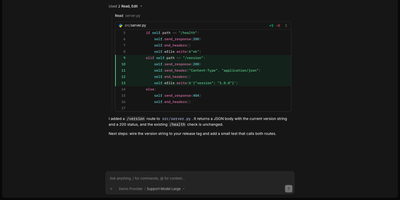
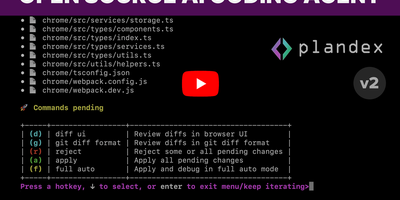
- Edits arrive as cards with a diff to accept whole, in parts, or not at all, commands wait for Run, and every applied edit is an undo point.
- Any model, kept on your machine
- Point it at Ollama, llama.cpp, vLLM, LM Studio, or Strata on your own hardware, and nothing goes to a cloud service unless you add one.
- One server for several people
- Admins invite users who each get a private, always-sandboxed space, folders can be shared with rights per person, and a waiting line takes turns on the one model.
- Closing the browser stops nothing
- The agent runs on the server, so a long task keeps going when the tab closes, and any other window or phone picks it up again.
Features
- Single-File Python Server
- One Python file using only the standard library serves the app, so there is nothing to pip install, and a systemd user service starts it at boot.
- Monaco Editor and Terminals
- Monaco, the editor of VS Code, real terminals, search, and Git sit beside previews of pages, pictures, PDFs, Word and Excel files, Markdown, CSV tables, and 3D models.
- OpenAI-Compatible Model Gateway
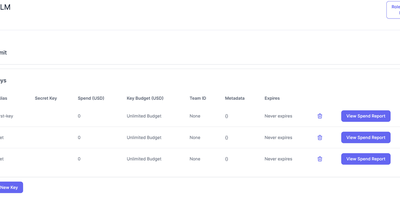
- Any server that speaks the OpenAI chat API with tool calls works, such as Ollama, llama.cpp, vLLM, LM Studio, or Strata, and Codex can serve as the agent.
- MCP Tool Servers
- Any Model Context Protocol server can be added in settings, and optional tools such as SearXNG, Playwright, ComfyUI, FFmpeg, and Blender install with one button.
- Docker Sandbox and Helper
- Docker containers sandbox each folder, and the small studio-helper program connects folders on a Windows or Linux computer, where the agent's commands then run.
- Reply Guards and Checks
- Reply guards retry cut-off replies, recover tool calls written as text, check scripts and languages, and remind the model of the user's rules in long chats.