Categories
Self-Hosted Developer Tools Automation MCP Generative AI Multi-Agent Coding Agents AI CodingStars
Forks
Watchers
Developer links
ZCode
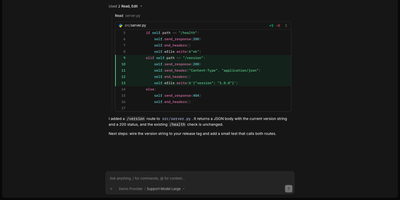
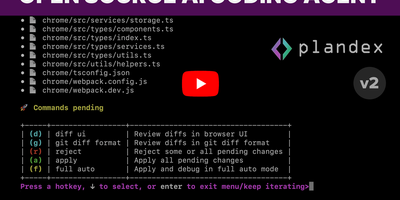
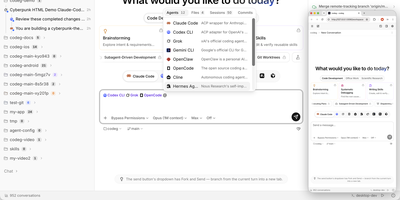
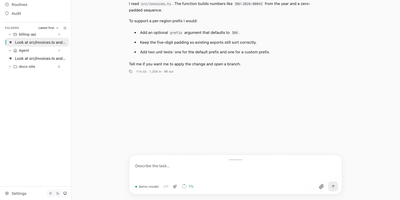
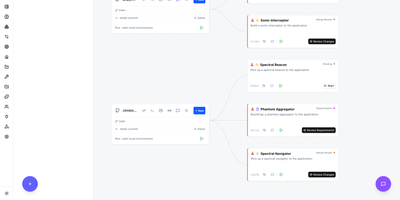
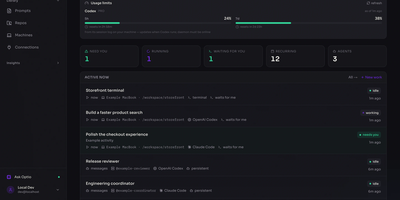
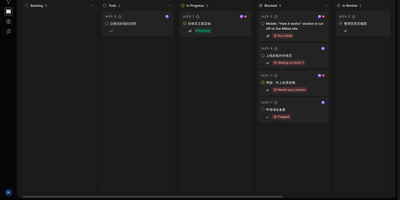
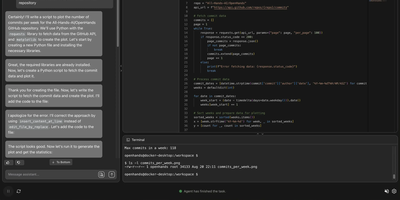
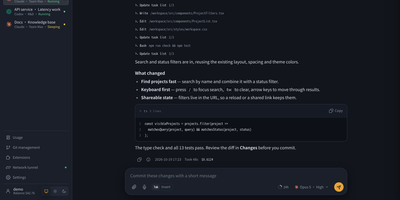
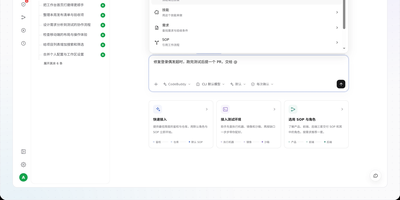
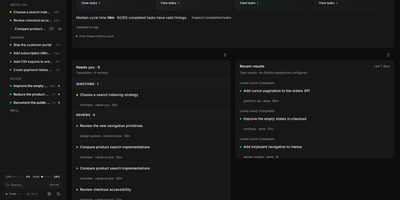
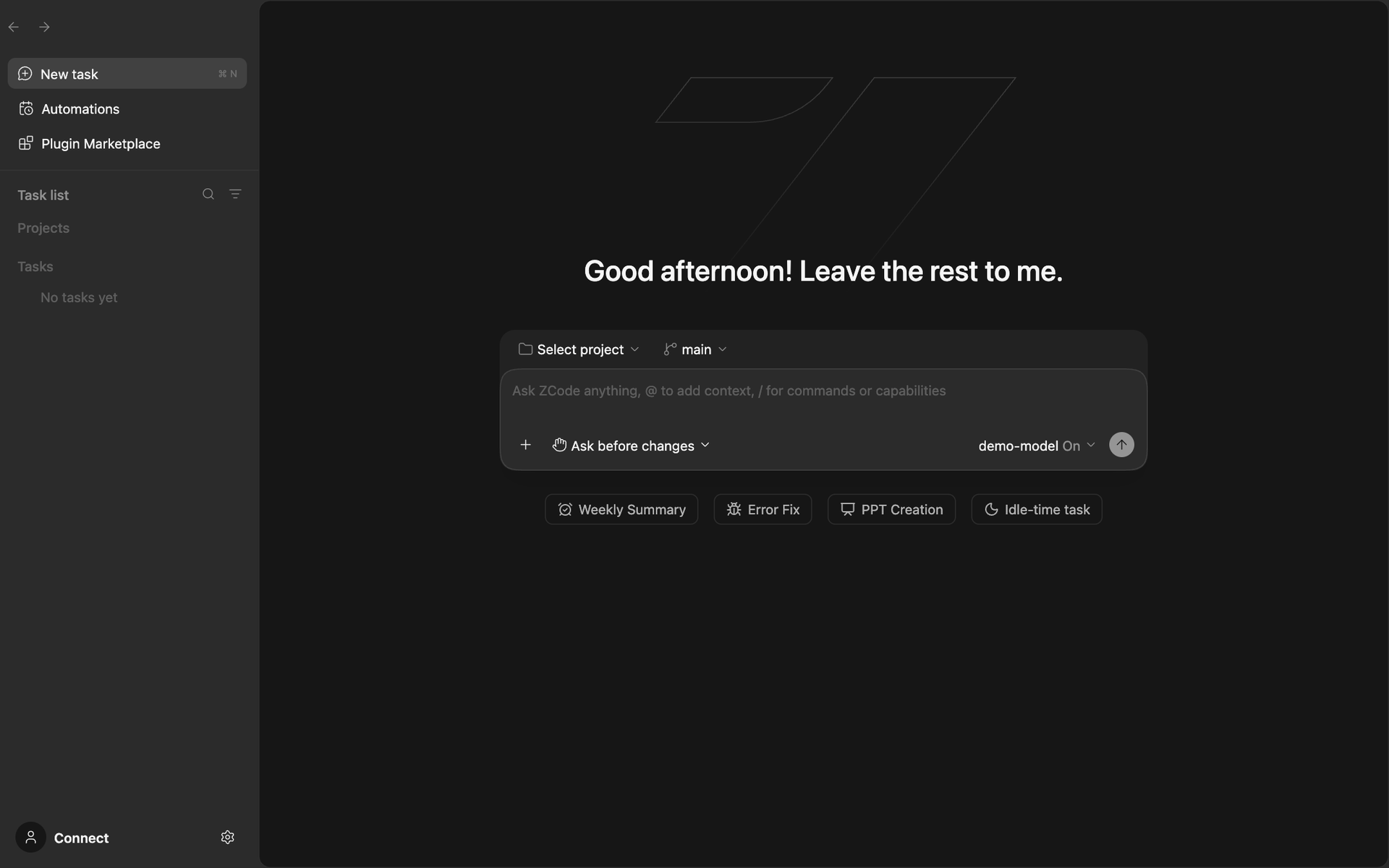
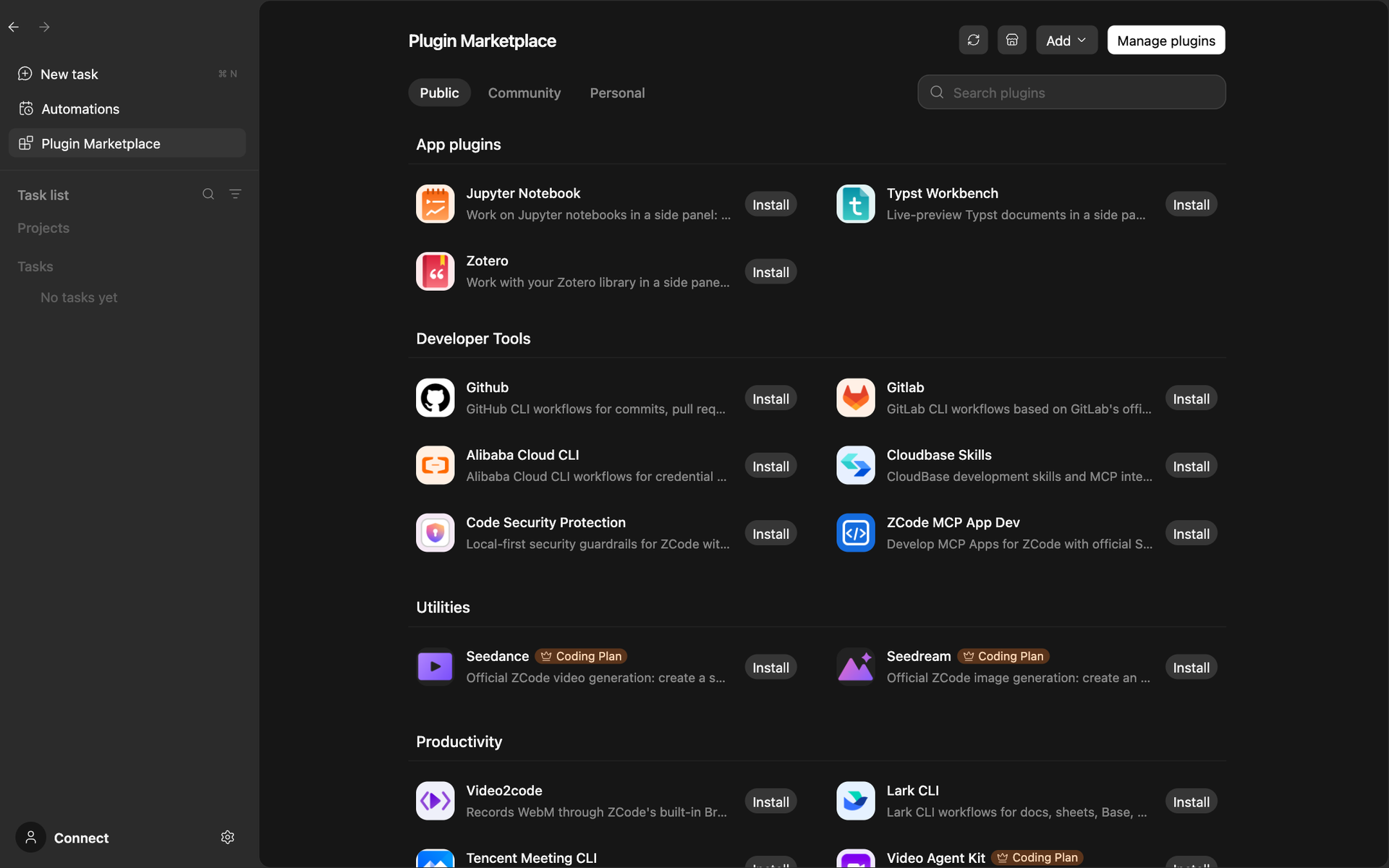
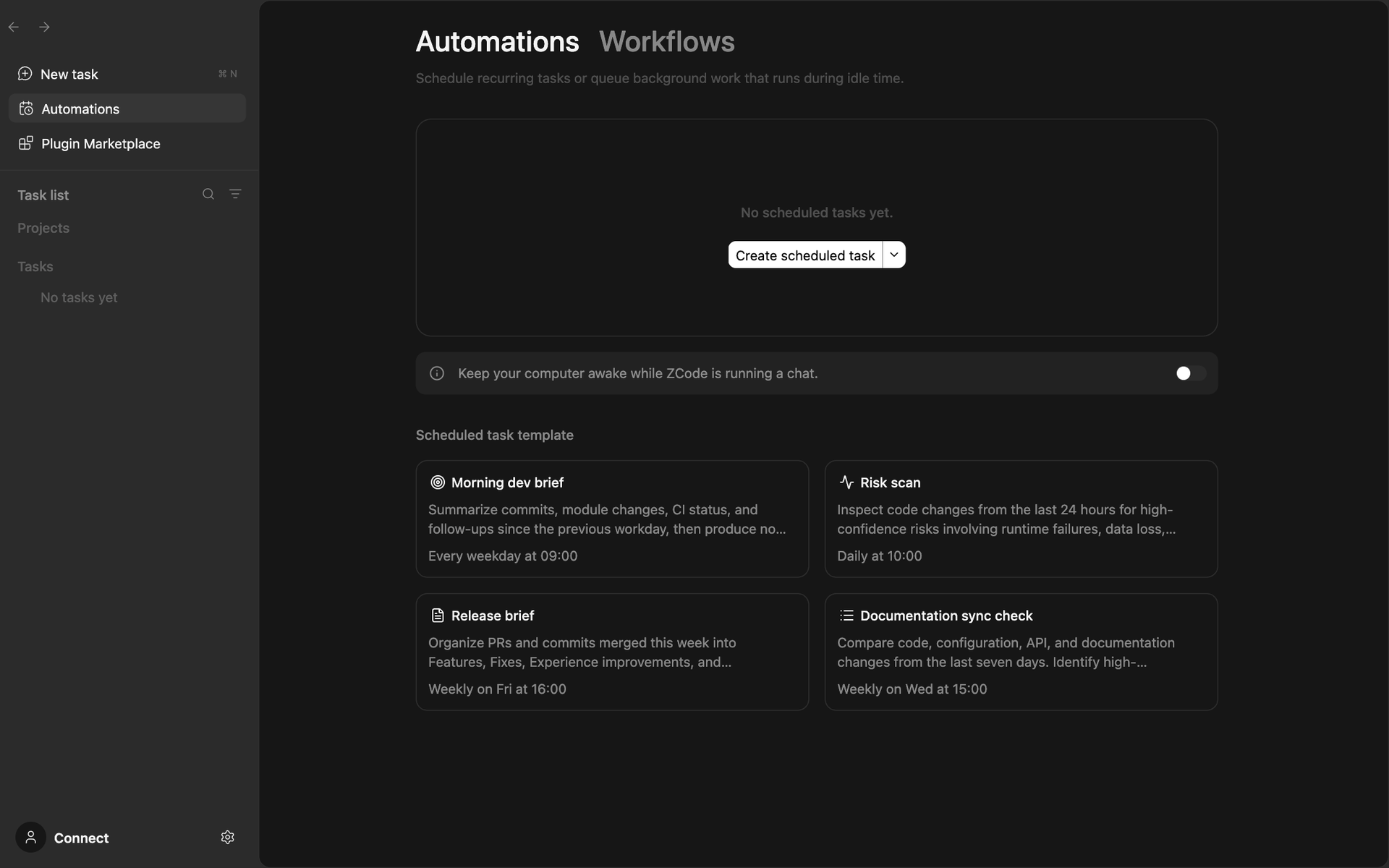
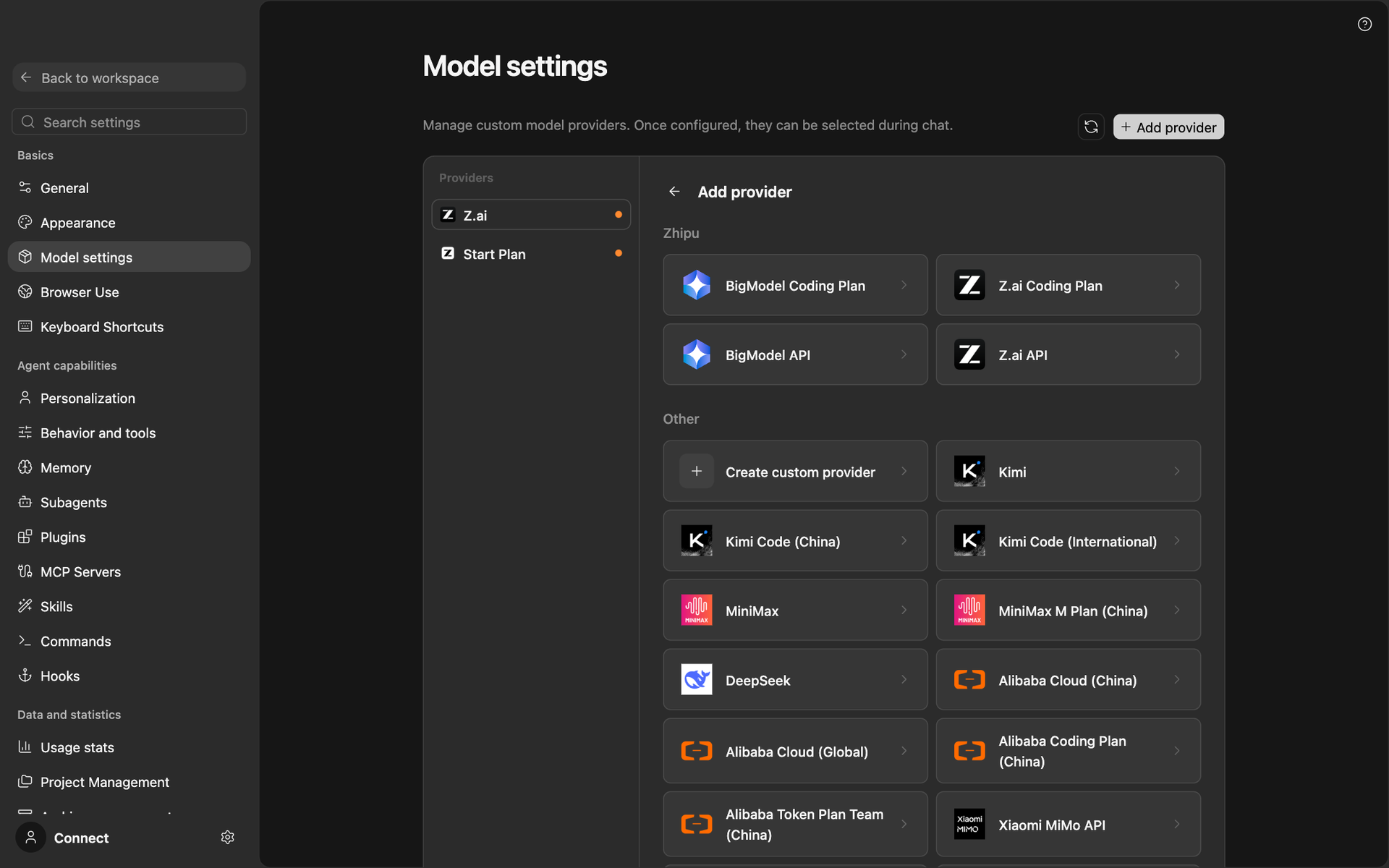
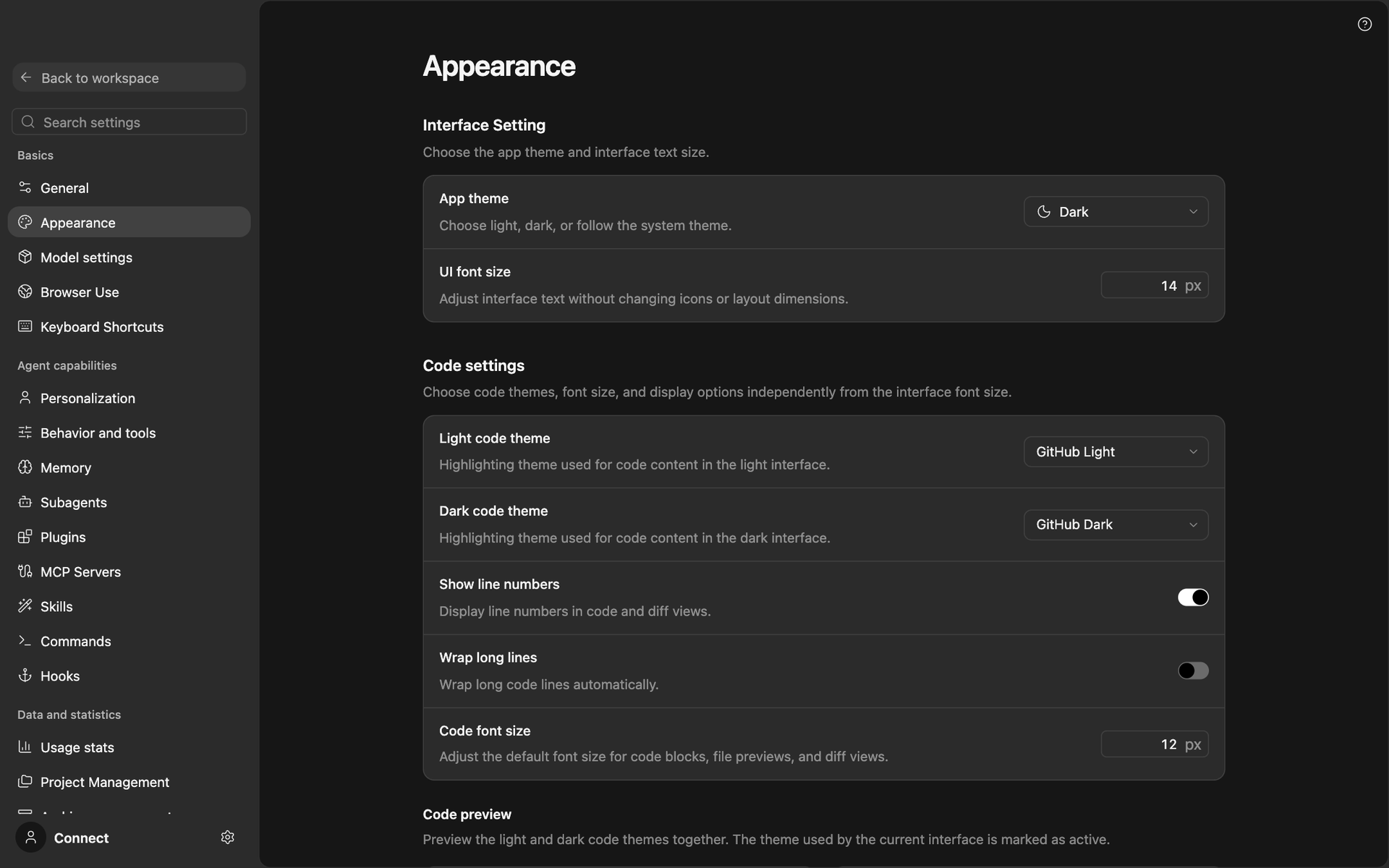
Hand an agent a goal and keep your hands free for the next one. ZCode is a coding workspace where a built-in agent plans a task, edits files, runs commands, and checks its own work, and an ask-before-changes mode keeps you in charge of anything sensitive. Long goals hold context across files, terminal output, and Git state, and subagents take on parallel research in isolated contexts, either waited on in the foreground or reporting back from the background. Connect Z.ai plans or your own provider through chat completions, responses, or Anthropic message formats, with presets for OpenAI, Anthropic, DeepSeek, Kimi, MiniMax, and OpenRouter. A plugin marketplace adds GitHub, GitLab, Jupyter, Zotero, and Typst panels, and MCP servers, skills, commands, and hooks extend the agent further. Automations run recurring jobs, for example a morning dev brief, a risk scan, a release brief, or a documentation sync check. Chat bots for Feishu, WeChat, and Telegram let you steer work from a phone. Office mode hides code details for non-developers, and Coding mode shows every command and diff. Start the web client with zcode --web, choose a workspace and port, and open it in a browser. Running on a dedicated VPS on RepoCloud with guaranteed CPU, RAM, and SSD, full root SSH access, and a browser serial console. Apache-2.0 licensed.
Benefits
- Agents That Finish Long Tasks
- Goals keep planning, execution, and verification inside one task, and files, terminal output, and Git state stay in context so a multi-step job does not restart halfway through.
- Bring Your Own Model Provider
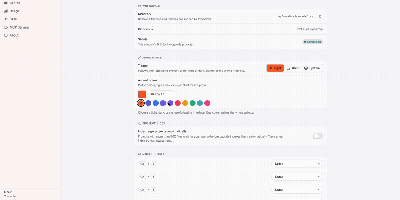
- Add a custom provider by base URL, pick chat completions, responses, or Anthropic messages format, and register models with their own context windows, so you are never tied to one vendor.
- Control What The Agent Touches
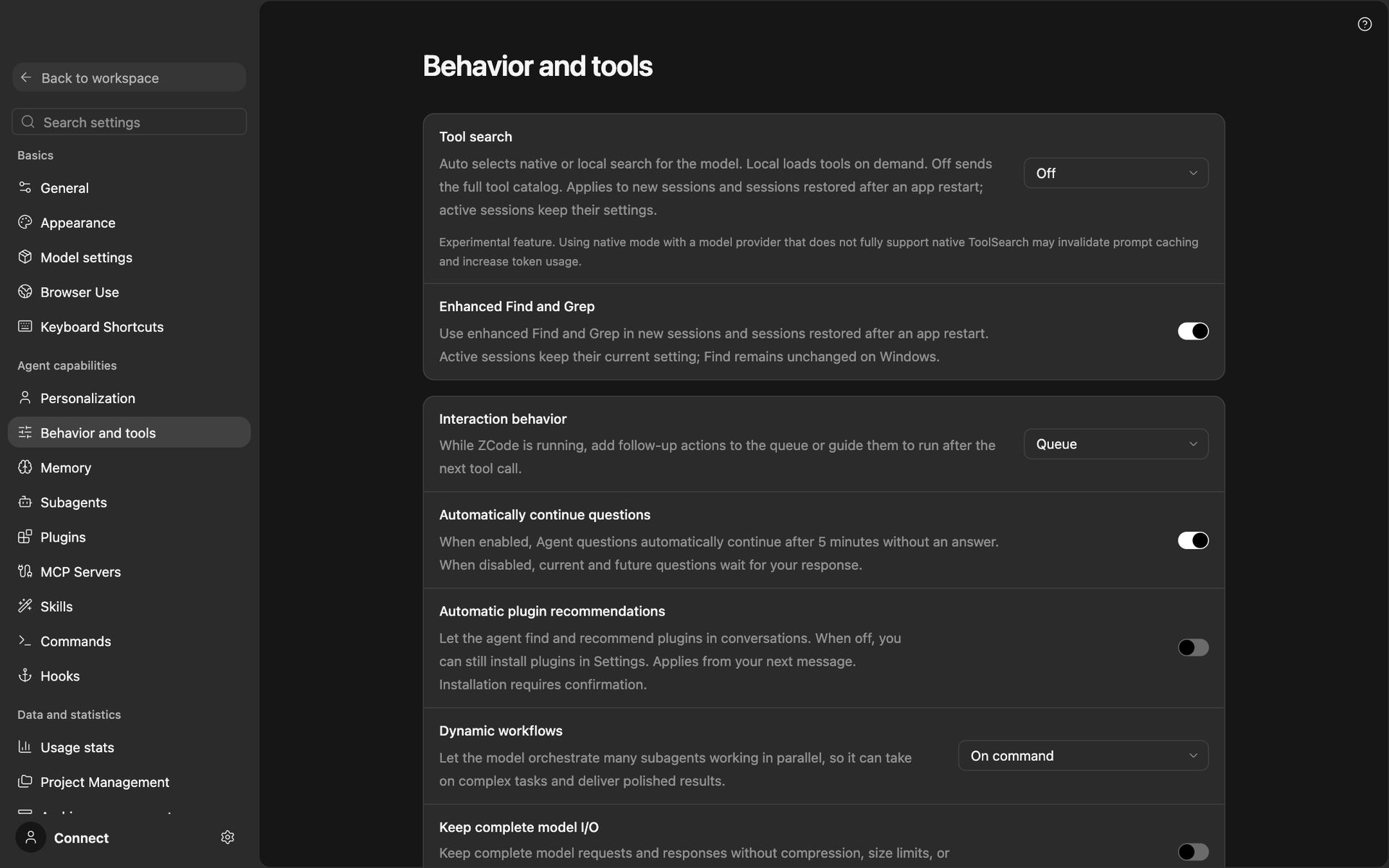
- Ask-before-changes mode gates edits and commands, subagents run in isolated contexts, and Office or Coding mode decides how much technical detail you see during a task.
- Steer Work From Anywhere
- Open the browser client on your own server, or message the agent from Feishu, WeChat, or Telegram, so long-running tasks keep moving with your laptop closed.
Features
- Subagents And Workflows
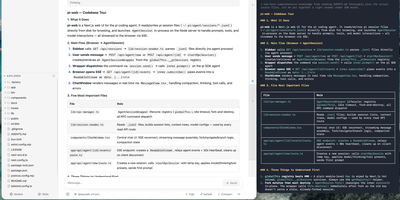
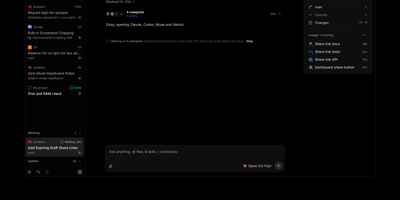
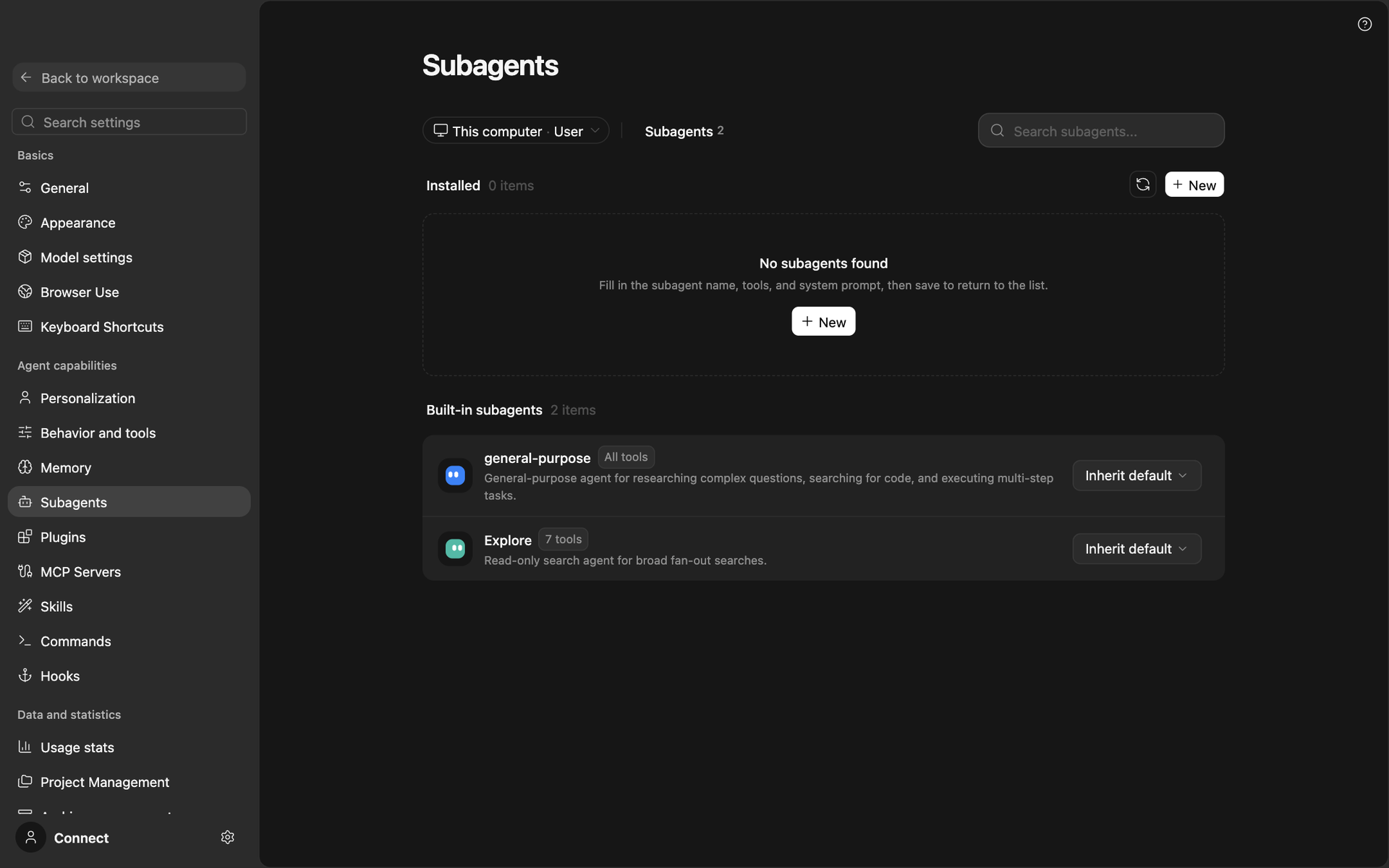
- Built-in general-purpose and read-only Explore subagents run in the foreground or background, and you can define custom subagents with their own model, tools, and instructions.
- Plugin Marketplace
- Install plugins for GitHub, GitLab, Jupyter notebooks, Zotero, and Typst from public, community, or personal sources, then manage them from the plugins page.
- MCP, Skills, And Hooks
- Add MCP servers, skills, slash commands, and hooks from the settings pages to extend what the agent can call and automate.
- Scheduled Automations
- Create recurring or idle-time tasks from templates like a morning dev brief, risk scan, release brief, and documentation sync check, with workflows alongside.
- Web And Terminal Clients
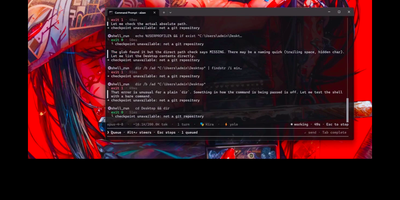
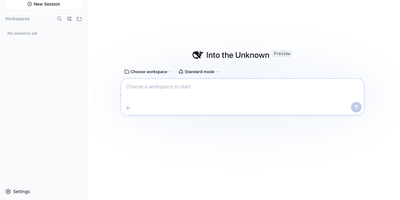
- One zcode command opens a terminal interface by default or a browser client with the --web flag, accepting workspace and port options.