Categories
Self-Hosted Developer Tools DevOps Automation Agent Orchestration AI Coding Agents Job QueueStars
Forks
Watchers
Developer links
pi-dispatch
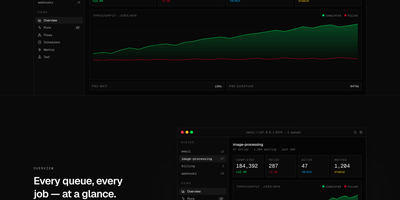
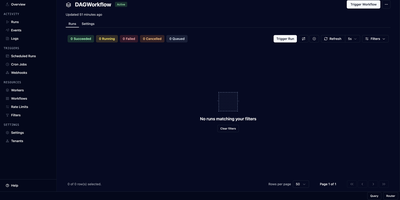
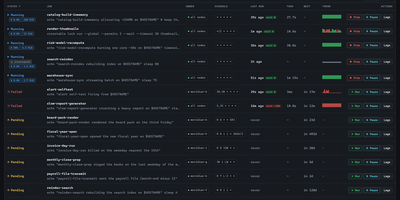
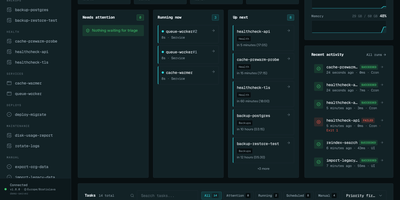
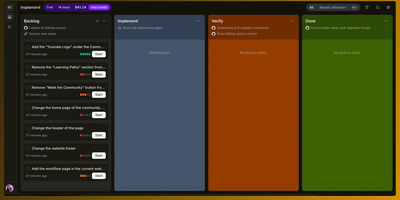
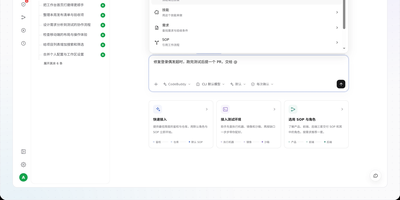
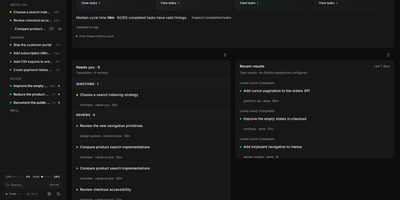
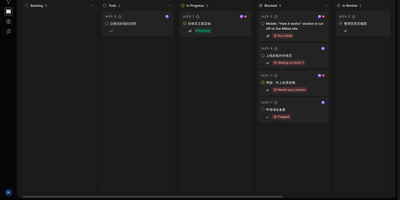
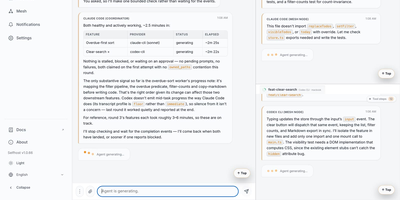
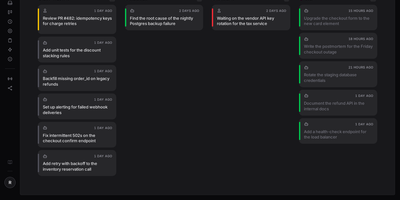
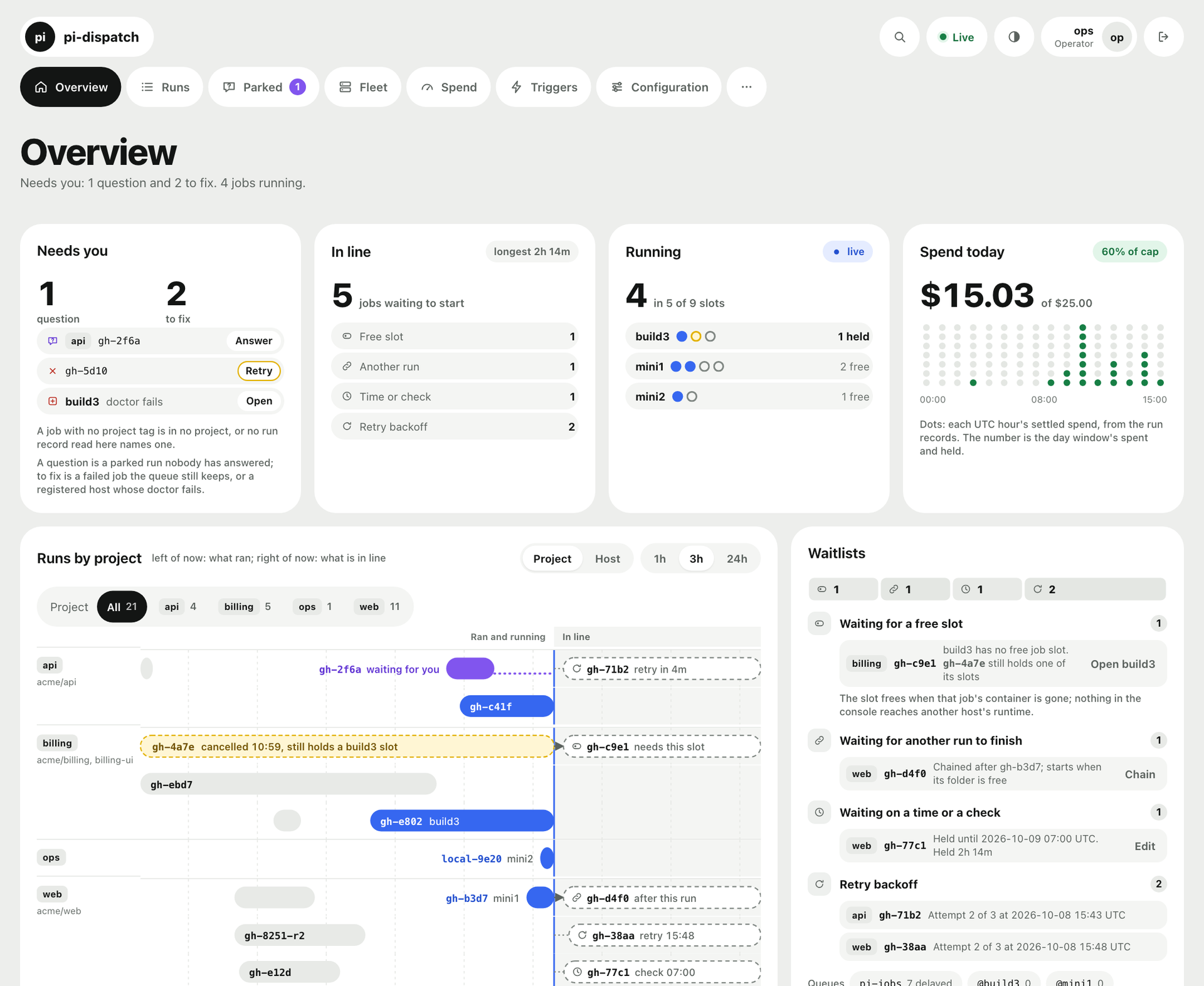
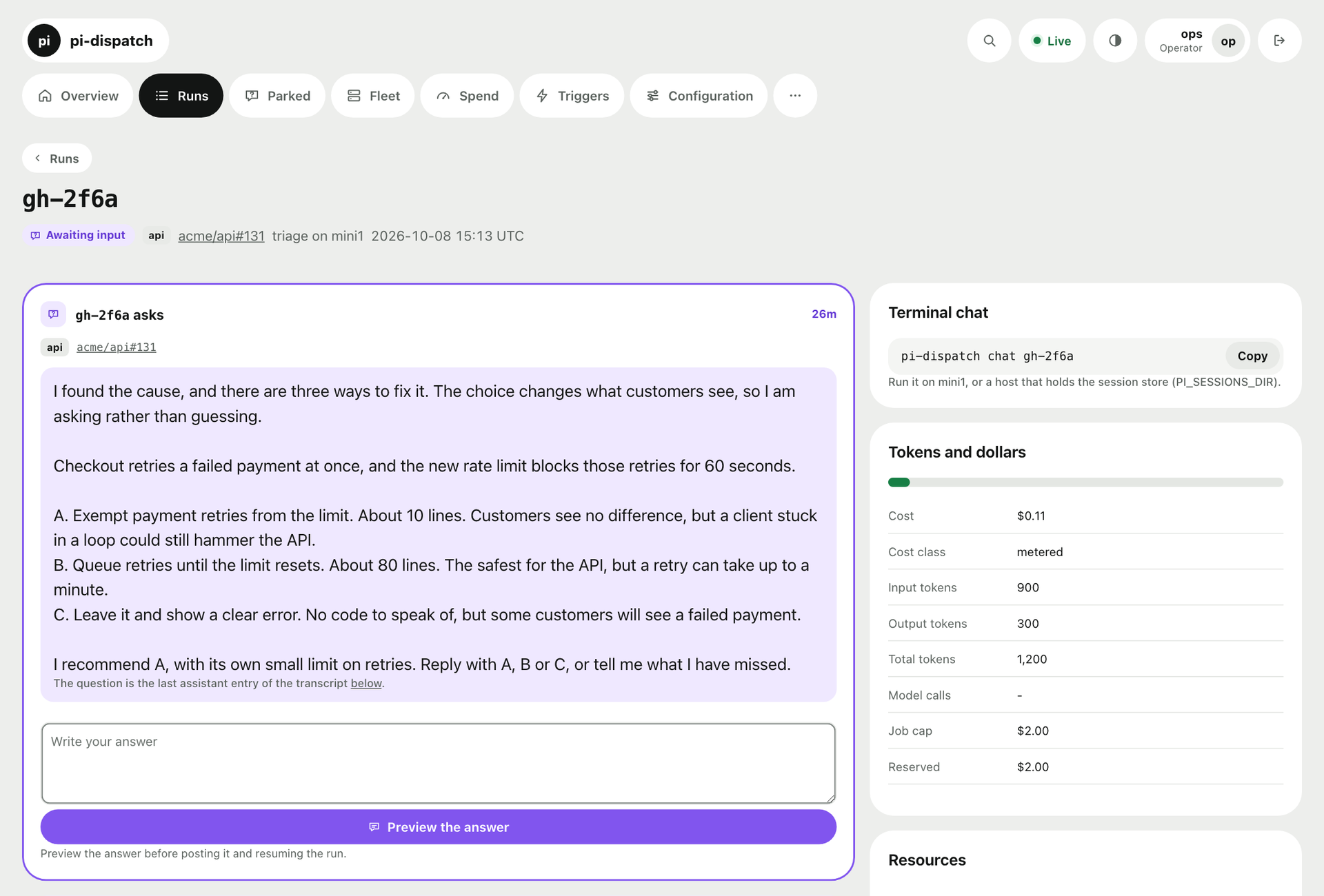
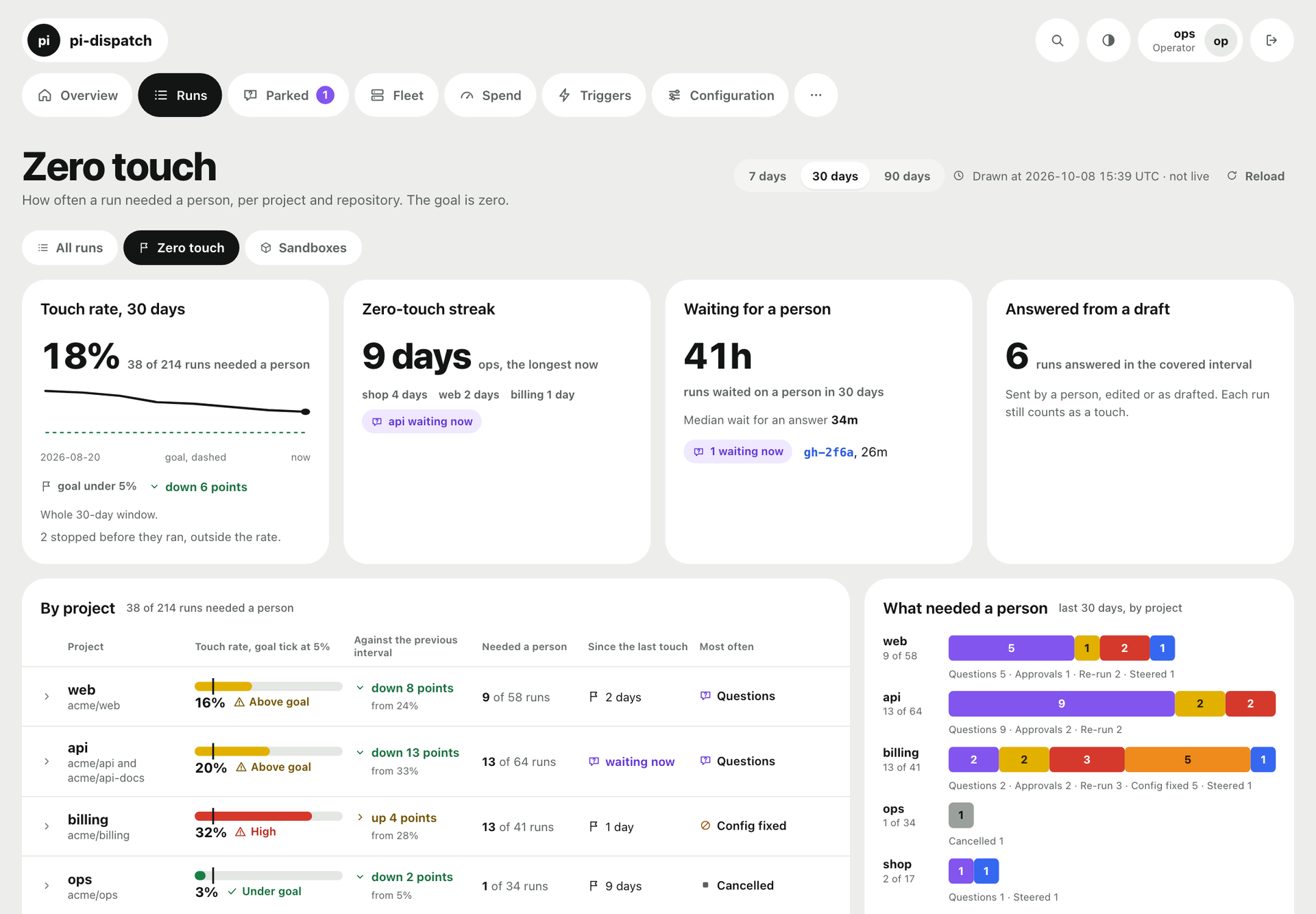
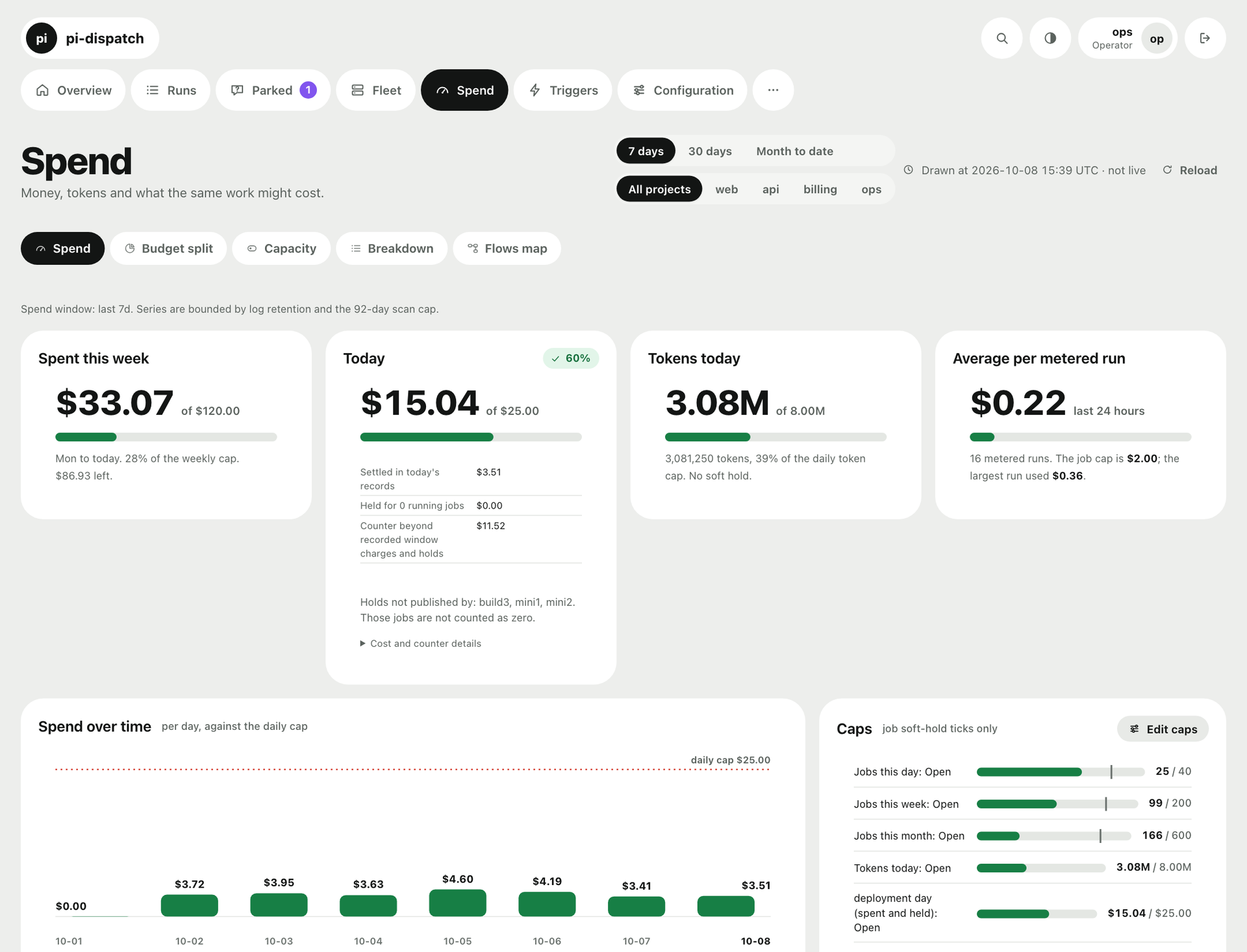
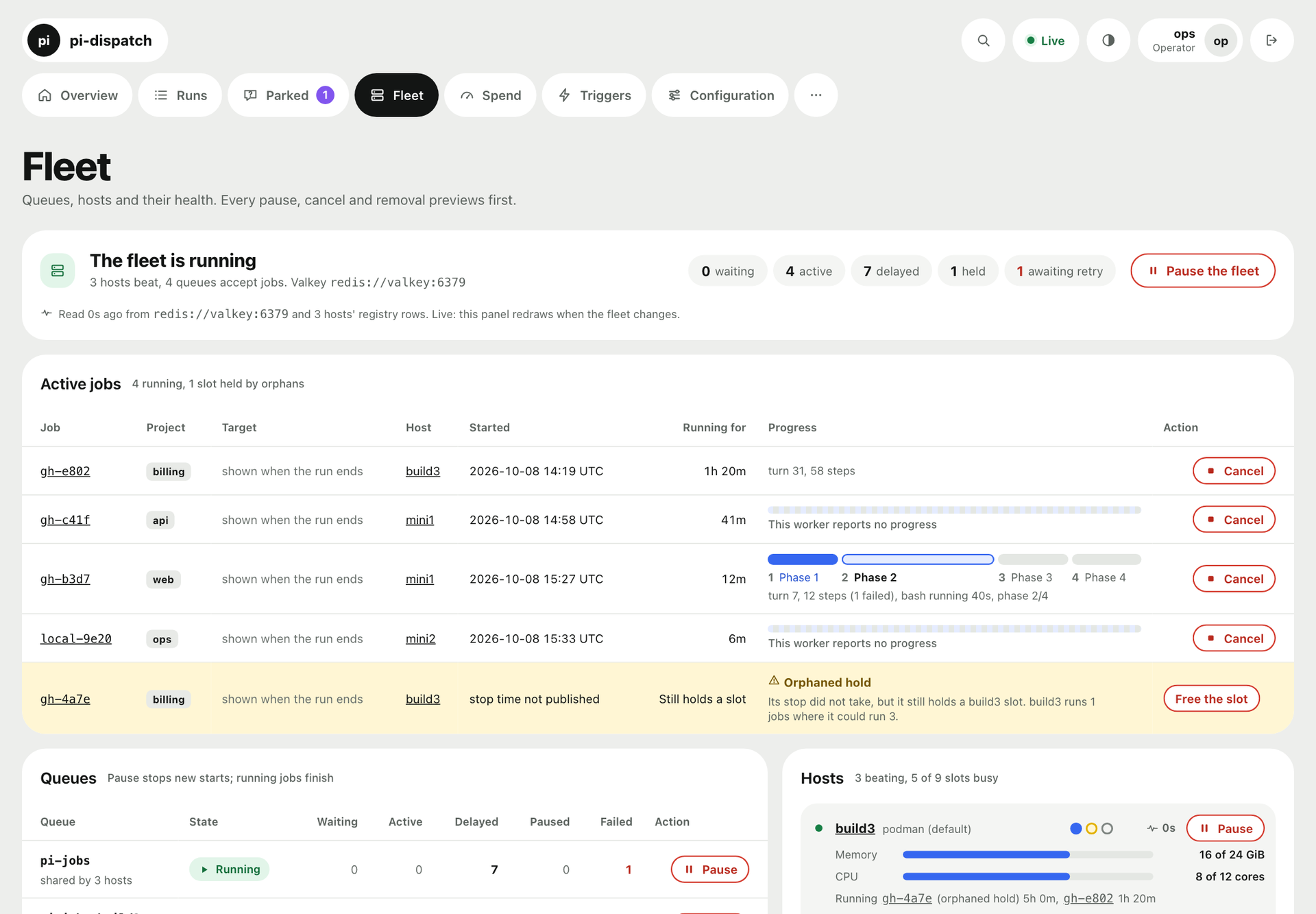
pi-dispatch turns one AI coding agent into a swarm that works in the background and reports to a single web page. Jobs start from a nightly schedule, a labeled issue, or a comment, then wait in one shared queue until a machine has room. Each job runs in a sealed box that is thrown away afterwards, reaches only the internet addresses you allow, and stops at the dollar limits you set per day, week, and month. When an agent hits a decision, it parks a question with options and a recommendation, and no model spend accrues until you answer. The overview shows what needs you, what is queued, what is running, and what today has cost. A Zero touch page tracks how often runs needed a person, per project, so you can see how far to step back. On GitHub, GitLab, Forgejo, and Azure DevOps the work ends as a proposed change that a human merges. Fleet, Spend, Triggers, and Models pages cover several machines, budgets per project, and fallback models. Running on a dedicated VPS on RepoCloud with guaranteed CPU, RAM, and SSD, full root SSH access, and a browser serial console. MIT licensed.
Benefits
- Run Many Agents Unattended
- Triggers start jobs from schedules, issue labels, or comments, and one shared queue feeds your machines, so routine coding work happens in the background without you sitting beside an agent.
- Spending Limits That Hold
- Dollar and job caps apply per day, week, and month, for everything or per project, and a job over its limit is refused before it starts, so a runaway agent cannot surprise you.
- Every Job Stays Contained
- Each job gets a fresh sealed container that sees only its own project and the network addresses you allow, then it is discarded, which limits what a mistake or leaked key can touch.
- Humans Keep The Final Say
- Work on a hosted repository ends as a proposed change for review, never a merge, and parked questions ask you before risky steps, so what ships stays your decision.
Features
- Live Overview Dashboard
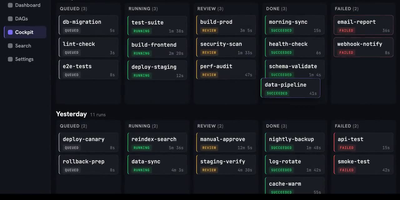
- One page shows what needs you, what waits in line and why, what is running across hosts, and today's spend against its cap.
- Parked Questions
- A job that needs a decision stops and waits, shows what it found, your options, and a recommendation, and resumes from your answer.
- Zero Touch Tracking
- Charts how often runs needed a person, per project over 7, 30, or 90 days, with a goal line so you can decide when to step back.
- Fleet And Spend Pages
- Pause or cancel jobs across machines, inspect queues and hosts, and see spend by project, flow, model, and day against your caps.
- Triggers And Fallback Models
- Define schedules, label rules, and comment rules for new jobs, and list fallback models that take over when a provider is rate limited.