Categories
Self-Hosted Local LLM Speech to Text Meeting Transcription Speaker Diarization Data Privacy AI Meeting Minutes Audio ProcessingStars
Forks
Watchers
Developer links
TranscrIA
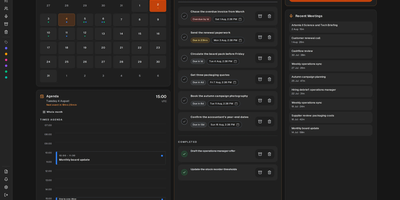
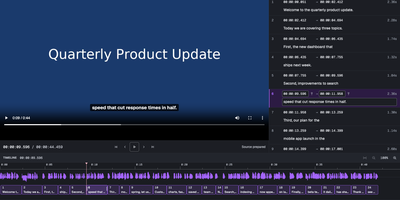
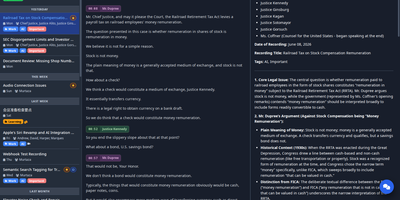
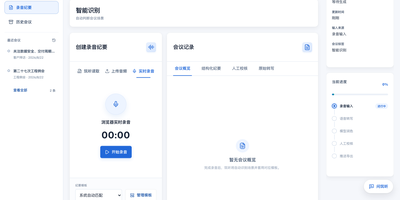
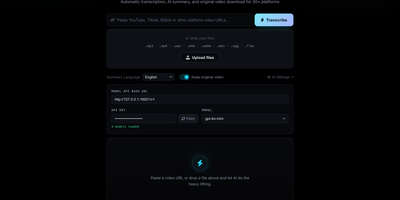
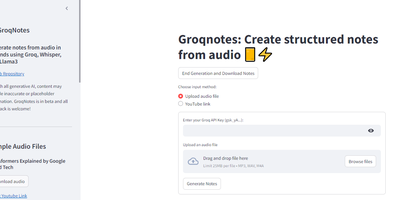
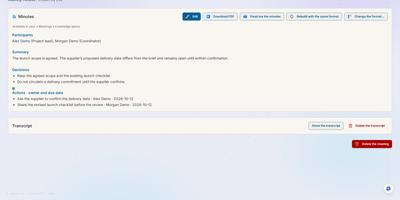
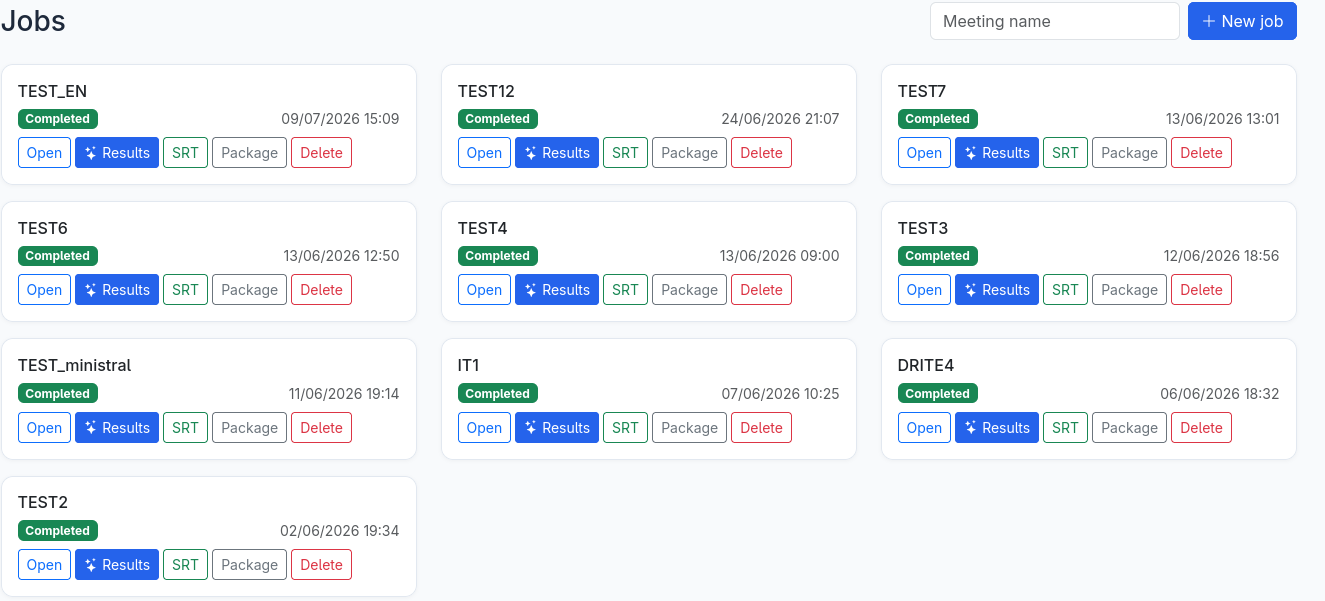
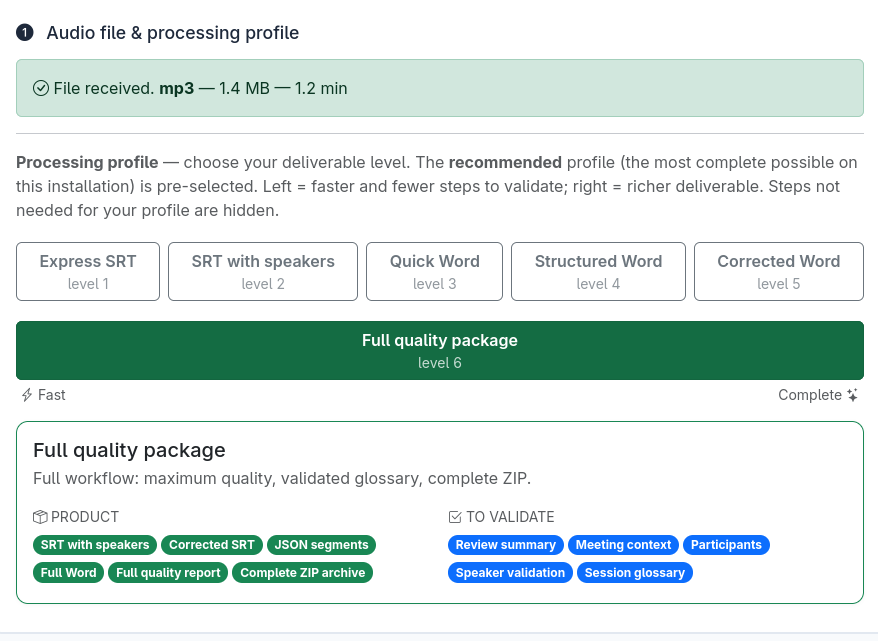
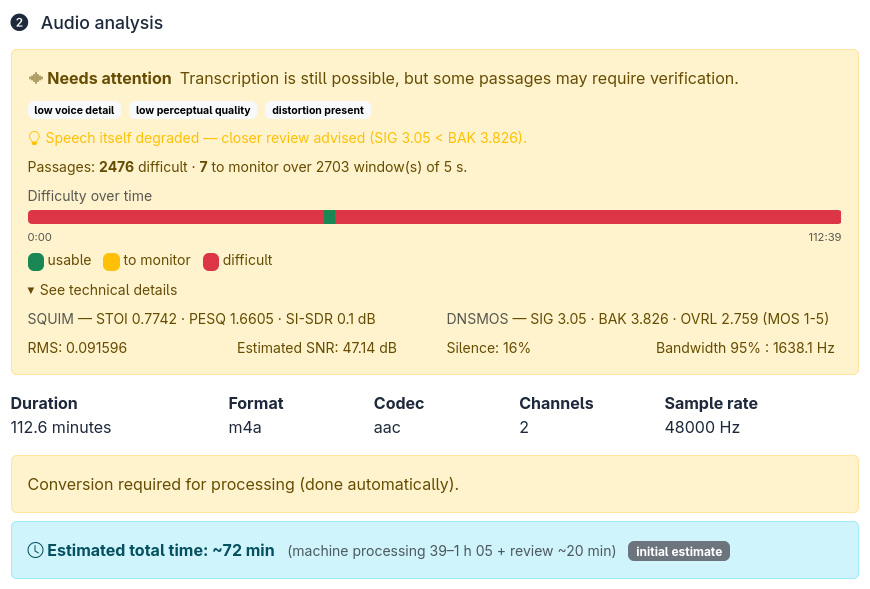
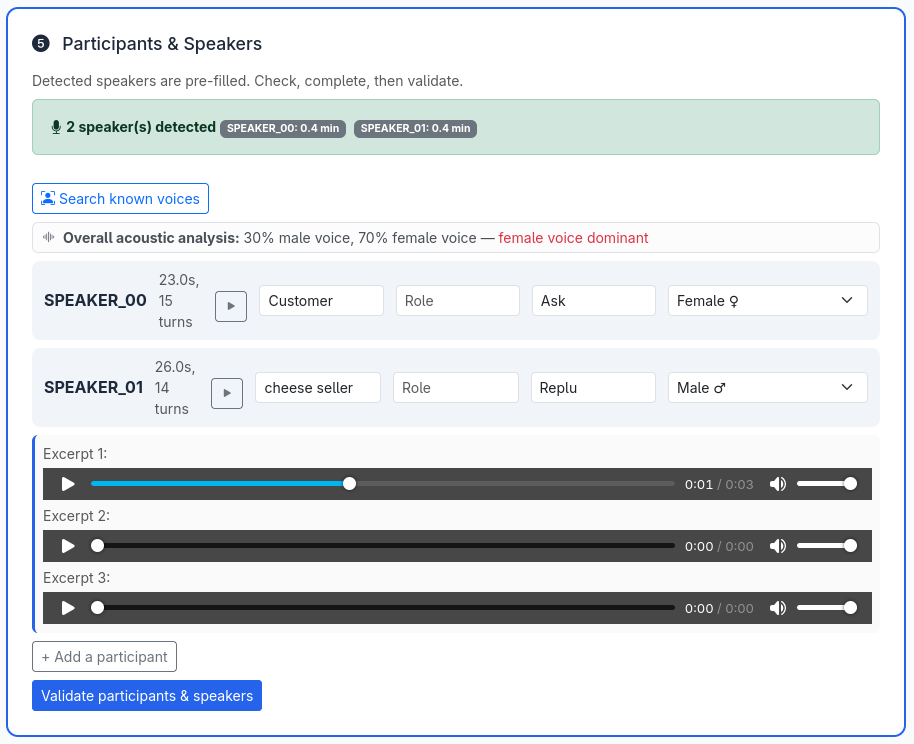
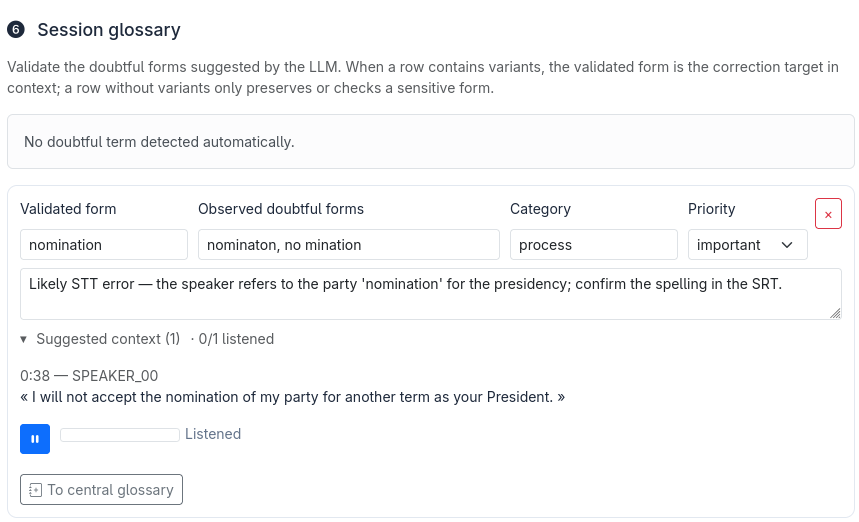
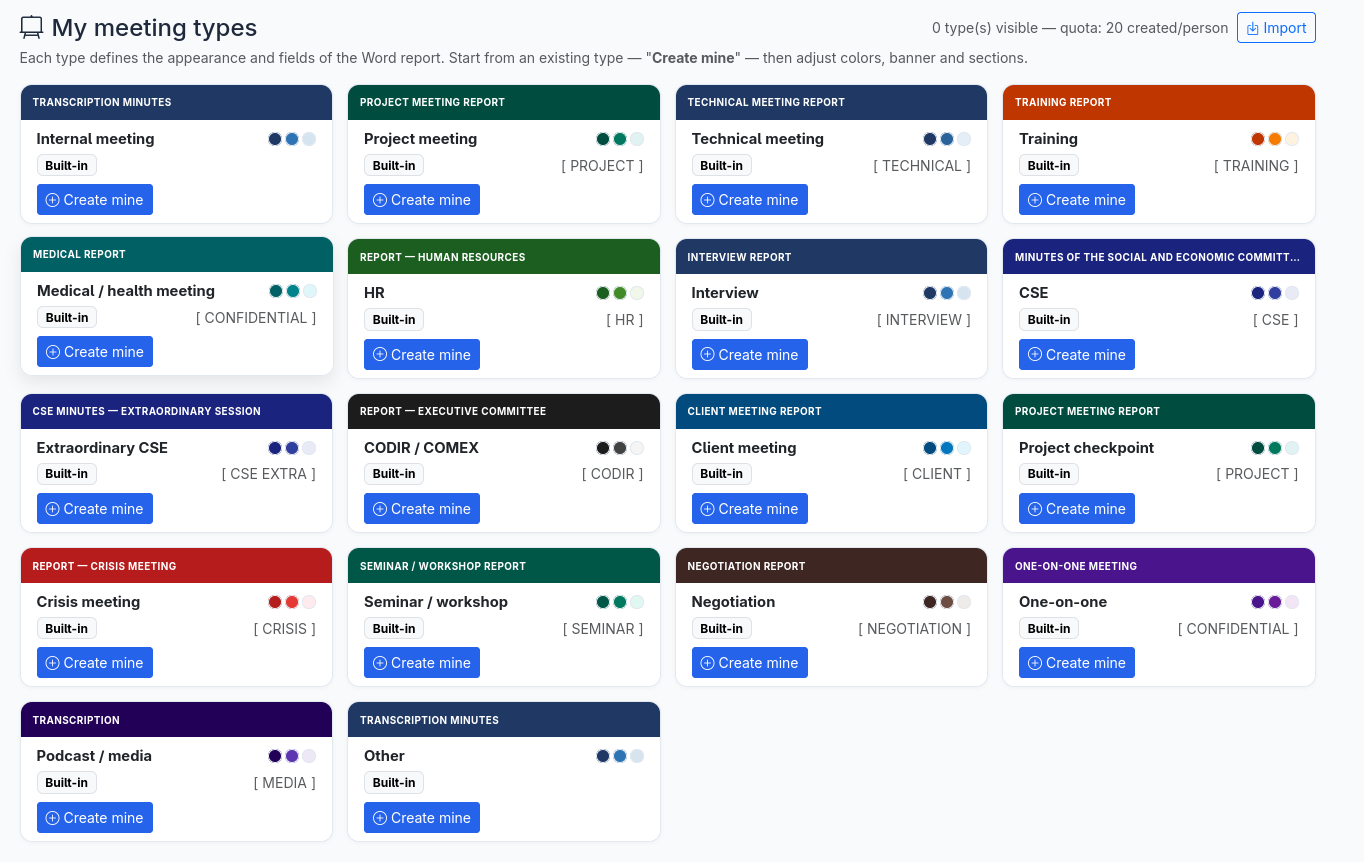
Long meeting recordings become corrected, speaker-labelled transcripts, structured summaries, and Word minutes in TranscrIA, with no per-minute bill. An audio check scores each upload and plots a difficulty timeline before transcription starts, and a single slider then picks the deliverable, from plain subtitles to a full quality package. Detected speakers arrive with playable excerpts, talk time, and an acoustic gender hint, and you confirm names, participants, and a domain glossary, while attached PDF, Word, or PowerPoint files ground the summary in the real agenda. A local OpenAI-compatible model corrects the text, and a waveform editor with speaker lanes handles splitting, merging, undo, and restorable versions. Chat lets you question a finished transcript and apply a fix across every deliverable, or ask across all meetings you may see and get cited answers plus a My Actions list. Eighteen meeting types shape the Word minutes, and meetings on Jitsi, Zoom, Visio, and Google Meet can be captured live over outbound-only connections. Roles, groups, single sign-on through OIDC or LDAP, personal API tokens, and an exportable audit trail suit shared use. Transcription runs on NVIDIA GPUs or, with the Kroko engine, on CPU alone, and an approved cloud LLM can write summaries when no GPU is present. The interface speaks French, English, Portuguese, and beta German, Spanish, and Italian. Running on a dedicated VPS on RepoCloud with guaranteed CPU, RAM, and SSD, full root SSH access, and a browser serial console. Apache-2.0 licensed.
Benefits
- No per-minute transcription bills
- Recordings are processed by speech and language models you run yourself, so cost stays flat however many hours of meetings you upload, and audio stays on your own server by default.
- Know audio quality before transcribing
- An acoustic preflight scores noise, clipping, and bandwidth and plots a difficulty timeline, so a poor recording is flagged as needing attention instead of silently producing a useless transcript.
- Human review where it matters
- Speaker excerpts, a domain glossary, and a waveform editor with undo and restorable versions let people confirm names and fix doubtful lines before the minutes are exported.
- Built for shared team use
- Roles, groups, OIDC or LDAP sign-in, personal API tokens, and an exportable audit trail with automatic retention purge let several teams share one install under data-protection rules.
Features
- Processing profiles
- One slider selects the deliverable from express SRT subtitles to a full quality package, and the portal runs only the pipeline phases that profile needs.
- Interchangeable speech engines
- Choose Cohere, Whisper, Voxtral, Granite, MOSS, or the CPU-only Kroko engine, with Nemotron 3 or pyannote diarization to label the speakers.
- LLM correction and summaries
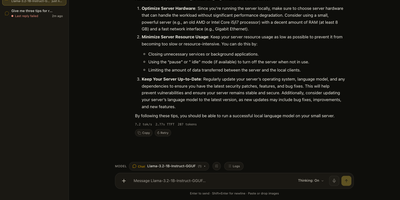
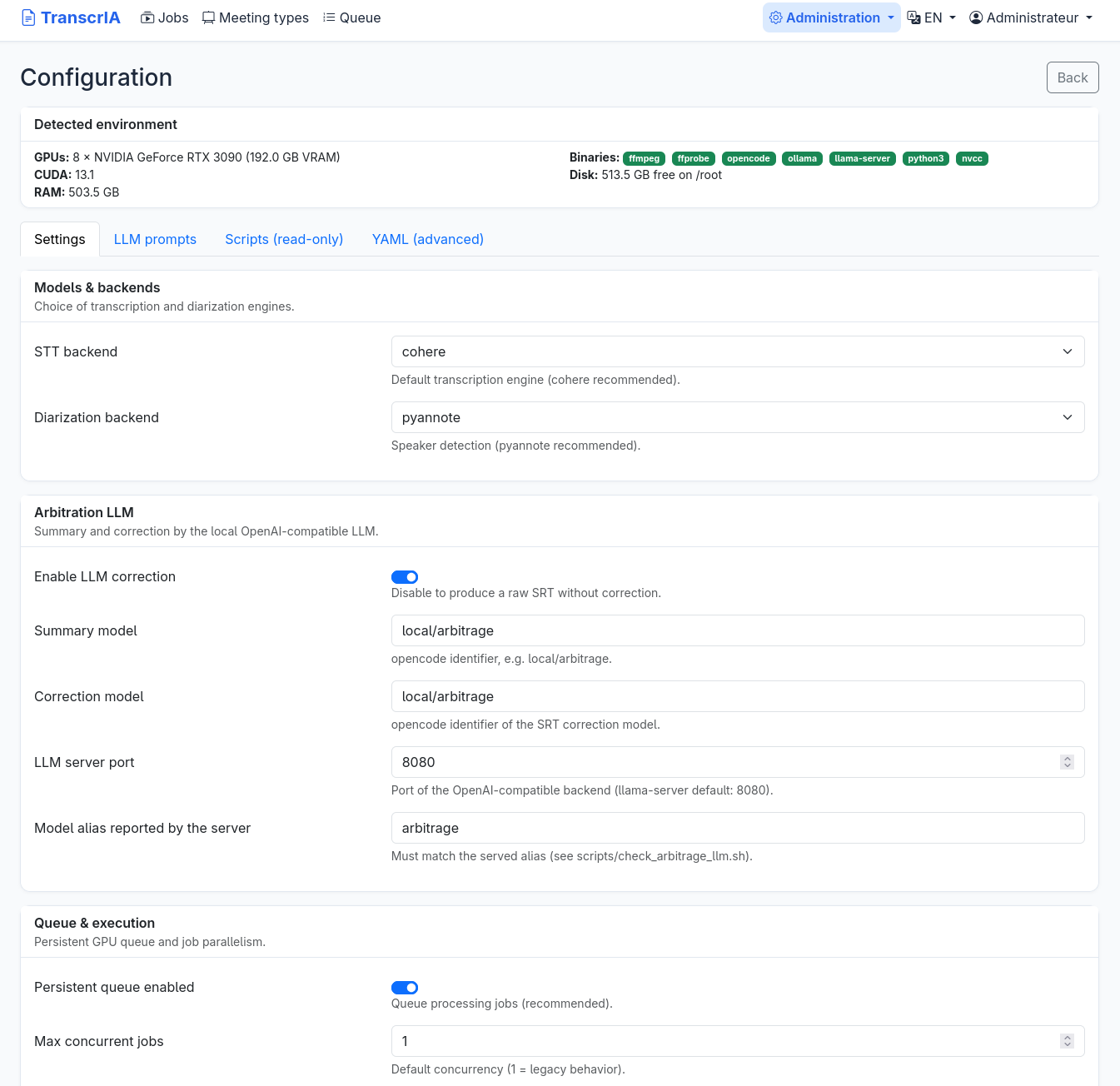
- A local OpenAI-compatible model on Ollama, llama.cpp, or vLLM corrects the transcript using your glossary and attached documents, then writes structured summaries.
- Transcript editor and chat
- Edit text with audio auto-pause on a speaker-lane waveform, then chat with one transcript or all meetings and apply a fix across every deliverable.
- Word minutes templates
- Eighteen built-in meeting types produce themed DOCX minutes, and teams can duplicate, restyle, preview, and share their own templates between groups or installs.
- Live meeting capture
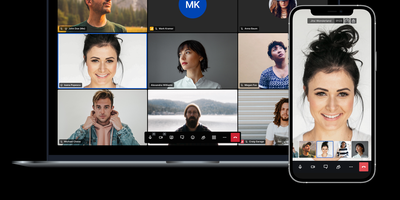
- Outbound-only bots capture Jitsi, Zoom, Visio, and Google Meet sessions, scheduled from the home page, with separate participant tracks for overlapping speech.