Categories
Self-Hosted Privacy File Sharing File Transfer Secret Sharing End-to-End Encryption Secure Notes Zero-KnowledgeStars
Forks
Watchers
Developer links
SkySend
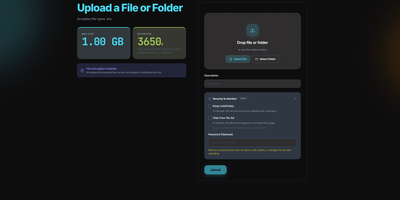
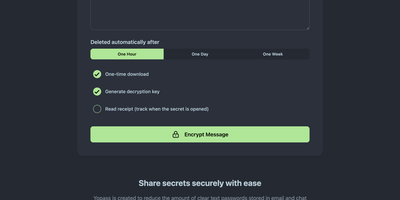
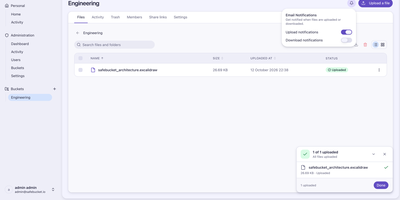
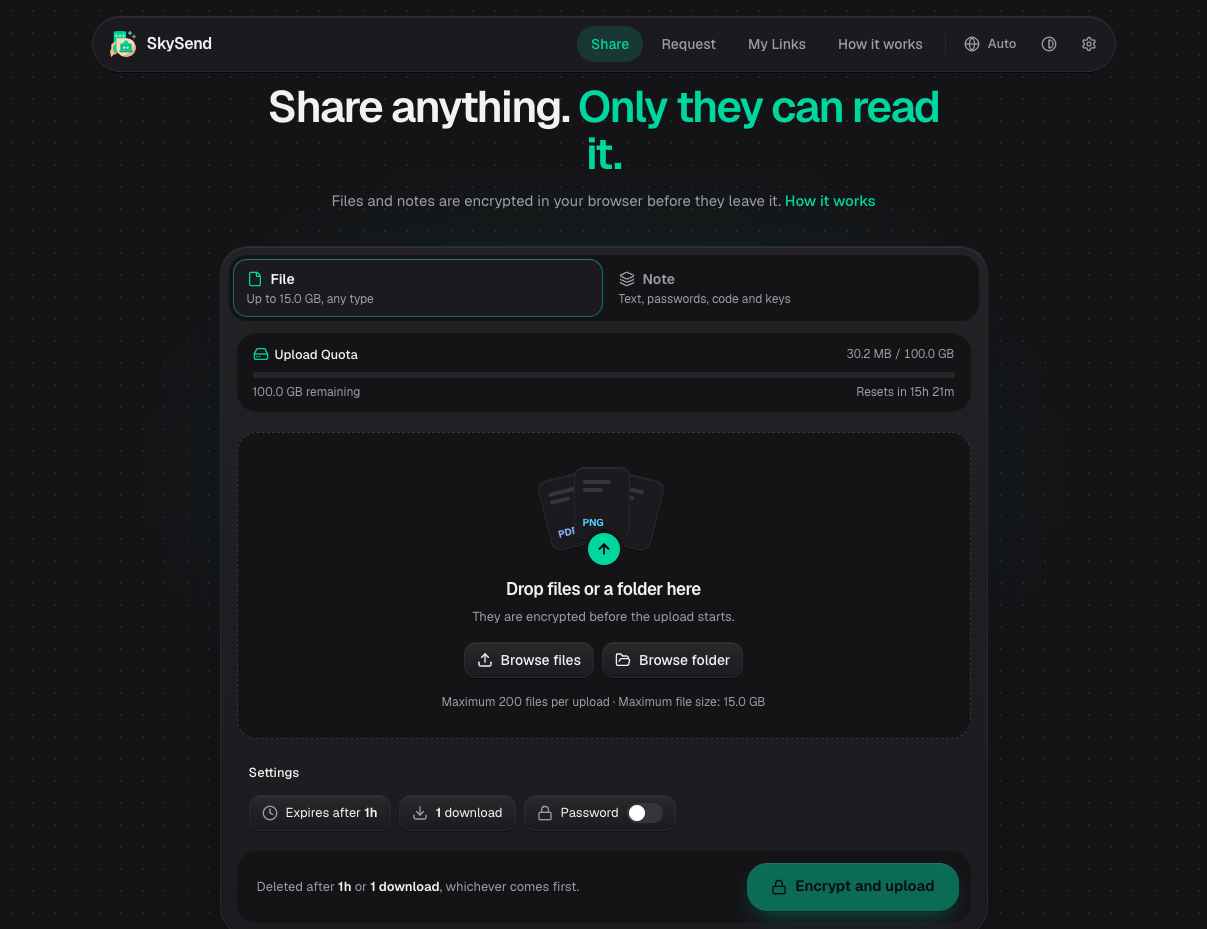
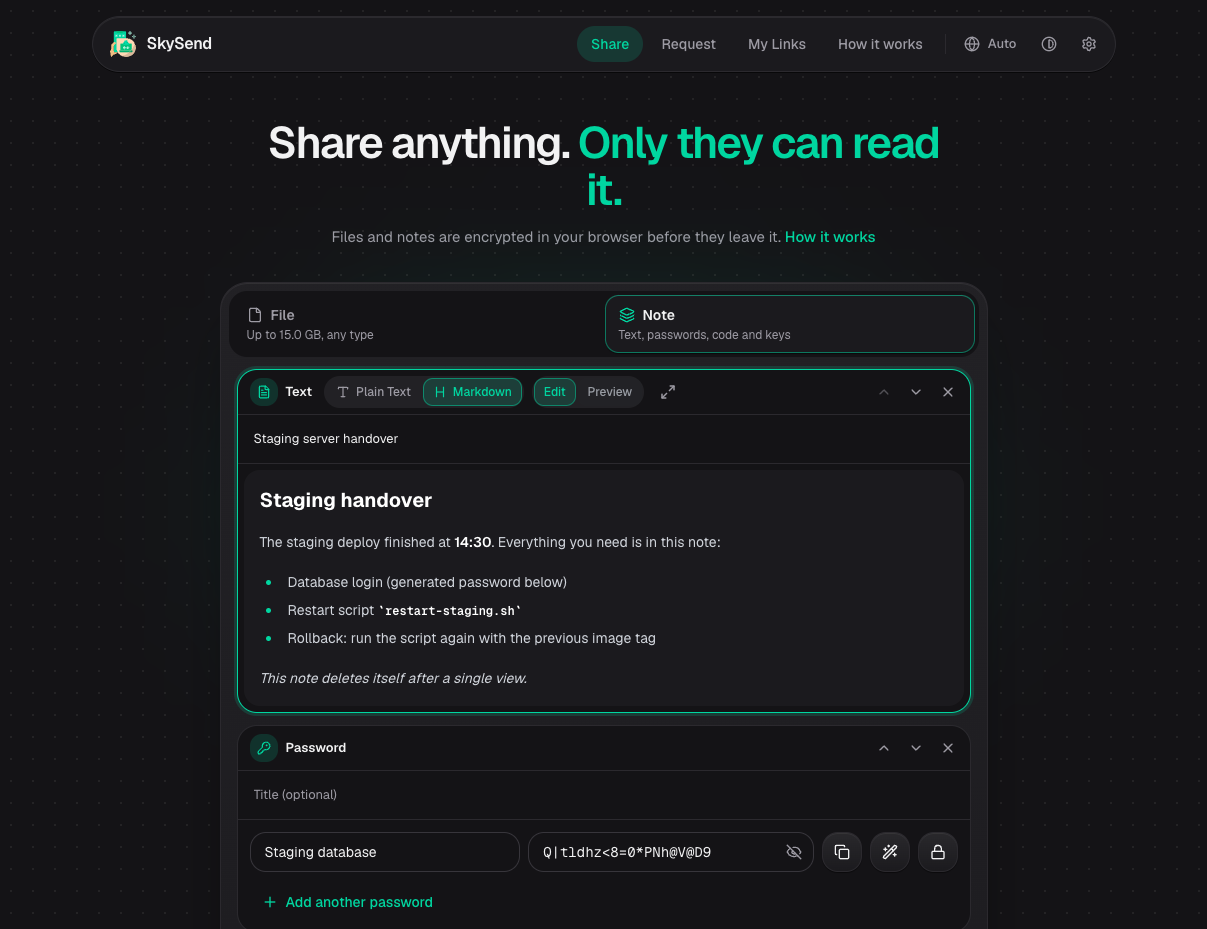
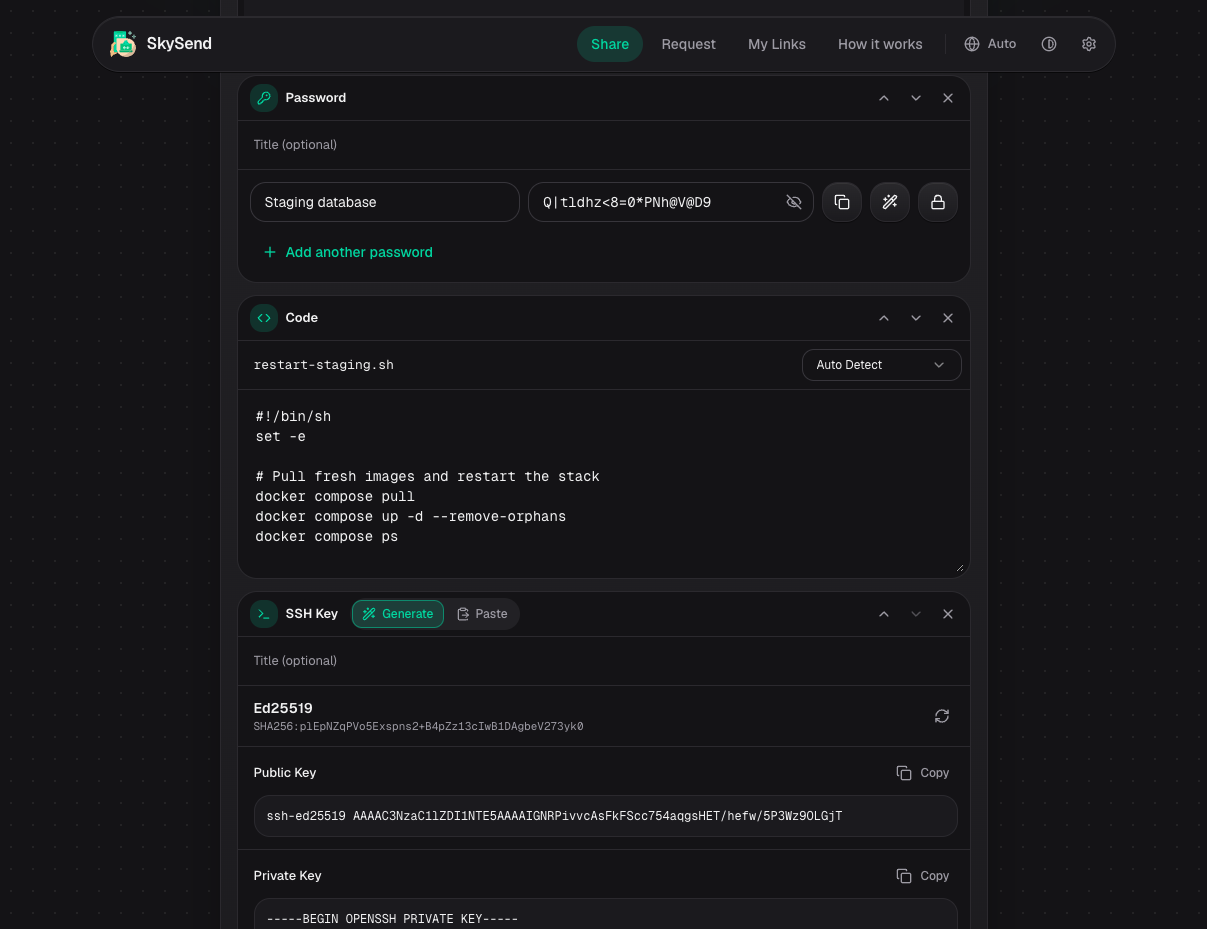
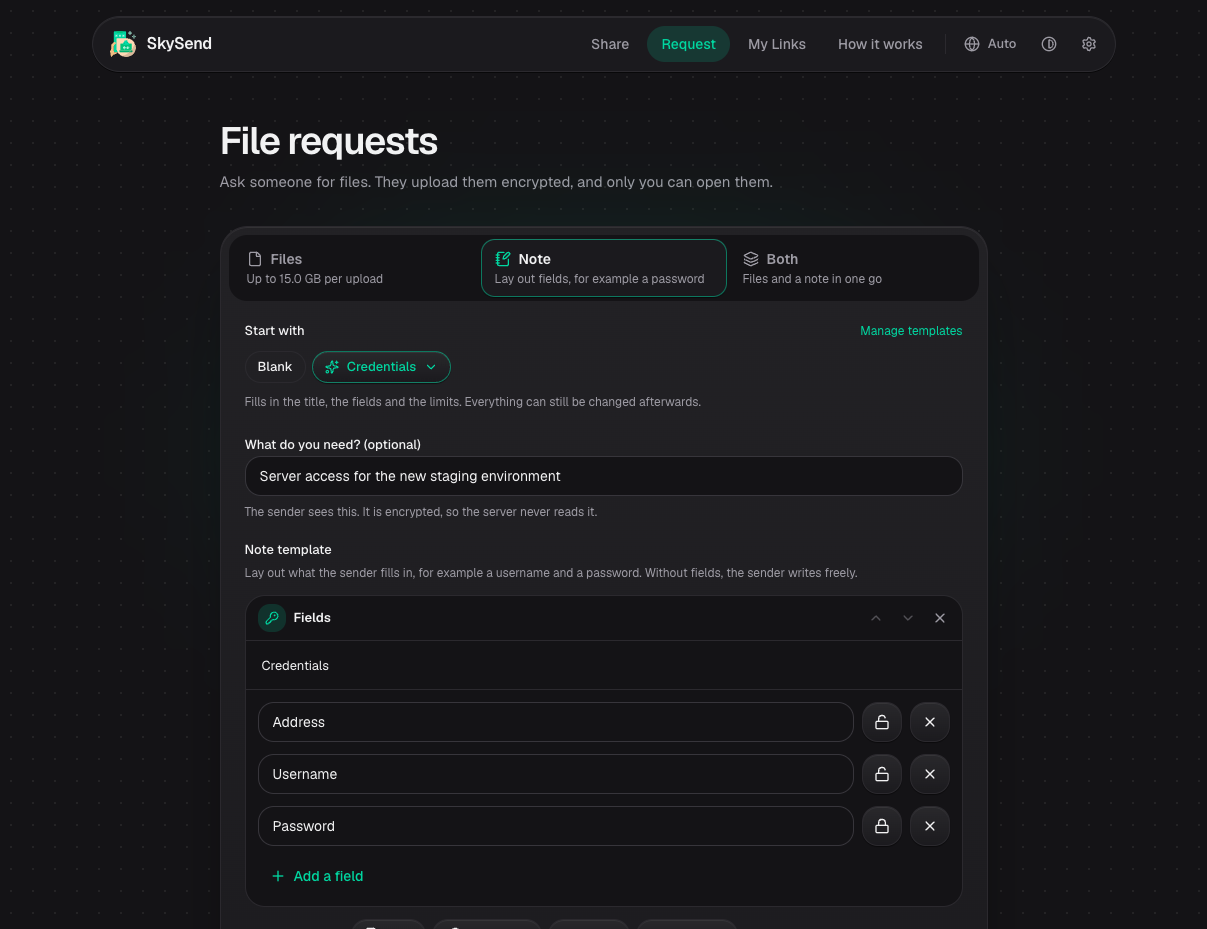
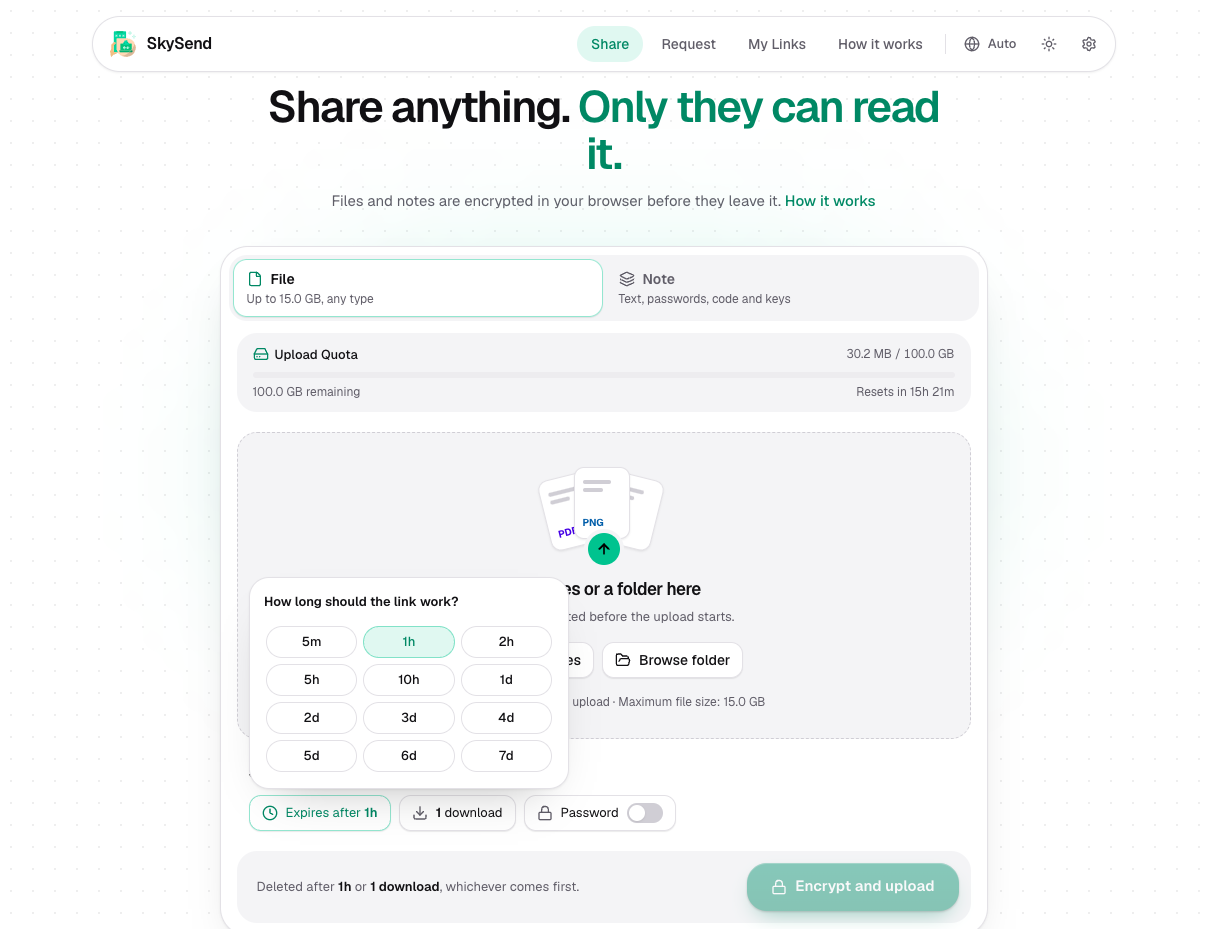
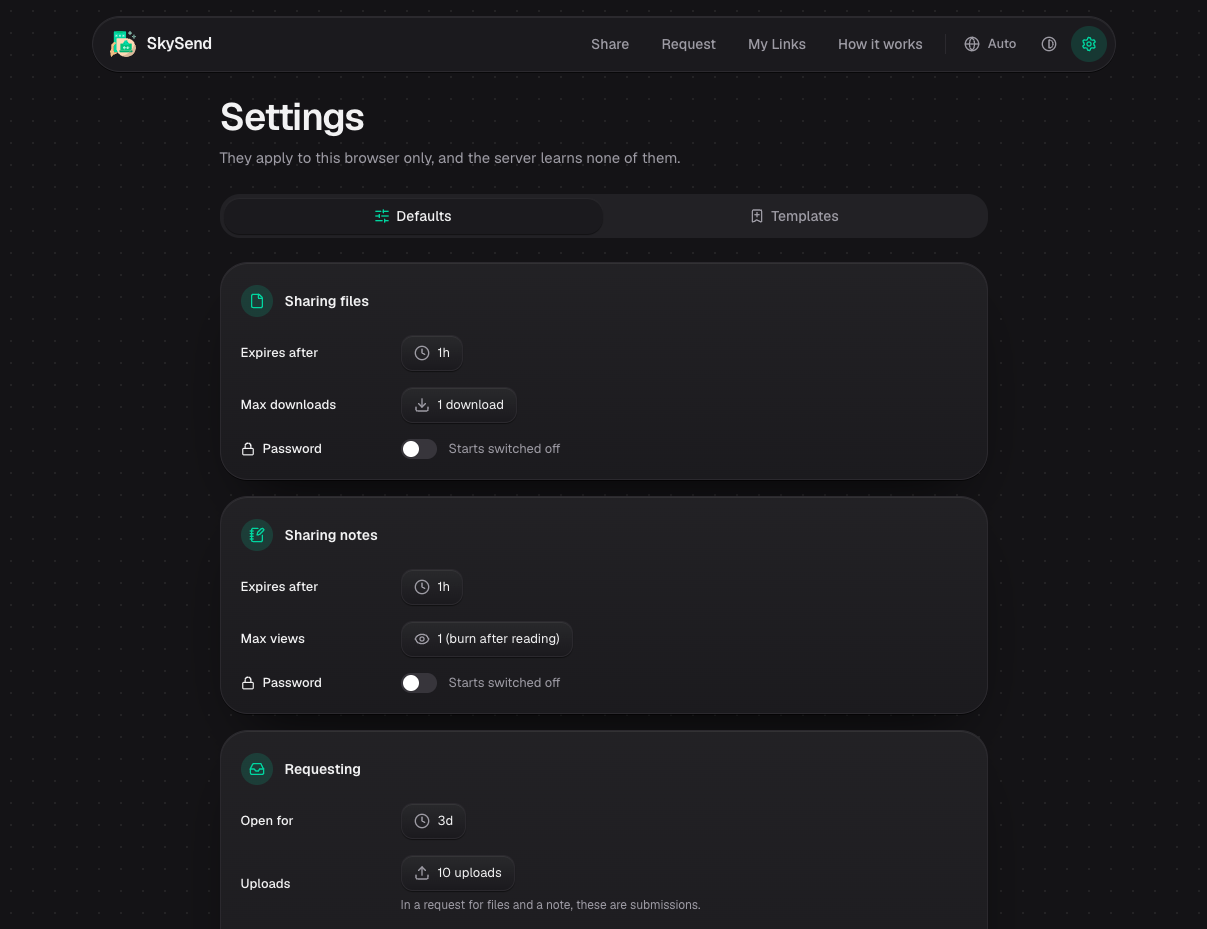
Only the person holding the link can open what you share with SkySend, a self-hosted file and note sharing service that encrypts everything in the browser before it leaves your device. Sending a contract? Drop in the file, several files, or a whole folder, and share the link. Need documents from a client? Send an upload link instead, and whatever comes back is encrypted for you alone. Handing over a password or an SSH key? Write it into a note that burns after reading. Notes can mix text, Markdown, generated passwords, and highlighted code in a single page. Every share can expire by time, stop after a set number of downloads or views, and carry an optional password as a second lock. The command-line client uploads, downloads, and reads notes with the same encryption, and its full-screen mode shows each link as a QR code. No accounts are needed: My Links keeps your shares in the browser, and optional OIDC sign-in limits who may create them. Encrypted uploads sit on local disk or any S3-compatible bucket, and the interface offers 13 languages and three themes. Running on a dedicated VPS on RepoCloud with guaranteed CPU, RAM, and SSD, full root SSH access, and a browser serial console. AGPL-3.0 licensed.
Benefits
- The server never sees plaintext
- Files and notes are encrypted in the browser with AES-256-GCM, and the key lives only in the link fragment, so the server and its operator hold nothing but ciphertext.
- Shares that clean up themselves
- Shares expire after a set time or once they hit a download or view limit, and notes can burn after reading, so nothing lingers on the server after it has done its job.
- Collect files without handing over access
- File requests give a sender an upload link, and whatever they submit is encrypted for your key alone, so clients can send documents without an account or a shared drive.
- Your storage, your domain, your rules
- Run one Docker container with SQLite, keep uploads on local disk or an S3-compatible bucket, and brand the instance with your own assets under a custom domain.
Features
- Browser-Side AES-256-GCM
- Streams 64 KB records through AES-256-GCM with HKDF-SHA256 keys for content, metadata, and authentication, all derived from a 256-bit secret in the URL fragment.
- Argon2id Password Protection
- An optional password adds a second layer, derived with memory-hard Argon2id running as WebAssembly in the browser, which resists GPU-based guessing.
- HPKE File Requests
- Upload links use HPKE (RFC 9180) with P-256 and AES-256-GCM, so each uploader encrypts directly to the requester's public key before anything leaves the browser.
- Block-Based Notes
- Notes combine Markdown text, generated passwords, syntax-highlighted code, and SSH keys as separate blocks, encrypted together and shared through one link.
- Cross-Platform CLI and TUI
- The Bun-compiled client for Linux, macOS, and Windows uploads, downloads, and reads notes, with a full-screen interface, QR codes, and an inbox command for file requests.
- Local or S3 Storage
- Encrypted blobs live on the local filesystem by default or in any S3-compatible store such as MinIO, with presigned URLs letting downloads bypass the server.