Categories
Self-Hosted Open Source File Sharing File Manager File Upload Web File Browser Online Code Editor FTP AlternativeStars
Forks
Watchers
Developer links
Tiny File Manager
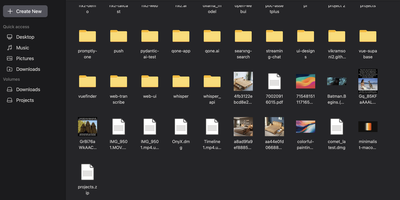
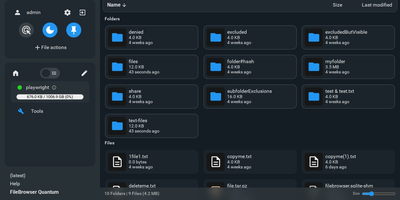
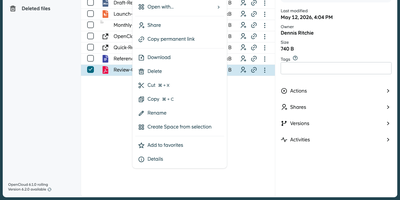
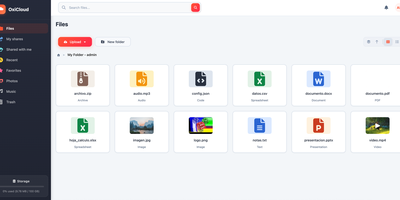
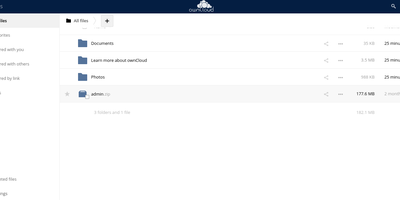
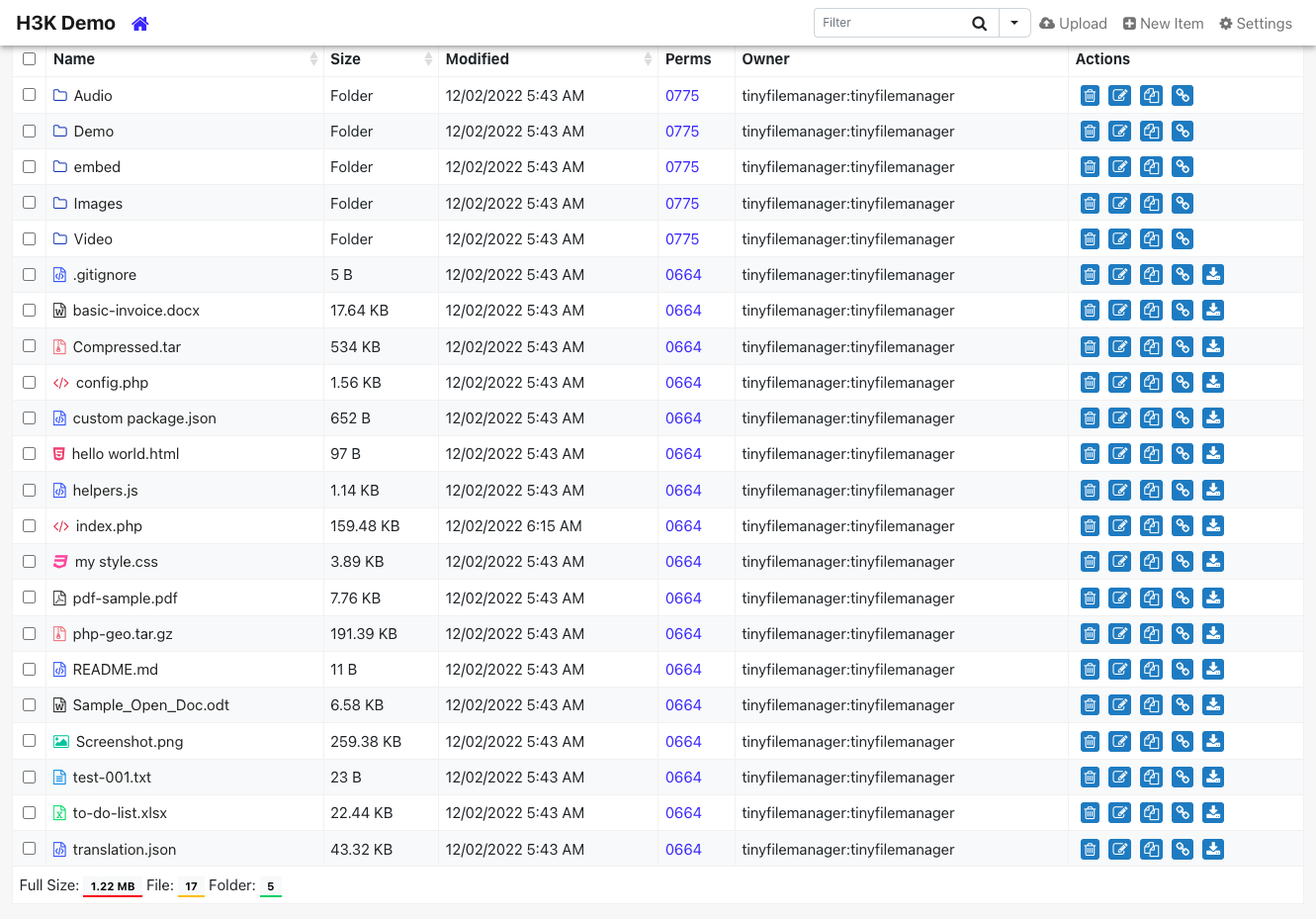
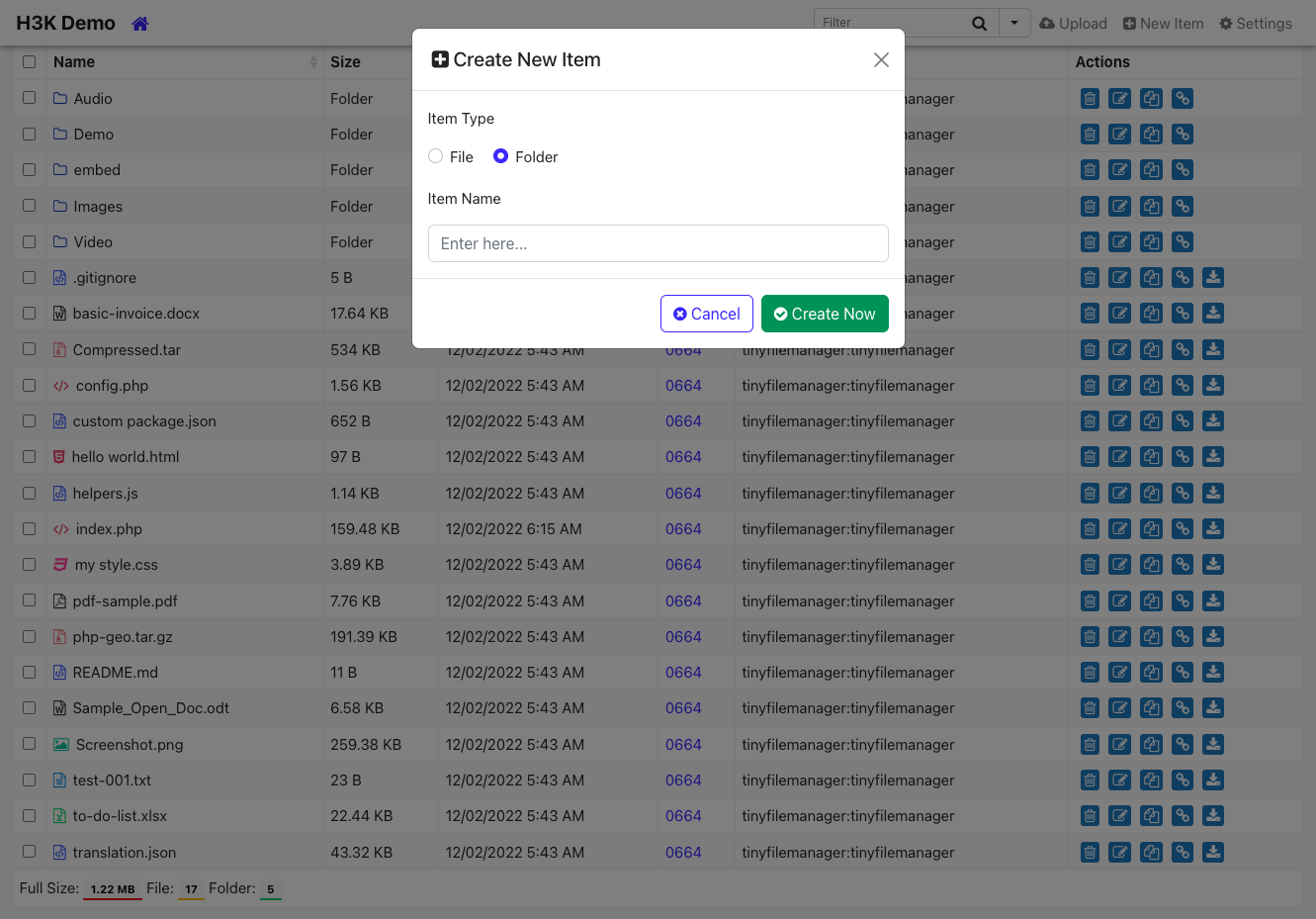
Browse, upload, edit, preview, and archive the files on your server from any web browser, with no FTP client, no shell session, and no database to set up. Tiny File Manager lists every folder in a sortable table showing size, modified date, permissions, and owner, with a search box that filters as you type. Drag files into the upload zone, send several at once, or paste a URL for the server to fetch. Rename items, select several to copy, move, delete, or pack into a zip or tar archive, and extract uploaded archives on the server. Click any text file to open the built-in editor, which offers syntax highlighting for 150+ languages and 35+ color themes, so quick fixes to configs and scripts happen where the files live. Images, audio, video, and text open in a preview without downloading, and every file has a copyable direct link. Give teammates or clients their own accounts, each locked to a root folder you choose, mark accounts read-only, and limit uploads to approved file extensions. Hide folders you never want listed, restrict access with IP allow and block lists, switch between light and dark themes, pick from 35+ interface languages, and use the responsive layout on a phone. Setup is one file copied to a web server, or one Docker container. Running on a dedicated VPS on RepoCloud with guaranteed CPU, RAM, and SSD, full root SSH access, and a browser serial console. GPL-3.0 licensed.
Benefits
- Edit server files without FTP
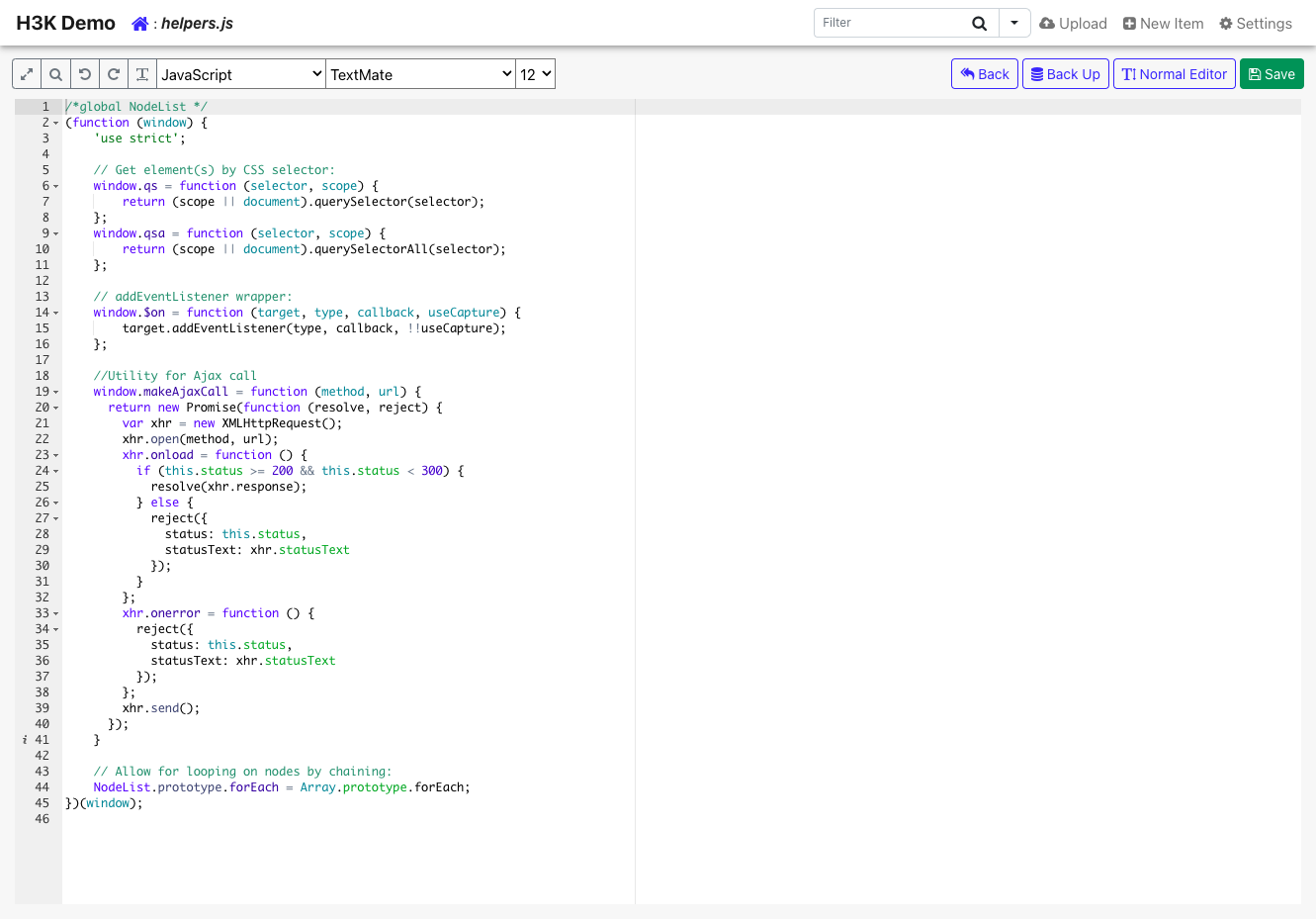
- Open any text file in the Ace-powered editor with syntax highlighting for 150+ languages, change it in the browser, and save it straight back to the server without an FTP or SSH session.
- Share space with separate accounts
- Create several logins, each locked to its own root folder, and mark chosen accounts read-only, so clients and teammates can fetch or drop files without ever seeing the rest of the server.
- Handle uploads and archives quickly
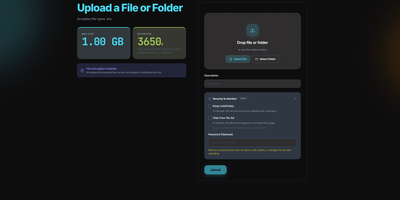
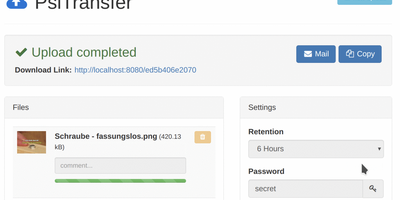
- Upload many files at once by drag and drop, import a file from a remote URL, then copy, move, zip, or unzip whole selections without touching a terminal.
- Deploy by copying one file
- There is no database or package install to manage. The application is one file, and the official Docker image serves any host folder you mount at /var/www/html/data.
Features
- Ace code editor
- Edit text and code files in the browser with the Ace editor, featuring syntax highlighting for 150+ languages and 35+ themes, and save changes straight back to the server.
- Drag-and-drop uploads
- Dropzone-powered uploads accept multiple files at once, import from a URL, and can be limited to allowed file extensions through the configuration file.
- Archives and bulk actions
- Select several items to copy, move, or delete them together, compress selections to zip or tar, and extract existing archives without leaving the browser.
- Previews and instant search
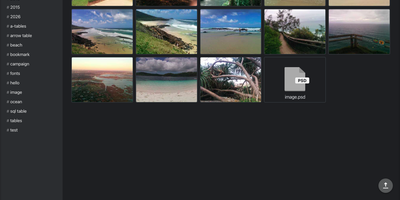
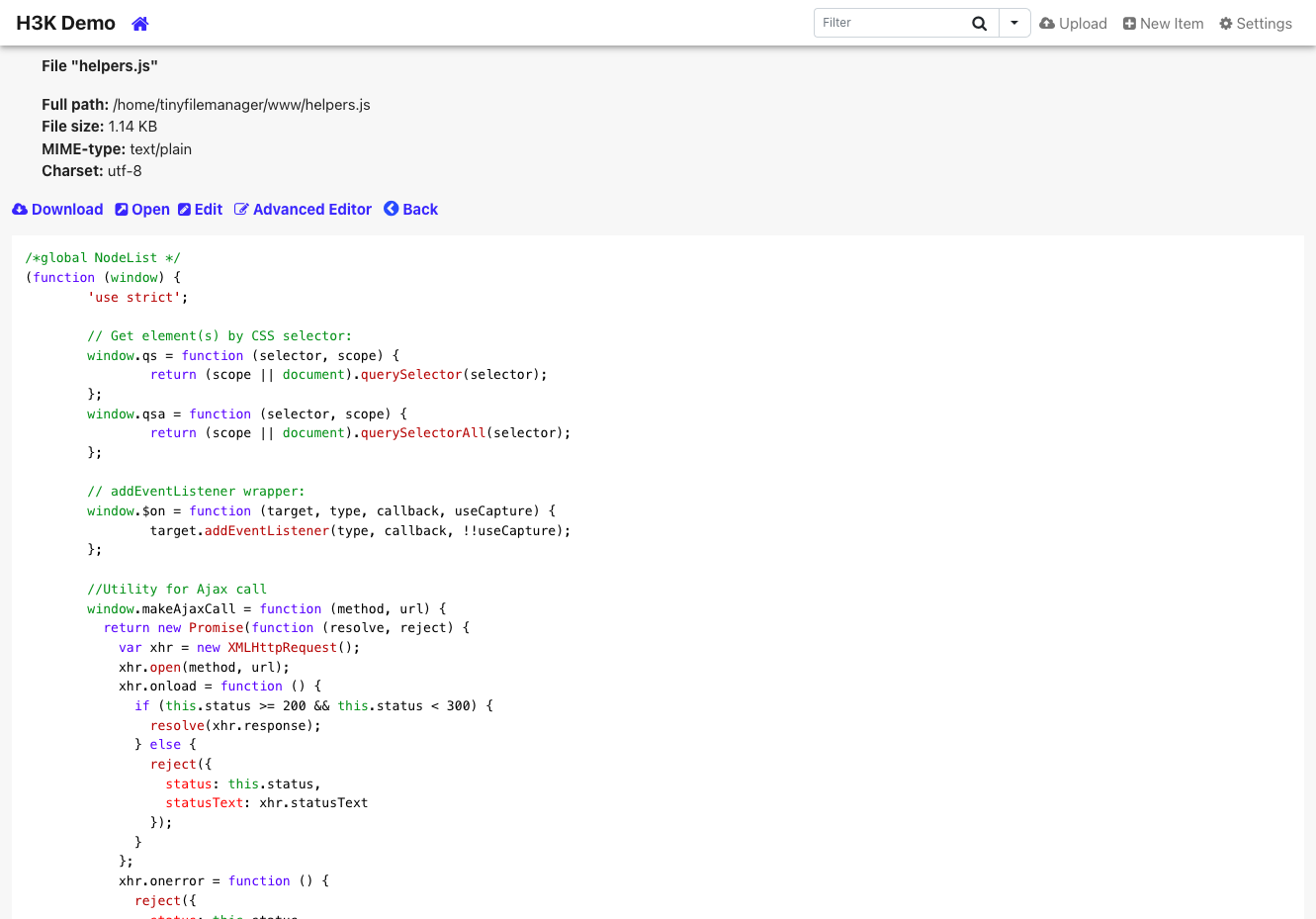
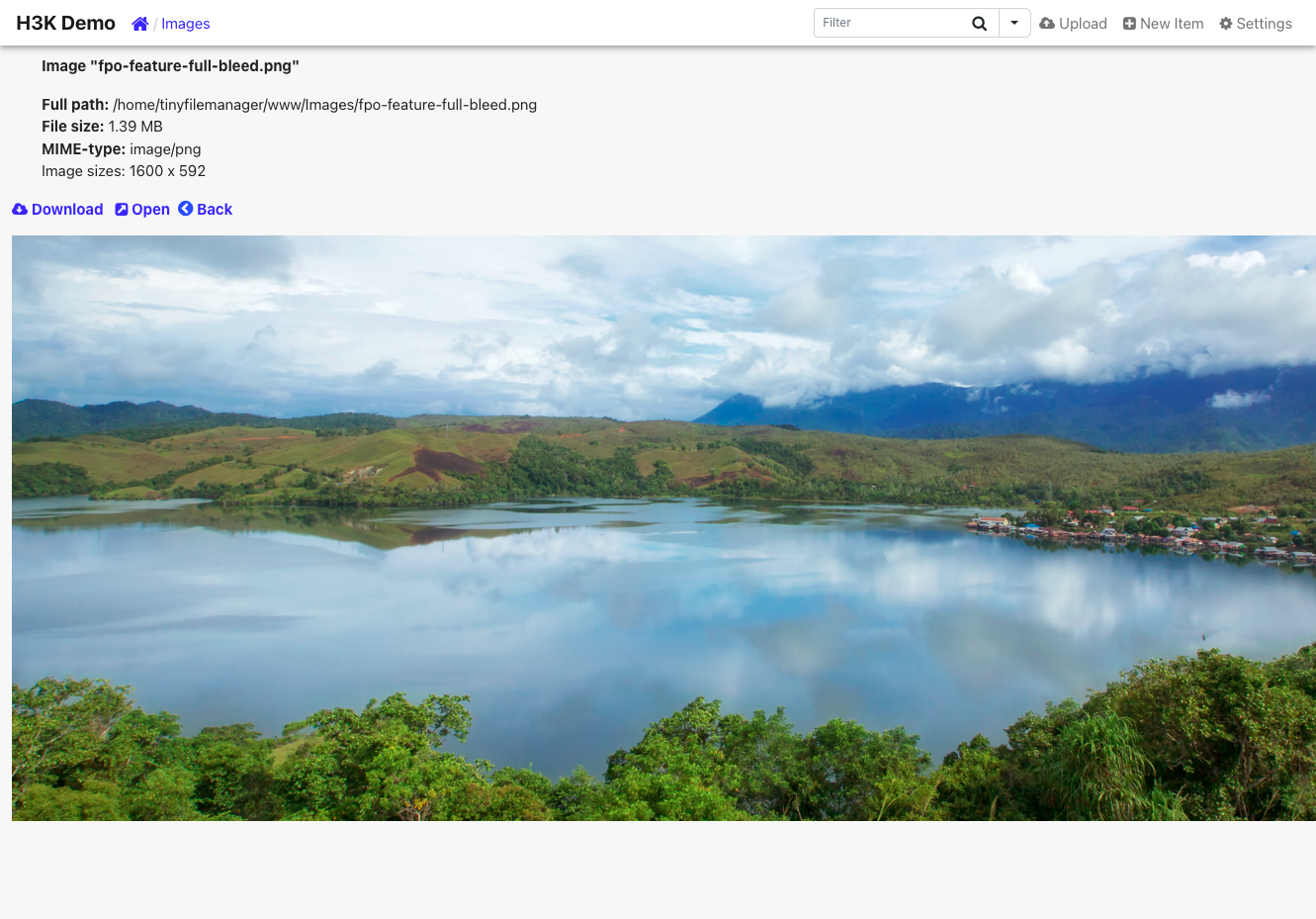
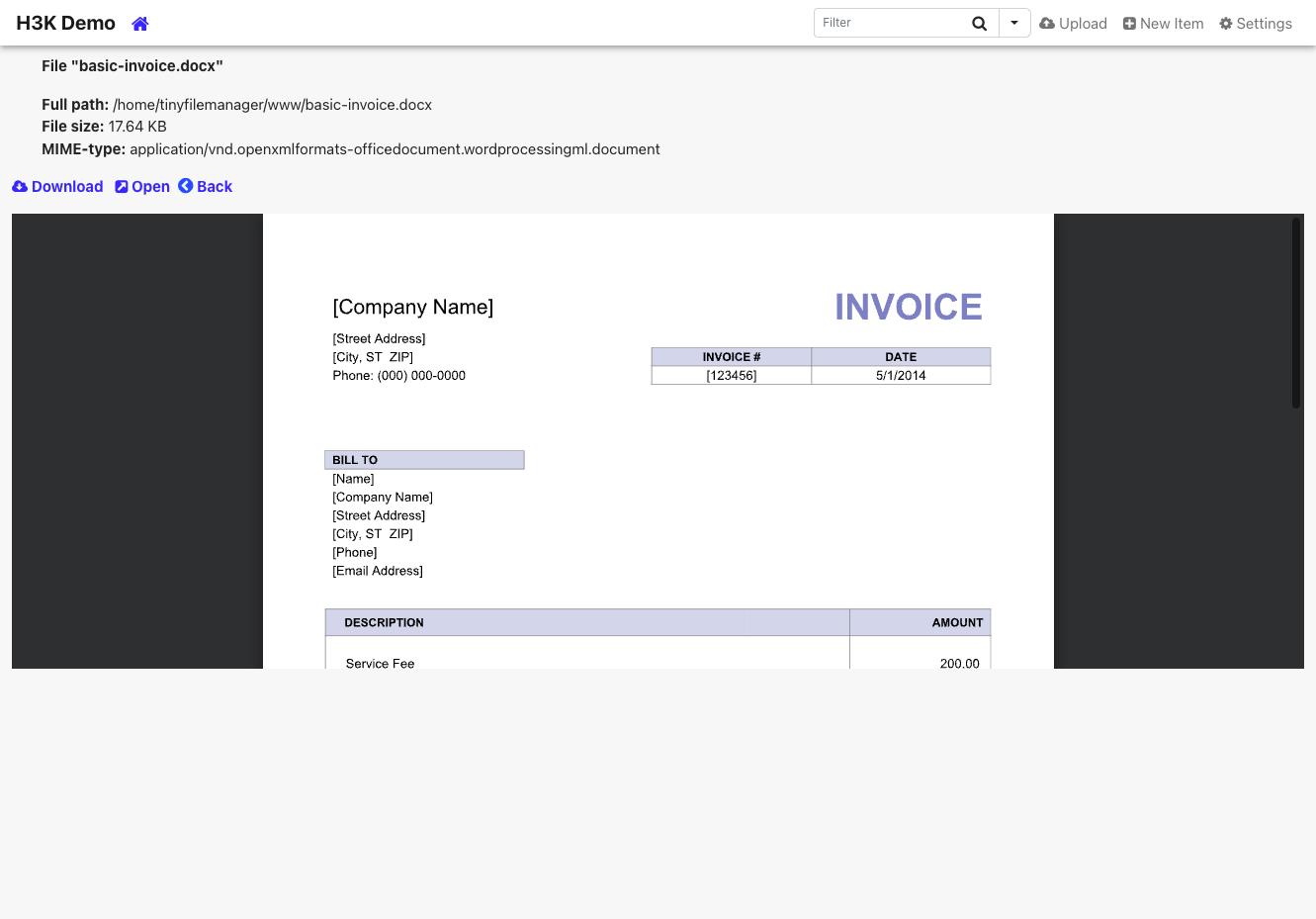
- Preview images, audio, video, and text inline, copy direct file URLs, and filter large directory listings instantly with the built-in DataTables search box.
- Users and permissions
- Define logins in $auth_users, give each a private root folder with $directories_users, mark accounts read-only with $readonly_users, and add IP allow or block lists.
- Single-file and Docker deployment
- Runs from one script on any PHP 5.5+ web server, or from the tinyfilemanager/tinyfilemanager Docker image with your files mounted at /var/www/html/data.