Categories
Self-Hosted Privacy Security Utilities Encryption Secret Sharing Password Management IT ToolsStars
Forks
Watchers
Developer links
Password Pusher
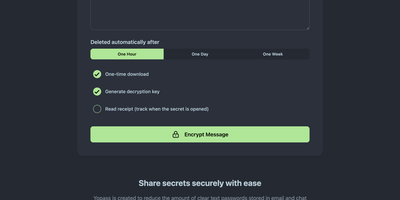
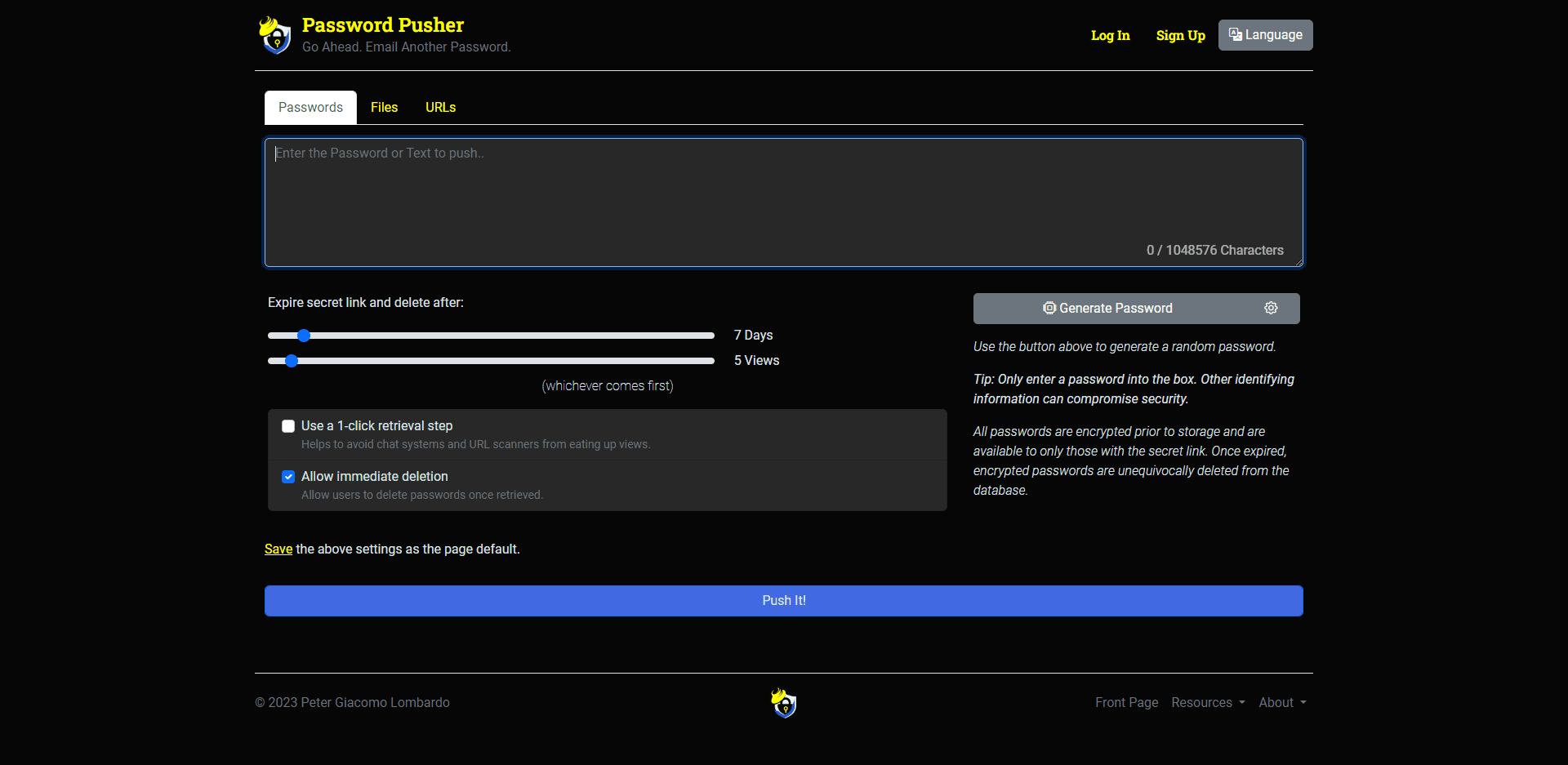
Credentials sitting forever in email threads and chat scrollback - Password Pusher solves that everyday security failure. Instead of pasting a password into Slack, you push it - a password, note, file, URL, or QR code - and share a unique one-time link that expires after a set number of views, a time limit, or both. Content is encrypted at rest with AES-GCM under a configurable master key, optionally guarded by a passphrase, and permanently deleted from the database the moment it expires; a retrieval-step option keeps URL-scanning bots from consuming views. Full audit logs record when each link was created and viewed (and by whom, with logins), and TOTP two-factor authentication can be required instance-wide. The delivery page is deliberately unbranded - no logos or confusing links for recipients - and the interface ships in 31 languages with light and dark themes. Automation runs through a JSON API (v2), an official CLI for pushing and expiring secrets from the terminal, a Chrome extension, and a catalog of third-party integrations. Apache-2.0 licensed Ruby on Rails, deployable via Docker, Kubernetes, or Helm, with SQLite or PostgreSQL storage - the sysadmin staple for sending credentials that clean up after themselves.
Benefits
- No Secret Outlives Its Purpose
- Links expire by view count or clock, and expired payloads are wiped from the database entirely - nothing lingers to be breached later.
- Compliance-Ready Evidence
- Audit logs show exactly when each push was created and viewed, turning ad-hoc credential handoffs into trackable events.
- Recipients Just Click
- No accounts, apps, or setup on the receiving end - an unbranded page shows the secret once and then it's gone.
- Fits Any Workflow
- Web UI, JSON API, official CLI, and Chrome extension mean helpdesk staff and CI pipelines push secrets the same safe way.
Features
- Push Anything
- Passwords, text notes, files, URLs, and QR codes, all with the same self-destructing delivery.
- Expiry Controls
- Limits by views and/or time, optional passphrases, instant revocation, and anti-bot retrieval steps.
- AES-GCM Encryption
- Content encrypted at rest under a rotatable master key; deleted permanently on expiry.
- Audit Logging and MFA
- Creation and view tracking per push, with instance-wide TOTP two-factor enforcement available.
- API, CLI, and Extension
- JSON API v2, the pwpush command-line tool, a Chrome extension, and third-party integrations.
- Team-Ready Interface
- 31 languages, light/dark themes, and an unbranded recipient page.