Categories
Self-Hosted Developer Tools AI Agents Observability Dashboards Coding Agents Cost Tracking Agent MonitoringStars
Forks
Watchers
Developer links
SITREP
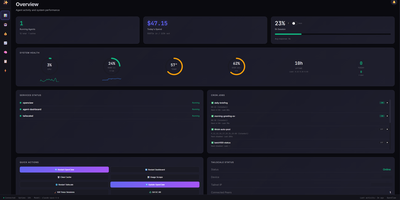
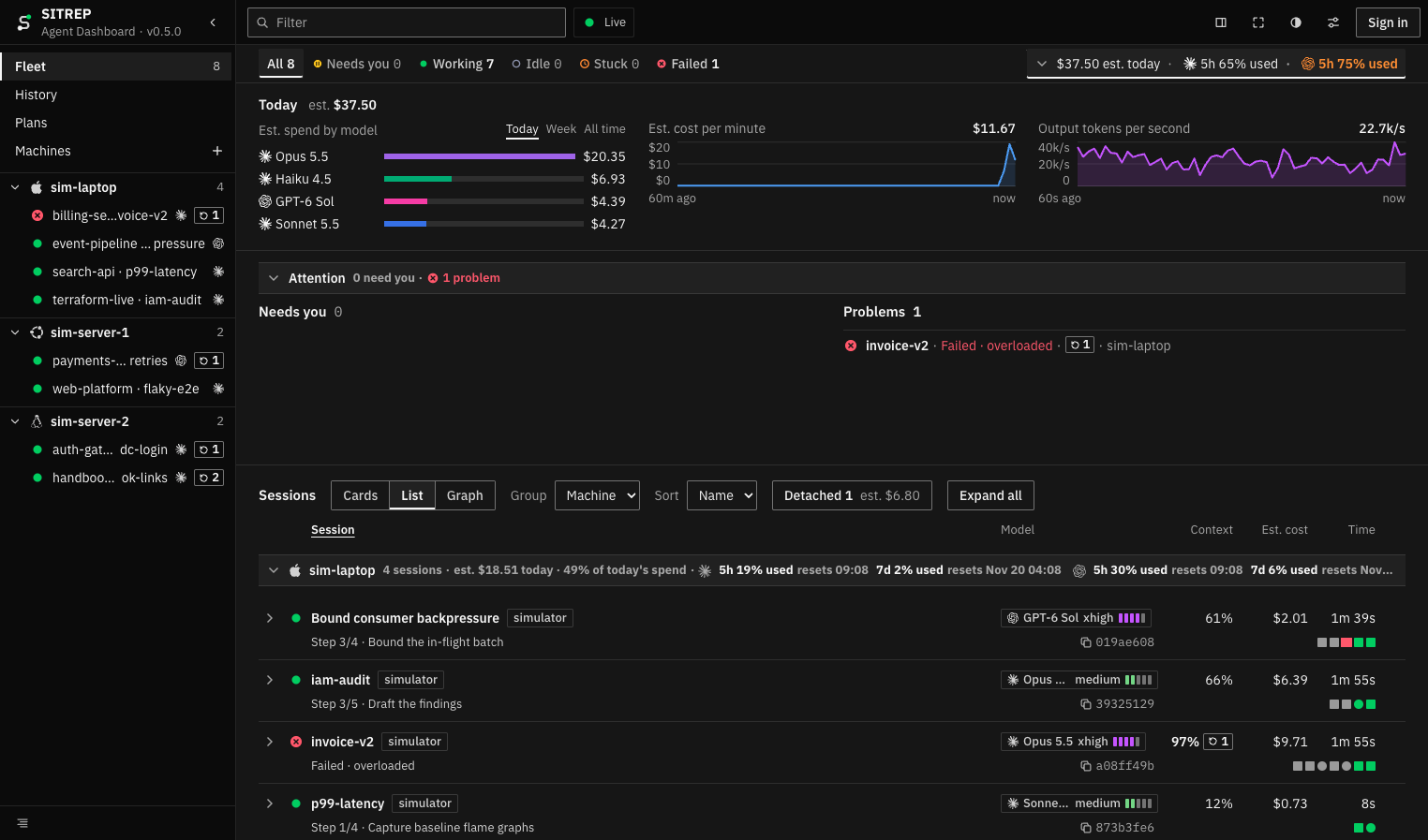
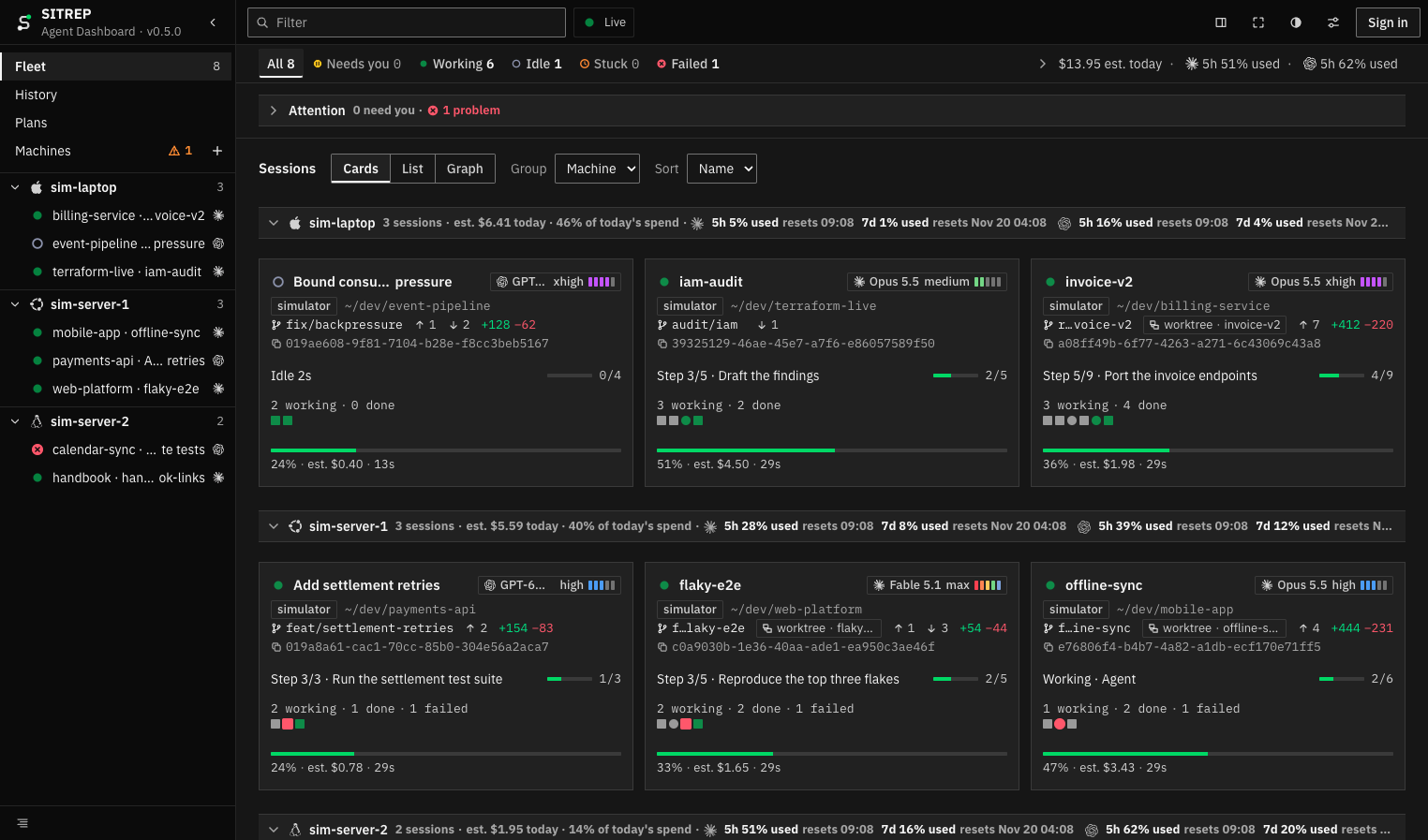
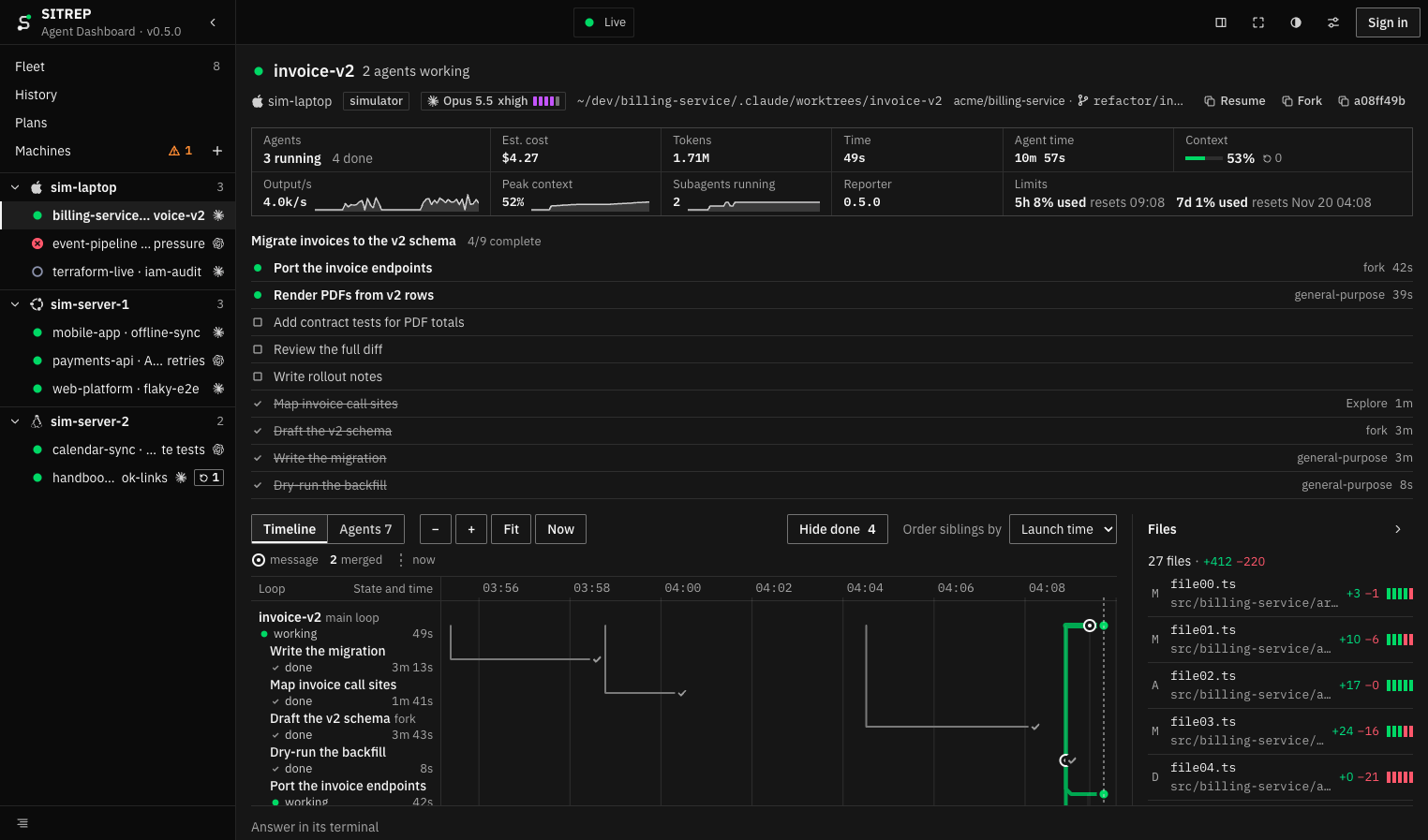
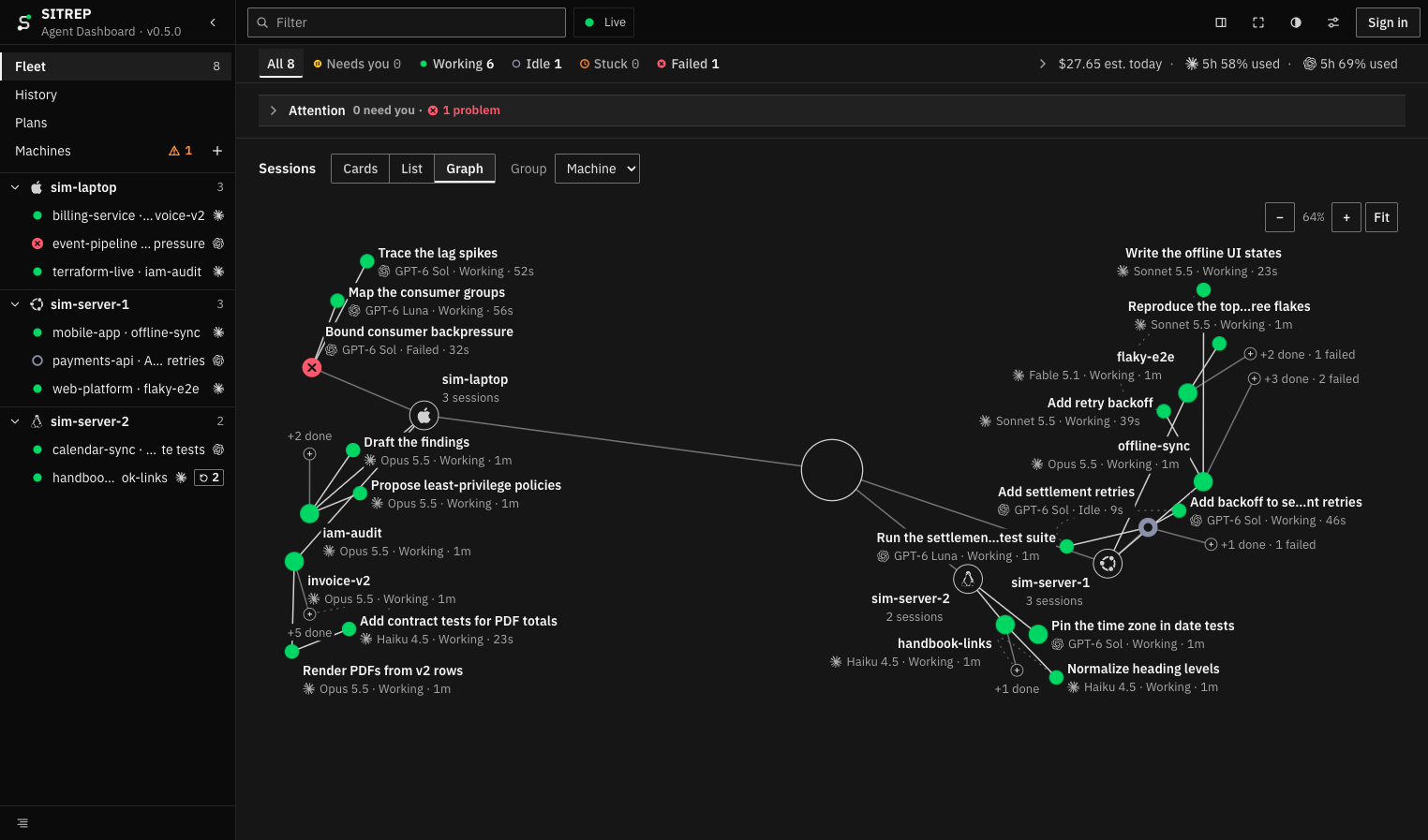
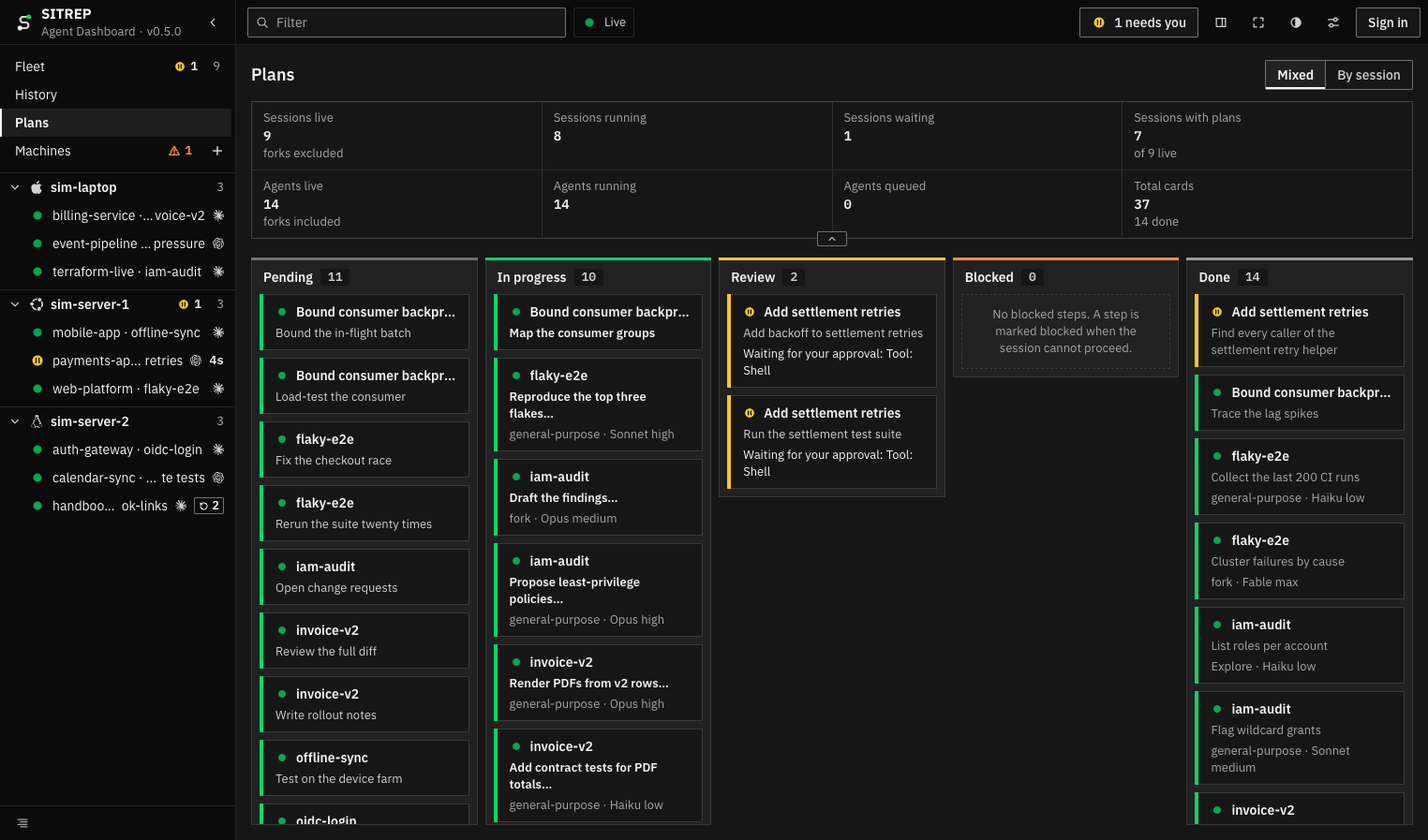
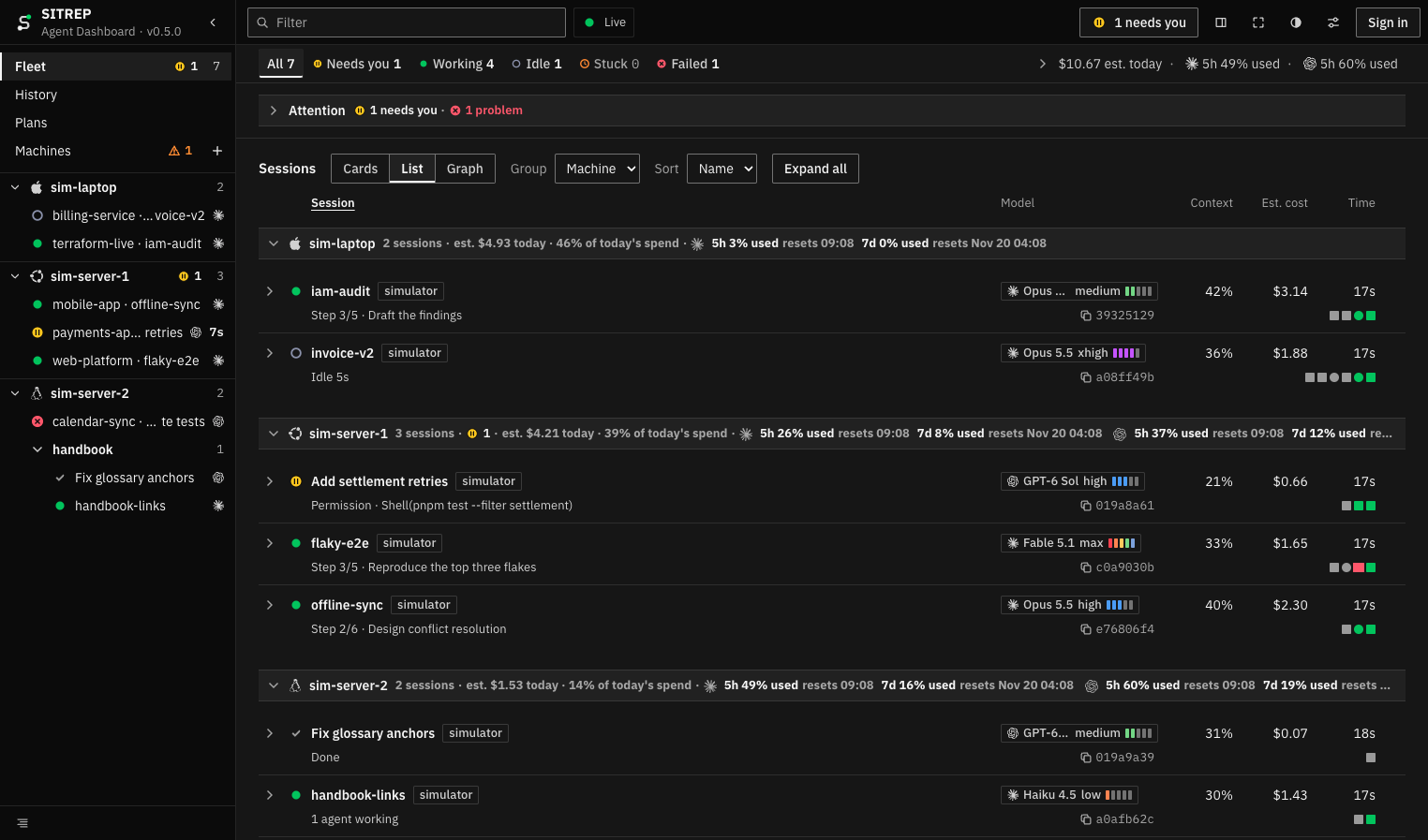
Watch every coding agent you run, on every machine, from one live browser dashboard. Sessions appear as cards, a sortable list, or a graph, grouped by machine or project, each showing its plan and current step, subagents, model and effort, context fill, git branch, and cost. Anything waiting on you, like a permission, a question, or a plan to approve, rises to a Needs you panel with the longest wait first, and you can answer it from the page or in the terminal. A Problems panel flags sessions that are stuck, failed, or colliding on the same file. The Plans board sorts every plan step into pending, in progress, review, blocked, and done. A session page adds a timeline of loops and subagents, changed files, and token and context charts. Spend is broken down by model and machine, and plan windows show how close each provider is to its limit. History keeps ended sessions by day, a wall view suits a spare screen, and browser alerts fire when a session needs you. Running on a dedicated VPS on RepoCloud with guaranteed CPU, RAM, and SSD, full root SSH access, and a browser serial console. MIT licensed.
Benefits
- One View Of Every Agent
- Sessions from laptops, workstations, and servers land on one board, so you can tell at a glance which agents are working, waiting for you, idle, stuck, or failed.
- Unblock Agents Without Hunting
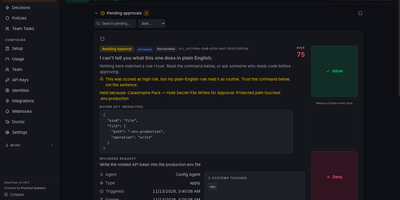
- Permissions, questions, and plans waiting for approval are queued longest wait first, and you answer them from the dashboard instead of finding the right terminal window.
- Know What Agents Cost
- Estimated spend is tracked per session, model, and machine, with provider plan windows shown beside it, so you notice a runaway session before the limit hits.
- Owned And Locked Down
- The server runs on your own machine, stores no transcripts, takes answers only after sign-in with an admin secret, and can require sign-in even to view sessions.
Features
- Live Fleet Board
- View sessions as cards, a list, or a graph, grouped by machine or project and filtered by state, with context fill, git state, and cost on each.
- Needs You And Problems
- A single panel shows prompts awaiting your answer, plus sessions that are stuck, failed, or editing the same file as another session.
- Plans Kanban Board
- Every plan step from every session sits in pending, in progress, review, blocked, or done columns, with the agent and model doing each step.
- Session Detail Timeline
- Open a session to see its loops and subagents on a timeline, changed files with line counts, token rates, and peak context.
- Spend And Plan Limits
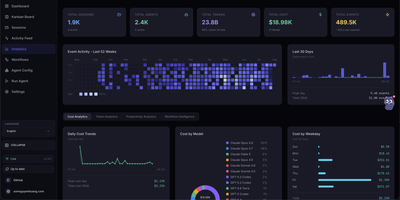
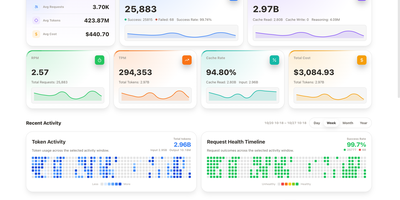
- See estimated spend by model, cost per minute, output tokens per second, and each provider's five-hour and seven-day plan windows with reset times.
- History And Wall View
- Browse ended sessions by day with model, duration, cost, and end reason, and leave a wall view on a spare screen with browser notifications.