Categories
Self-Hosted Knowledge Base MCP Server Note Taking Markdown Editor AI Writing LLM Wiki Agent SkillsStars
Forks
Watchers
Developer links
OpenKnowledge
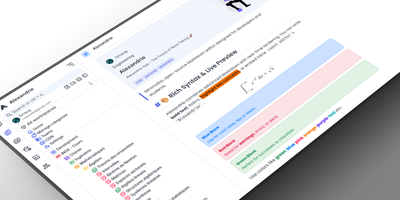
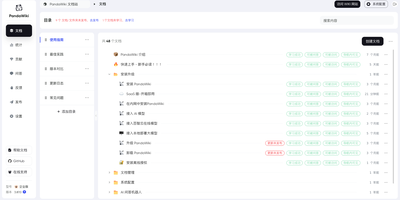
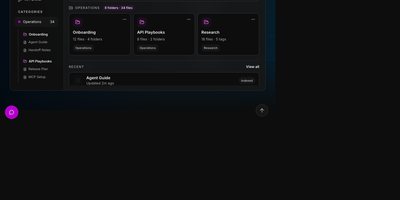
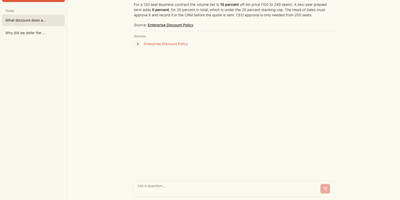
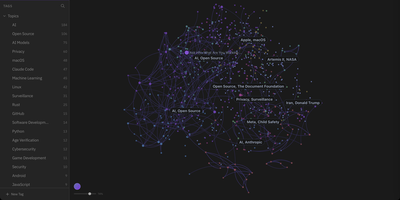
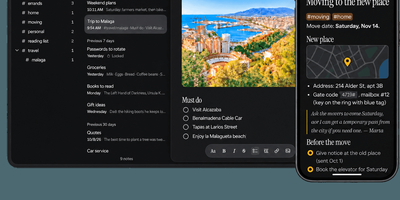
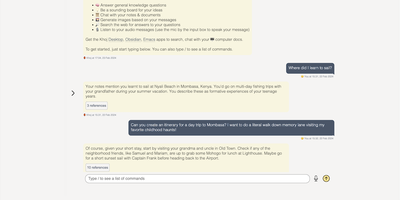
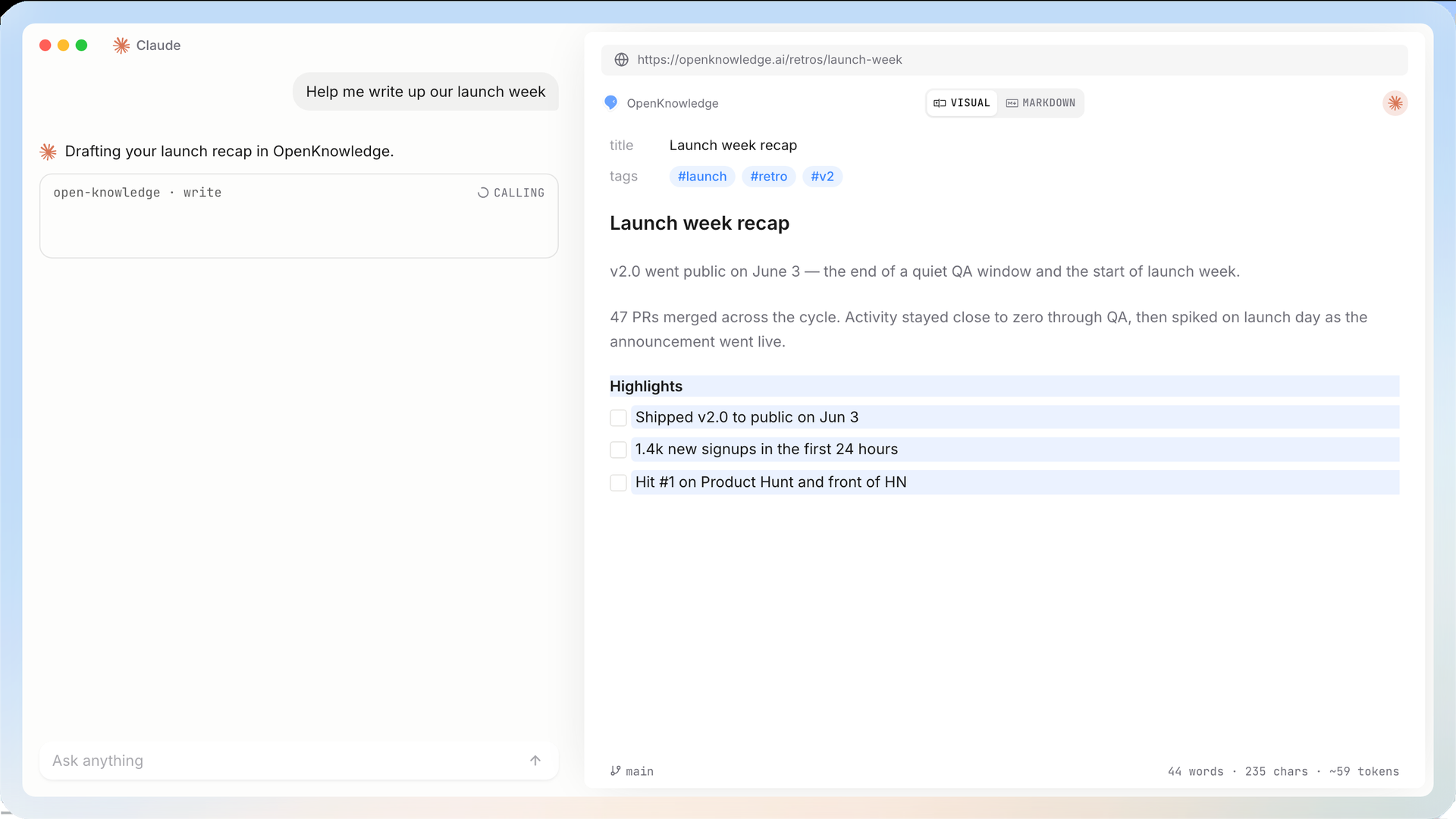
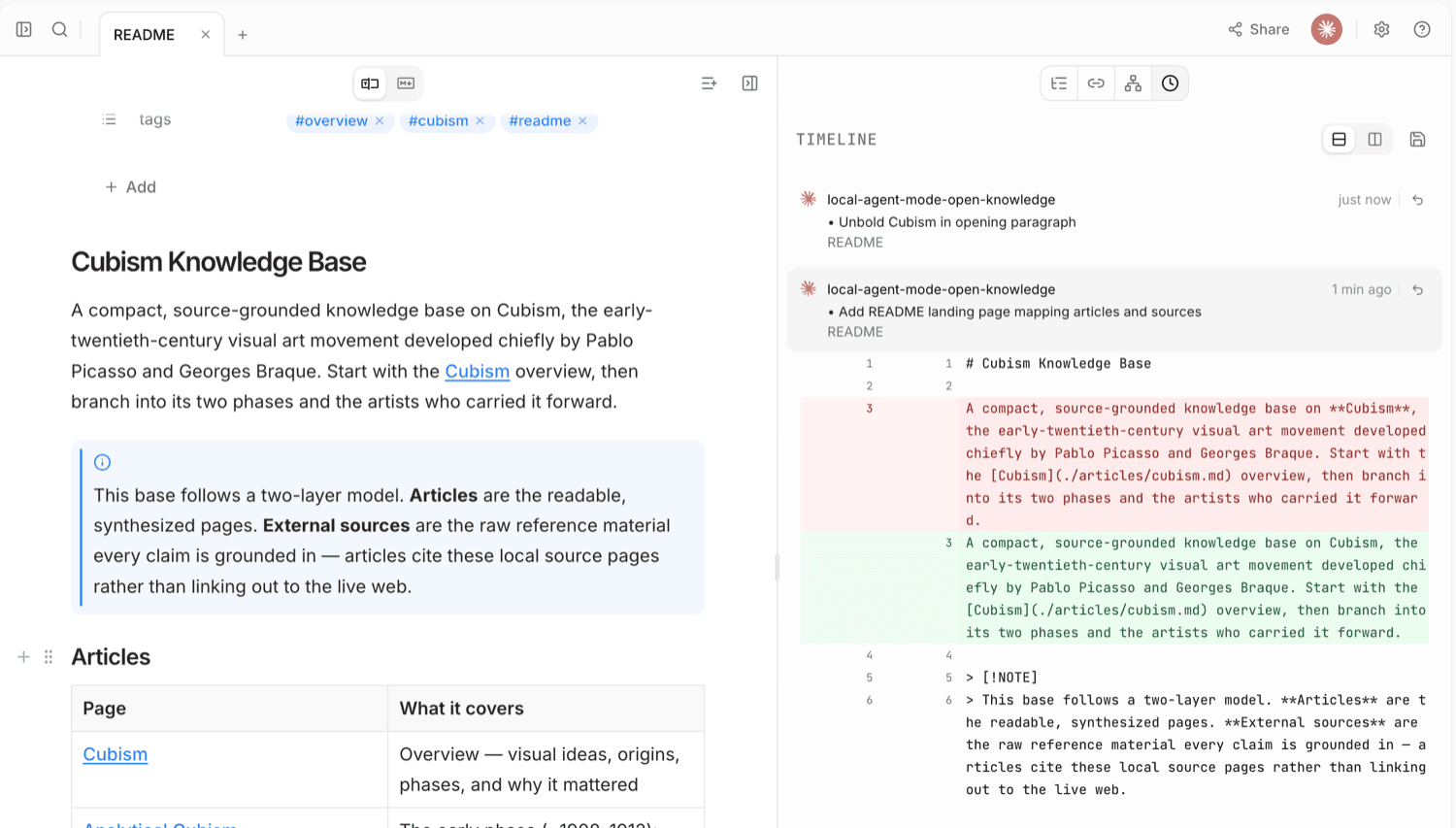
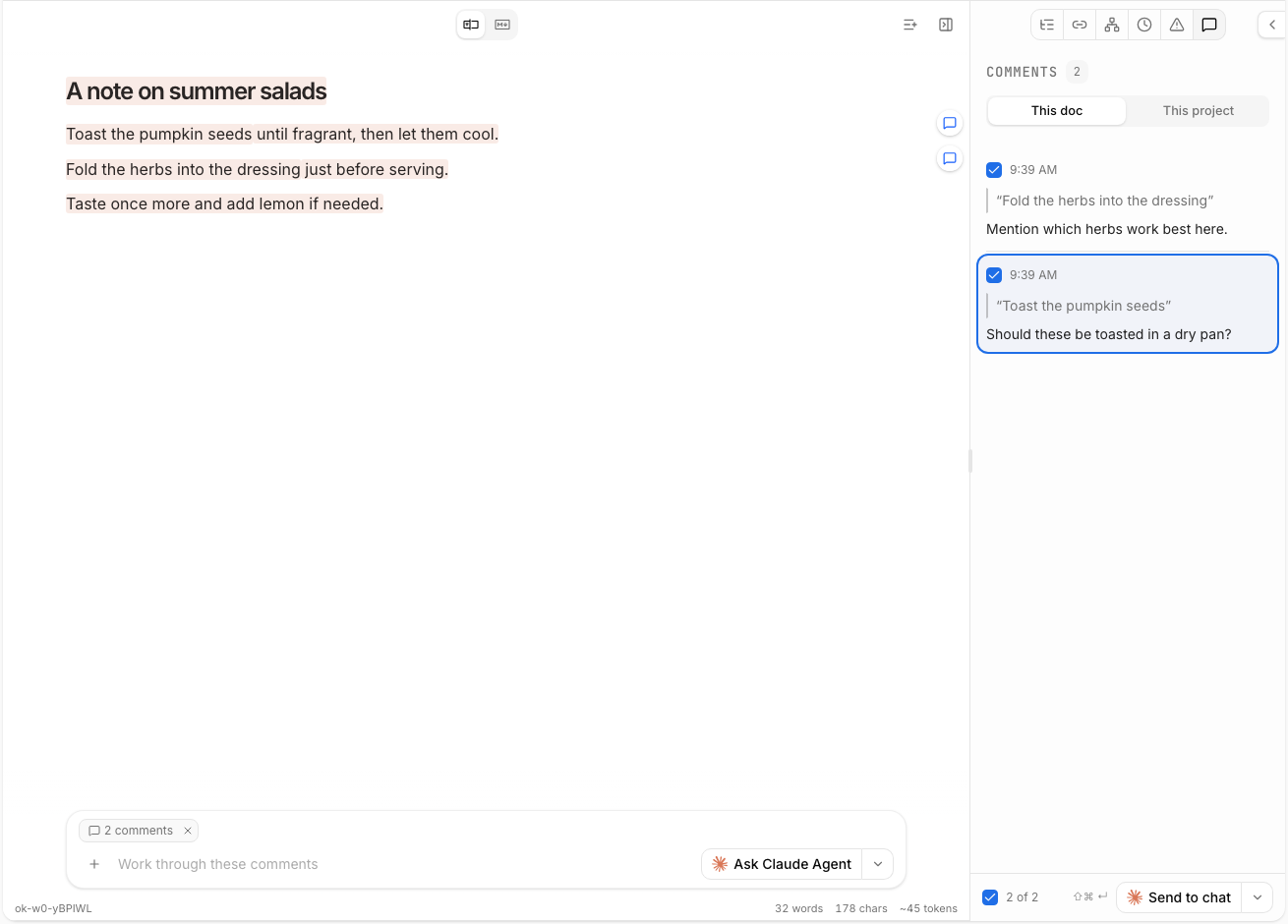
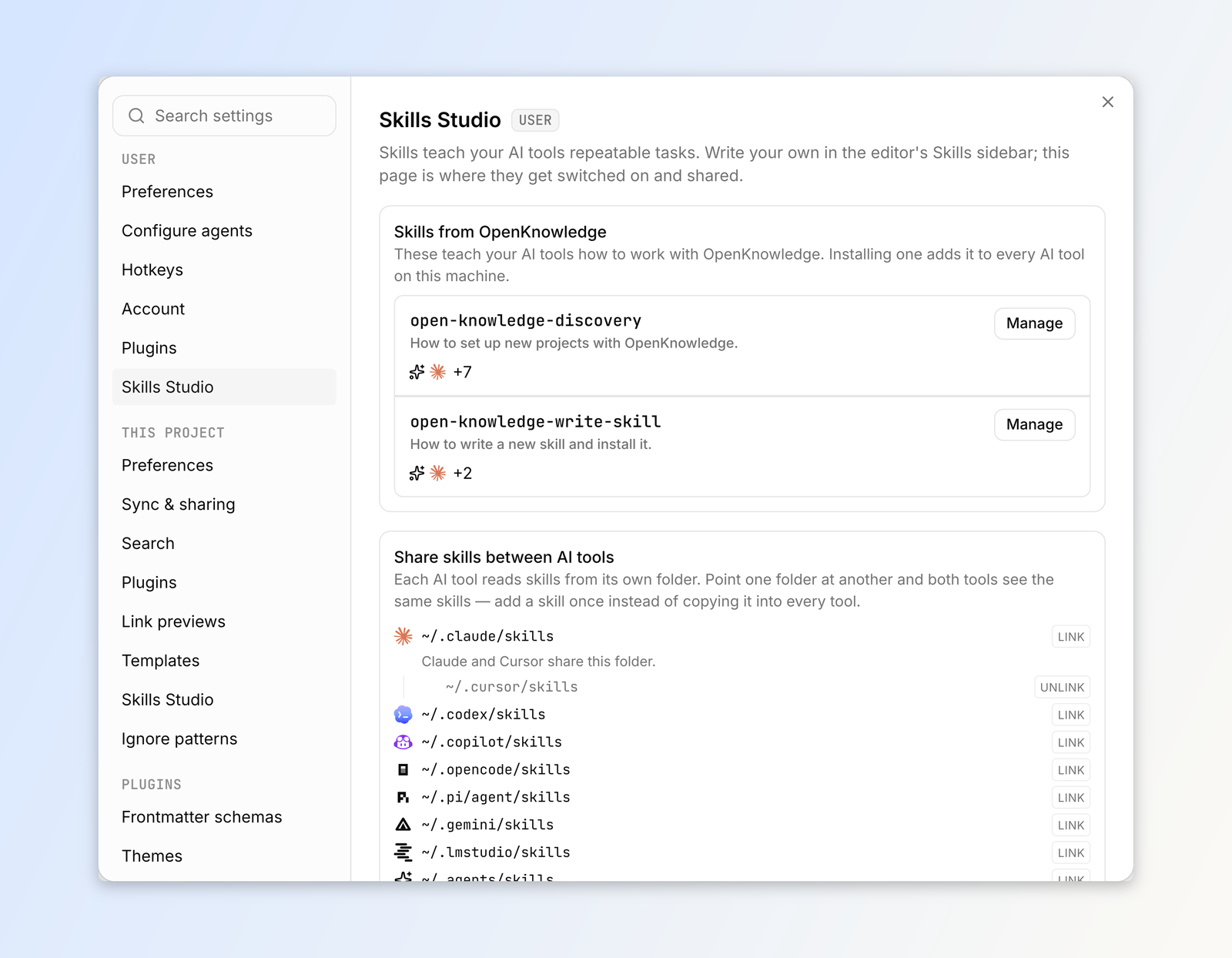
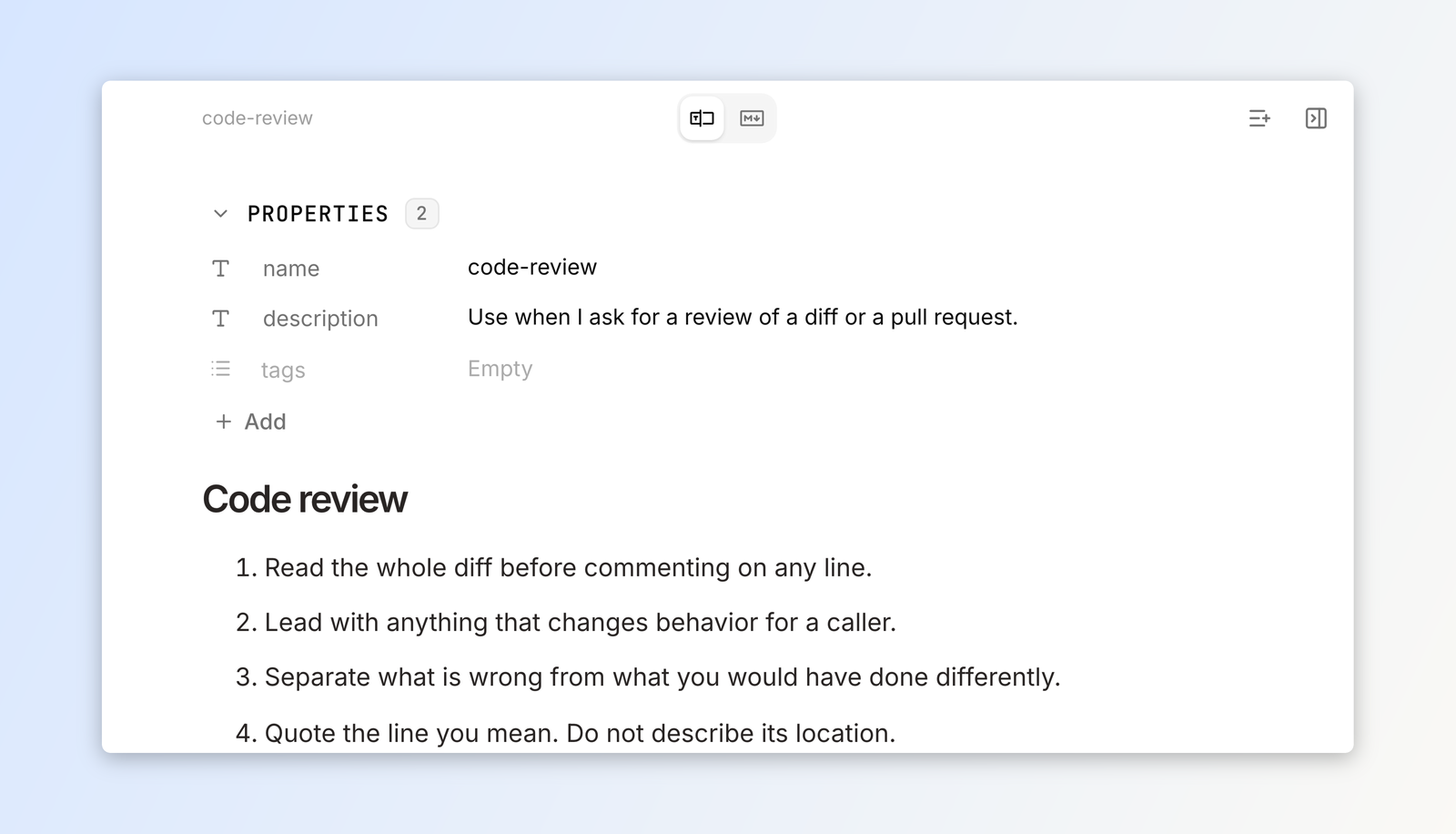
OpenKnowledge turns a folder of markdown files into a workspace where you and an AI agent can write in the same document. The editor feels like a Notion page but saves plain markdown, with a visual mode, a markdown mode, a properties panel for titles and tags, and a file navigator with search and tabs. Ask Claude, Codex, or another harness to draft a recap, and the edit appears beside the chat as you watch. Select any passage and leave a comment, then send all open comments to the agent in one message. A timeline panel lists every change with a before and after diff, so an agent's rewrite is easy to review and undo. Skills Studio covers writing, browsing, and installing agent skills, and it can link one skills folder across Claude, Cursor, Codex, and others. Starter packs set up LLM wikis and second brains, and a graph view shows how wiki links connect pages. Git sync shares a knowledge base with teammates, and rich components like callouts, tabs, and diagrams make specs readable. Running on a dedicated VPS on RepoCloud with guaranteed CPU, RAM, and SSD, full root SSH access, and a browser serial console. GPL-3.0 licensed.
Benefits
- Write Beside Your AI Agent
- Draft in a visual editor as Claude, Codex, or OpenCode edits the same markdown file next to your chat, so you see each change as the agent makes it.
- Review Agent Edits Before Keeping Them
- The timeline panel shows every change as a diff with its author, and a revert button on each entry makes it simple to undo an edit you do not want.
- Keep Everything As Plain Files
- Notes, specs, and wikis stay as ordinary markdown in a folder or git repository, so existing Obsidian vaults and codebases open without conversion or lock-in.
- Share One Knowledge Base
- Git-based sync and sharing let a team work from the same files, with pull-only or two-way automatic sync and no manual commits.
Features
- Visual Markdown Editor
- Edit in a document-style view or switch to raw markdown, with a properties panel for titles and tags and a file navigator with tabs.
- Comments Sent To Agents
- Highlight any text, leave comments, then send all open comments to an agent in a single request.
- Change Timeline And Diffs
- Browse a history of edits with side-by-side diffs, so every human and agent change can be inspected.
- Skills Studio
- Create, search, and install agent skills, then link one skills folder to Claude, Cursor, Codex, and other tools.
- MCP And CLI Access
- Agents search and write documents through an MCP endpoint and the ok command line tool, with setup for detected harnesses.
- LLM Wiki Starter Packs
- Start from templates for LLM wikis and second brains, and explore connections with a graph view of wiki links.