Categories
Self-Hosted Creative Tools Generative AI Video Editing Image Editing Storyboarding AI Video Media ProductionDeveloper links
OpenDirector
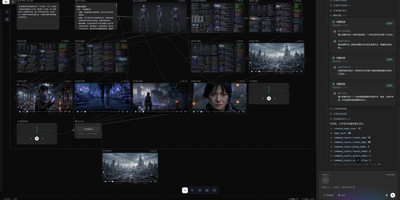
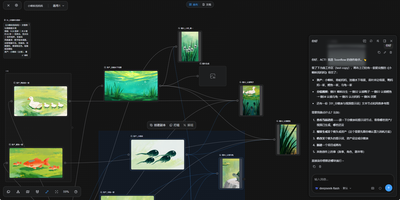
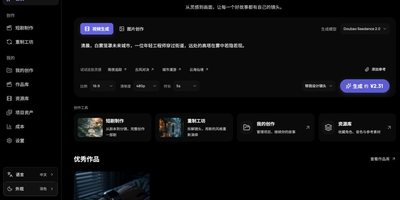
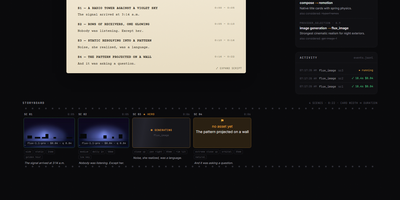
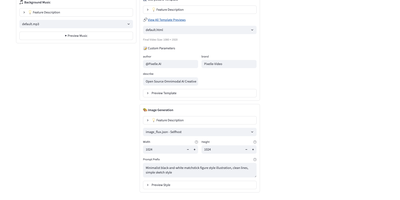
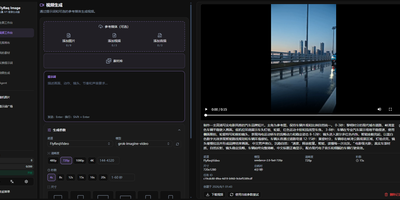
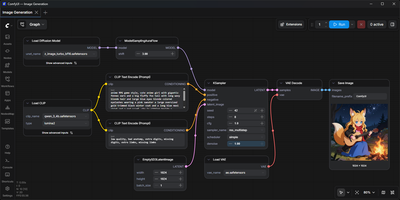
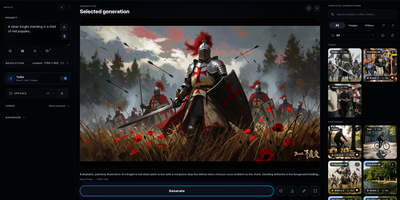
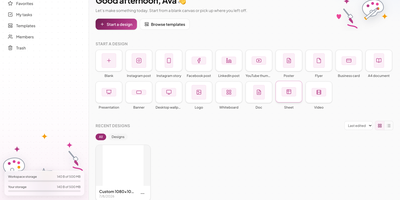
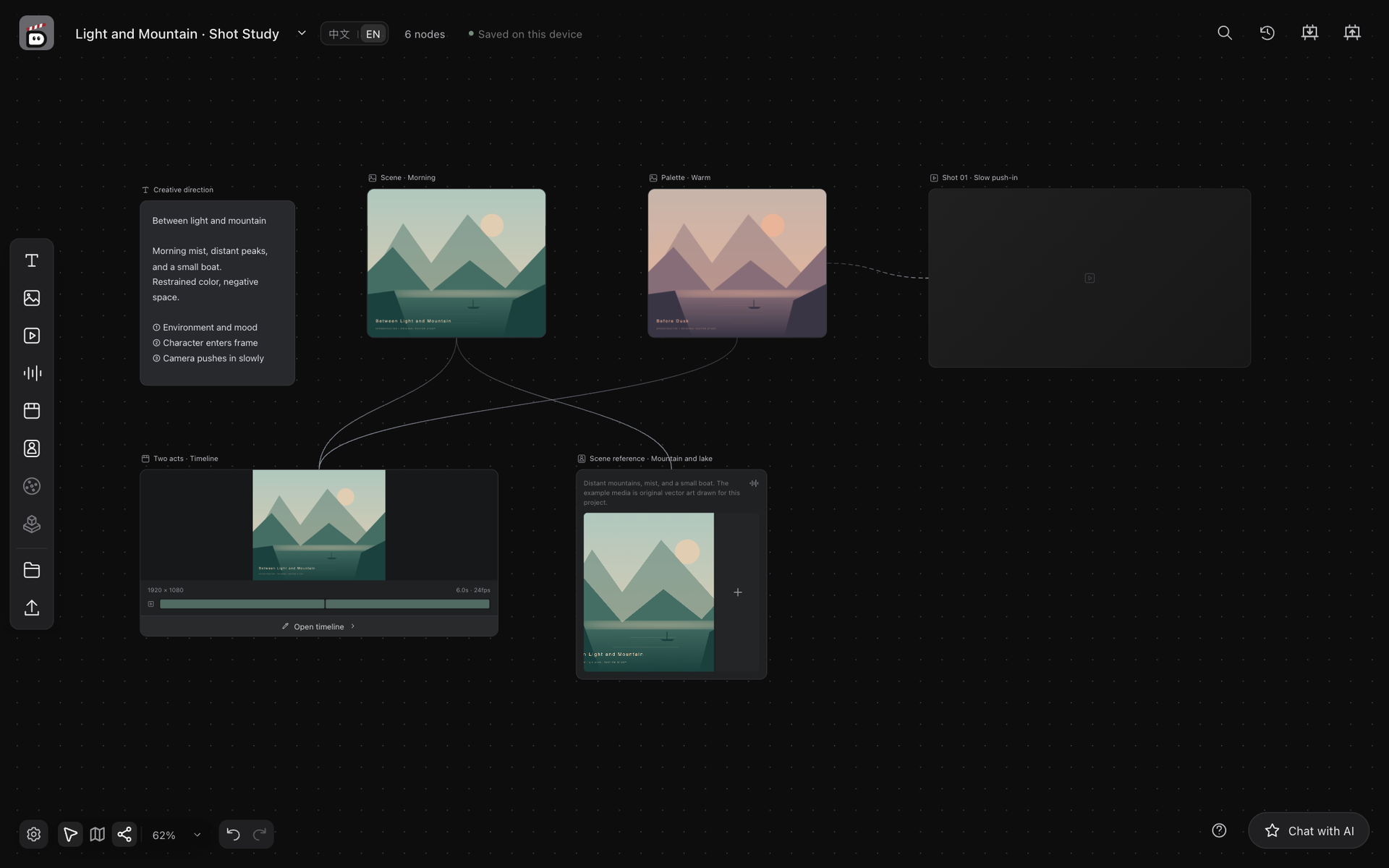
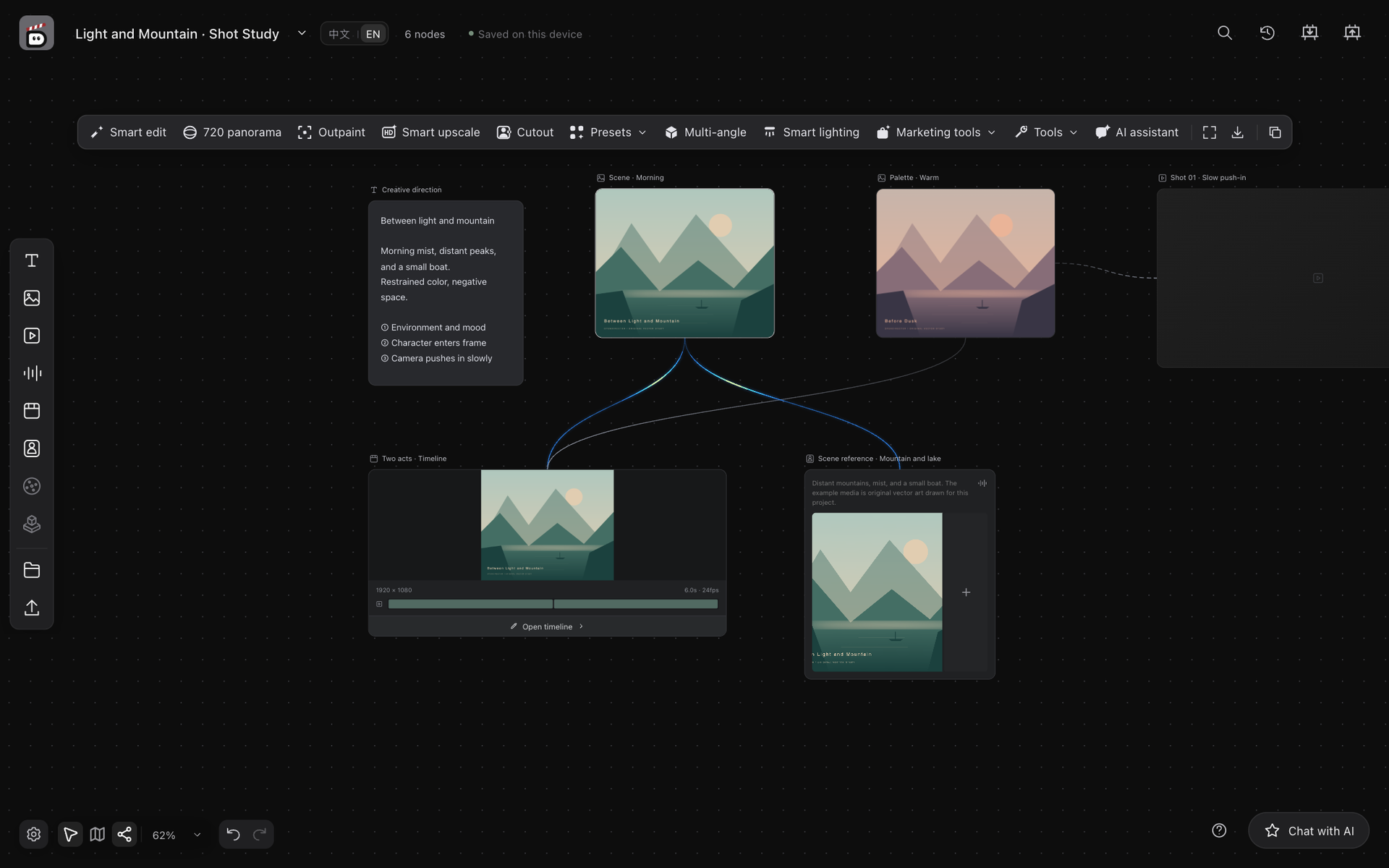
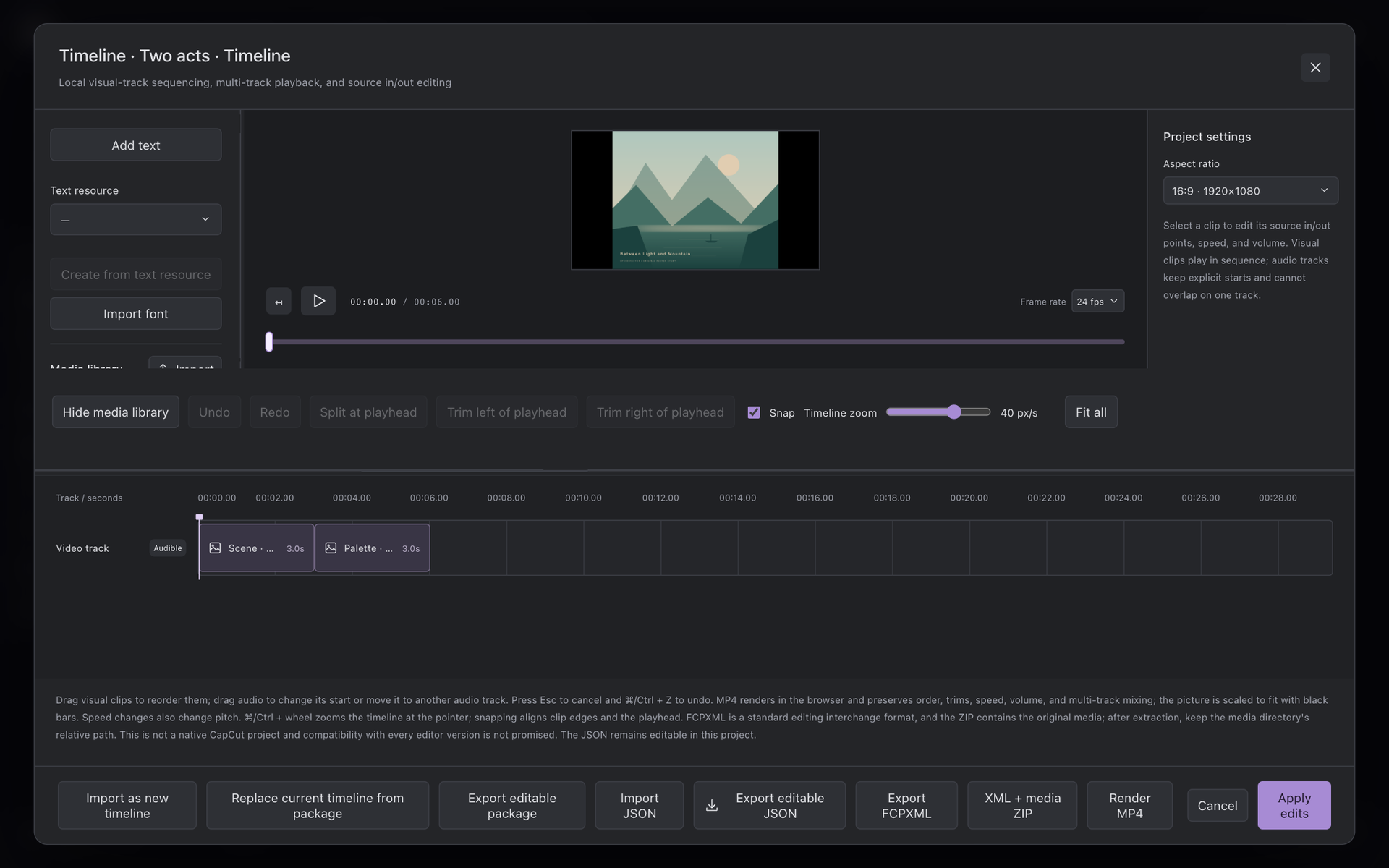
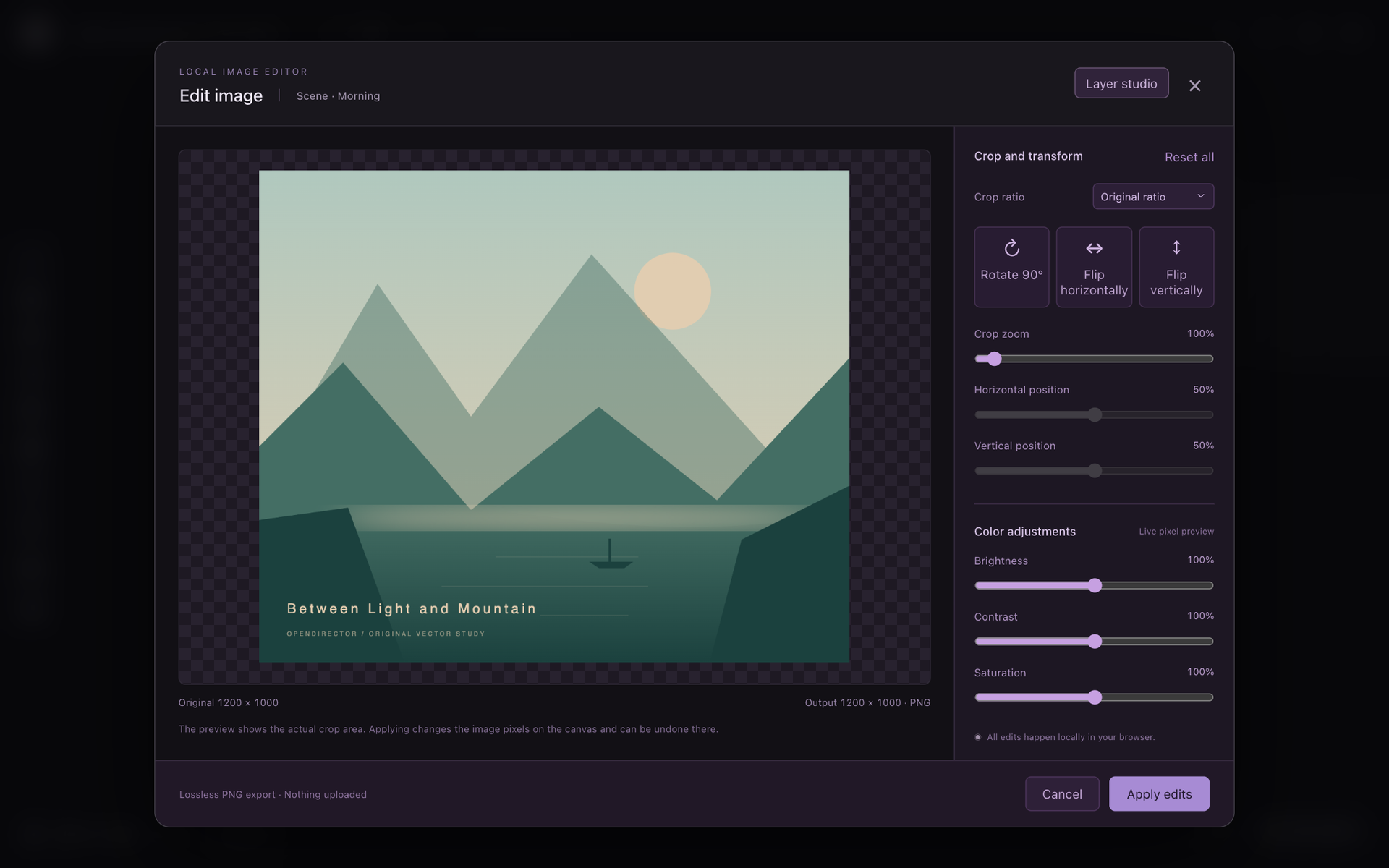
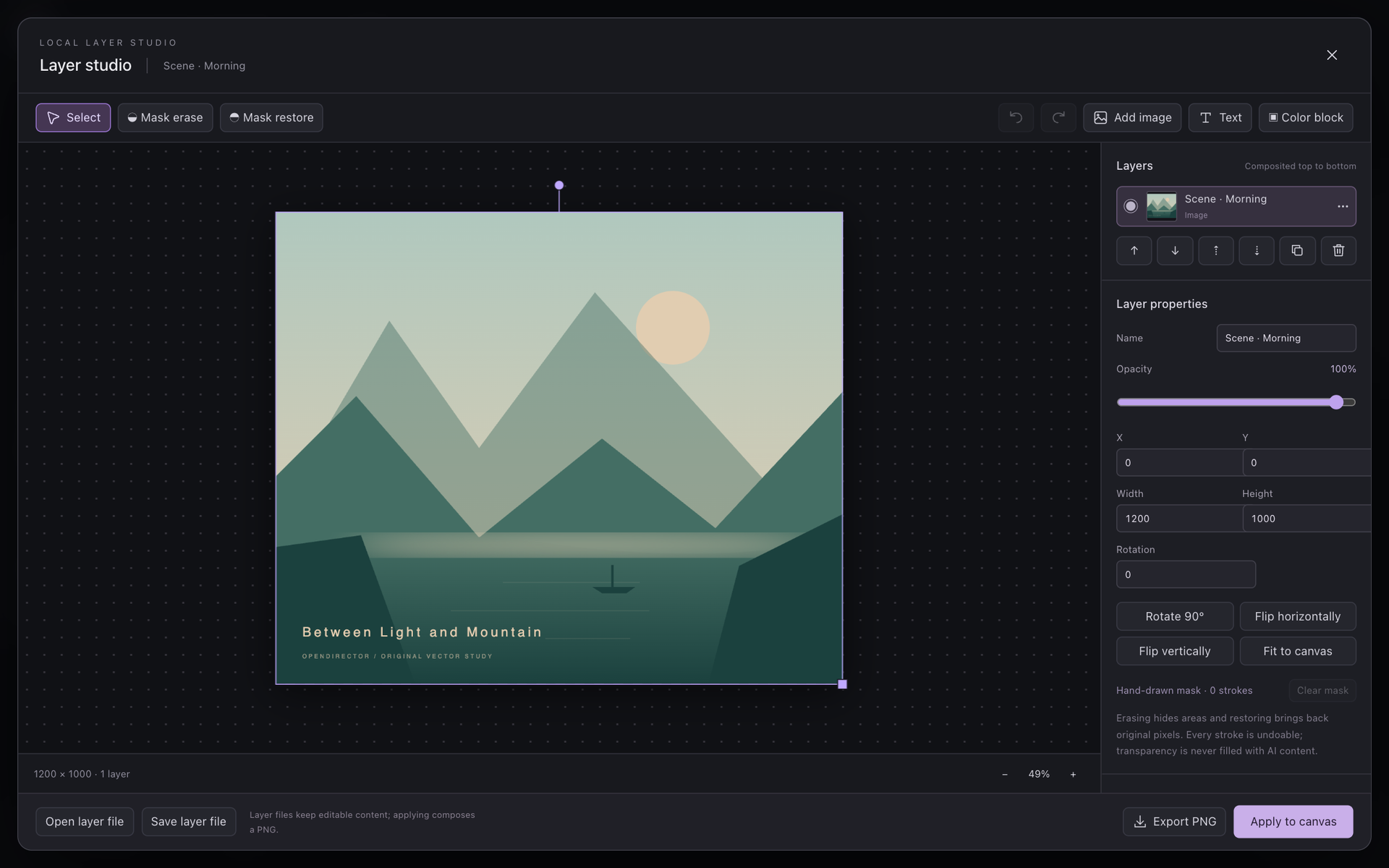
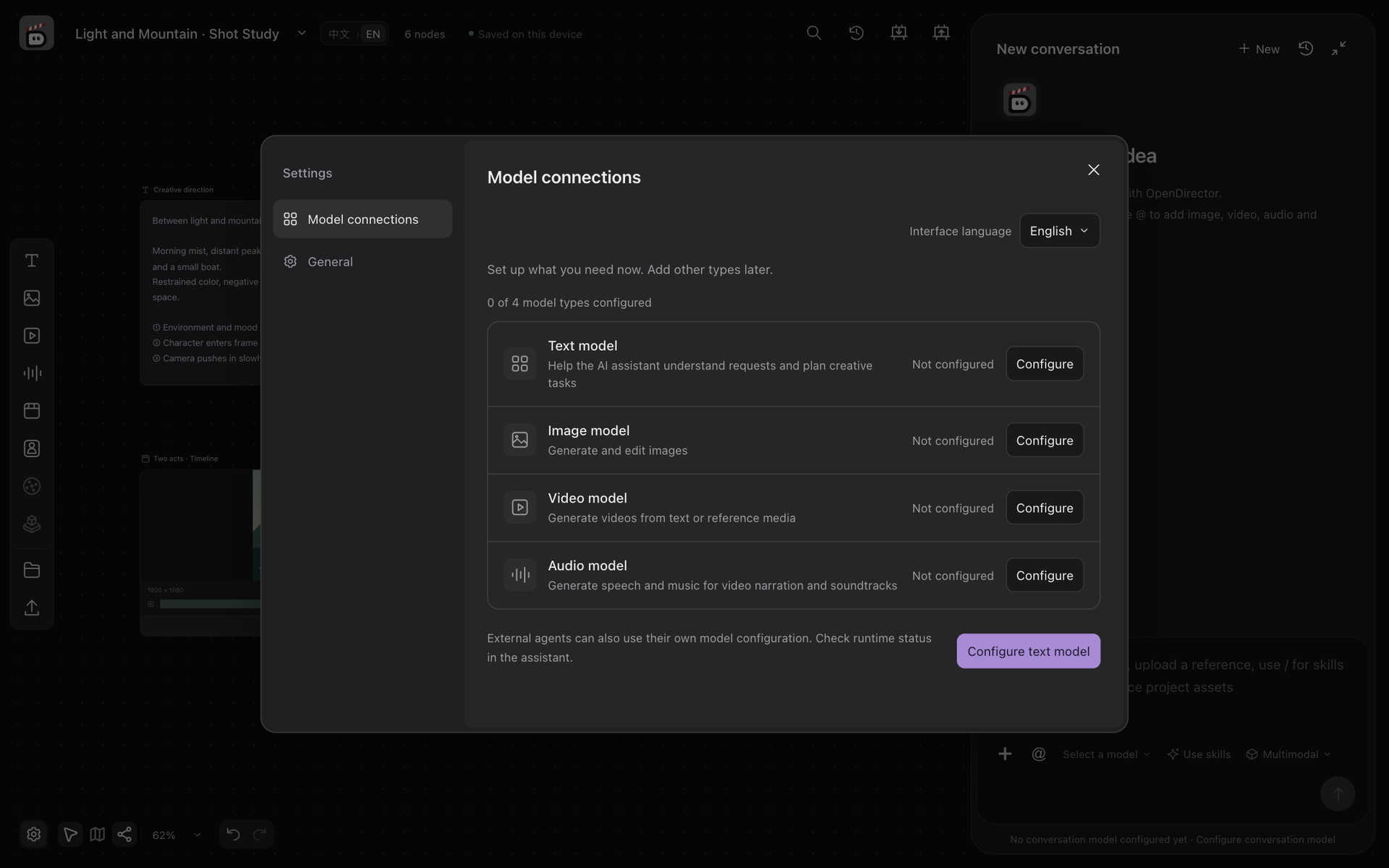
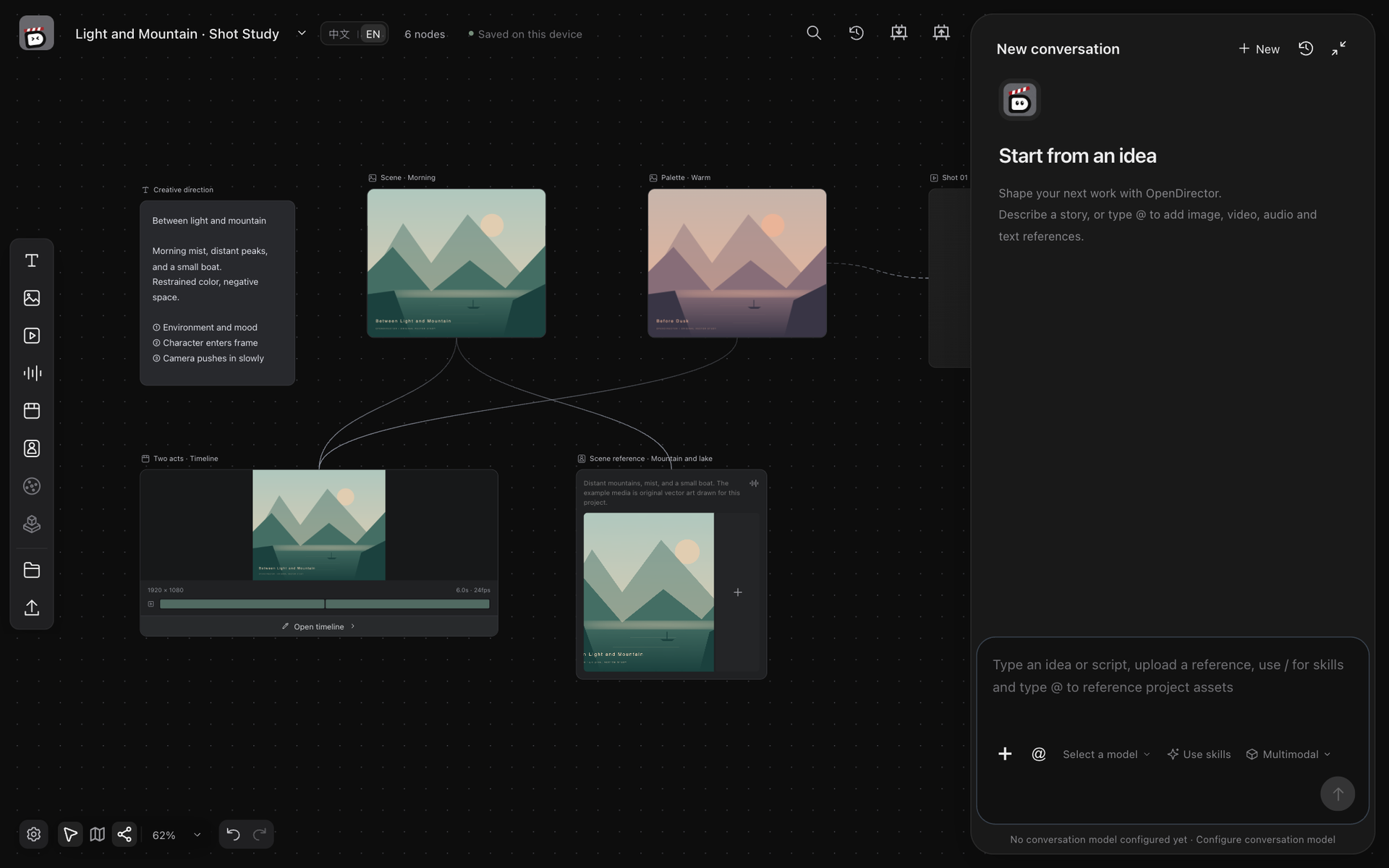
Turn a rough idea into a downloadable short film without leaving one tab. OpenDirector gives you an infinite canvas where text, image, video, audio, and timeline nodes connect with reference lines, so a mood board can feed a prompt and a prompt can feed a shot. Talk to the AI assistant, type @ to pull in any asset as a reference, and watch generation tasks in a history panel for cancelling or resuming them. Image tools include smart edit, outpainting, upscaling, cutout, presets for character and product three-views, a crop and color editor, and a layer studio with masks. Open the timeline to trim, split, change speed and volume, mix audio tracks, and render an MP4 in the browser, or export JSON, FCPXML, and a media package for another editor. Connect your own provider APIs or self-hosted vLLM and vLLM-Omni services for text, image, video, and audio. Autosave keeps every canvas on disk, and the interface switches between English and Chinese. Install with Python, run opendirector serve, and open it on port 8000. Running on a dedicated VPS on RepoCloud with guaranteed CPU, RAM, and SSD, full root SSH access, and a browser serial console. Apache-2.0 licensed.
Benefits
- One Workspace From Idea To Film
- Generate through chat, organize on a canvas, edit media, and render from a timeline without moving files between separate tools or subscriptions.
- Your Projects Stay Local
- Canvases autosave to disk on your own server, and generation calls go only to the provider APIs or self-hosted model services that you choose.
- Bring Any Model Service
- Connect hosted provider APIs or self-hosted vLLM and vLLM-Omni endpoints for text, image, video, and audio, and switch models whenever quality or cost changes.
- Edit Without Regenerating
- Crop, recolor, mask, and layer images in the browser, then trim and mix clips on the timeline, saving model calls for the shots that need them.
Features
- Node Canvas With References
- Connect text, image, video, audio, and timeline nodes, or type @ in a prompt to reference an asset, so every generation inherits the right context.
- AI Assistant Chat
- Describe a story to the assistant, attach references, choose a chat model and skills, and let it save text or call generation models for you.
- Image Editing Toolbox
- Apply smart edit, outpainting, upscaling, cutout, lighting, and multi-angle presets, then fine-tune with the local crop editor and layer studio.
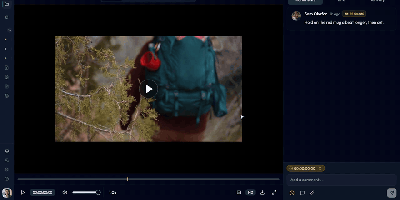
- Multi-Track Timeline Export
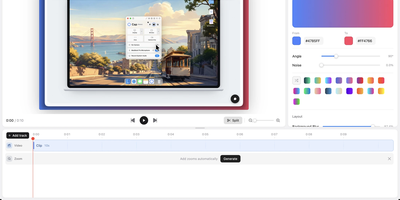
- Sequence clips with trims, speed, and volume, preview them, render an MP4 in Chrome or Edge, or export editable JSON, FCPXML, and media packages.
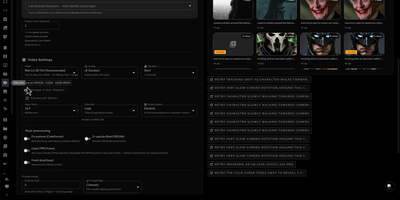
- Generation History Panel
- Follow queued and running tasks, request cancellation, and continue checking an interrupted job before submitting it again.
- Local Server Install
- Run opendirector serve from a Python 3.11 environment with FFmpeg available, then open the workspace in a browser on port 8000.