Categories
Self-Hosted Image Generation AI Video Creation Short Drama Production Storyboarding Infinite Canvas Motion Comics Node-Based WorkflowStars
Forks
Watchers
Developer links
Toonflow
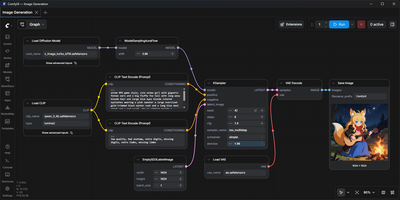
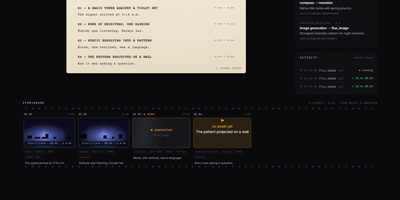
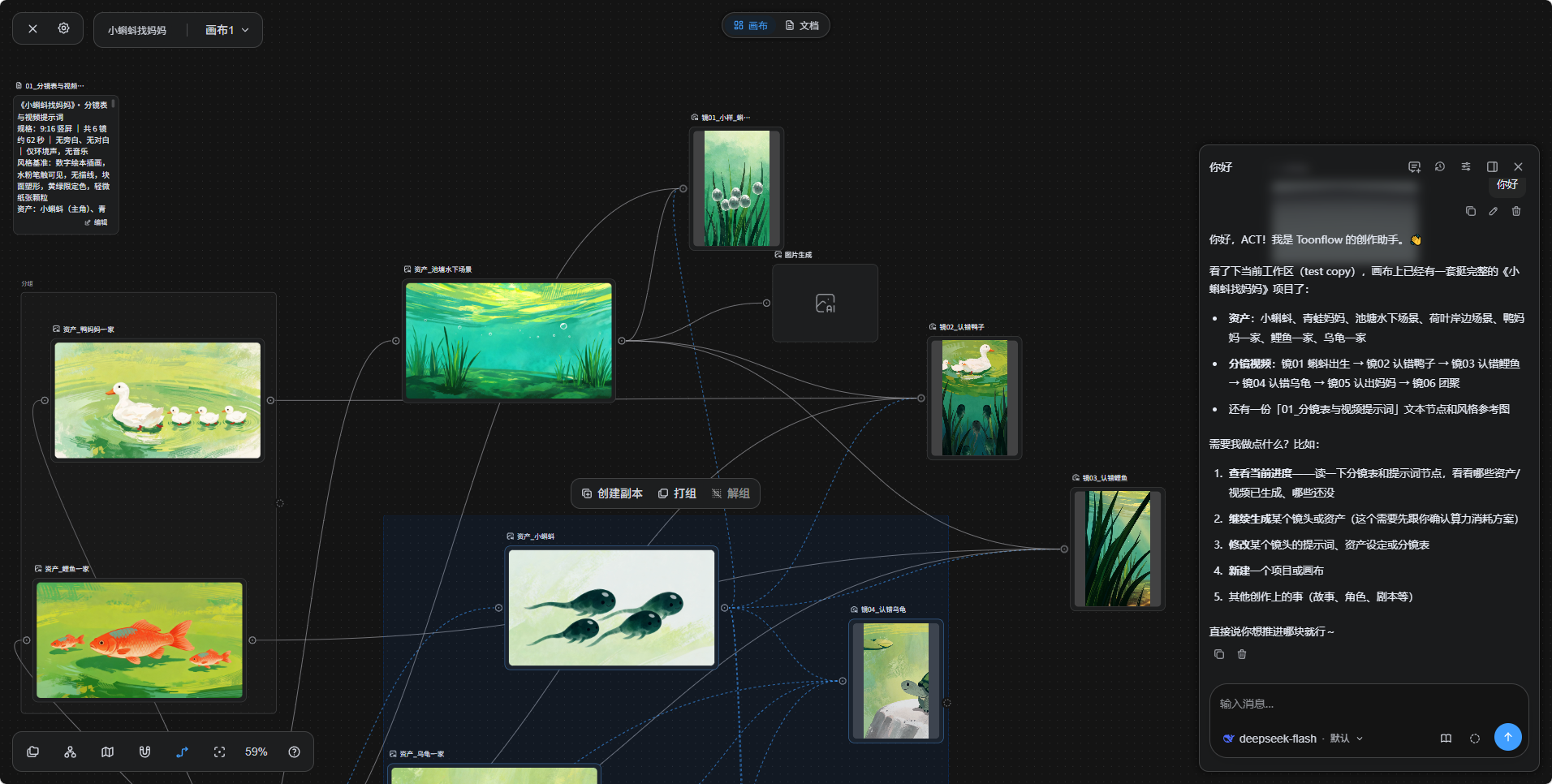
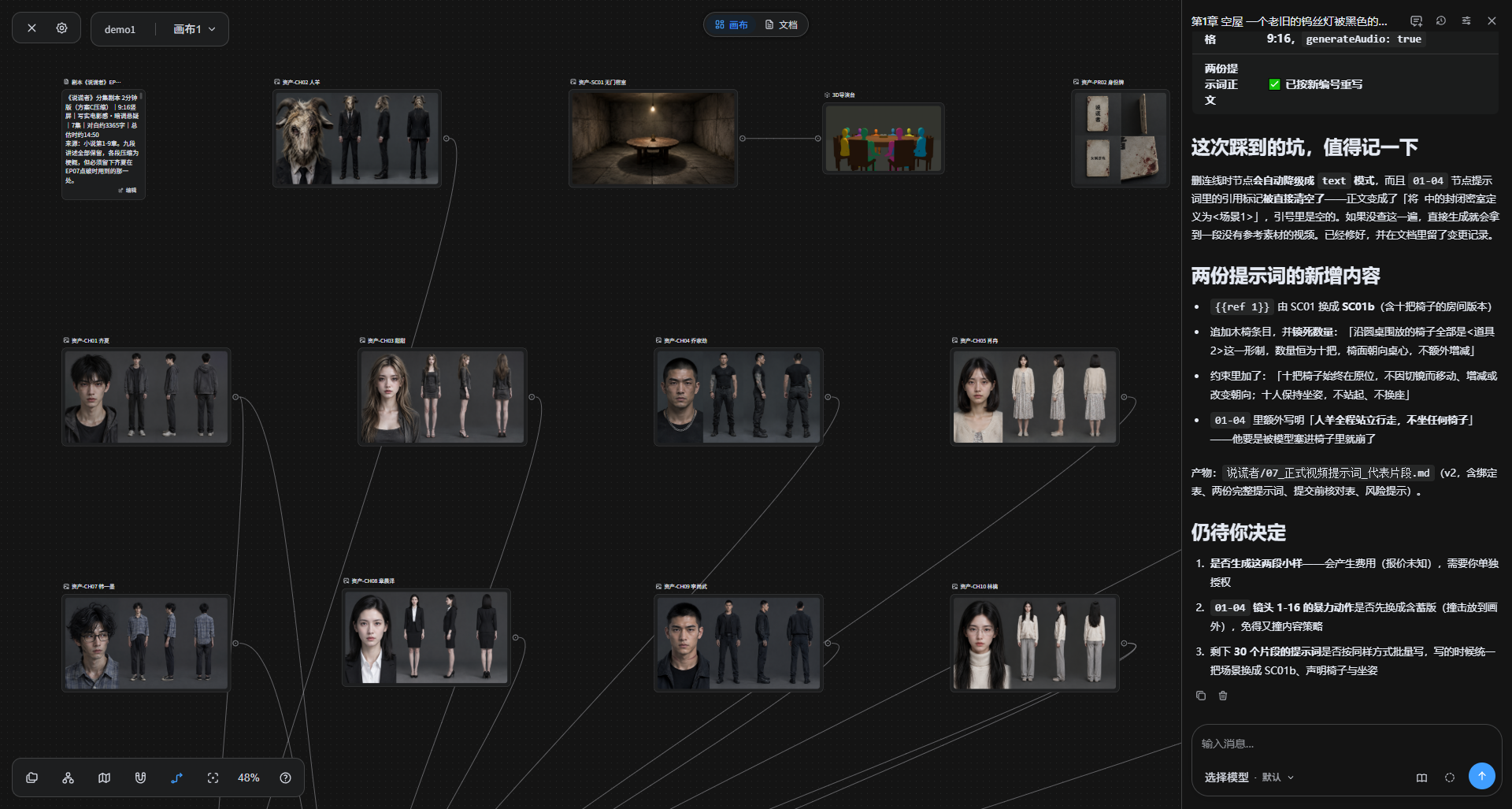
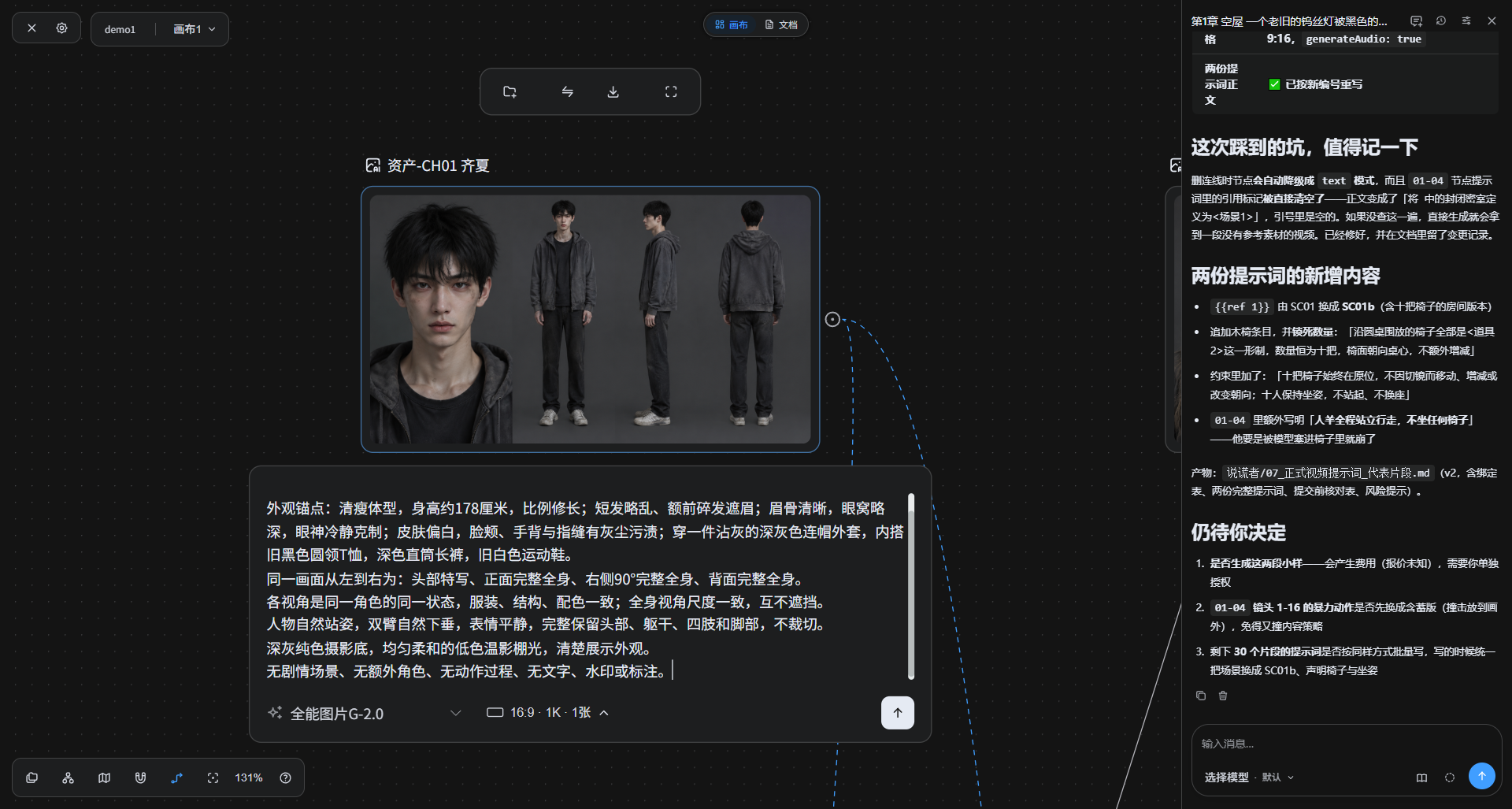
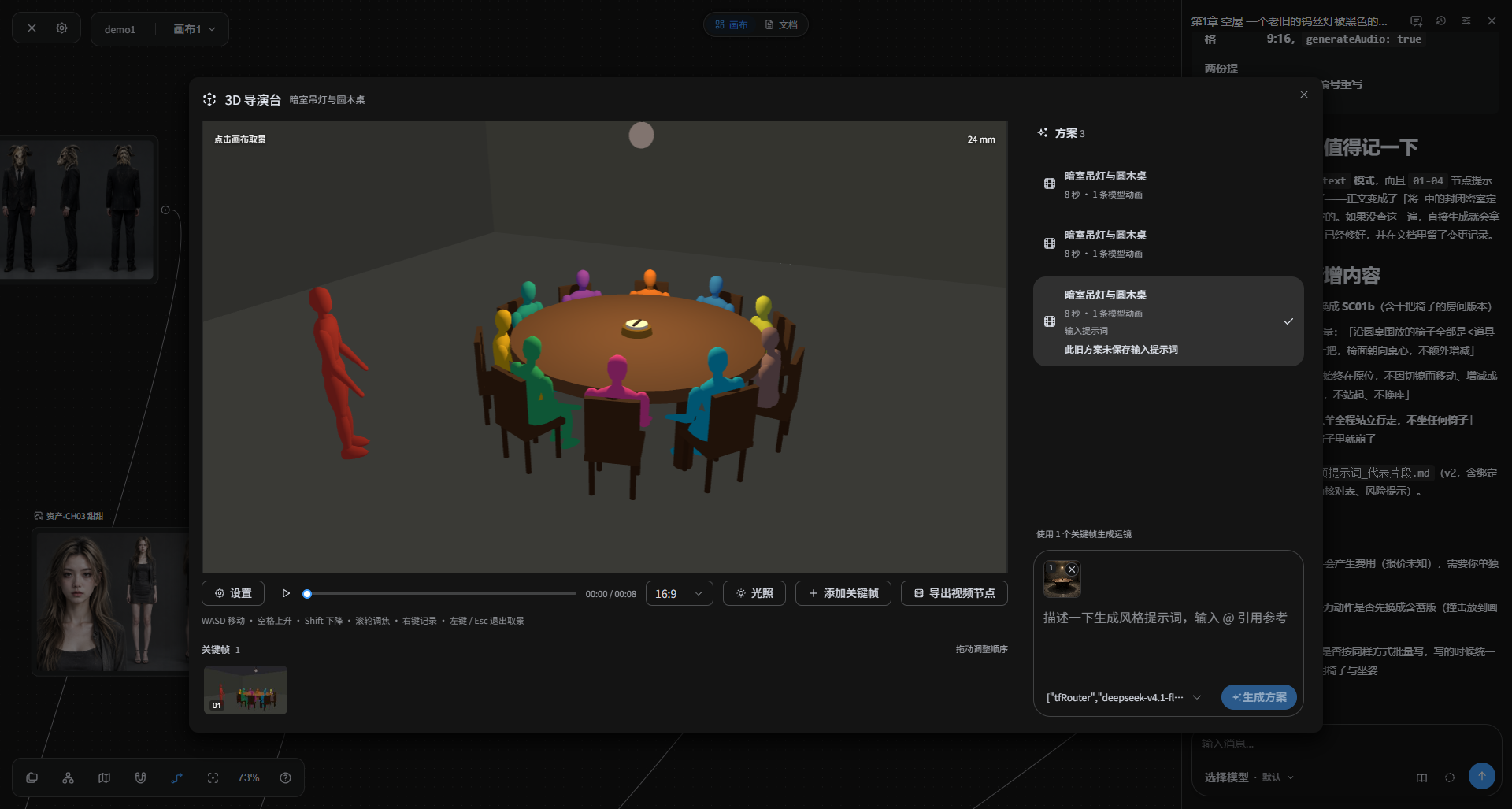
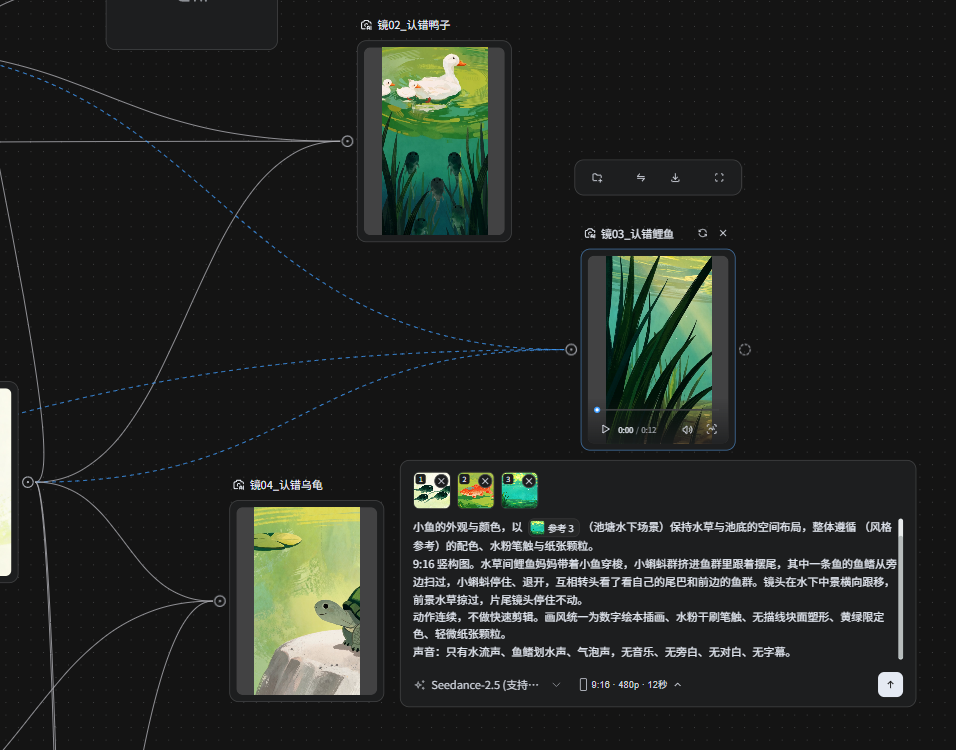
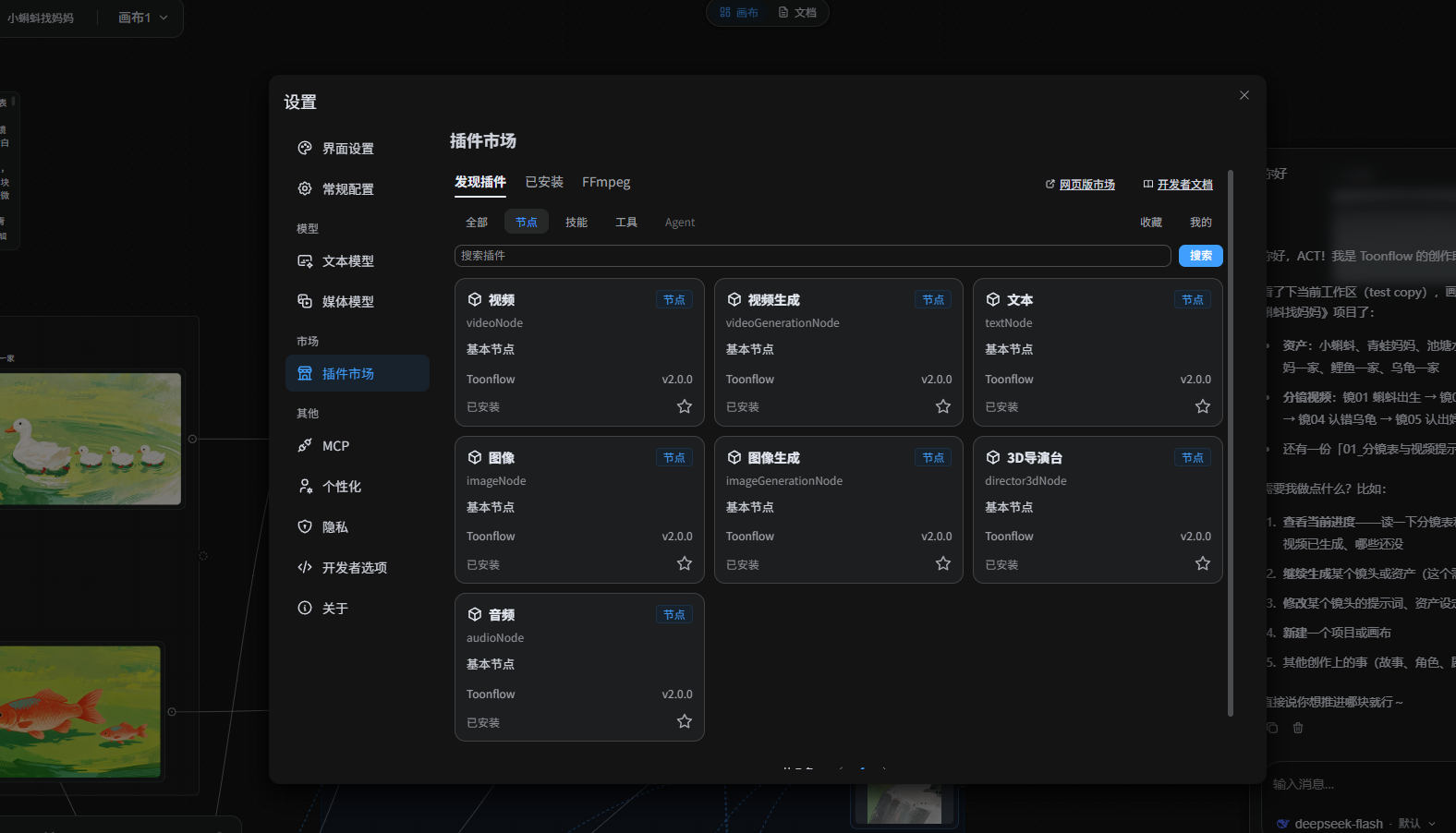
Toonflow, an open-source AI studio for short dramas, animated comics, and short videos, lets you plan, generate, and direct every shot as nodes on a canvas that runs on your own server. Text nodes hold the story, characters, and shot descriptions. Image generation nodes create character sheets with close-up, front, side, and back views. Video generation nodes take numbered reference images. Aspect ratio, resolution, and duration options depend on the selected model. Connectors link the nodes, so a character sheet made once is reusable in every shot. The 3D director's studio blocks a scene with camera framing, lighting, and keyframes. Export the scene as a video node. An assistant panel reads the project and reports which assets and videos have been generated. It offers next steps: generate a shot, revise a prompt, or start a new canvas. Finished images and clips preview on the canvas and download for further production work. Models come from third-party APIs, local ComfyUI workflows, or local language models. Plugins for nodes, skills, tools, and agents install from the marketplace. MCP links external tools and services. Projects, settings, and plugins live in one data directory. The interface offers 21 languages. There is no built-in login, so a firewall or an authenticating reverse proxy decides who can reach it. Running on a dedicated VPS on RepoCloud with guaranteed CPU, RAM, and SSD, full root SSH access, and a browser serial console. MIT licensed.
Benefits
- One canvas from script to clip
- Scripts, character sheets, storyboards, and generated video shots sit on a single infinite canvas as linked nodes, so you can see what exists and what still needs generating.
- Models stay your choice
- The software is MIT licensed and free to self-host; model usage is billed only by the providers you configure, or runs on your own hardware with local ComfyUI and language models.
- Simple backups and migration
- Settings, plugins, and workspaces live in one data directory (a named Docker volume in the stock setup), so backing up or migrating means copying that single directory.
- Runs on desktop, Android, and servers
- Windows and macOS installers, an Android ARM64 app, Docker, and a plain Linux server install are all supported, and the interface is available in 21 languages.
Features
- Infinite node canvas
- Text, image, audio, video, image-generation, video-generation, and 3D director nodes connect on a zoomable canvas with grouping, copy, and light and dark themes.
- Canvas assistant agent
- A canvas-side assistant reads the project, checks which assets and videos are generated, and offers next steps, while prompts, tools, and A2A stay open for customizing agent behavior.
- Image and video generation
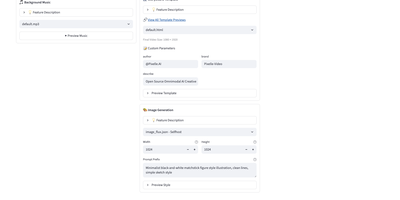
- Image nodes create character, scene, and storyboard images; video nodes take numbered reference images plus aspect ratio, resolution, and duration options that depend on the selected model.
- 3D director's studio
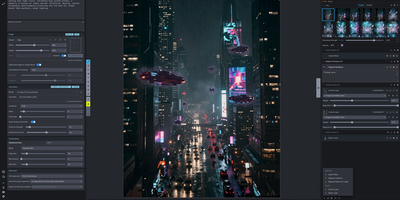
- Block a shot in a 3D scene with WASD camera movement, focal length, lighting, keyframes, and a timeline, then export it as a video node.
- Plugin marketplace and MCP
- Install node, skill, tool, and agent plugins from the Plugin Marketplace, and connect external tools and services through MCP; core nodes ship as plugins too.
- Flexible model connections
- Settings separate text models from media models; connect third-party APIs, local ComfyUI instances, or local LLMs, and use custom provider adapters for existing ComfyUI workflows.