Stars
Forks
Watchers
Developer links
Mix Studio
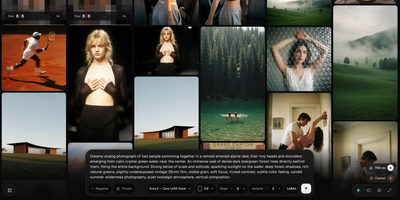
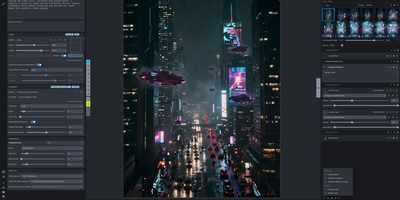
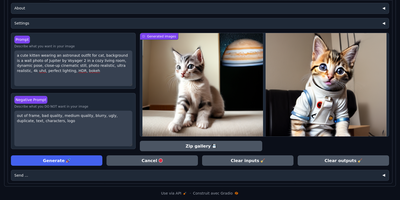
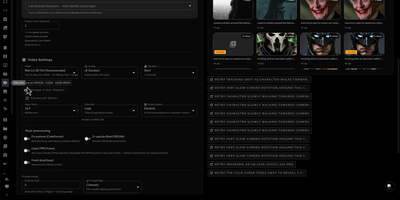
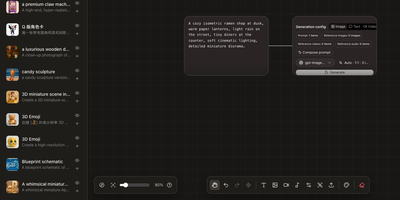
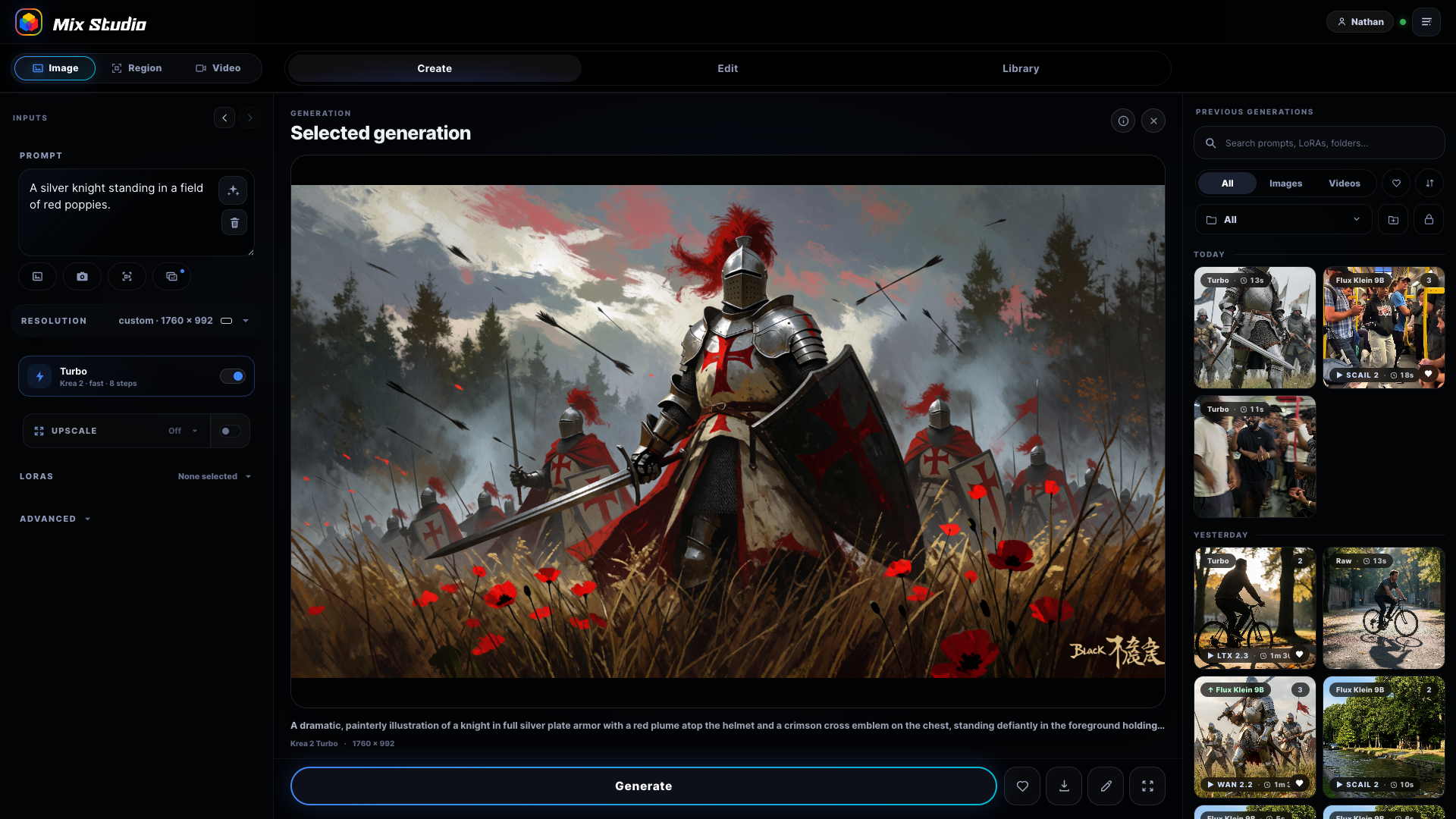
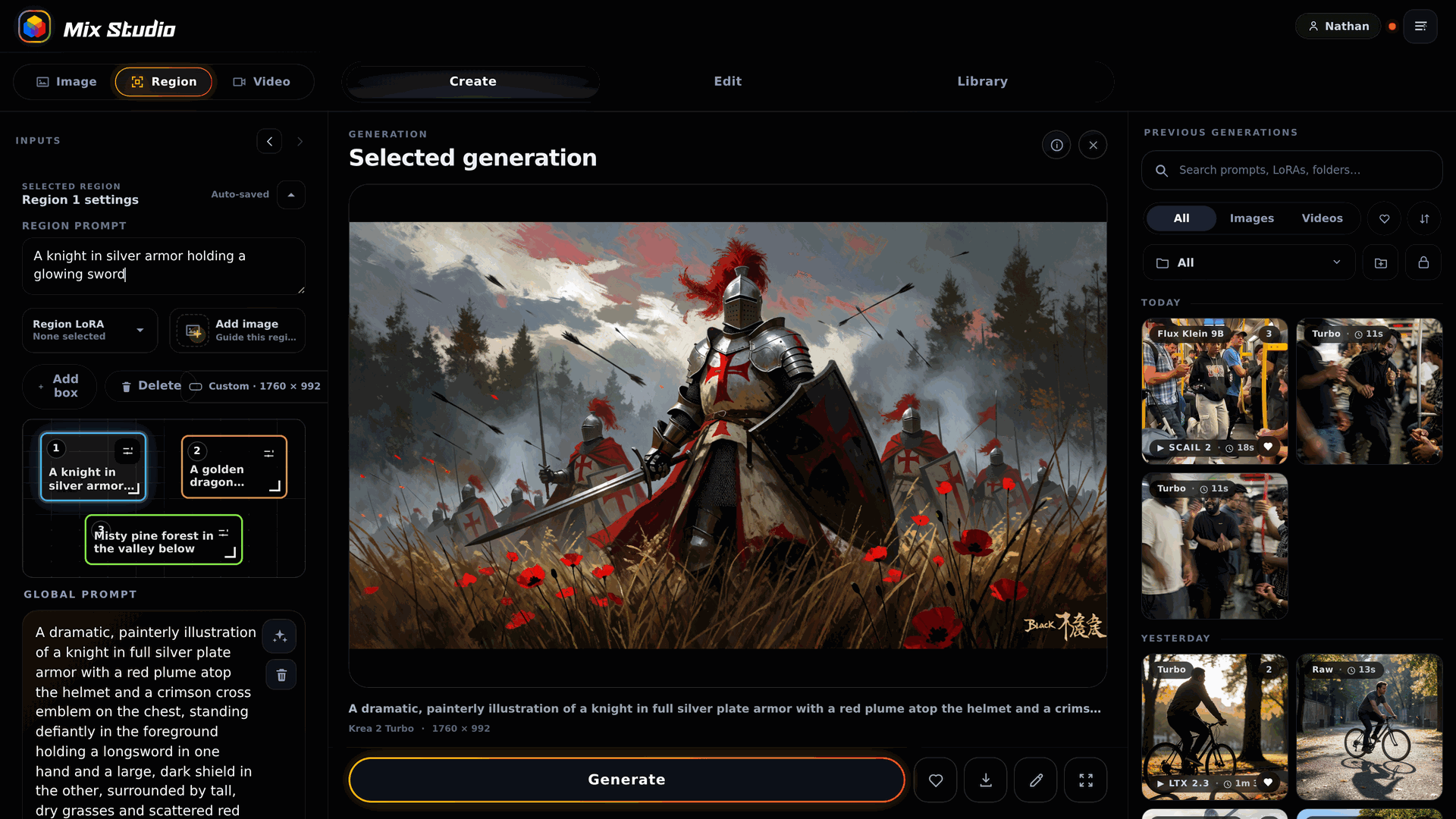
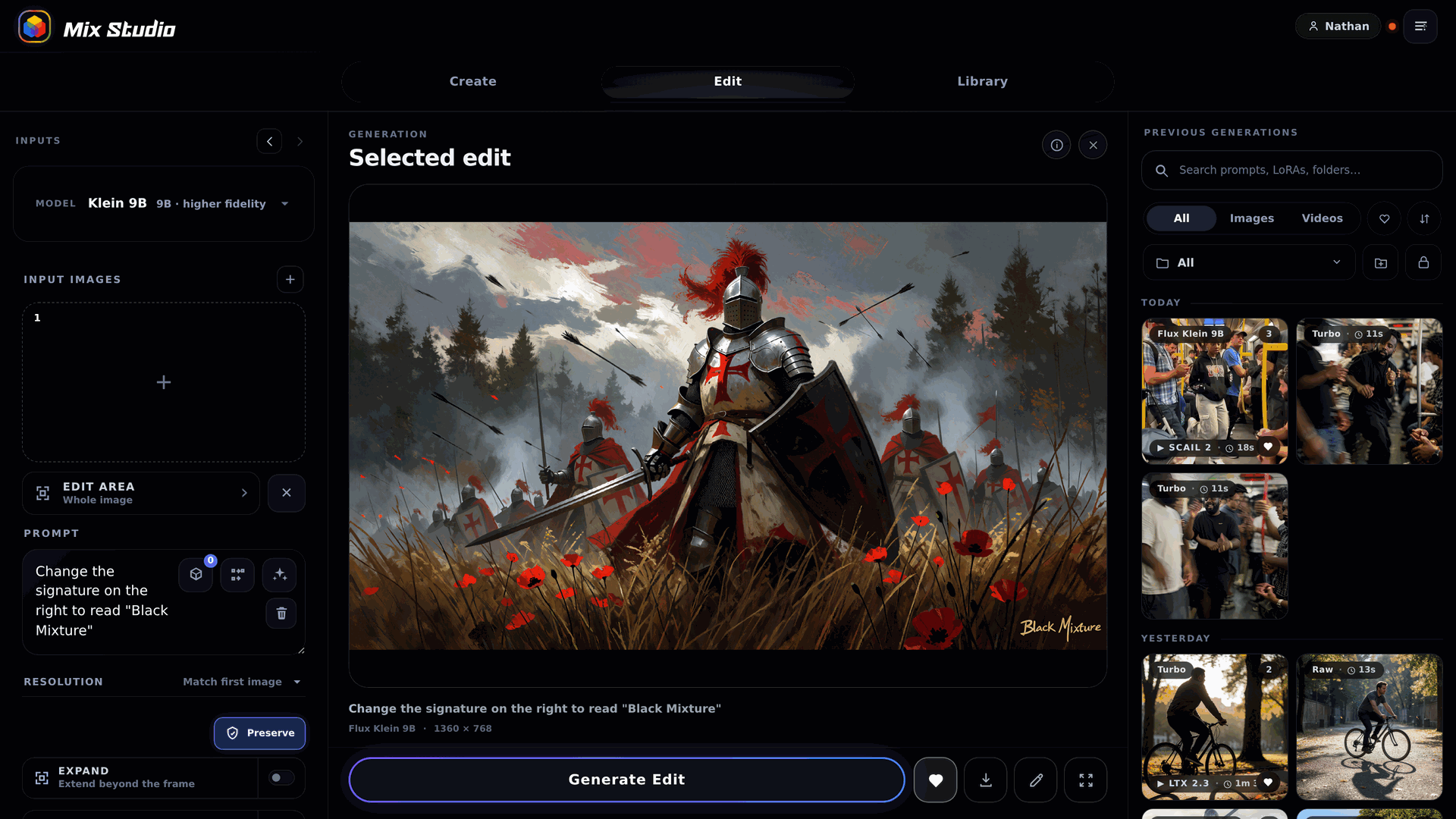
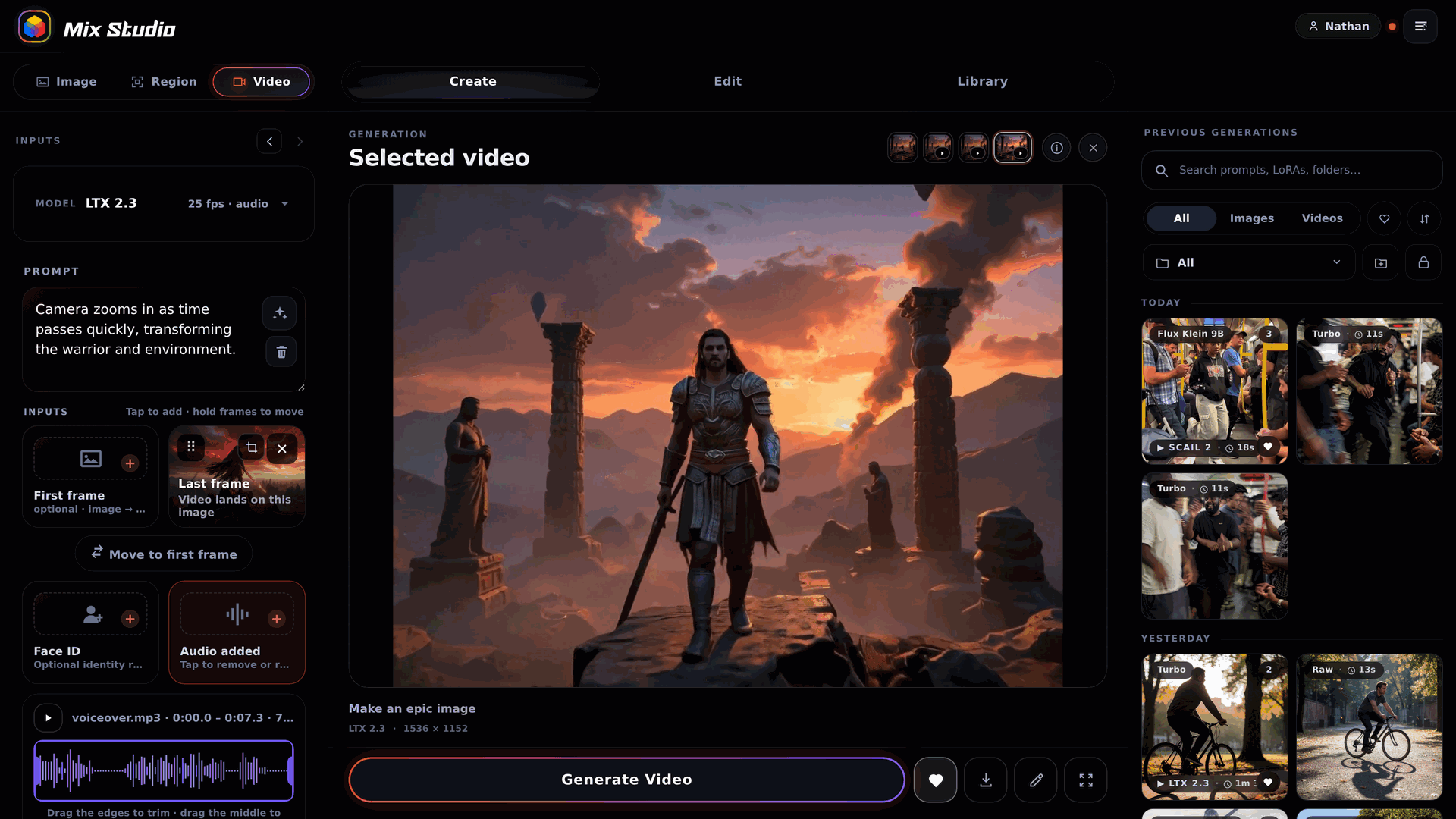
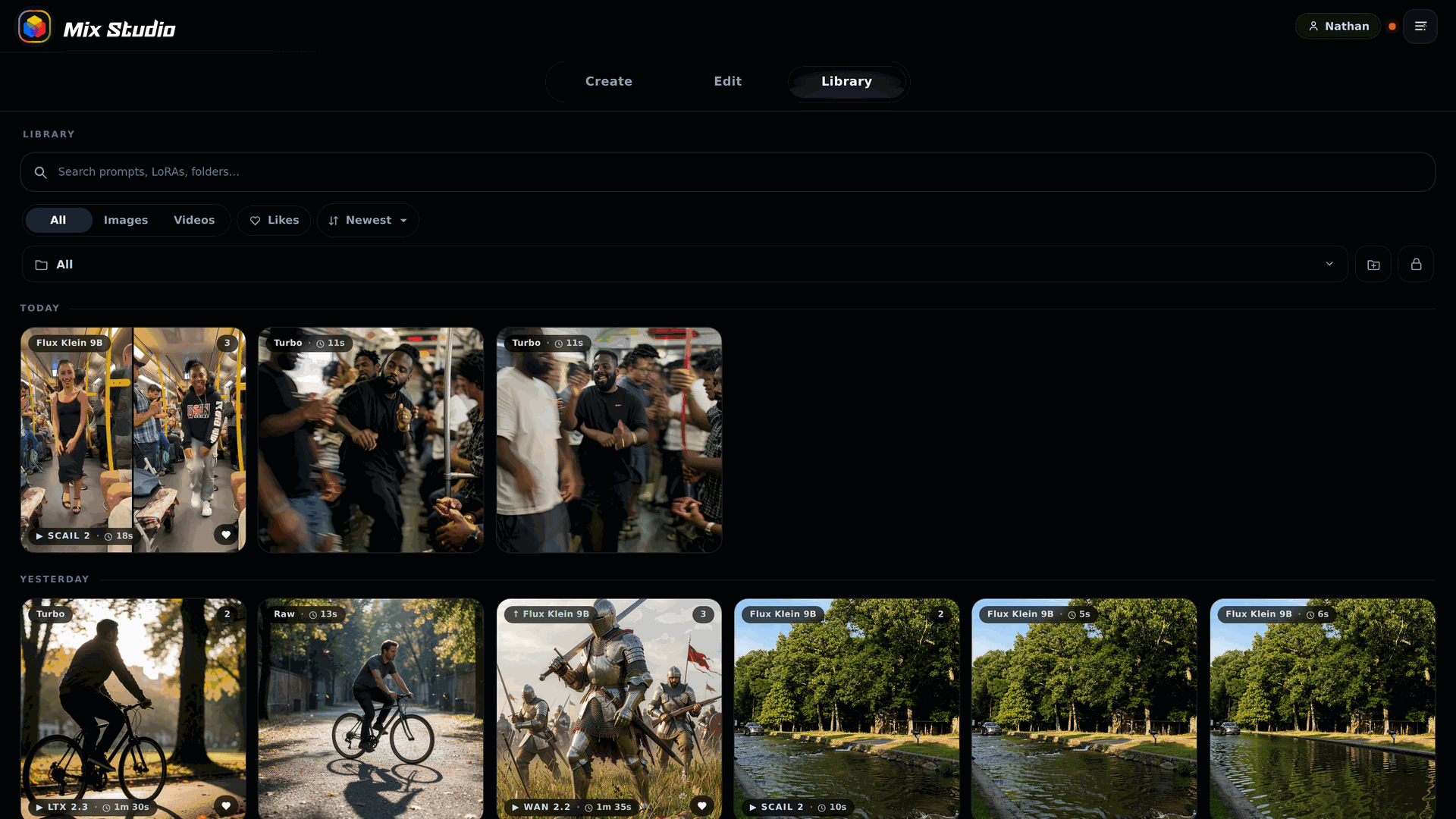
Mix Studio gives ComfyUI a calm, touch-friendly workspace where image and video generation happens through focused controls instead of a fresh node graph for every job. The Create view runs curated families including Krea 2, Flux 2 Klein, and Qwen Image with exact resolution, seed, batching, LoRA, and prompt enhancement controls. Region mode places aspect-correct boxes on the canvas, each carrying an independent prompt, LoRA stack, and reference image, then resolves them into one coherent generation. Edit mode combines whole-image editing, identity editing, and multi-reference Remix flows with masks, inpainting, outpainting, and source preservation. Video workspaces cover text-to-video, first and last frame control, reference-to-video, character animation, face lipsync, and motion transfer driven by a trimmed performance clip. An experimental photo-to-3D path turns a picture into an orbit video and a Gaussian splat you can view interactively and export. Upscaling pairs synchronized pan and zoom with a movable before-and-after divider for detail inspection. The Library keeps generations and uploads searchable with folders, groups, metadata, reusable settings, recoverable trash, and ZIP export, and separate profiles can carry PIN access. Live queue progress, cancellation, guided setup with dependency checks, and automatic backups keep daily operation orderly. Running on a dedicated VPS on RepoCloud with guaranteed CPU, RAM, and SSD, full root SSH access, and a browser serial console. GPL-3.0 licensed.
Benefits
- ComfyUI Without Graph Rebuilds
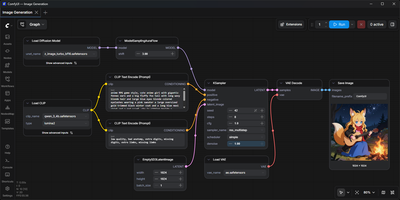
- Focused workspaces assemble the ComfyUI API graph for each job, so creators spend time on prompts, references, and settings instead of rewiring nodes for routine generations.
- Desktop And Phone Parity
- The same projects, controls, and Library open on the generation machine, a phone on local Wi-Fi, or a private Tailscale connection, with touch layouts built for smaller screens.
- Curated Models, Guided Setup
- Tuned routes for leading image and video model families ship with hardware guidance, discovered model checks, and dependency reporting that flags missing pieces before generation starts.
- Media Stays Local
- Prompts, inputs, generated media, profiles, and galleries remain on your own machine, with automatic database backups and recoverable trash protecting work between sessions.
Features
- Create And Region
- Create runs curated image models with LoRA and prompt enhancement, and Region assigns independent prompts and references to aspect-correct canvas boxes.
- Multi-Reference Editing
- Edit workspaces combine up to three reference inputs addressed by prompt tokens, with masks, inpainting, outpainting, and source preservation controls.
- Video And Motion
- Video routes cover text and frame guided generation, character animation, lipsync, and motion transfer from a trimmed driving video with chunk controls.
- Upscale Comparison Viewer
- SeedVR2 and Ultimate SD Upscale results open in a synchronized viewer with linked pan, zoom, and a movable before-and-after reveal divider.
- Searchable Media Library
- The Library organizes images, videos, and uploads with profiles, folders, groups, metadata, reusable settings, recoverable trash, and ZIP export.