Categories
Self-Hosted Open Source Collaboration Docker Rust Video Editing Video Hosting Screen RecordingStars
Forks
Watchers
Developer links
Cap
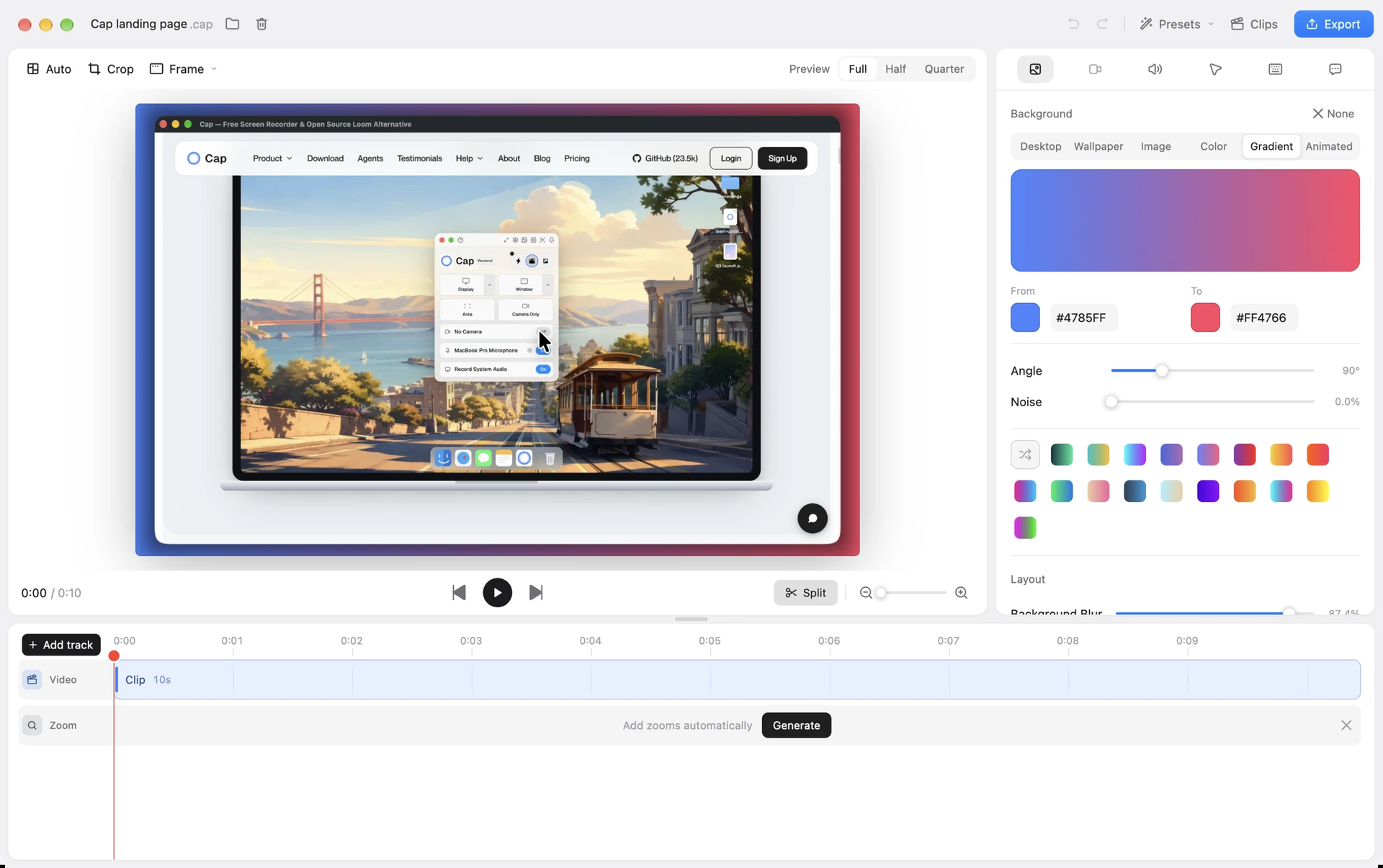
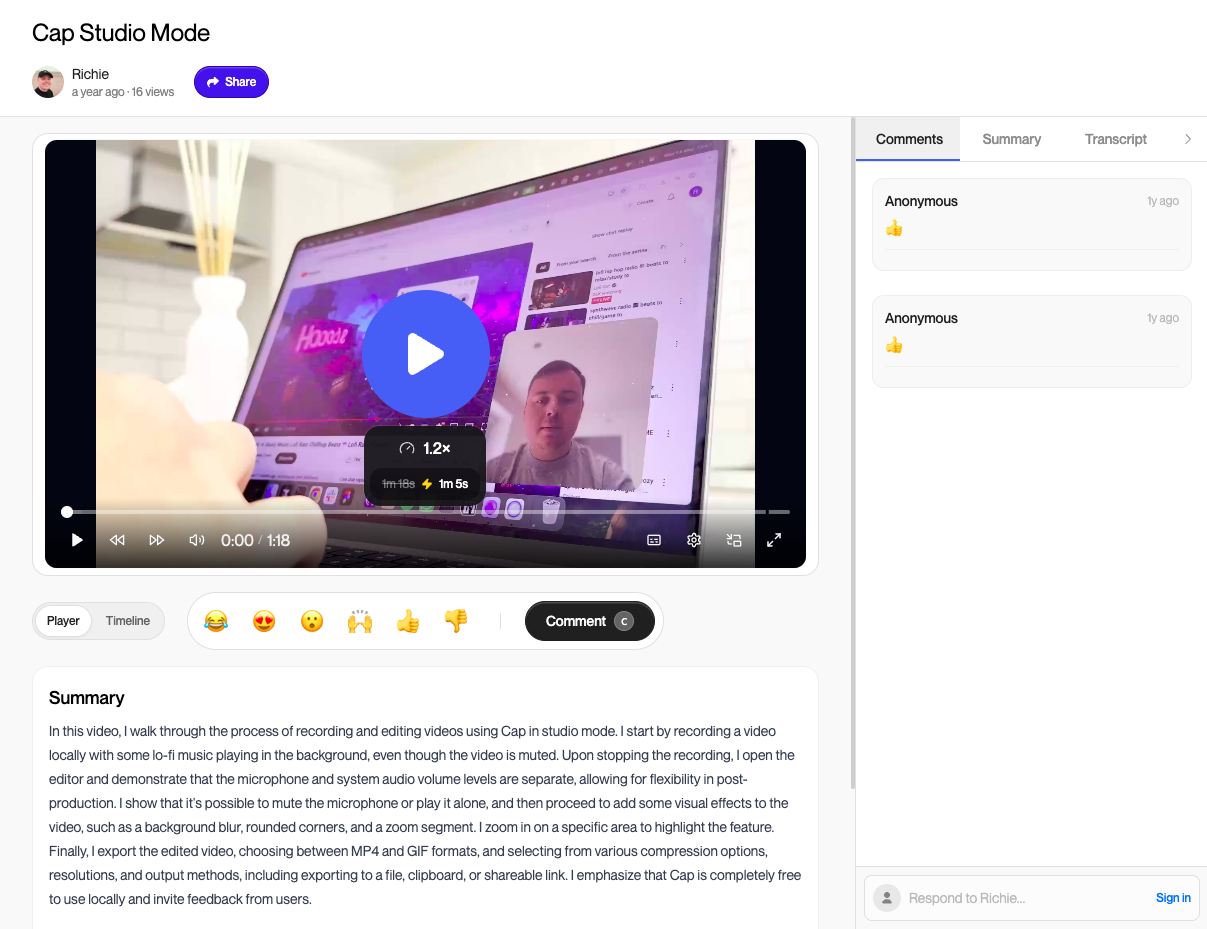
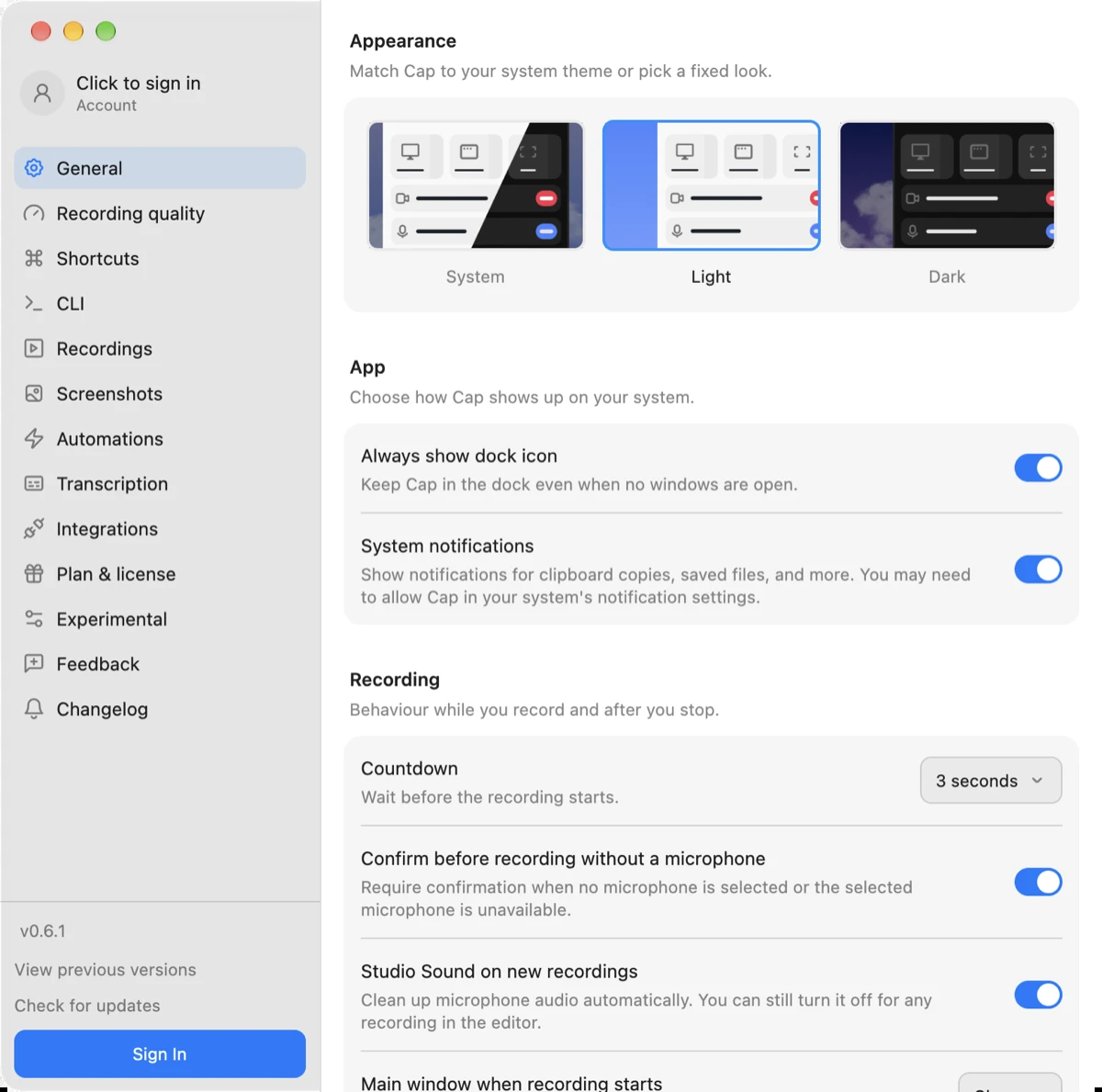
Cap is an open-source screen recorder with a built-in sharing site, so the explanation you would have booked a call for becomes a link someone can watch whenever it suits them. Pick Instant Mode when speed matters: choose a screen, window, or area, add your camera and microphone, and the video uploads while you record, so the share link is ready the second you stop. Pick Studio Mode when polish matters: Cap records locally at up to 4K and 60 frames per second, keeps screen and camera as separate tracks, and opens an editor for trimming, backgrounds, zooms, captions, and export to MP4 or GIF. Whichever mode made it, a shared video lands on a page that plays in any browser, where viewers can leave comments and reactions. Owners can keep a video private or protect it with a password, and team workspaces keep a shared library organized. Share pages come from your own domain, and recordings live in the bundled object store or any S3-compatible bucket. Connect a transcription and AI provider to add transcripts, titles, summaries, and clickable chapters. Bug reports, product demos, onboarding walkthroughs, design reviews, and async standups all shrink to a short recording and a link. The desktop apps for macOS, Windows, and Linux connect to your server through a single Cap Server URL setting. Running on a dedicated VPS on RepoCloud with guaranteed CPU, RAM, and SSD, full root SSH access, and a browser serial console. AGPL-3.0 licensed.
Benefits
- Replace Calls With Shareable Videos
- A quick recording and a link can answer a bug report or status question without scheduling a call. Comments and reactions keep feedback attached to the video, so nothing gets lost in chat.
- You Decide Where Videos Live
- Recordings of internal dashboards and customer calls stay in storage you choose, behind your own domain, instead of a vendor's video library, and you decide how they are backed up.
- Fix Takes Without Re-Recording
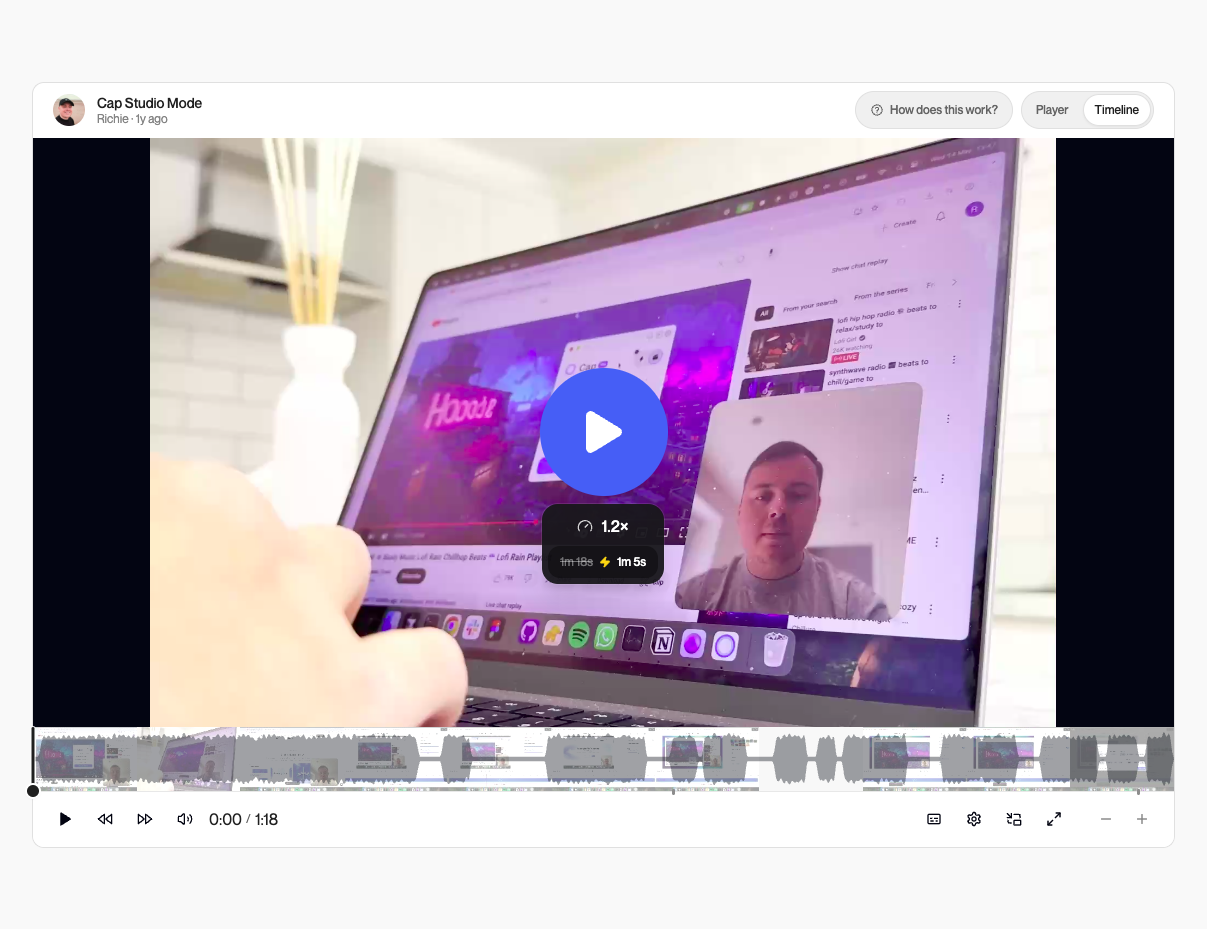
- Screen and webcam are recorded as separate tracks, so you can change the layout, trim mistakes, and add backgrounds and zooms afterward, then export MP4 or GIF without re-recording.
- Free Server, Desktop License For Business
- The Cap Web server is AGPL-3.0 and free to run. Cap's prebuilt desktop apps are free for personal use and need a commercial license for business use; self-built versions do not.
Features
- Instant Mode Recording
- Uploads while you record from the native Rust desktop app, so the share link is ready the moment you stop, ideal for bug reports and quick updates.
- Studio Mode Editor
- Records locally through Rust capture crates at up to 4K and 60fps, then edits backgrounds, zooms, trimming, and captions before exporting MP4 or GIF.
- Share Pages With Comments
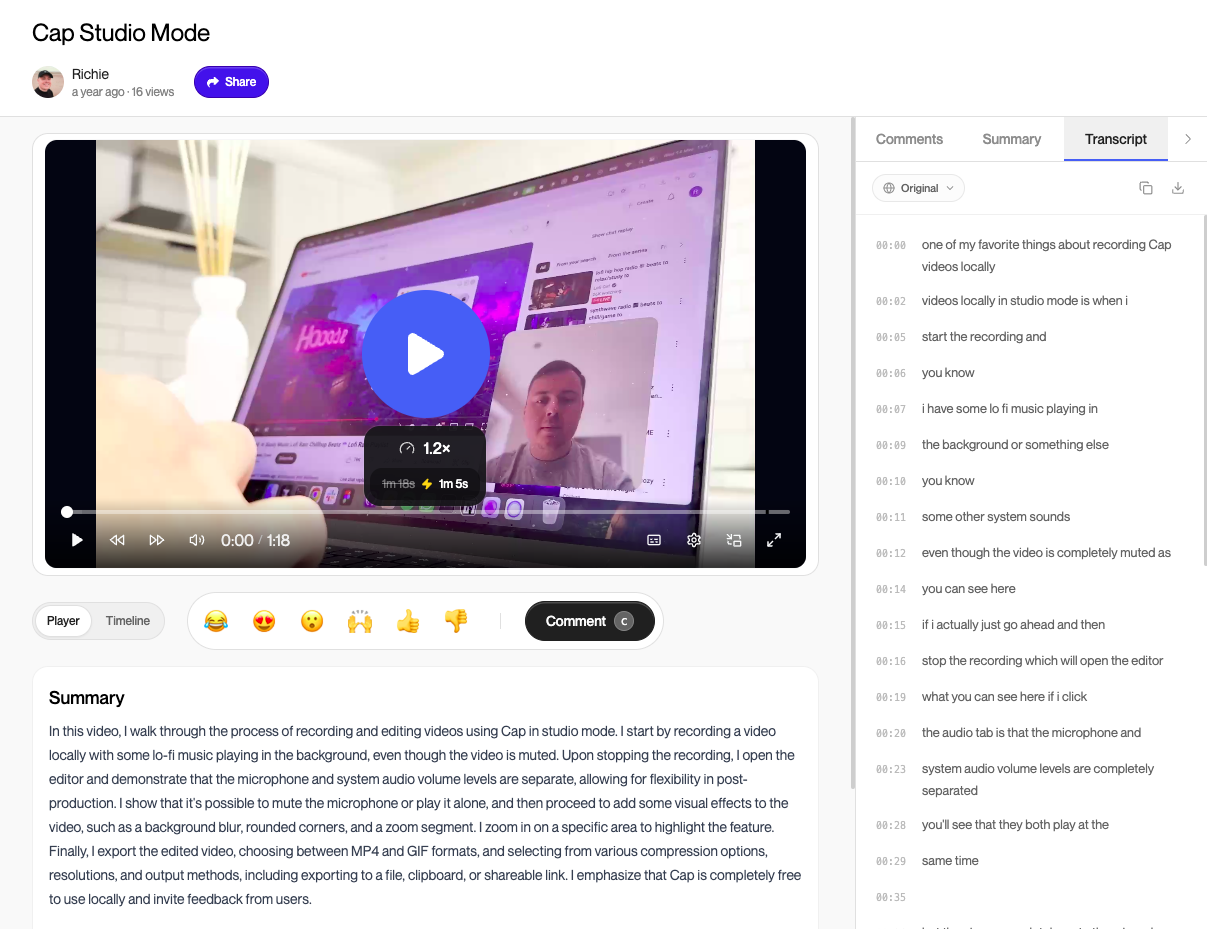
- Next.js share pages play in any browser with comments, reactions, and optional passwords, so feedback stays attached to each video.
- S3-Compatible Storage
- Stores videos in the bundled MinIO container or any S3-compatible bucket, such as Cloudflare R2, Backblaze B2, or Wasabi, while MySQL keeps accounts and metadata.
- Optional AI And Transcripts
- Connects to AssemblyAI for transcription and Groq, OpenAI, Anthropic, or any OpenAI-compatible endpoint for titles, summaries, and chapters when API keys are set.
- Docker Compose Stack
- One Docker Compose file runs Cap Web, an FFmpeg media server, MySQL, and MinIO; macOS, Windows, and Linux desktop apps point at it through Cap Server URL.