Categories
Self-Hosted Customer Support Help Desk Ticketing System CMDB Service Desk ITSM Service ManagementStars
Forks
Watchers
Developer links
OTOBO
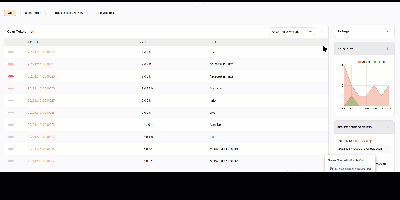
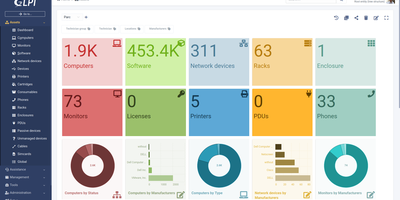
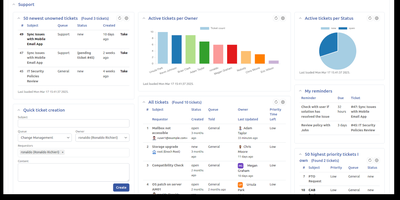
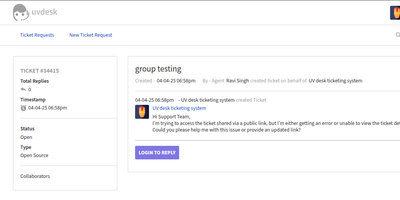
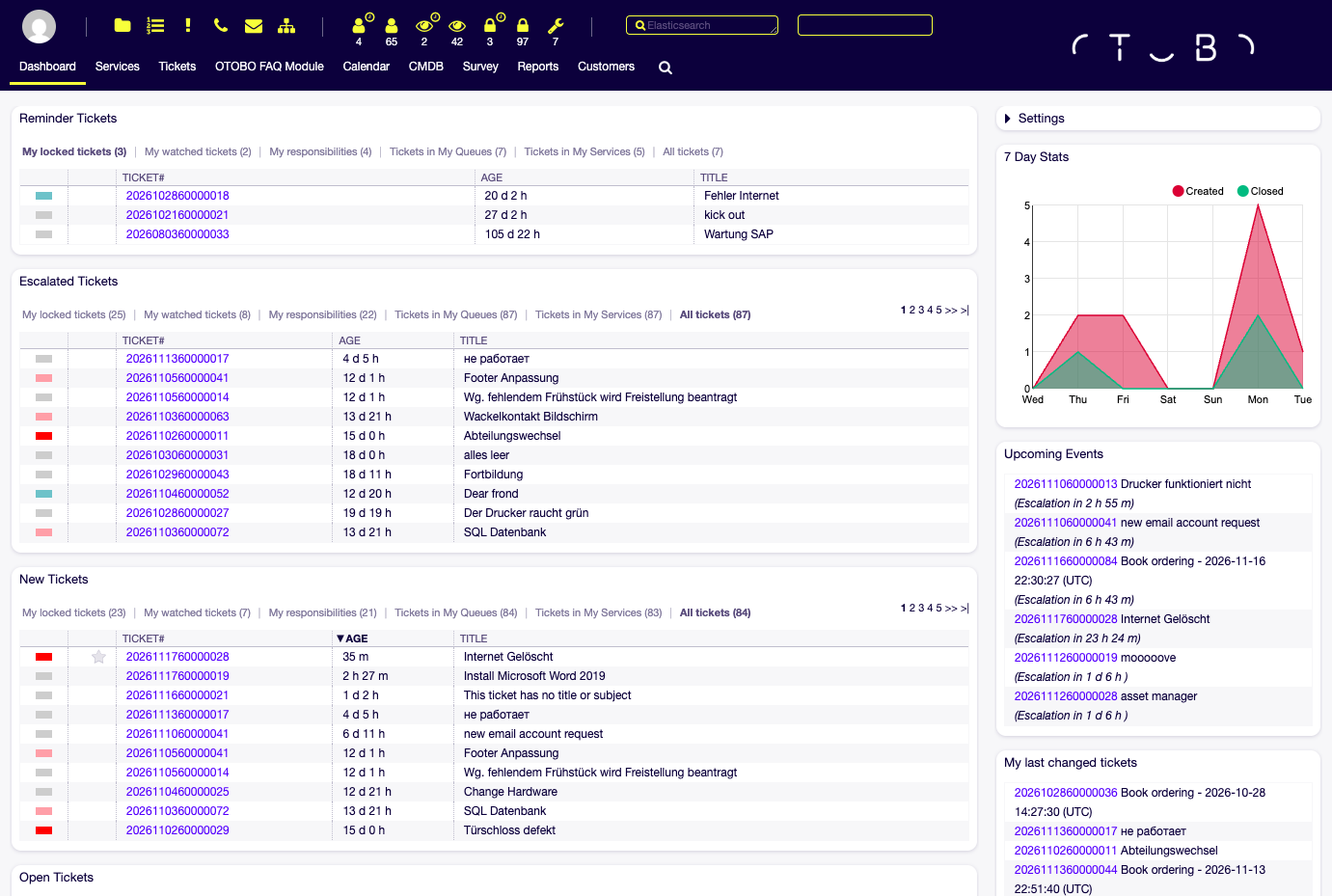
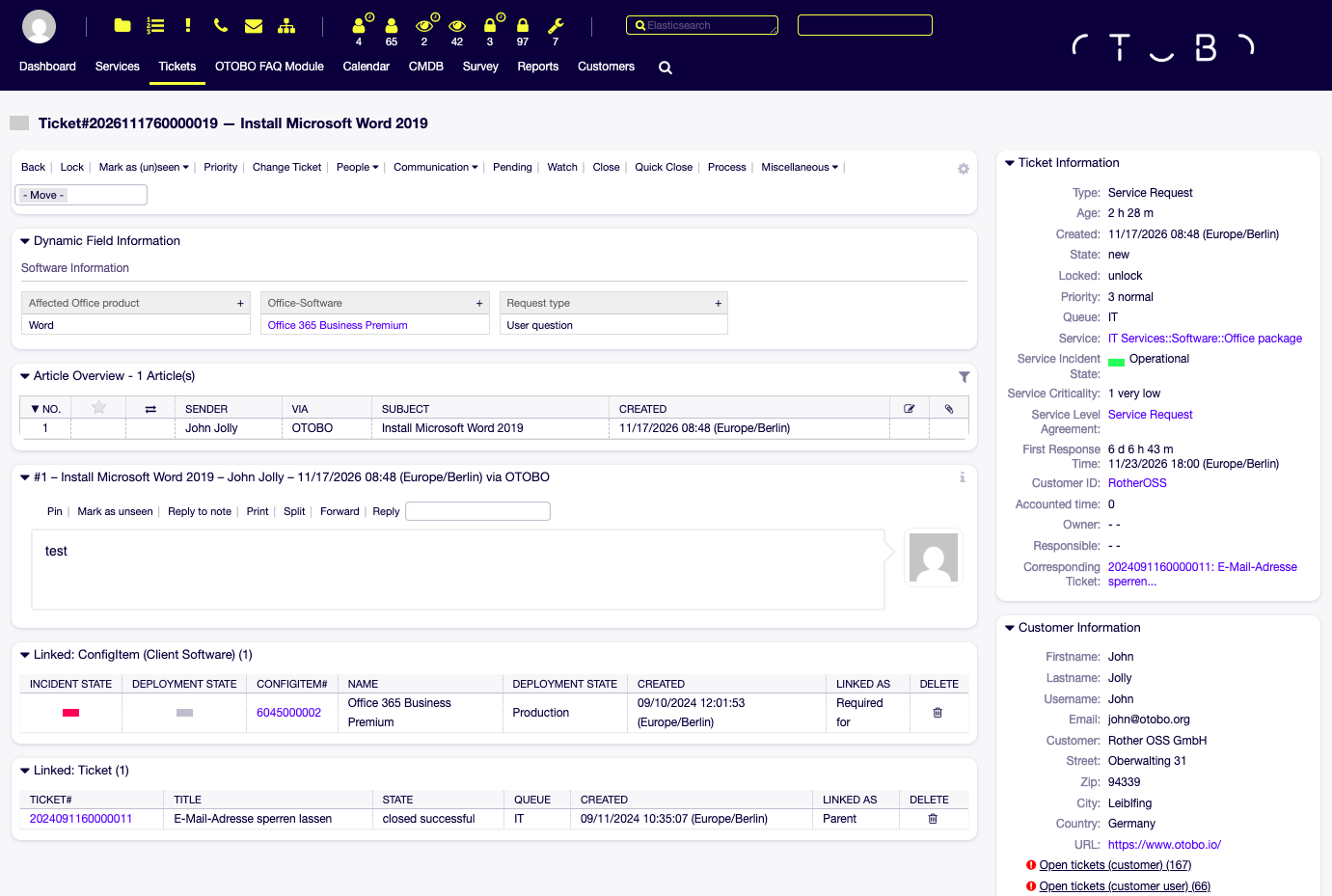
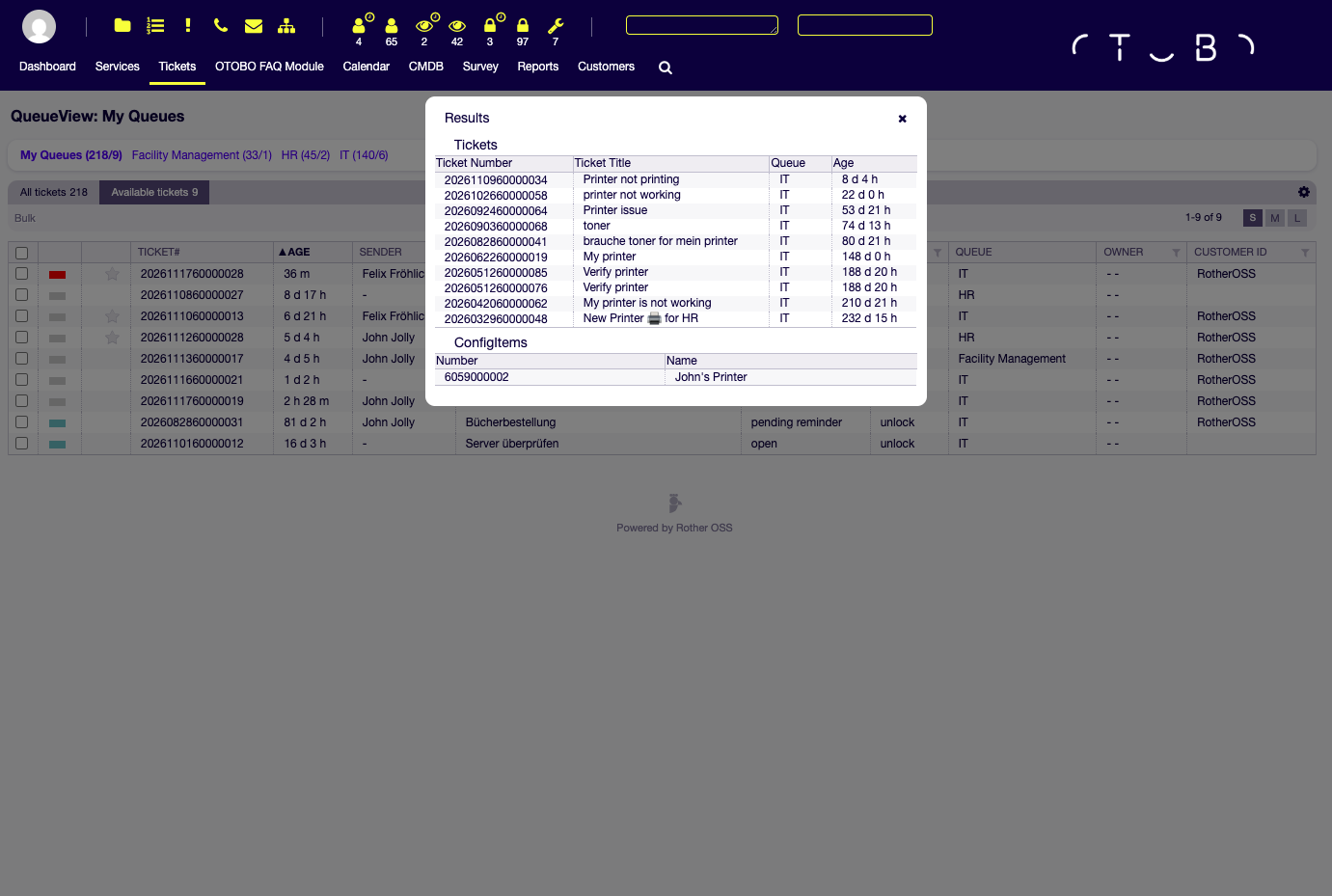
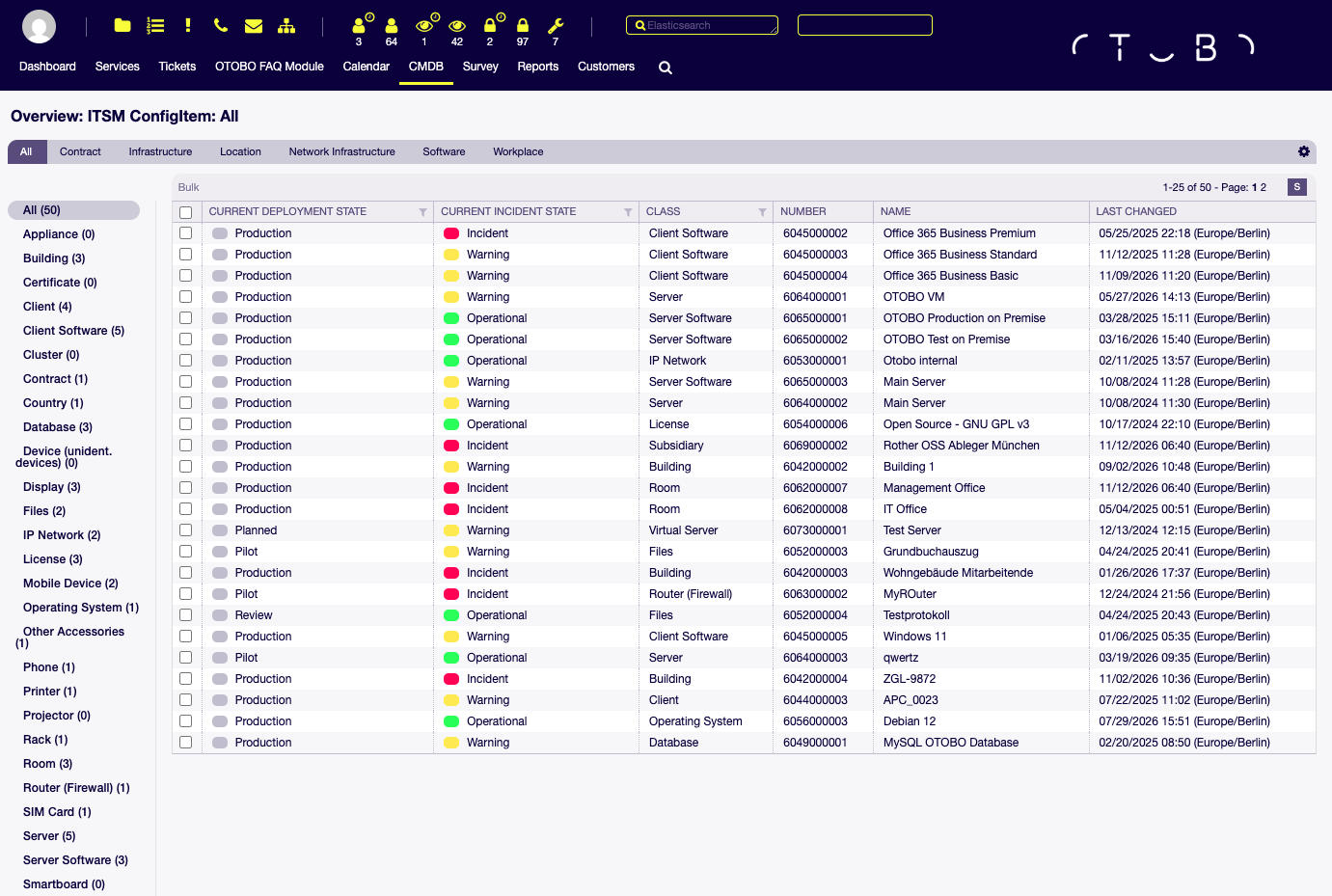
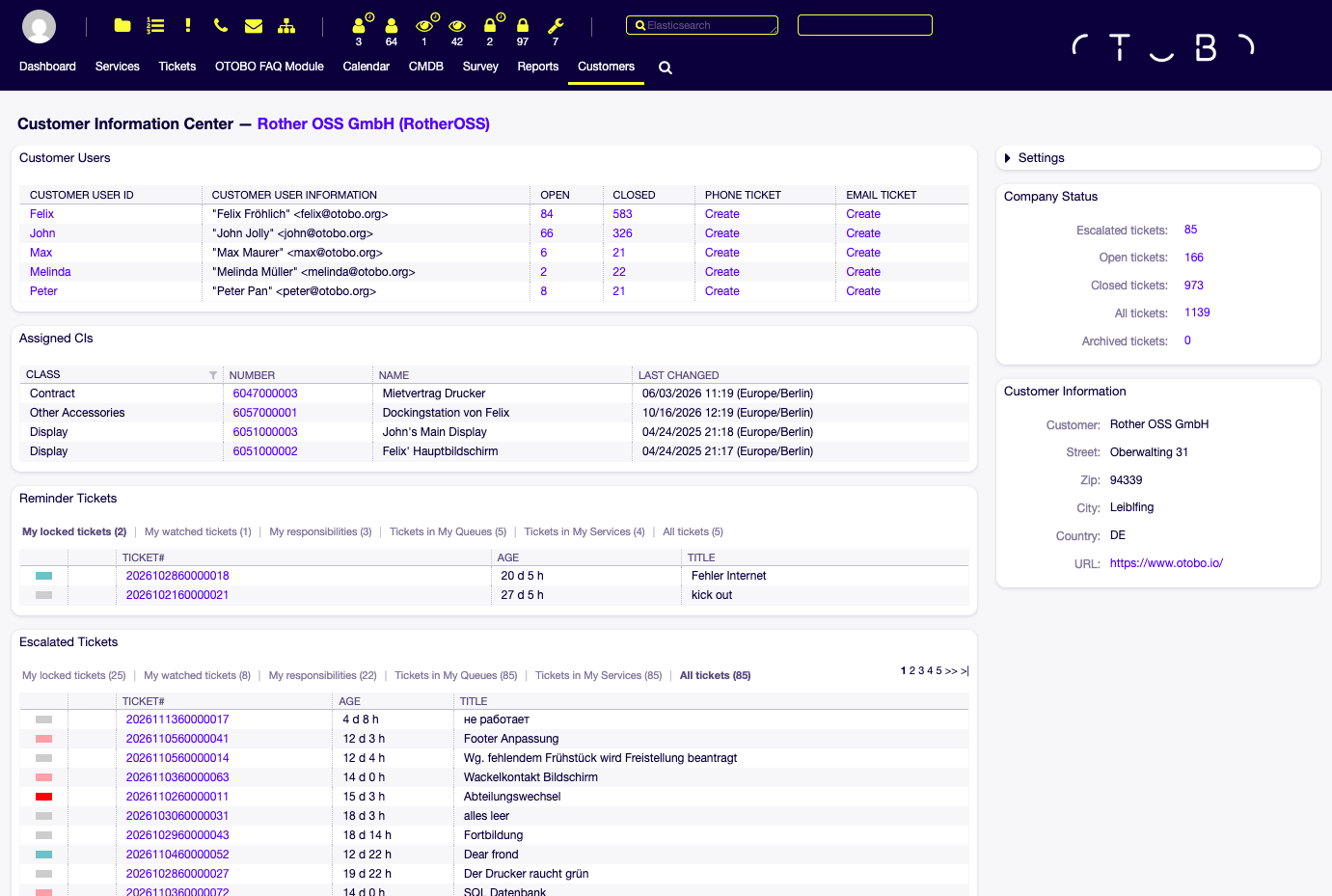
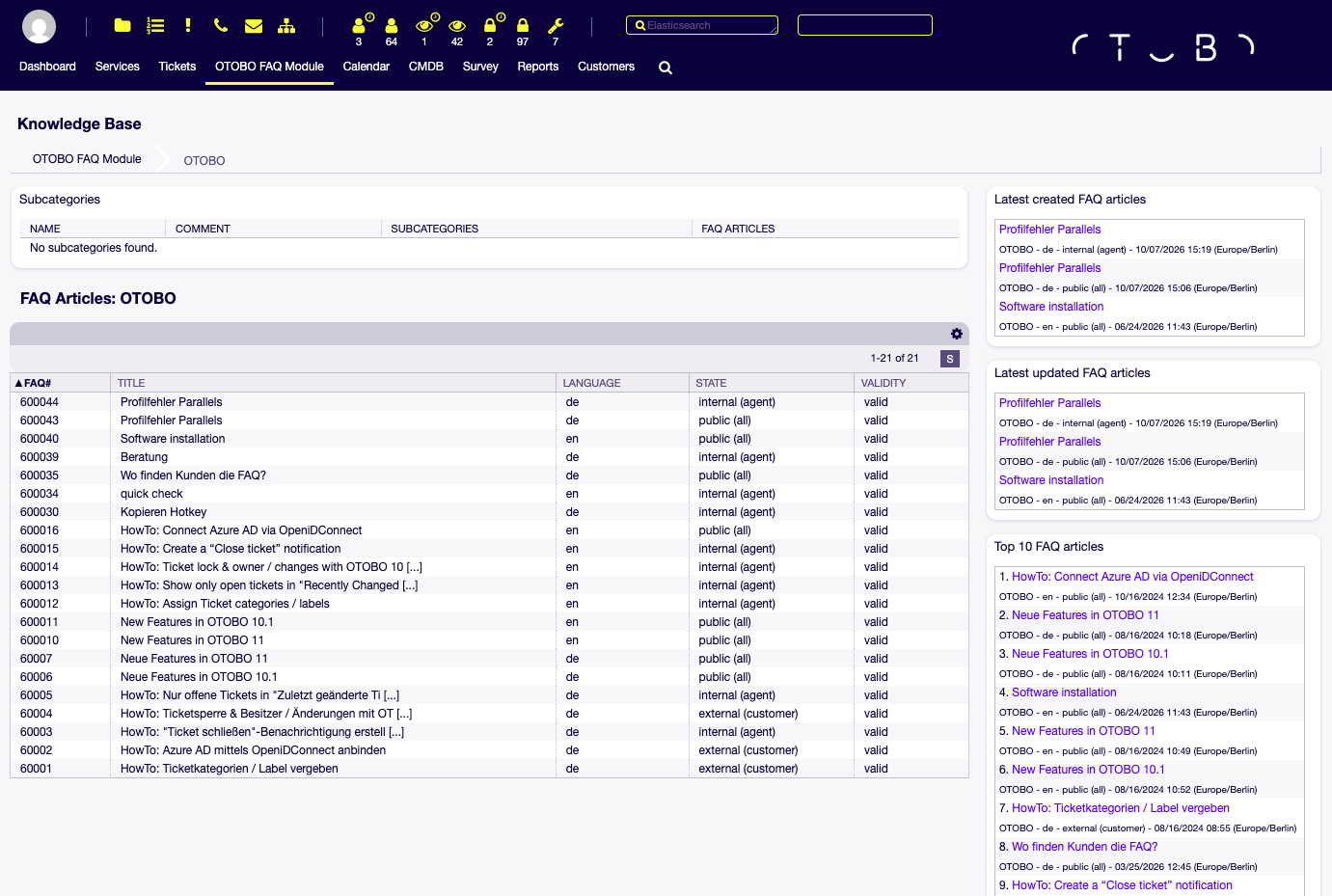
Email, phone, and portal requests become tickets with owners, queues, and deadlines in OTOBO, the open-source service management platform for IT, HR, and facility teams. Agents start on a dashboard of reminder, escalated, and new tickets, with a seven-day created-versus-closed chart and a list of upcoming escalations. Opening a ticket shows its service, service level agreement, owner, customer details, and a full article history where agents reply, forward, split, pin, or add notes. Queues, roles, and access control lists decide who sees what, while PostMaster filters sort incoming mail by sender, subject, or keywords. Dynamic fields attach custom data to tickets and can point at customers, services, and FAQ articles. Process management models multi-step workflows such as approvals with approve and reject buttons. Power search finds tickets and configuration items as you type, and a Similar Tickets widget surfaces related cases. Customers open and follow their requests in a white-label self-service portal. Optional add-on packages bring a CMDB whose configuration items link to tickets, an FAQ knowledge base, and customer satisfaction surveys. Team calendars handle recurring appointments, built-in statistics and reports measure service performance, and sign-on works through OpenID Connect, LDAP, or Active Directory. REST and SOAP web services connect OTOBO to other systems. Running on a dedicated VPS on RepoCloud with guaranteed CPU, RAM, and SSD, full root SSH access, and a browser serial console. GPL-3.0 licensed.
Benefits
- One Platform for Every Service Team
- IT, HR, and facility management teams can each run their own queues, roles, and workflows in one system, instead of keeping a separate help desk for every department.
- Escalations Before Deadlines Are Missed
- Service level agreements set first response and resolution times, and dashboard widgets list escalated tickets and upcoming escalations, so teams can act before a deadline is breached.
- Customers Find Answers Without Waiting
- A white-label customer portal and an optional FAQ knowledge base let people search for solutions, open requests, and follow progress themselves, without waiting for an agent to answer.
- Connects to Your Existing Systems
- Authenticate against Active Directory, LDAP, or OpenID Connect, and use the Generic Interface to build REST and SOAP web services without scripting, so other tools can create and update tickets.
Features
- Ticket Zoom Workspace
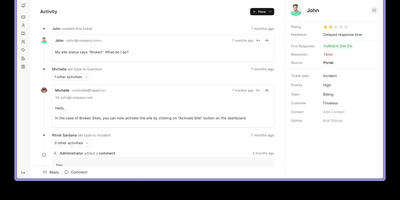
- Zoom shows service, SLA, customer information, dynamic fields, linked tickets, and articles with Pin, Reply to note, Print, Split, and Forward actions for each message.
- Process Management
- Model approvals and routing as processes with activities, transitions, and dialogs; version 11.1 adds namespaces with global and local scoping and builds process ticket templates into the core.
- Elasticsearch Power Search
- The toolbar search lists matching tickets and configuration items as you type, and the Similar Tickets widget uses Elasticsearch to find tickets that resemble the one open.
- CMDB, FAQ, and Surveys
- Add-on packages install through the built-in Package Manager and bring a configuration management database, an FAQ knowledge base, and customer satisfaction surveys.
- Customer Self-Service Portal
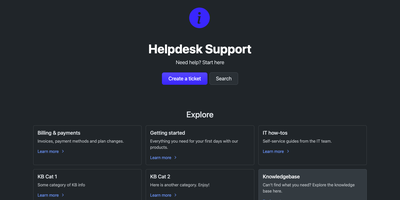
- A white-label portal lets customers create requests, search their own tickets, start processes, and, with the FAQ package, browse knowledge base articles without contacting an agent.
- OpenID Connect and Web Services
- Sign in through OpenID Connect, and link other systems with Generic Interface web services that speak REST and SOAP, authenticate with OAuth 2, and send multipart/form-data requests.