Categories
Self-Hosted Knowledge Base Customer Support Ticketing Helpdesk Live Chat Shared Inbox AI SupportStars
Forks
Watchers
Developer links
opendesk
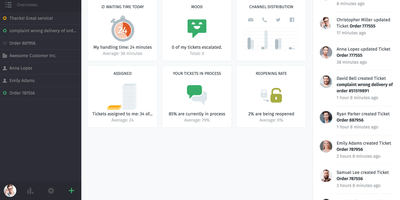
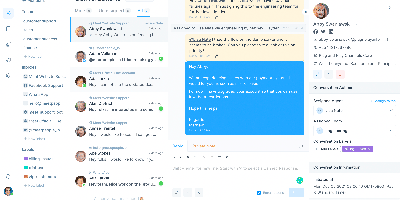
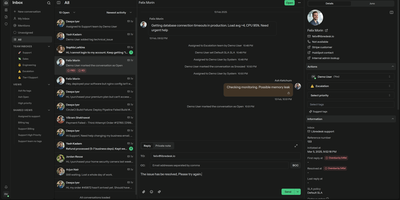
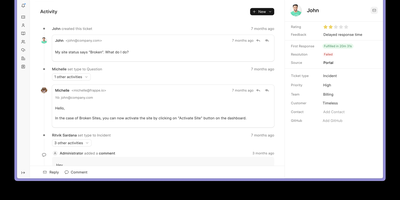
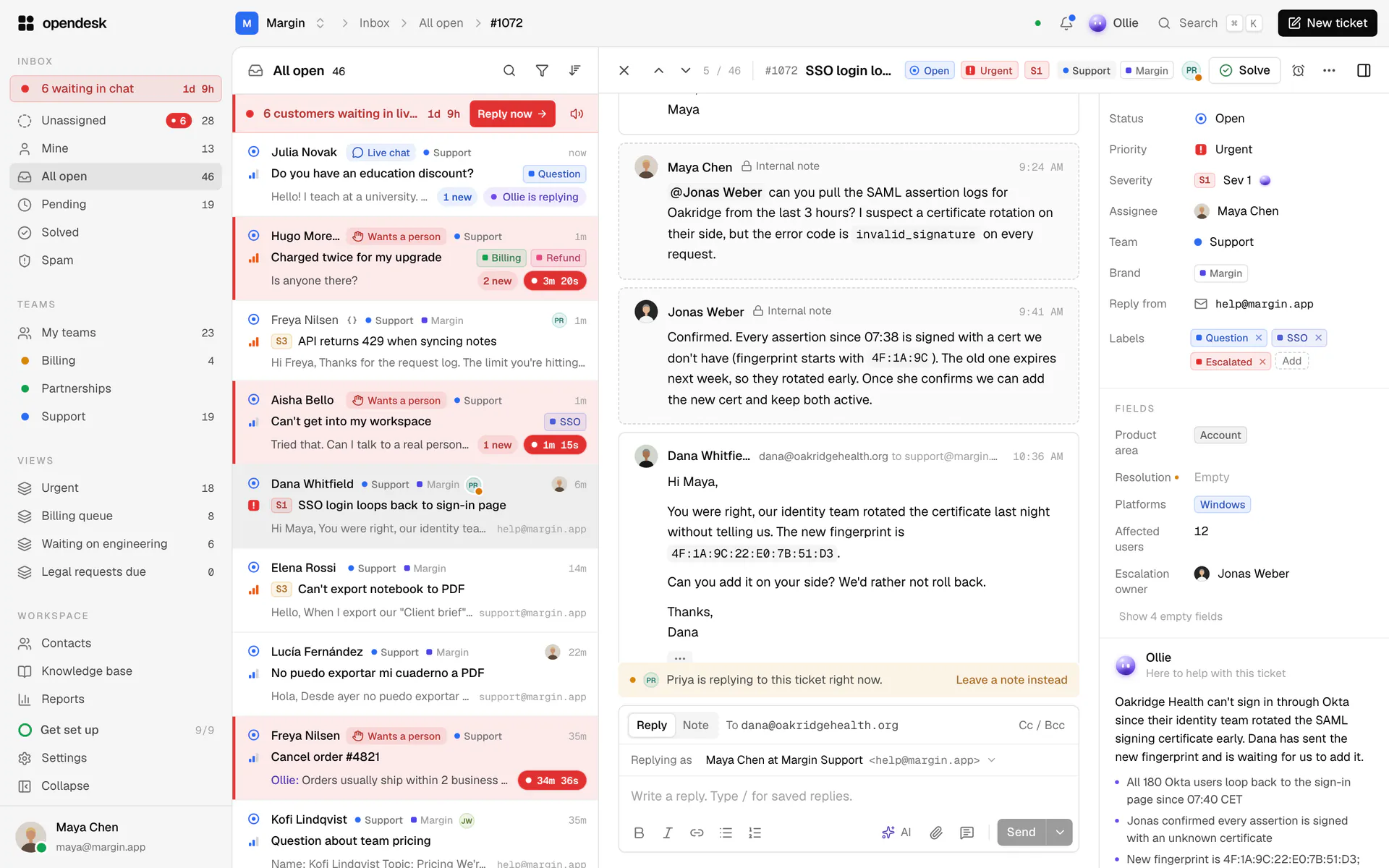
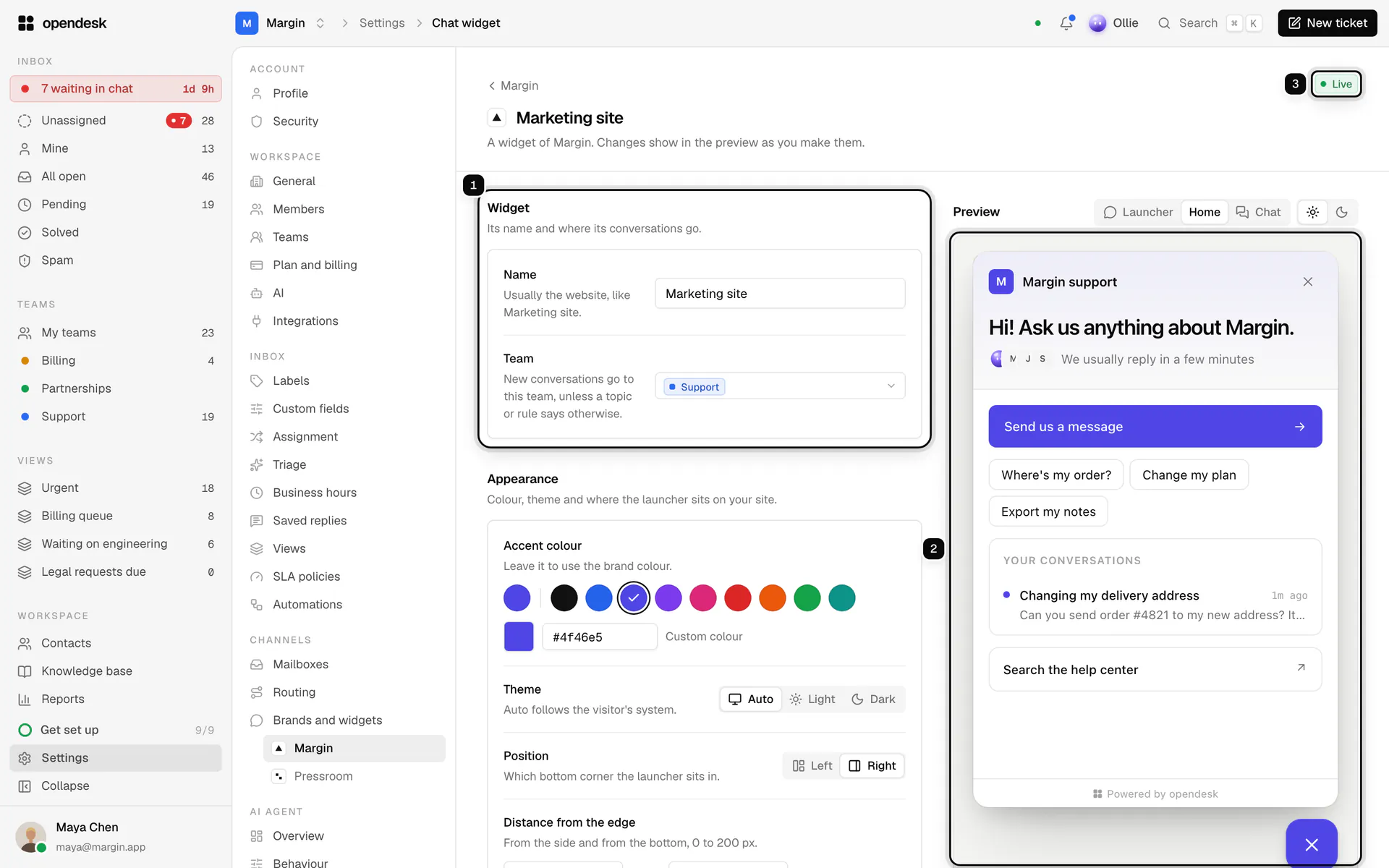
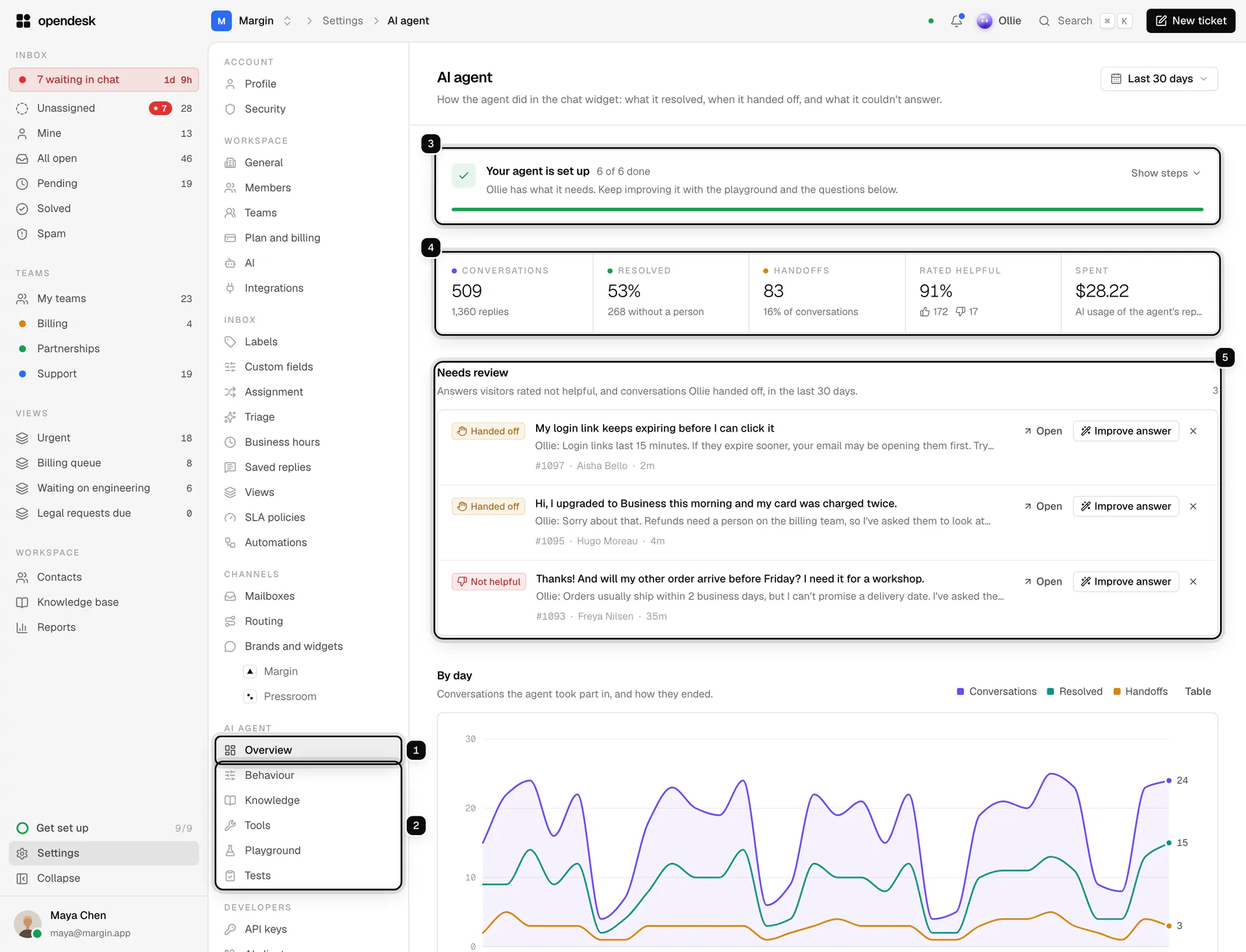
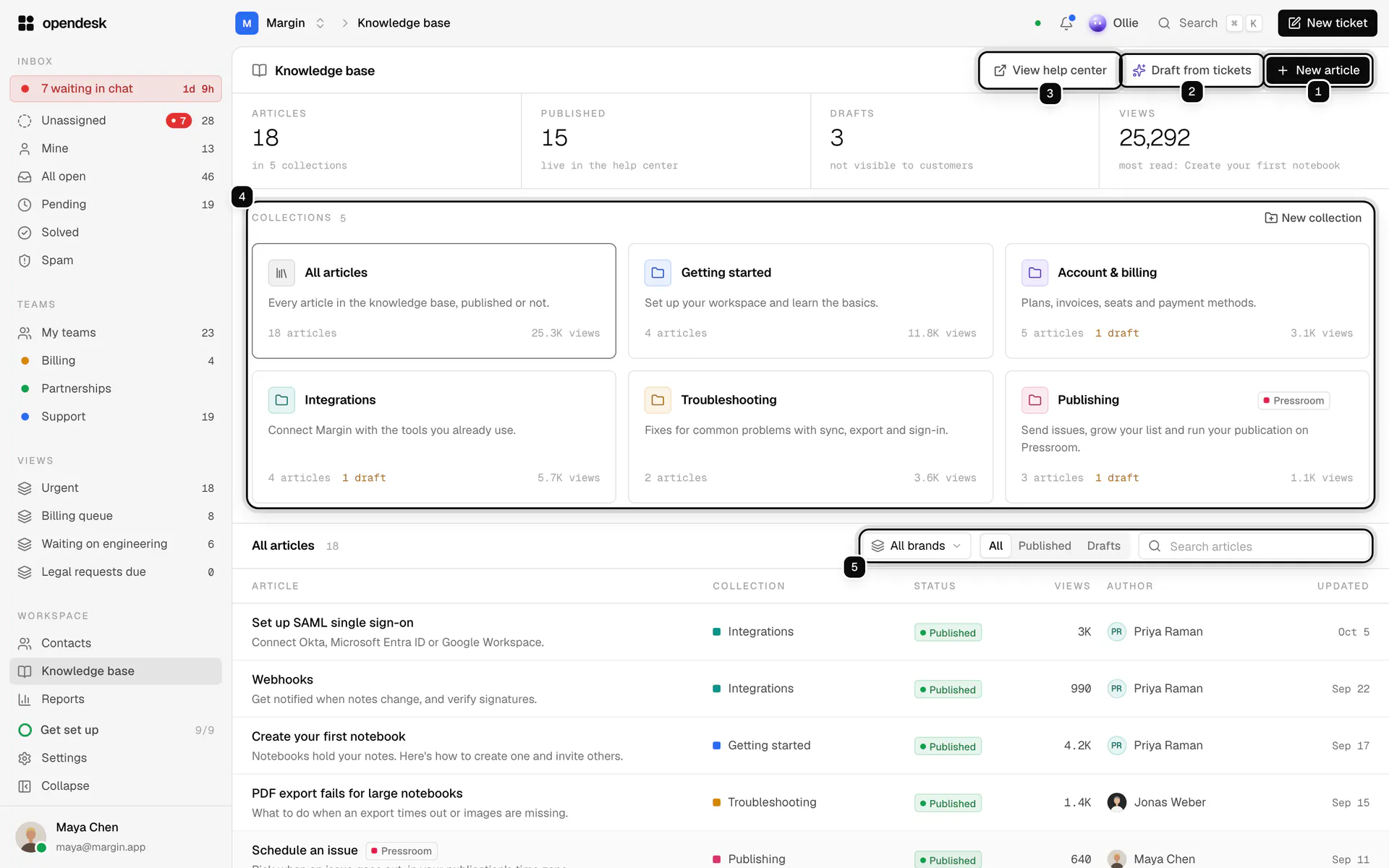
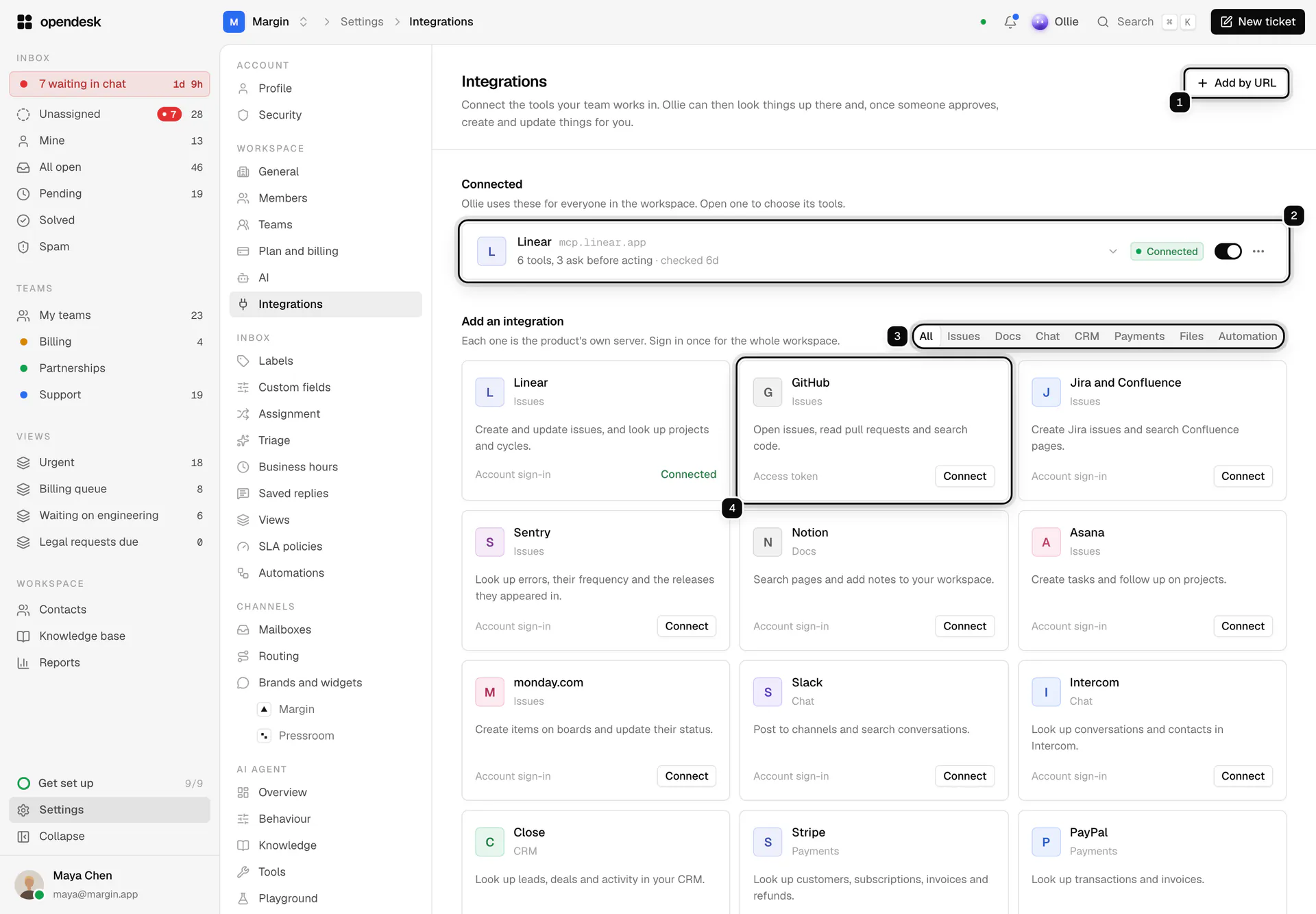
When a customer emails your support address, starts a live chat, or asks a question from your help center, opendesk lands it in one shared ticket inbox where every change appears live for the whole team. Agents work a single queue where tickets carry status, priority, assignee, team, tags, and an SLA clock, with internal notes, merging, snoozing, and bulk edits for busy days. Customers chat through a widget that offers identity verification, typing indicators, and 14 languages, and each widget can route to its own team and topics. Support leads publish collections and articles to a public help center, set SLA targets per priority, run automation rules on ticket events, and read reports on volume, response and resolution times, breaches, and CSAT. Ollie, the built-in AI, uses that help center to answer chats, draft replies, summarize threads, triage tickets, and translate both ways, through any Anthropic or OpenAI-compatible provider including local models. Admins can switch it off. Replies leave from your own address through Google, Microsoft, or any SMTP server. Developers connect Linear, GitHub, Jira, Sentry, Slack, Stripe, and any MCP server, or build on the REST API, signed webhooks, and a realtime socket. Desktop apps for macOS, Windows, and Linux and a native iPhone app keep agents reachable. Running on a dedicated VPS on RepoCloud with guaranteed CPU, RAM, and SSD, full root SSH access, and a browser serial console. Apache-2.0 licensed.
Benefits
- Every channel in one inbox
- Forwarded email, live chat, and help-center questions arrive as tickets with status, priority, assignee, team, tags, and SLA, so agents work one queue instead of switching between tools.
- AI help with human approval
- Ollie drafts replies, summarizes threads, triages tickets, and translates in both directions using your own Anthropic, OpenAI-compatible, or local model; its actions are labeled and risky ones wait for a yes.
- Free and unlimited when self-hosted
- The self-hosted install runs the same code as opendesk Cloud with no limits, and keeps every email and customer record in a PostgreSQL schema you can read and export.
- One-command install with HTTPS
- The installer asks for a domain and certificate email, generates every secret, verifies release checksums, and serves the stack over automatic HTTPS, then opendesk-ctl handles backup, restore, and upgrade.
Features
- Shared ticket inbox
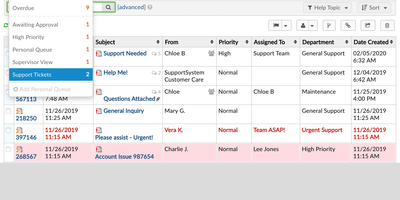
- Tickets carry status, priority, assignee, team, tags, and SLA, with notes, merge, snooze, and bulk edit, and every change appears live for teammates through a realtime socket.
- Embeddable live chat
- A TypeScript widget with identity verification, typing indicators, and 14 languages installs with one snippet; each widget has its own key, look, topics, and team.
- Help center and Ollie
- Knowledge-base collections and articles publish to a public help center, and Ollie uses them to answer chats, draft replies, summarize threads, and triage tickets.
- Automations, SLAs, and reports
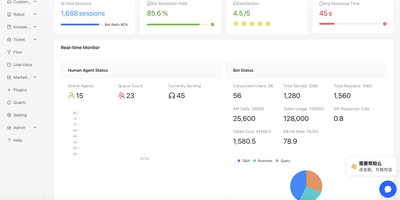
- Rules run on ticket events, SLA targets are set per priority, and reports track volume, response and resolution times, breaches, and CSAT satisfaction scores.
- Integrations and API
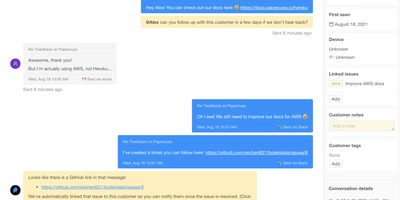
- Connect Linear, GitHub, Jira, Sentry, Slack, Stripe, and any MCP server, or build on the REST API, signed webhooks, and the realtime socket.
- Desktop and iPhone apps
- Electron desktop apps for macOS, Windows, and Linux load your instance's web app with notifications and dock badges, and a native SwiftUI iPhone app adds push.