Categories
Developer Tools AI Coding Agents Claude Code Cost Tracking Terminal Kanban Board Codex Session ManagementStars
Forks
Watchers
Developer links
Myrlin Workbook
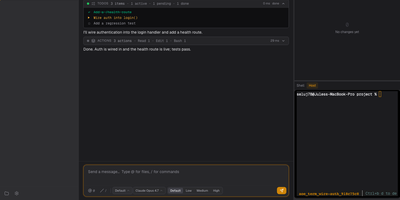
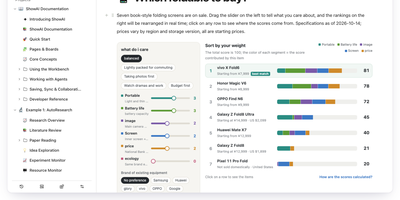
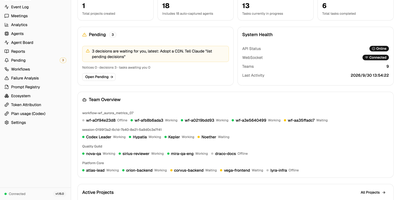
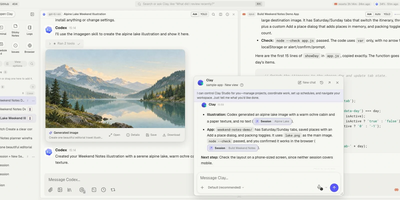
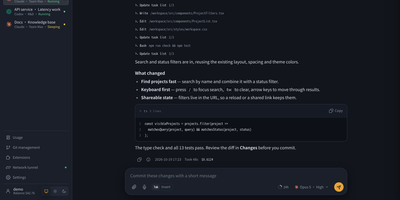
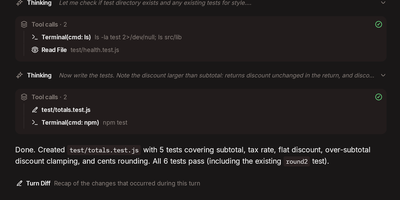
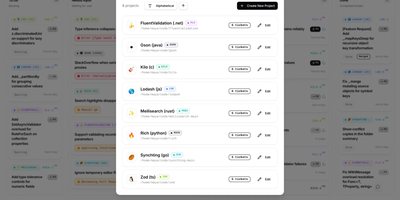
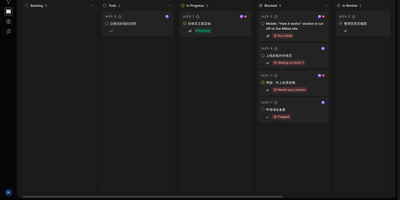
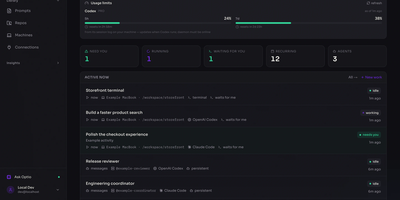
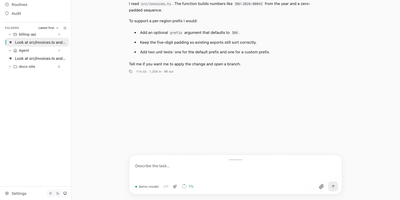
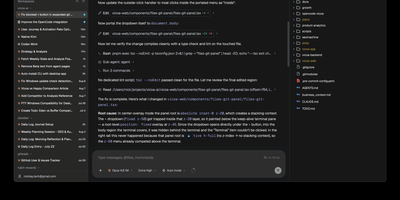
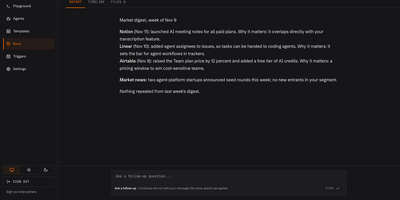
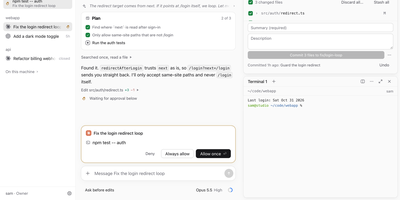
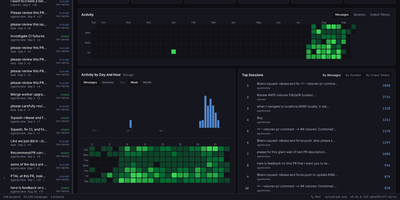
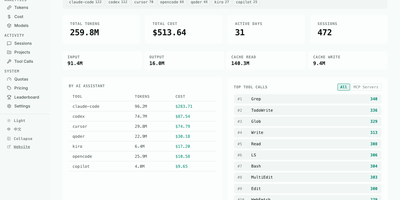
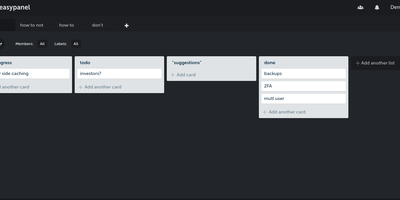
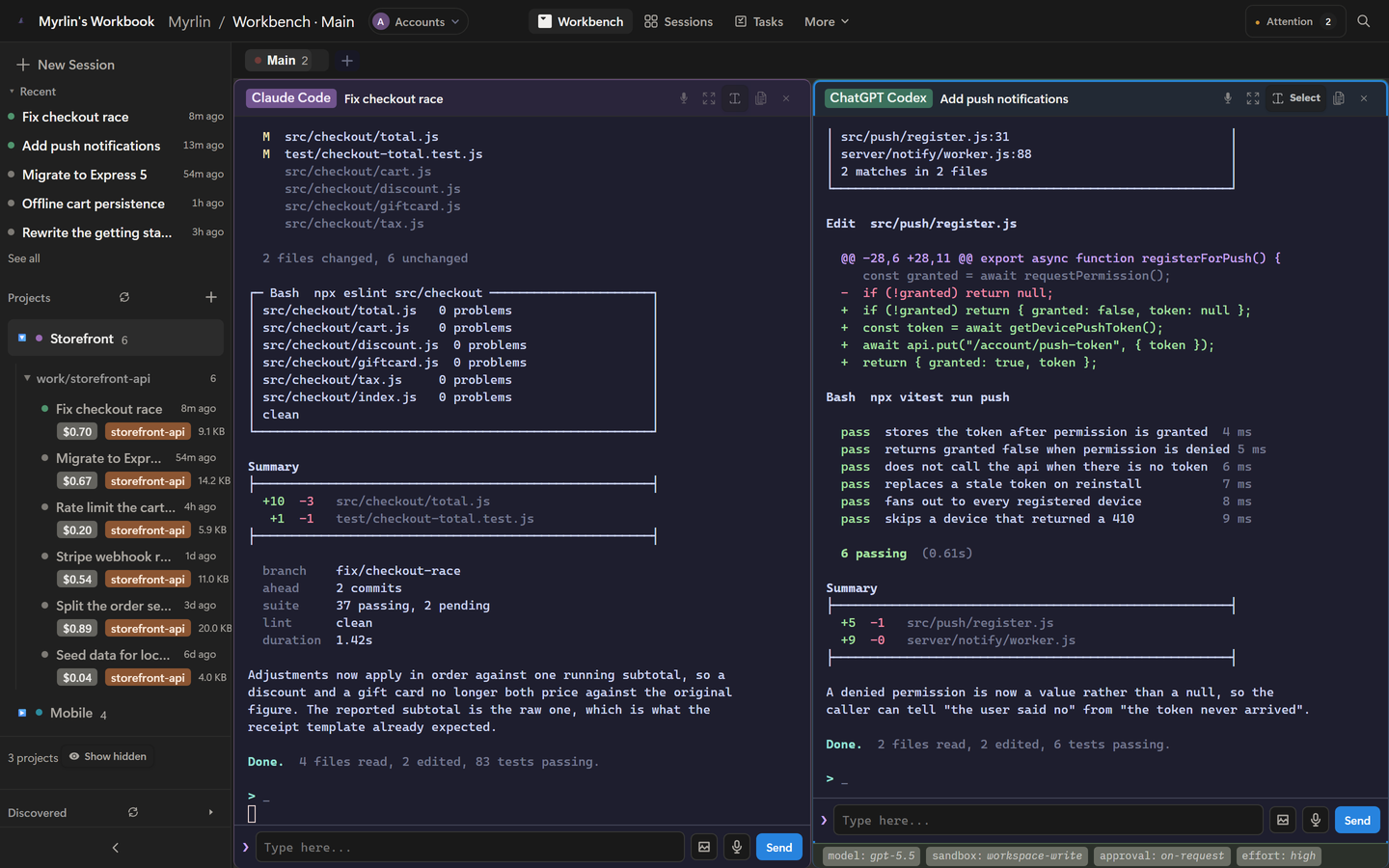
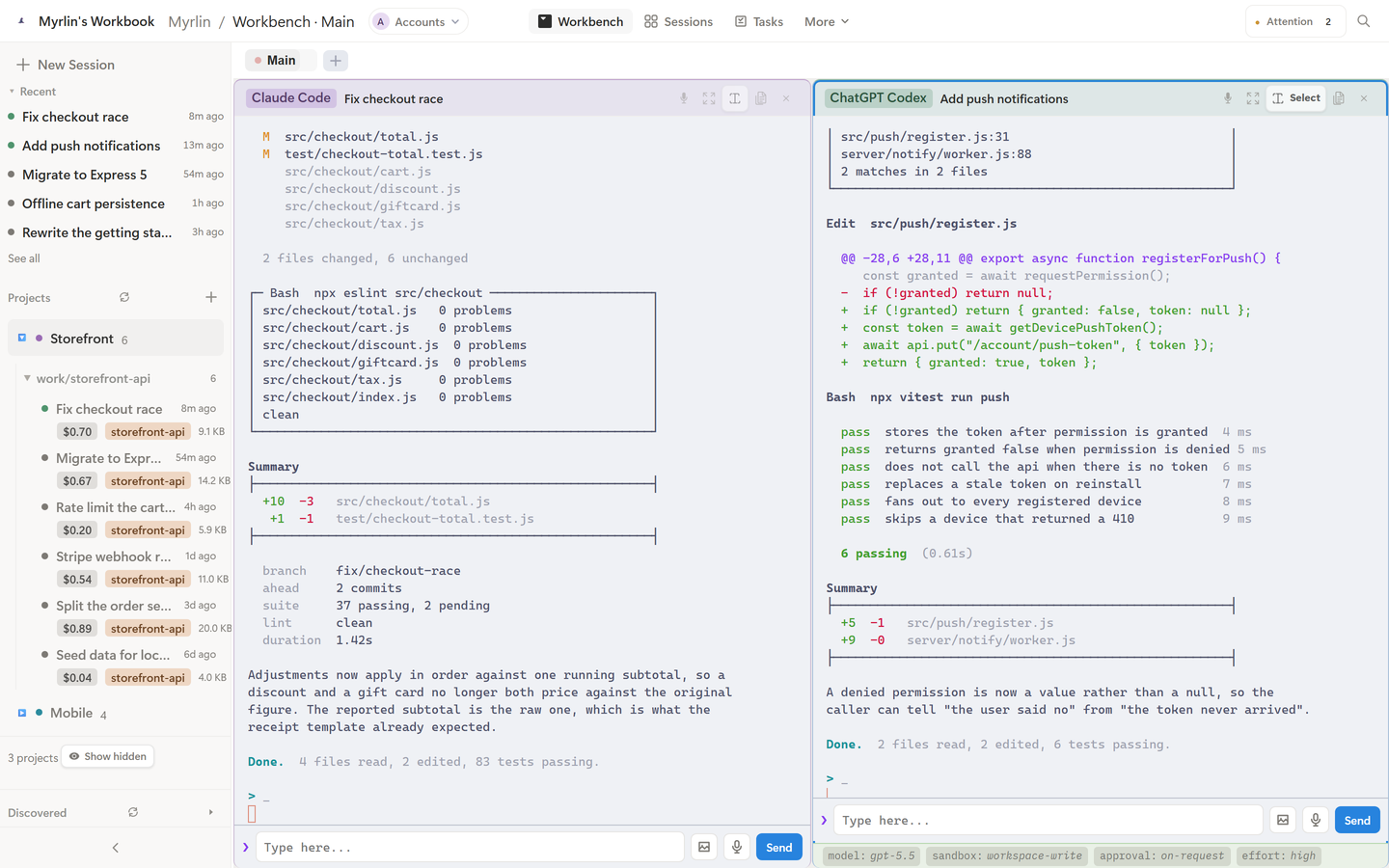
One browser sidebar lists every Claude Code and ChatGPT Codex conversation on your machine, and Myrlin Workbook opens each in a live terminal. Sessions are read, never modified, from the folders both CLIs write to, then grouped by project with a Recent list and Ctrl+K search. Panes tile two or four up and replay their history after a page refresh. Agent CLIs keep no scrollback, so wheeling past a pane's top continues into the recorded conversation, and one drag selects an hour of output. Codex projects and titles match the ChatGPT desktop app, and every Codex session shows its model, reasoning effort, approval policy, and sandbox. Token counts are priced per model where a price exists and totaled per session and project for any day, week, month, or all time. On the five-column task board, each card gets its own branch, worktree, and session, then opens a pull request through the GitHub CLI. A conflict center flags sessions editing the same files. Session templates save a working directory, model, and flags for one-click launches. Each project keeps Notes, Goals, Tasks, Rules, and Roadmap docs in a markdown editor. The phone layout has five tabs, an Attention badge, and a ring for sessions waiting on you. A random password is generated on first launch, and a LAN address or Cloudflare tunnel reaches the server. Running on a dedicated VPS on RepoCloud with guaranteed CPU, RAM, and SSD, full root SSH access, and a browser serial console. AGPL-3.0 licensed.
Benefits
- Every Session in One Place
- Claude Code and Codex conversations are found in the folders the CLIs write to, grouped by project, and searchable with Ctrl+K, so reopening an old thread is no longer a UUID hunt.
- History You Can Scroll and Copy
- Wheel past the top of a pane and the view continues into the recorded conversation, so one drag selects an hour of output and Ctrl+C copies it, even though the CLI keeps no scrollback.
- Know What Every Session Costs
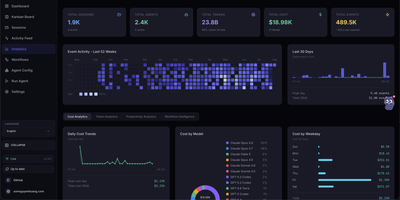
- Input, output, cache write, and cache read tokens are priced per model and totaled per session and project, while Codex sessions show real token counts instead of invented dollar figures.
- Supervise Agents From Your Phone
- A five-tab phone layout with an Attention badge, native text selection, and a keyboard-aware terminal works over your LAN or a Cloudflare tunnel, so a waiting agent can be answered from anywhere.
Features
- Embedded Multi-Pane Terminals
- Real PTY terminals run in the browser over xterm.js and node-pty, with Windows ConPTY and no WSL, tile two or four up, and replay history after a page refresh.
- Codex Matches the ChatGPT App
- Codex threads come from the state_5.sqlite store the desktop app lists from, read in memory with no write handle, plus model, effort, approval, and sandbox details.
- Cost Dashboard and Timeline
- Costs are parsed on a worker thread from Claude's usage fields and charted by Day, Week, Month, or All, with an SVG timeline, model breakdown, and sortable session table.
- Task Board With Worktrees
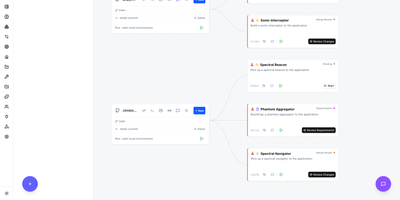
- Backlog, Planning, Running, Review, and Done columns support drag and drop; cards create git worktrees, start sessions, and open pull requests with gh under a configurable concurrency limit.
- Per-Project Docs and Notes
- Notes, Goals, Tasks, Rules, and Roadmap are plain markdown on disk with a toolbar editor, plus a Planned, Active, Review, and Done feature board.
- Phone Layout and Tunnels
- The phone layout installs to the home screen and signs in once through QR pairing, reaching the server over a LAN address set with CWM_HOST or a Cloudflare tunnel.