Categories
Developer Tools AI Coding Tools UI Prototyping Material 3 Expressive Design Tool Prompt Generator Wireframing Vibe CodingStars
Forks
Watchers
Developer links
M3E Canvas
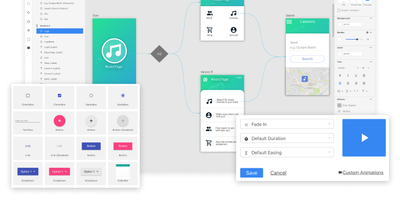
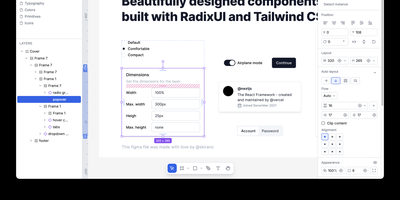
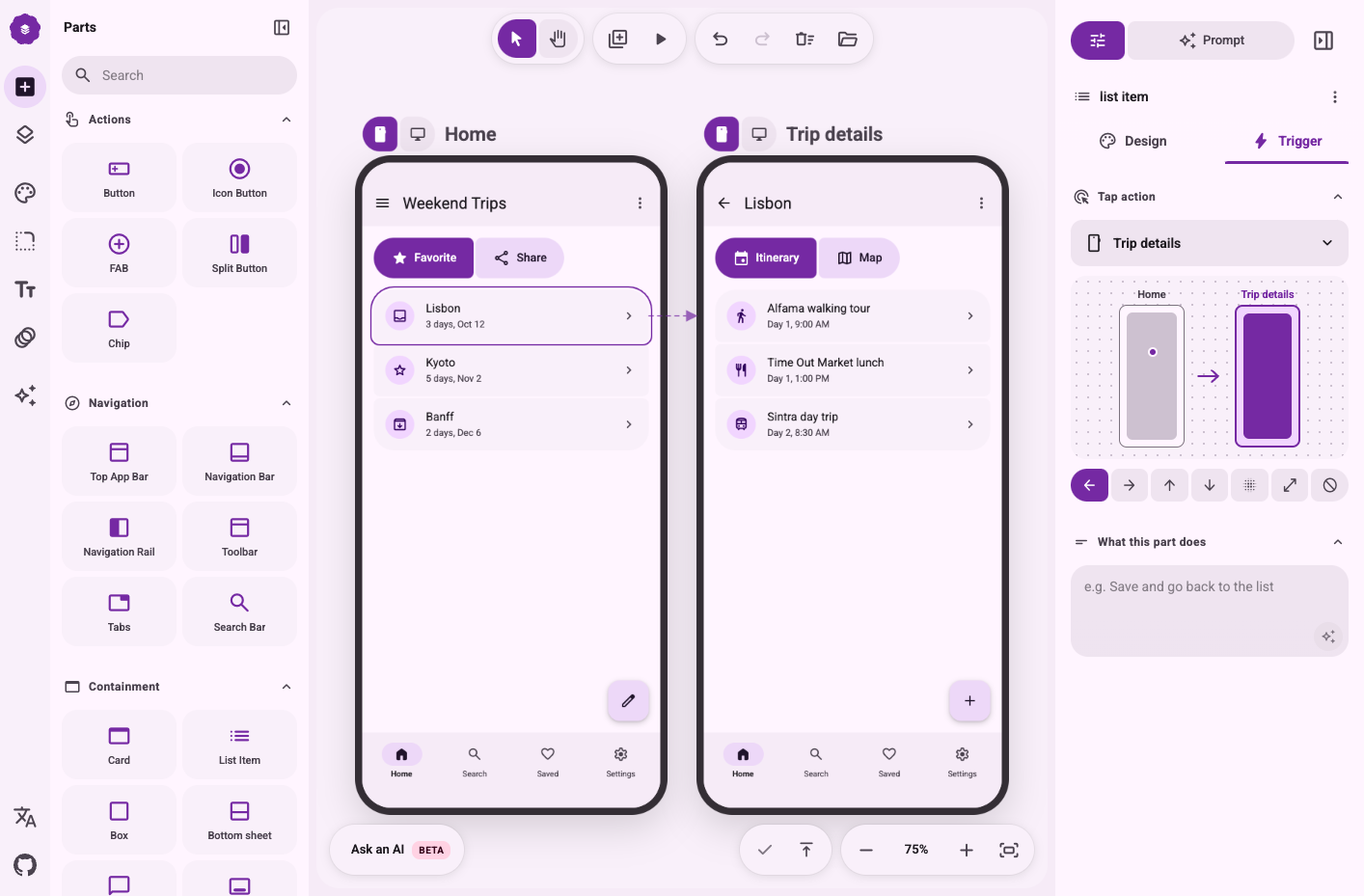
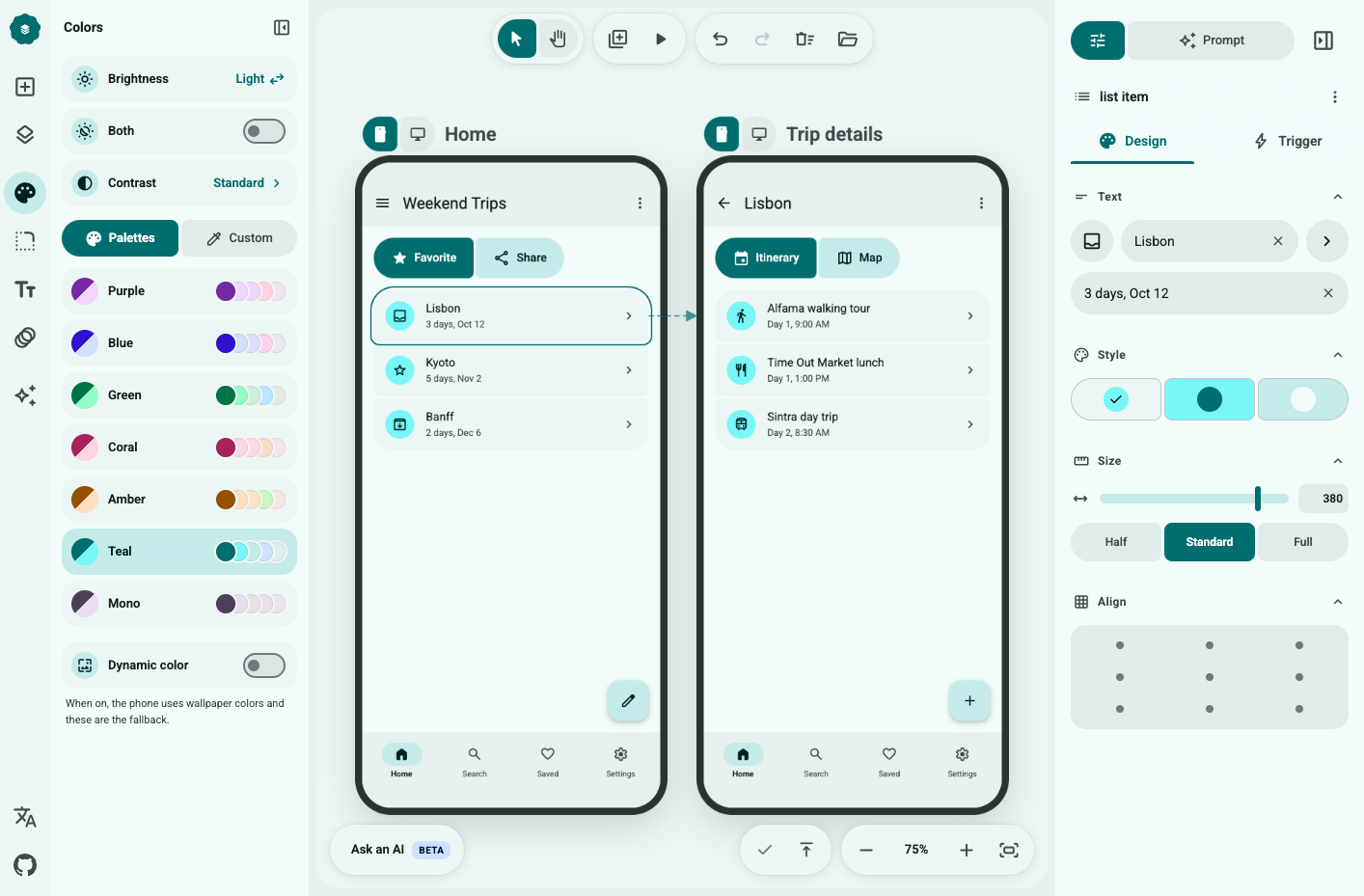
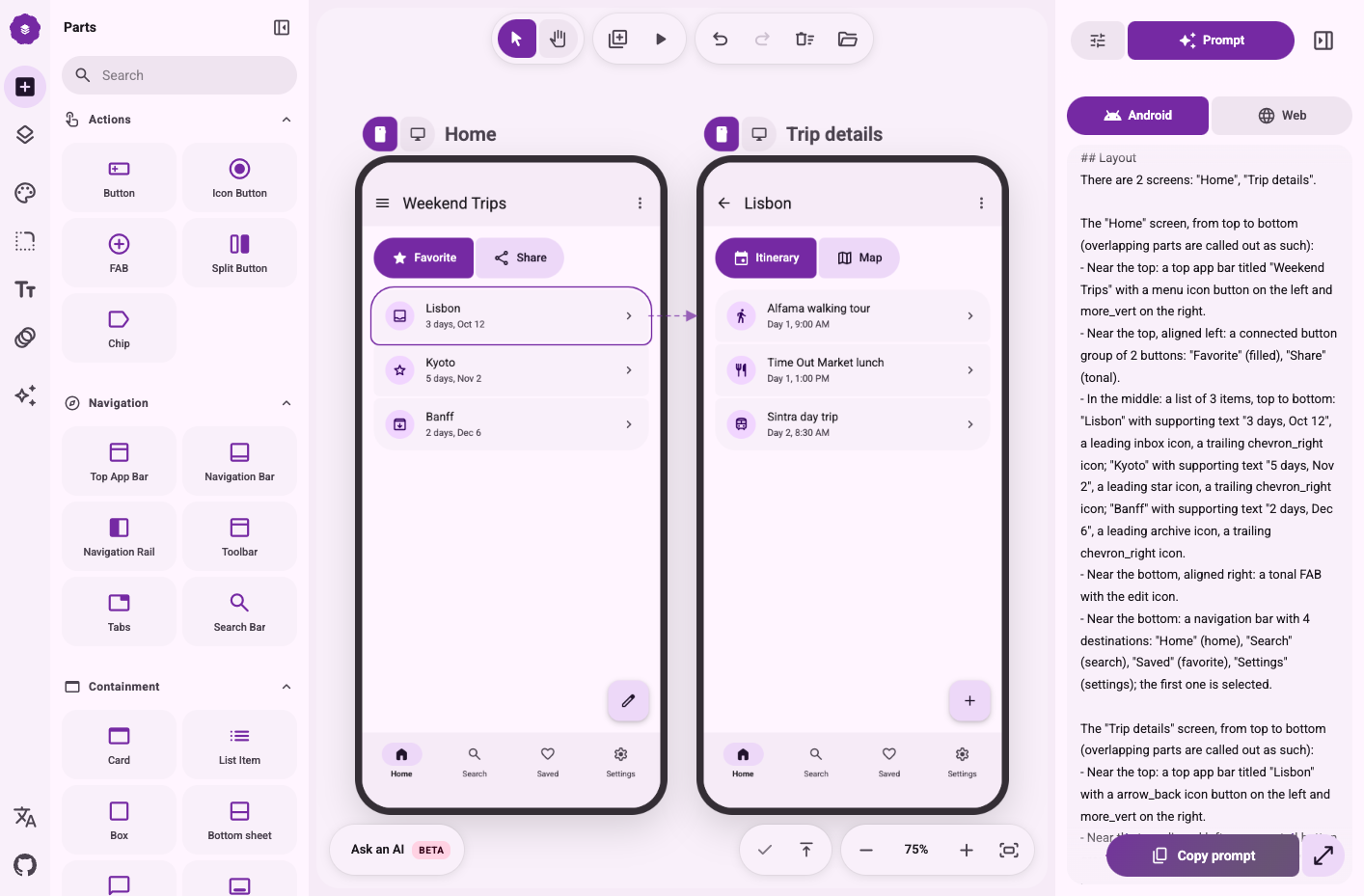
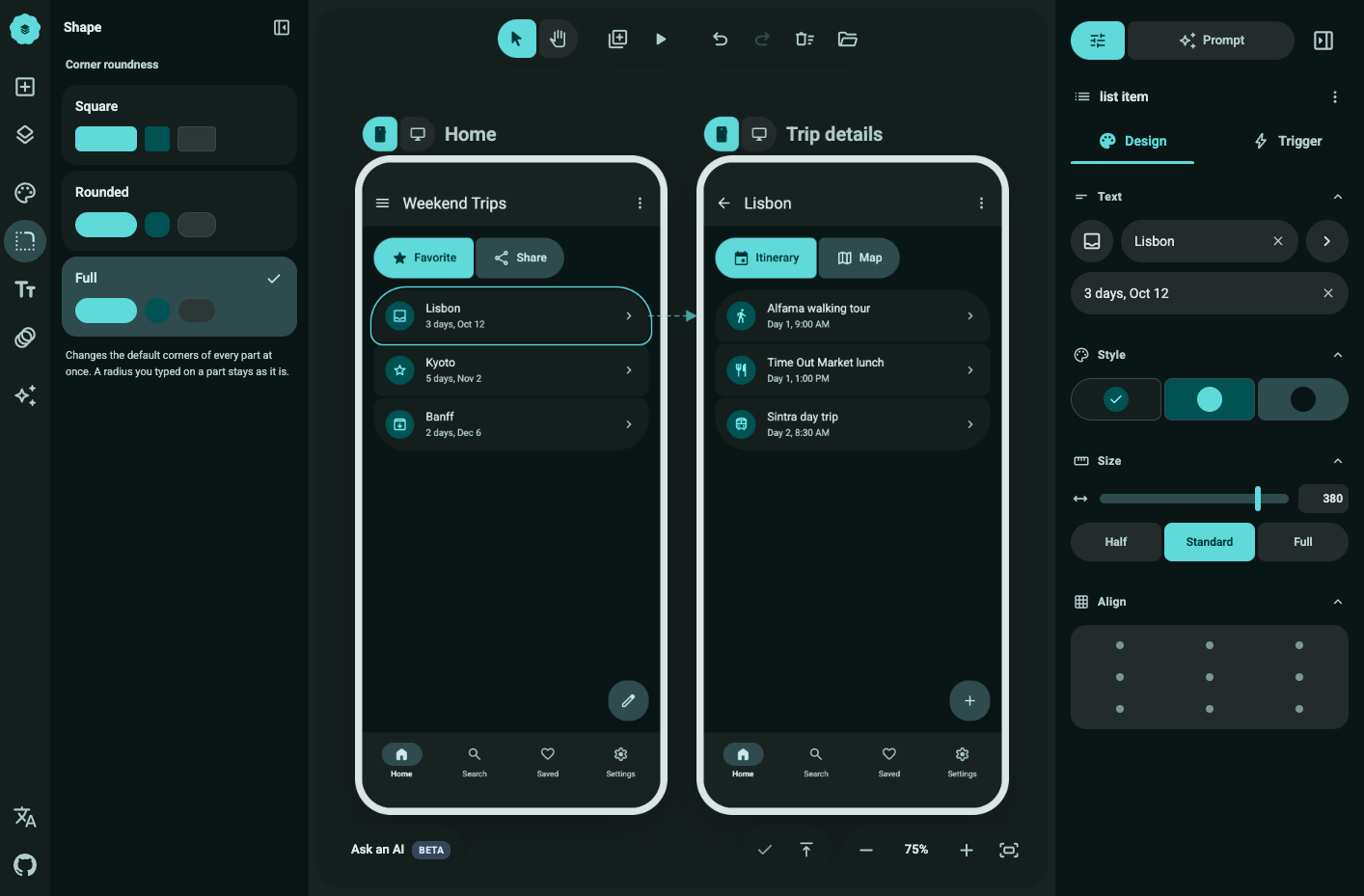
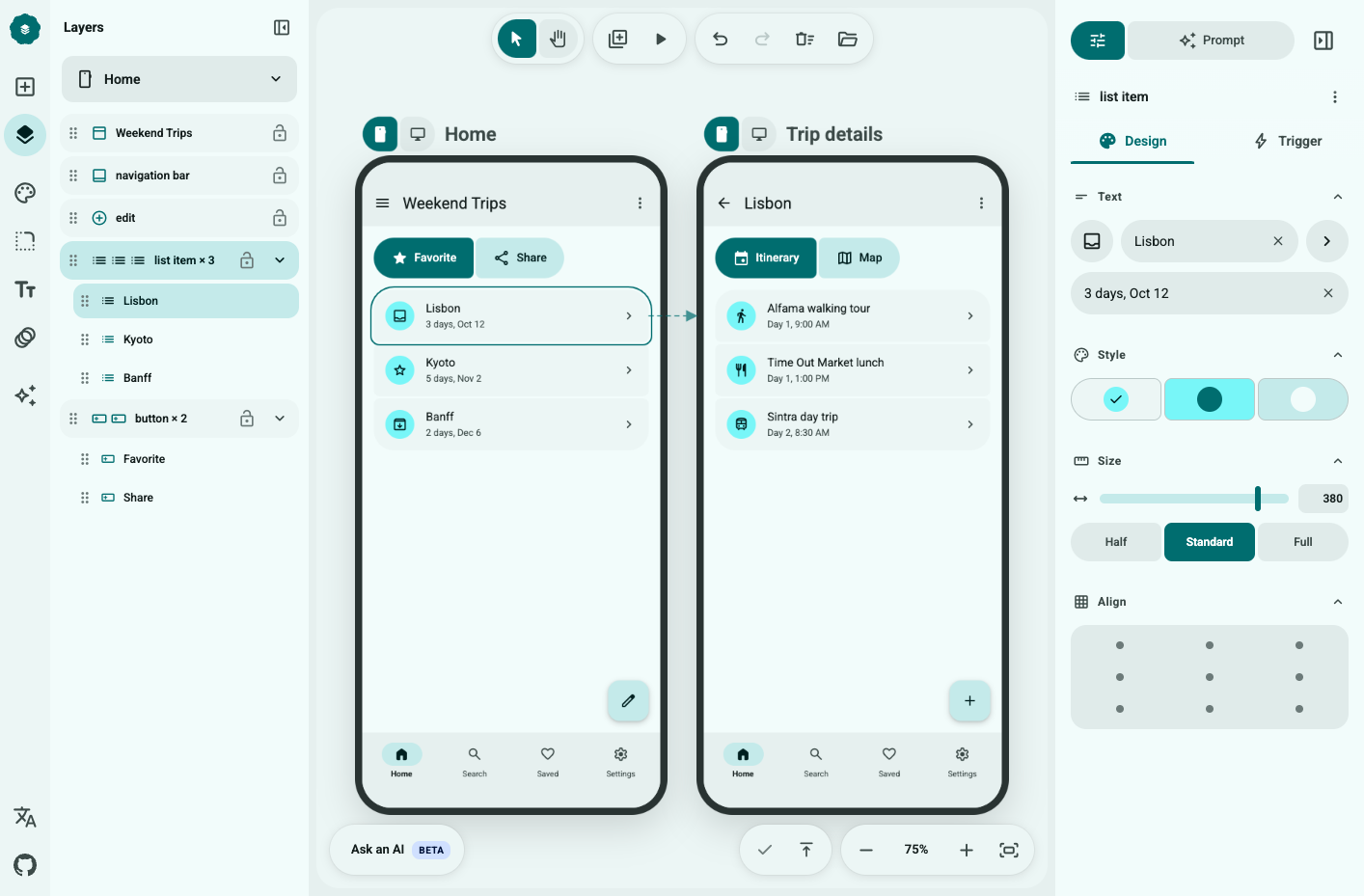
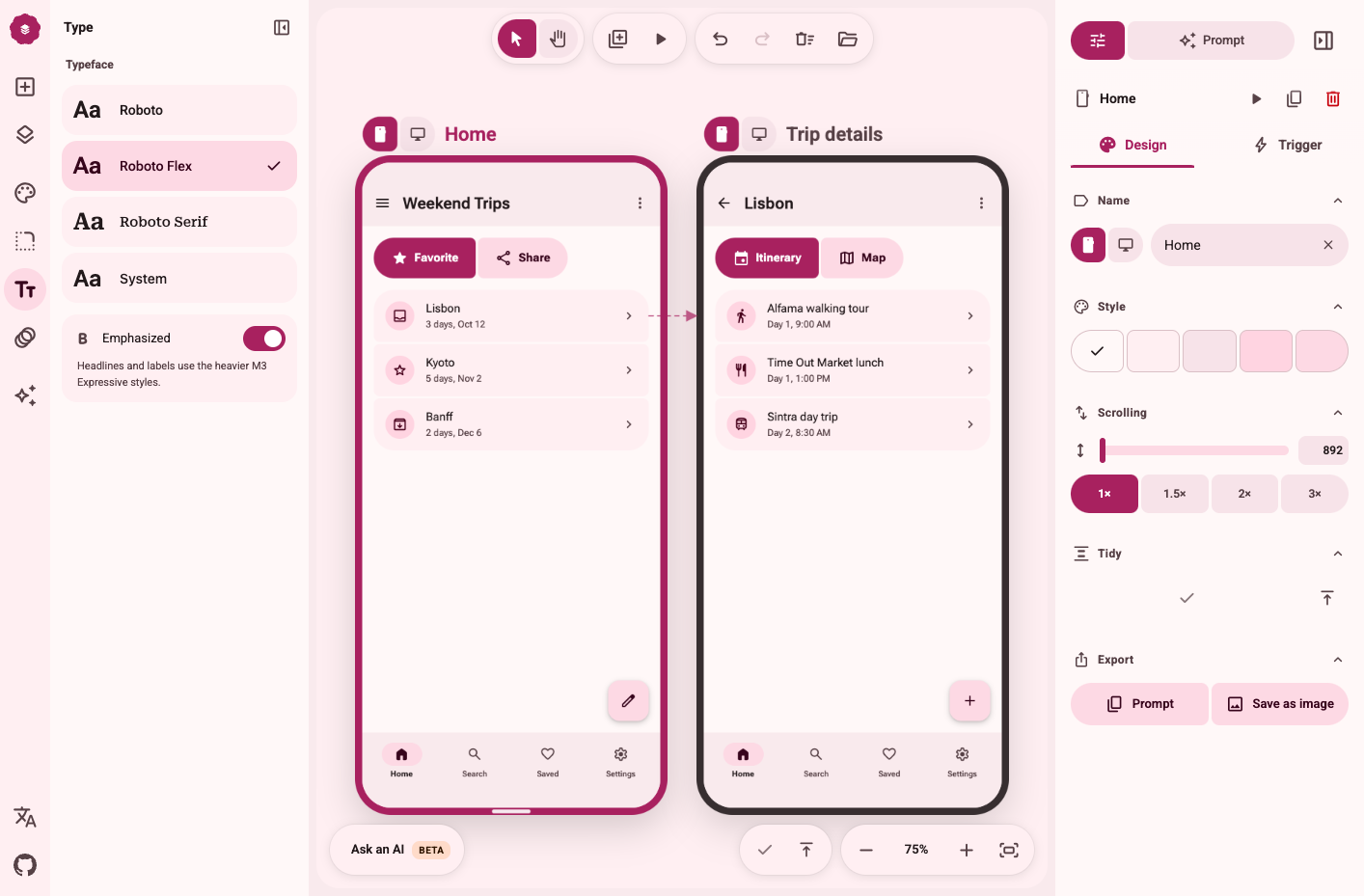
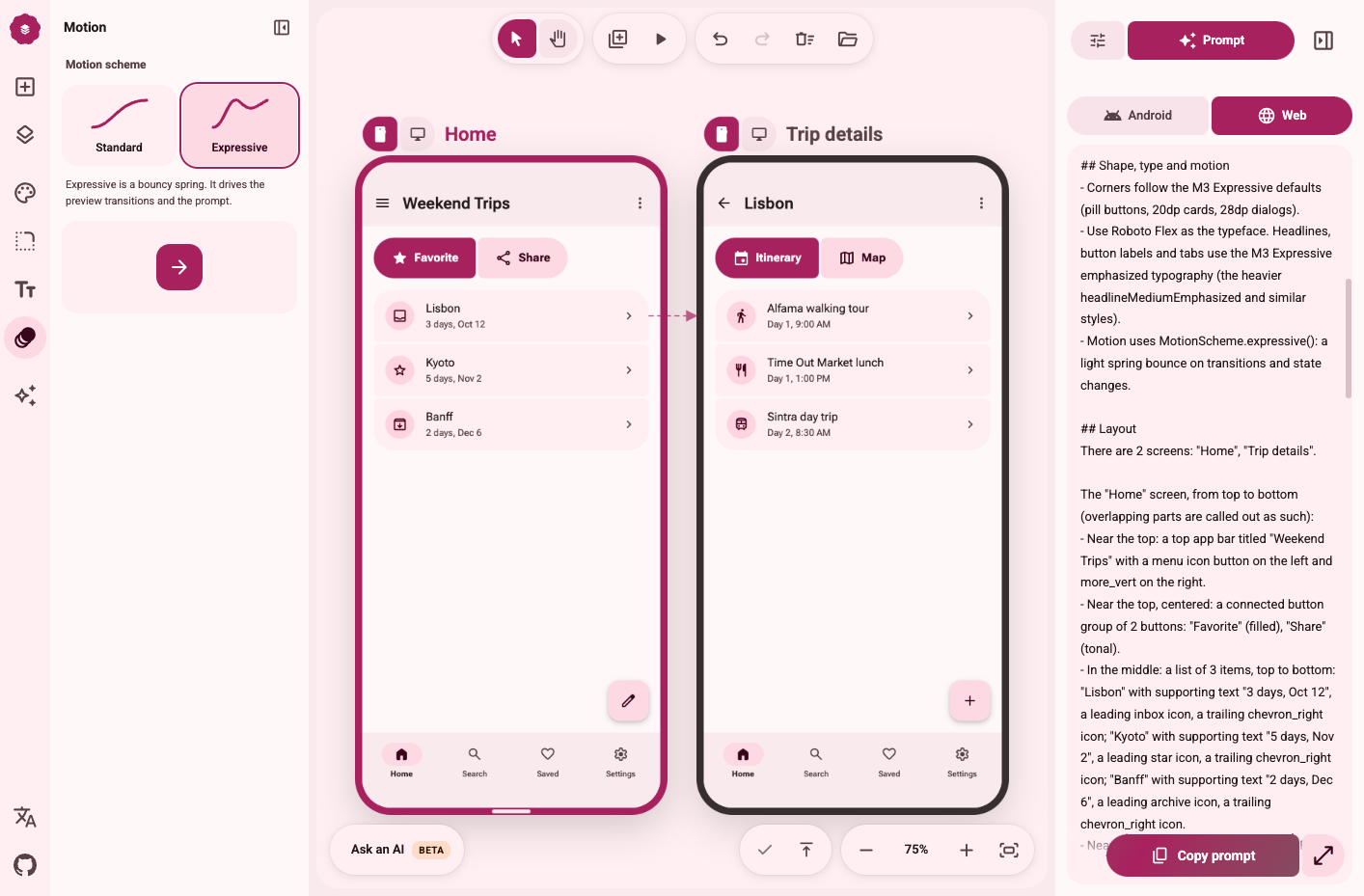
Why describe an app in words when M3E Canvas lets you sketch its screens, tap through the flow, and hand your AI coding tool a ready prompt? Drag real Material 3 Expressive parts such as buttons, FAB menus, chips, app bars, tabs, cards, sheets, sliders, and carousels onto phone or desktop screens, where they snap to a 4dp grid and nearby buttons fuse into groups. Switch any screen between a 412 by 892 phone and a 1280 by 800 desktop layout, link taps and swipes to other screens with slide, fade, or expand transitions, and press Preview to play the whole flow. One theme panel sets color from seven palettes or your own seed color, plus light or dark mode, three contrast levels, corner shapes, fonts, and expressive spring motion. The Prompt view turns the design, or one screen, into a concise brief in English, Japanese, Chinese, or Korean for Android or the web, with your notes on each part, ready to paste into Claude Code, Codex, Gemini CLI, or Cursor. It all runs in the browser with no account and autosaves as you go, an optional AI helper drafts designs from a sentence with your own OpenAI, Claude, Gemini, or DeepSeek key, and share links reopen any design on another canvas. Running on a dedicated VPS on RepoCloud with guaranteed CPU, RAM, and SSD, full root SSH access, and a browser serial console. MIT licensed.
Benefits
- Prompts that spell out the layout
- Rows, overlaps, and aligned card grids are written into the brief along with your notes on each part, so coding agents keep your layout instead of inventing their own.
- Test the flow before coding
- Link taps and swipes between phone and desktop screens, choose slide, fade, or expand transitions, and press Preview to experience the whole flow before any coding tool starts building.
- No account and no lock-in
- Designs autosave in your browser and travel as project files or share links, and optional AI keys never leave the browser, so sketches stay off third-party design services.
- Consistent Material 3 Expressive theming
- Seven palettes or one seed color generate a full Material 3 scheme in light and dark, with three contrast levels, corner shapes, fonts, and expressive spring motion applied everywhere at once.
Features
- Real M3 Expressive Parts
- More than thirty components, from split buttons and FAB menus to carousels, date pickers, and shape-morphing loading indicators, each with its own panel for text, style, size, and tap action.
- Phone and Desktop Screens
- Add any number of 412 by 892 phone or 1280 by 800 desktop screens; bars stretch, navigation bars become rails, and long screens scroll in Preview.
- Tap and Swipe Flows
- Give buttons, app bar icons, and navigation items a target screen and transition, then press Preview; arrows on the canvas map the whole flow.
- Four-Language Prompt Export
- Copy a design or one screen as a brief in English, Japanese, Chinese, or Korean for Android or the web, edit it, and paste it into your coding tool.
- Bring-Your-Own-Key AI Helper
- Draft a design from a sentence or write behavior notes using your own OpenAI, Claude, Gemini, or DeepSeek key; requests go straight from the browser to the provider.
- Share Links and Agent Handoff
- Copy a link that opens your design on anyone's canvas, or hand a coding agent the agent.md format so it replies with a share link.