Categories
Collaboration Whiteboard Real-Time Collaboration Diagramming Infinite Canvas Drawing BrainstormingStars
Forks
Watchers
Developer links
Drafft.ink
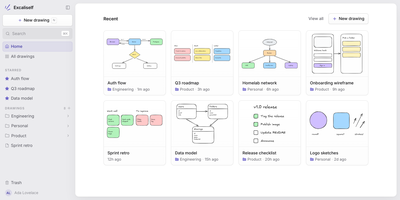
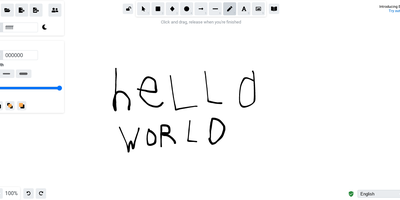
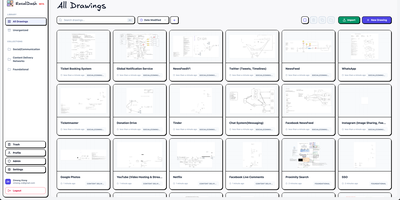
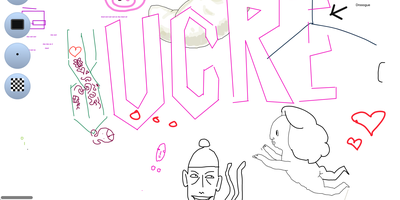
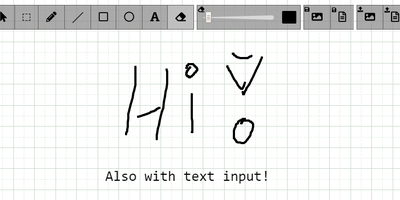
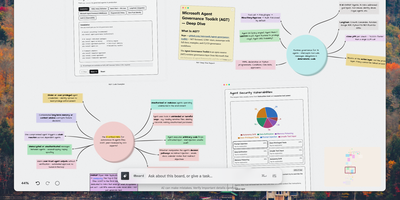
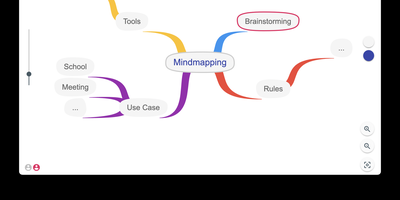
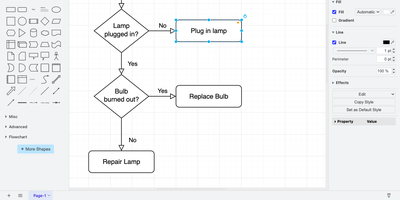
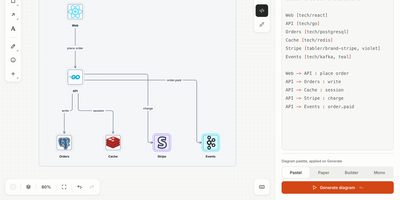
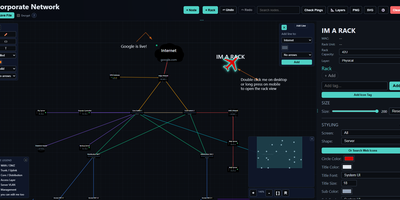
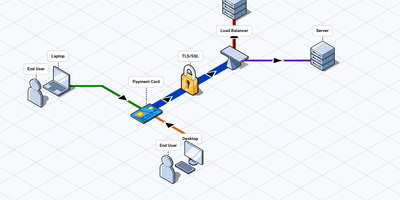
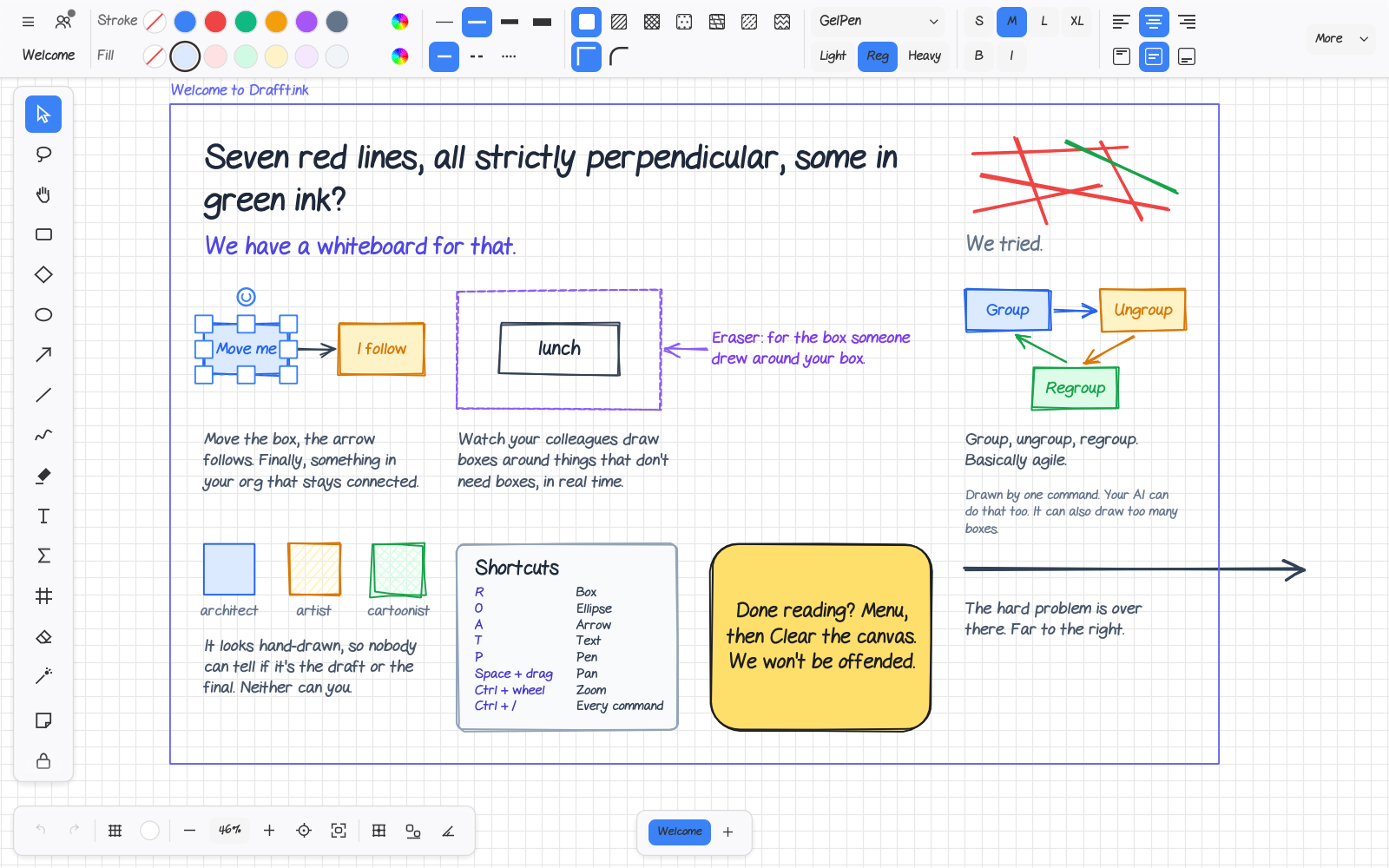
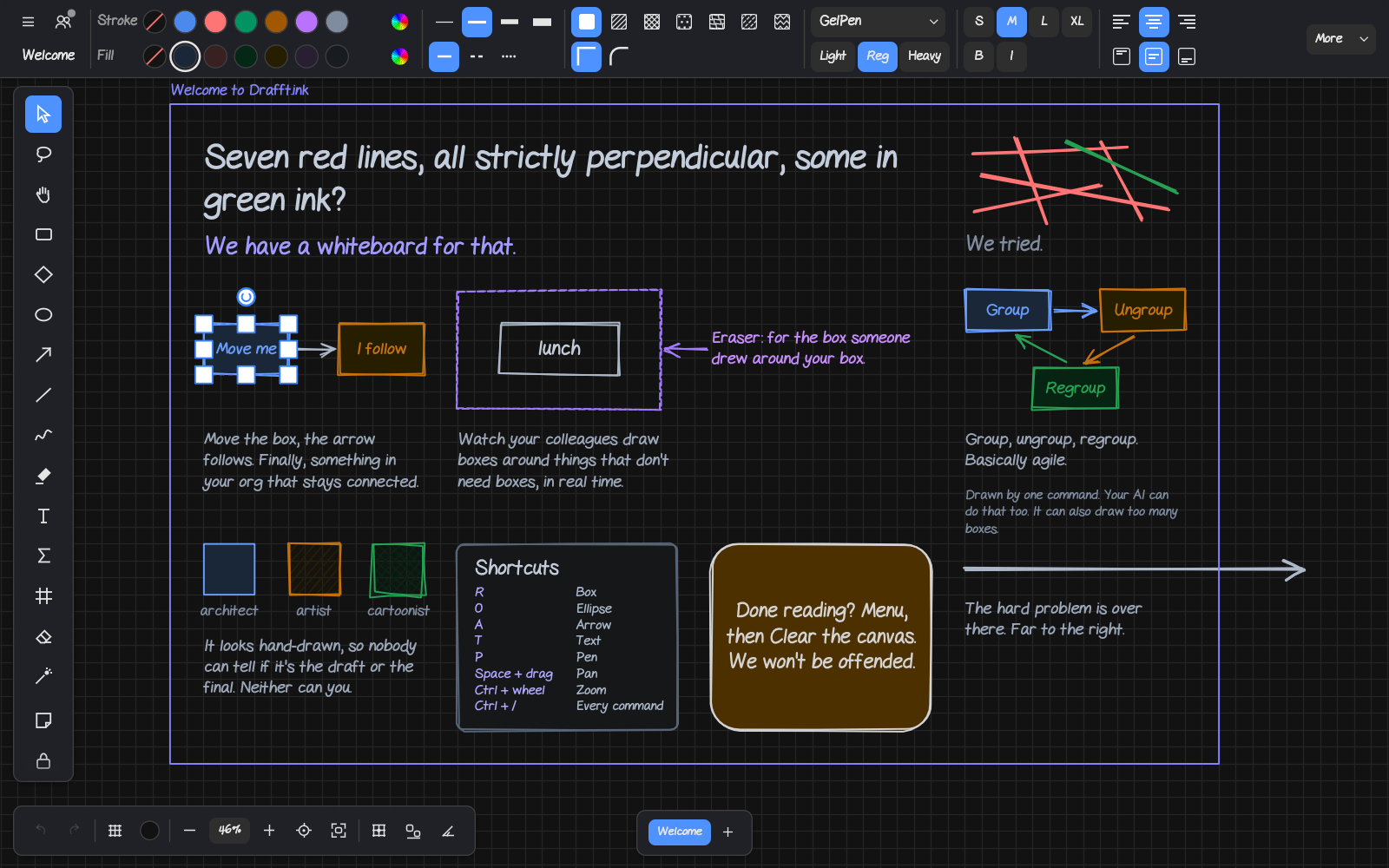
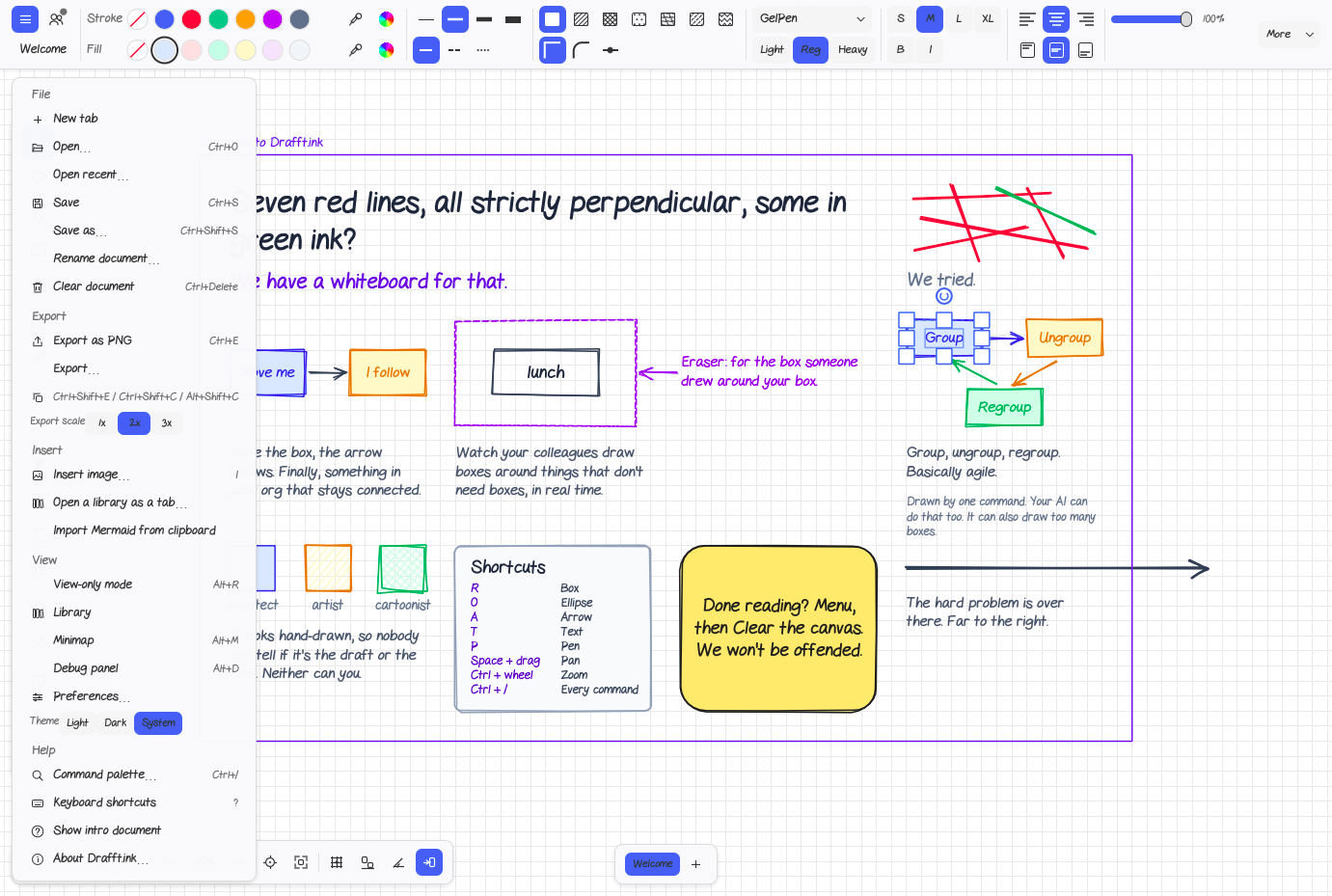
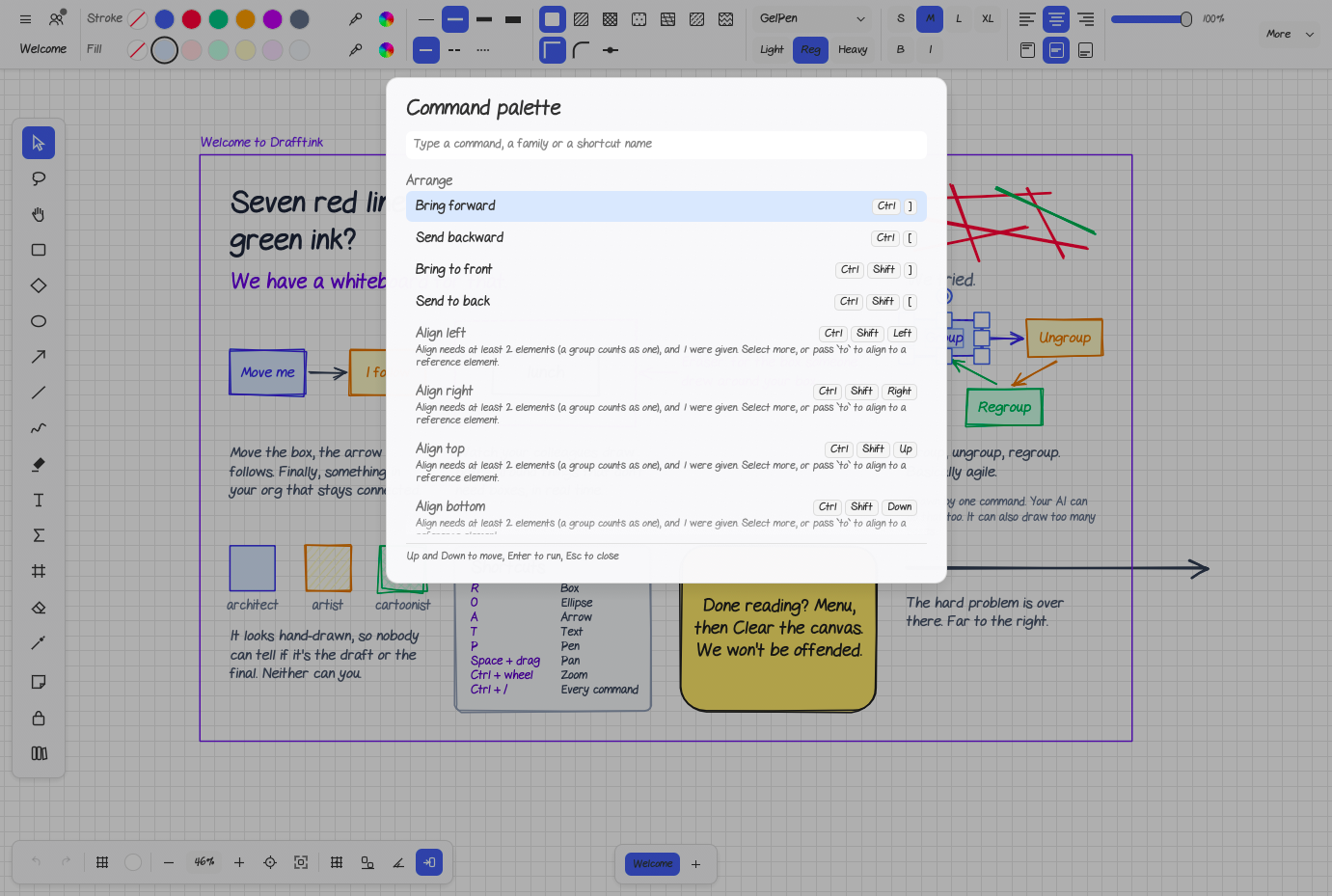
With Drafft.ink, a team can sketch diagrams on an infinite hand-drawn canvas and edit them together in real time, with every board kept on a server it controls. Fifteen tools cover shapes, arrows, pen, highlighter, text, math, frames, eraser, and laser pointer, plus sticky notes. Arrows stay attached when a box moves, smart guides snap shapes into line and to equal gaps, and sketchiness runs from architect to drunk. Text can use hand-drawn or clean fonts with a colour per letter, an equation editor sets LaTeX formulas, and pictures can be cropped and painted on. Rooms open from a shared link, show remote cursors and laser trails, let you follow a teammate's viewport, and merge edits made offline when someone reconnects. Boards save as JSON, round-trip Excalidraw files, import Mermaid diagrams, and export PNG or SVG; a PNG can embed the drawing so it doubles as the source file. A command palette on Ctrl+/ lists every action, tabs hold several boards, and view-only mode limits a board to selecting, panning, and the laser pointer. Every button is a named command that scripts, a command-line tool, and an agent server for AI assistants can call too. The collaboration server is one program with no config file; rooms live on disk, in a local database file, or in an S3 bucket. Running on a dedicated VPS on RepoCloud with guaranteed CPU, RAM, and SSD, full root SSH access, and a browser serial console. AGPL-3.0 licensed.
Benefits
- Your Own Collaboration Server
- One program serves the web app and the /ws socket from a single origin, keeps rooms on disk, SQLite, or S3, needs no config file, and reports rooms and connections at /health.
- Edits Merge Even After Offline
- Clients keep a full copy of the board, so changes made offline upload and merge on reconnect, and a storage failure on load never overwrites data already saved.
- Files Open in Other Tools
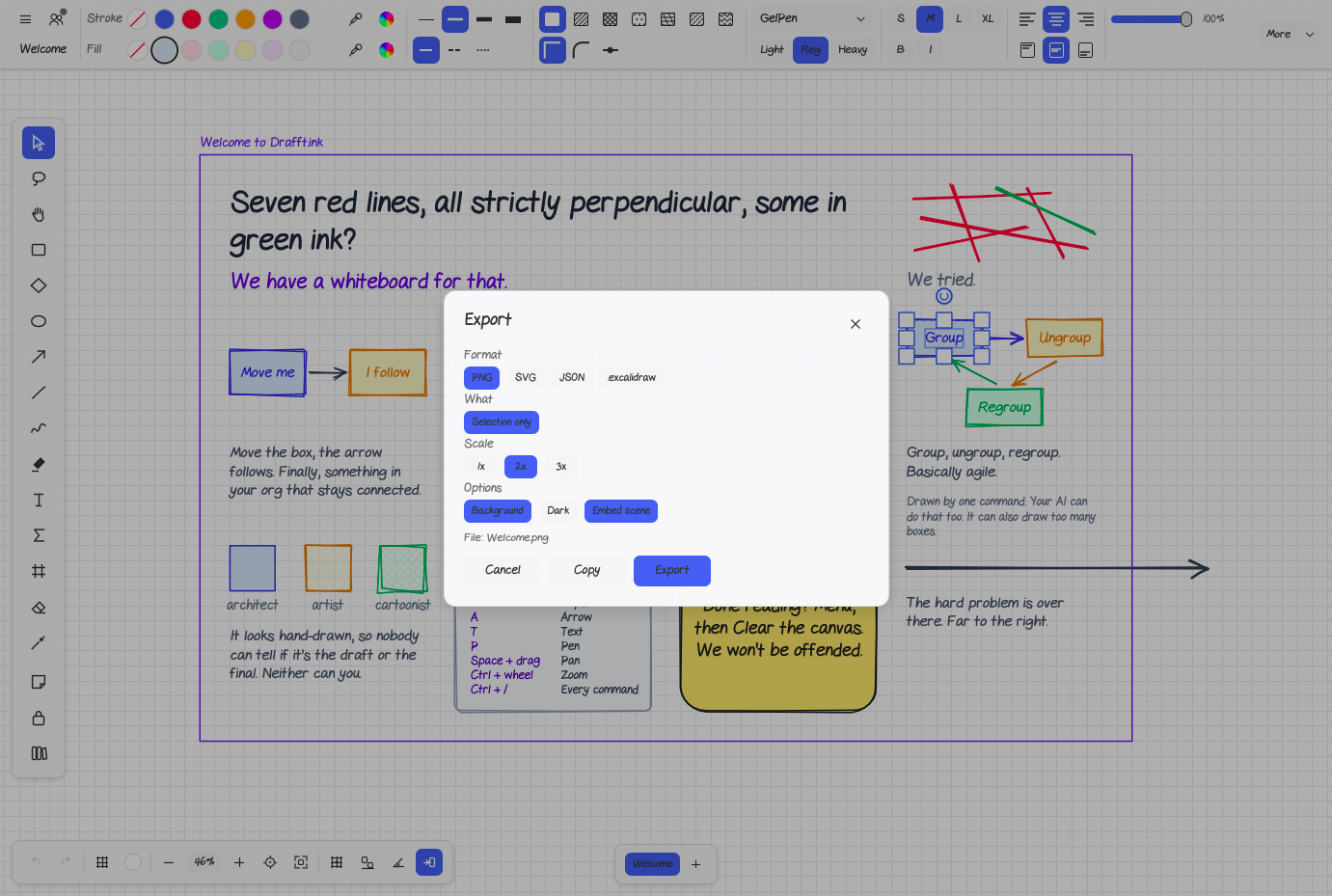
- Export PNG, SVG, JSON, or Excalidraw files, import Mermaid diagrams and Excalidraw libraries, and embed the whole drawing inside a PNG so the image doubles as its own source.
- No Account, No Tracking
- Anyone can start drawing without signing up, the web app still starts offline, boards are saved in the browser's own storage, and the README promises no tracking.
Features
- Fifteen Drawing Tools
- Select, lasso, hand, rectangle, diamond, ellipse, arrow, line, freehand, highlighter, text, math, frame, eraser, and laser tools, plus sticky notes and a tool lock.
- Arrows and Smart Guides
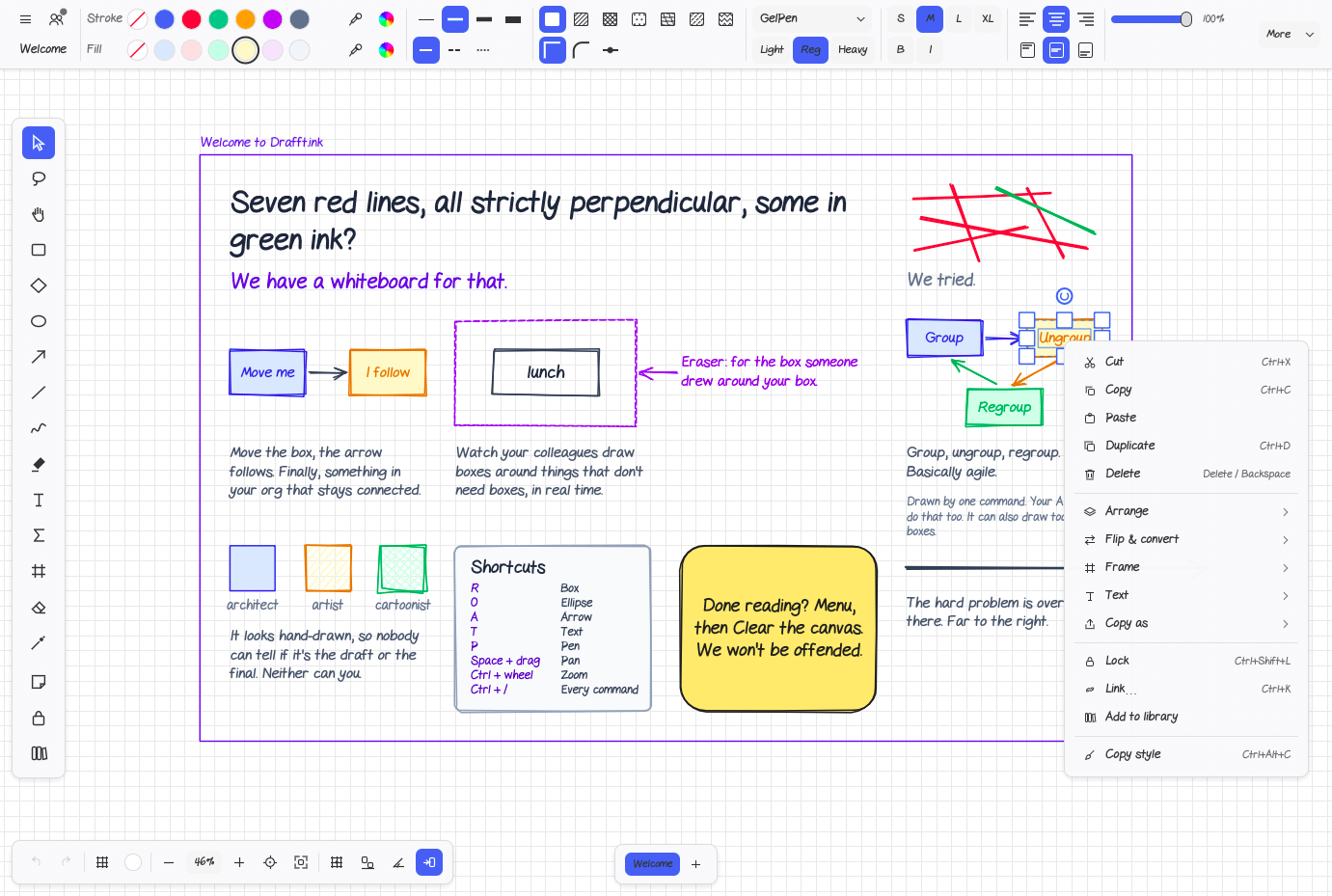
- Arrows bind to shapes and follow when they move; grid, smart guide, and angle snapping line shapes up and space them evenly as you drag.
- Live Presence and Follow
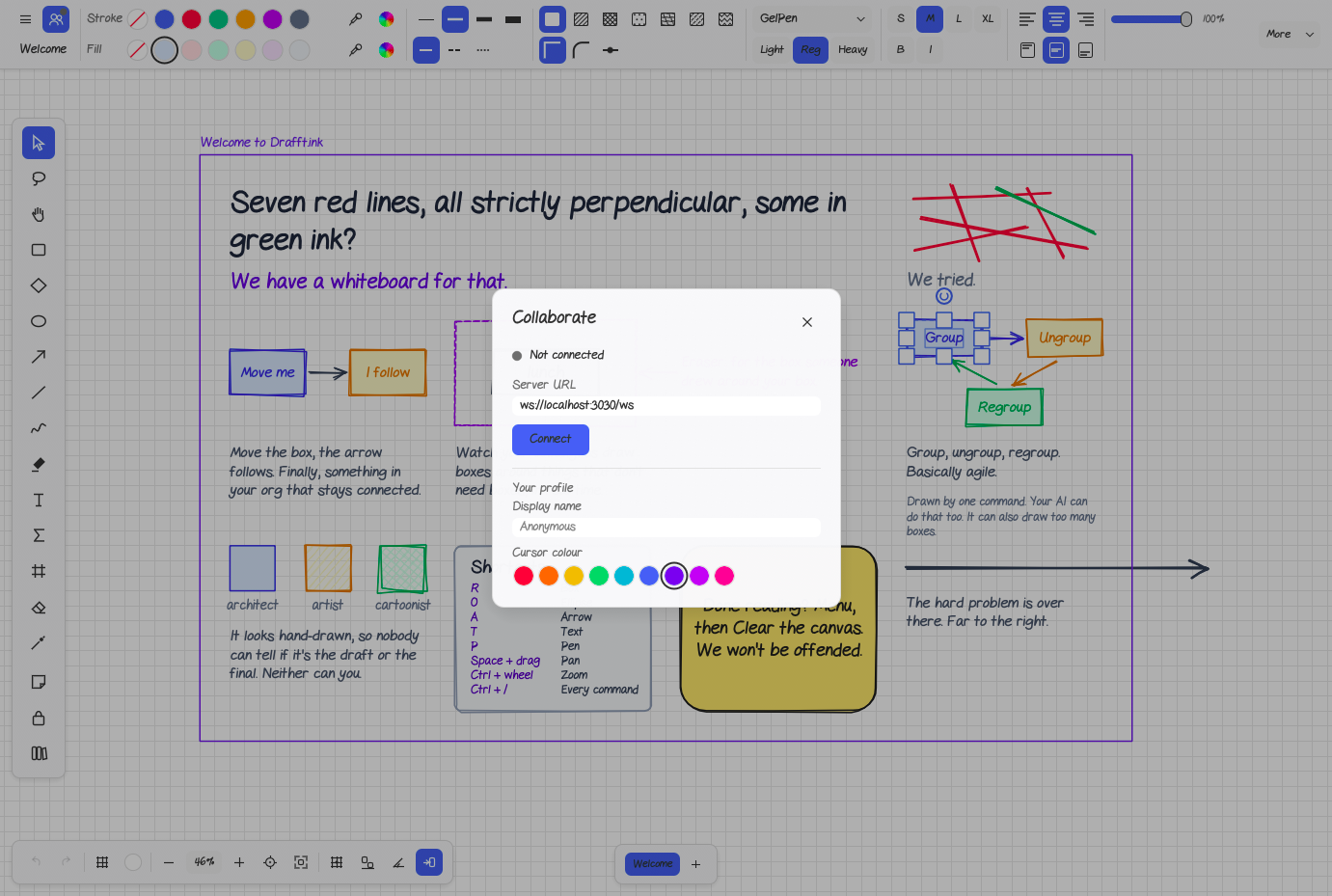
- Remote cursors, selections, and laser trails show who is where, a Follow button jumps to a teammate's viewport, and join notices appear as toasts.
- Text, Math, and Pictures
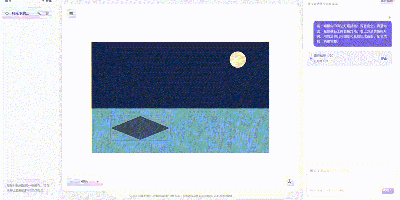
- Hand-drawn and clean fonts, a colour per letter, LaTeX formulas in an equation editor, and image cropping with painting directly on the picture.
- Command Palette and Tabs
- Press Ctrl+/ to search every command with its shortcut; tabs hold several documents, and the View menu adds a minimap and a view-only mode.
- Headless CLI and Agent Server
- The drafftink-headless program runs JSON Lines scripts, converts Mermaid files into drawings, writes SVG, and starts an MCP server so AI agents can draw.