AyakaLeaf Pro
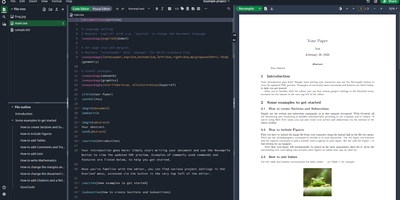
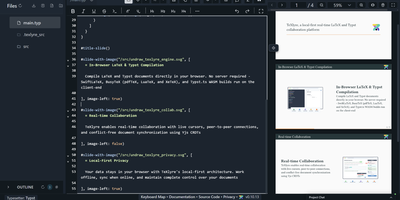
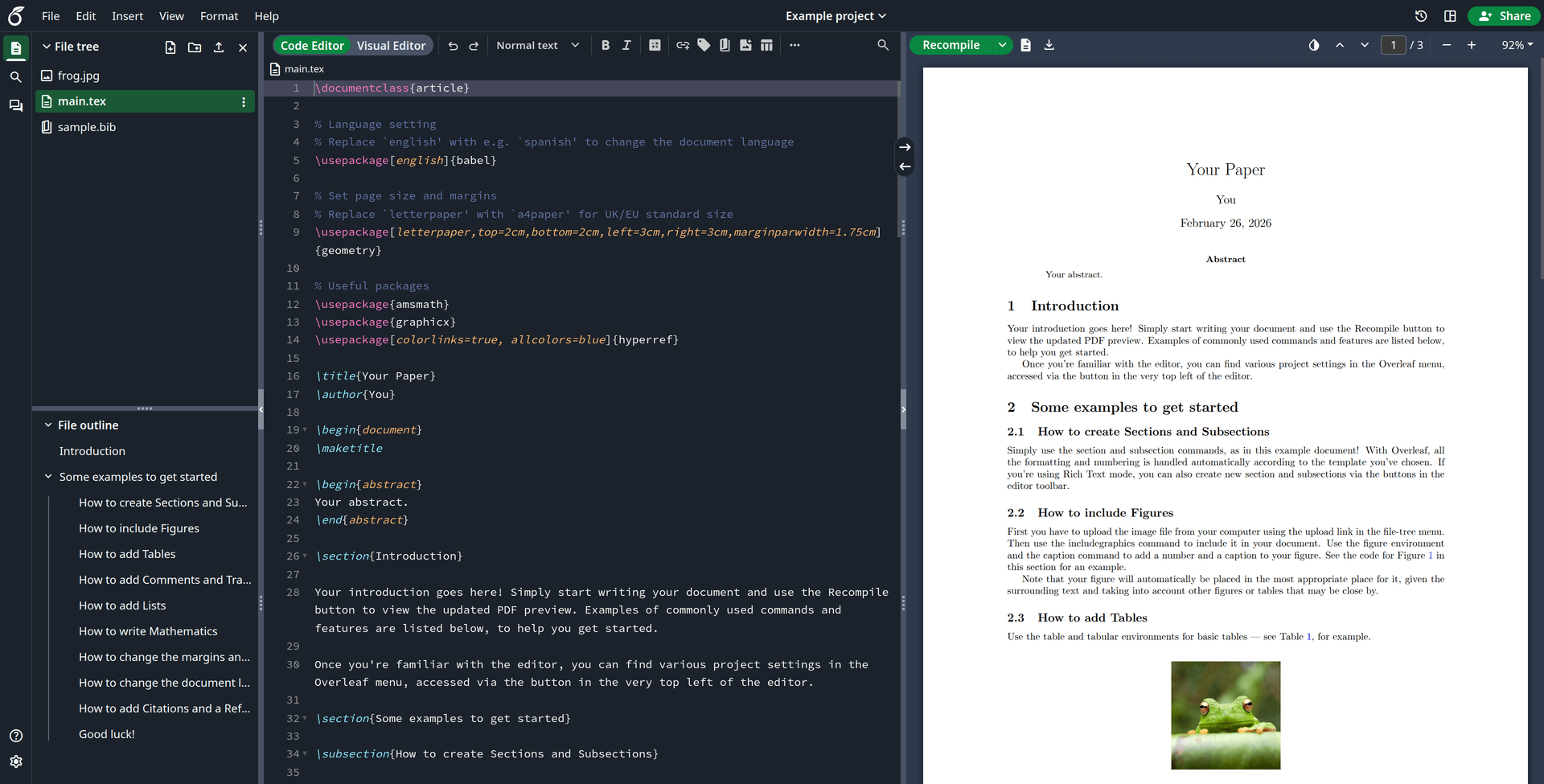
Overleaf locks its best collaboration tools behind a paid server license, and AyakaLeaf Pro is the open-source edition that hands them to your own server instead. You get the familiar online LaTeX editor, with several people typing in the same document at once, but compilation runs in an isolated Docker sandbox with a full TeX Live image, so a runaway document cannot take the service down and compile times are yours to set. Reviewers work the way they do in a word processor: track changes, comment in the review panel, and roll back through full project history with restore and download. Projects stay connected to the rest of your workflow through two-way sync with GitHub, GitLab, Gitea, and Dropbox, a git-bridge for clone, pull, and push, and reference managers through Zotero and Mendeley with searchable bibliography entries. A template gallery lets you publish house styles for your lab or department, the symbol palette inserts math notation in one click, and an AI chat assistant plus a compile-error assistant help inside the editor, while an MCP server lets external AI agents edit and compile too. Administrators get SSO through LDAP, SAML, or OAuth, domain-limited self-registration, and a panel for users and projects. Running on a dedicated VPS on RepoCloud with guaranteed CPU, RAM, and SSD, full root SSH access, and a browser serial console. AGPL-3.0 licensed.
Benefits
- Pro Features Without The Invoice
- Track changes, full project history, sandboxed compilation, SSO, and the template gallery are the features Overleaf reserves for paid server plans; here they run on hardware you already control, for your whole institution.
- Compilation That Cannot Hurt You
- Every project compiles inside an isolated Docker sandbox with a complete TeX Live image, adjustable time limits, and no shared process to crash, so one pathological document never stalls the queue for everyone else.
- Your Git Workflow, Uninterrupted
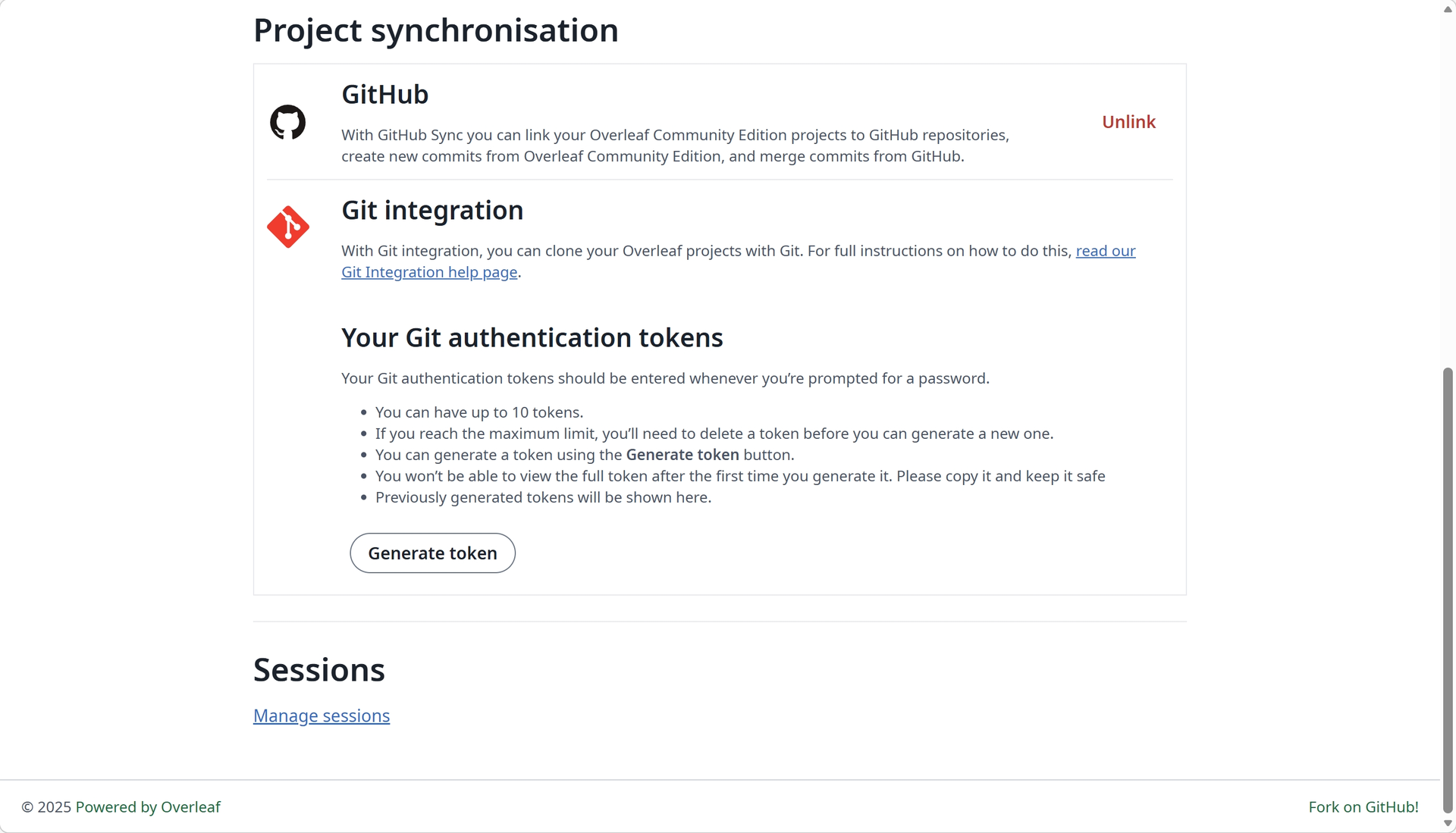
- Two-way sync with GitHub, GitLab, and Gitea plus a git-bridge for clone, pull, and push means the paper lives in your repository, and the browser editor becomes a view on it, not a silo.
- References Without The Friction
- Zotero and Mendeley connect over OAuth, bibliography entries are searchable across the whole library, and Dropbox sync keeps every project mirrored, so citations and files follow the writing instead of trailing behind it.
Features
- Track Changes And Review Panel
- Reviewers suggest edits with tracked changes and discuss them in a comment panel beside the source, while full project history with restore and download keeps every earlier draft recoverable.
- AI Chat And Error Assistant
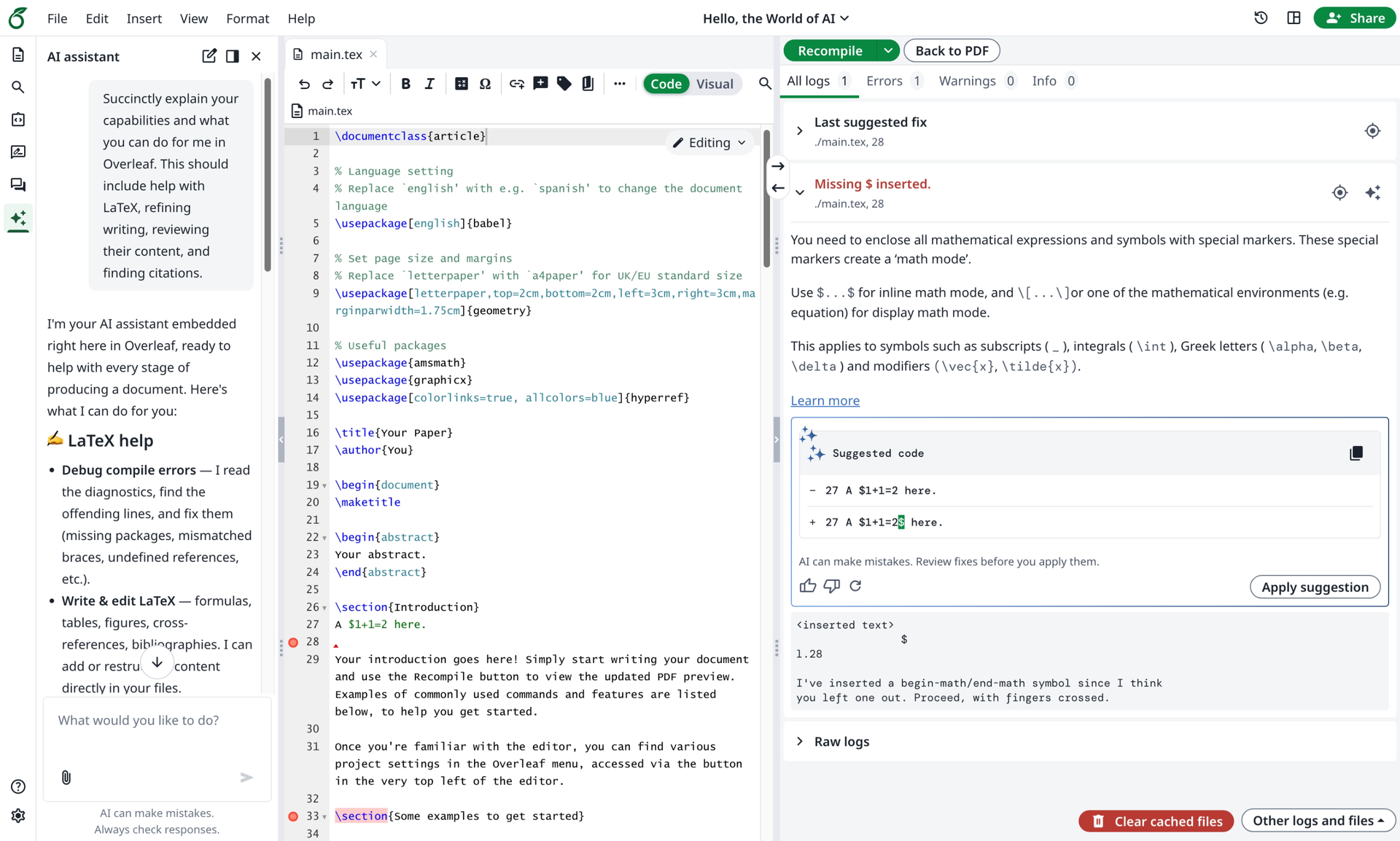
- An in-editor AI assistant chats, edits, and fixes documents, a dedicated error assistant explains compilation failures in plain language, and an MCP server lets external AI agents edit and compile.
- SSO And Admin Panel
- Sign-in runs through LDAP, SAML, or OAuth 2.0, self-registration can be limited by email domain, and administrators manage users, projects, and compile-time limits from a global admin panel.
- Pandoc And Python Built In
- Convert between Word, Markdown, and LaTeX with Pandoc import and export, and run Python scripts inside the project to generate figures, tables, or data files without leaving the editor.
- Template Gallery And Symbol Palette
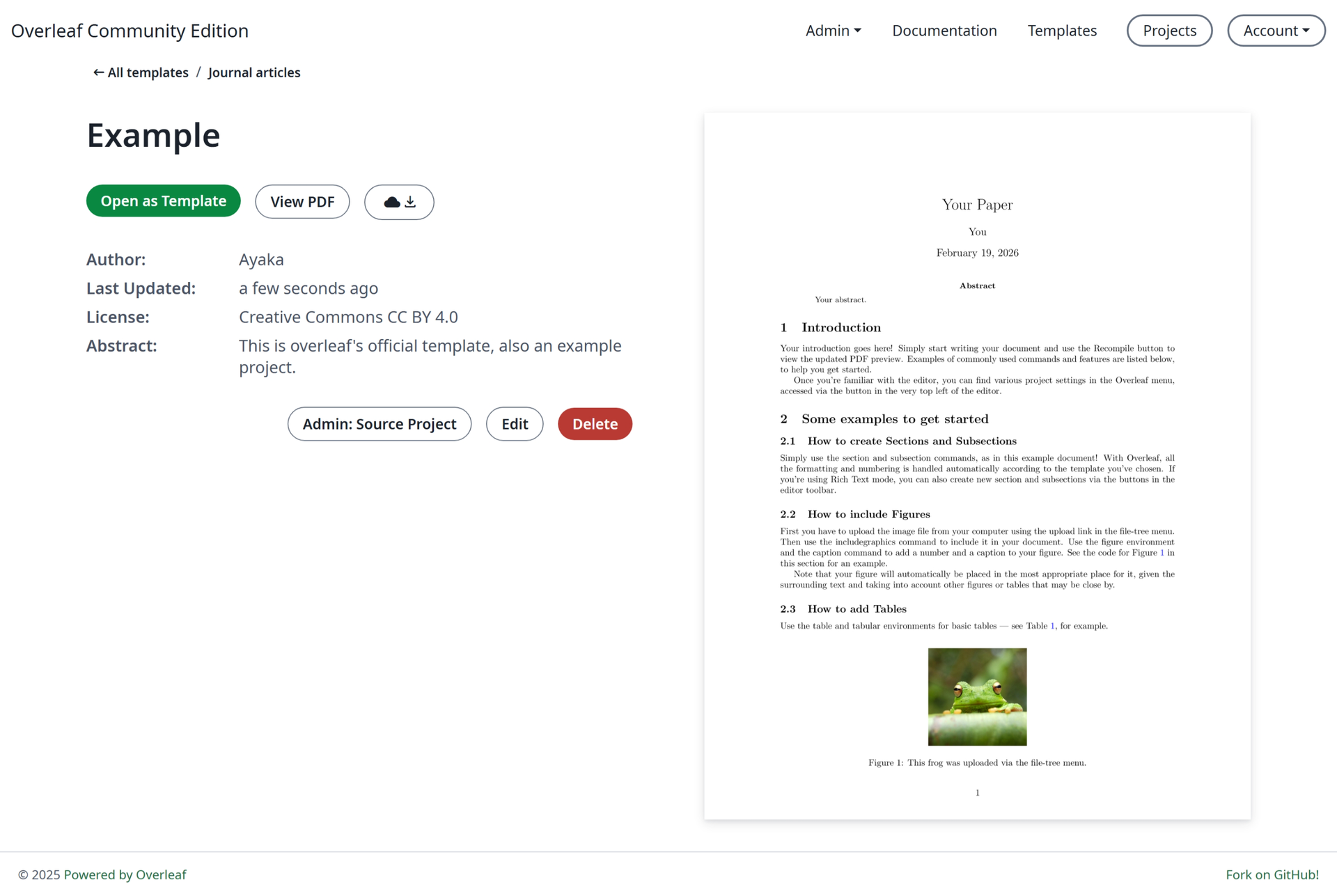
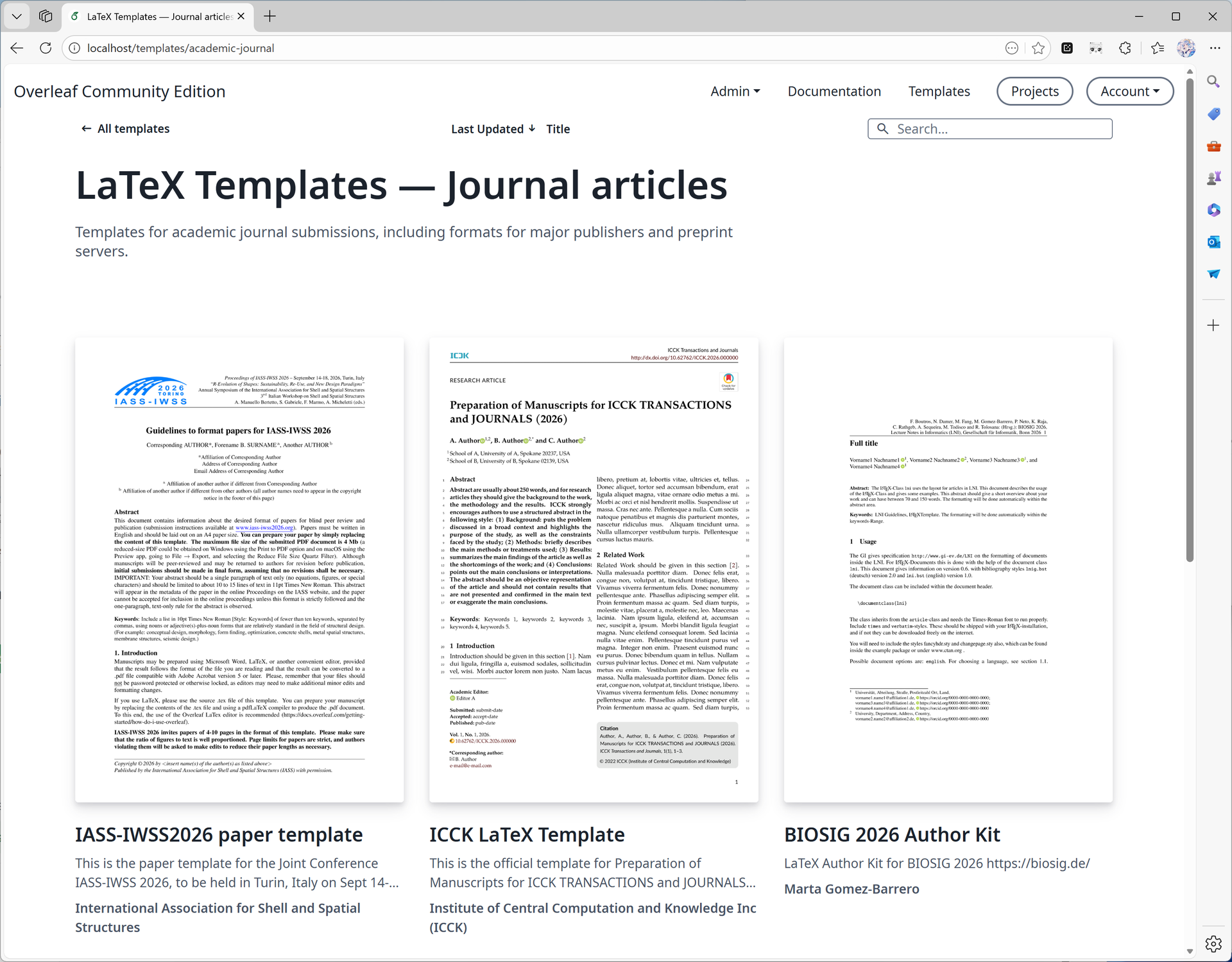
- Publish LaTeX templates to your members through the built-in gallery so every thesis starts from the house style, and insert math symbols in one click from the visual symbol palette.