Categories
Workflow Automation Team Collaboration Edge Computing Low-Code Platform Industrial IoT Node-RED DevOps Pipelines Flow-Based ProgrammingStars
Forks
Watchers
Developer links
FlowFuse
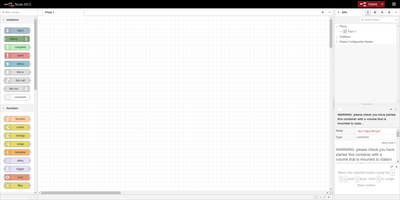
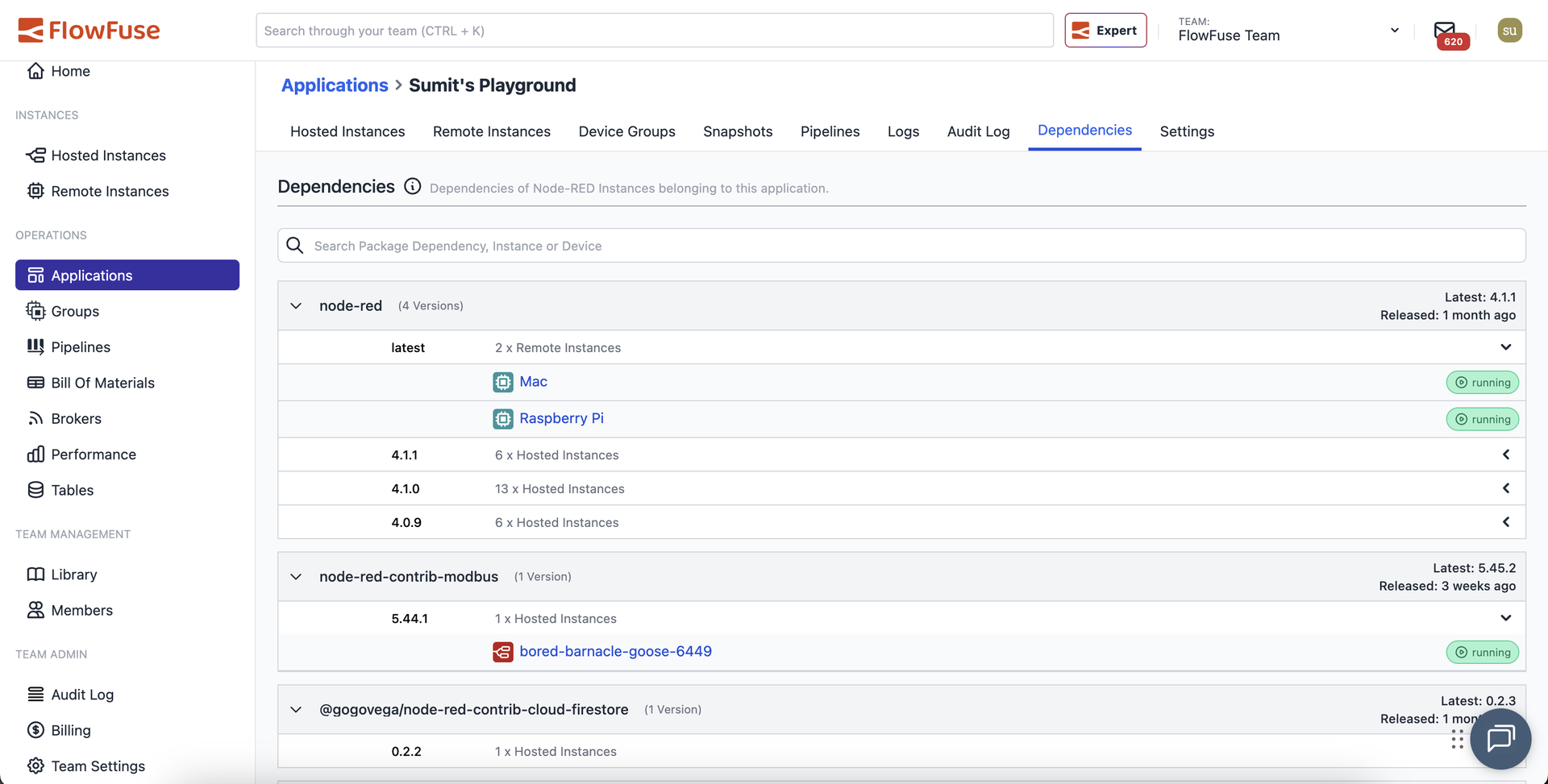
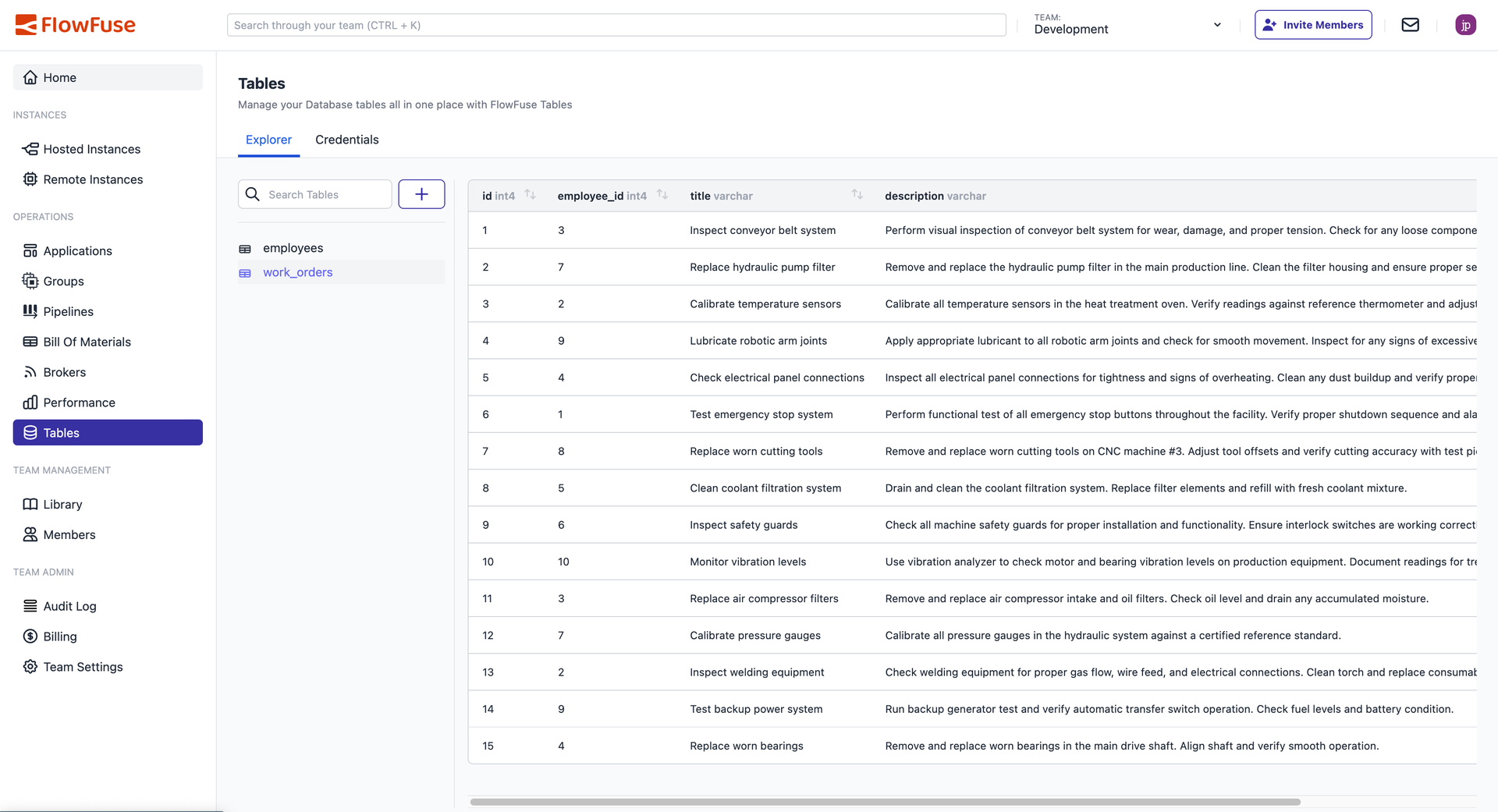
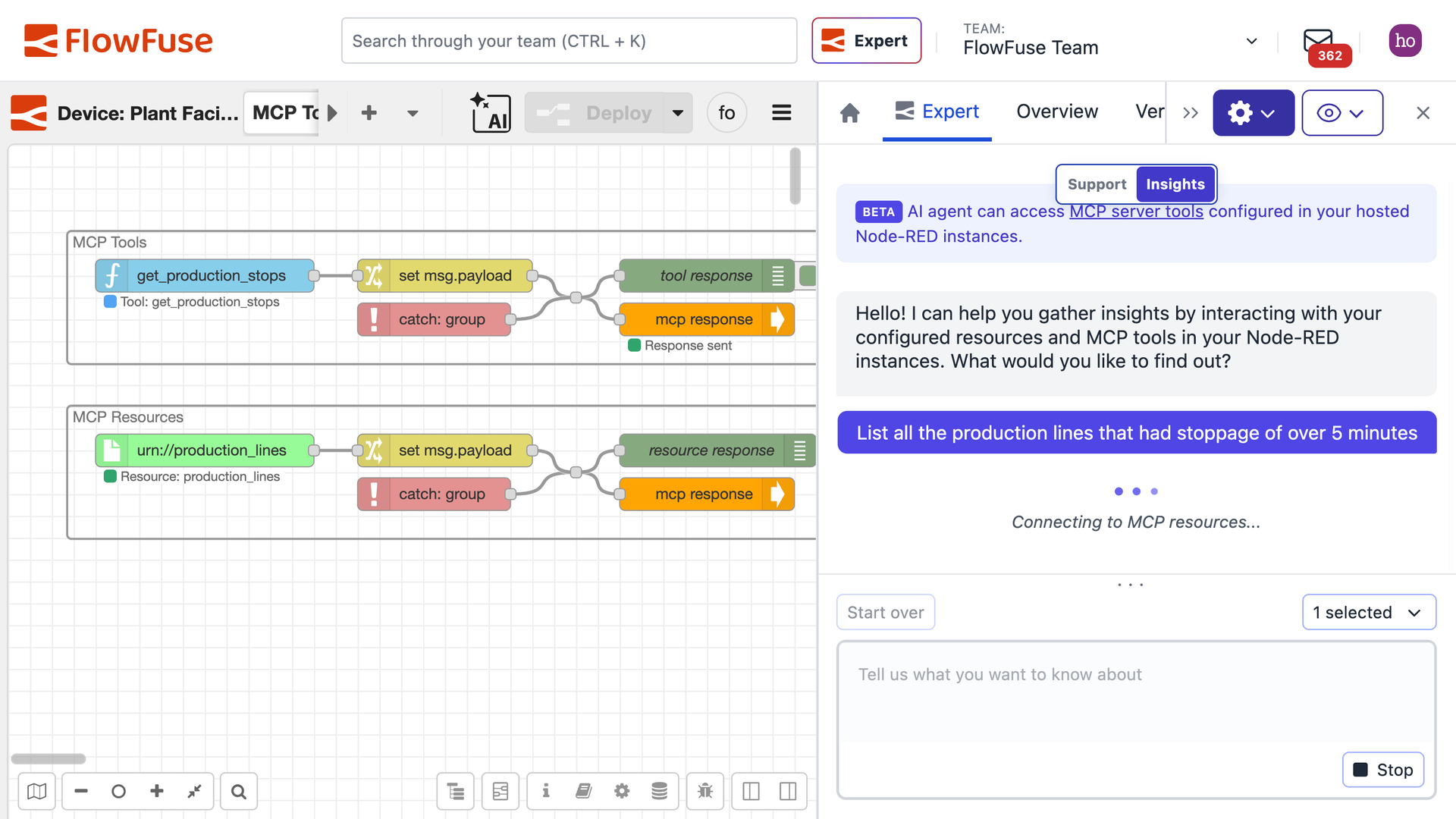
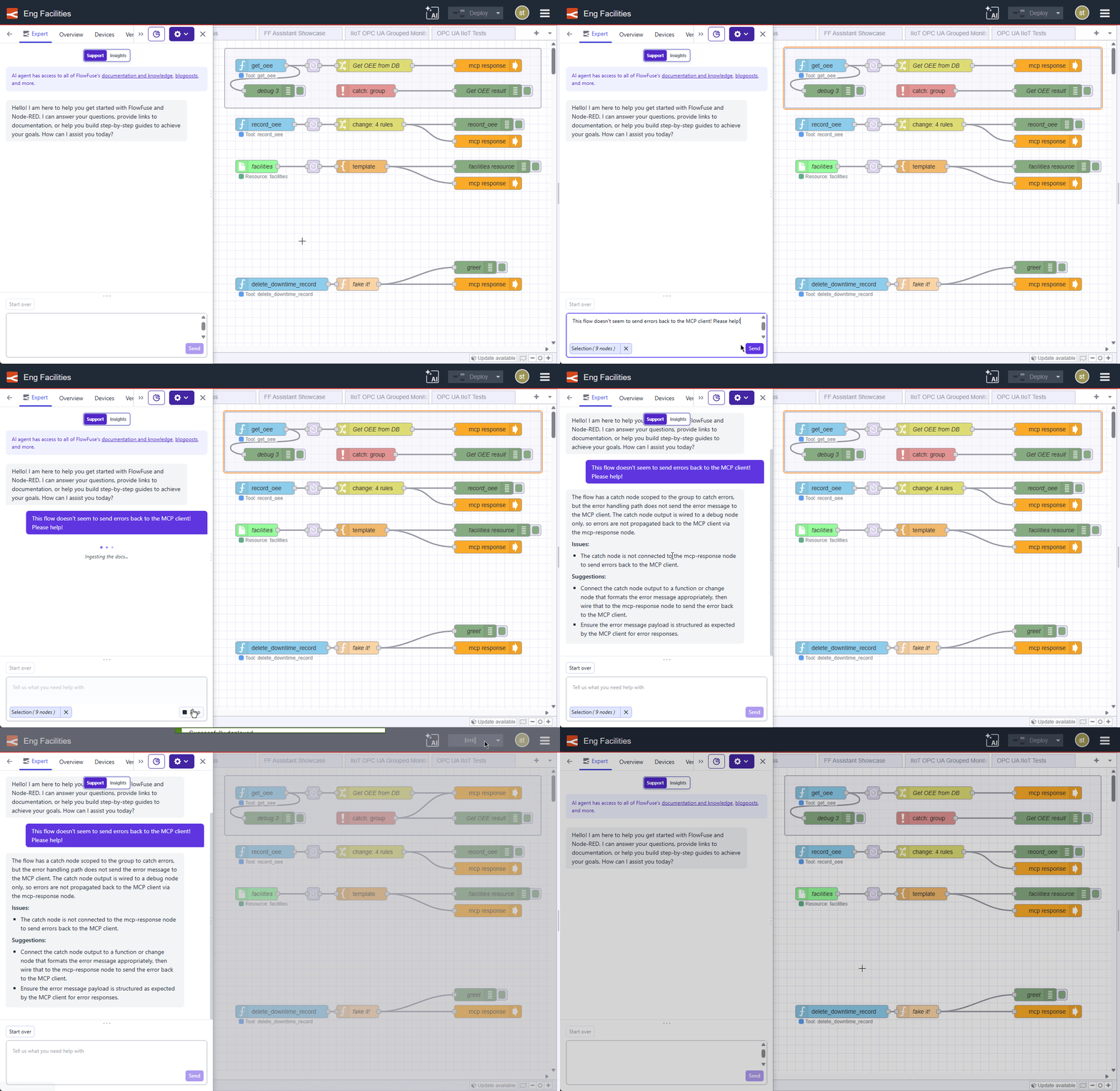
FlowFuse turns Node-RED from a single-editor tool into a team platform that hosts instances, snapshots flows, and promotes tested changes from development to production and out to remote devices. Applications group related instances, and Owner, Member, Viewer, and Dashboard Only roles decide who can edit flows, create snapshots, or simply open a dashboard. Creating an instance takes a few clicks: pick a Node-RED version, optionally choose a blueprint such as the ANDON Operator Terminal, and the platform preinstalls its nodes and flows. Snapshots capture flows, credentials, and runtime settings so a bad deployment can be rolled back, while DevOps pipelines move a chosen snapshot through development and production stages with one click. Remote instances run on your own hardware through a device agent installed with a one-line command, and developer mode opens the editor for that device from the platform. A shared team library keeps reusable flows and functions in one place, environment variables are set per instance, and project link nodes pass messages between instances and devices. Audit logs record editor logins, flow updates, installed nodes, and snapshots, and the FlowFuse Expert plugin offers AI guidance for writing functions, building flows, and debugging. On self-hosted installs the Community Edition is free, while pipelines, blueprints, the shared library, developer mode, application-level roles, and Expert need an Enterprise license. Running on a dedicated VPS on RepoCloud with guaranteed CPU, RAM, and SSD, full root SSH access, and a browser serial console. Apache-2.0 licensed.
Benefits
- Roll back or promote flows safely
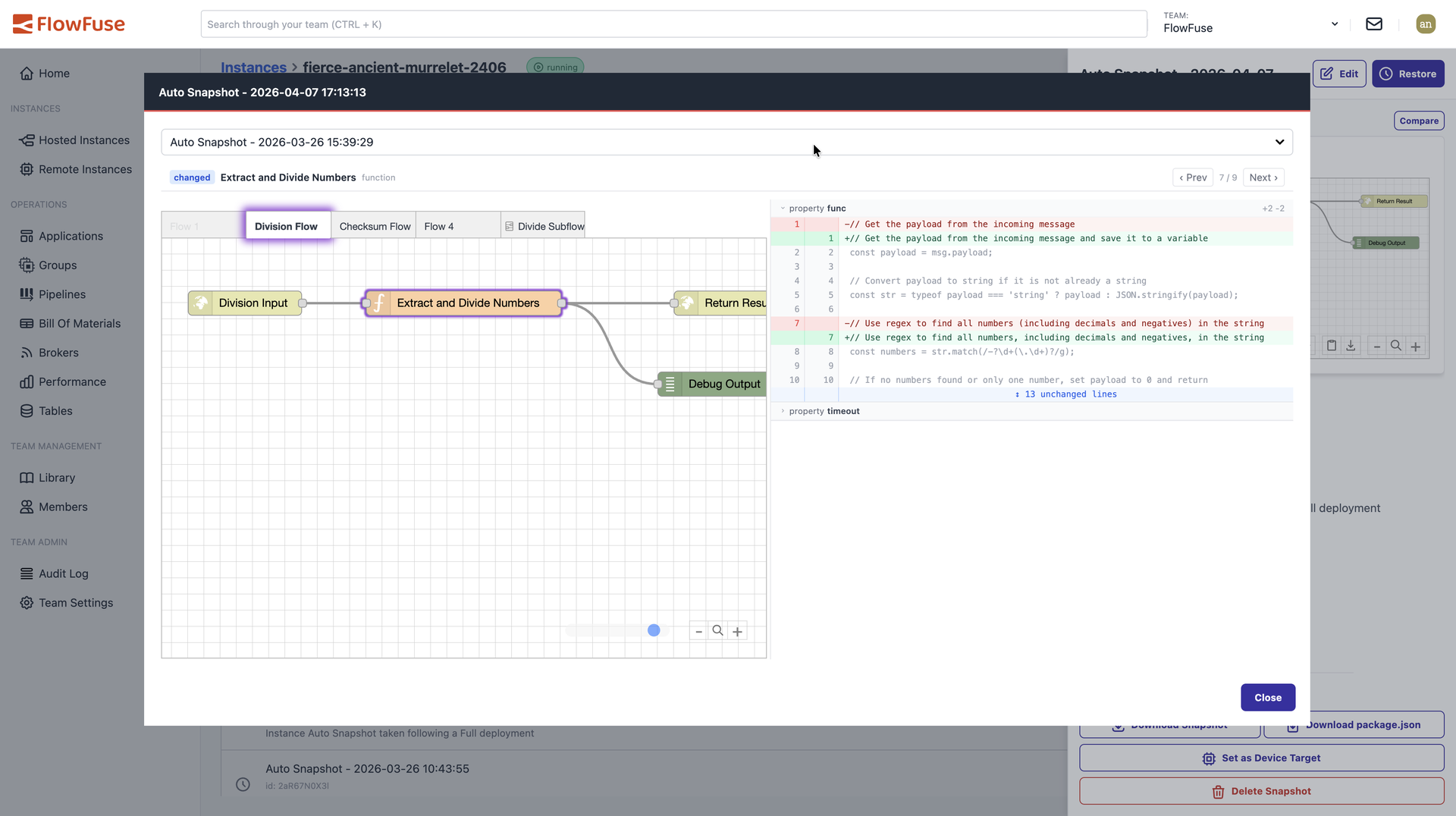
- Snapshots capture flows, credentials, and runtime settings, so a broken deployment rolls back in one action, and pipeline stages promote the same snapshot from development to production.
- Manage Node-RED on remote hardware
- A one-line installer sets up Node.js and the device agent and registers the device, then developer mode opens the Node-RED editor for that remote instance from the platform.
- Give each person the right access
- Owner, Member, Viewer, and Dashboard Only roles apply per team, so operators can open dashboards without touching flows, and enterprise-licensed application roles refine access per application.
- Start from industrial blueprints
- Blueprints such as the ANDON Operator Terminal preconfigure a new instance with ready-to-use flows, node configurations, required nodes, and environment settings, so a working solution exists before the first edit.
Features
- Hosted Node-RED Instances
- Runs each instance in its own Docker container or Kubernetes pod, with selectable Node-RED versions, stack upgrades, persistent files and context, and per-instance environment variables.
- DevOps Pipelines
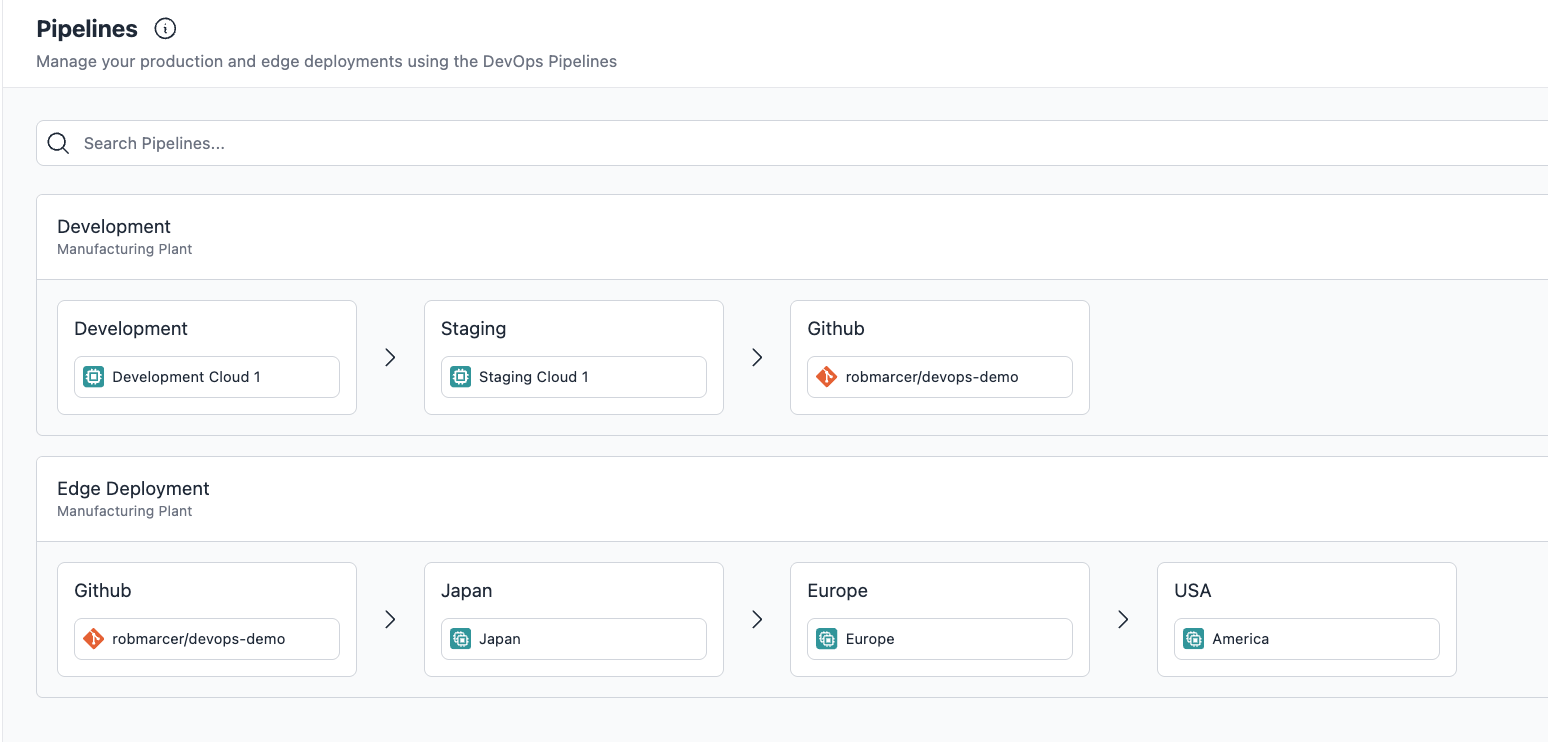
- Links Node-RED instances and remote devices into staged pipelines that deploy a chosen snapshot to the next stage, typically from a development instance to a production instance.
- Remote Device Agent
- A software agent connects Node-RED on your own hardware back to the platform, installs with a one-line script or npm on Windows, macOS, or Linux, and receives deployed snapshots.
- Team Library and Link Nodes
- A shared team library stores reusable flows and functions, while project link nodes pass messages between Node-RED instances and remote devices inside the same team.
- Audit and Logging
- Audit logs record editor logins, flow updates, installed nodes, and snapshot creation per instance and application, while team logs track instance creation, deletion, and membership changes.
- FlowFuse Expert Plugin
- An AI-powered Node-RED plugin trained on FlowFuse content gives context-aware guidance to help you write code, build flows, and debug them faster.