Categories
self-hosted personal-finance budgeting accounting bookkeeping double-entry beancount plain-text-accountingStars
Forks
Watchers
Developer links
Fava
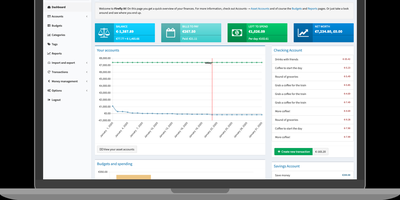
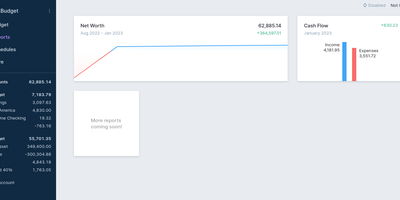
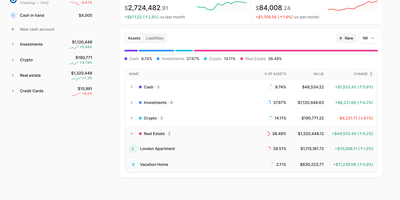
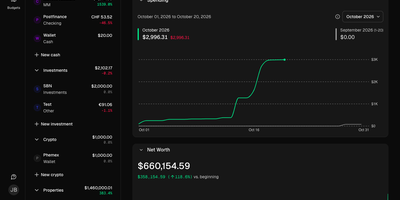
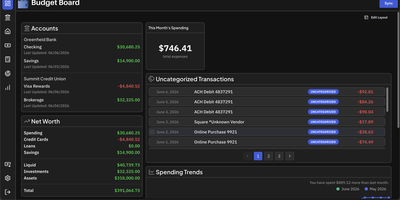
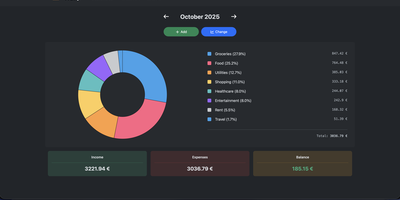
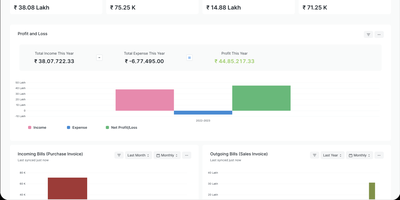
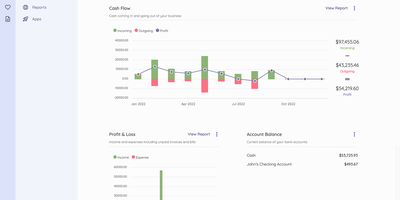
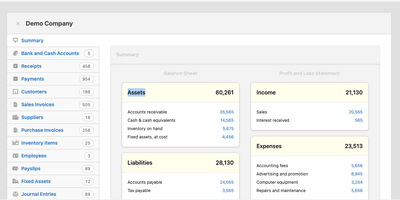
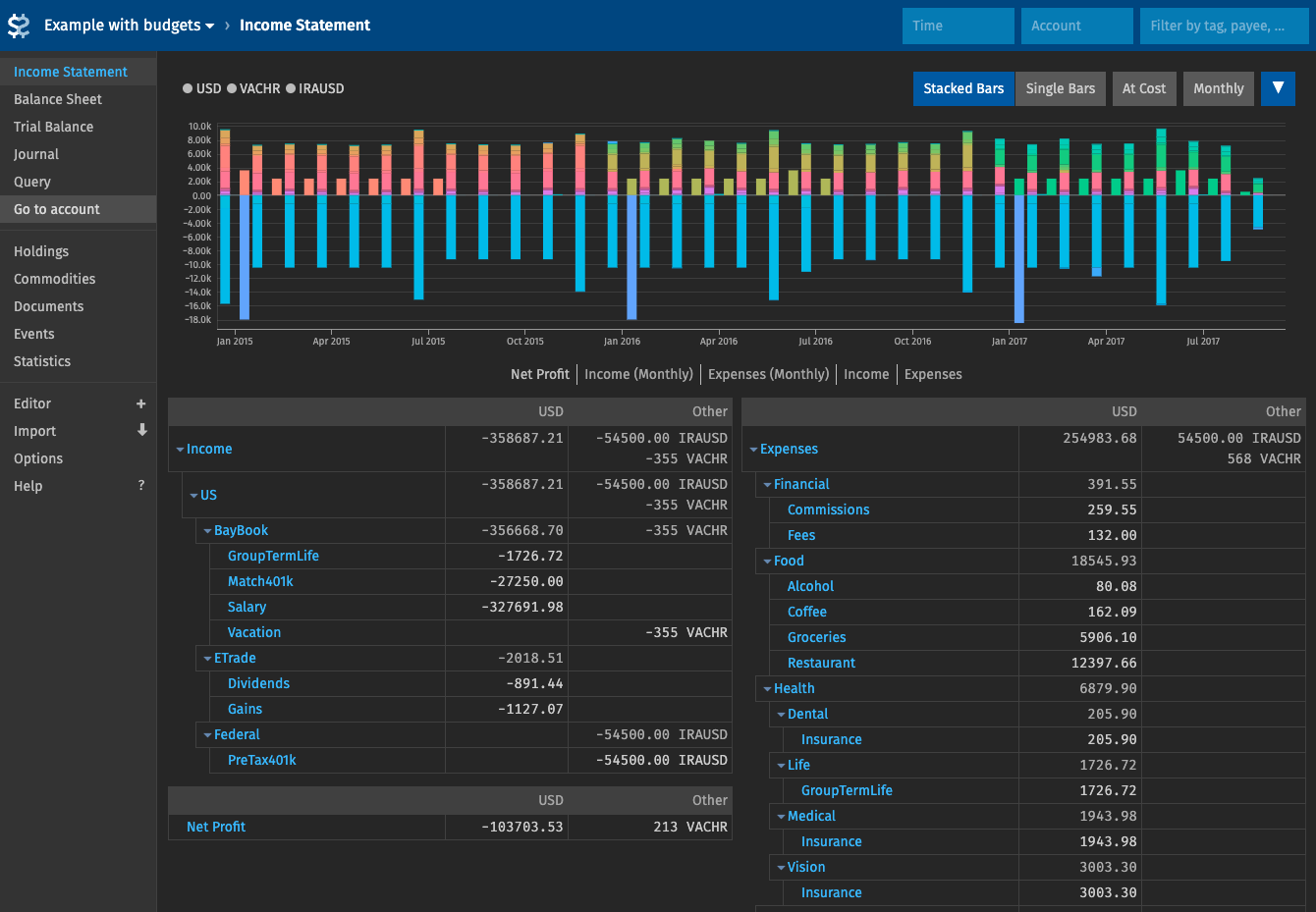
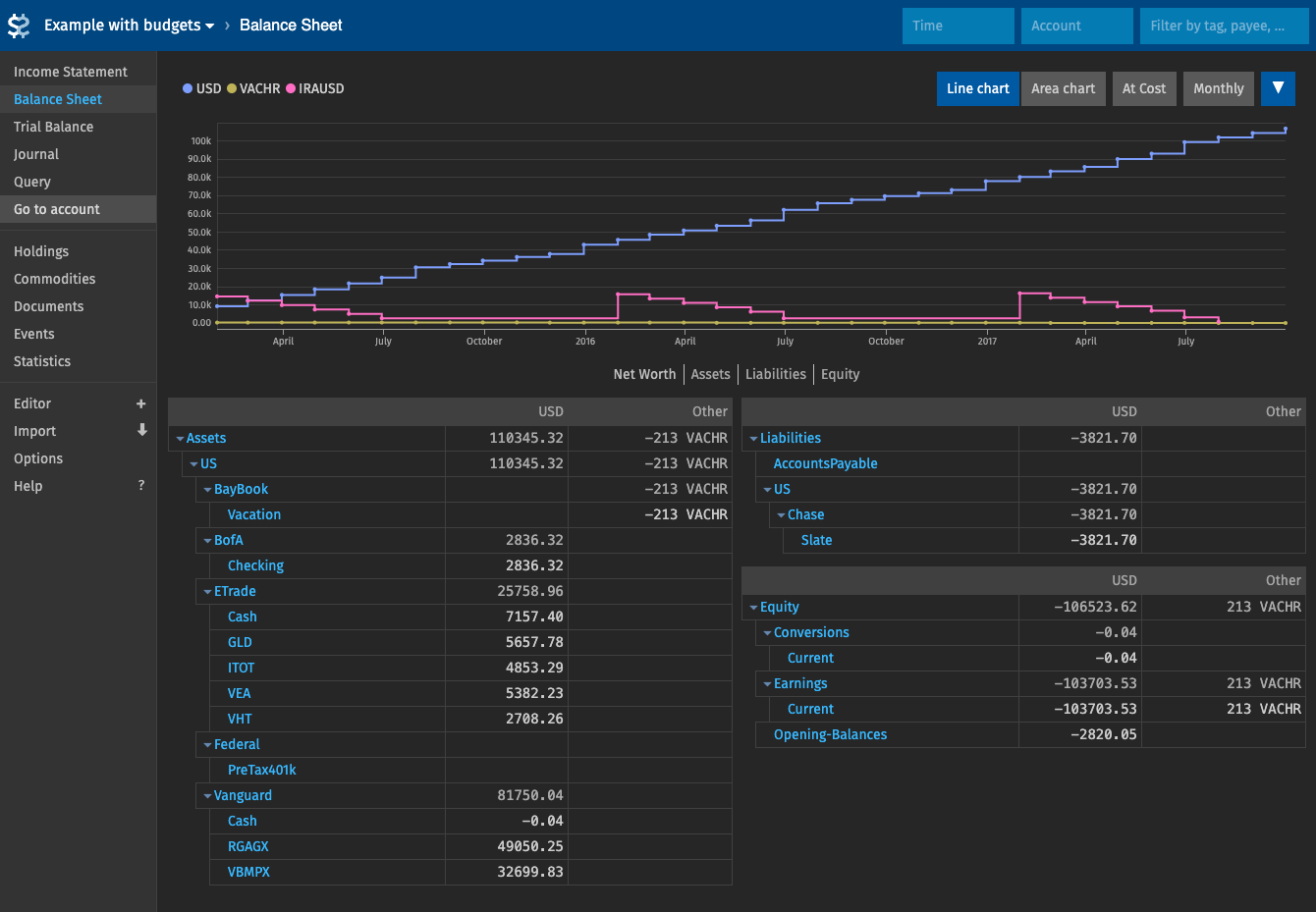
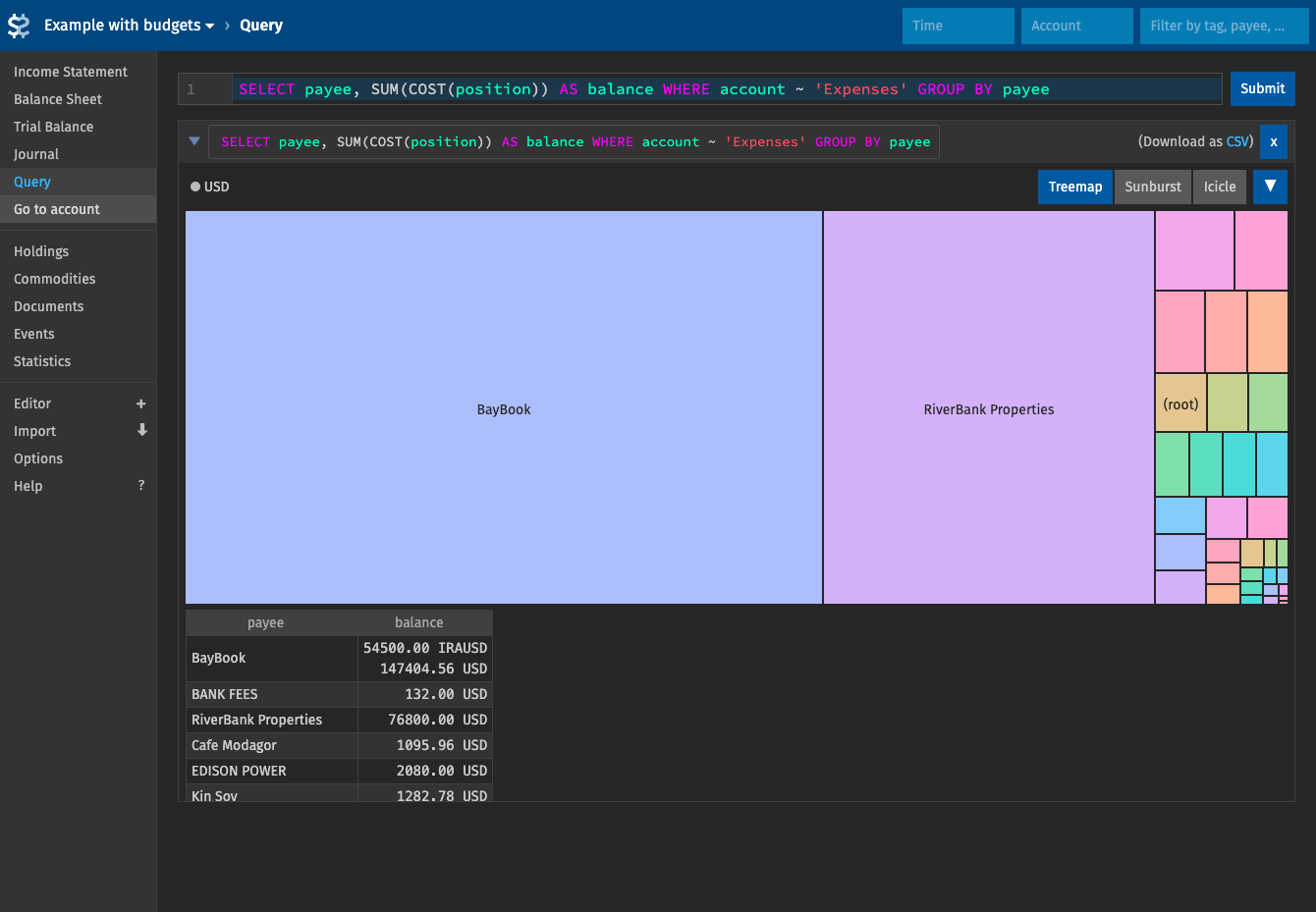
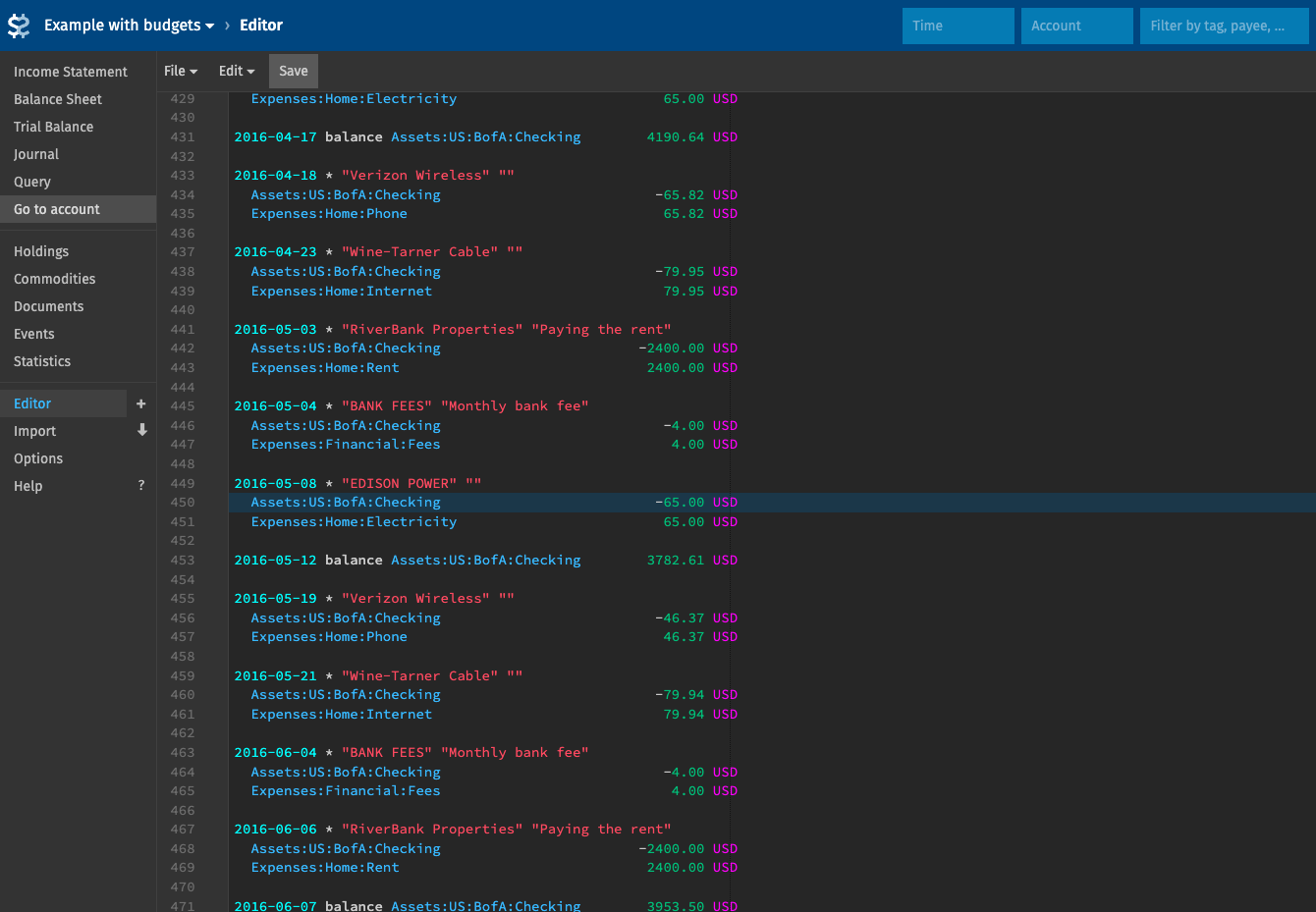
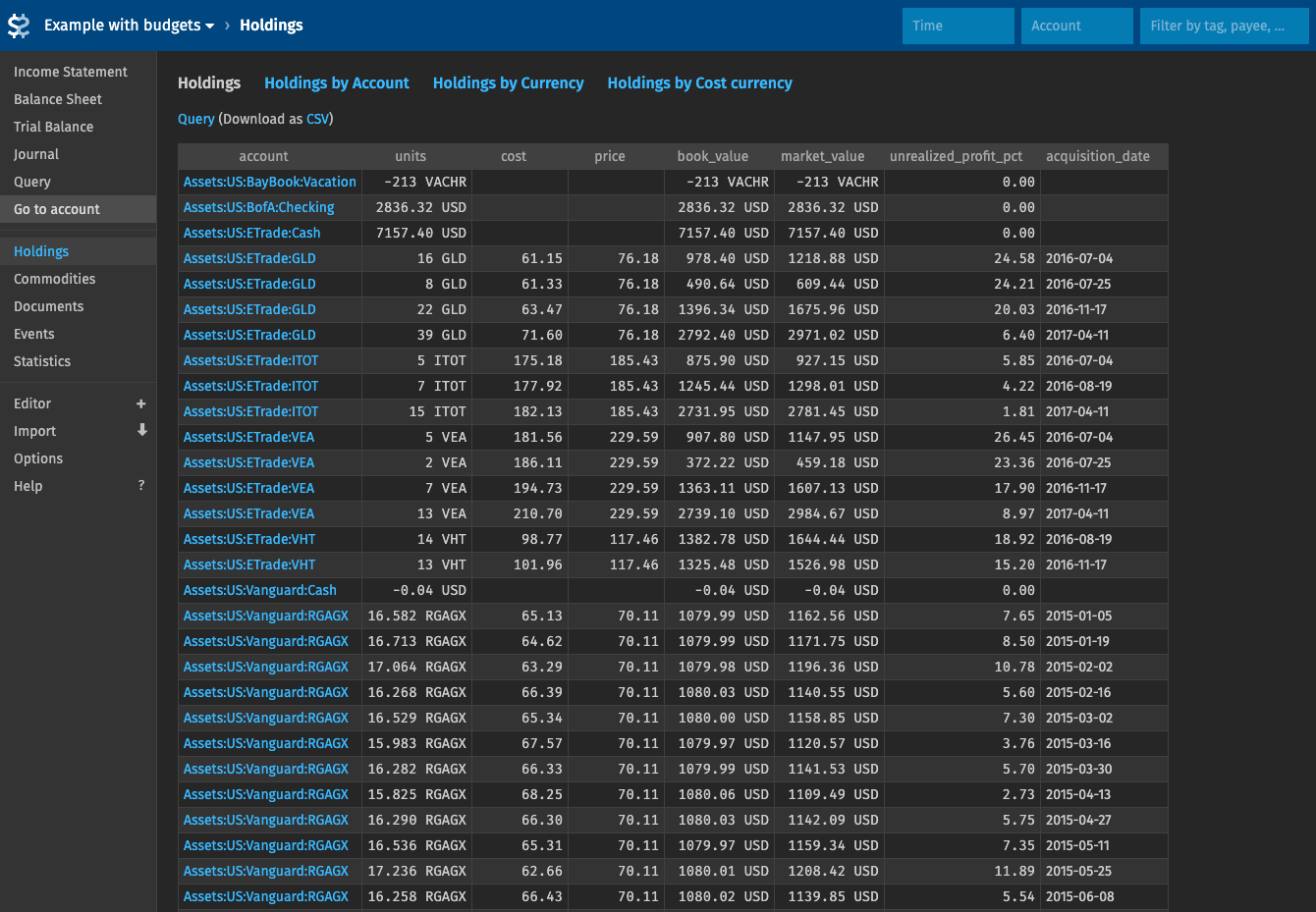
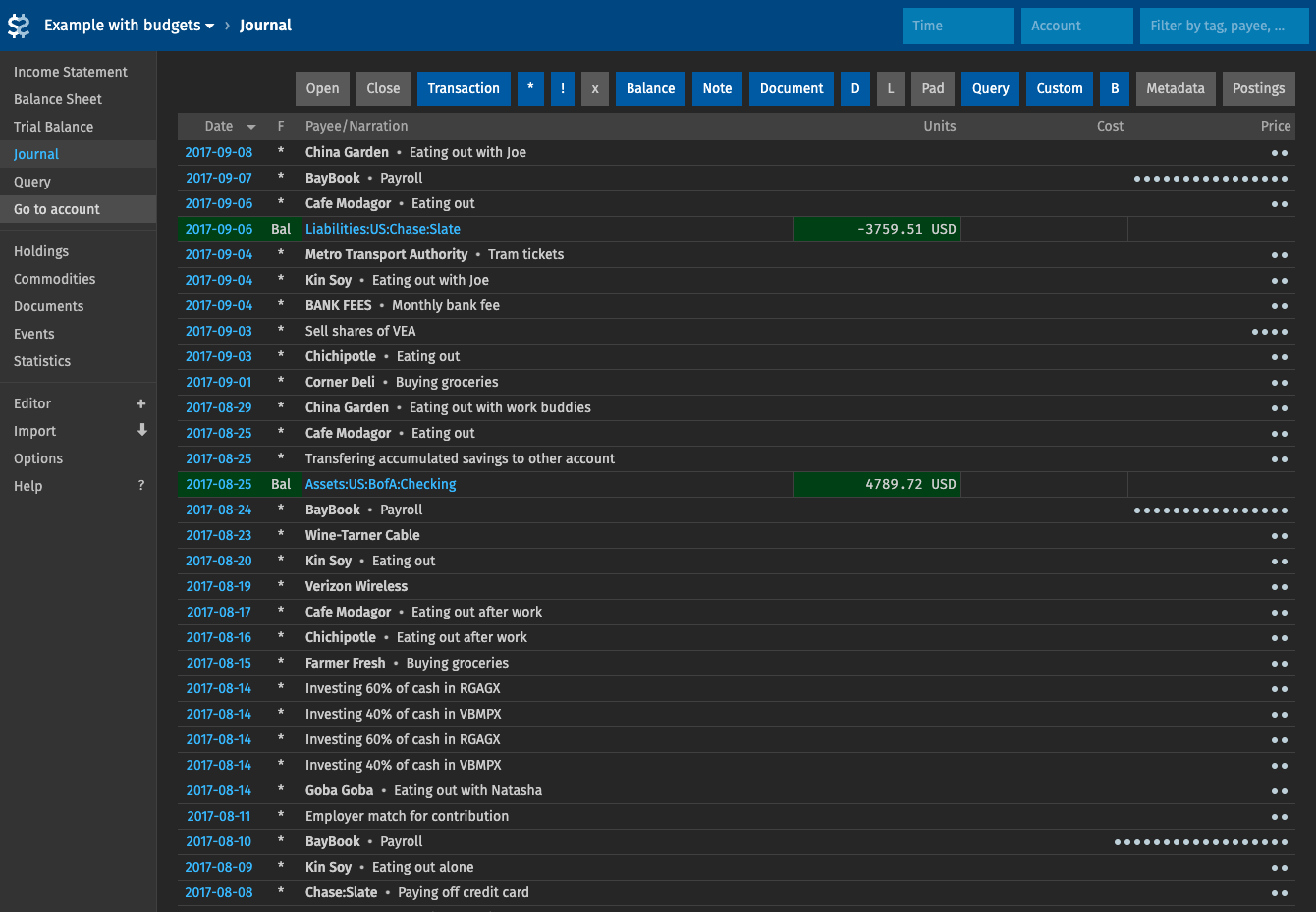
If your books live in a plain-text Beancount ledger, Fava turns that file into a browsable dashboard of statements, charts, and a built-in editor. Income Statement, Balance Sheet, Trial Balance, Journal, Holdings, and Statistics reports render as tables and charts, with stacked or single bars, monthly breakdowns, and at-cost conversion. Three top-bar filters narrow every report. Match by date, account pattern, #tag, ^link, payee, metadata, or amount; spaces require all conditions, commas accept any. The Query page runs Beancount Query Language statements like bean-query. Two-column results become line or treemap charts, and every result exports to CSV, plus XLSX and ODS with the Excel extra. The browser editor autocompletes accounts, payees, and tags. Press n for a quick-add form that records a new transaction. Drag a receipt onto an account name to file it in that account's documents folder, or onto a Journal row to attach it to the transaction. Budget directives from daily to yearly show remaining amounts in charts and reports. Colored indicators flag passed or failed balance checks on opted-in accounts. Importers feed a review list; extensions add custom report pages. Gmail-style keyboard shortcuts speed up daily use. Running on a dedicated VPS on RepoCloud with guaranteed CPU, RAM, and SSD, full root SSH access, and a browser serial console. MIT licensed.
Benefits
- Turn plain text into reports
- Income statements, balance sheets, trial balances, and holdings render straight from your Beancount file as charts and expandable account trees, so totals are readable without writing a single query.
- Slice every report with filters
- Combine date ranges, account patterns, tags, links, payees, metadata, and amounts in the top bar, and every chart and table shows only the entries that match.
- Edit your ledger from anywhere
- A source editor with autocompletion for accounts, payees, and tags, plus a quick-add transaction form, lets you update the ledger from a browser instead of a local text editor.
- Receipts stay beside transactions
- Drag a receipt or statement onto an account name to store it in that account's documents folder, or onto a Journal row to attach it to the transaction as metadata.
Features
- Reports and Charts
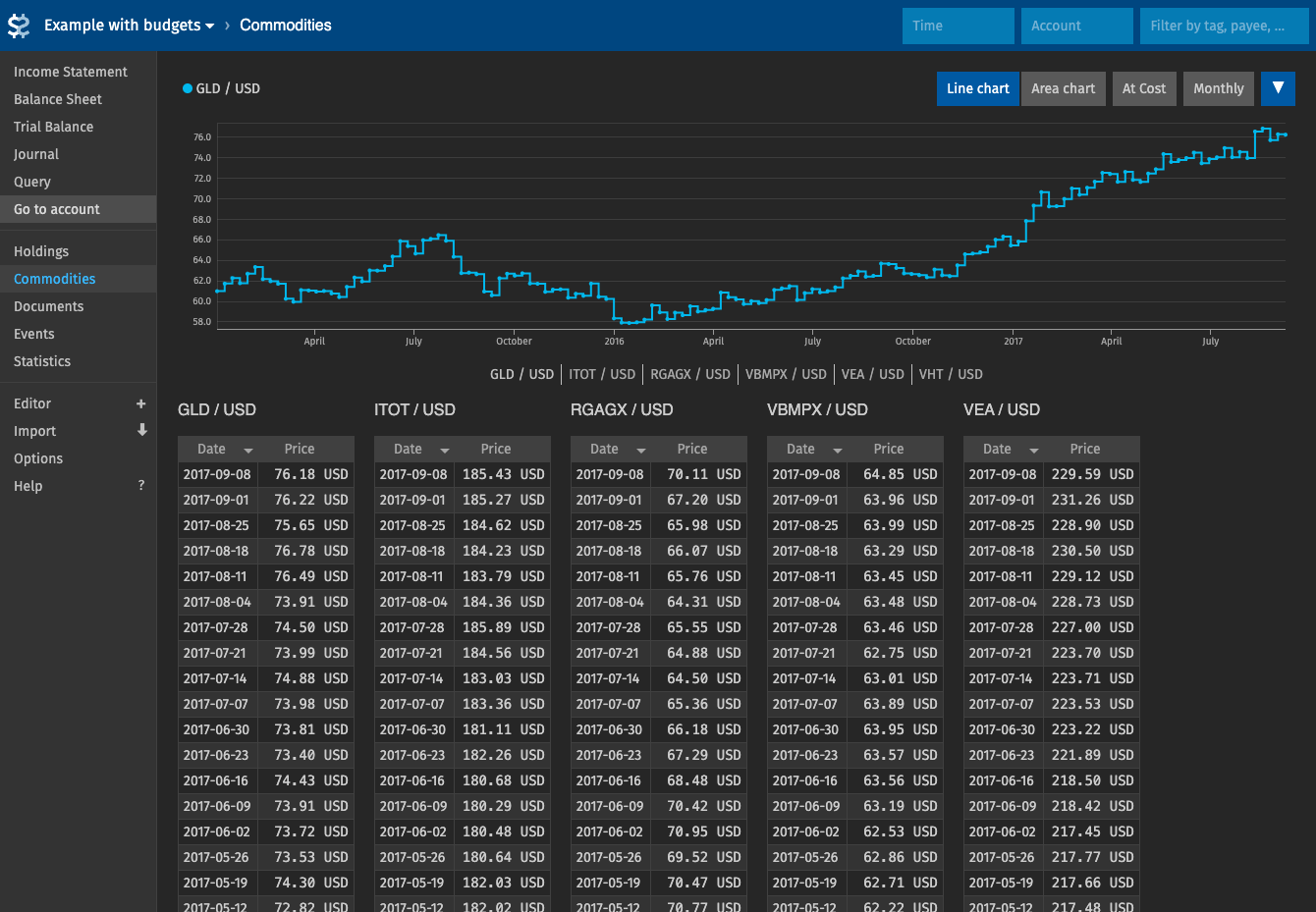
- Income Statement, Balance Sheet, Trial Balance, Holdings, Commodities, and Statistics reports, with stacked or single bar charts, monthly breakdowns, and at-cost views on the Income Statement.
- Beancount Query Console
- Run Beancount Query Language statements like bean-query; two-column results draw line or treemap charts, and results export as CSV, or XLSX and ODS with the Excel extra.
- Time, Account, Tag Filters
- Filter by dates such as 2012-Q1 or 2016-W12, account regular expressions, #tags, ^links, payees, and amounts; spaces require all conditions and commas accept any.
- Built-In Source Editor
- Edit the Beancount files in the browser with autocompletion for accounts, payees, and tags, highlighted trailing whitespace, and a quick-add transaction form on the n shortcut.
- Document Drag and Drop
- Drop files onto account names or Journal rows to store them in per-account documents folders, and attach statements to transactions through document metadata.
- Budgets and Extensions
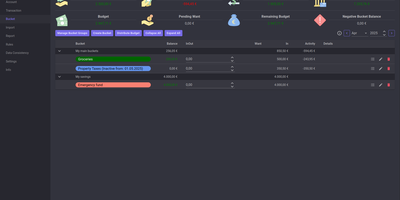
- Daily to yearly budget directives show remaining amounts in charts and reports, while Python extension modules add hooks and custom report pages to the sidebar.