Stars
Forks
Watchers
Developer links
ExpenseOwl
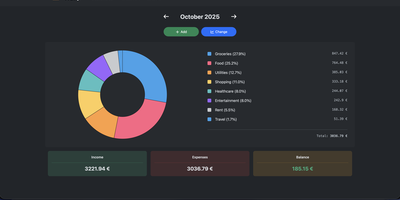
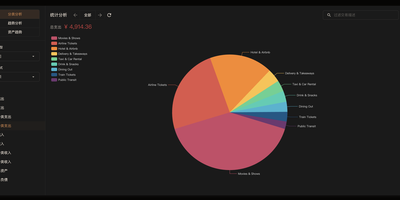
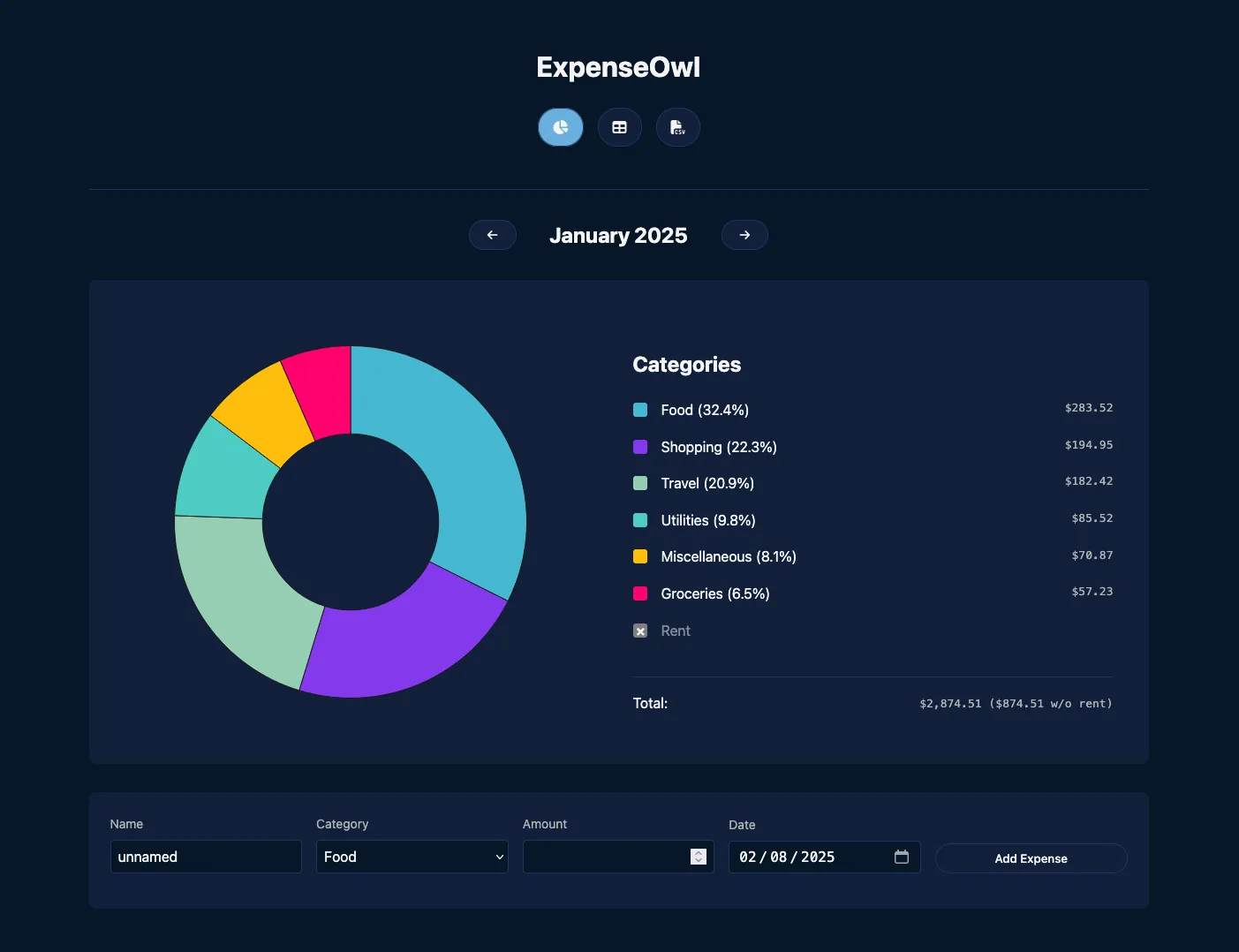
Log a date, amount, and category; get a clean monthly pie chart and a cashflow strip showing income, expenses, and net balance - ExpenseOwl is expense tracking stripped to what actually matters. The MIT-licensed Go application deliberately is not a budgeting system - no envelopes, no accounts, no double-entry, no bank sync - because its author found tools like Firefly III and Actual too heavy for the simple question "where did this month's money go?" The dashboard makes that question fast: click a pie slice to exclude fixed costs like rent and see discretionary spending clearly, then drill into a chronological table view to inspect or delete individual transactions. Recurring transactions handle salaries and subscriptions automatically, optional tags add a second classification axis, and settings cover custom categories, currency symbol, and a configurable month start date for non-calendar pay cycles. CSV import migrates data from virtually any other tool, and CSV export keeps your data portable. It ships as a self-contained binary and multi-architecture Docker image with zero internet interaction, stores data in flat JSON files by default (PostgreSQL optional), and installs as a PWA on phones. Single-user by design; pair it with an authenticating reverse proxy if exposed publicly.
Benefits
- Ten-Second Logging
- Three required fields per entry means you actually keep tracking instead of abandoning it in week two.
- Answers at a Glance
- The monthly pie and cashflow strip show exactly where money went - click slices to hide fixed costs and isolate discretionary spend.
- Your Ledger Stays Home
- Zero internet interaction, no bank credentials, flat-file storage you can read, back up, and export as CSV anytime.
- Nothing to Maintain
- A single Go binary or container with JSON storage - no database required, no migrations, no moving parts.
Features
- Monthly Pie Dashboard
- Category breakdown with click-to-exclude slices and a color-coded cashflow indicator.
- Recurring Transactions
- Automate regular income and expenses like salary, rent, and subscriptions.
- Custom Categories and Tags
- Reorderable categories, optional tags, custom currency symbol, and month start date.
- CSV Import and Export
- Migrate from any tool with flexible parsing; export everything for portability.
- Table View
- Chronological transaction listing for monthly or all-time review and deletion.
- PWA and Themes
- Install to your phone's home screen; light and dark themes included.