Categories
Developer Tools DevOps Data Management Database Management NoSQL SQL Editor Database Client Data BrowserStars
Forks
Watchers
Developer links
DbGate
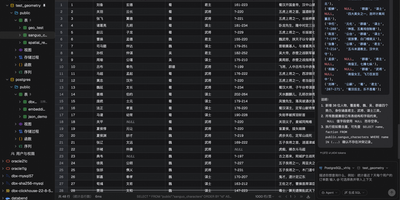
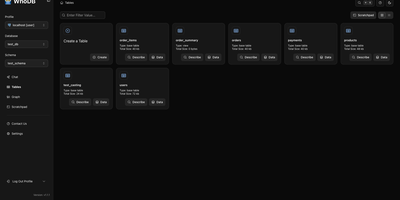
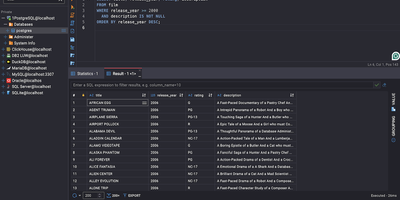
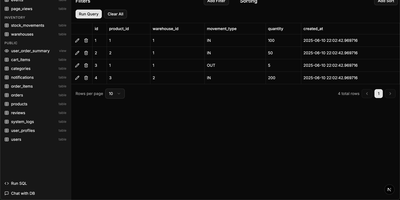
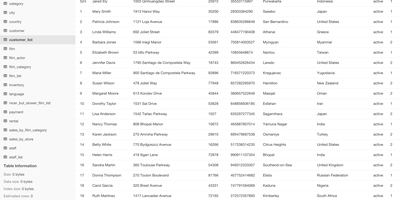
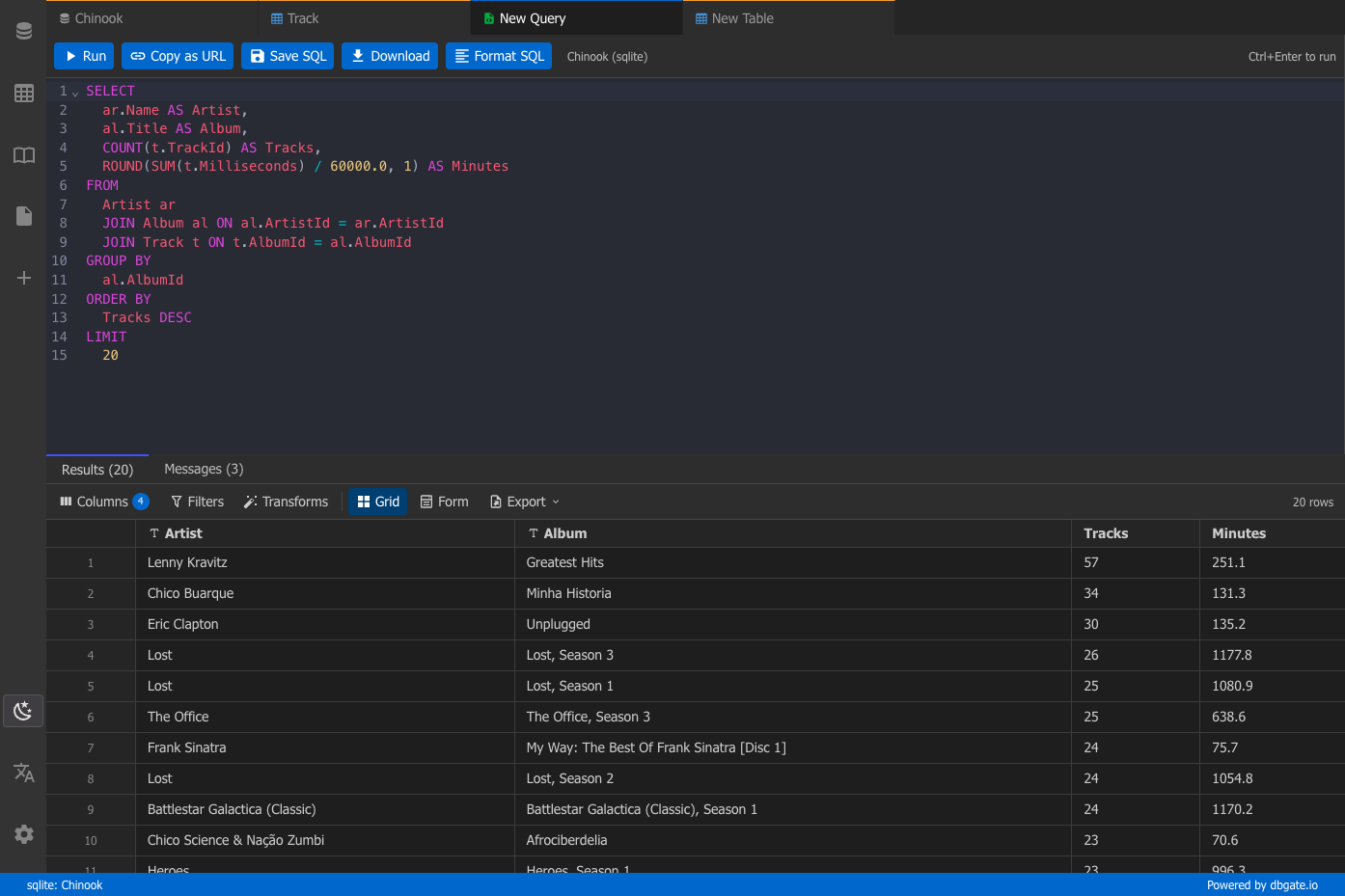
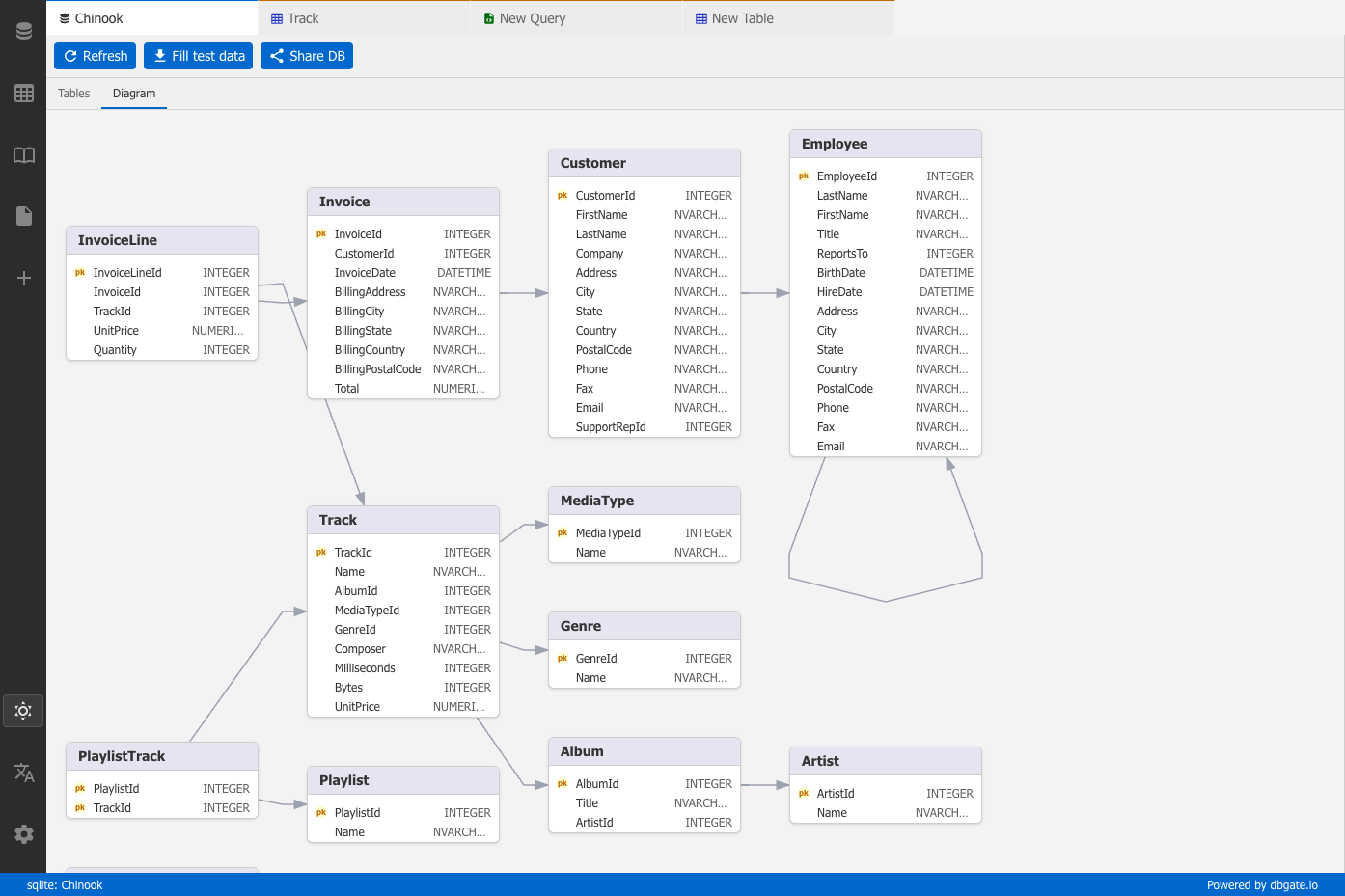
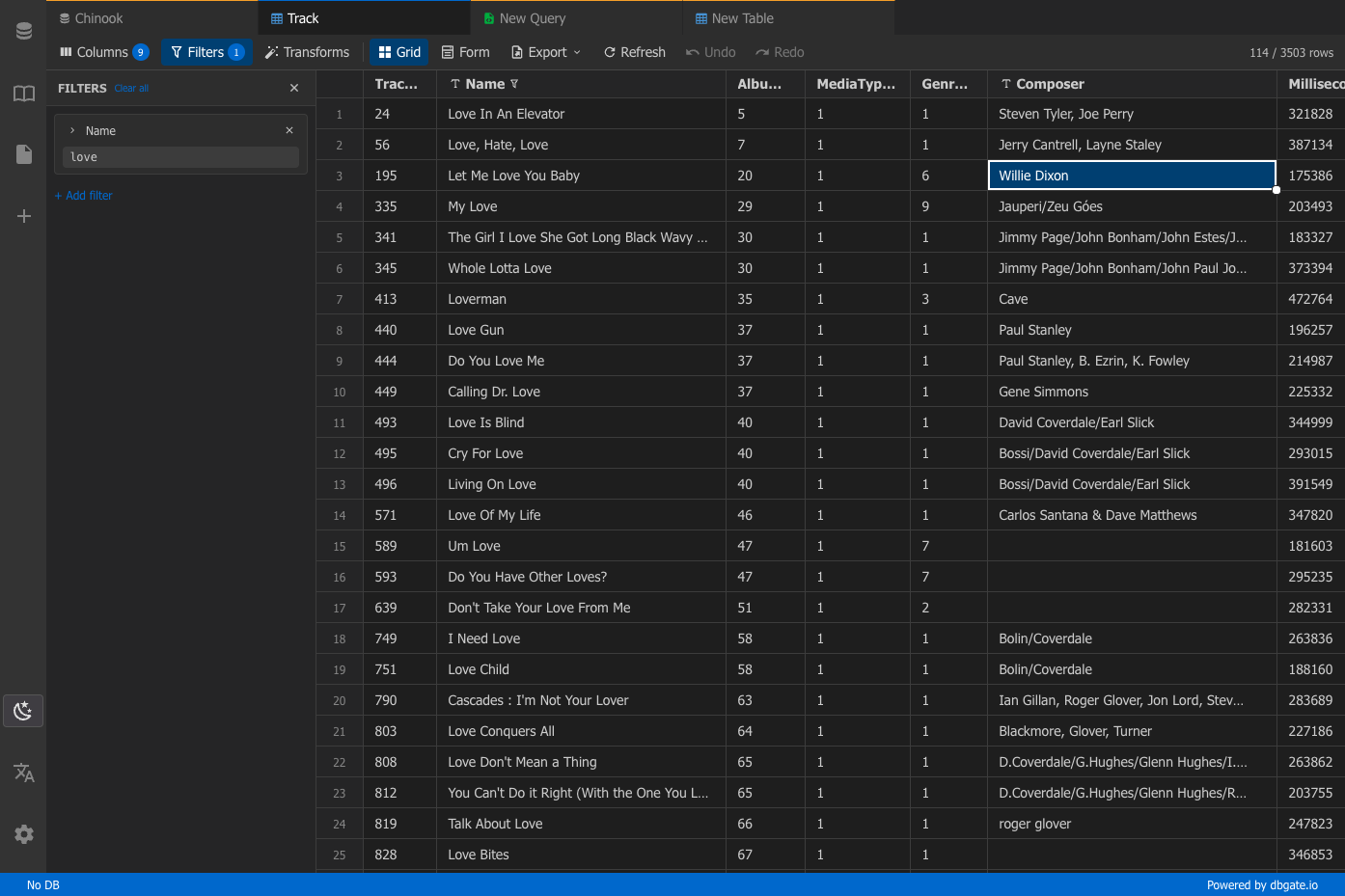
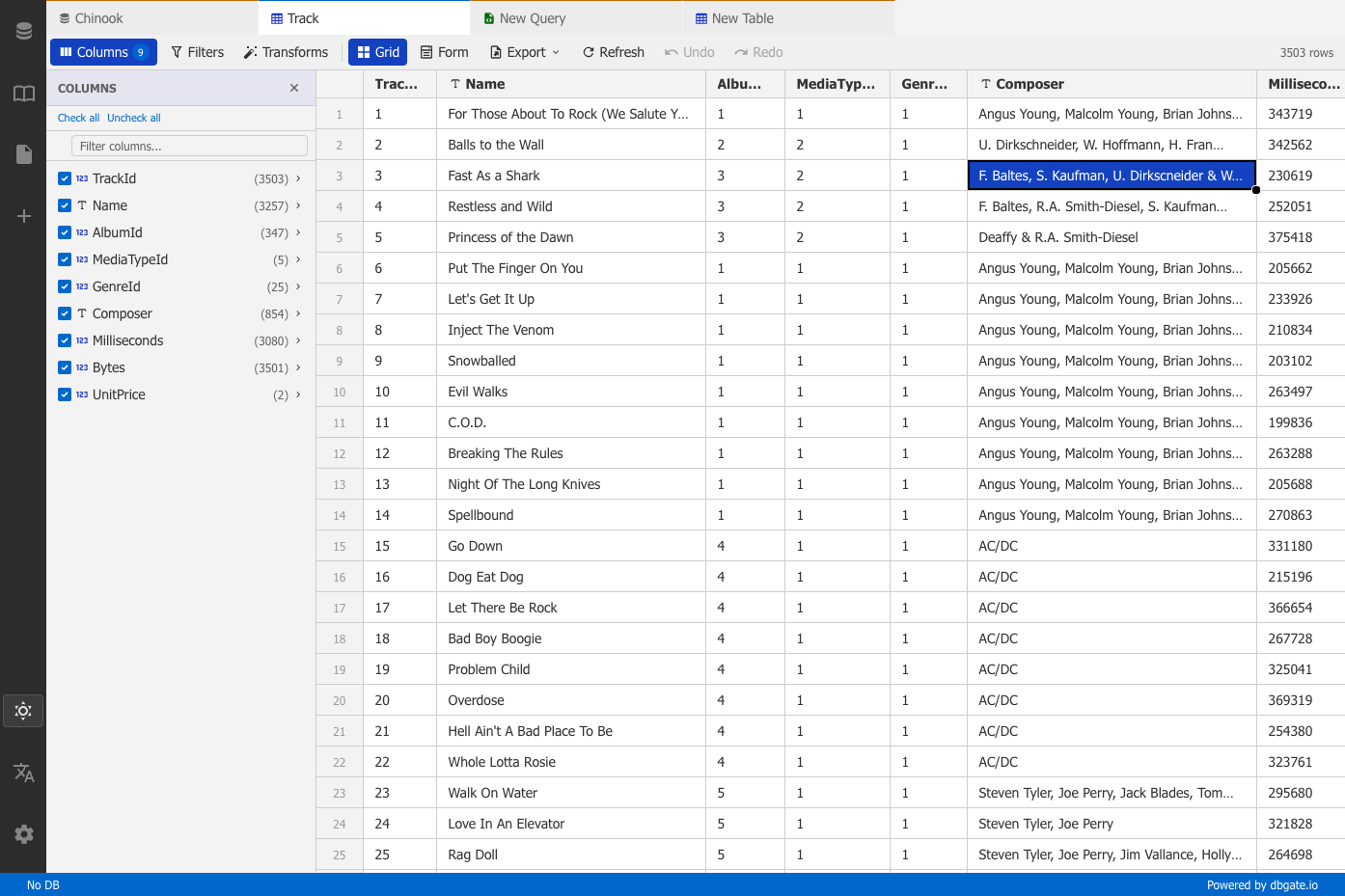
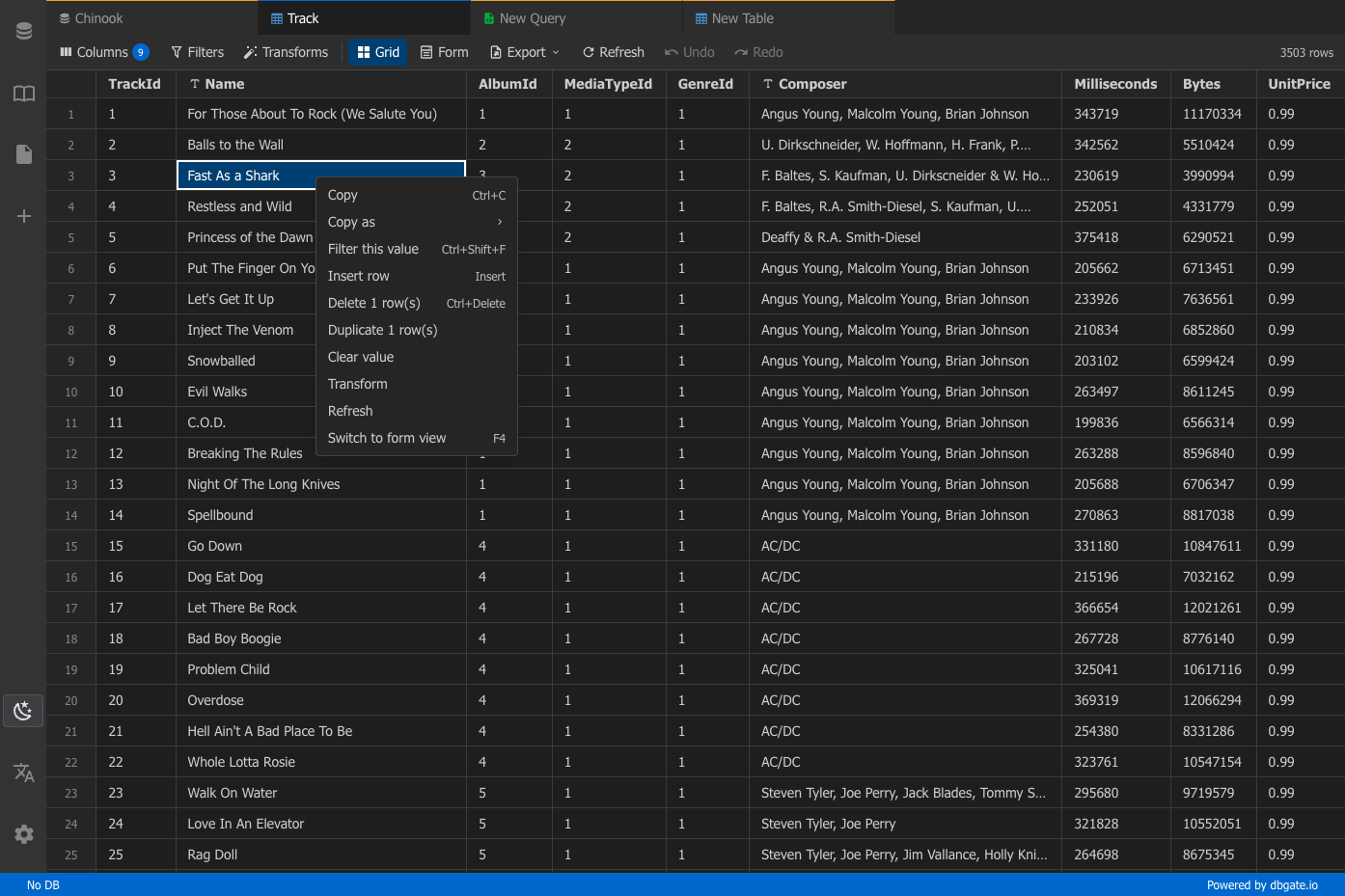
One browser tab can hold every database you manage, from MySQL and PostgreSQL to MongoDB and Redis, so there is no separate client to install for each engine. Connections are unlimited, and each can use its own SSH tunnel or SSL certificates. Tables open in an Excel-like grid where you edit cells inline, filter rows with expressions, and sort by any column. The SQL editor offers schema-aware code completion, a formatter, a join helper that builds clauses from foreign keys, query parameters, and a history of past runs, while result sets appear in separate tabs that you can filter, sort, and export. ER diagrams chart tables and their relations. The table editor creates columns, keys, and indexes and previews the SQL before anything is applied. Import and export move data between databases and files as SQL, CSV, JSON, XML, NDJSON, Excel, DBF, or YAML. Administrators can preconfigure connections through environment variables, mark them read-only, and protect the interface with logins that carry per-user permissions. Light and dark themes, customizable keyboard shortcuts, and translations into many languages keep daily work comfortable. Running on a dedicated VPS on RepoCloud with guaranteed CPU, RAM, and SSD, full root SSH access, and a browser serial console. GPL-3.0 licensed.
Benefits
- One client for many engines
- MySQL, MariaDB, PostgreSQL, SQL Server, Oracle, SQLite, ClickHouse, MongoDB, and Redis connect through per-engine plugins, so a single interface replaces separate tools for relational and NoSQL stores.
- Preconfigure and lock connections
- Environment variables define connection lists, SSH tunnels, SSL certificates, and read-only mode, so a team gets vetted database access without anyone typing credentials into the interface.
- Protect the web interface
- Set LOGIN and PASSWORD for one account or LOGIN_PASSWORD variables for several users, with per-user permissions, and optionally switch to HTTP basic authentication that also covers the API.
- Move data in many formats
- Export and import tables as SQL, CSV, JSON, XML, NDJSON, Excel, DBF, or YAML, and generate JavaScript code for export jobs when you need to automate transfers.
Features
- Excel-Like Data Grid
- Browse tables in a fast grid, edit cells inline, filter rows with expression syntax, and sort by any column.
- SQL Editor with Completion
- Run a script, the current statement, or a selection with schema-aware code completion, a SQL formatter, a foreign-key join helper, query parameters, and results in separate tabs.
- ER Diagrams and Table Designer
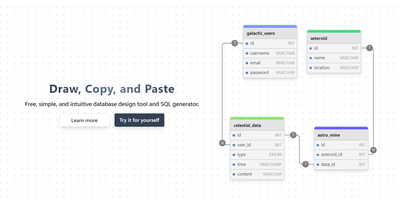
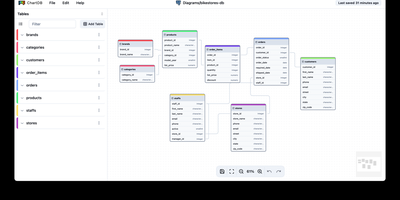
- Diagrams map tables and relations visually, while the table editor creates columns, keys, and indexes and shows a SQL preview before any change is applied.
- NoSQL and Secure Connections
- A Redis GUI and MongoDB support sit beside the relational engines, and per-connection SSH tunnels and SSL settings secure access to remote database servers.
- Docker Web Deployment
- The dbgate/dbgate image serves the UI on port 3000, stores saved connections and scripts under /root/.dbgate, and takes configuration from environment variables.
- Themes, Shortcuts, and Languages
- Built-in light and dark themes, customizable keyboard shortcuts, and a LANGUAGE setting that follows the browser language or a fixed locale such as en, cs, de, or fr.