Stars
Forks
Watchers
Developer links
phpMyAdmin
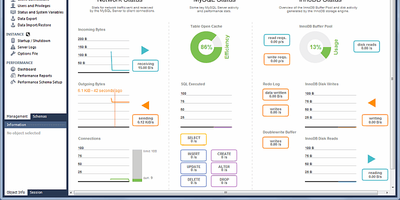
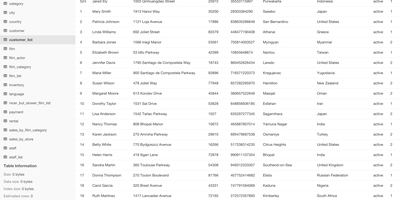
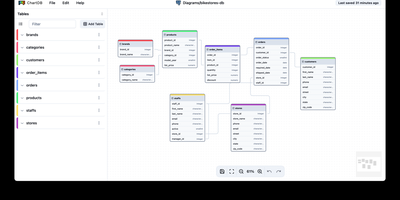
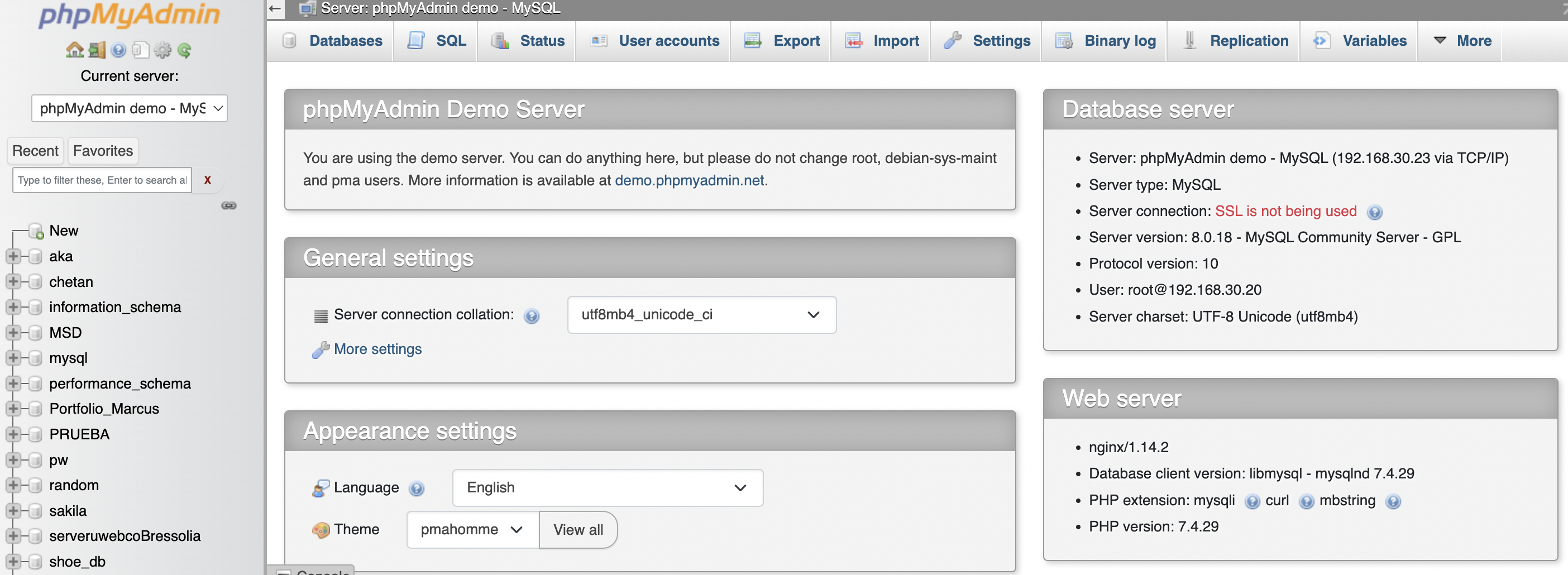
Since 1998, phpMyAdmin has been the standard web interface for MySQL and MariaDB - the tool millions of developers, DBAs, and hosting companies reach for when a database needs inspecting, fixing, or migrating. Written in PHP, it covers effectively the entire administration surface: create, browse, alter, and drop databases, tables, views, columns, and indexes; insert and edit rows through a tabular editor; manage user accounts and granular privileges; and maintain stored procedures, triggers, and events - all without touching a command line. The SQL editor executes arbitrary queries with syntax highlighting, autocompletion, history, and bookmarkable statements, including batch queries. Import/export is a migration workhorse: read SQL, CSV, XML, and OpenDocument spreadsheets in; write out to SQL dumps, CSV, JSON, XML, PDF, Word, LaTeX, and more - the fastest path for moving a WordPress database or handing a schema to a colleague. The Designer view renders your schema as an interactive ER diagram with drag-and-drop relationship editing, and data transformations display BLOBs as images or download links inline. Server maintenance views surface configuration suggestions. Multi-server support, dark mode, and translations into 72 languages round out a tool that earns its ubiquity. GPL-licensed.
Benefits
- The Tool Everyone Knows
- The de facto MySQL interface since 1998 - zero learning curve for anyone who's touched web hosting.
- Full Admin, No CLI
- Databases, tables, users, privileges, triggers, and procedures managed through forms and clicks.
- Migration Workhorse
- Import SQL/CSV/XML and export to 16+ formats - the fastest way to move or back up a database.
- Shared Access Without Clients
- A team GUI in the browser - no desktop database tools to install or license.
Features
- Complete Schema Management
- Create, alter, copy, rename, and drop databases, tables, columns, views, and indexes.
- SQL Editor
- Syntax highlighting, autocompletion, query history, bookmarks, and batch execution.
- User and Privilege Control
- Add, edit, and remove MySQL accounts with granular permission grants.
- Designer View
- Interactive ER diagrams with visual foreign-key and relationship editing.
- Rich Import/Export
- SQL, CSV, XML, JSON, PDF, OpenDocument, Word, and LaTeX formats.
- Data Transformations
- Display BLOBs as images or download links directly in result views.