Stars
Forks
Watchers
Developer links
db-ui
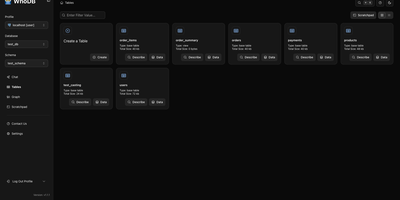
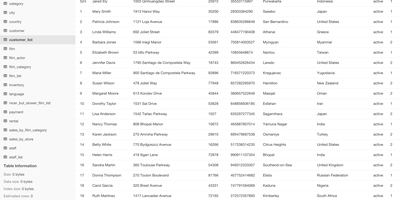
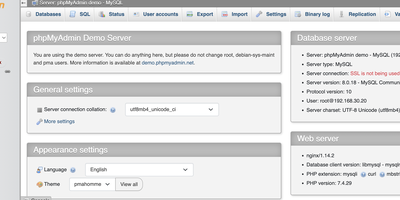
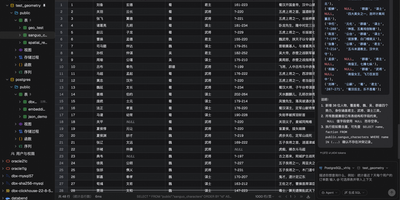
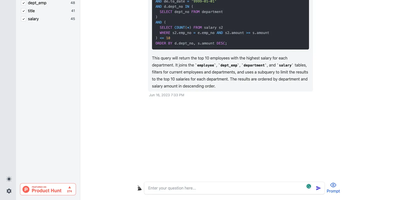
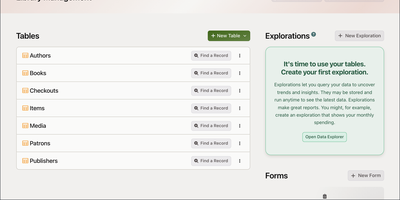
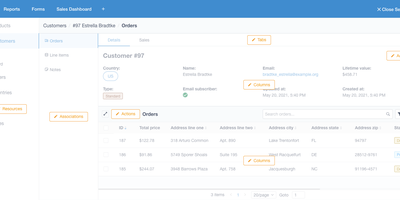
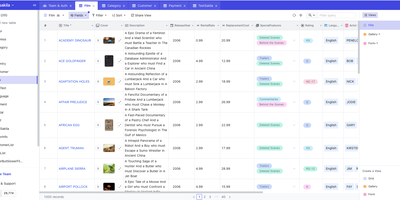
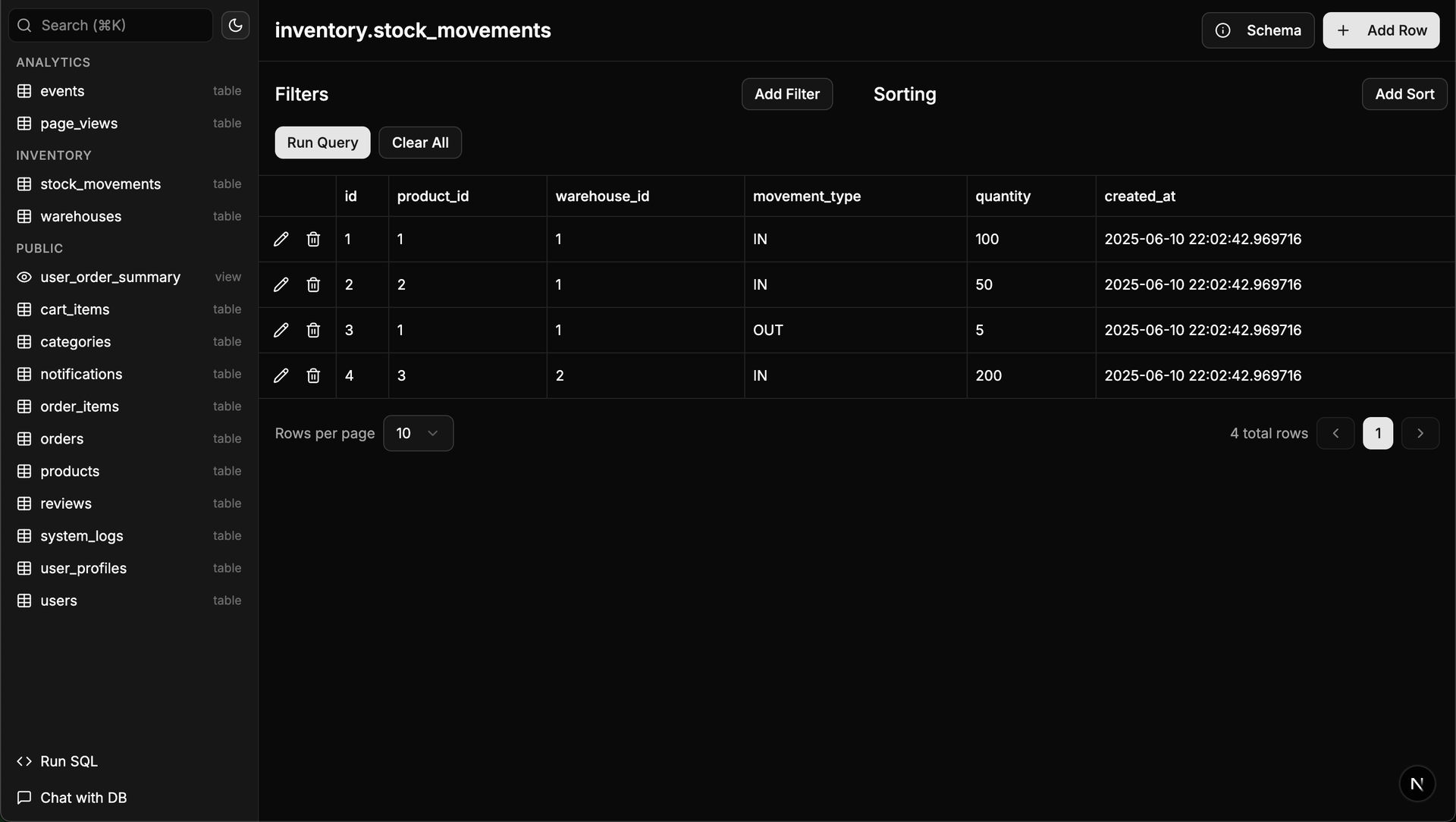
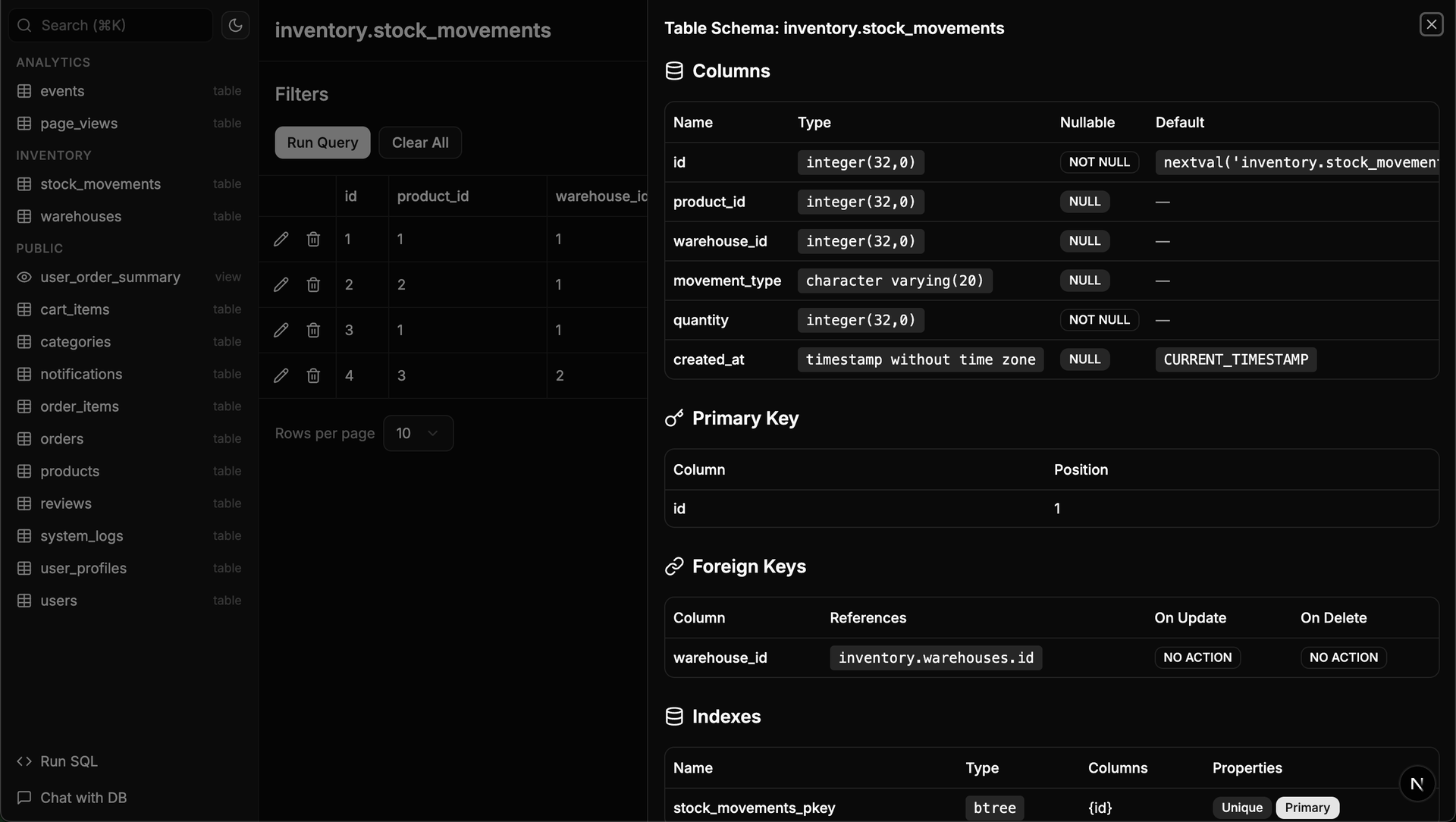
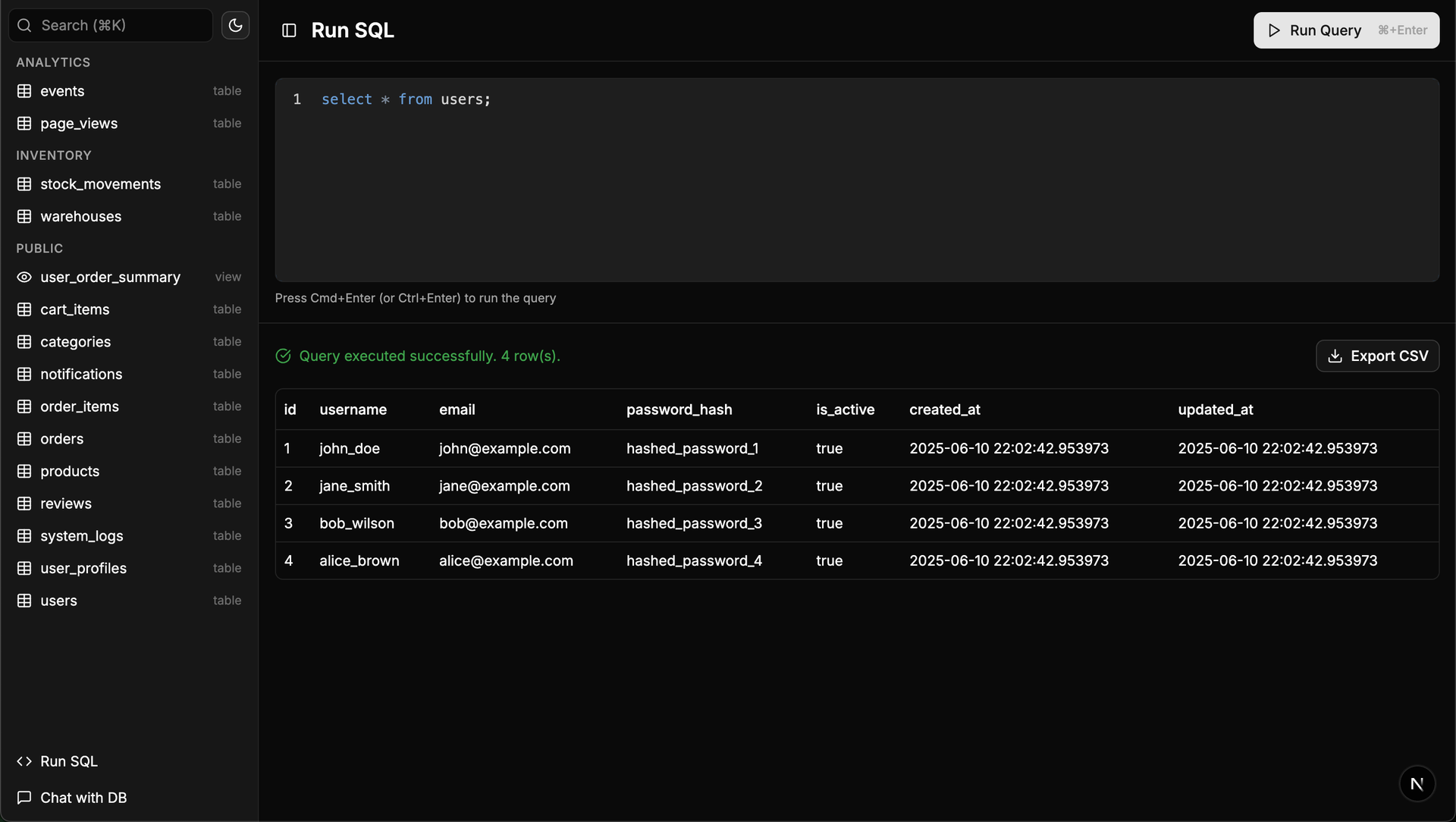
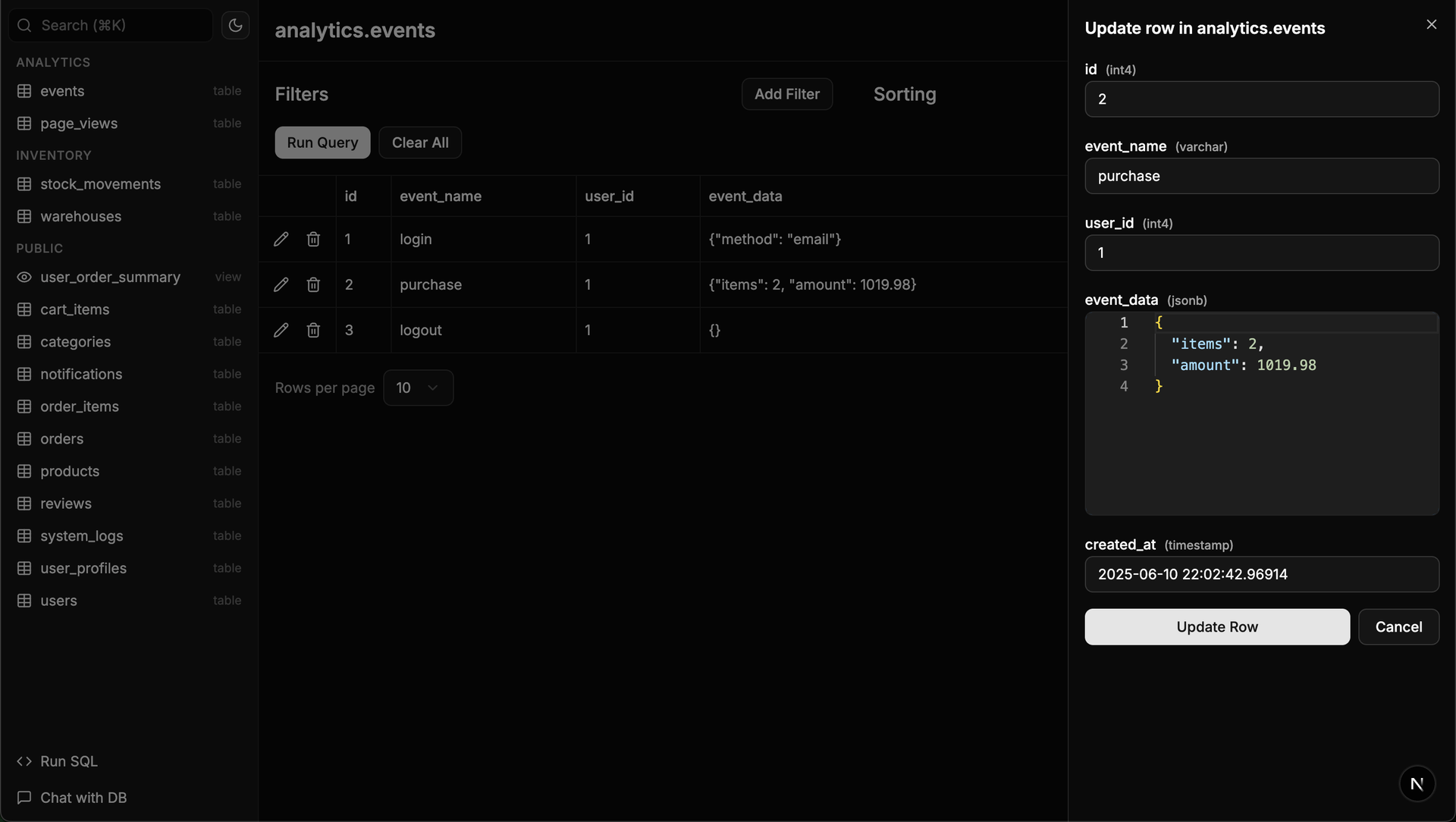
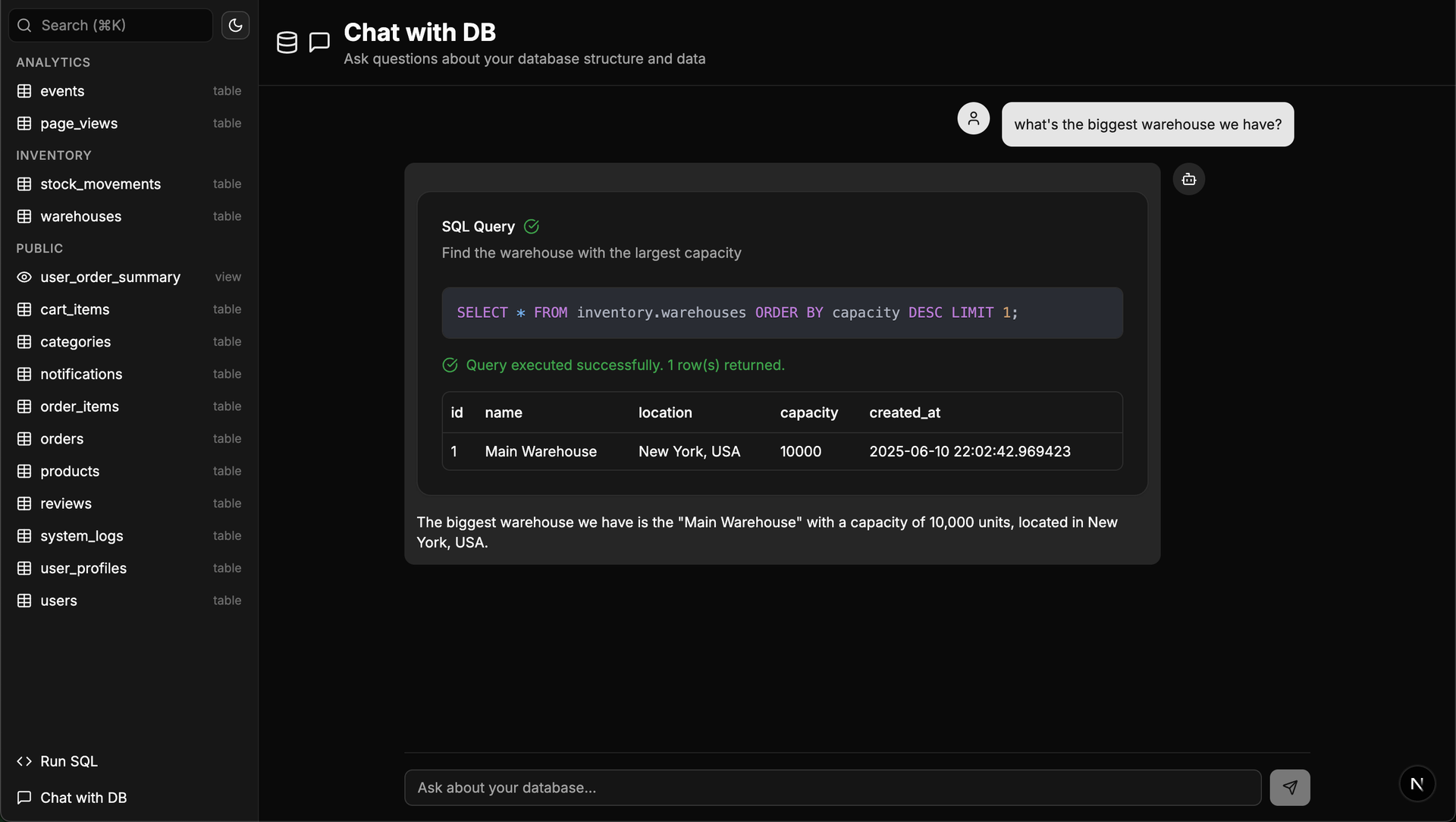
Traditional database management tools like pgAdmin and phpMyAdmin were built for DBAs, not for the rest of the team that just needs to look up a record or run a quick query. db-ui strips away the complexity and gives you a clean, modern interface that anyone can use. Browse tables in a paginated grid view with inline editing, filtering, and sorting built right into the column headers. The sidebar lists every table and view across all schemas with fuzzy search (Cmd+K to focus) that filters results as you type. Click any table to see its data, or switch to the schema introspection view to visualize columns, types, constraints, and relationships without writing a single query. The SQL editor provides syntax highlighting, result visualization in tabular format, and one-click CSV export for downstream analysis. For questions about your data model, the integrated AI chat assistant has full access to your database schema and can help you understand table relationships, write complex queries, suggest indexes, and provide optimization recommendations with streaming responses. Connect to PostgreSQL, MySQL, or Microsoft SQL Server through environment variables and deploy the whole application as a single Docker container. On RepoCloud, deploy db-ui on a dedicated VPS with root SSH access and direct connectivity to your database servers under the MIT license.
Benefits
- Modern UI for Non-Technical Users
- Browse, filter, sort, and edit database records through a clean grid interface built with shadcn/ui components. No SQL knowledge required for basic data operations.
- Automatic Schema Discovery
- Visualize all tables, columns, data types, constraints, foreign keys, and relationships across every schema automatically without manual configuration or writing introspection queries.
- AI-Powered Database Assistant
- Ask the integrated chat assistant about table relationships, query syntax, index suggestions, and optimization strategies with streaming responses grounded in your actual schema.
- Single Docker Container Deployment
- Deploy the entire application as one Docker container with database credentials passed through environment variables. No separate backend services or build steps required.
Features
- Full CRUD Operations
- Create, read, update, and delete records directly in the browser with inline editing, validation, pagination, column filtering, and multi-column sorting.
- SQL Editor with Highlighting
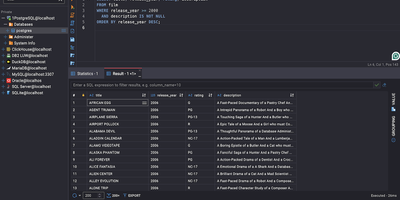
- Write and execute custom SQL queries with syntax highlighting, tabular result visualization, and one-click CSV export for data analysis workflows.
- Fuzzy Table Search
- Press Cmd+K or Ctrl+K to focus the sidebar search bar and find any table instantly with intelligent fuzzy matching that filters as you type.
- Multi-Database Support
- Connect to PostgreSQL, MySQL, or Microsoft SQL Server through standard connection strings configured via environment variables.
- Schema-Aware AI Chat
- The integrated AI assistant accesses your complete database structure to help write queries, explain relationships, and suggest performance optimizations.