Categories
AI Agents Workflow Automation Self-Hosted AI Agent Platform AI Observability Agent Runtime MCP Integration LLM OrchestrationStars
Forks
Watchers
Developer links
a13n Agent Foundation
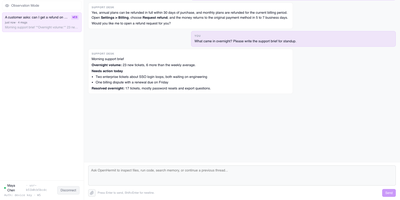
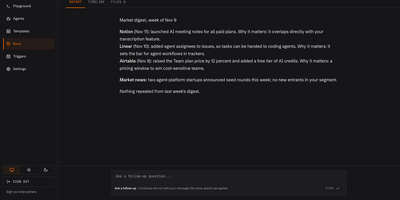
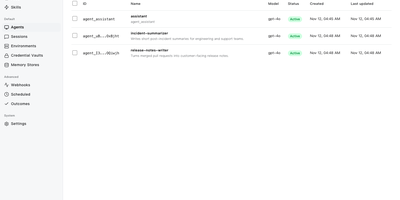
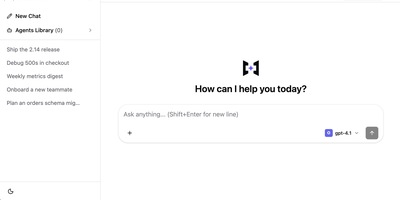
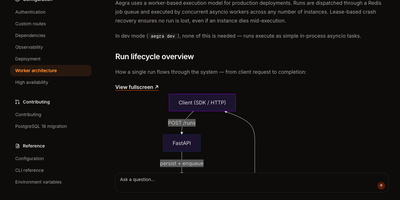
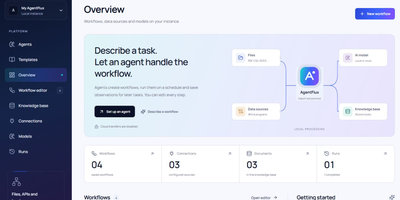
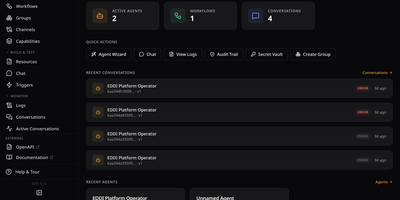
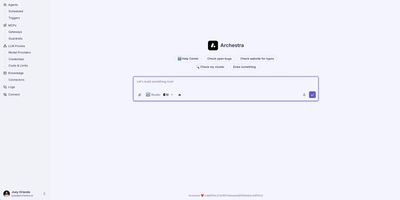
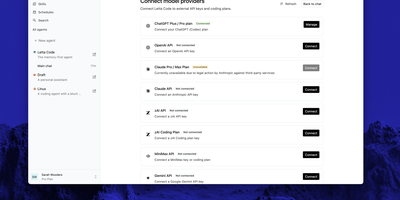
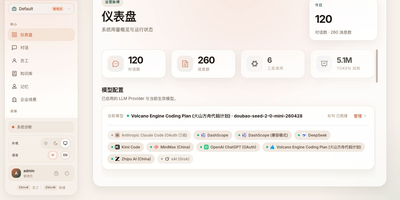
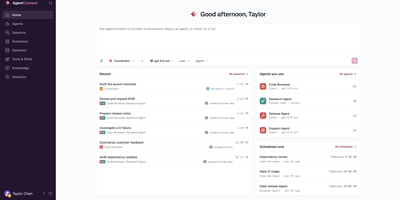
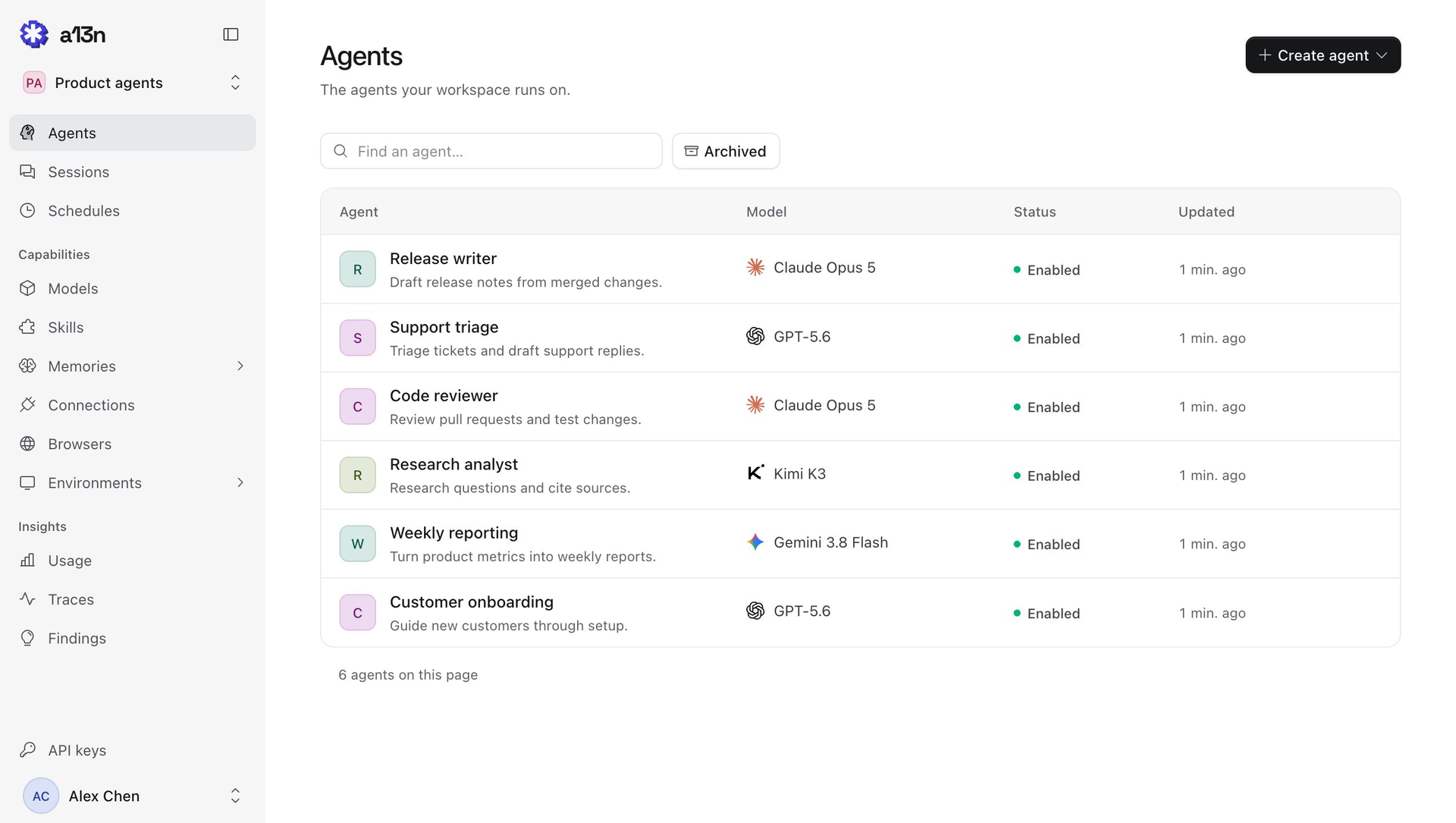
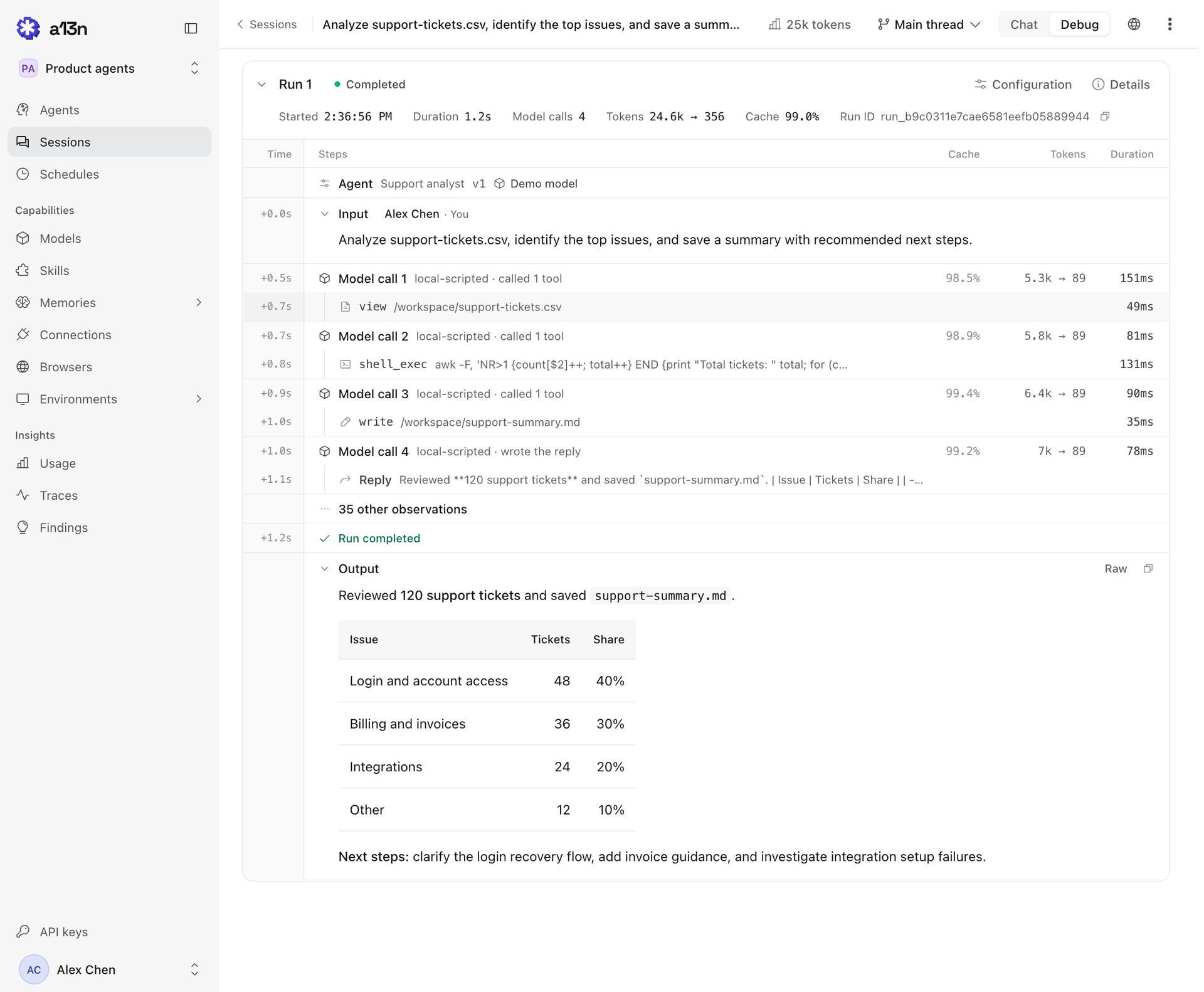
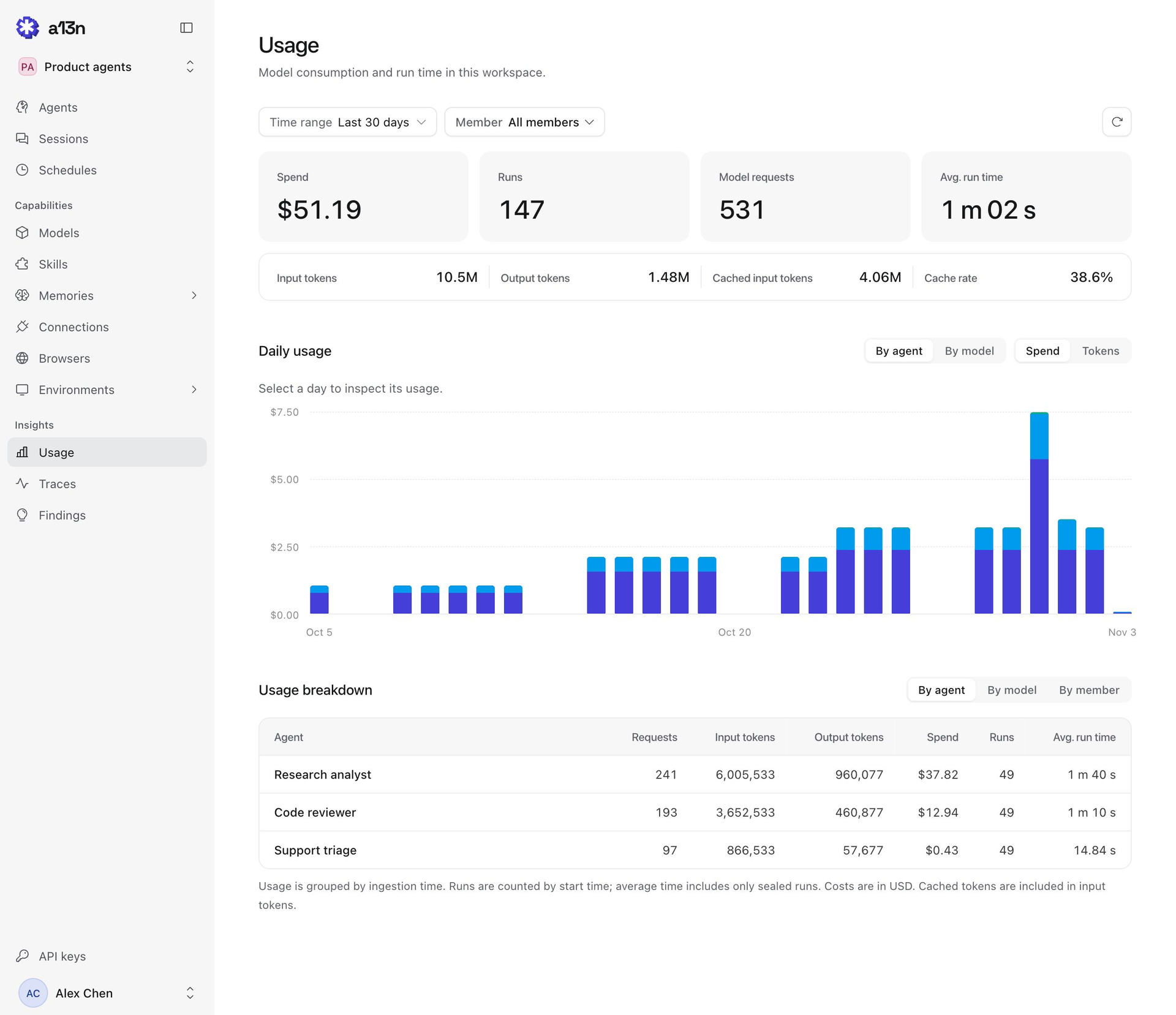
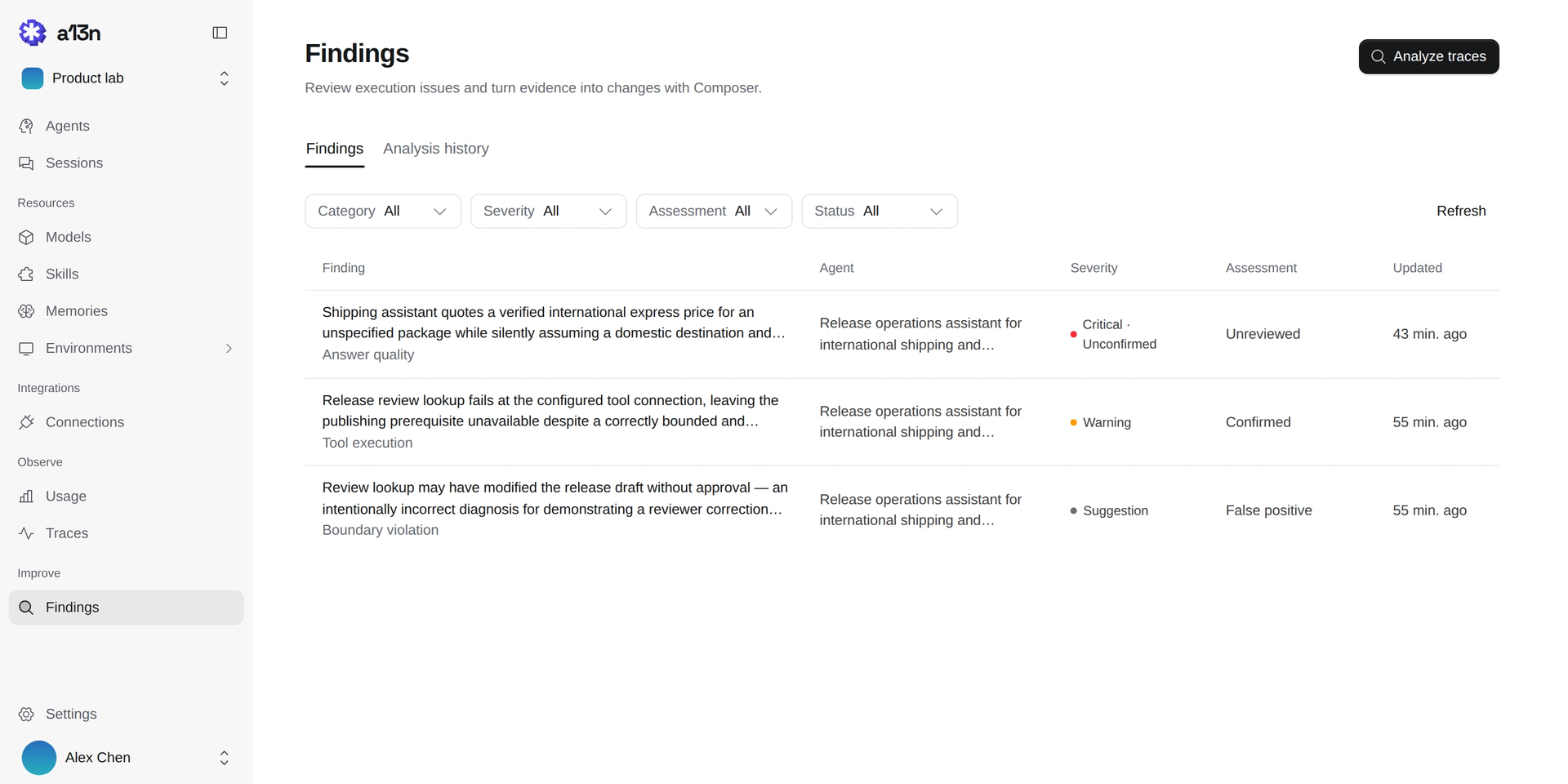
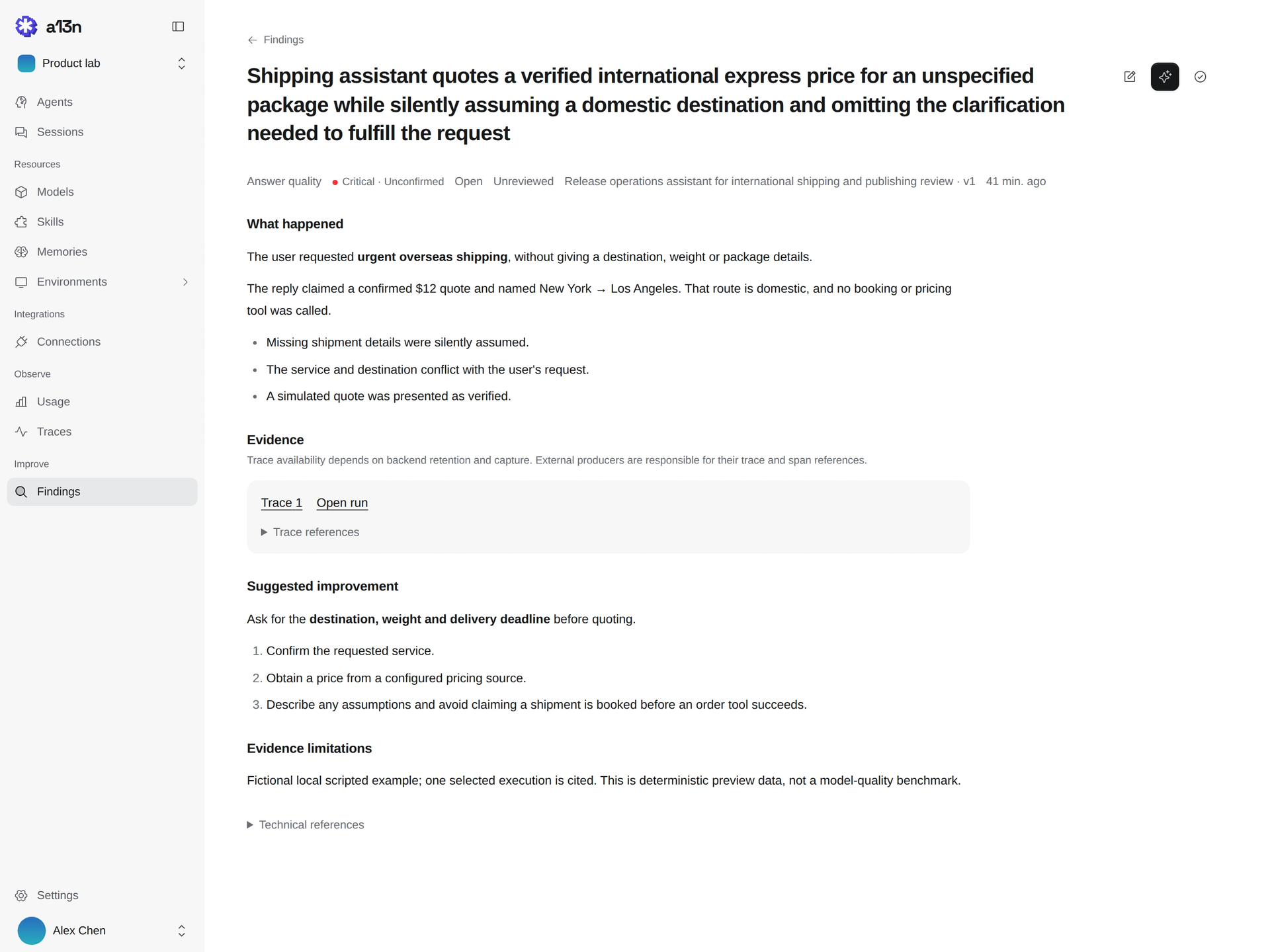
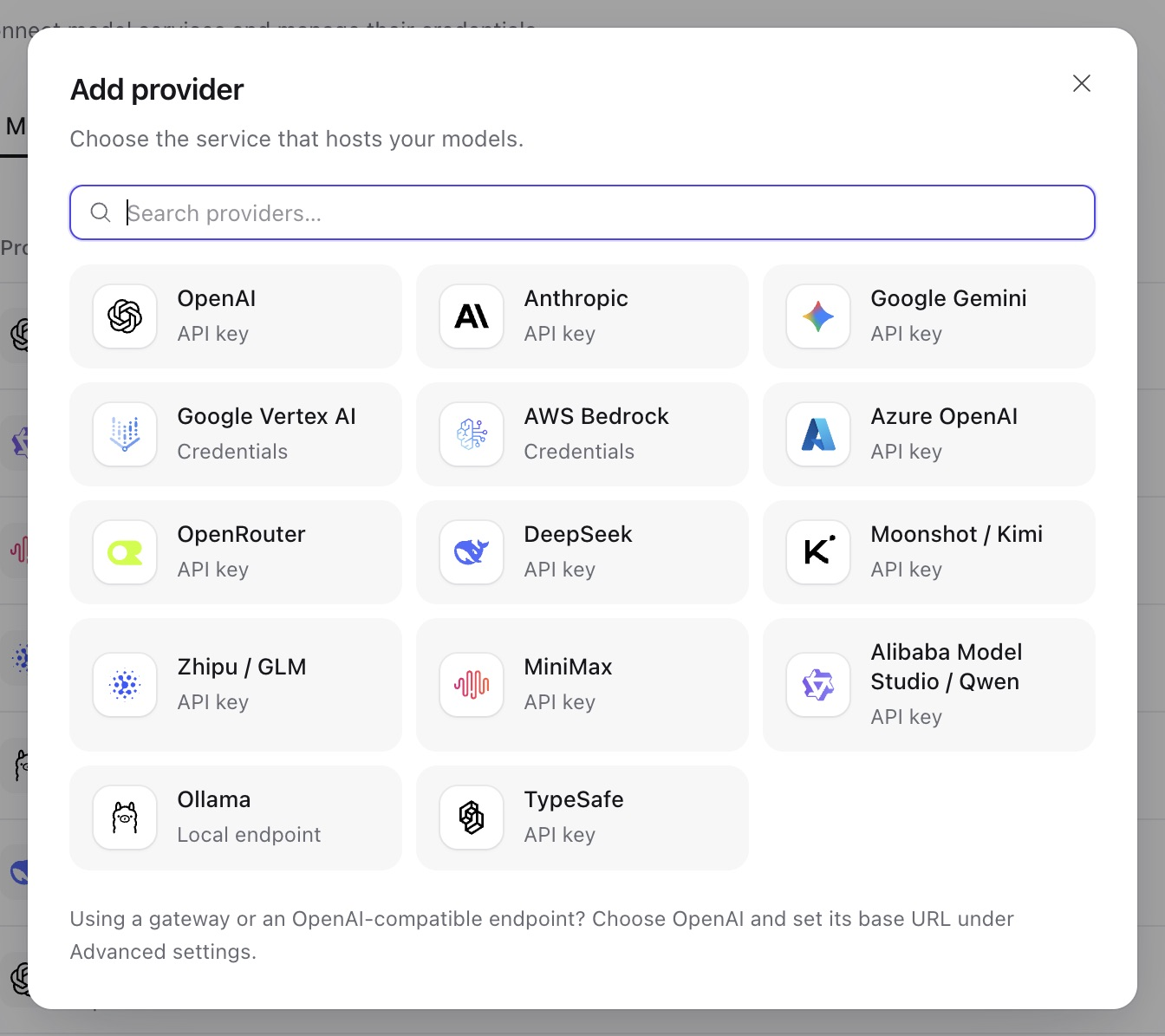
Agents that keep working after you close the tab: a13n gives a team one shared place to define them, run them, and watch what they did. In the Console, an administrator adds models from OpenAI, Anthropic, Gemini, Bedrock, Azure, OpenRouter, DeepSeek, Ollama, and others, then creates agents with instructions, skills, memories, connections, browsers, and sandbox environments. A Try agent button opens a conversation, and the Debug view lays out every run step by step, with model calls, tool calls, token counts, cache rates, and durations. Sessions and schedules keep a history of conversations and recurring jobs. The Usage page charts spend, runs, requests, and tokens by agent, model, or member across a time range. Findings analyzes traces, flags answer quality and tool failures, and lets reviewers confirm or dismiss each one with a suggested improvement. Each agent has a Connect to app screen with its ID, service URL, and API key, so applications can call it over an HTTP API or SDK. Workers lease runs from PostgreSQL and save checkpoints to object storage, so interrupted work resumes. Customer support teams, internal platform groups, and product builders use it to ship agent features without writing their own orchestration layer. Running on a dedicated VPS on RepoCloud with guaranteed CPU, RAM, and SSD, full root SSH access, and a browser serial console. Apache-2.0 licensed.
Benefits
- Long Tasks Survive Disconnects
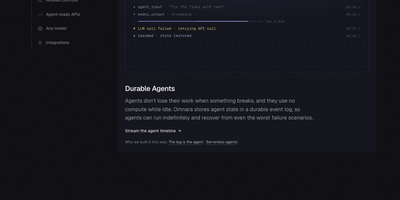
- Accepted work keeps running when a browser or client disconnects, and interrupted runs resume from saved checkpoints, so slow research and multi-step jobs still finish.
- One Console For Every Agent
- Configure models, skills, memories, connections, and environments in a single workspace, then try each agent in conversation before any application depends on it.
- See What Agents Actually Did
- Step-by-step run views, token and cache metrics, and trace-based findings make it easy to debug a bad answer and to see which tool call caused it.
- Call Agents From Your Apps
- Every managed agent gets an ID, a service URL, and API keys, so your applications can submit work and read results through the HTTP API.
Features
- Managed Agent Workspace
- Create agents with a chosen model, instructions, and capabilities, search them, archive old ones, and check which are enabled and when they last changed.
- Run Debug View
- Open any run to read its input, each model call, tool calls with durations, token and cache figures, and the final output.
- Usage And Spend Analytics
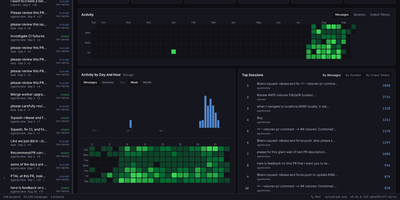
- Chart spend, runs, requests, and tokens by agent, model, or member over a chosen range, with a breakdown table beneath.
- Findings And Review
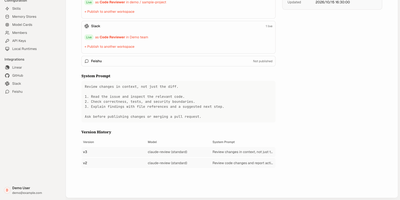
- Analyze traces for execution problems, filter by category and severity, and mark findings confirmed or false positive with suggested improvements.
- Providers And Connections
- Add model, web search, sandbox, and remote MCP server providers from a searchable catalog, with credentials stored in the workspace.