Categories
Productivity Project Management Team Collaboration Task Management Note Taking Markdown Editor Kanban Board Local-First AppsStars
Forks
Watchers
Developer links
Doska
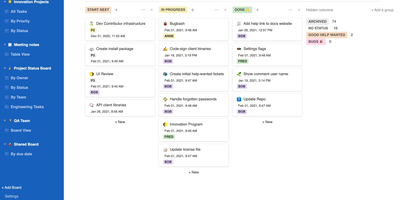
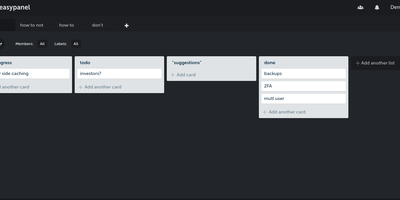
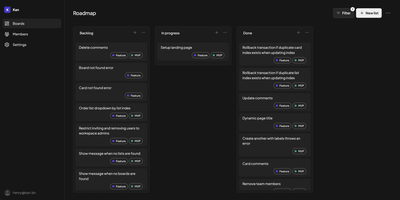
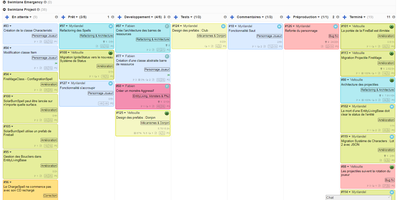
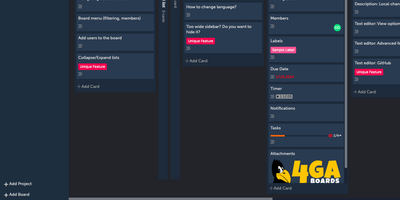
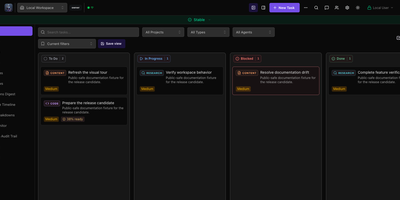
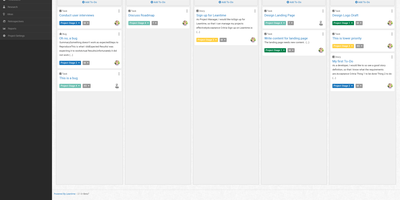
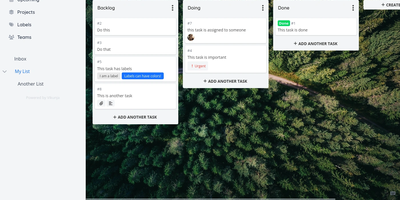
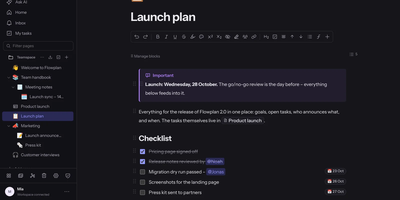
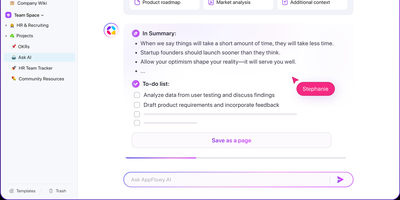
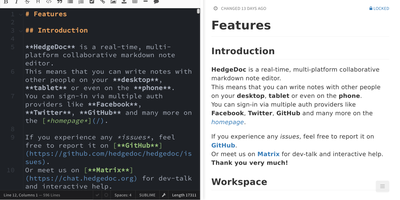
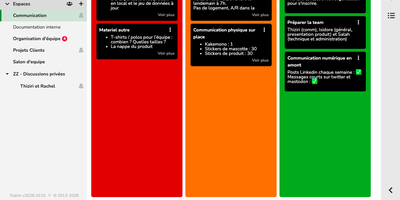
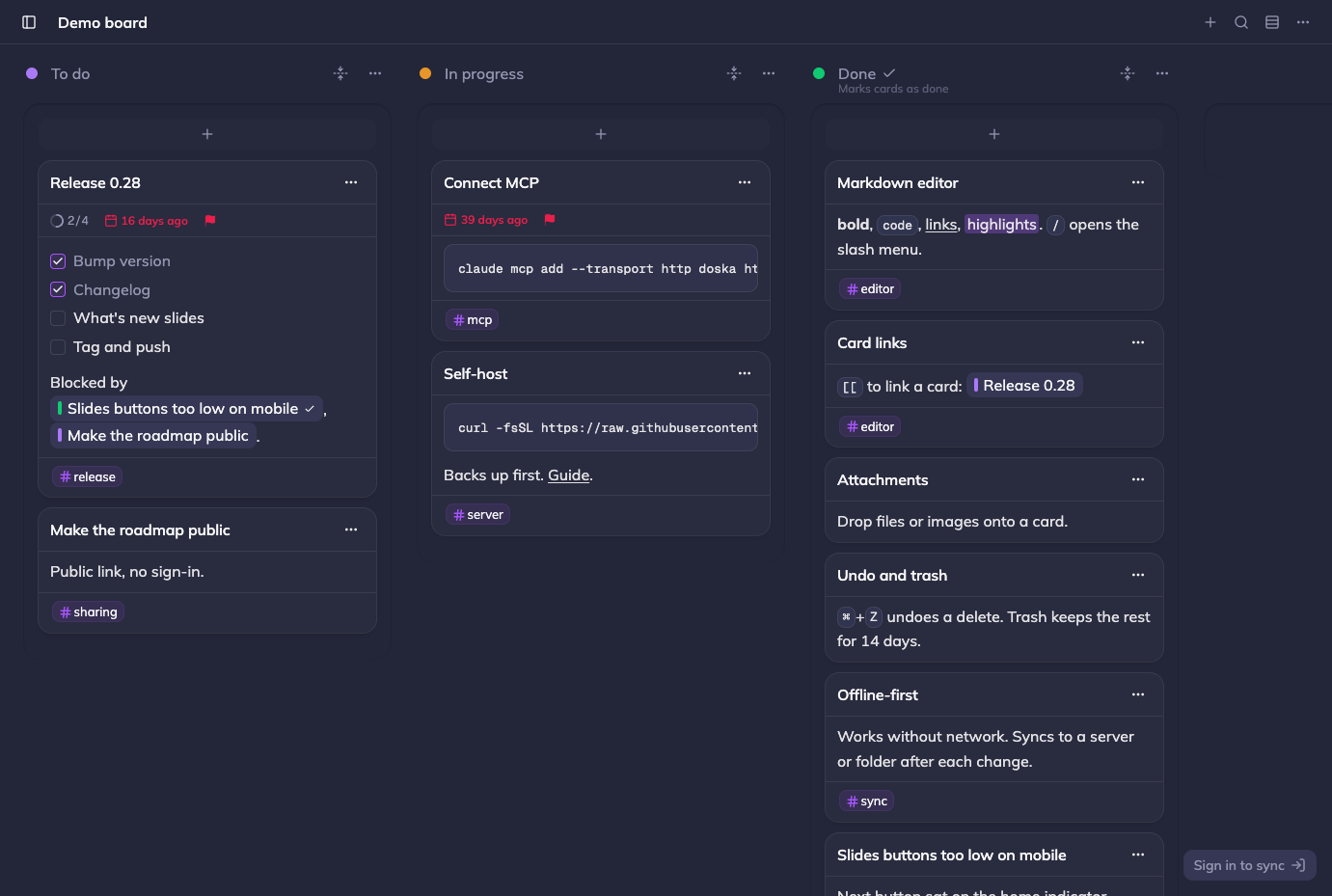
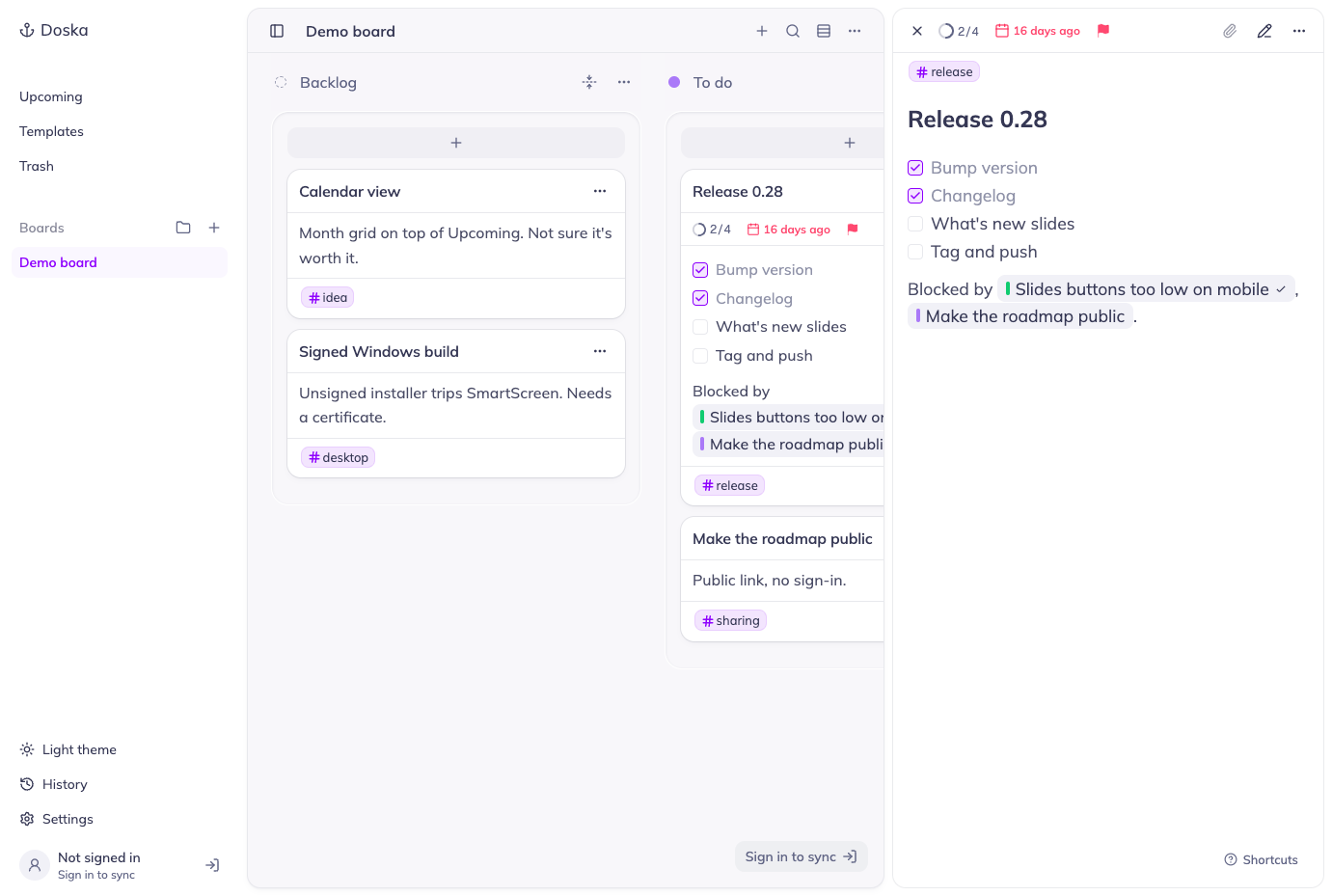
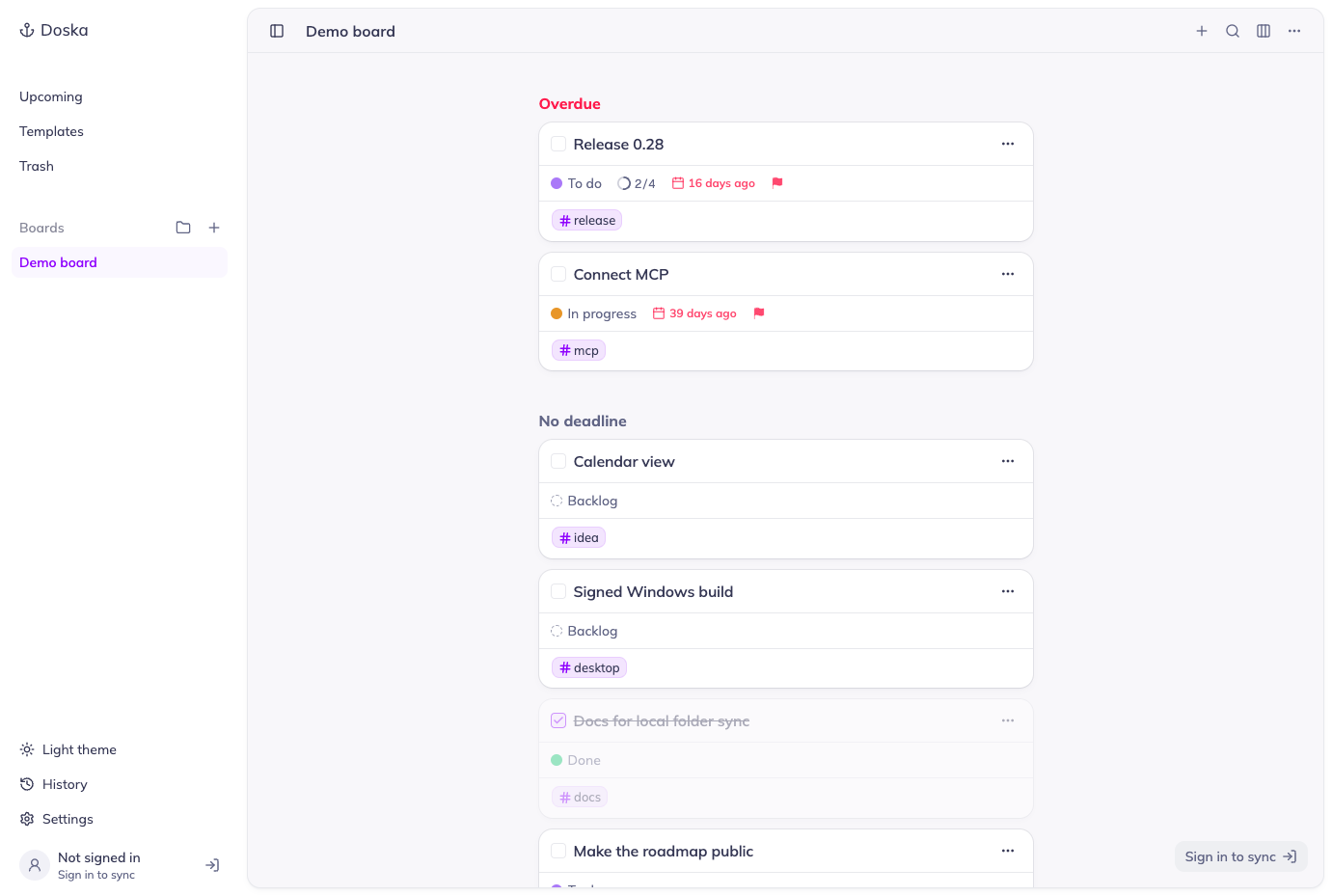
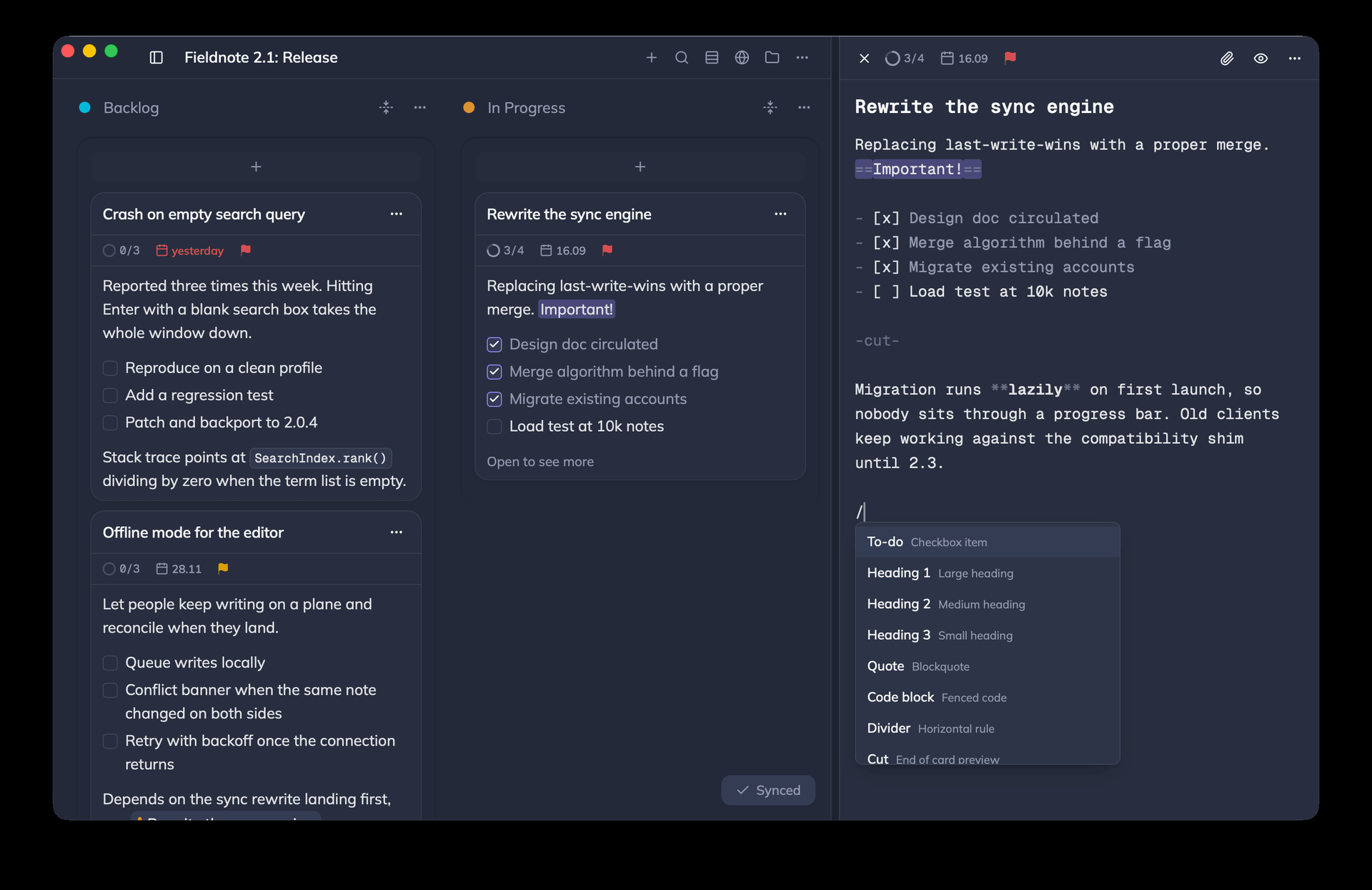
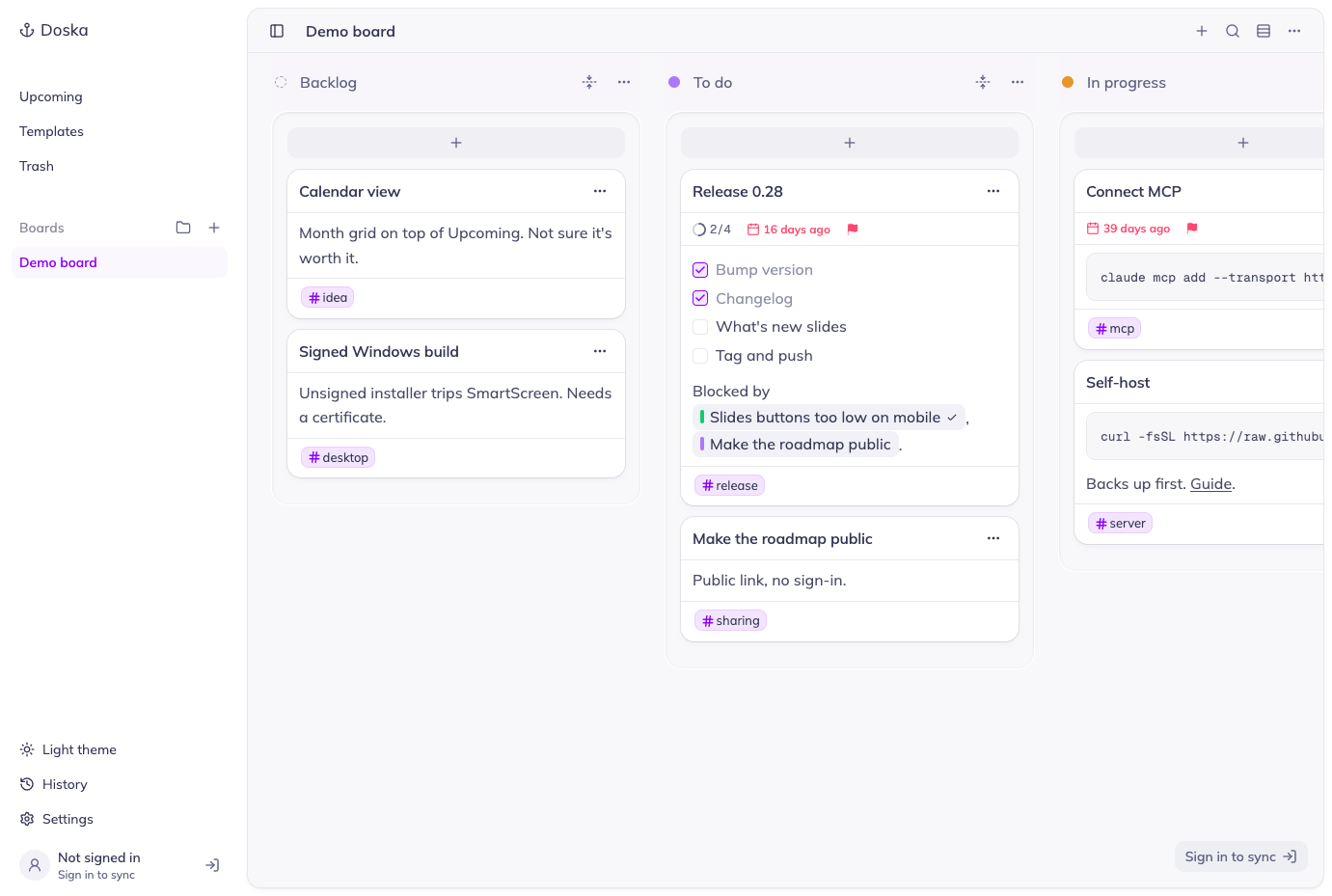
Planning a project feels like taking notes in Doska, a fast, minimal Kanban board whose cards are written in Markdown. The editor highlights Markdown as you type, shows finished and total tasks in the card header, and opens a slash menu for headings, quotes, code blocks, and dividers. Double-bracket links connect cards and pick up the linked column's color; cards also carry sortable deadlines and priorities, colored tags, and assigned teammates. Switch a board between columns and a row view grouped by deadline, check overdue work across every board in the Upcoming list, or press Cmd+K to search ids, titles, and bodies. Boards live on your device first, so the app stays quick and works offline, and within seconds of each change they sync to a server you host or, in the desktop app, to a folder of Markdown files. That server adds user accounts, read-only public links that need no sign-in, file and image attachments, and single sign-on through any OIDC provider. Claude Code, Claude Desktop, or claude.ai can read and edit boards over MCP, through your server or locally from the desktop app. Apps cover the browser (installable as a PWA), macOS, and beta Windows and Linux builds. Templates start new cards and boards from saved ones, and an undo toast rescues deleted cards. Running on a dedicated VPS on RepoCloud with guaranteed CPU, RAM, and SSD, full root SSH access, and a browser serial console. MIT licensed.
Benefits
- Offline-First Speed With Optional Sync
- Boards live on your device first, so the app stays quick and works without a connection, and changes sync every few seconds to a folder or your own server.
- Plain Markdown You Can Keep
- With the desktop app's folder sync, columns become folders and cards become Markdown files on your disk, and edits made in either place show up in the other.
- Share Boards With Your Team
- A self-hosted server adds user accounts, shared boards with live updates, and read-only public links that open without signing in, plus single sign-on through any OIDC provider.
- One-Line Install With Safe Upgrades
- A single curl command fetches an installer that prompts for your settings, launches Docker Compose, and takes a database and files backup before redeploying over an existing install.
Features
- Markdown Card Editor
- GitHub-flavored Markdown with syntax highlighting, clickable task lists with a done count, a slash menu, card links that take the linked column's color, and a -cut- line for previews.
- Flexible Board Views
- Switch between kanban columns and a row view grouped by deadline, open a cross-board Upcoming list, sort by deadline or priority, and search ids, titles, and bodies with Cmd+K.
- Folder and Server Sync
- IndexedDB-first storage syncs every few seconds to a local folder in the desktop app or to a self-hosted Docker Compose server with Postgres and S3 or local file storage.
- Accounts and Public Boards
- Admins create users who own or join boards, owners publish read-only public links, attachments hold files and images, and OIDC single sign-on works with any compatible provider.
- MCP Server for Agents
- Claude Code, Claude Desktop, or claude.ai can read and edit boards through the server's OAuth-protected MCP endpoint at /mcp, or through a local MCP endpoint in the desktop app.
- Desktop and Web Apps
- Browser PWA with a mobile-friendly layout, plus Tauri desktop apps: a signed, notarized universal macOS build and beta Windows and Linux builds.