Stars
Forks
Watchers
Developer links
W-CMS
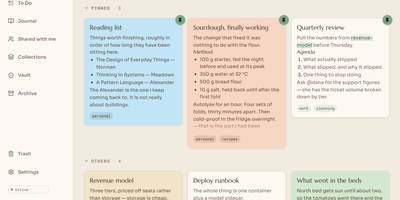
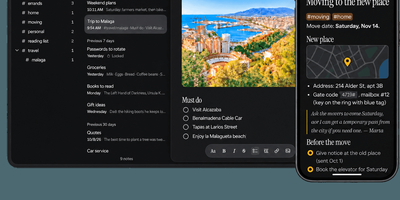
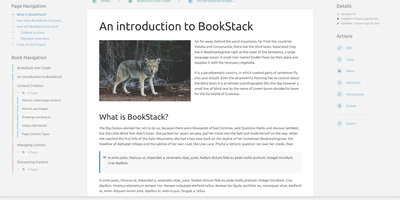
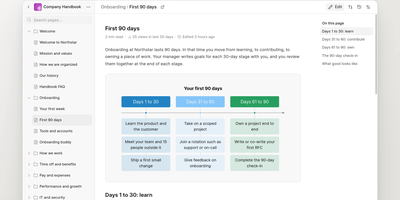
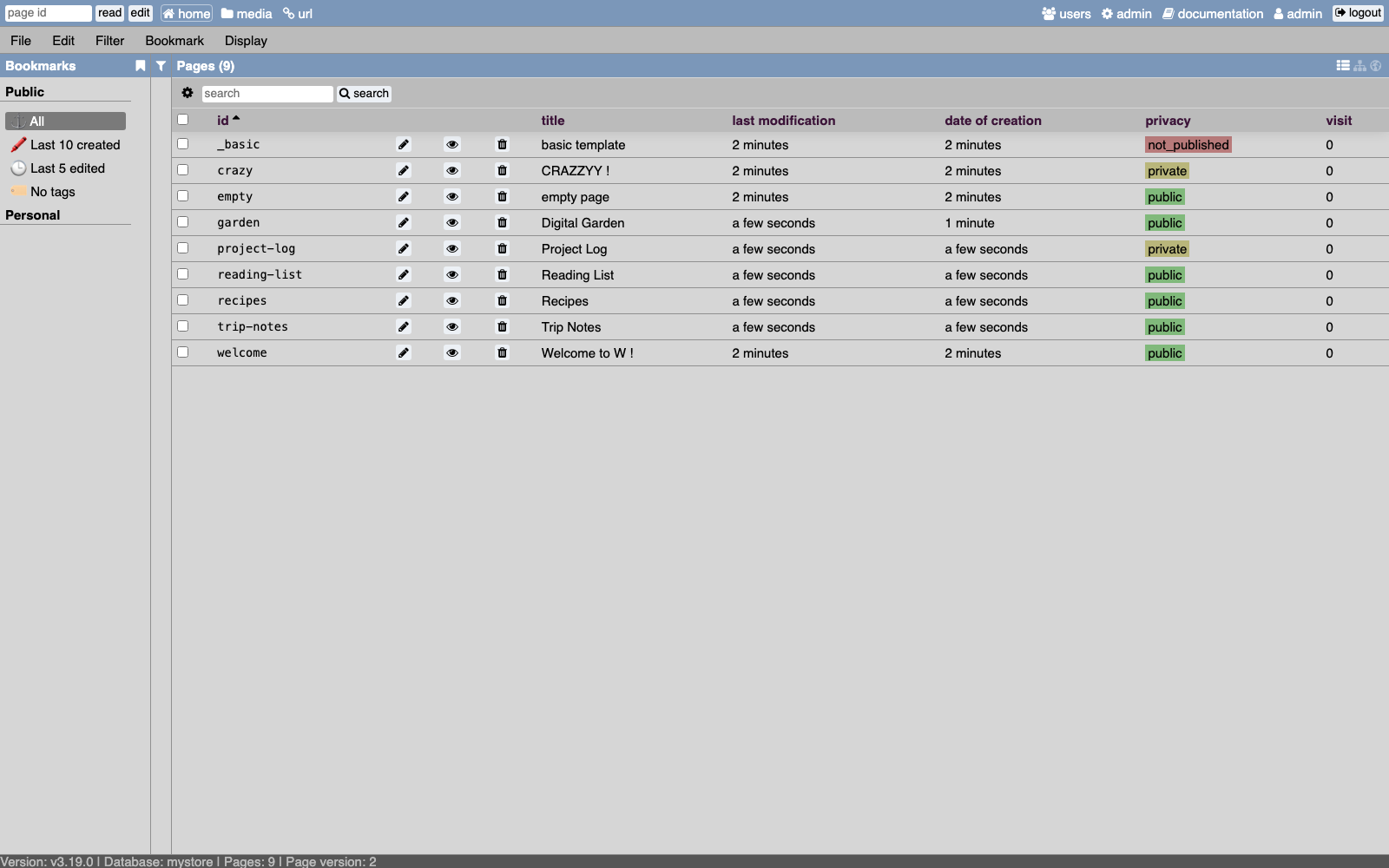
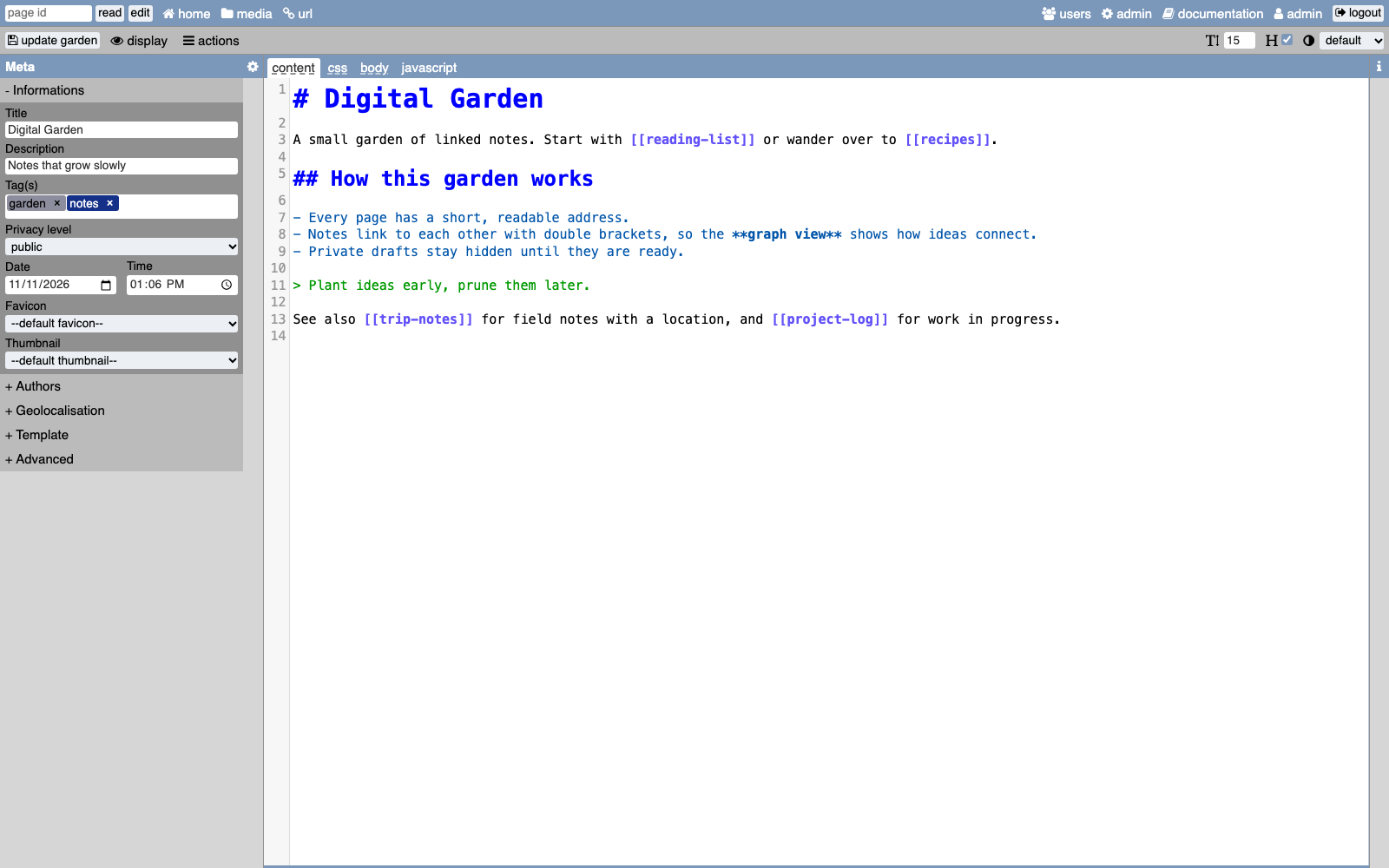
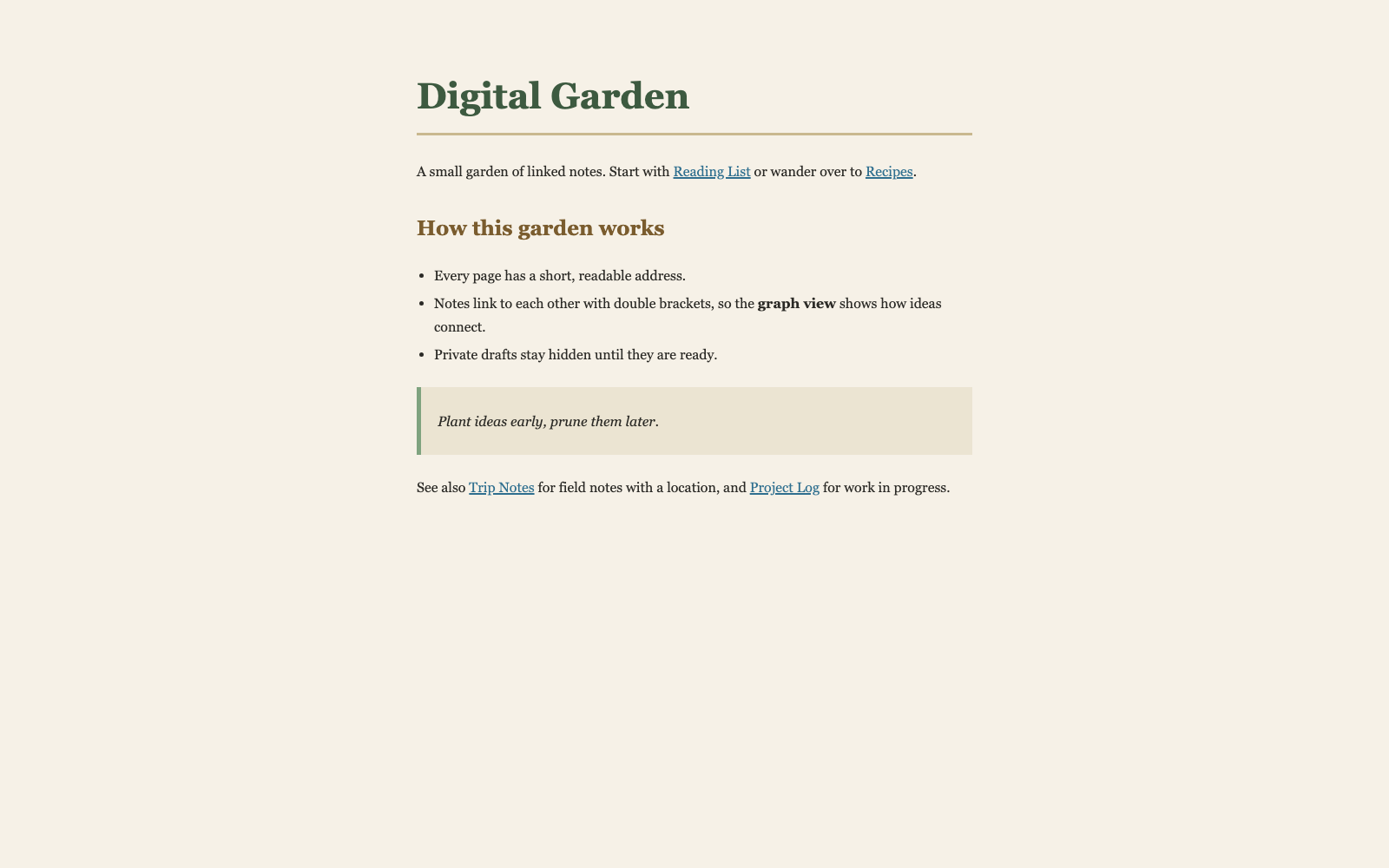
Taking notes and publishing a website usually need two different tools, but W treats them as the same act. Every page you create gets its own address, and a privacy level marks it public, private, or not yet published. The editor offers tabs for Markdown content, CSS, a custom body template, and JavaScript, with a metadata panel for title, description, tags, date, and authors. Home view lists every page with sorting, filters, search, and saved bookmarks for common queries. Two alternative views draw pages as a link graph and, for pages with coordinates, as markers on a map. A media manager organizes uploads in folders, offers a thumbnail gallery, and can optimize images for the web. Several users can work together with reader, editor, super editor, and admin roles, and optional LDAP sign-in is available in beta. Templates share layouts across pages, URL commands like add and edit speed up navigation, and an experimental API opens the data to scripts. Pages keep working even with JavaScript turned off. Everything is stored in plain files, so no database server is needed. Running on a dedicated VPS on RepoCloud with guaranteed CPU, RAM, and SSD, full root SSH access, and a browser serial console. AGPL-3.0 licensed.
Benefits
- No Database Server To Run
- Pages, users, and settings live in flat files on disk, so setup needs only a web server with PHP and backups are as simple as copying a folder.
- Notes And Website In One
- A page can stay private as a personal note or go public as part of a site, so there is no export step between thinking and publishing.
- Full Control Over Page Design
- Each page can carry its own CSS, body template, and JavaScript, which gives artists and experimenters complete freedom instead of a fixed theme.
- Roles For Small Teams
- Reader, editor, super editor, and admin roles let several people contribute, and sensitive settings and user management stay with administrators.
Features
- Markdown And Web Standards Editor
- Write content in Markdown with tabs for CSS, body templates, and JavaScript, plus a side panel for titles, tags, privacy, dates, and authors.
- Link Graph View
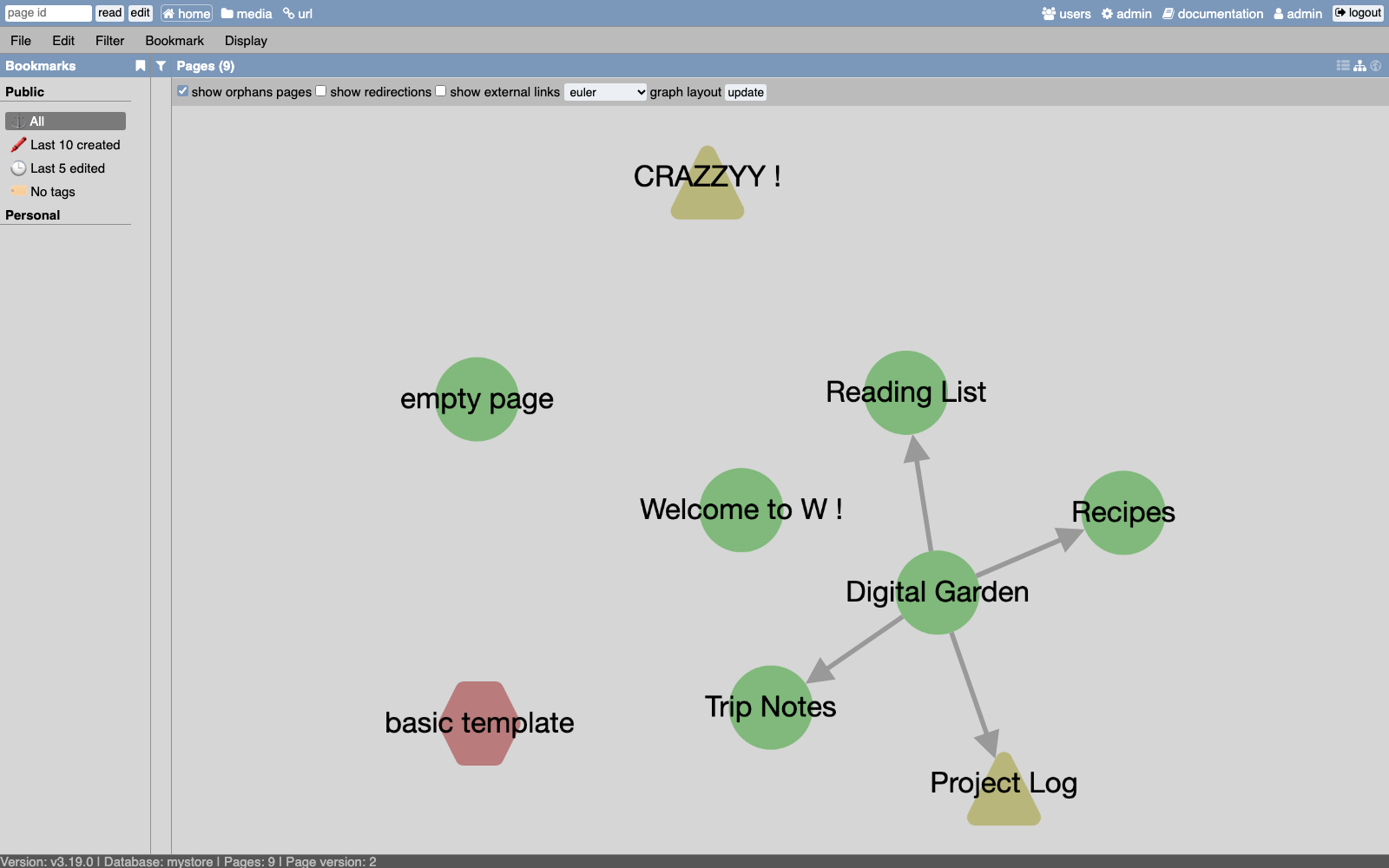
- See how pages connect through internal links as an interactive graph, with options for orphan pages, redirections, external links, and layouts.
- Geolocated Page Map
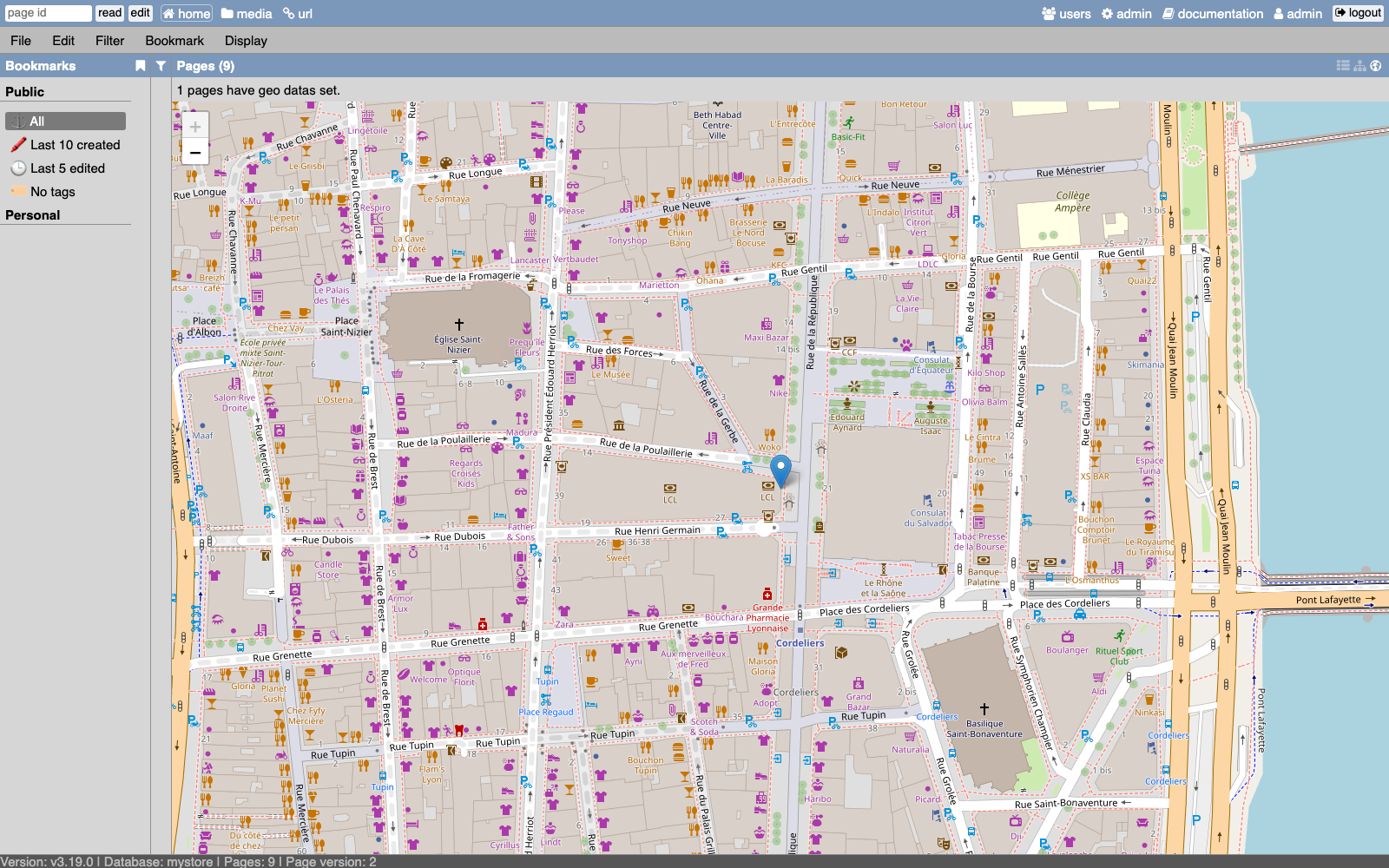
- Give pages latitude and longitude, and the map view places each one as a marker on an interactive street map.
- Media Manager
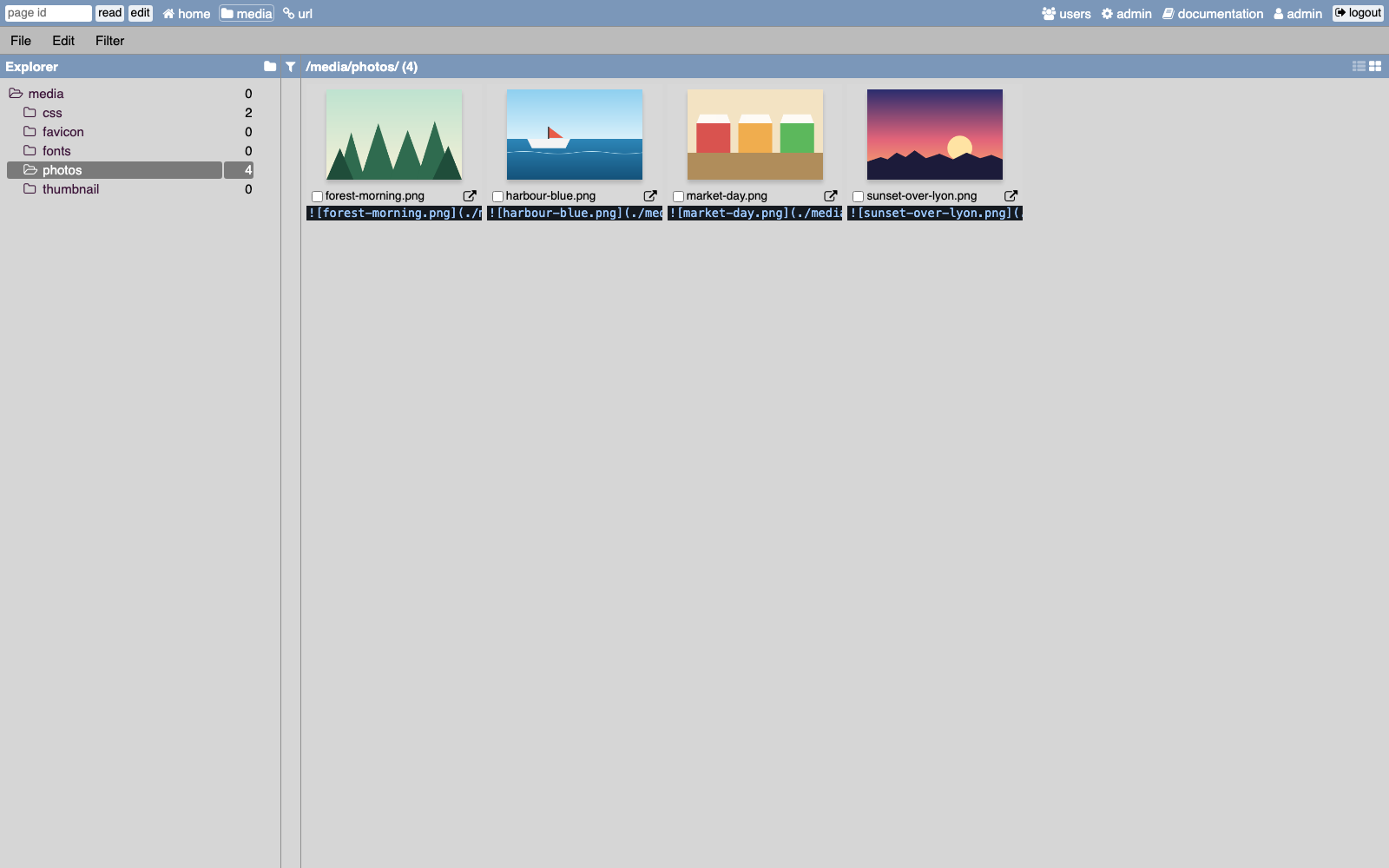
- Upload files into folders, browse them as a list or thumbnail gallery, copy ready-made Markdown snippets, and optimize images for the web.
- Filters And Bookmarks
- Search, sort, and filter the page table by tag, author, privacy, or links, then save favorite queries as public or personal bookmarks.
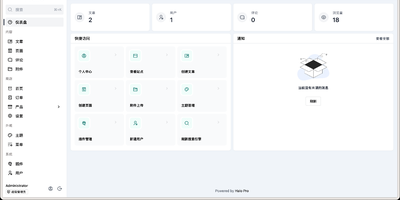
- Admin Settings Panel
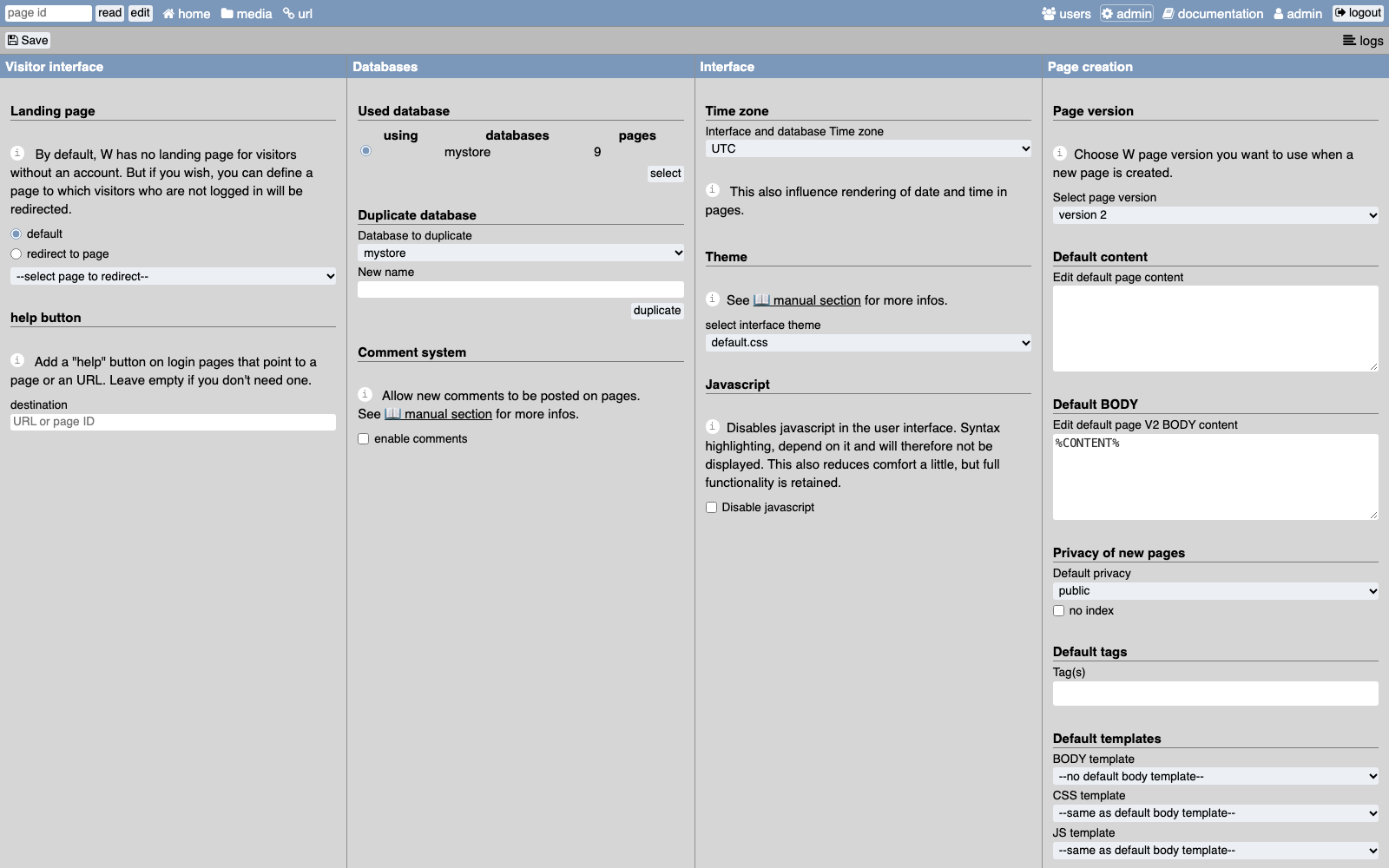
- Choose the database, time zone, interface theme, landing page, comments, and default page settings from a single admin screen.