Categories
Self-Hosted AI Agents MCP Generative AI AI Workflows Multimodal AI Media Generation Visual Workflow BuilderStars
Forks
Watchers
Developer links
TongFlow
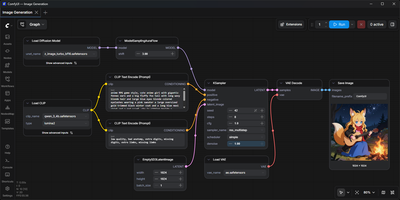
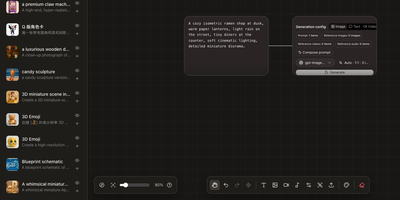
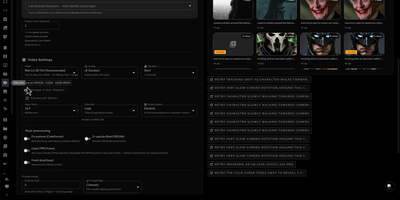
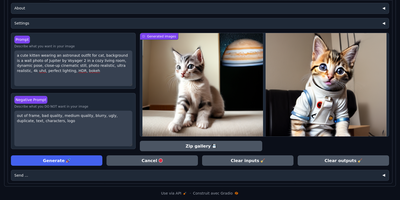
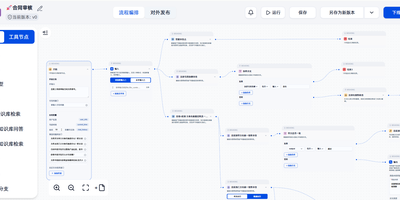
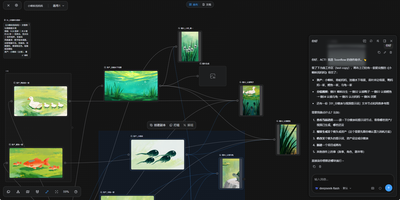
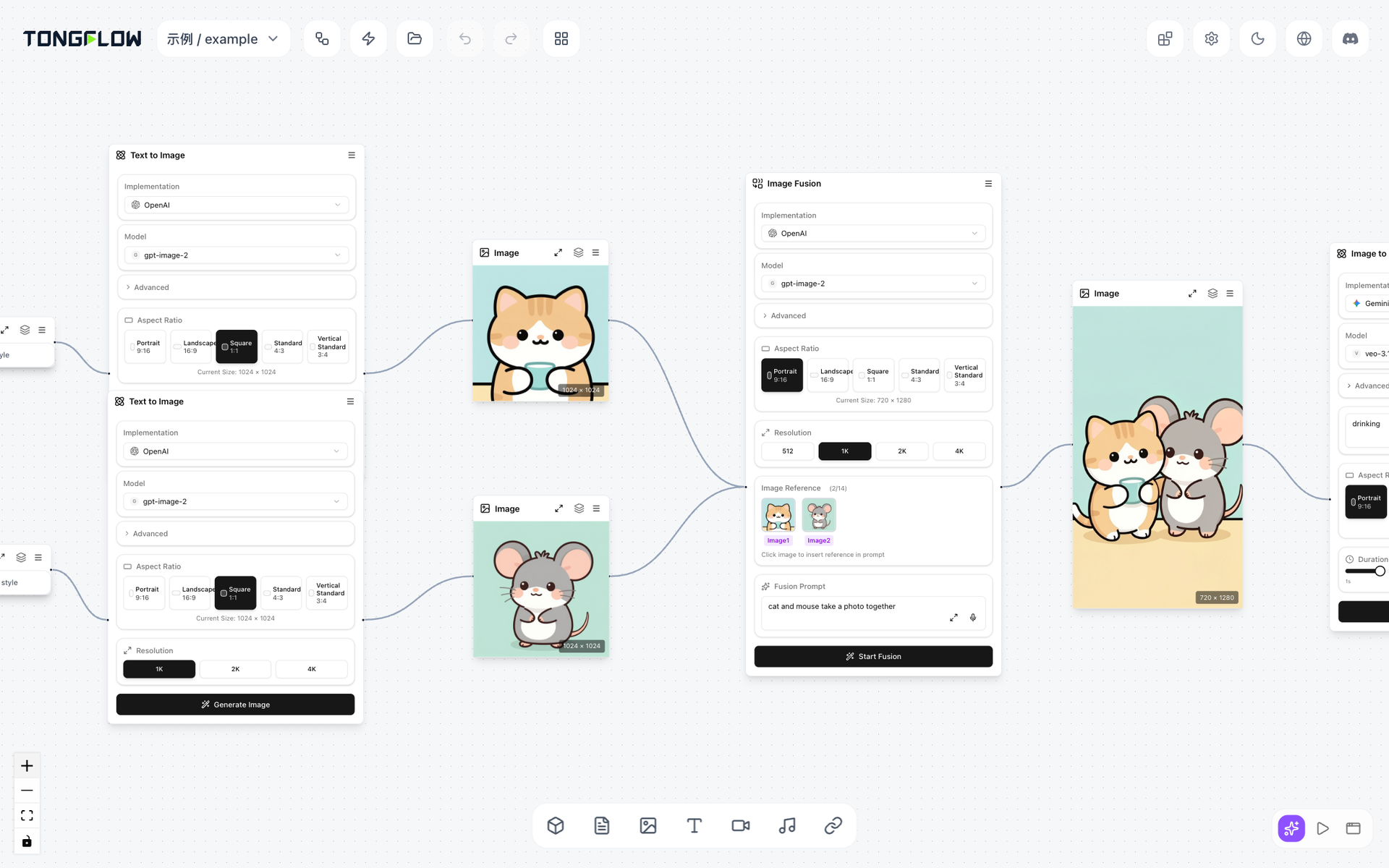
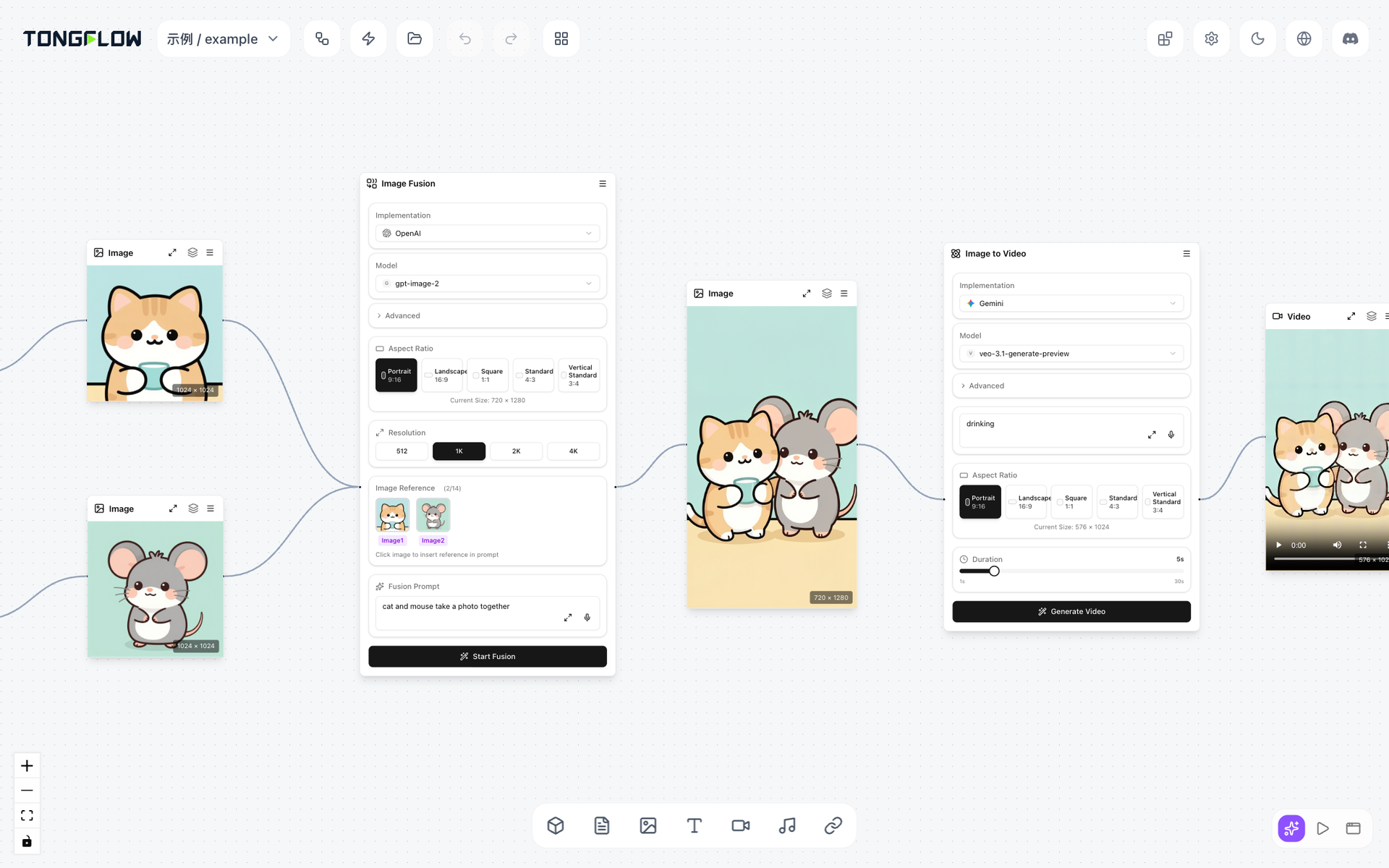
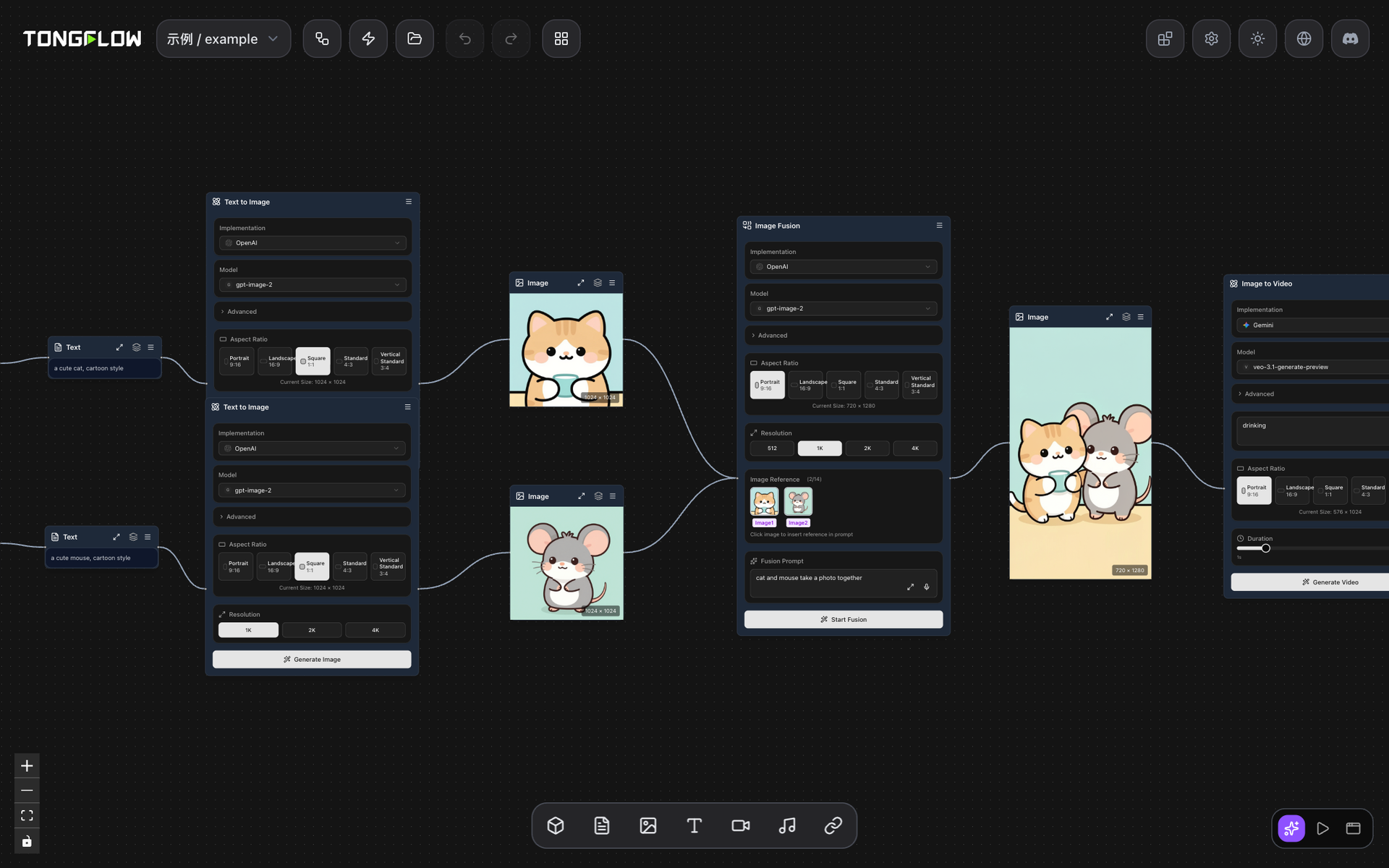
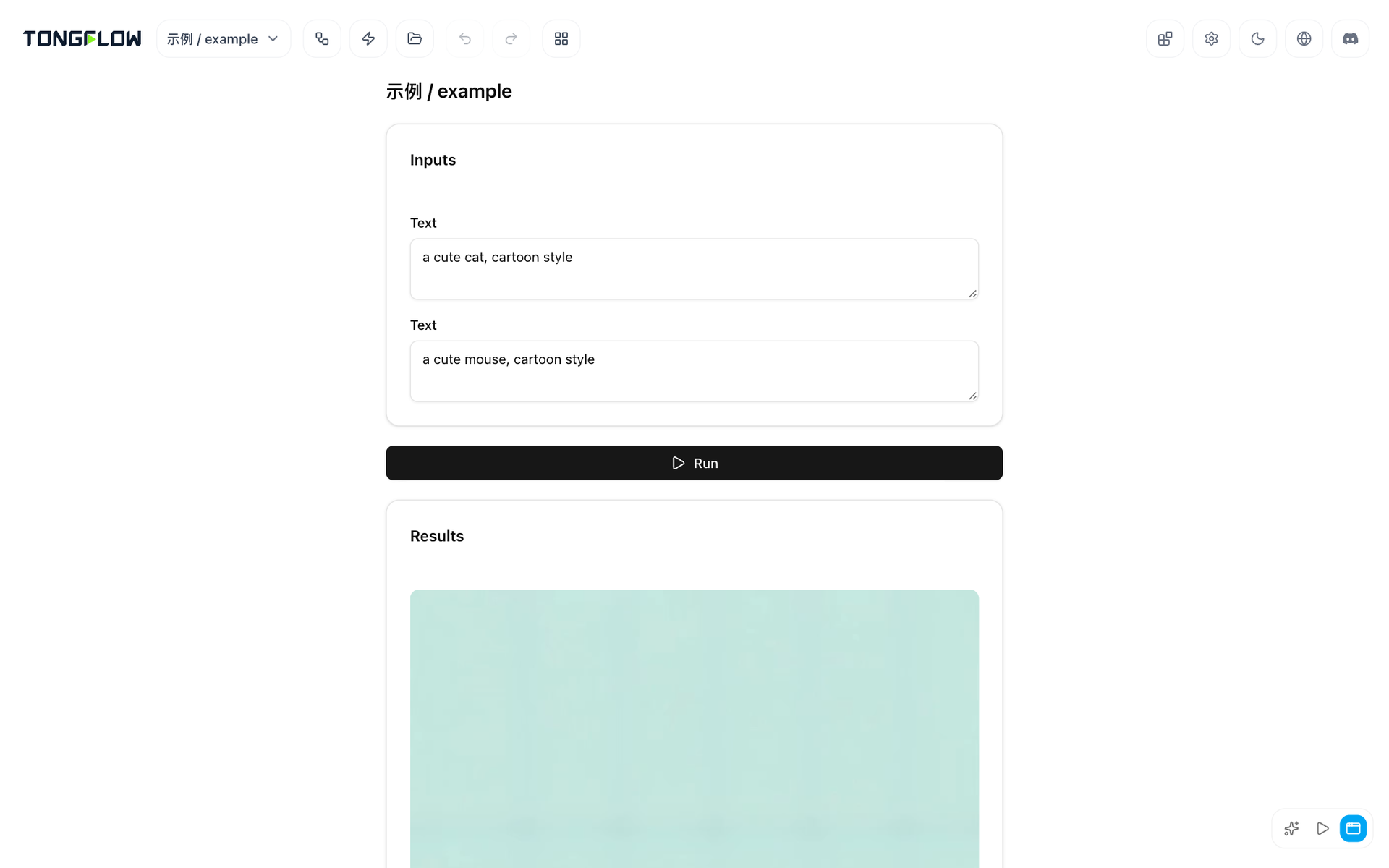
Text, images, audio, video, 3D models, documents, and links share one canvas in TongFlow, where a campaign brief can become copy options, key visuals, and a short clip without leaving the page. Every step is one of three actions: add material, transform it, or combine several pieces, and each result stays on the canvas as a node you can branch from. Over 60 capability slots cover image generation and editing, video generation, music, speech synthesis and recognition, noise reduction, speaker separation, matting, image-to-3D, and shot splitting. A capability is separate from the model that runs it, so swapping OpenAI, Gemini, DeepSeek, OpenRouter, or a Modal-hosted open model leaves the surrounding steps untouched. The plugin manager installs official plugins in place, and credentials live in a Settings dialog. Agents get the same tools through a local MCP server and a Claude Code plugin, producing workflow files that people can open, edit, and run again, and each run is kept in a history with its inputs, outputs, and timing. App Mode turns a finished workflow into a simple form that colleagues can fill in, even from a phone browser. Spend-heavy steps wait for a person's approval. Running on a dedicated VPS on RepoCloud with guaranteed CPU, RAM, and SSD, full root SSH access, and a browser serial console. AGPL-3.0 licensed.
Benefits
- One Canvas For Every Modality
- Text, images, audio, video, 3D, documents, and links connect on a single canvas, so an uploaded photo and a generated one can both feed the next step.
- Change Models, Keep Workflows
- Capabilities are stored separately from the plugins that implement them, so you can switch providers or open models for a step without rebuilding the rest of the workflow.
- Agents Leave A Reviewable Trail
- Agents build workflows with the same tools as people, producing files you can open and edit, and every run is recorded in a history with its inputs and outputs.
- Workflows Anyone Can Run
- App Mode reduces a finished workflow to a short form with a run button, so teammates without technical skills can reuse it on new material from a browser.
Features
- Add Transform Combine Nodes
- Build pipelines from three actions on the canvas, plus split and batch nodes that cut long videos by shot or break text into chunks.
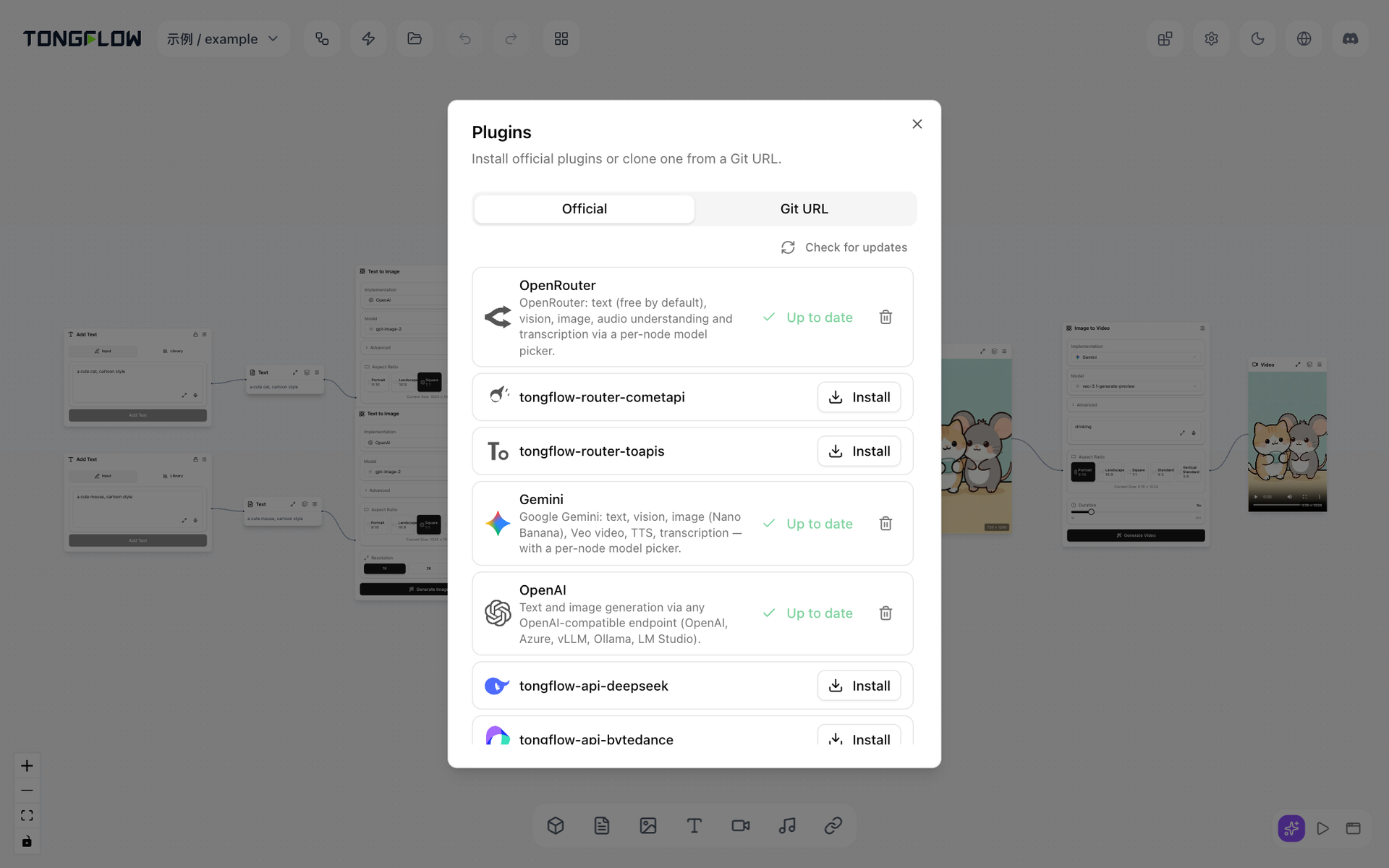
- Plugin Manager
- Install official API and Modal plugins in place for OpenAI, Gemini, DeepSeek, xAI, Runway, and OpenRouter, with no restart needed after installation.
- MCP And Agent Tools
- A local Model Context Protocol server and a Claude Code plugin let agents create, edit, and run the same workflow files that the canvas uses.
- Run History
- Review each run with its workflow, steps, plugins, models, inputs, outputs, and elapsed time, and pick up from any intermediate result.
- App Mode Forms
- Publish a workflow as a form showing only the fields to fill in, run it with one click, and read the result below.
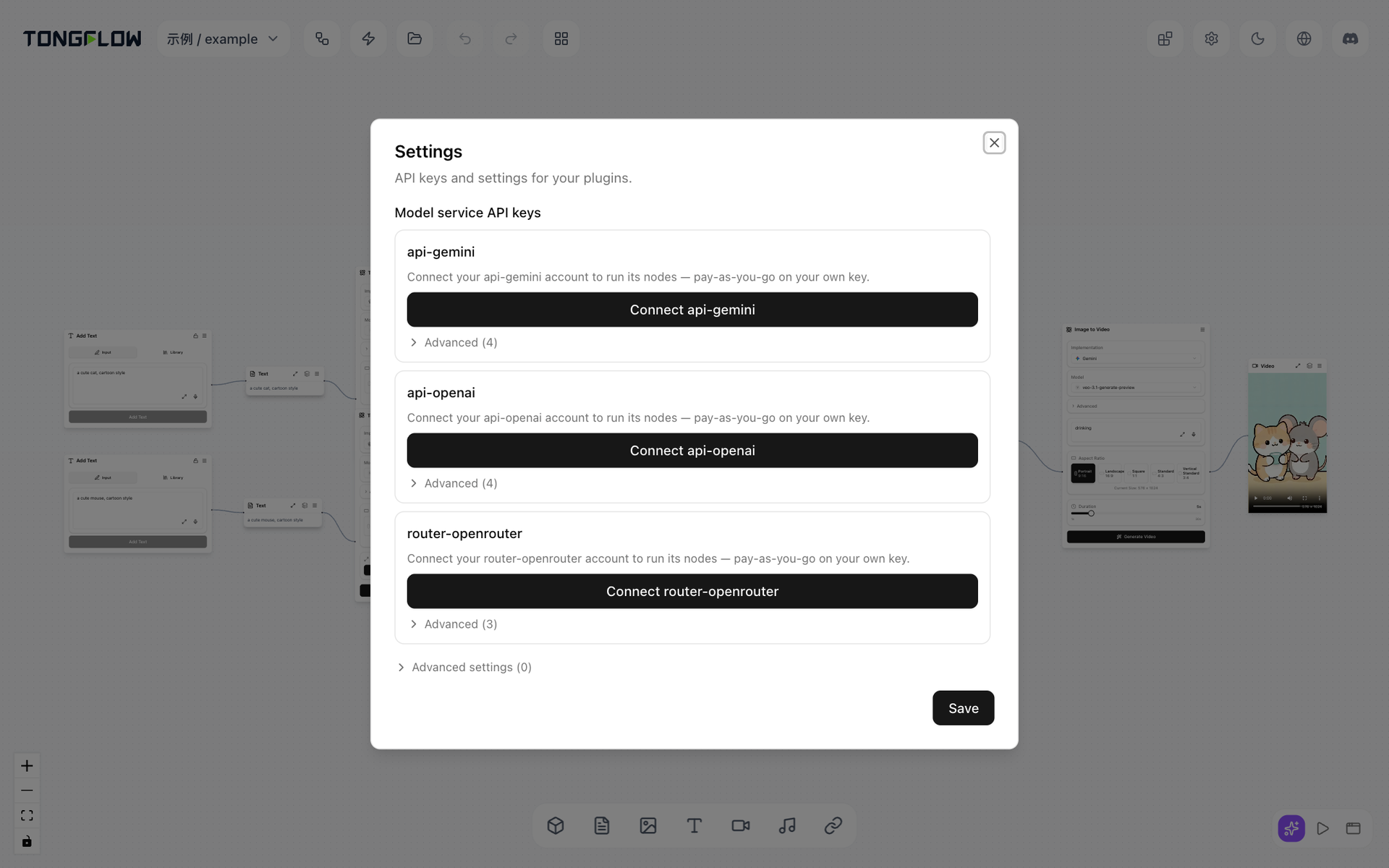
- Settings And Credentials
- Add provider keys for OpenAI, Gemini, and OpenRouter, plus Modal tokens, in one Settings dialog, stored locally and applied without a restart.