Categories
self-hosted docker file-sharing cloud-storage document-management file-manager web-file-explorerStars
Forks
Watchers
Developer links
NextExplorer
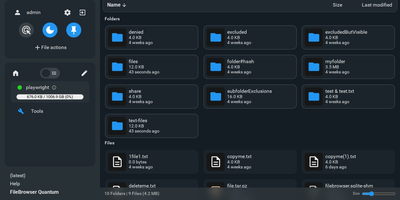
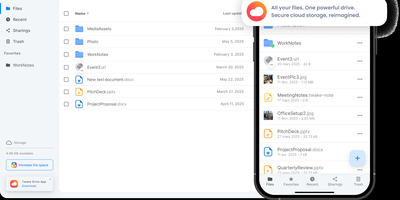
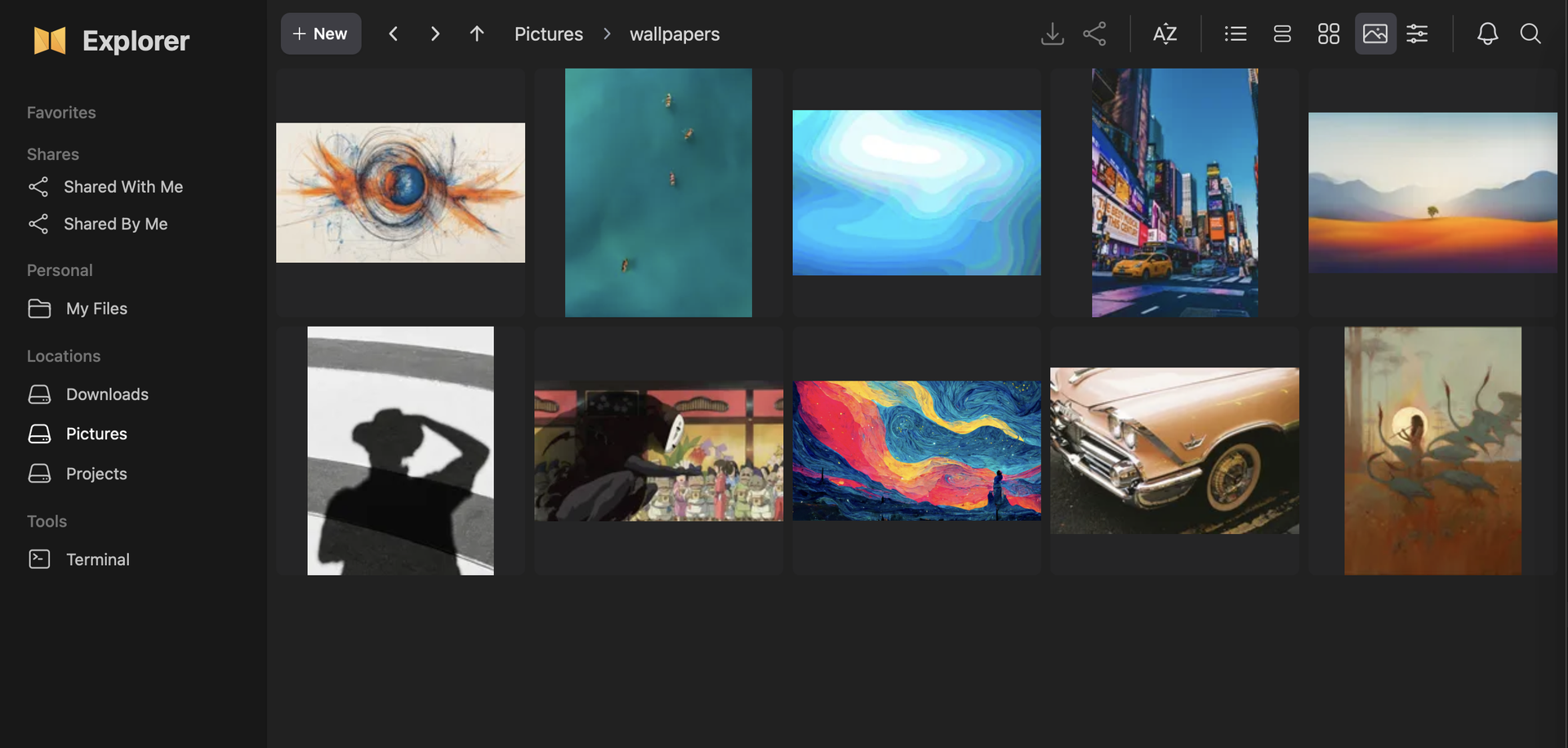
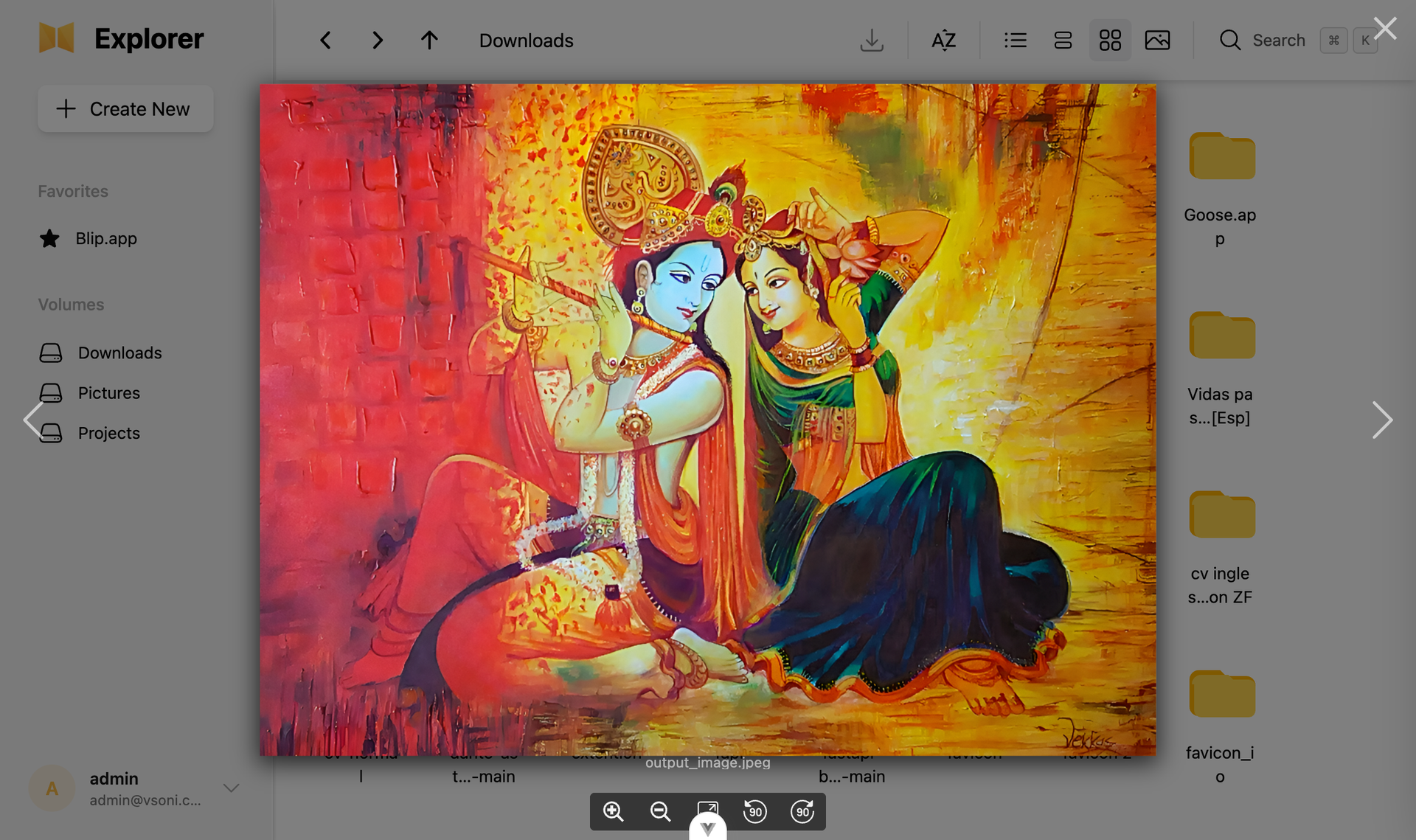
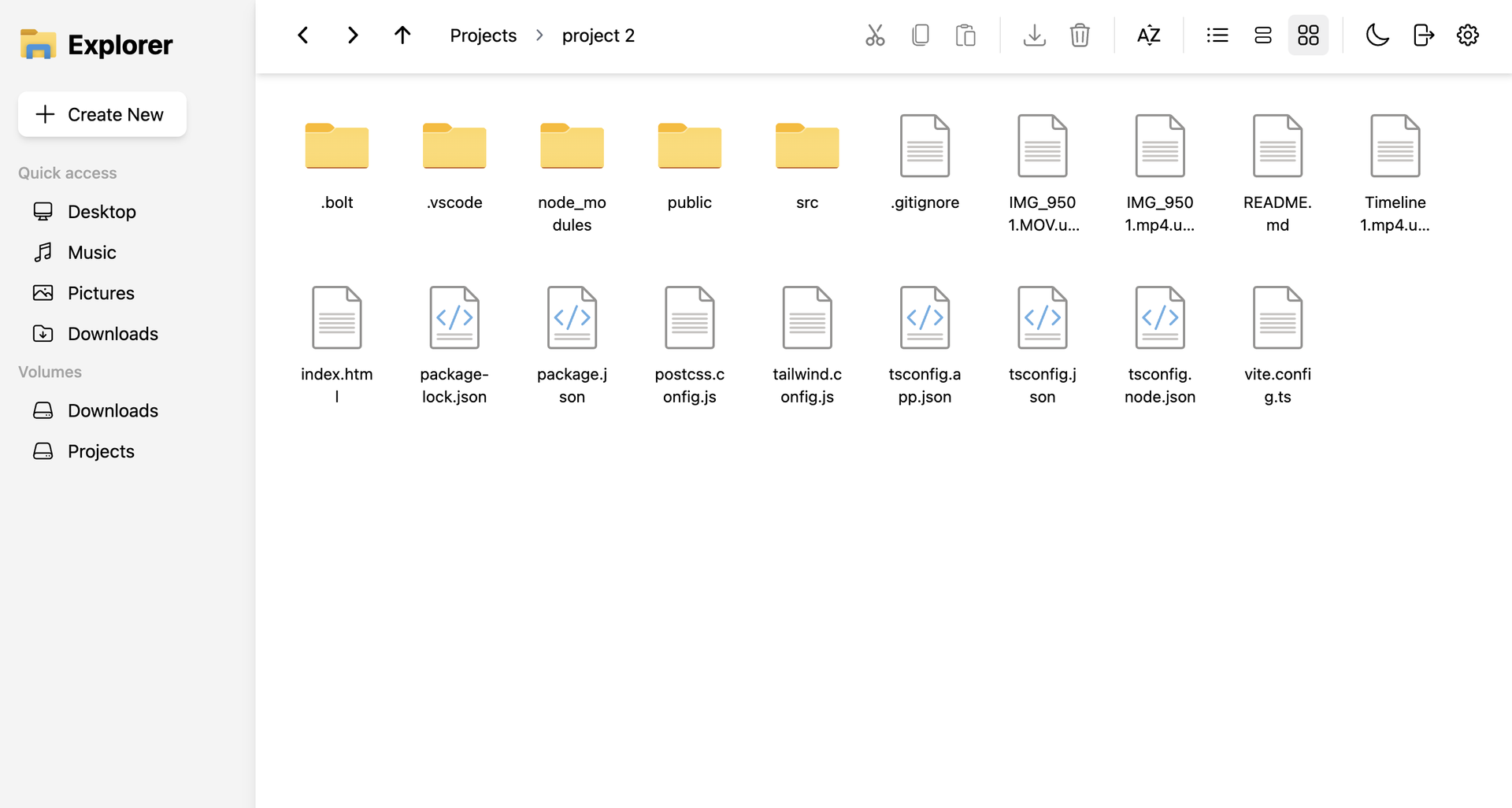
To give Docker administrators and home lab operators a fast, modern workspace for server-side storage, NextExplorer delivers a browser-based file manager with instant ripgrep search, inline editing, and multi-volume navigation. Any directory mounted under your container volume root appears immediately in the sidebar with capacity usage indicators, favorite pins, and switchable grid, list, and column browsing layouts. You can preview images, stream videos and audio with FFmpeg-generated thumbnails, read PDFs, edit source code and configuration files in the syntax-highlighted editor, or collaborate on office documents through an integrated ONLYOFFICE Document Server. Deep content search powered by ripgrep scans filenames and file contents across terabytes of storage in seconds, while bundled 7-Zip support inspects and extracts password-protected ZIP, 7z, RAR, TAR, and ISO archives with built-in zip-bomb protection. Teams can share folders via read-only or read-write links, isolate personal user directories, enforce path-level read-only or hidden access rules, and authenticate through local accounts or OpenID Connect identity providers such as Authentik and Authelia. Running on a dedicated VPS on RepoCloud with guaranteed CPU, RAM, and SSD, full root SSH access, and a browser serial console. GPL-3.0 licensed.
Benefits
- Multi-Volume Docker Storage Management
- Mount multiple host directories under /mnt to browse, move, upload, and organize files across separate disks and network shares from a single tabbed web interface.
- Instant Ripgrep Filename and Content Search
- Locate files across large directory trees in milliseconds using ripgrep-backed deep content and filename indexing with configurable file-size ceilings and timeout guards.
- Inline Code Editor and ONLYOFFICE Suite
- Edit configuration files and scripts in the built-in syntax-highlighted editor, or connect an ONLYOFFICE Document Server with JWT signing for full in-browser document collaboration.
- Granular OIDC SSO and Path Access Control
- Federate login via OpenID Connect with automatic admin group mapping while applying path-based read-only or hidden rules and isolated per-user personal folders.
Features
- FFmpeg Previews and Media Thumbnails
- Generate high-speed image and video thumbnails using FFmpeg and ffprobe, with inline lightbox viewers and media players for photos, videos, audio, and PDFs.
- Multi-Format 7-Zip Archive Extraction
- Browse and extract ZIP, 7z, RAR, TAR, GZ, XZ, ZST, and ISO archives including password-protected bundles, protected by configurable uncompressed size and entry limits.
- Resumable Upload and ZIP Manager
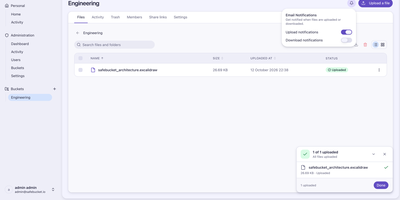
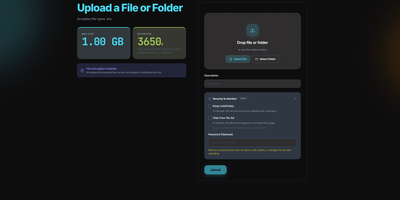
- Upload large files up to 64 GB via drag-and-drop with a floating progress manager that supports pause, resume, and automatic multi-file ZIP download bundling.
- Read-Only and Read-Write Share Links
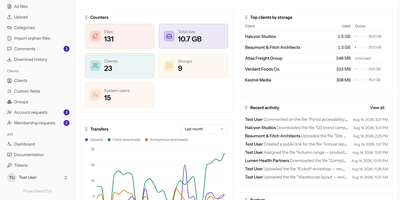
- Create guest share links with read-only or read-write permissions and manage shared team folders through a dedicated Shared With Me workspace view.
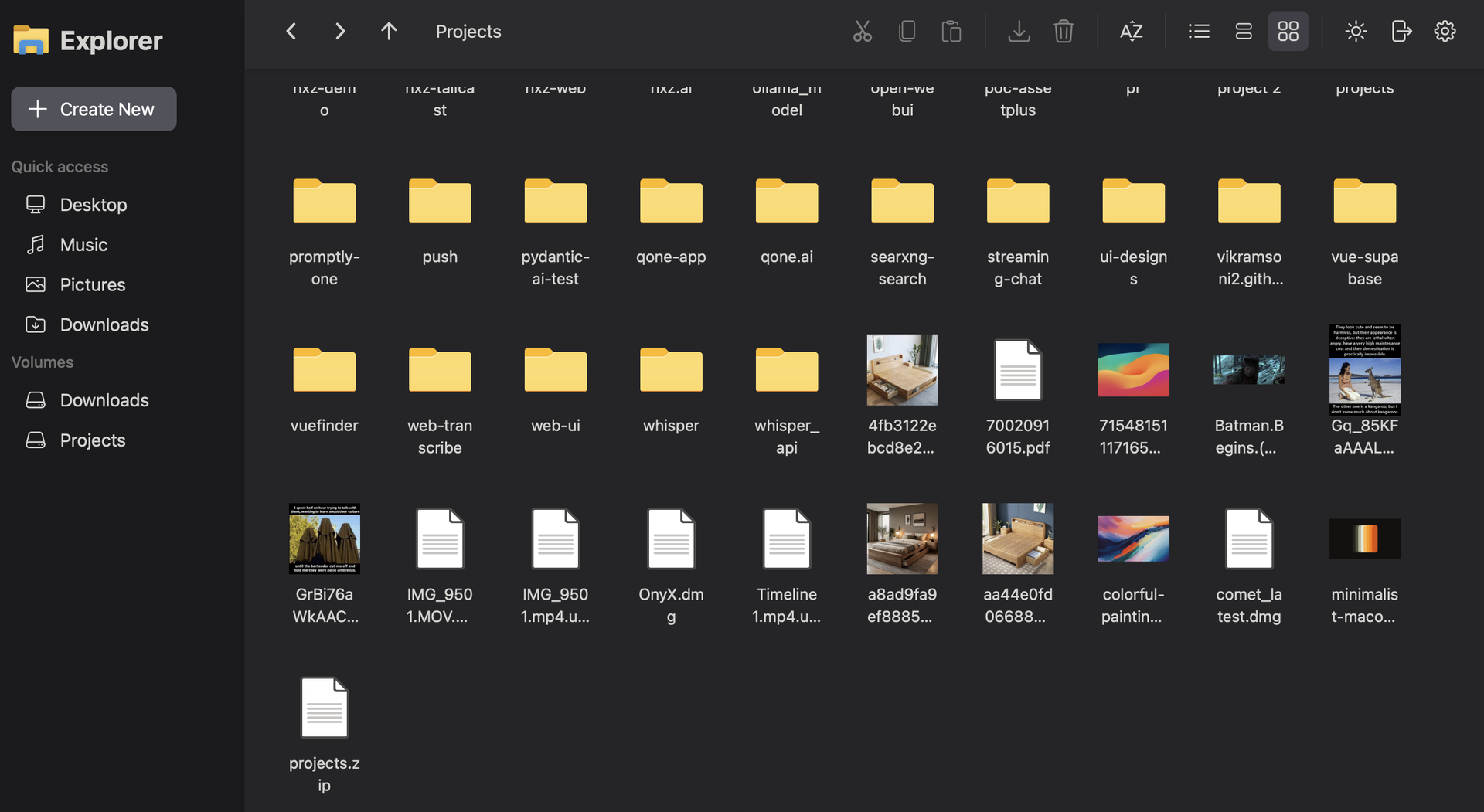
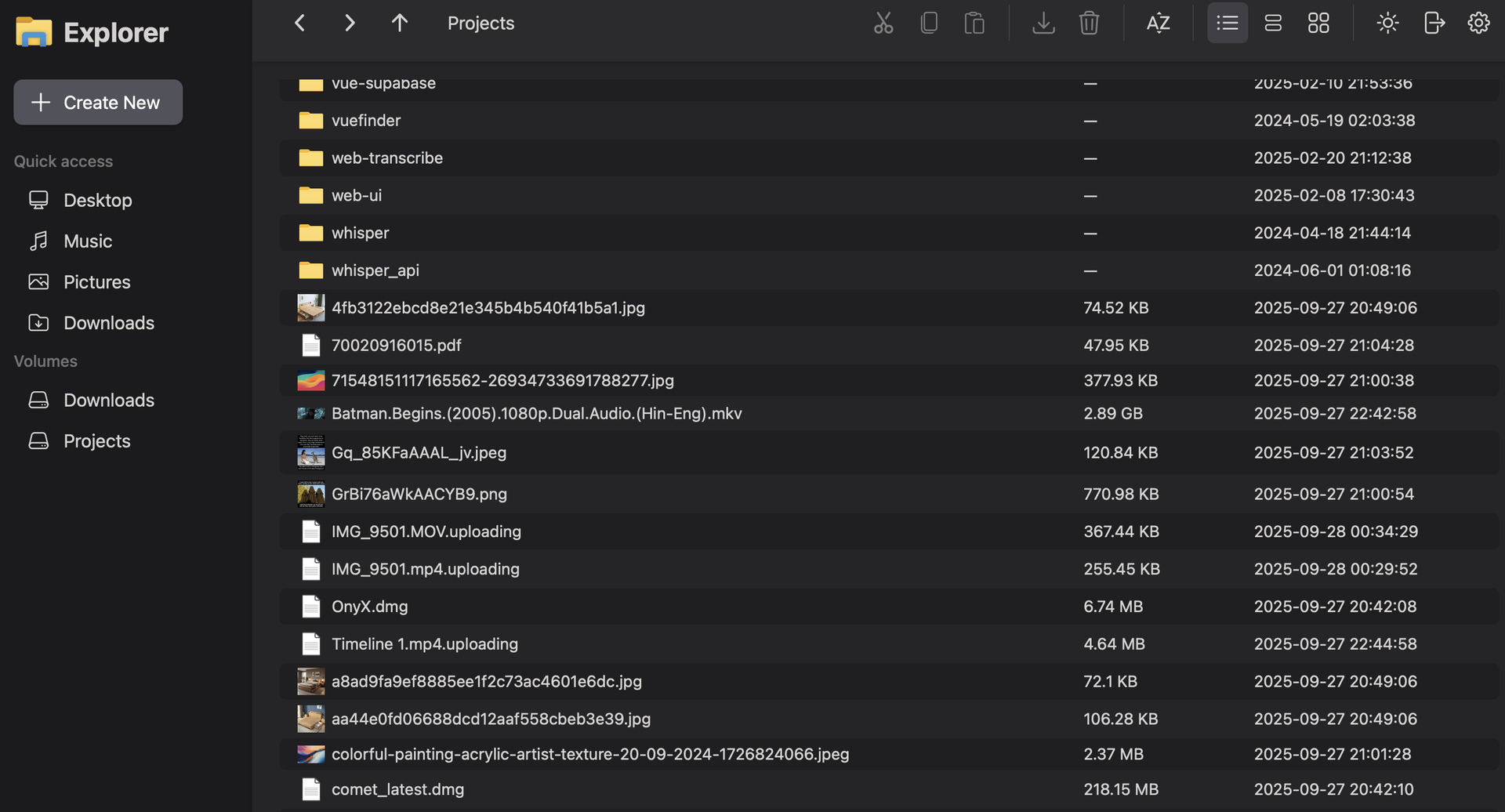
- Grid, List, and Column Layouts
- Switch between thumbnail grid, metadata list, and hierarchical column views with full context menus, clipboard shortcuts, favorite folder pinning, and dark or light themes.