Categories
Self-Hosted Content Scheduling Digital Signage Signage CMS Video Walls Kiosk Software Menu Boards Screen ManagementStars
Forks
Watchers
Developer links
ScreenTinker
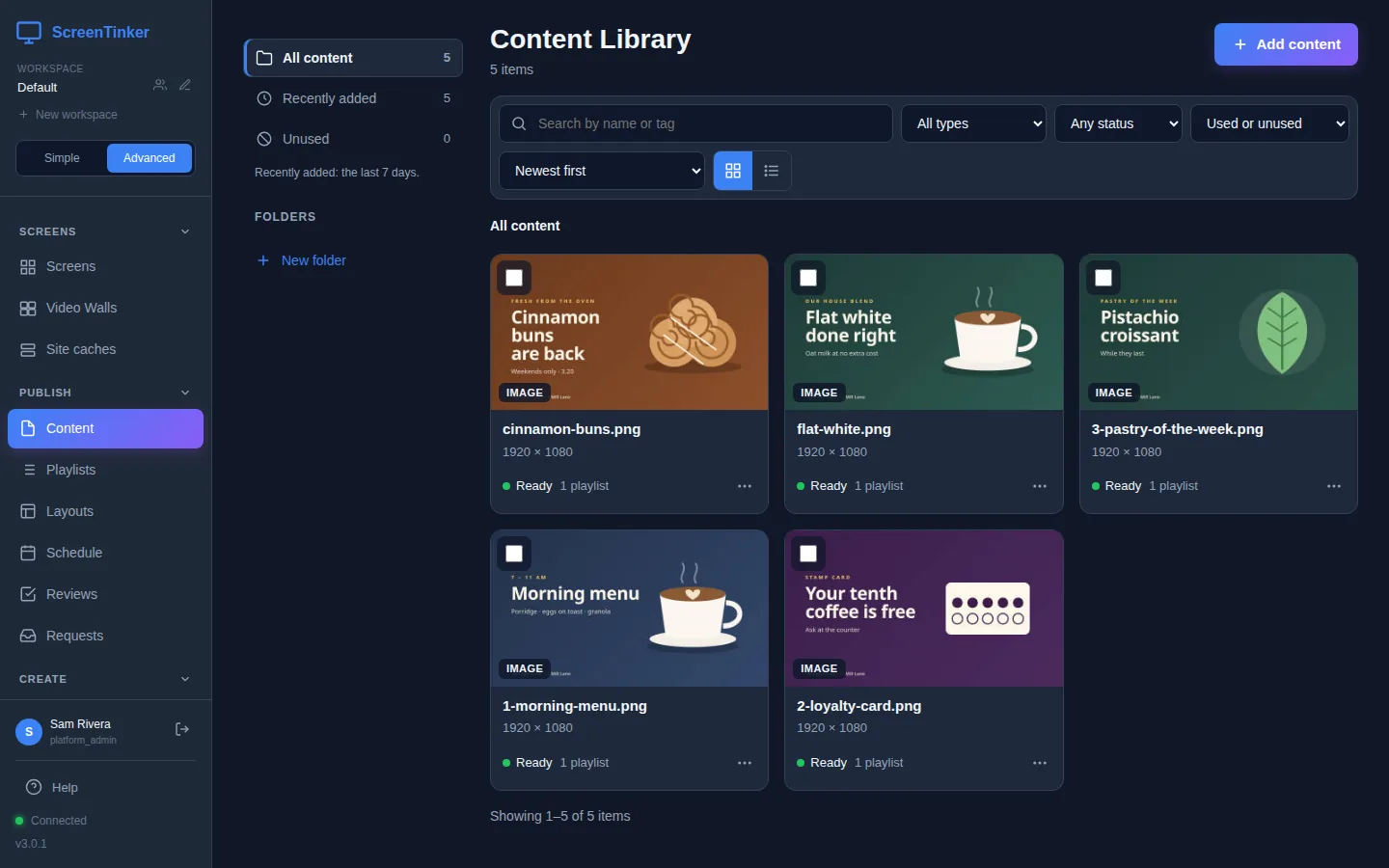
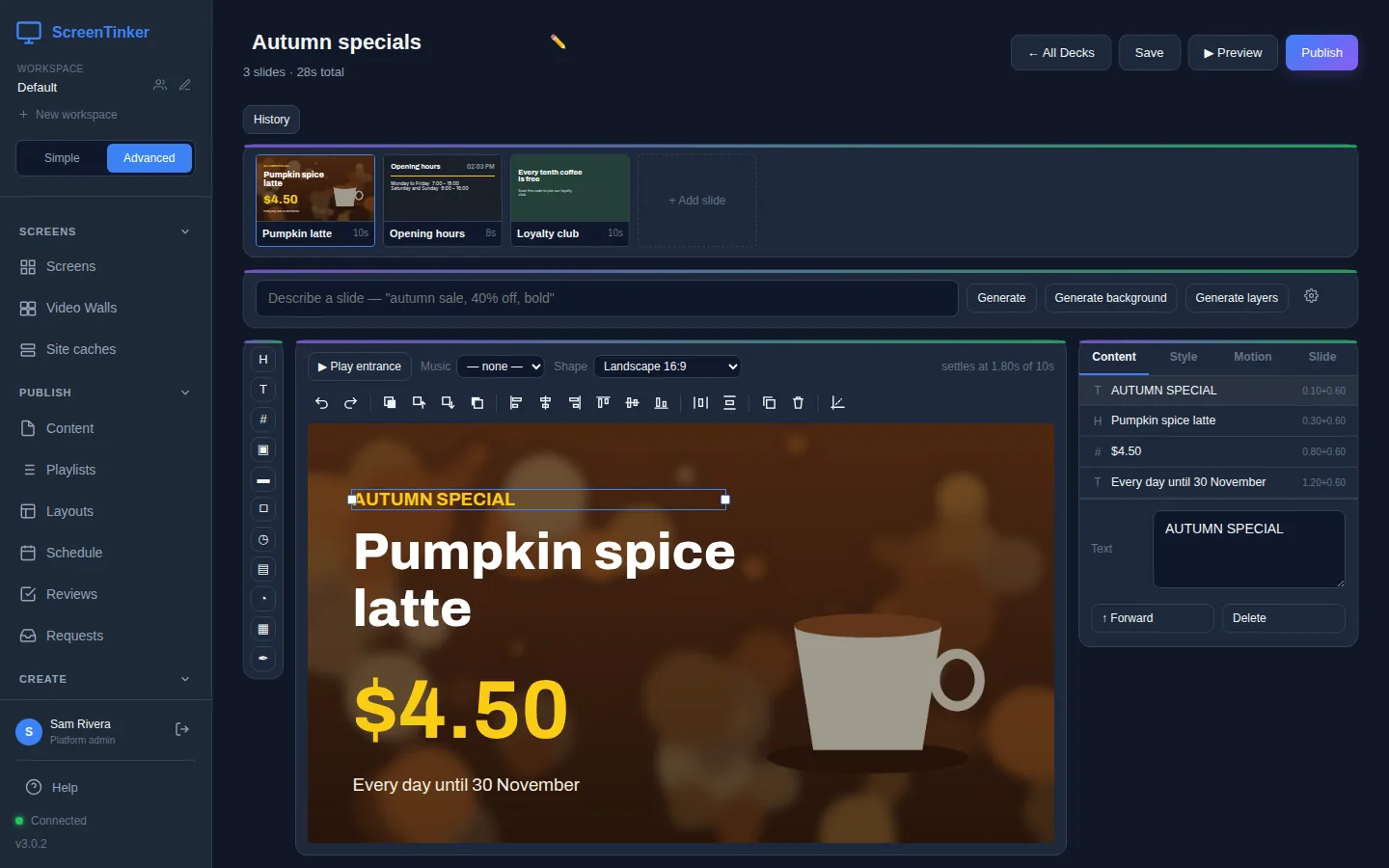
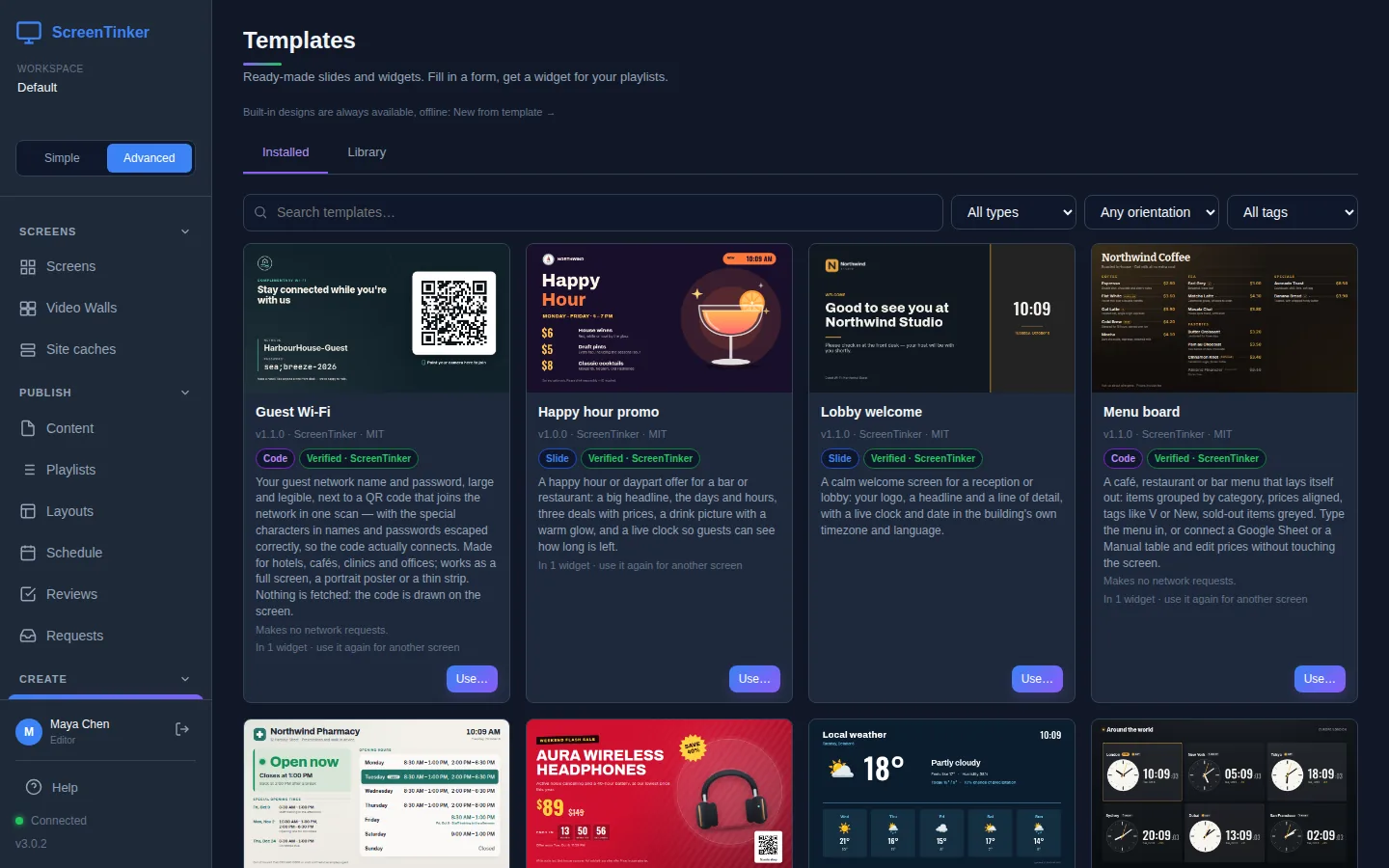
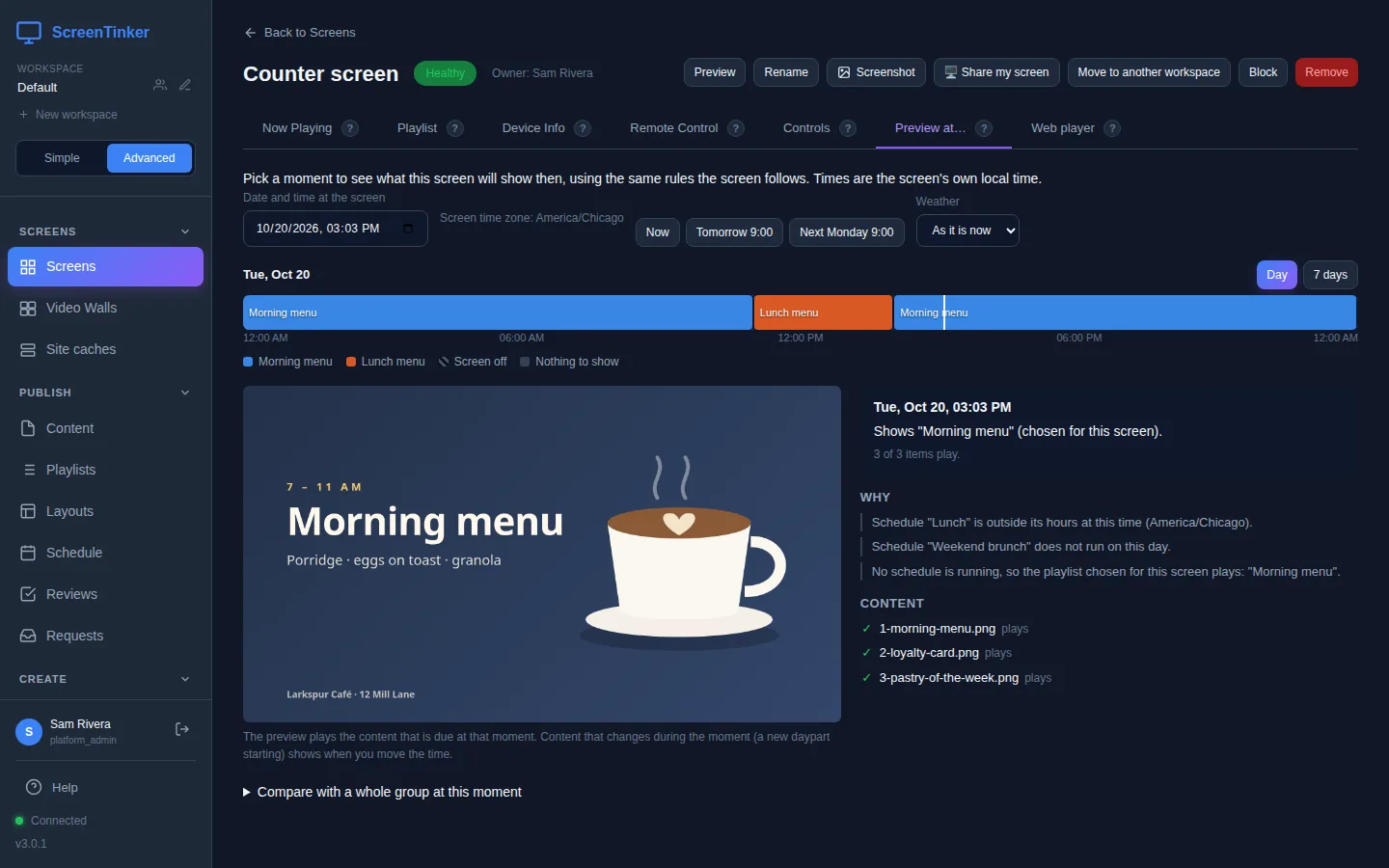
Run every TV, menu board, kiosk, and video wall from one browser dashboard with ScreenTinker, a digital signage CMS you host yourself, with no per-screen license fees. Players cover Android TV, Fire TV, Samsung Tizen, LG webOS, Amazon Vega OS, Roku, Raspberry Pi, Windows, ChromeOS, and any web browser. Upload images and video, turn each PDF page into a slide, or design animated decks in the slide editor with templates, optional voiceover, a music bed, and an optional AI designer that works from a prompt using your own model endpoint. Widgets add clocks, weather, RSS tickers, moderated social walls, live IPTV streams, and iCal or JSON data bound straight into a slide. A weekly calendar handles recurring schedules, priorities, and time zones, and Preview at shows what a given screen will play at any chosen moment. Group screens to push playlists and bulk commands, split displays into zones, or join several panels into a video wall with bezel compensation. Live remote control, CSV proof-of-play reports, and offline email alerts keep a fleet in check, while web and Android players cache content and keep playing through outages. Workspaces, six role levels, optional approval before publishing, OIDC single sign-on, white-label branding on your own domain, and a scoped REST API serve agencies and larger teams. Running on a dedicated VPS on RepoCloud with guaranteed CPU, RAM, and SSD, full root SSH access, and a browser serial console. MIT licensed.
Benefits
- Every screen from one dashboard
- Organize displays into groups, assign one playlist to a whole group, send bulk commands such as reboot or screen off, and use live remote control instead of visiting each screen.
- No per-screen player licenses
- Every player app is free on every platform, and setting SELF_HOSTED=true gives the first user every feature with unlimited devices, so adding screens never adds license cost.
- Screens keep playing offline
- Web and Android players cache content locally and keep displaying through server or internet outages, then sync state automatically when connectivity returns, so a brief outage does not take a menu board dark.
- Built for teams and agencies
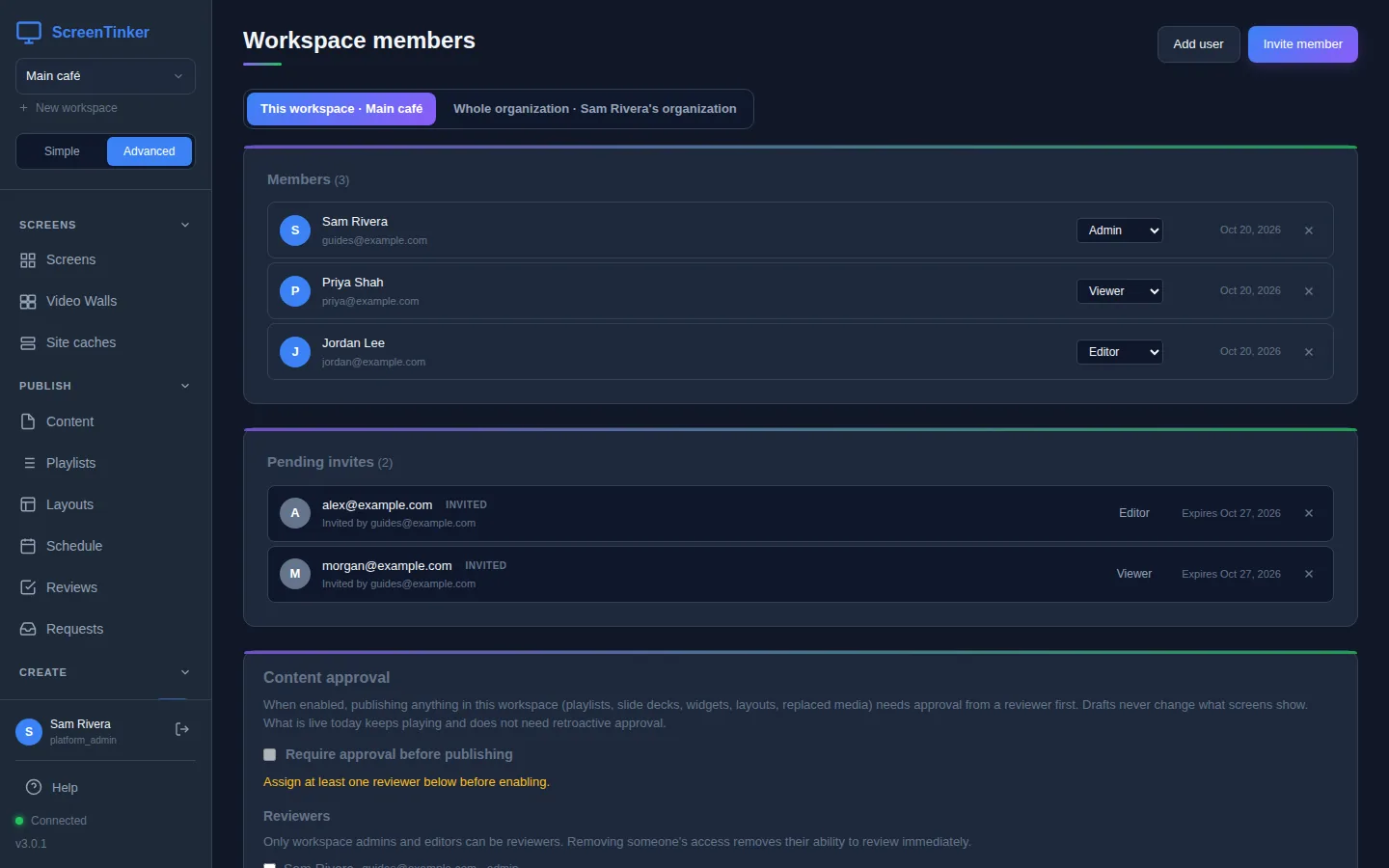
- Workspaces with six role levels, optional approval before publishing, one-click version restore, OIDC single sign-on, and white-label branding on your own domain let agencies run several clients from one install.
Features
- Playlists and slide editor
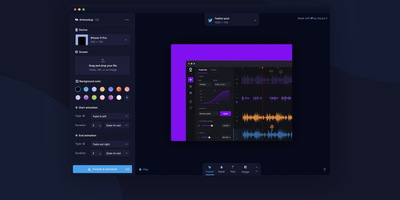
- Build playlists with per-item durations and draft-then-publish control, or design animated slide decks from templates with optional voiceover and music, then publish a deck straight to a playlist.
- Scheduling and time preview
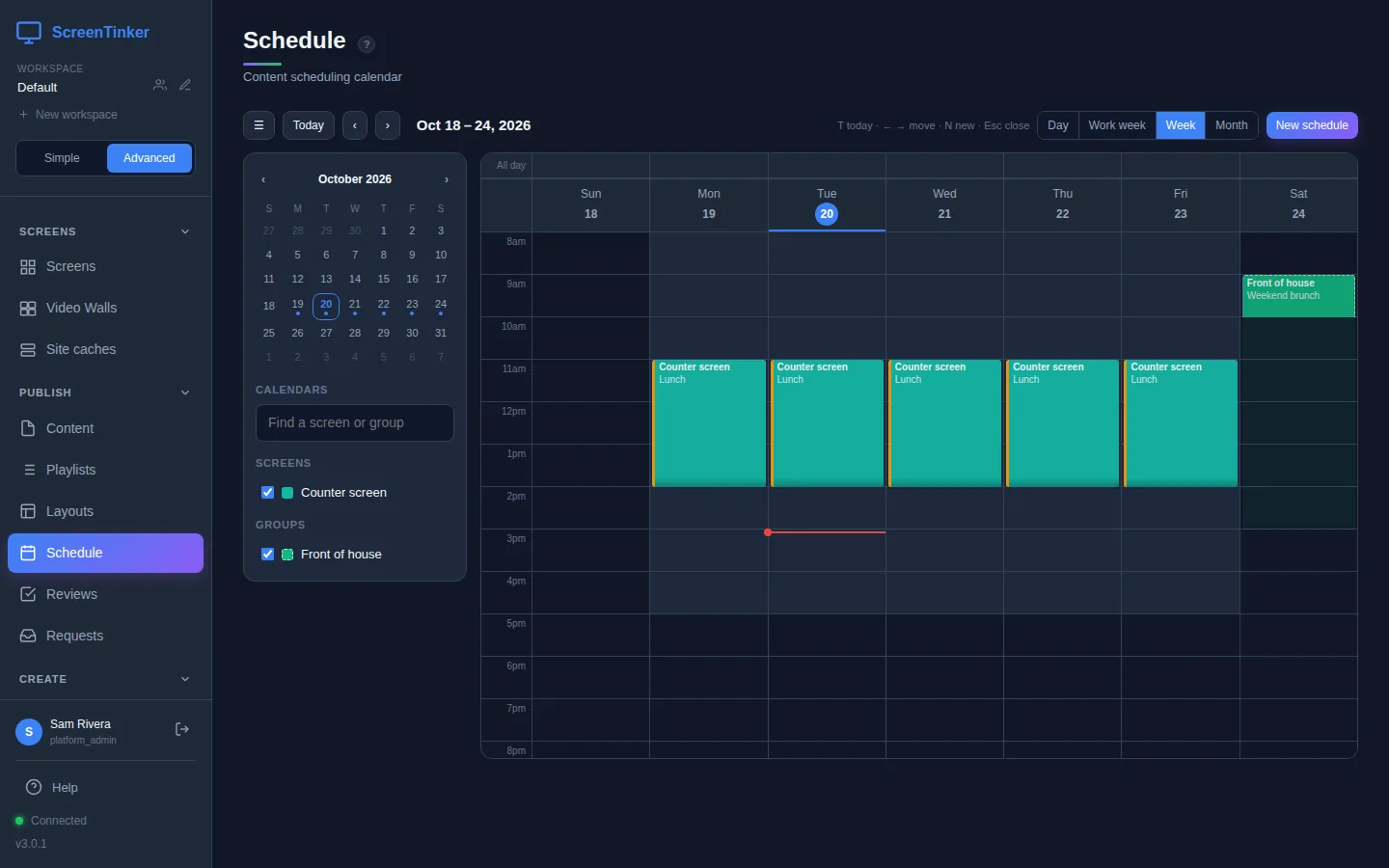
- A weekly calendar supports daily, weekly, and monthly recurrence, priorities, device and group schedules, and time zones, while Preview at shows what any screen will play at a chosen moment.
- Video walls and zones
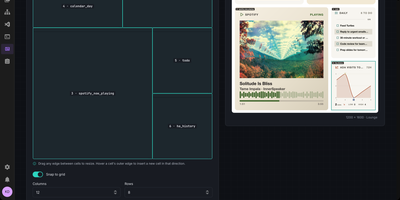
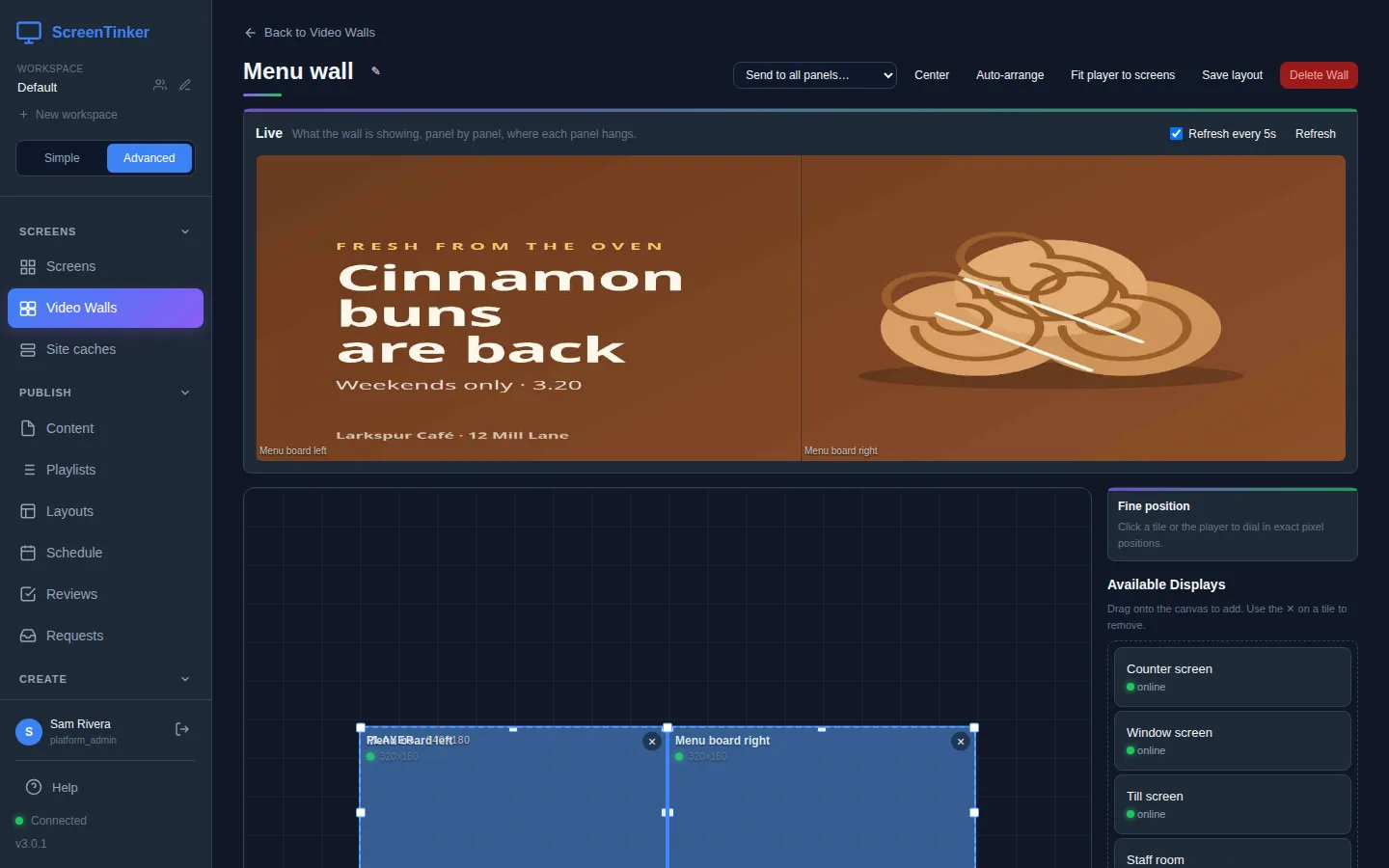
- Join several displays into one video wall with bezel compensation, rotation, and leader-based sync, or split a screen into zones using a drag-and-drop editor with seven built-in templates.
- Widgets and live data
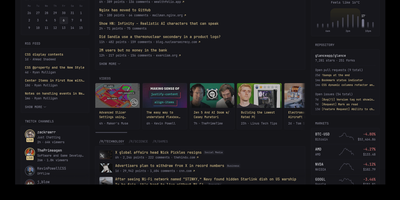
- Add clocks, weather, RSS tickers, moderated social walls, directory boards, and live IPTV or camera streams, and bind iCal or JSON feeds into slides, including meeting-room availability signs.
- Proof-of-play and alerts
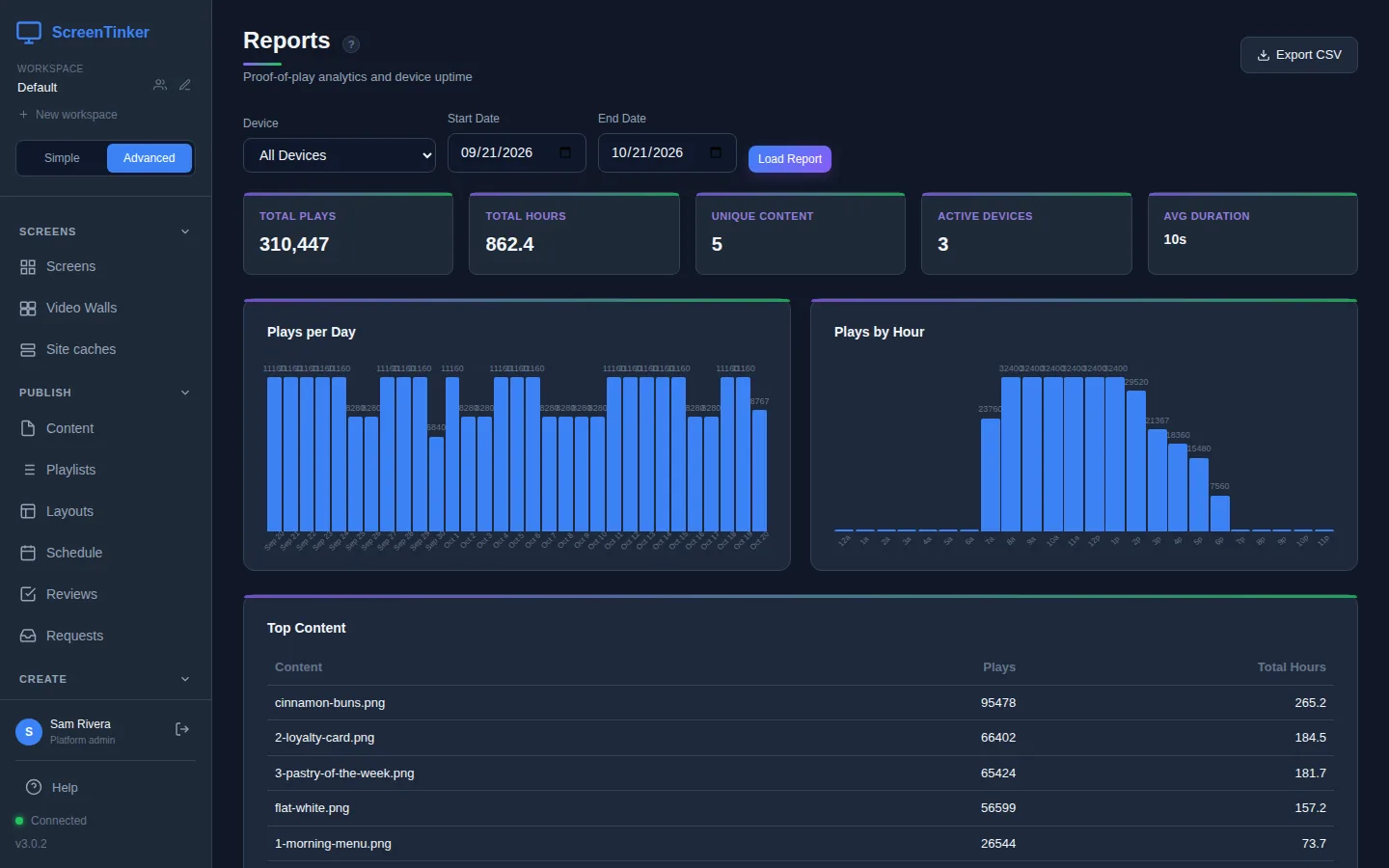
- Play counts by content and device with hourly and daily breakdowns export to CSV, while telemetry tracks battery, storage, Wi-Fi signal, and uptime, plus email alerts for offline screens.
- Storage, API, and triggers
- Keep media on local disk, S3-compatible buckets, or Azure Blob, automate through scoped REST API tokens documented in OpenAPI 3.1, and fire LAN triggers over HTTP POST or UDP.