Categories
Self-Hosted Productivity Task Management Calendar Personal Organization To-Do List Weekly Planner Time ManagementStars
Forks
Watchers
Developer links
Plain Week
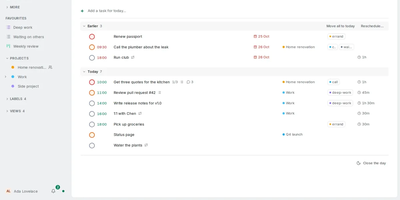
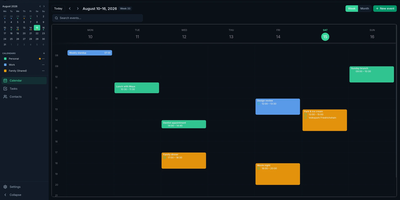
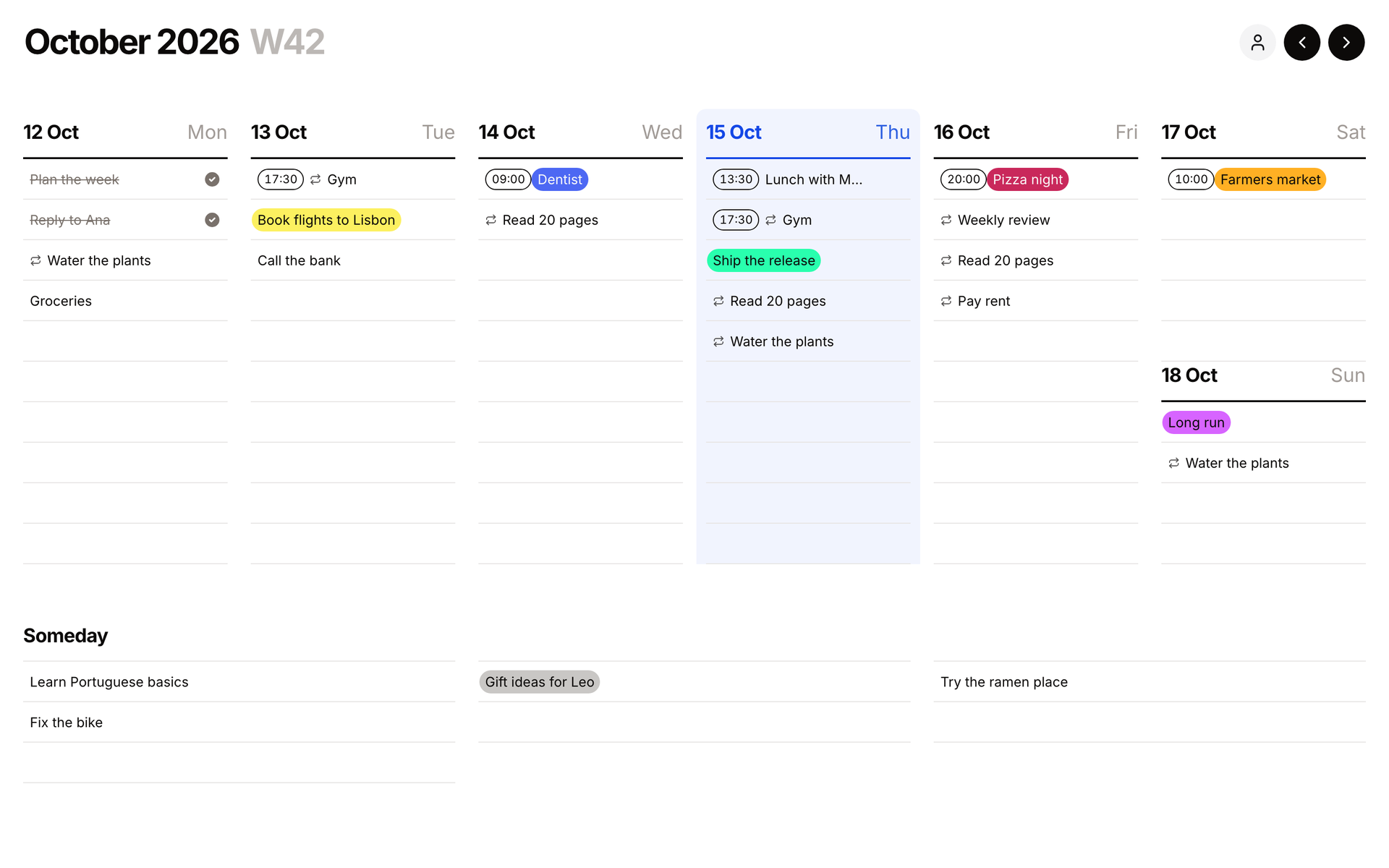
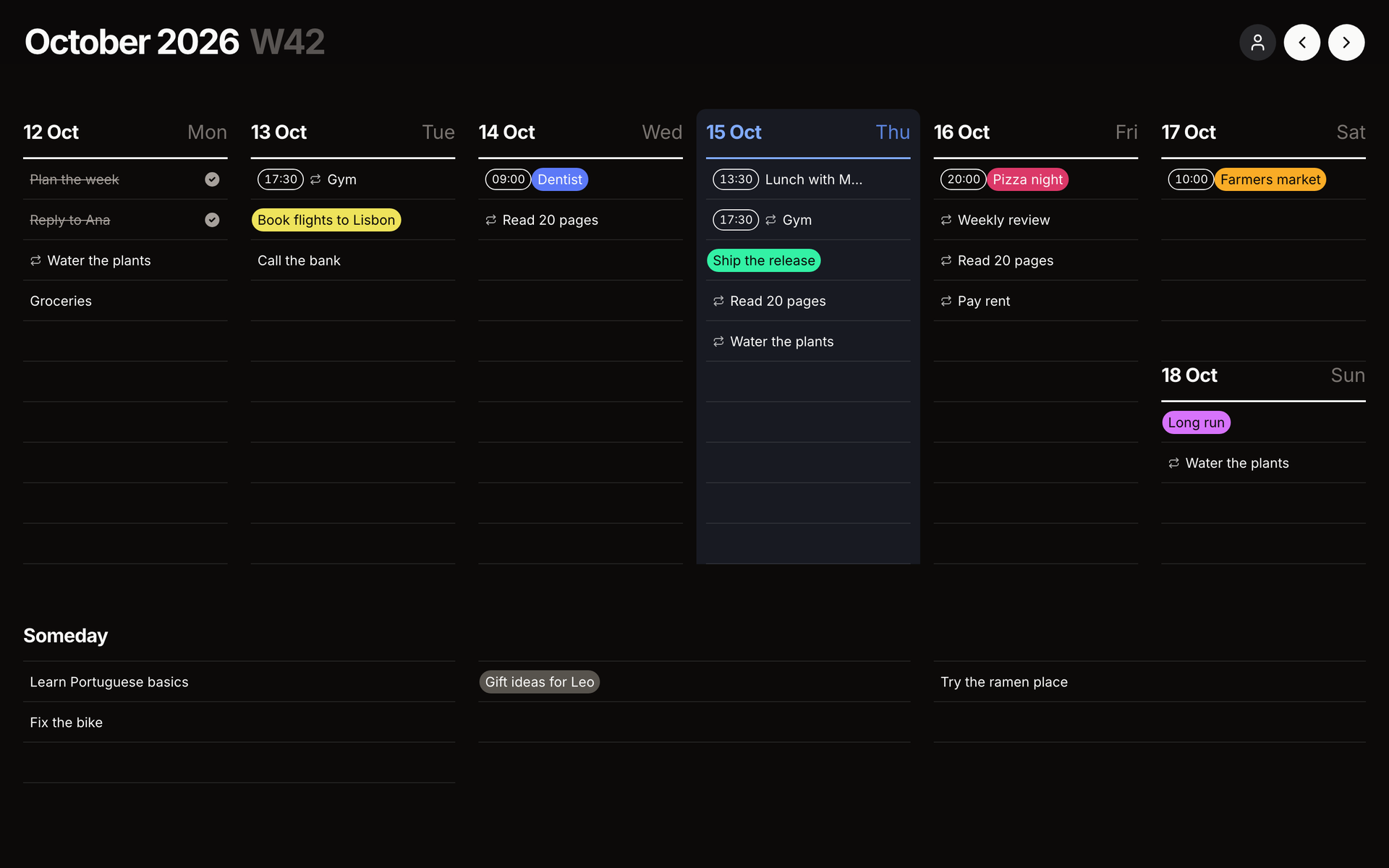
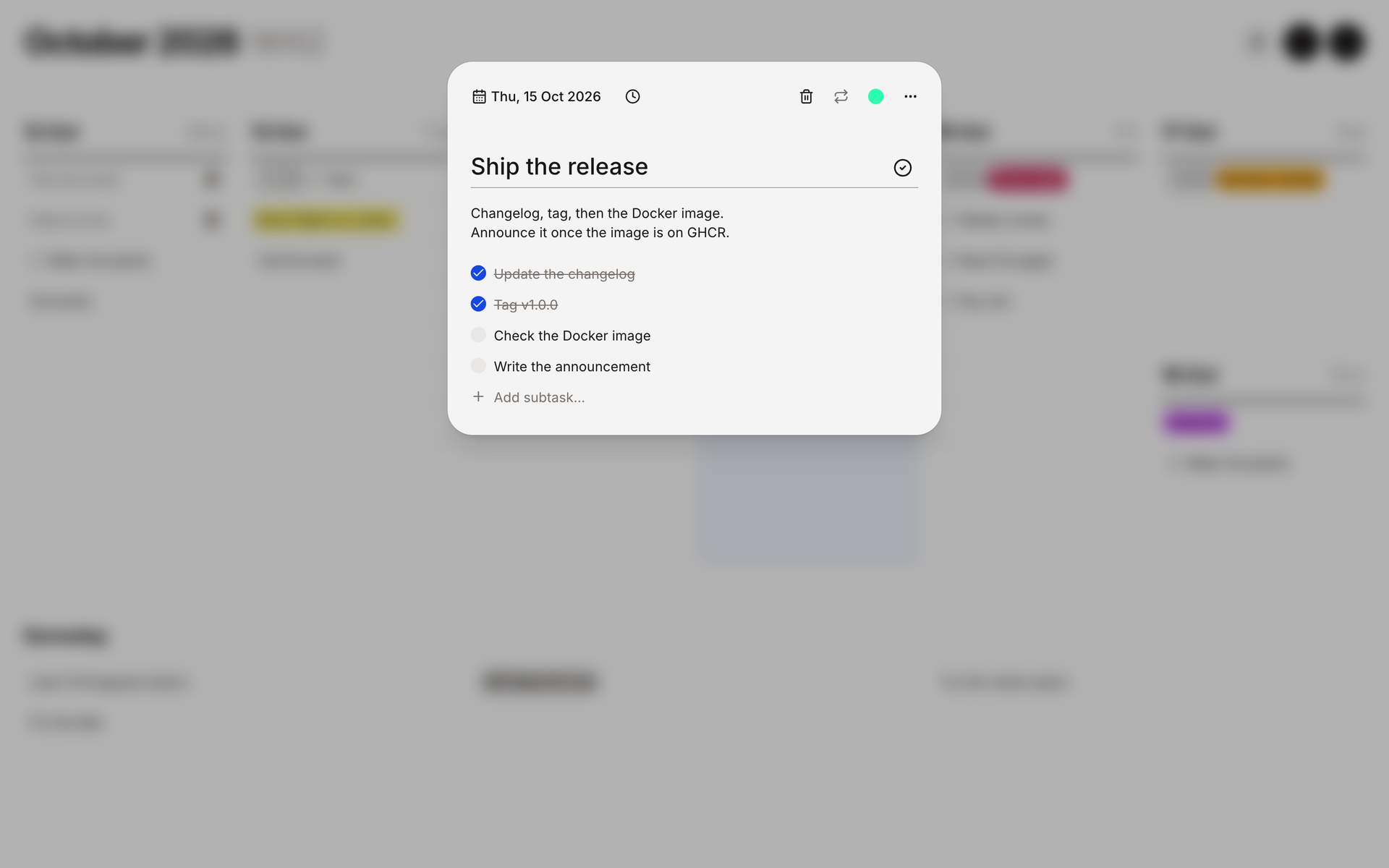
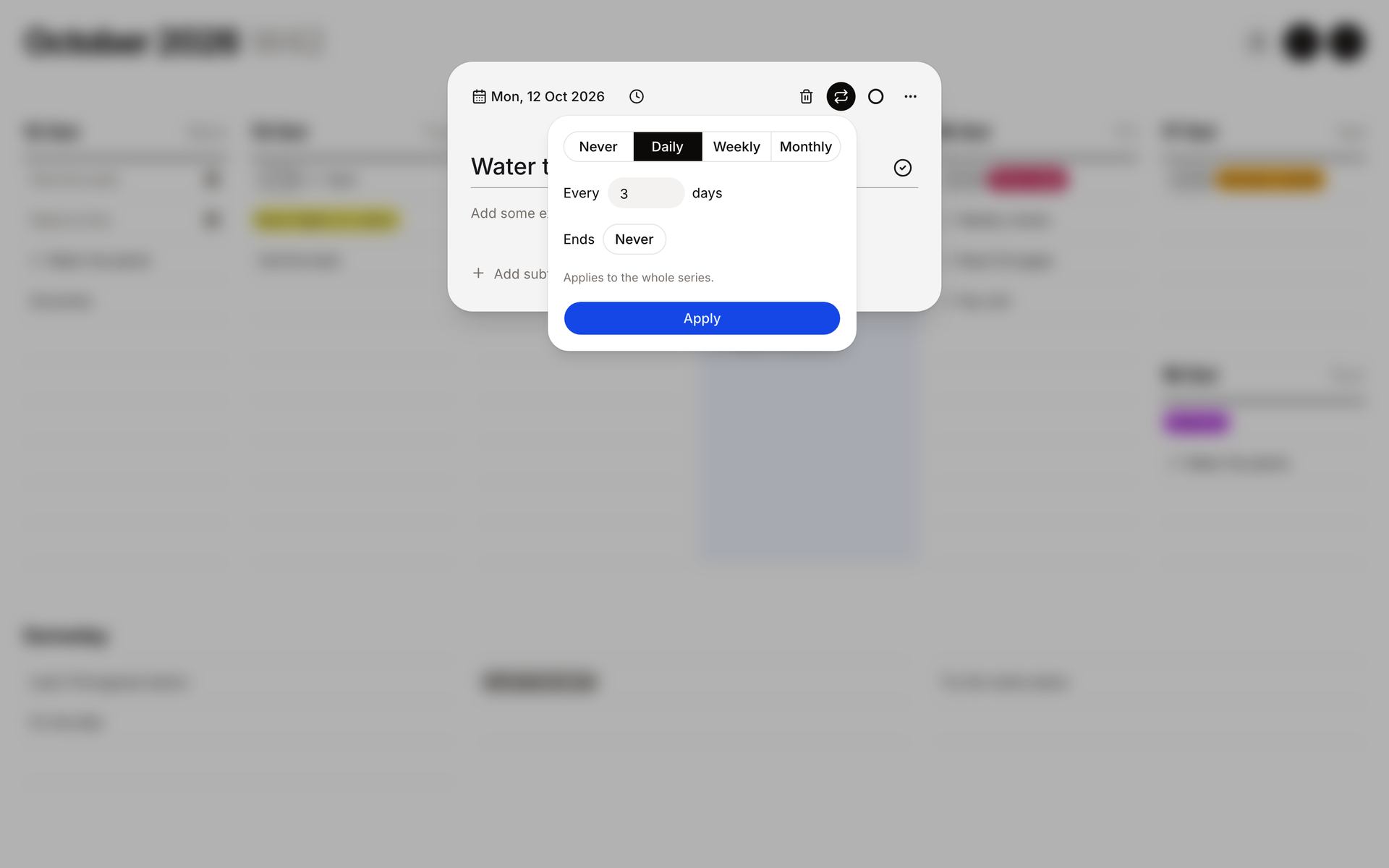
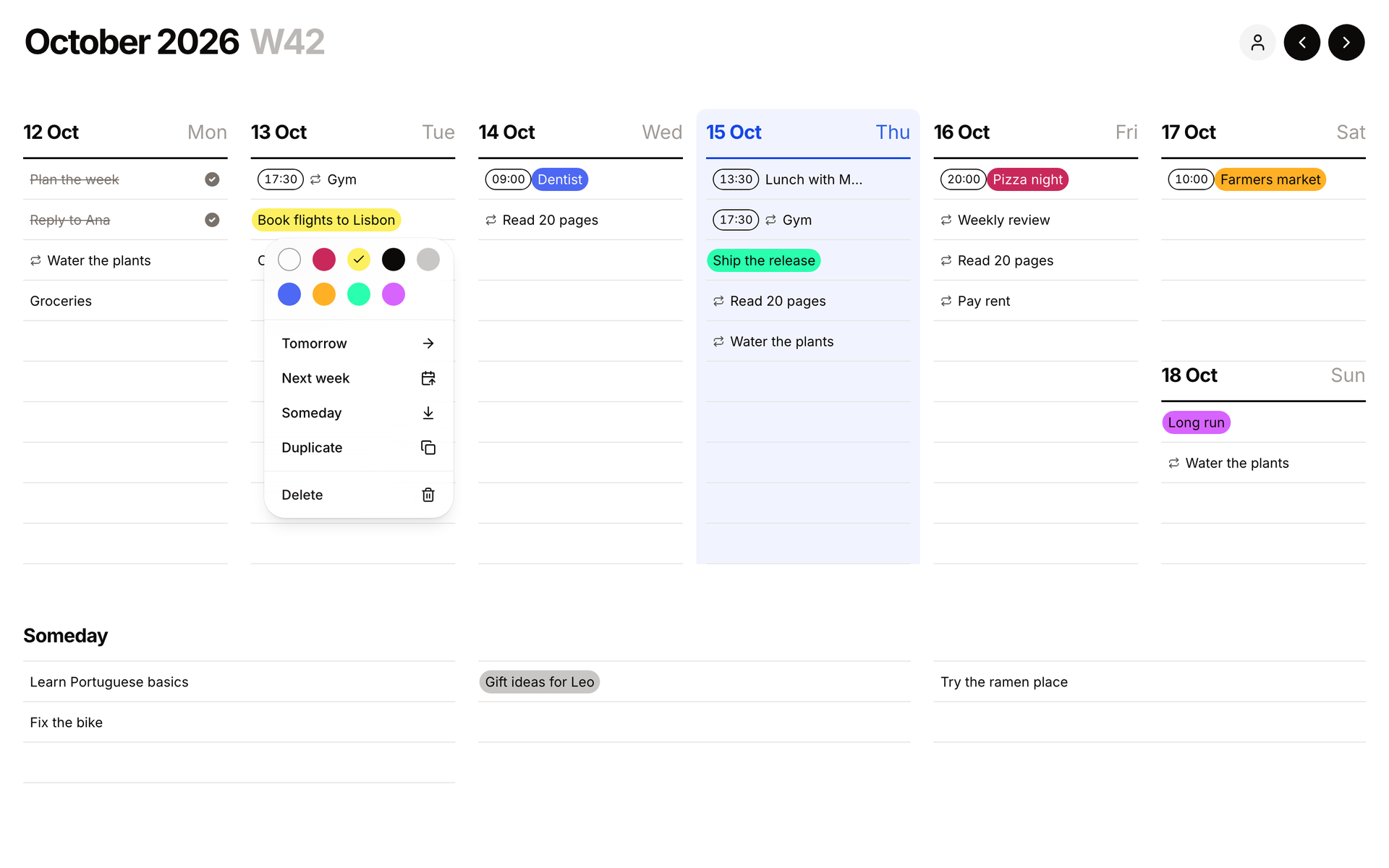
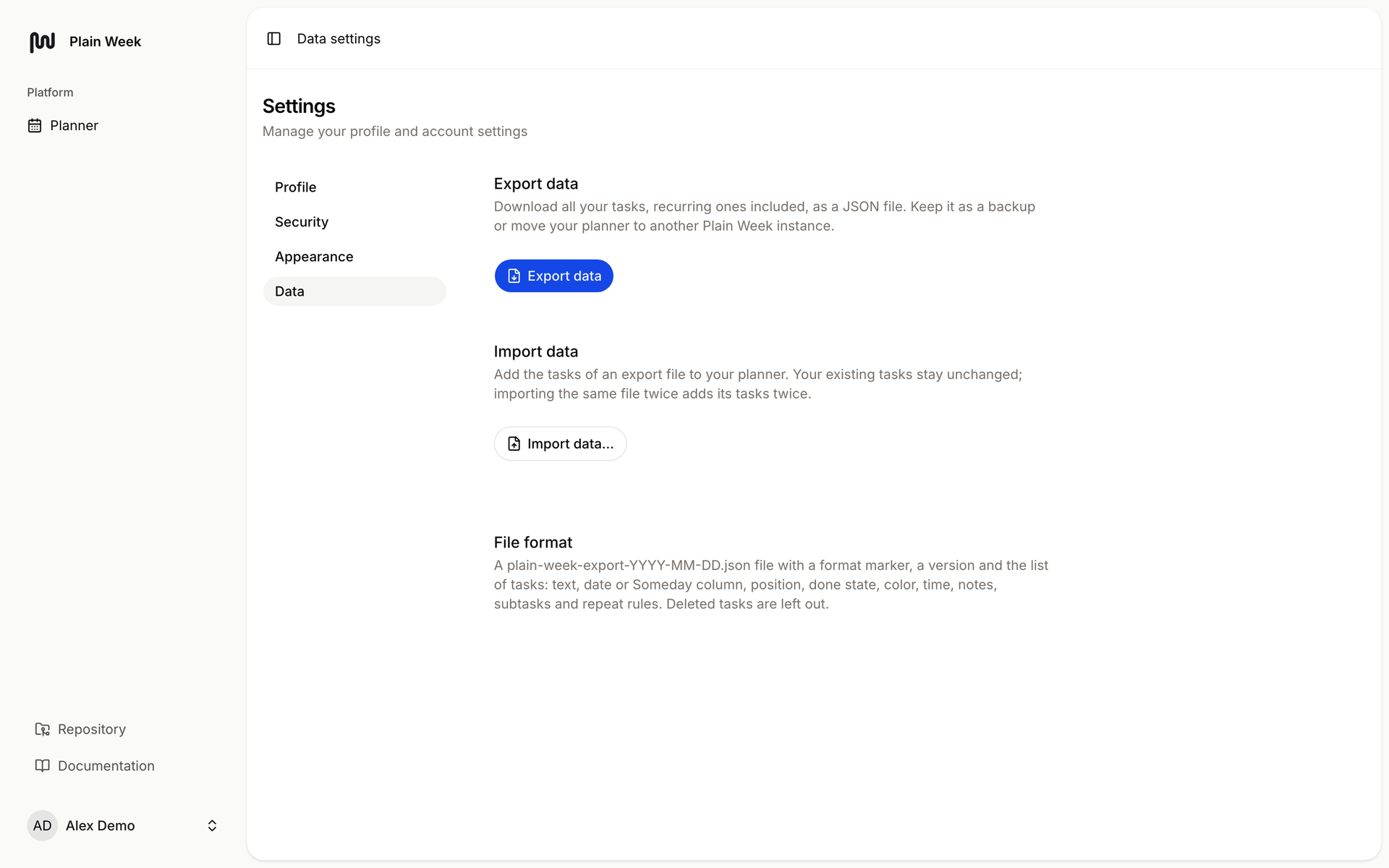
Seven days and a Someday list fit on one screen in Plain Week, a minimal weekly planner and to-do list. Click an empty row, type, press Enter, and keep typing. Writing "17:30 Gym" sets the time for you. Each task opens into a dialog with eight colors, plain-text notes, and a checklist of subtasks. Repeats run every few days, weekly on chosen weekdays, or monthly on a set date, with optional end dates and edits for one occurrence or the whole series. Drag tasks between days, into Someday, or past the screen edge to another week, by mouse, touch, or keyboard. Right-click to color, duplicate, delete, or push a task to tomorrow or next week, with undo. Arrow keys change weeks and T returns to today. The planner works offline, installs as an app, and keeps data in the browser until you add an account to sync. Export every task to JSON, import it into another instance, and pick light or dark themes or right-to-left layouts. Running on a dedicated VPS on RepoCloud with guaranteed CPU, RAM, and SSD, full root SSH access, and a browser serial console. MIT licensed.
Benefits
- See Your Whole Week
- One week fits on a single screen with a Someday list below, so you spot busy days, free evenings, and unscheduled ideas without scrolling through a month grid.
- Capture Tasks In Seconds
- Click a row, type, and press Enter to add the next task, and typing a time like 17:30 before the title schedules it without touching a date picker.
- Plan Without An Account
- Tasks live in your browser and keep working offline, so you can start instantly, and add an account on your own server later to sync devices.
- Keep Your Data Portable
- Export every task, recurring ones included, as a JSON file for backup, then import it into any other Plain Week instance whenever you move servers.
Features
- Recurring Tasks
- Repeat tasks every few days, weekly on chosen weekdays, or monthly on a set day, with end dates and edits for one occurrence or the series.
- Colors, Notes, Subtasks
- Open any task to pick one of eight colors, write plain-text notes, and build a checklist of subtasks in a single dialog.
- Drag And Drop
- Reorder tasks within a day, move them across days or into Someday, and drop at the screen edge to reach another week.
- Context Menu Actions
- Right-click a task to change its color, duplicate it, delete it, or send it to tomorrow, next week, or Someday.
- Offline Installable App
- Data lives in the browser, the app loads without a connection, and it installs as a progressive web app on phones and desktops.
- Optional Sync Accounts
- Start as a guest, then create an account on your server to sync between devices, with local tasks carried over automatically.