Categories
Self-Hosted Productivity Task Management Habit Tracking Personal Dashboard Project PlanningStars
Forks
Watchers
Developer links
DailyHub
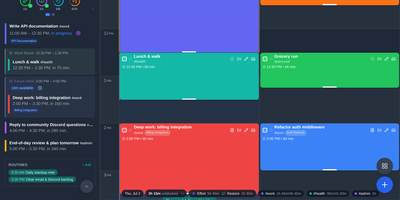
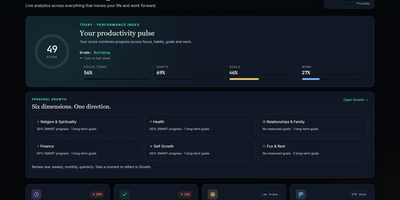
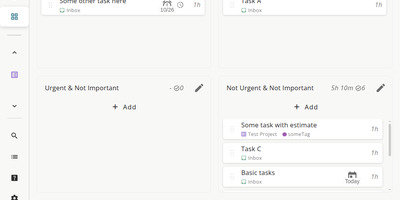
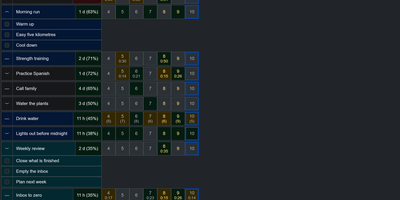
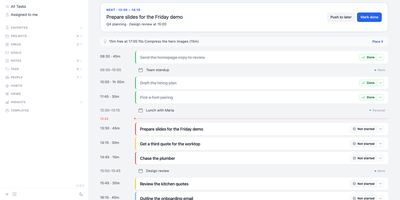
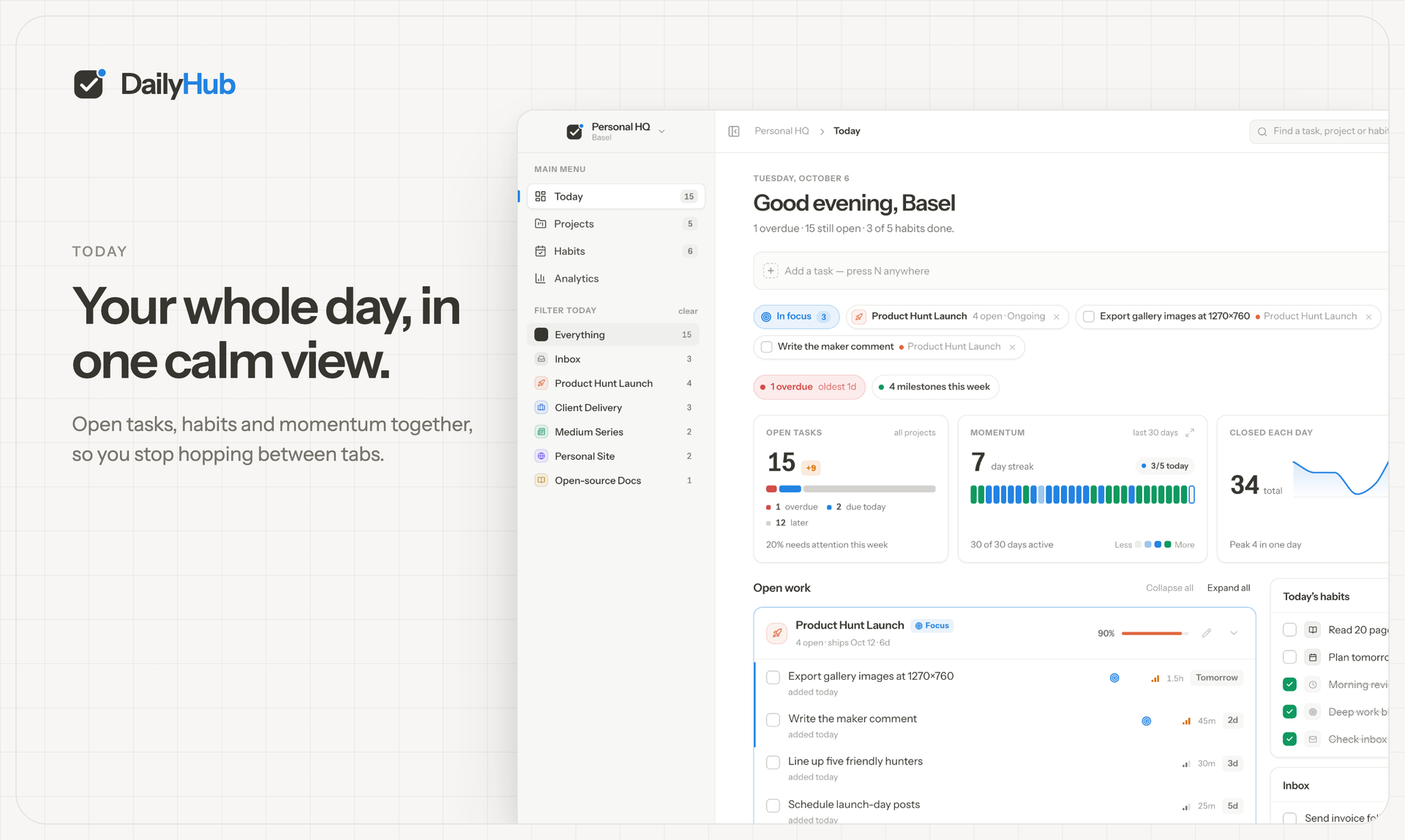
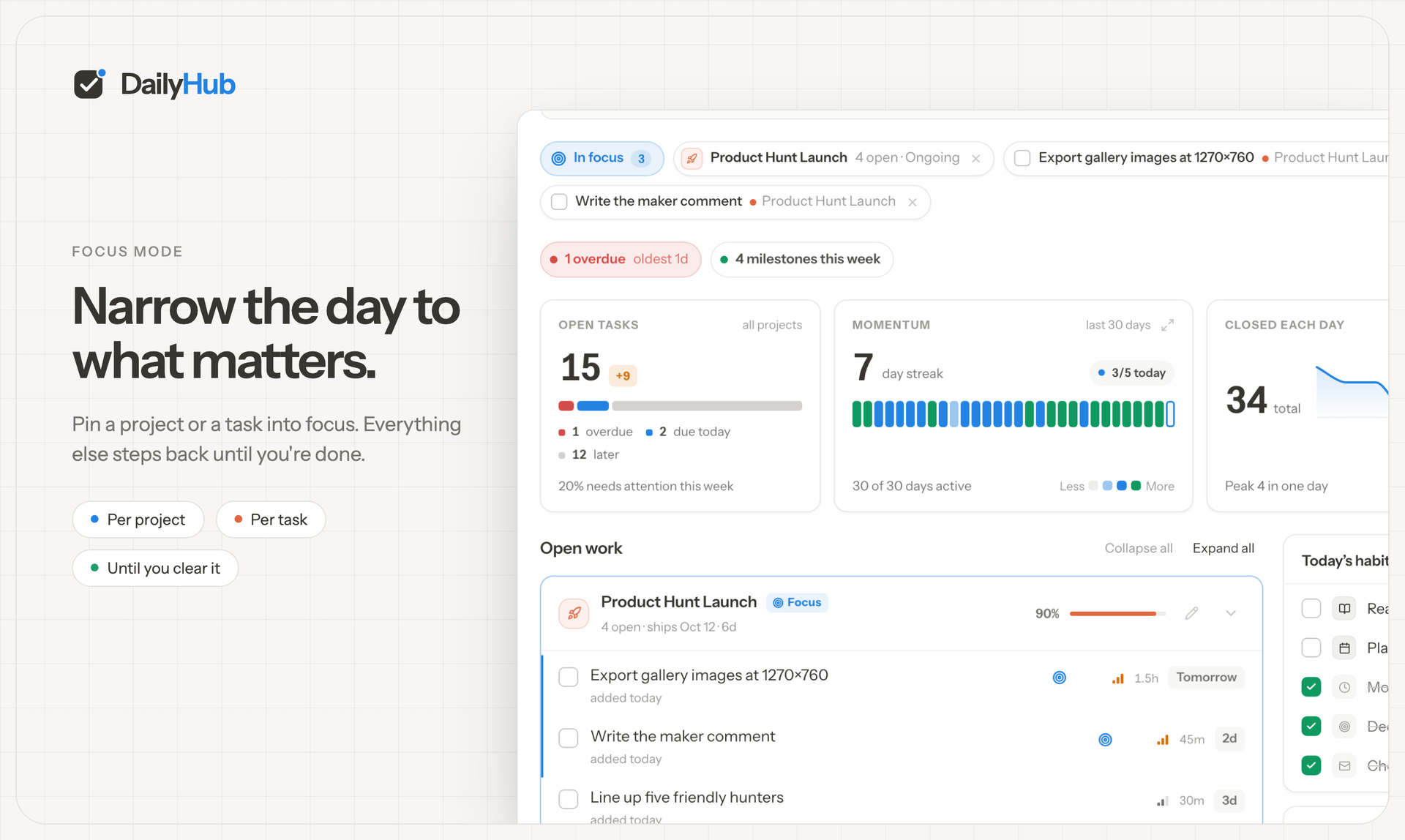
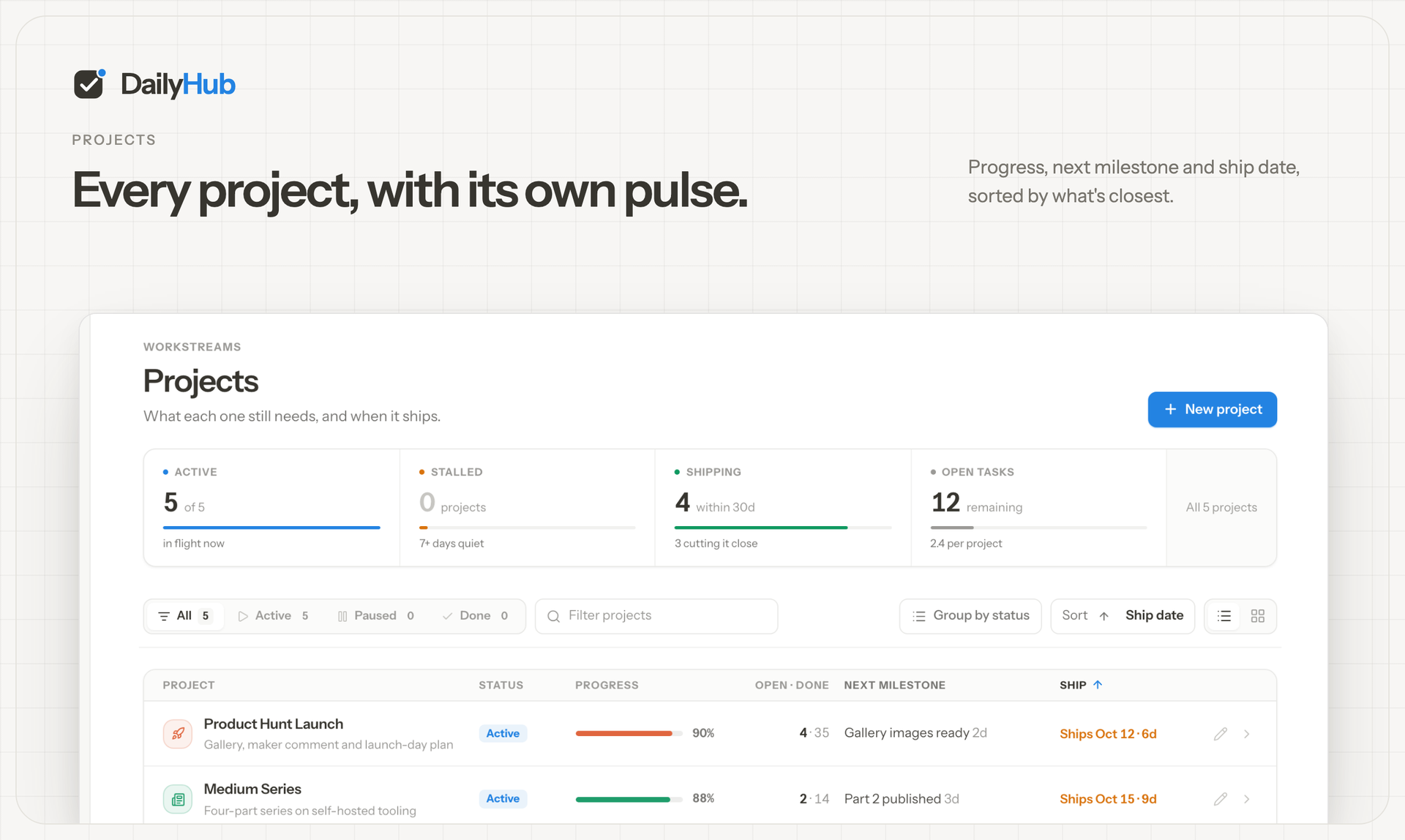
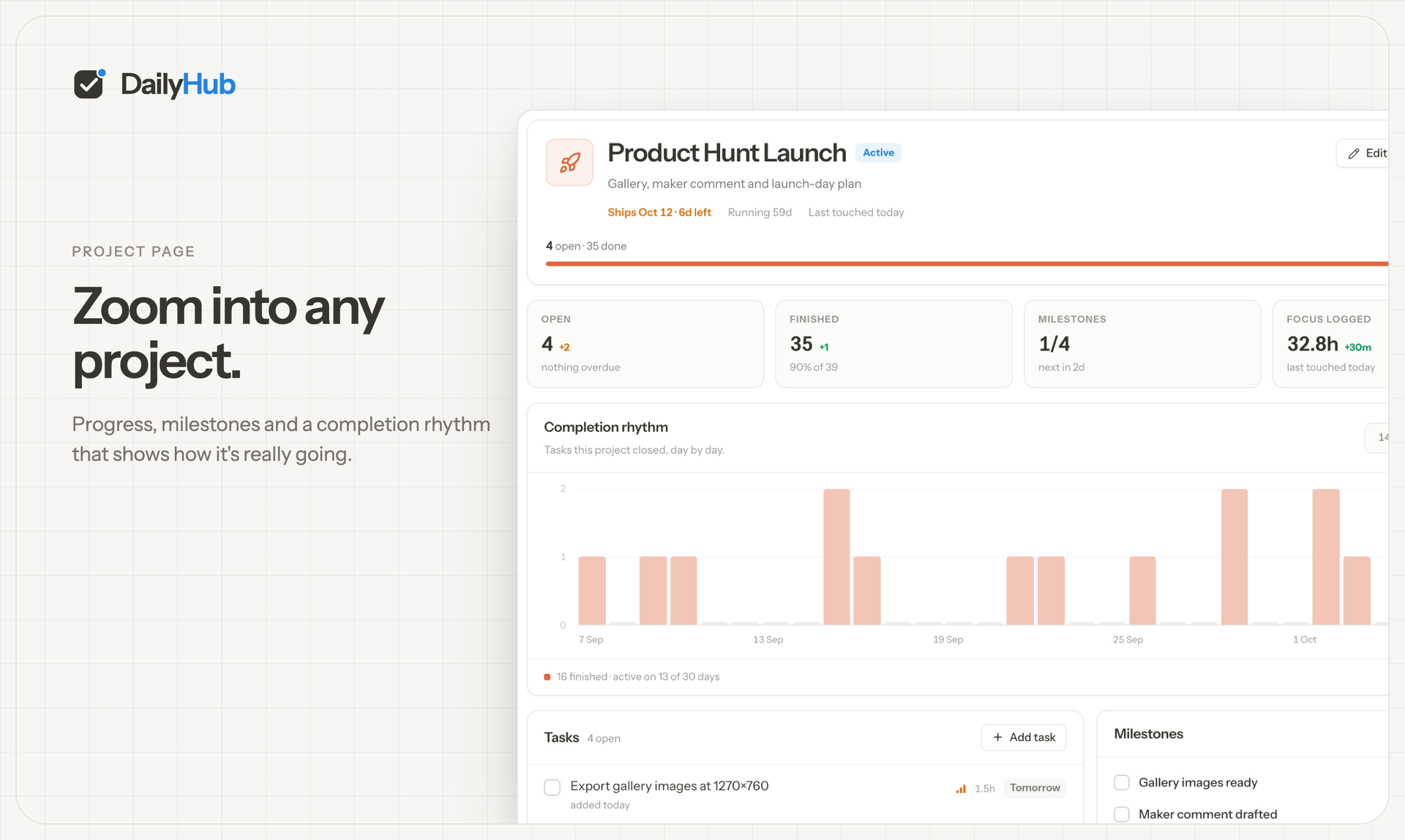
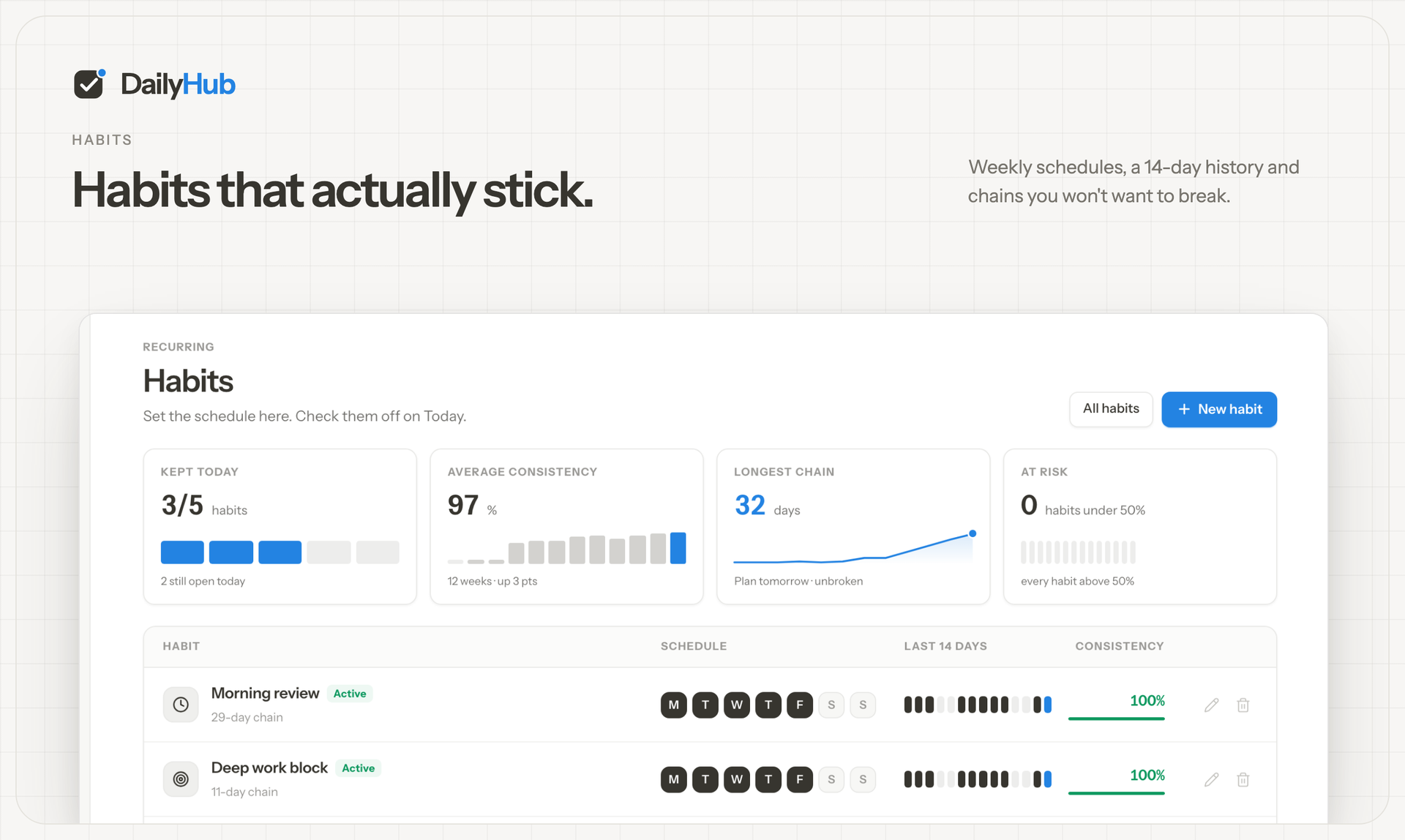
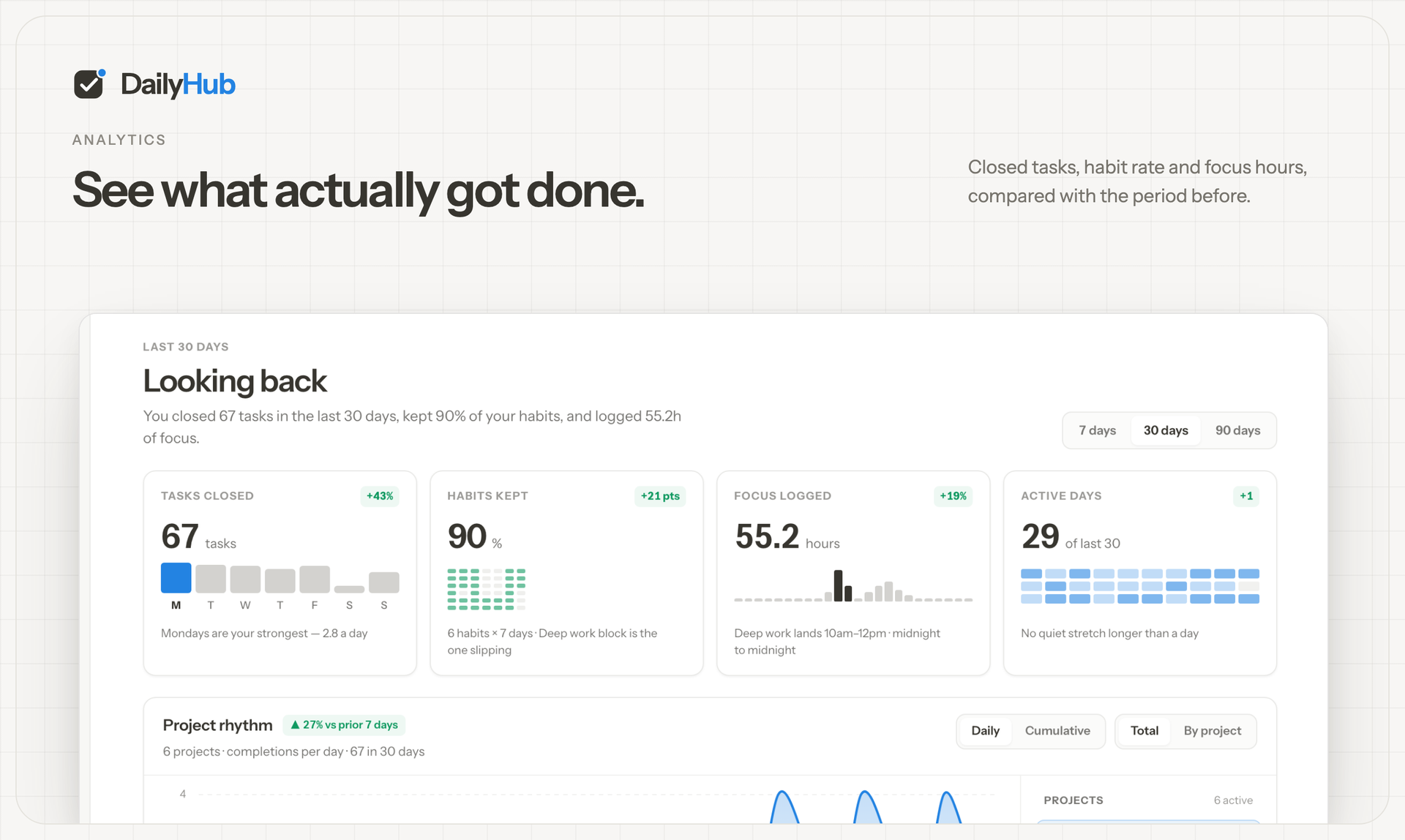
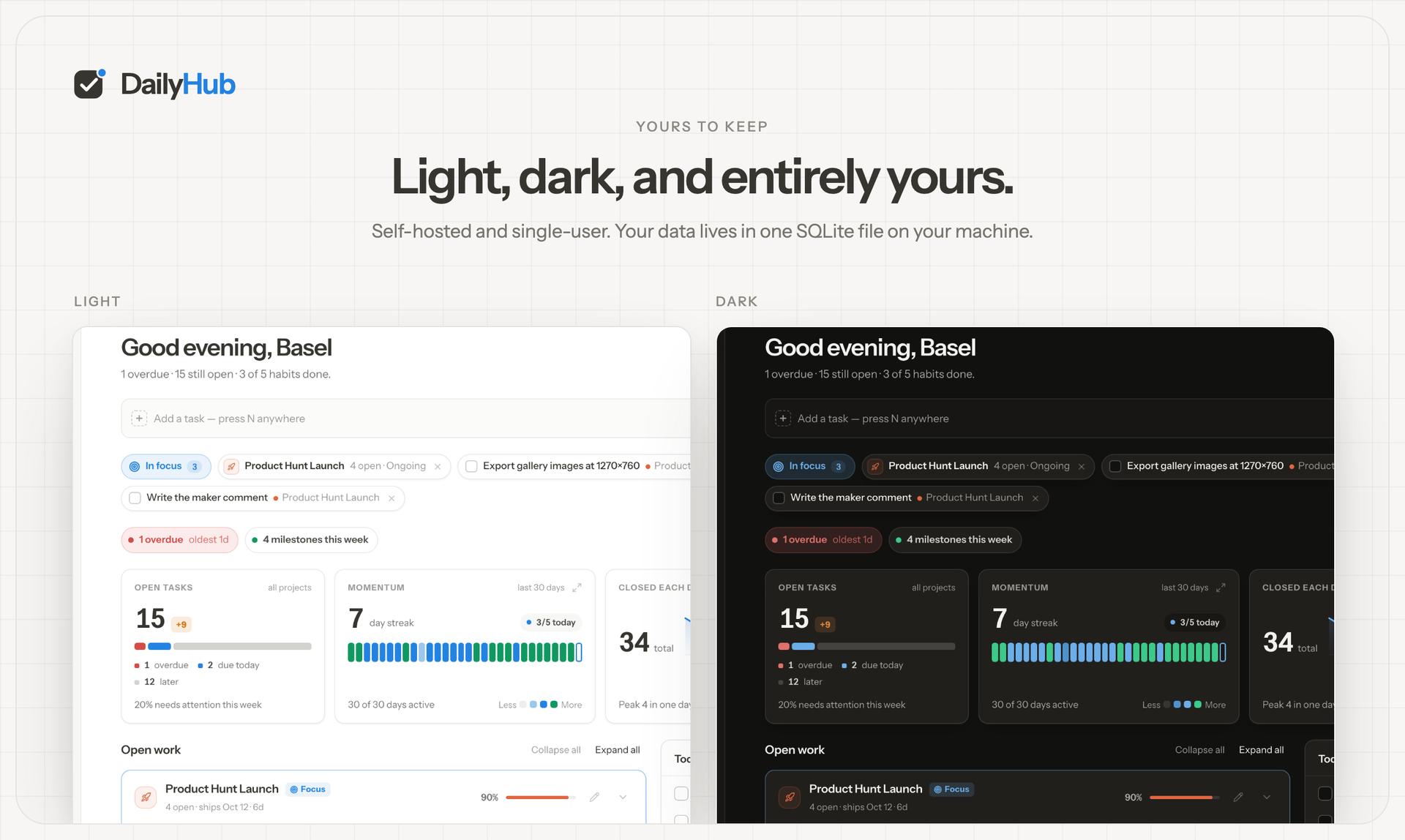
DailyHub is one calm page for a single person's whole day: today's open work grouped by project, the habits due this morning, and an inbox that catches everything that does not belong anywhere yet. The Today view greets you with a quick-add box, nudges about what is slipping, and a progress bar that fills as the day gets done. Focus mode pins the projects or tasks that matter and hides the rest until a date you pick or until you clear it, so the full list stops shouting. Projects carry status, due dates, and milestones, wear logos with accent colours derived from them automatically, and raise a banner when work stalls. Habits run on weekday schedules and report back with a 14-day consistency strip and a completion rate, so a streak is something you can see rather than guess. Analytics chart completions over time, break them down per project, and surface the weekday patterns that show when you actually get things done. A command palette jumps to any project, task, habit, or milestone from the keyboard, and light and dark themes keep long planning sessions easy on the eyes. An AI assistant can join through the built-in MCP endpoint: ask what is still open in the inbox, add a task to the website project for Friday, or mark today's workout done. Running on a dedicated VPS on RepoCloud with guaranteed CPU, RAM, and SSD, full root SSH access, and a browser serial console. MIT licensed.
Benefits
- One page for the day
- Today gathers the morning's habits, open work grouped by project, an inbox, and a progress bar into a single screen, so planning takes a glance instead of an app tour.
- Focus without the noise
- Pin the projects or tasks that matter and Focus mode hides everything else until a date you choose or until you clear it, even when the full list is long.
- Streaks you can see
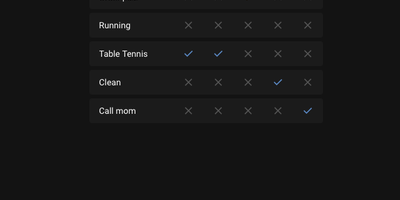
- Habits follow weekday schedules and report a 14-day consistency strip and completion rate, while analytics chart completions over time and break them down per project.
- Your data is a folder
- Projects, tasks, habits, and logos live in one SQLite file and an uploads folder on your own disk; copying that folder is the entire backup, no account needed.
Features
- Today view planning
- A greeting, quick add, nudges, today's habits, open work grouped by project, and an inbox on one screen, with a progress bar filling as things get done.
- Focus mode pinning
- Pin projects or tasks so Today shows only what matters, and keep them pinned until a chosen date or until you clear the pin yourself.
- Command palette navigation
- Press Command-K or Control-K to jump straight to any project, task, habit, or milestone without touching the mouse or digging through lists.
- Habits with consistency
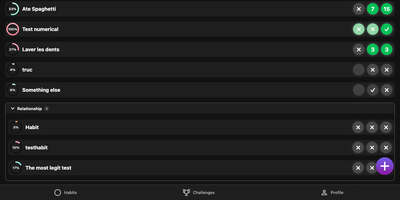
- Weekday schedules drive each habit, and a 14-day consistency view plus a completion rate show whether the routine is actually holding over time.
- Analytics that explain
- Completion charts over time, a per-project breakdown, and weekday patterns reveal when work really happens, drawn from the tasks and habits you close.
- MCP endpoint built in
- A token-guarded MCP endpoint on the app port lets Claude, Cursor, and other AI clients read and update your projects, tasks, and habits directly.