Categories
Media Library Photo Management Photo Gallery Image Hosting Self-Hosted Photos Family Photos Backup And SyncStars
Forks
Watchers
Developer links
Pixtale
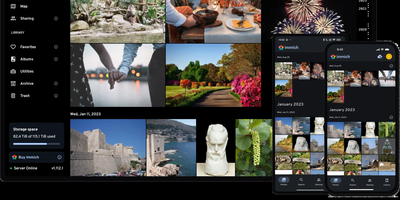
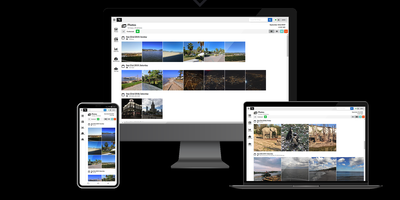
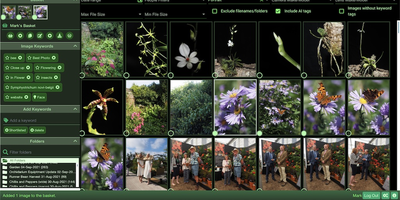
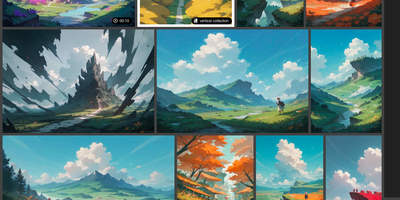
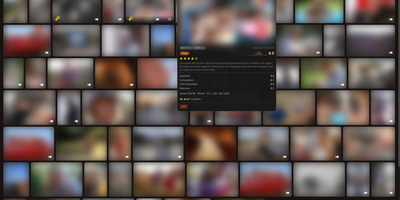
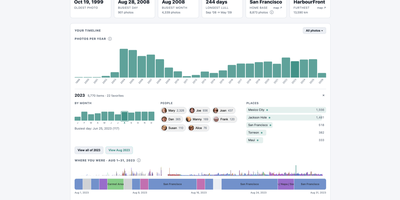
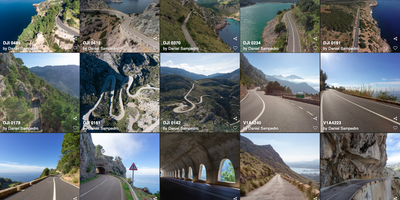
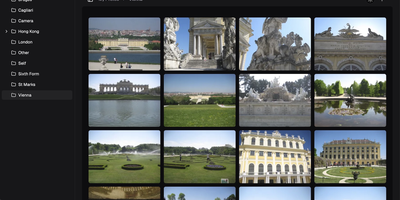
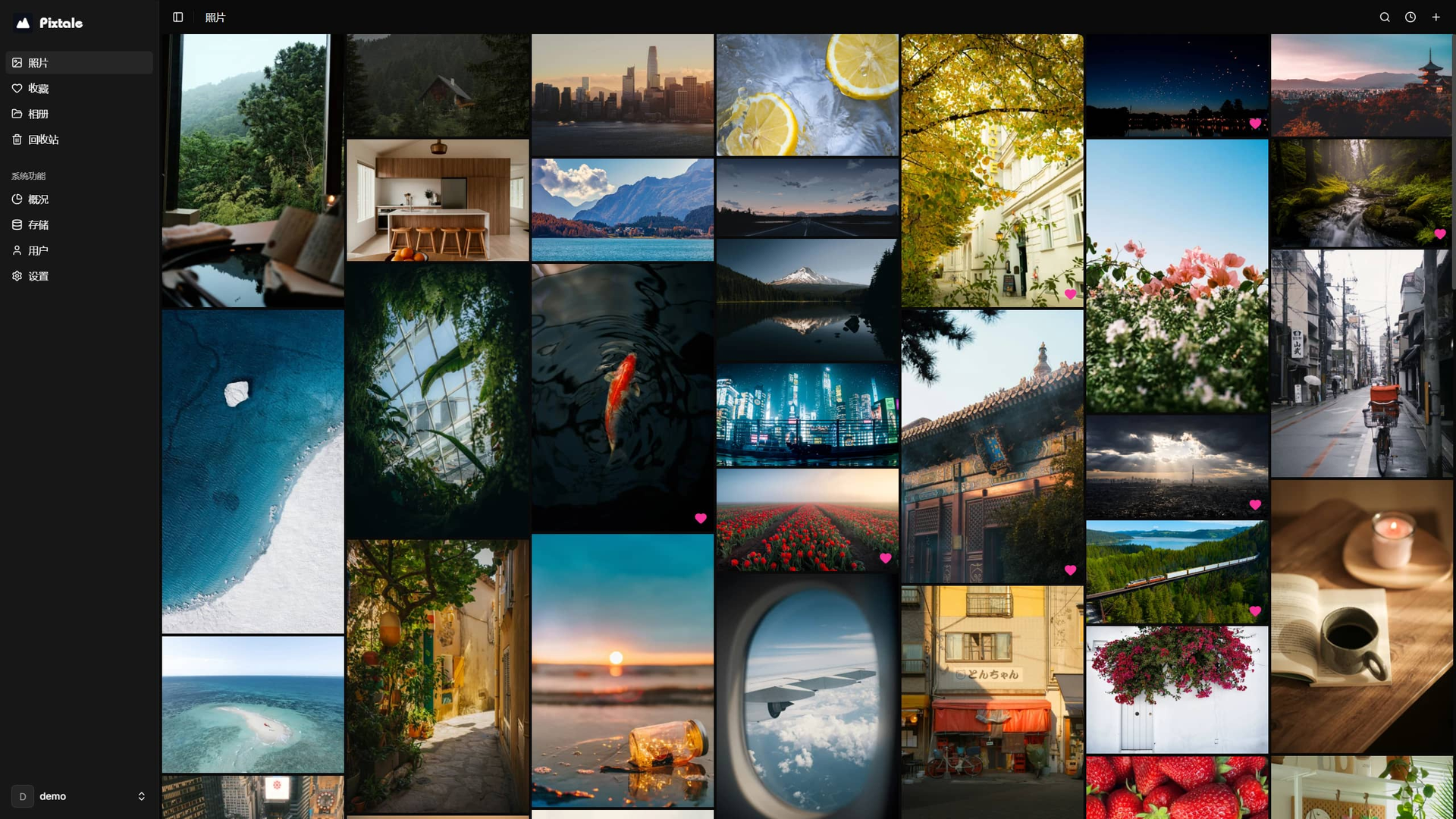
Scroll, do not file: Pixtale turns a folder of photos into a flowing masonry river you can browse for hours, pulling images from local disk, S3, and even Telegram into one gallery. Uploads get automatic thumbnails and high-resolution previews tuned for slow connections, so grandparents on hotel Wi-Fi see pictures fast instead of watching loading spinners. Every photo keeps its EXIF story, camera, lens, exposure, and capture time, and the timeline arranges the library chronologically without you renaming a single file. The Pixtale Sync companion ships photos from phones and PCs to the gallery automatically, ending the cable-and-import ritual after every trip. Favorites, albums, and a trash bin keep curation tidy, while multiple user accounts let each family member sign in to the same library with their own credentials. An admin overview watches photo counts, storage consumption, CPU, and memory, and storage settings let you add or repoint backends as the collection outgrows its first disk. Because the whole gallery runs from one Docker container with a small SQLite database, backups are a folder copy and the library stays portable between machines. Your photos live on your hardware, under your accounts, with no per-seat pricing as the archive grows. Running on a dedicated VPS on RepoCloud with guaranteed CPU, RAM, and SSD, full root SSH access, and a browser serial console. AGPL-3.0 licensed.
Benefits
- One Gallery, Many Backends
- Local folders, S3 buckets, and Telegram storage appear in a single masonry gallery, so older archives and new uploads live side by side without manual merging, re-uploading, or splitting the family library across services.
- Automatic Phone And PC Sync
- The Pixtale Sync companion uploads photos from phones and computers automatically, removing cable imports and forgotten folders; new shots simply appear in the timeline, already thumbnailed and sorted by their EXIF capture dates.
- Fast On Slow Connections
- Generated thumbnails and high-resolution previews adapt delivery to weak networks, so browsing a multi-gigabyte library stays fluid on hotel Wi-Fi or mobile data instead of stalling on full-size originals at every swipe.
- Multi-User Family Library
- Separate accounts let family members or small teams share one gallery with individual sign-ins, favorites, and albums, while administrators watch storage growth, user counts, CPU, and memory from the built-in overview dashboard.
Features
- Masonry Photo Gallery
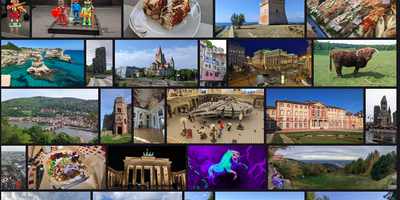
- Infinite-scrolling masonry layout uses cursor pagination and virtualized rendering in the Next.js interface, keeping browsing smooth across libraries with thousands of photos and videos without loading everything at once.
- Aggregated Storage Backends
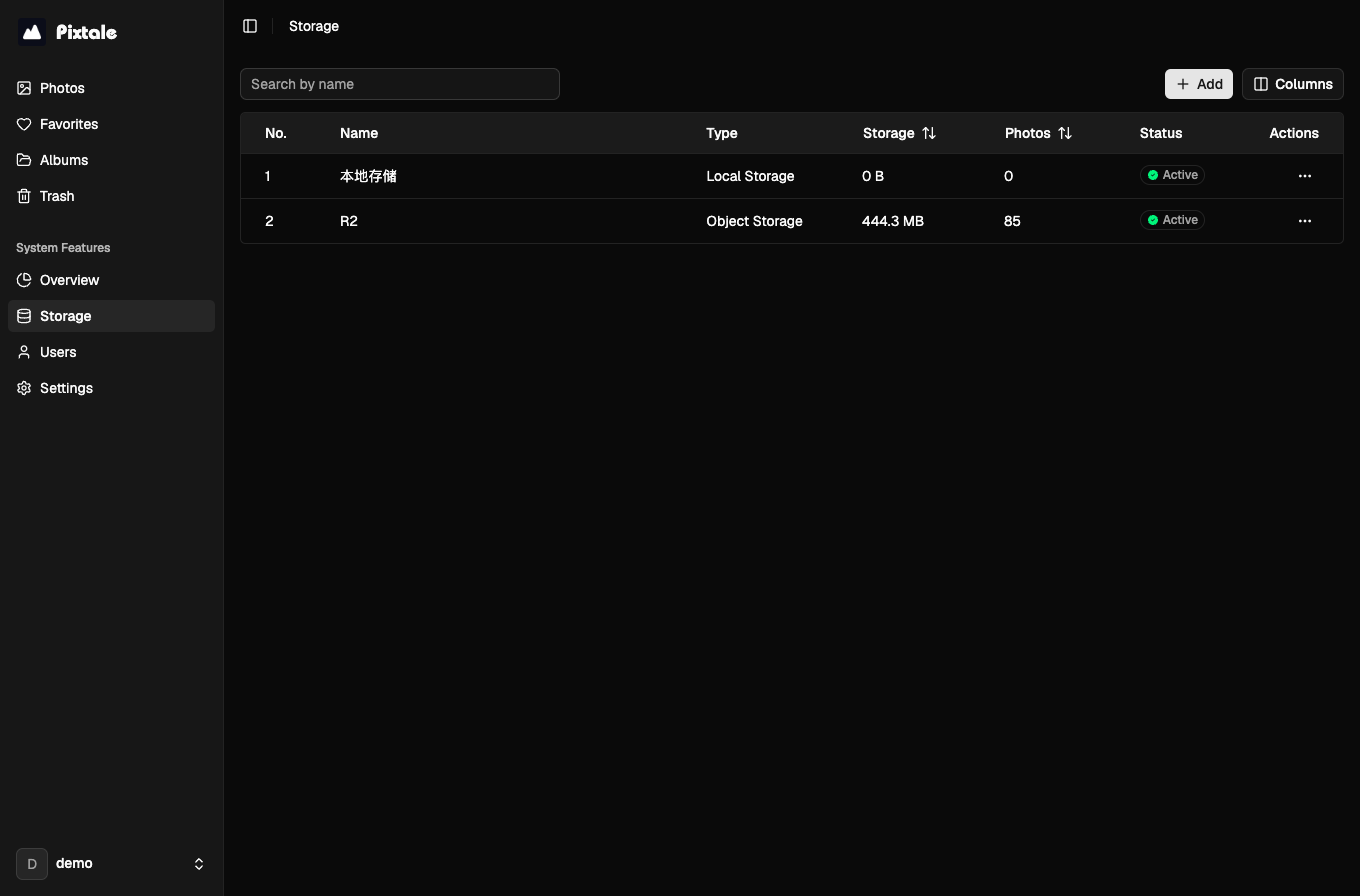
- Local disk, S3-compatible object storage, and Telegram channels act as pluggable backends managed from the Storage settings, letting one gallery span cheap disks and remote buckets transparently.
- EXIF Timeline Organization
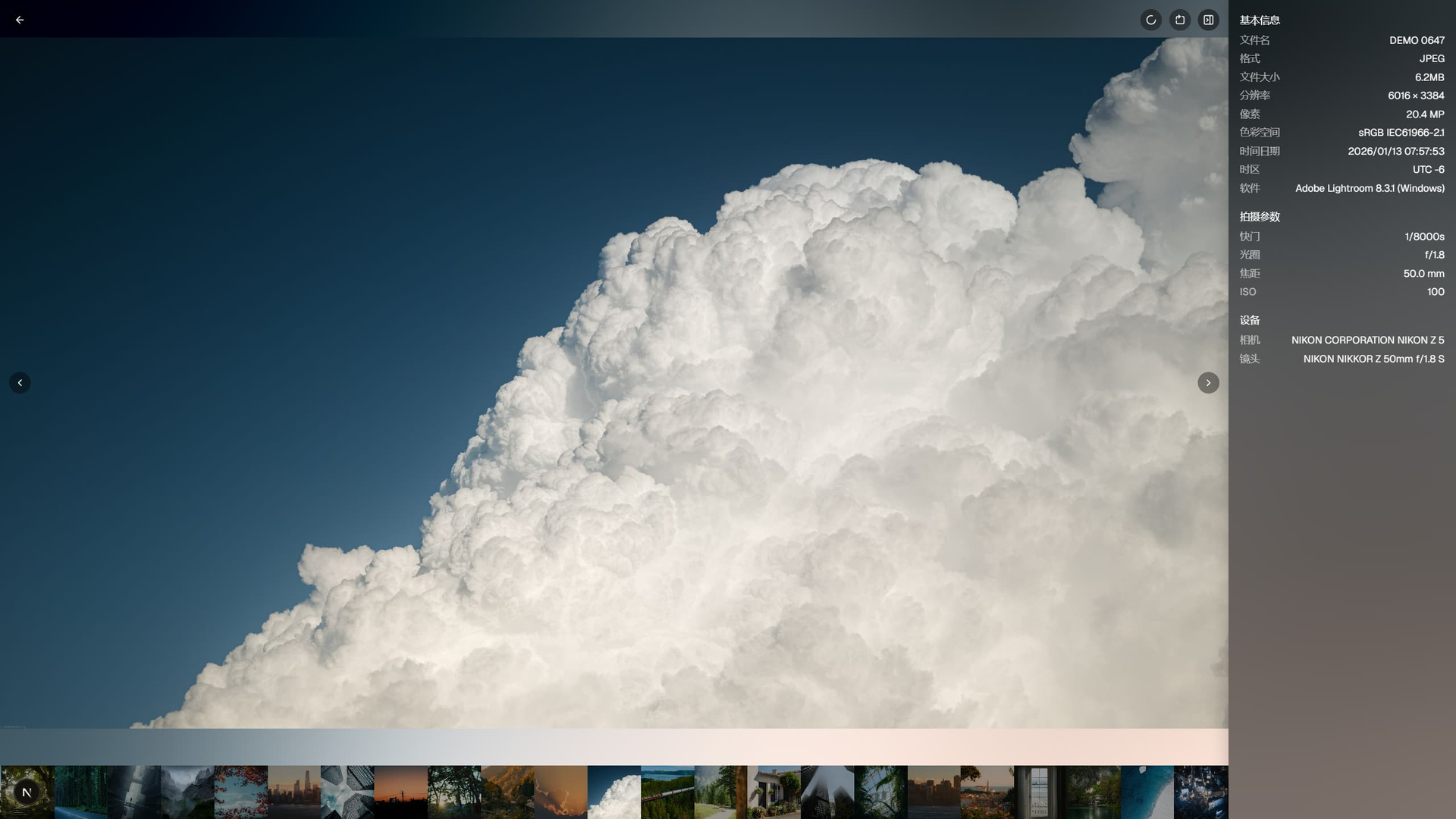
- The gallery parses EXIF metadata including camera model, lens, shutter, aperture, ISO, and capture time, then files photos chronologically and shows shooting details beside the full-screen lightbox view.
- Pixtale Sync Companion
- Companion sync apps for phones and PCs watch local folders and upload new photos automatically over the Pixtale API, with releases published alongside the server for each platform.
- Admin Overview Dashboard
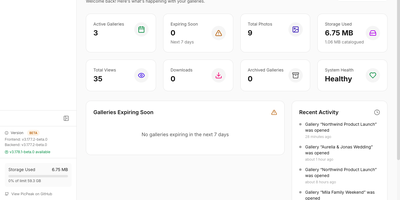
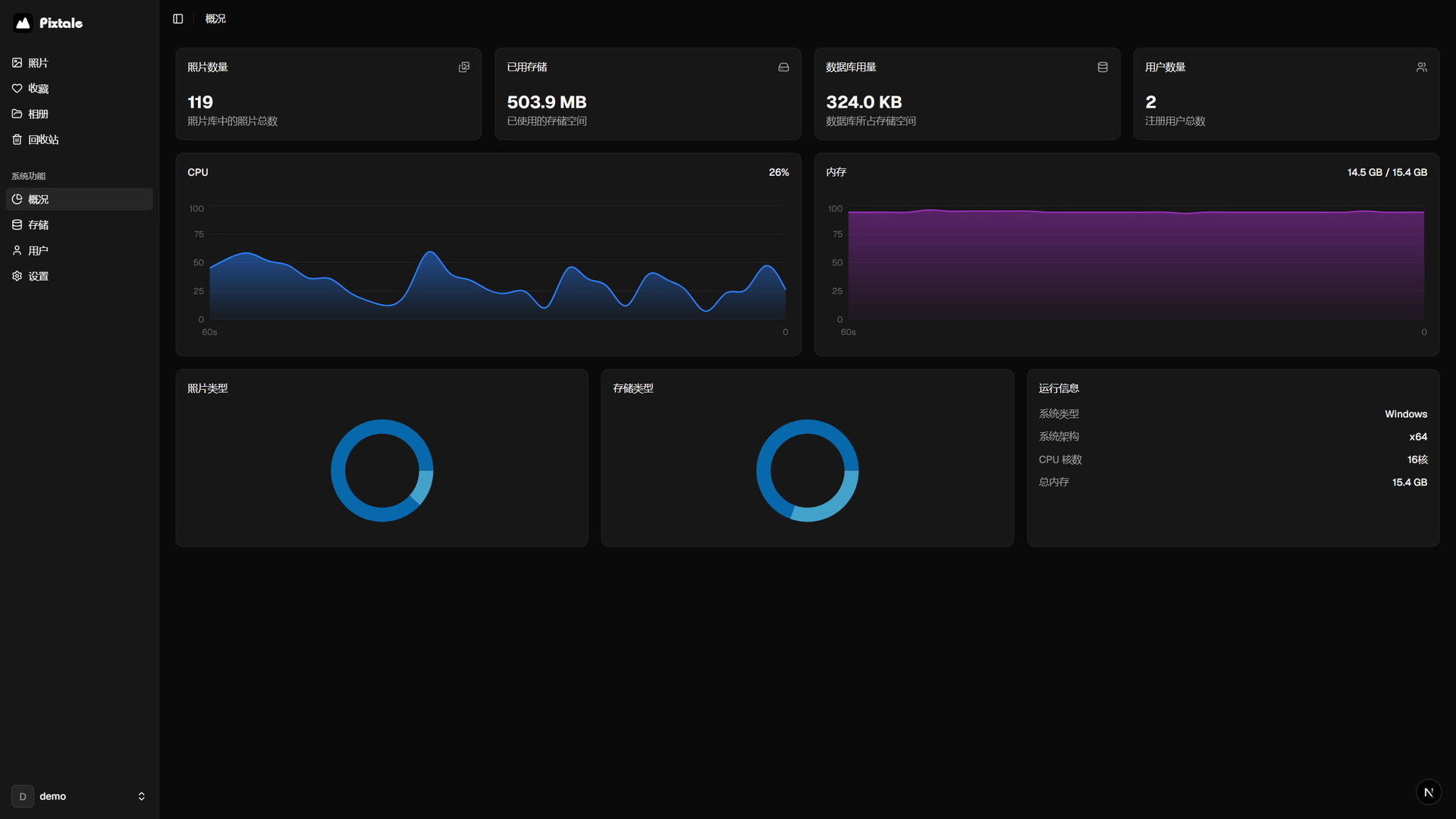
- Built-in monitoring charts photo counts, stored bytes, database size, registered users, CPU load, and memory usage, plus runtime details like architecture and total RAM for capacity planning.
- Albums, Favorites, Trash
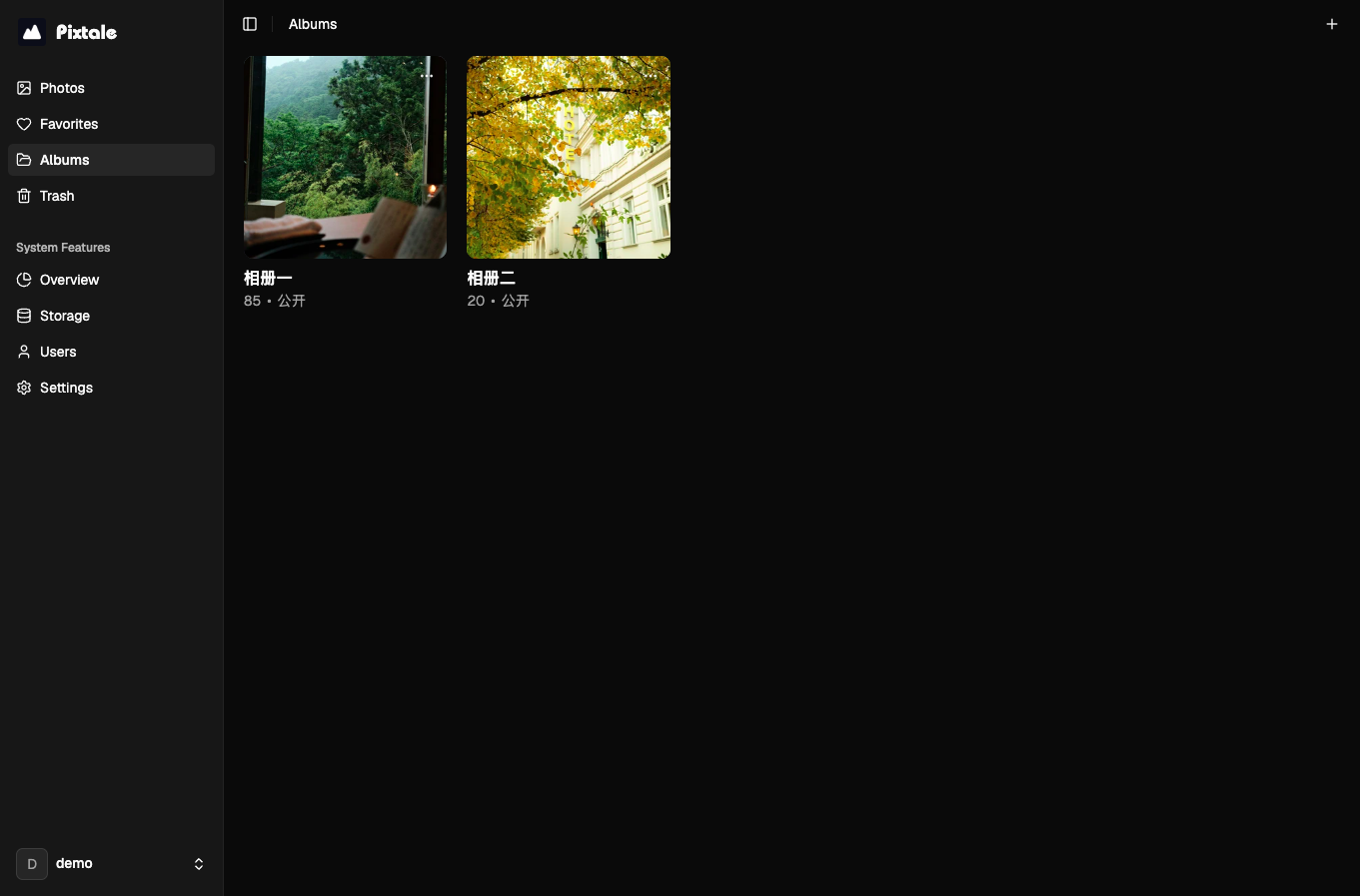
- Curate with albums and per-user favorites, and recover mistakes from the trash bin instead of deleting permanently; the sidebar keeps Photos, Favorites, Albums, and Trash one click apart.