Stars
Forks
Watchers
Developer links
Pascal Editor
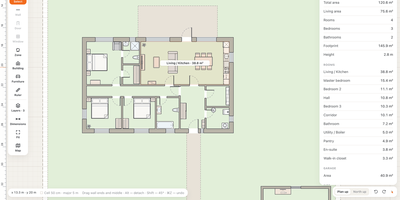
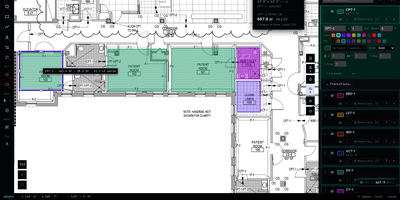
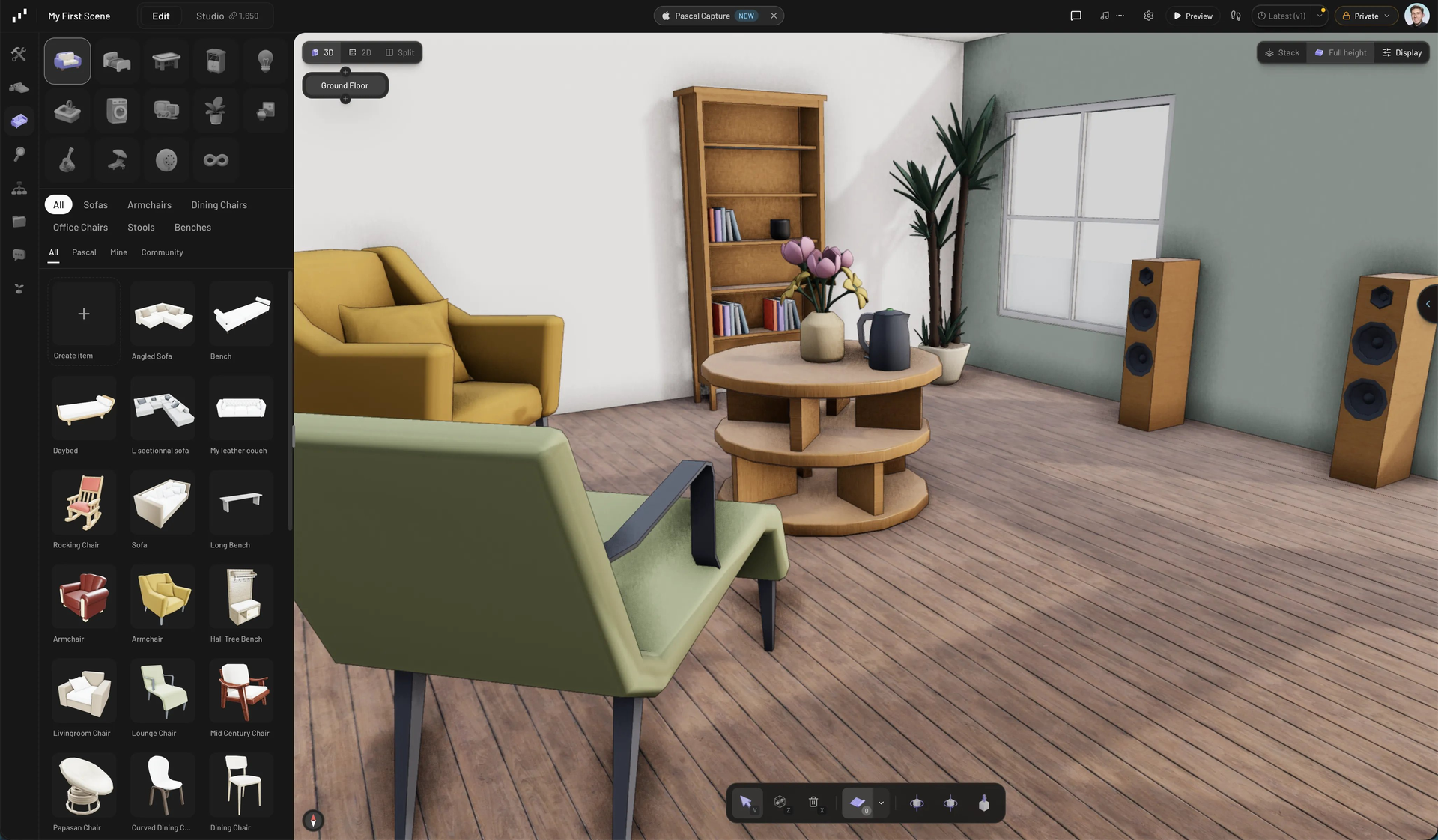
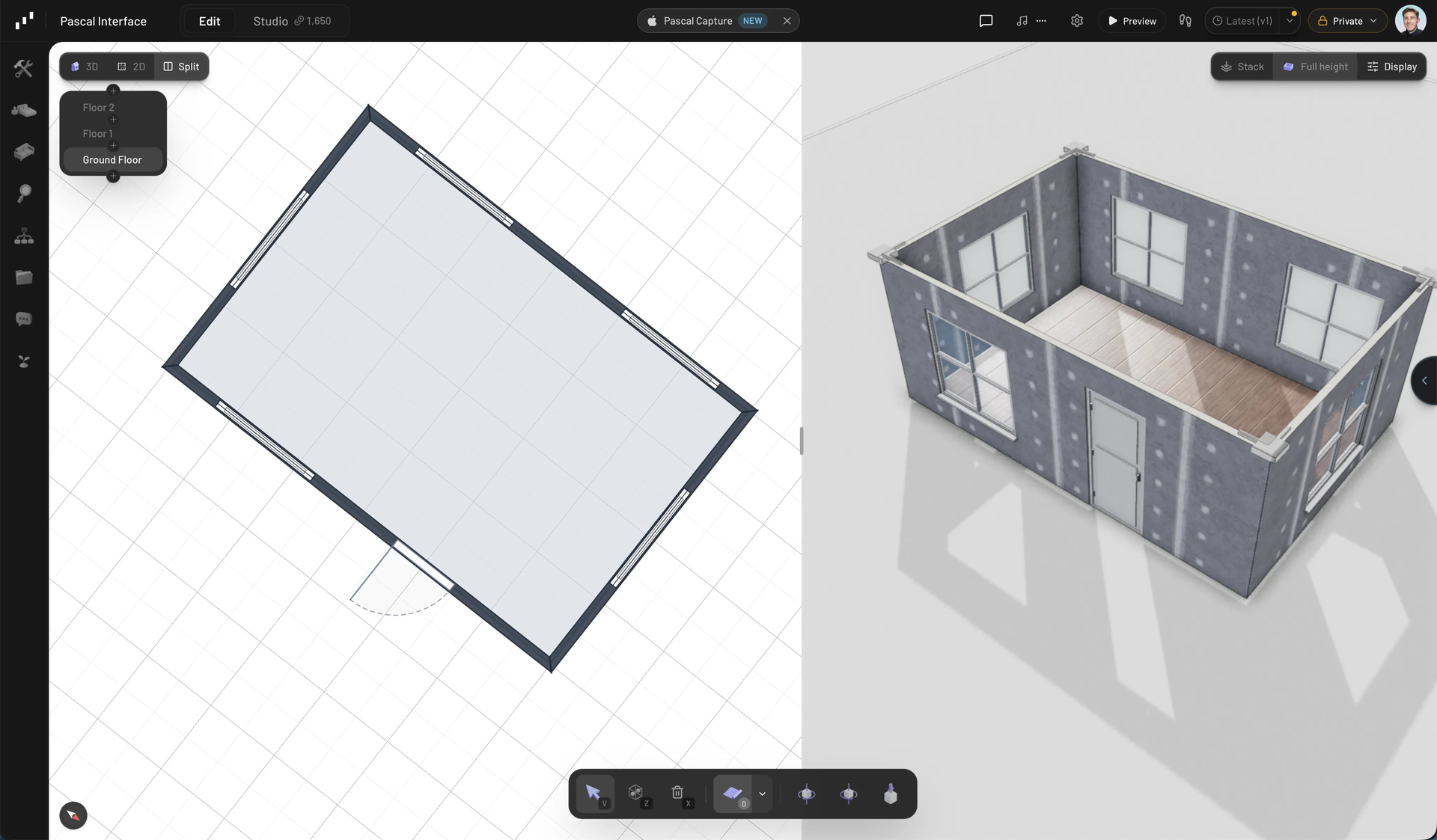
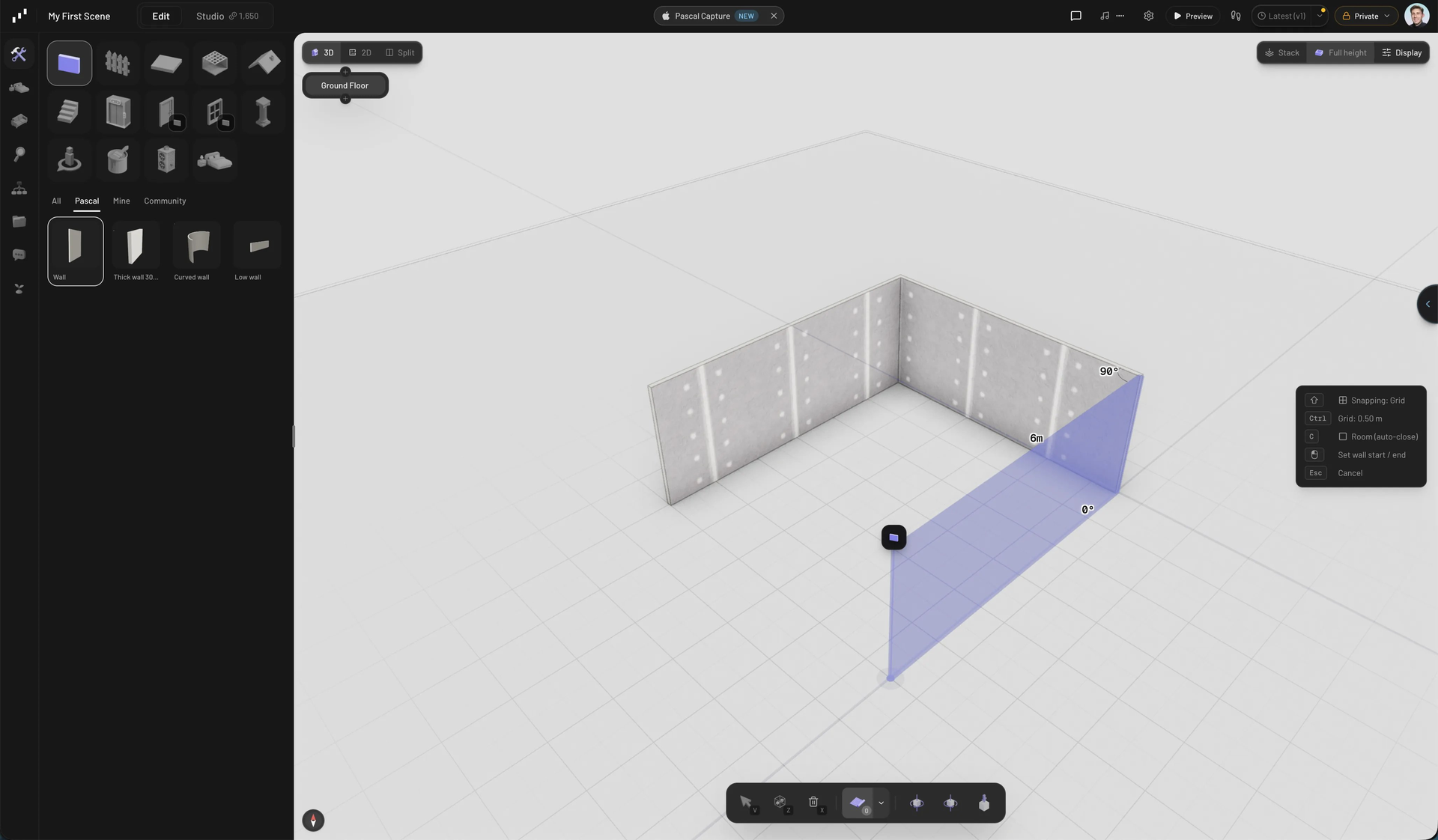
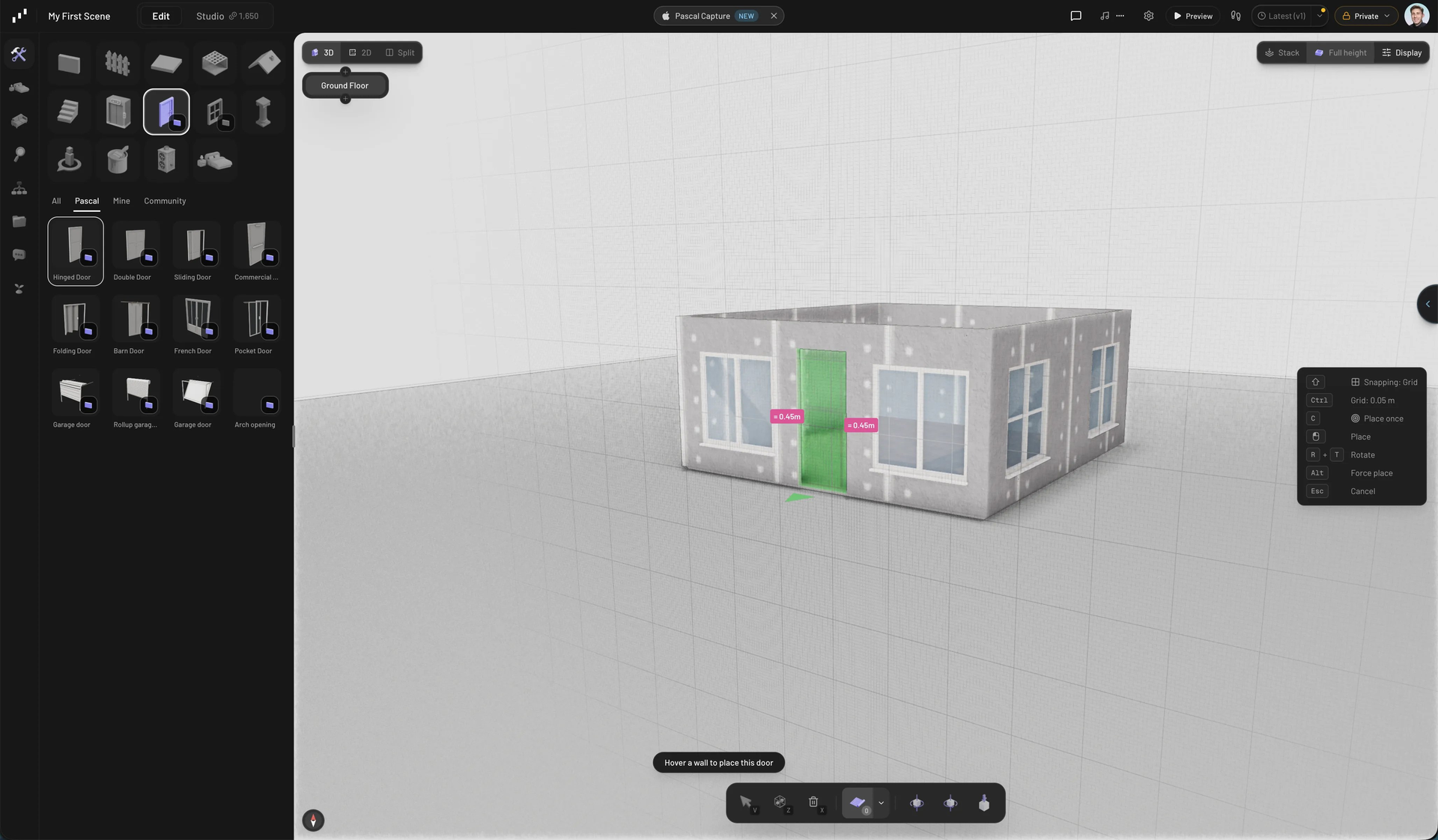
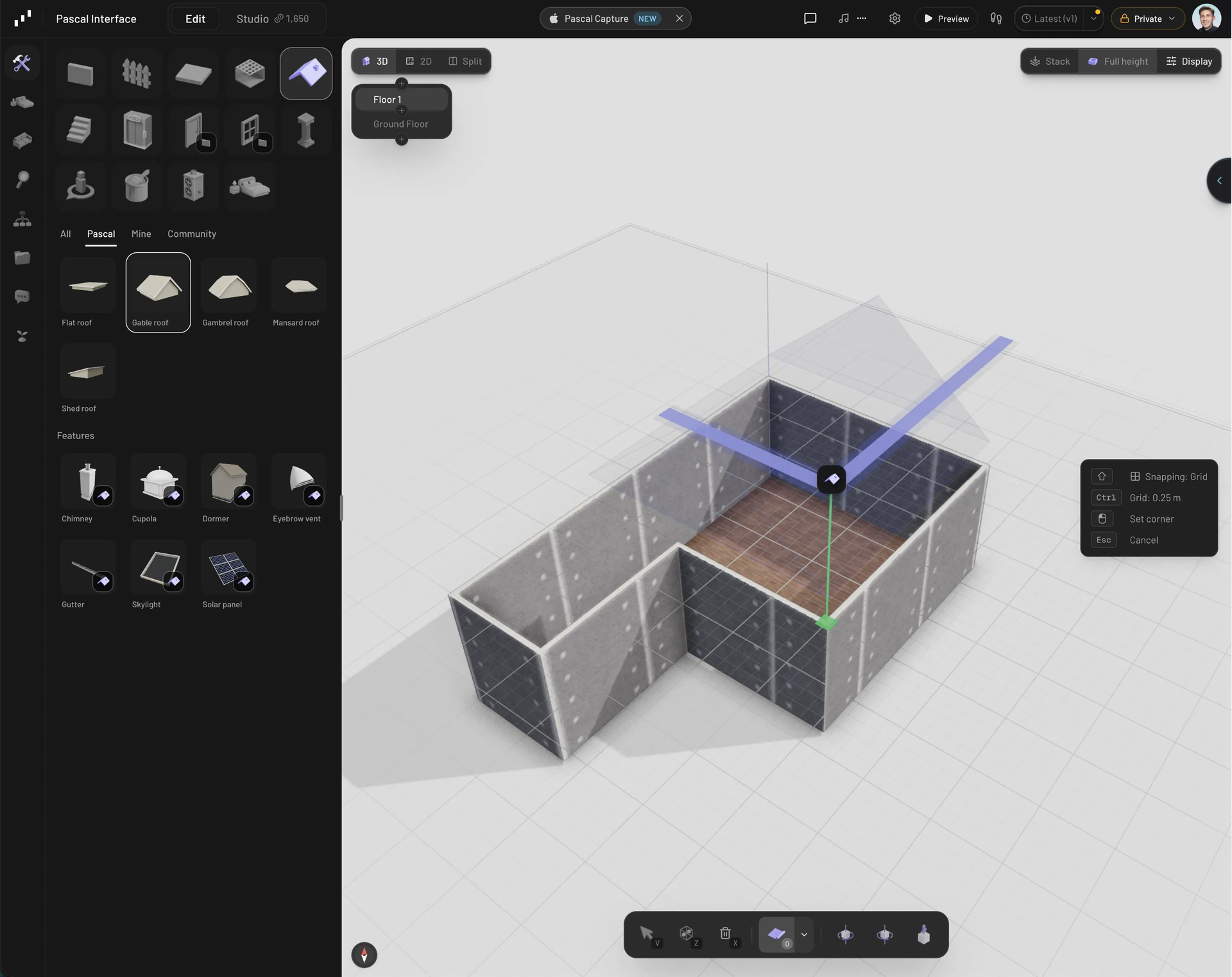
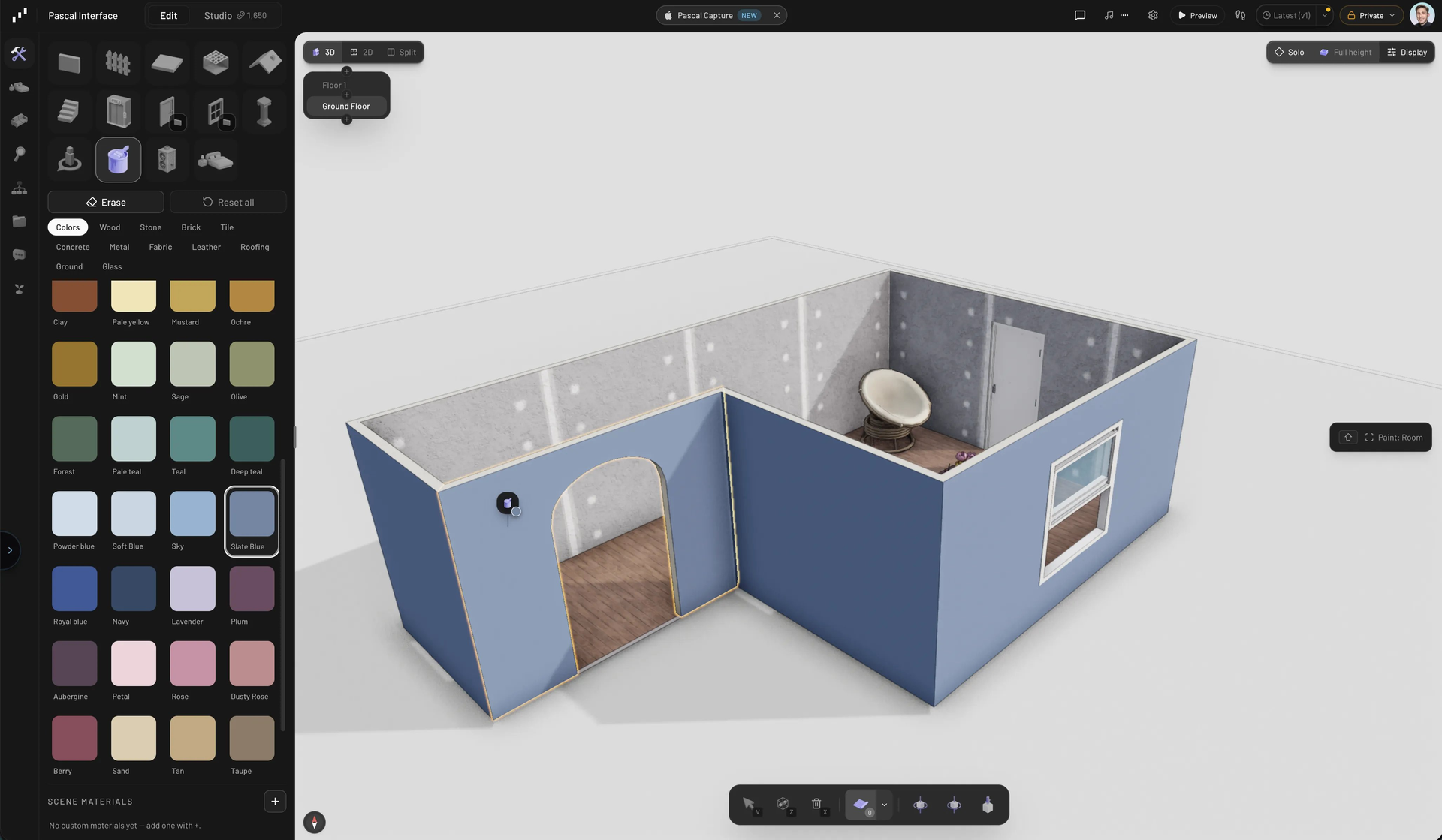
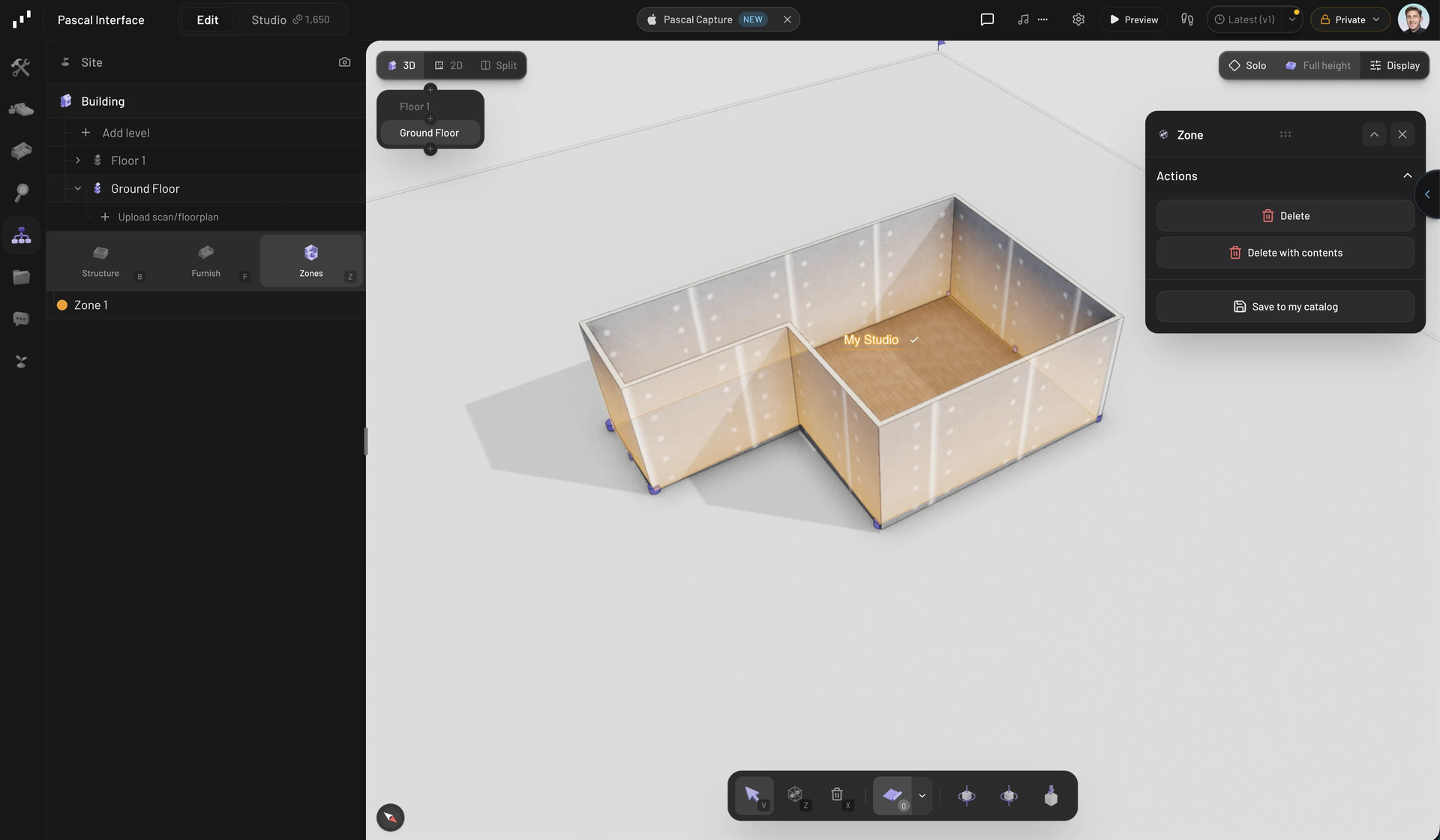
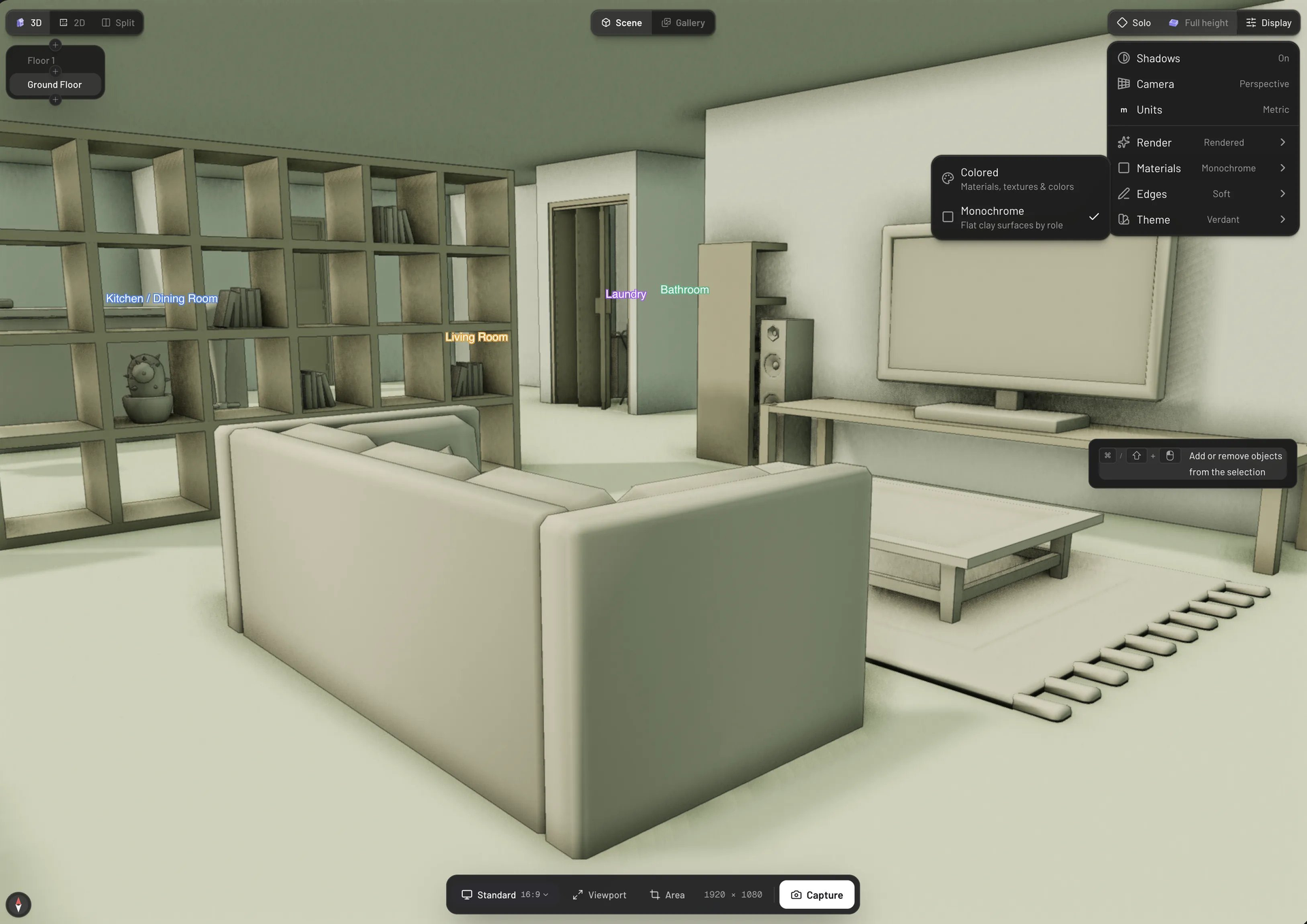
Architecture, engineering, and construction teams can sketch a floor plan, watch the building rise in 3D, and hand the same scene to an AI agent, all inside Pascal Editor in a browser. Draw walls, slabs, ceilings, roofs, stairs, elevators, doors, windows, and columns. Split view keeps a flat plan of the active level beside the live 3D model, the same tools work in both panes, snapping and live measurements guide the walls you draw, and a level selector adds and reorders floors. Trace over an uploaded floor plan image or 3D scan, furnish room by room from a catalog sorted by category, paint surfaces with materials, and name rooms as zones. Walk through the result at eye level, then export GLB, USDZ, a floor plan PDF, or 3D-print parts. IFC files import as editable nodes wherever their parameters can be recovered, and an MCP server lets Claude Code, Cursor, Codex, or any MCP client inspect, edit, validate, and save projects locally with no account. Plugins add node types and sidebar panels, a public share link serves a read-only embeddable viewer, and self-hosting takes one container, one data volume, and one admin password. Running on a dedicated VPS on RepoCloud with guaranteed CPU, RAM, and SSD, full root SSH access, and a browser serial console. MIT licensed.
Benefits
- Humans and Agents Share One Scene
- A local MCP service exposes the same scene graph the editor uses, so Claude Code, Cursor, or Codex can inspect, edit, validate, and save a building while you watch it update.
- Design in 2D and 3D Together
- Split view pairs a flat floor plan of the active level with a live 3D model, and drawing tools work in both panes, so a wall drawn in plan appears instantly in 3D.
- Own Your Projects and Data
- Every project lives in a SQLite database on one data volume behind a single admin password, so drawings and layouts stay on your server unless you publish a share link.
- Take Models Into Other Tools
- Export GLB for Blender and game engines, USDZ for Apple AR, a floor plan PDF, or 3D-print parts, and bring IFC building models in through the ifc-converter package.
Features
- Split 2D and 3D Views
- Switch between a 3D perspective or orthographic camera, a flat floor plan of the active level, or a split view, with a level selector and cutaway wall modes.
- Full Building Toolset
- The Build tab covers walls, fences, slabs, ceilings, roofs, stairs, elevators, doors, windows, columns, and MEP duct and pipe runs, with snapping and live dimension labels.
- Furniture and Material Catalogs
- GLB item models and PBR material textures ship with the editor, alongside a paint panel, a first-person walkthrough, and zones for naming rooms.
- MCP Server and CLI
- Run npx @pascal-app/cli editor for a local editor with an authenticated MCP service, then connect any MCP client with pascal mcp connect.
- Plugins and Embeddable Packages
- Plugins add node kinds and left-rail panels through a Plugin manifest, and the @pascal-app/viewer and @pascal-app/editor npm packages embed the viewer or full editor in React apps.
- Single-Container Self-Hosting
- The ghcr.io/pascalorg/pascal-editor image for linux/amd64 and linux/arm64 keeps SQLite data under /data, reads PASCAL_PUBLIC_URL at runtime, and answers /api/health.