Categories
Self-Hosted Open Source Productivity Whiteboard Diagramming Flowcharts UML Modeling Network DiagramsStars
Forks
Watchers
Developer links
draw.io
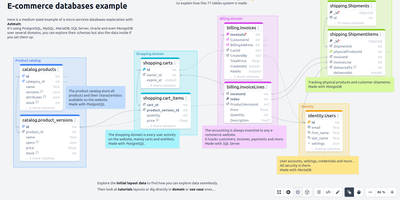
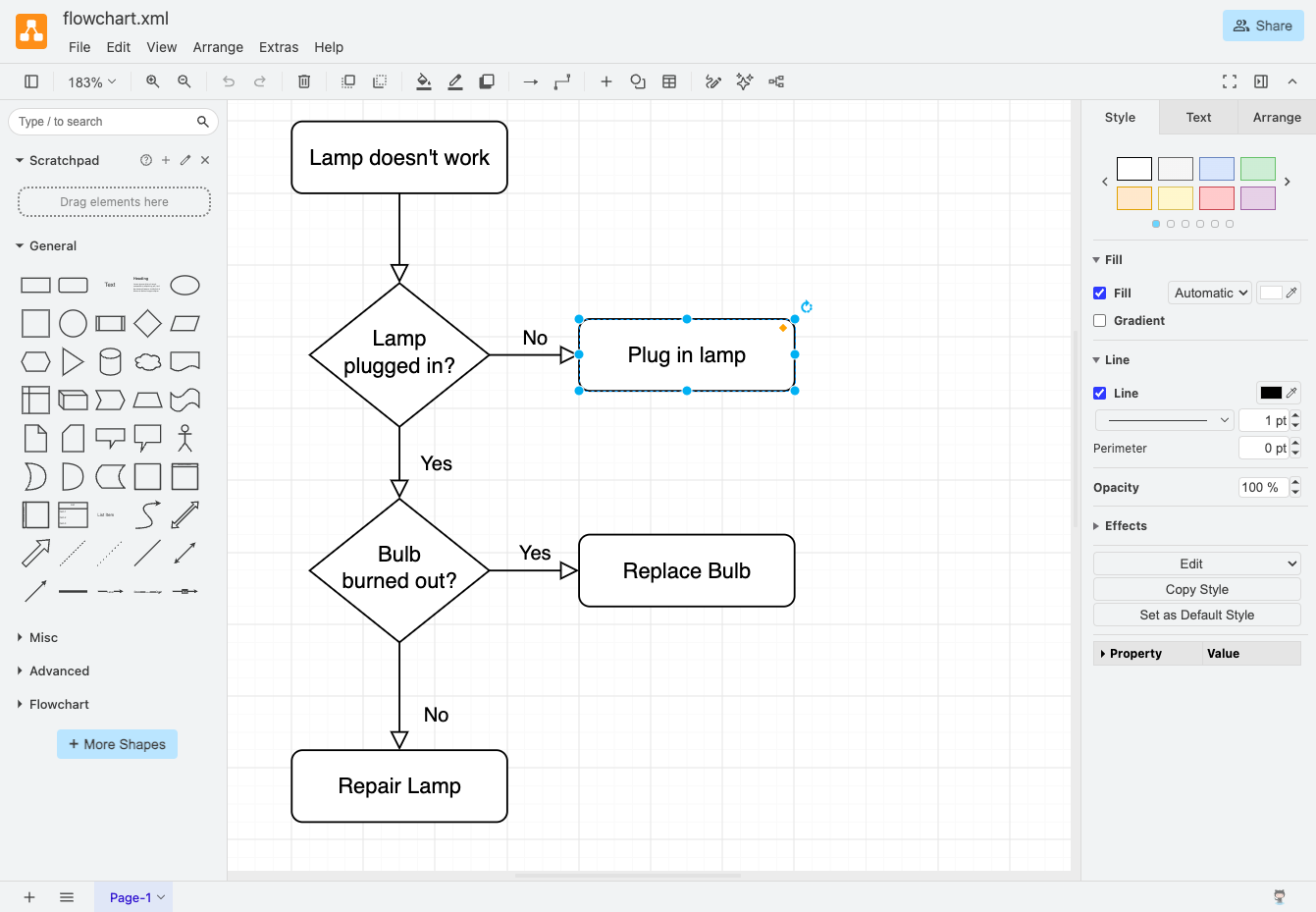
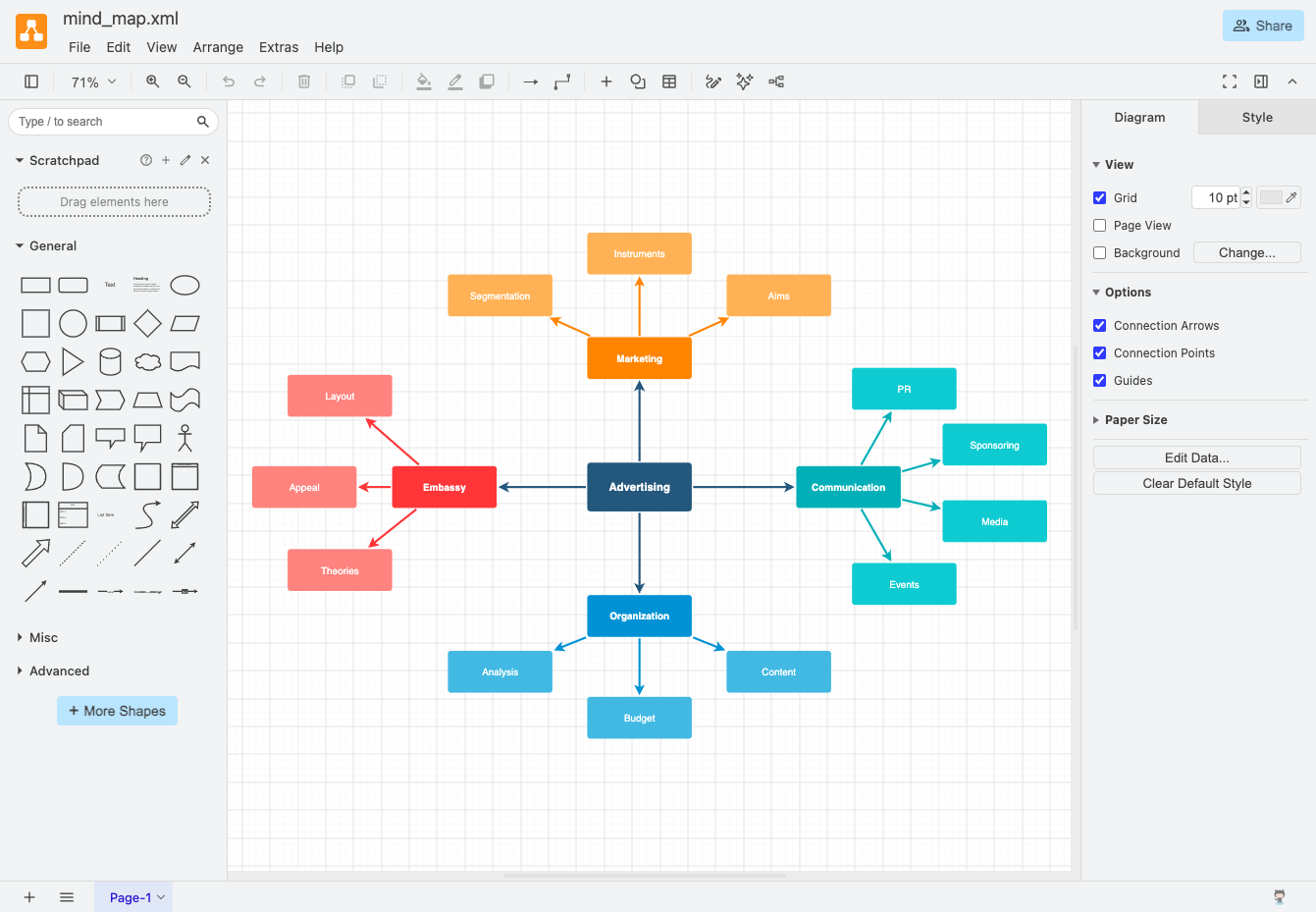
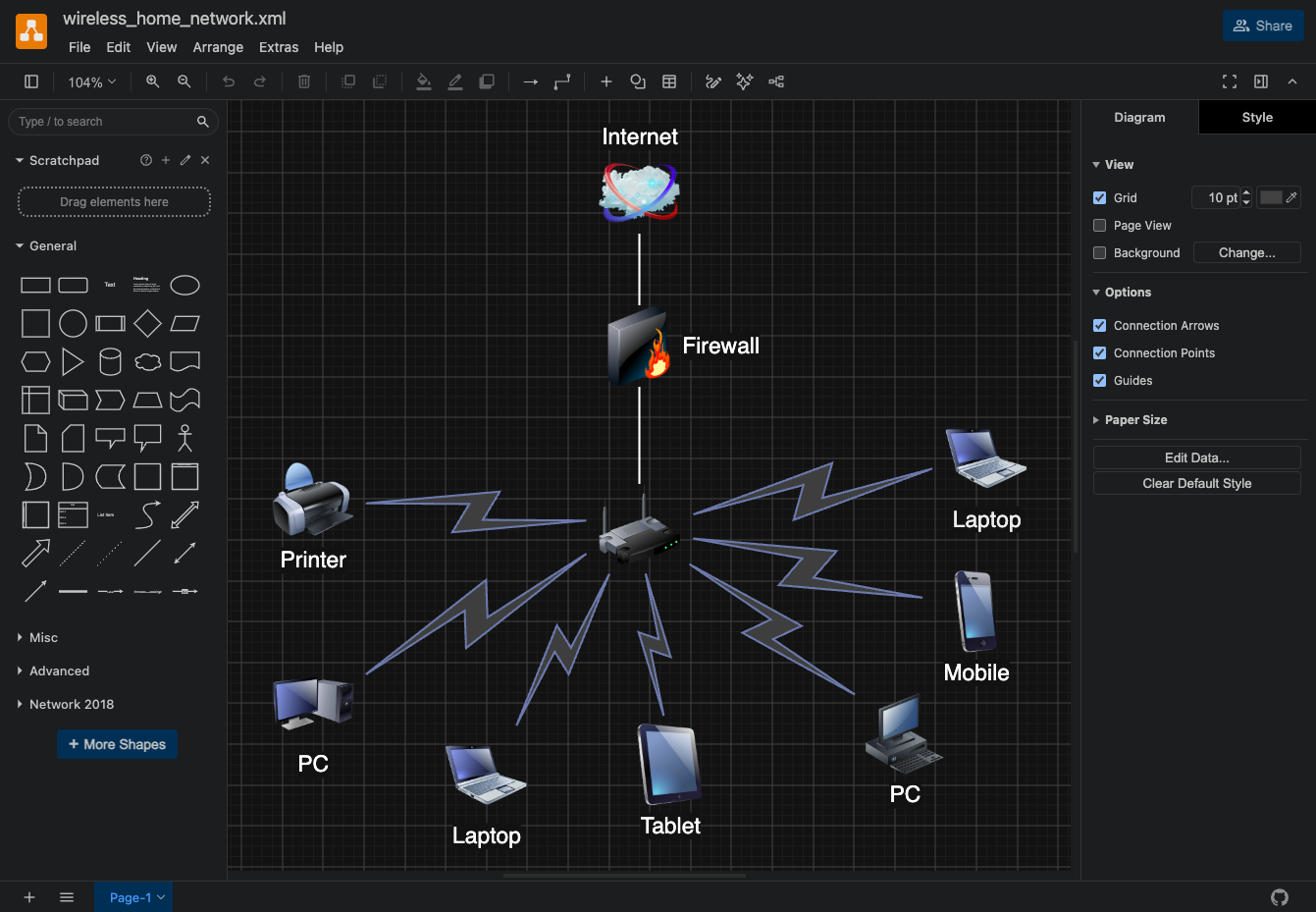
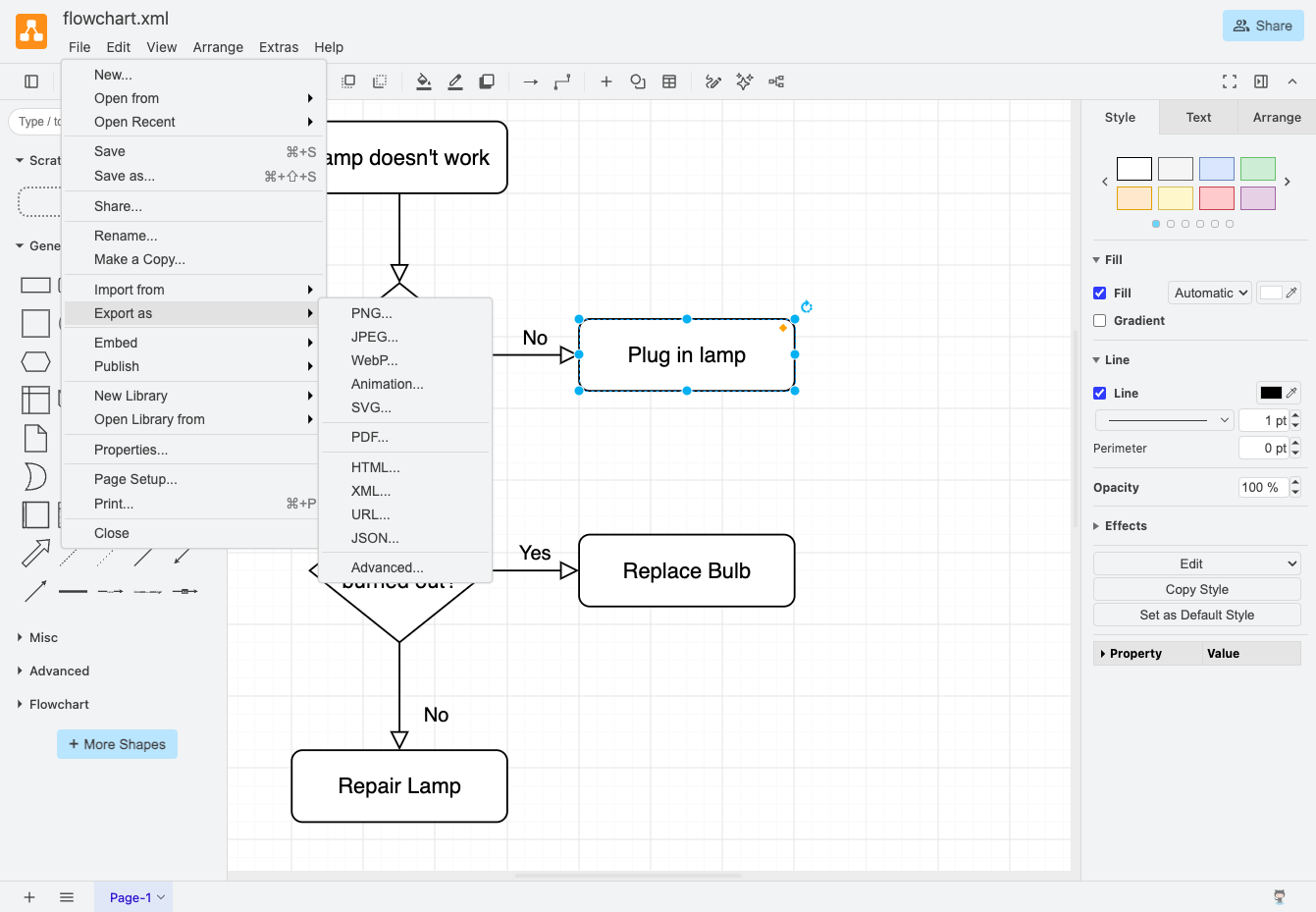
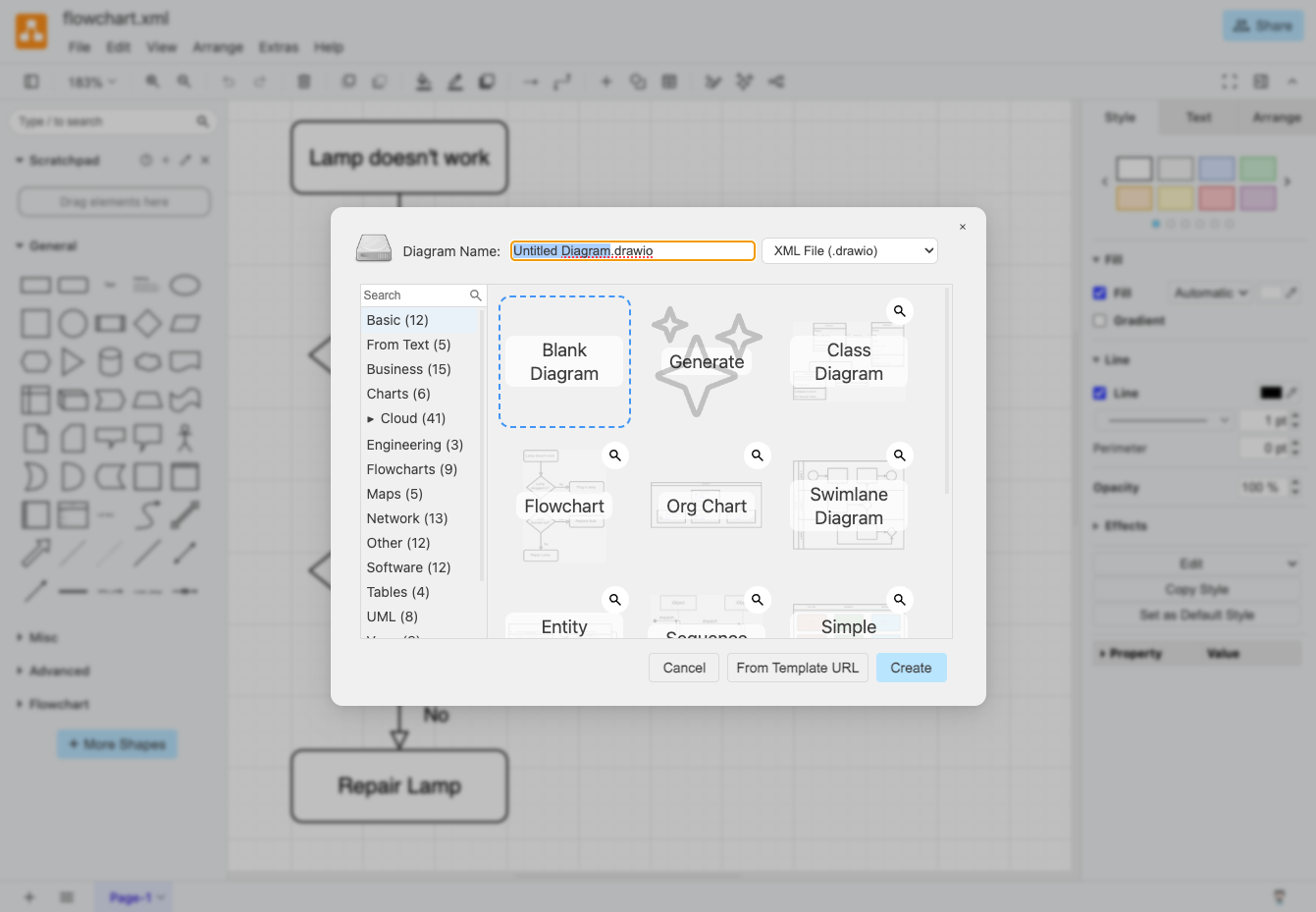
draw.io is a free, browser-based diagramming editor for flowcharts, network maps, UML models, and org charts, with nothing to install. An infinite canvas takes shapes from extensive libraries, connectors reroute automatically as shapes move, and ready-made templates replace the blank page. Tables, swimlanes, layers, and tags keep large diagrams tidy, and shape metadata and placeholders attach tooltips, links, and translations. Auto-layout straightens flowcharts and trees. Math typesetting, a simple whiteboard layout, and adaptive dark mode are built in, and custom shape libraries carry your own in-house icon sets. Export to PNG, JPEG, WebP, SVG, HTML, or PDF, embed the diagram data inside PNG and SVG files so they stay editable, or save the full diagram as a .drawio file. Your server stores no diagrams: files go to the user's device, the browser, or Google Drive, OneDrive, and GitLab once you register your own OAuth app. Optional AI diagram generation uses your own provider key, and environment variables set the interface language, fonts, and security policy. Running on a dedicated VPS on RepoCloud with guaranteed CPU, RAM, and SSD, full root SSH access, and a browser serial console. Apache-2.0 licensed.
Benefits
- Diagrams stay out of your server
- The editor runs entirely in the browser and your server stores no diagram data, so files remain on each user's device or in the cloud storage they connect.
- One editor for every diagram
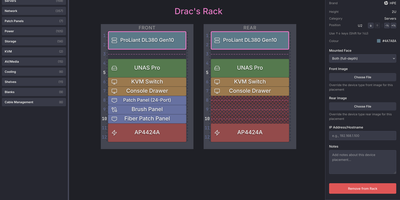
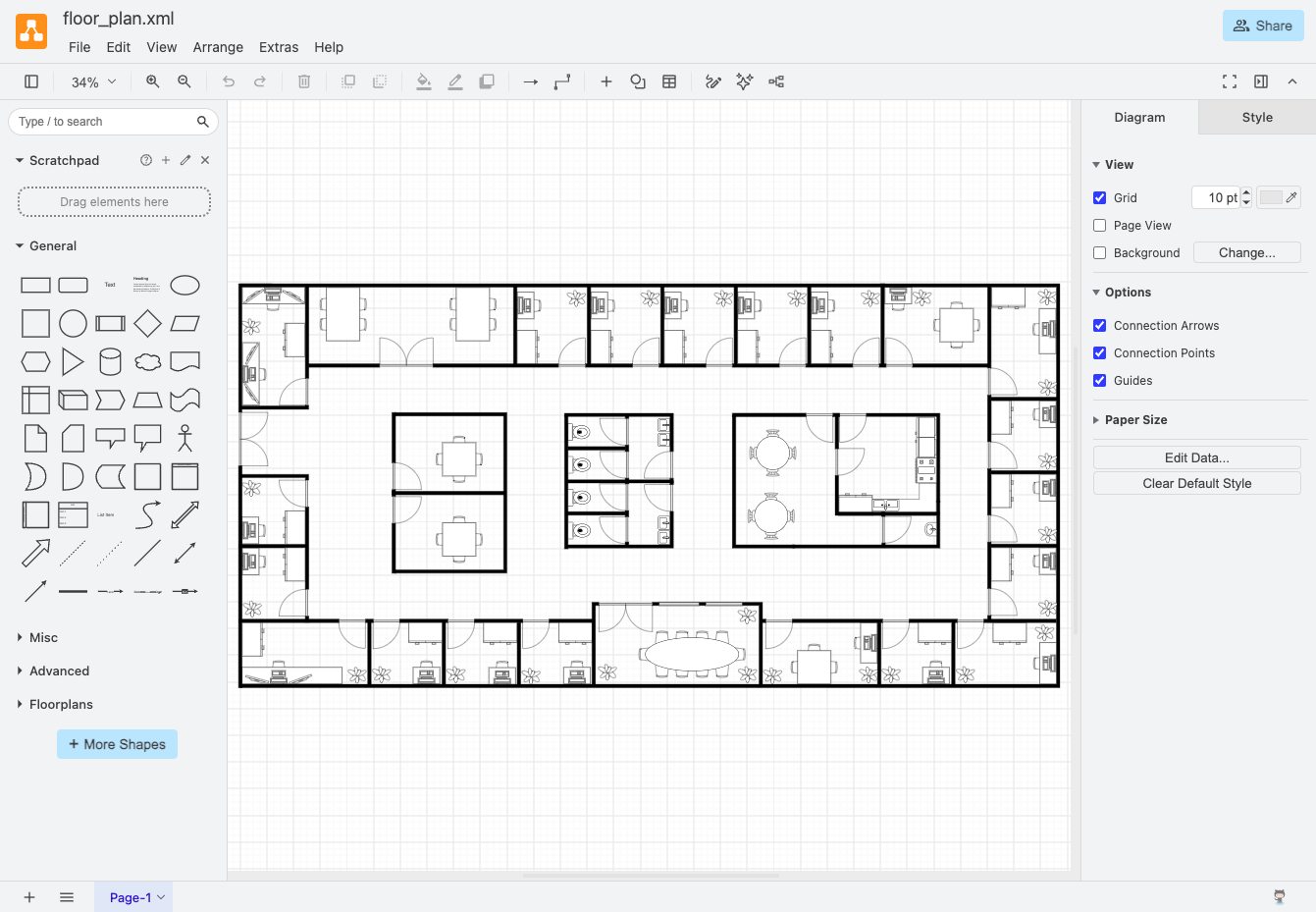
- Shape libraries cover flowcharts, UML, entity relationship models, network and rack diagrams, org charts, floor plans, and infographics, so a whole team can standardize on a single tool.
- Export to formats people use
- Save as PNG, SVG, JPEG, WebP, HTML, or PDF, and keep a copy of the diagram data inside PNG and SVG files so anyone can edit them later.
- Choose your own storage integrations
- Connect Google Drive, OneDrive, or GitLab with your own OAuth apps, or leave integrations off and let users save to their device. You decide what the instance can reach.
Features
- Shape libraries and templates
- Drag from extensive shape libraries and start from ready-made templates for flowcharts, UML, networks, floor plans, org charts, timelines, and more.
- Smart connectors and auto-layout
- Connectors reroute automatically as shapes move, and auto-layout arranges flowcharts and tree diagrams in one step.
- Layers, tags, and metadata
- Organize large diagrams with layers and tags, then attach shape properties, placeholders, tooltips, and links for interactive, data-driven diagrams.
- Flexible export options
- Export PNG, JPEG, WebP, SVG, HTML, or PDF, or save a .drawio file. PNG and SVG exports can embed the diagram for later editing.
- Themes, dark mode, languages
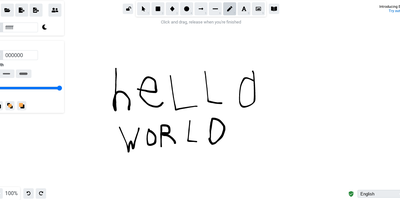
- Choose between the standard editor, a simple whiteboard layout, and adaptive dark mode, and set the default interface language with an environment variable.
- Docker with HTTPS built in
- The official Docker image serves the editor on ports 8080 and 8443, with self-signed or Let's Encrypt certificates and reverse-proxy support.