SaaS Alternative
Google NotebookLMCategories
Knowledge Base Note Taking Self-Hosted AI AI Research Study Tools Document Chat NotebookLM AlternativeStars
Forks
Watchers
Developer links
OpenNotebookLM
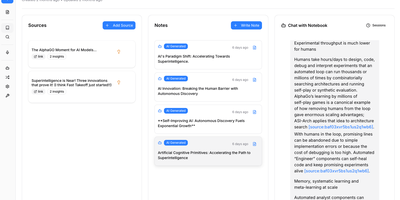
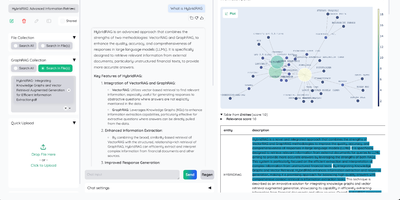
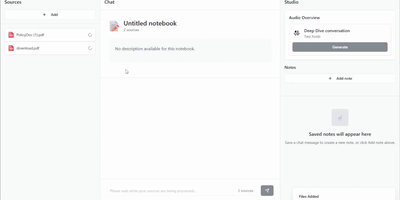
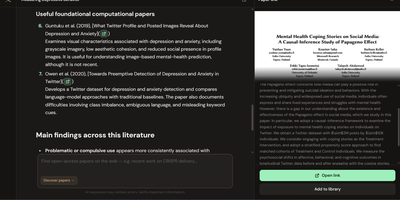
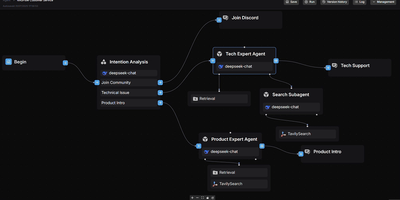
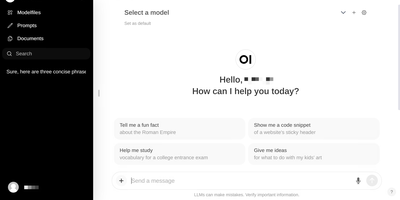
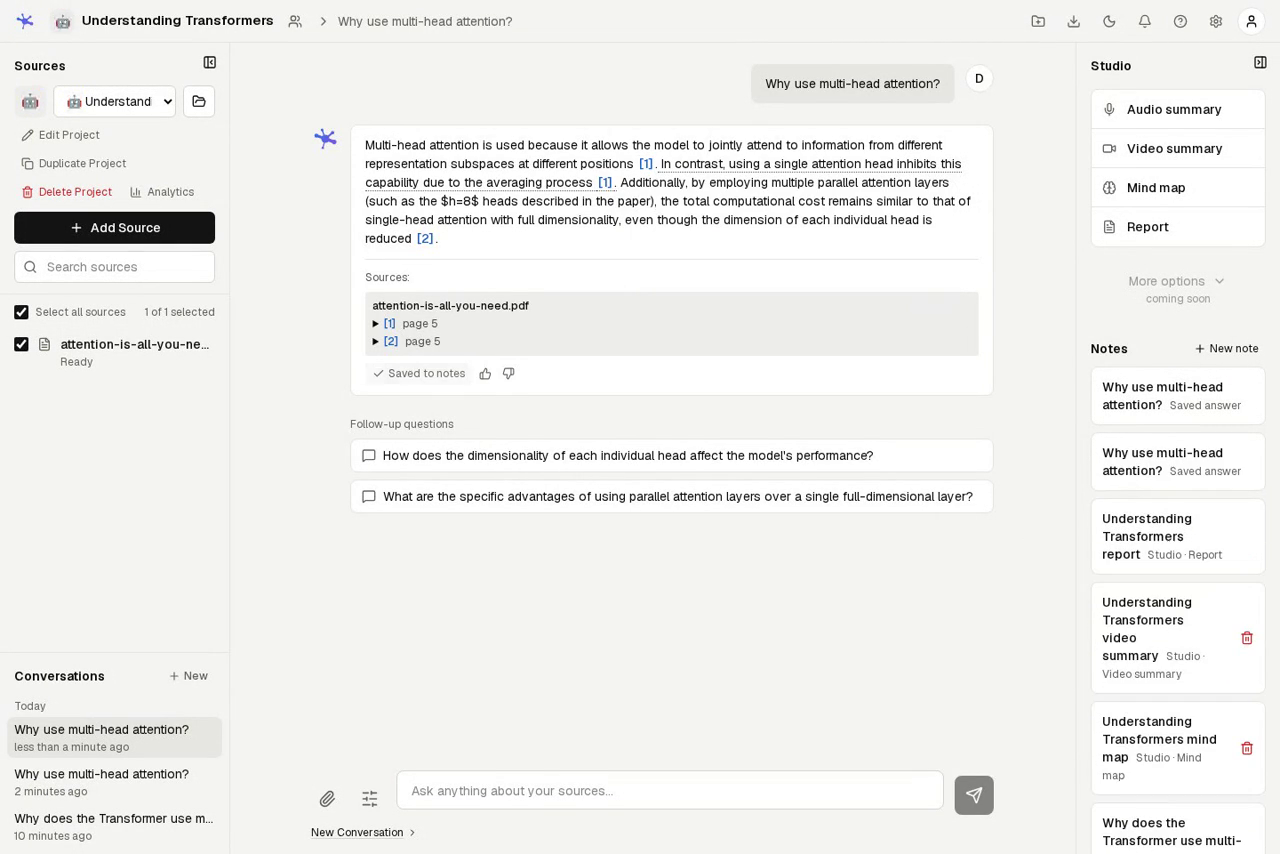
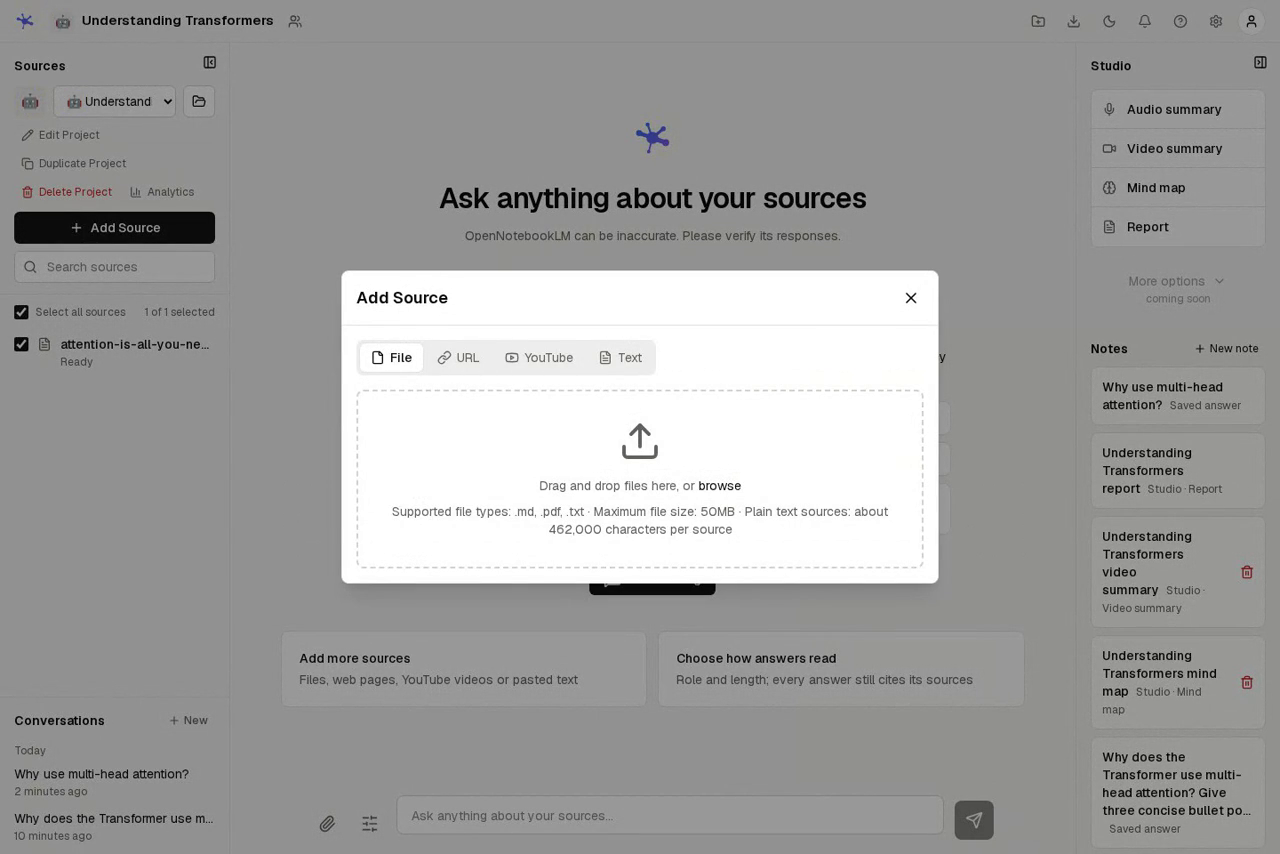
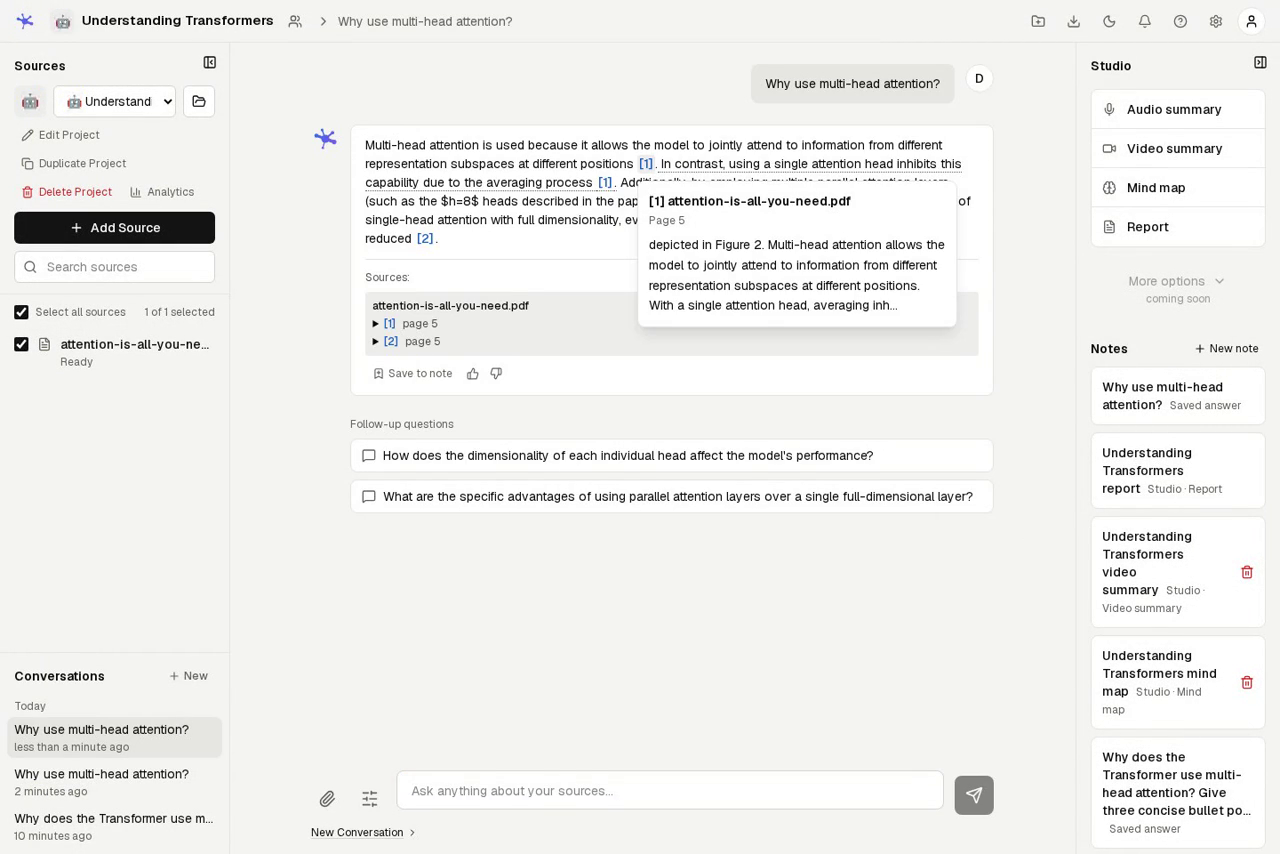
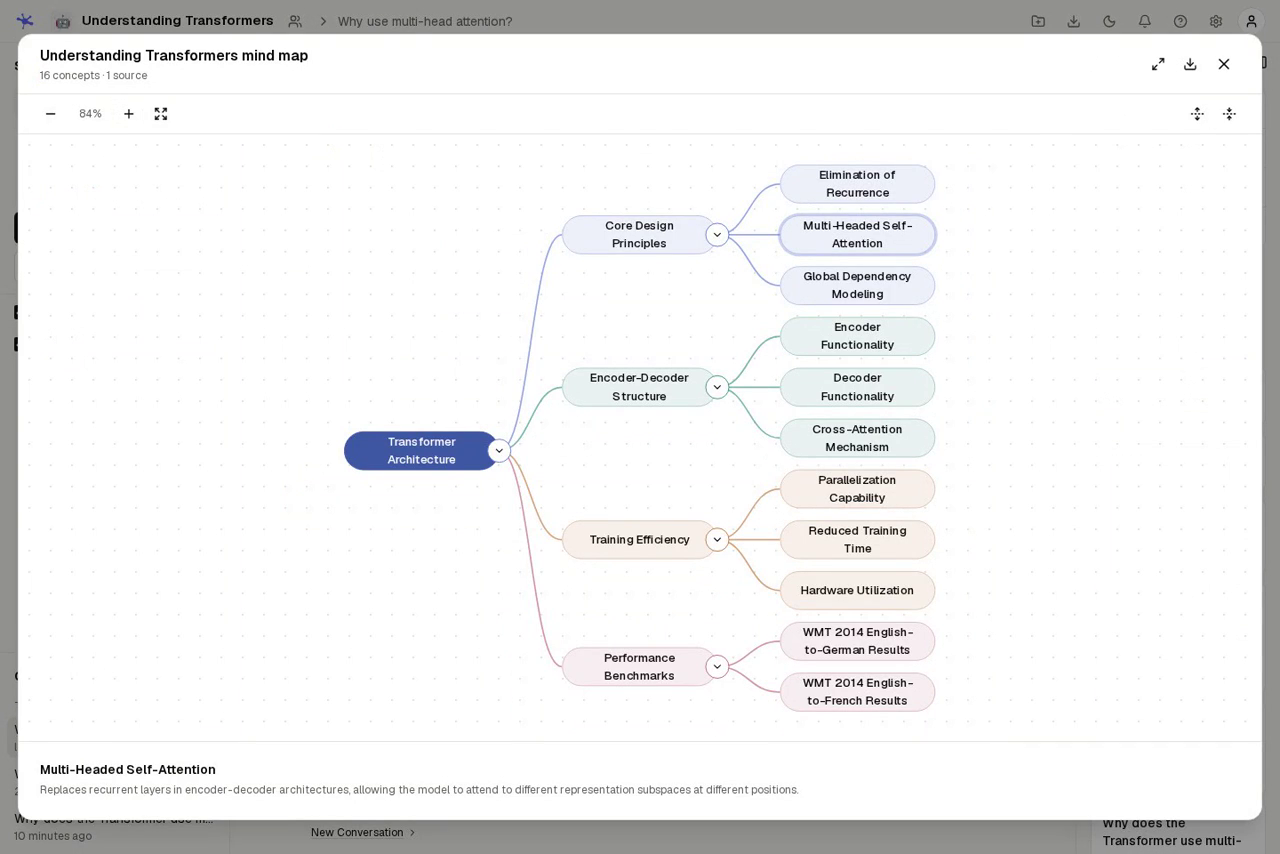
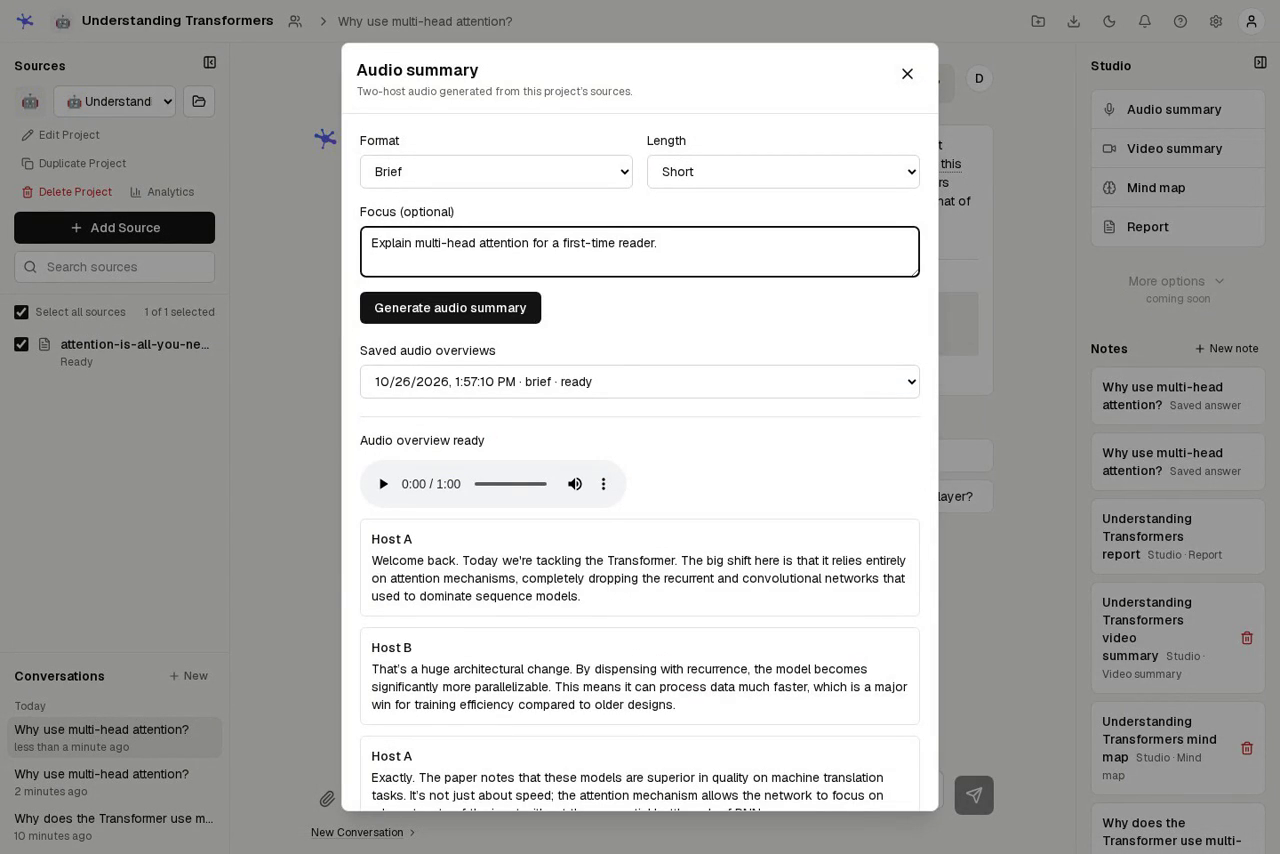
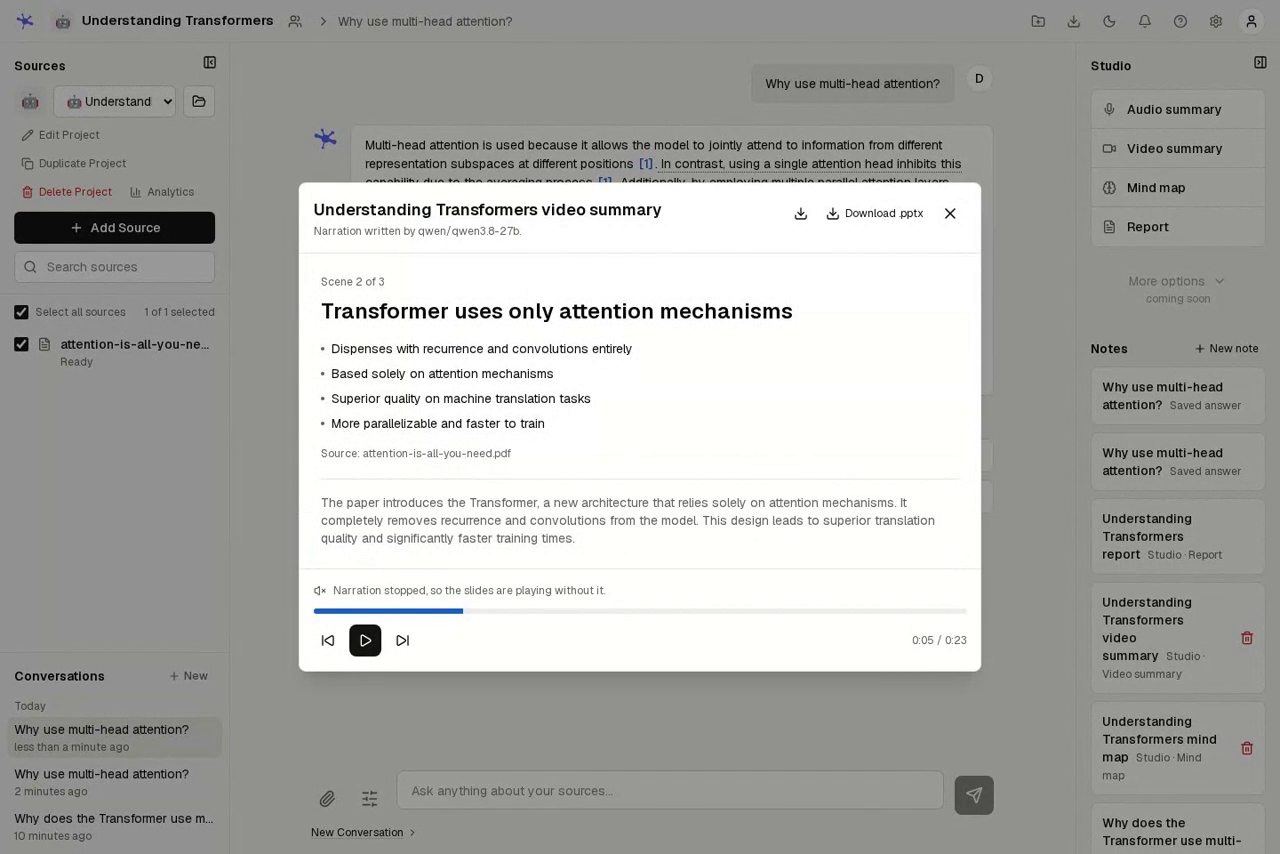
OpenNotebookLM is a self-hosted research workspace that reads your sources with you, answering questions only from the material you gave it and showing the passage behind every claim. Import papers, spreadsheets, recordings, web pages, PDF links, YouTube videos or playlists, Markdown folders, Obsidian vaults, and Git repositories, then select which sources the chat may use as evidence. Stream answers with follow-up questions, hover any numbered citation to inspect the supporting passage and page, and let the app flag citations that look unsupported before you trust them. The Studio turns the same sources into cited reports in briefing, study guide, FAQ, or timeline formats, expandable mind maps you can pan and question, two-host audio overviews in deep dive, brief, critique, or debate styles, narrated slides exportable to PowerPoint, and tables whose cells carry their own citations. Generate flashcards and timed quizzes from what you read, mark cards for review, and resume saved progress later. Save cited answers and Studio outputs as notes, convert notes back into searchable sources, and export almost anything: conversations, projects, mind maps as SVG, flashcards as Anki text, audio as MP3. Share projects with viewer or editor roles, keep conversations private per person, and bring Claude, OpenAI, any OpenAI-compatible provider, or a local Ollama model, with extraction, OCR, Whisper transcription, and Kokoro audio synthesis running on your own server. Running on a dedicated VPS on RepoCloud with guaranteed CPU, RAM, and SSD, full root SSH access, and a browser serial console. MIT licensed.
Benefits
- Answers that show evidence
- Every answer streams from the sources you selected, and hovering a numbered citation reveals the exact supporting passage and page, while potentially unsupported citations are flagged for review automatically.
- One import for everything
- Documents, images with local OCR, audio transcribed locally with Whisper, web pages, YouTube transcripts, Obsidian vaults, and Git repositories all land in one project with a durable background processing queue.
- Studio creates study material
- Generate cited reports, mind maps, two-host audio overviews, narrated slides, flashcards, and timed quizzes from the same sources, then export to PowerPoint, SVG, CSV, Anki text, or MP3.
- Your model, your infrastructure
- Choose Claude, OpenAI, another OpenAI-compatible provider, or a local Ollama server per project; extraction, embeddings, speech recognition, and Kokoro audio synthesis run locally on your server.
Features
- Source-grounded chat
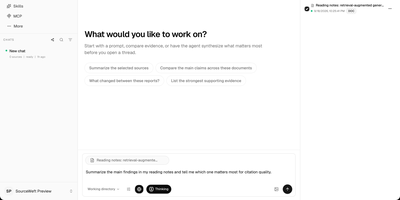
- Streaming FastAPI chat answers from selected sources with inline citations, follow-up questions, configurable role, custom instructions, answer length, and output language per project.
- Citation inspection
- Hovering a citation opens the source document at the supporting passage and page, and the system flags potentially unsupported citations for human review before use.
- Studio generators
- Cited reports in briefing, study guide, FAQ, and timeline formats, plus mind maps, two-host audio overviews, narrated slides, and tables with individually cited cells.
- Flashcards and quizzes
- Practice material generated from selected sources with review marking, saved progress, timed quiz rounds, and score history, exportable as CSV or Anki-compatible text.
- Sharing with roles
- Projects grant viewer or editor access by username or email, keep each person's conversations private, and restore deleted projects, sources, and notes from Trash.
- Local media pipeline
- Local OCR for images and scanned PDFs, Whisper transcription for audio and YouTube, and Kokoro synthesis for audio overviews keep processing on your own infrastructure.