Categories
Developer Tools Automation AI AI Agents Security Team Collaboration Credential ManagementStars
Forks
Watchers
Developer links
OneCLI
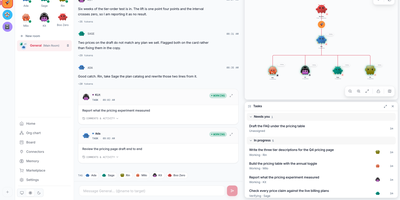
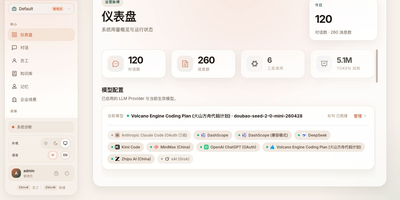
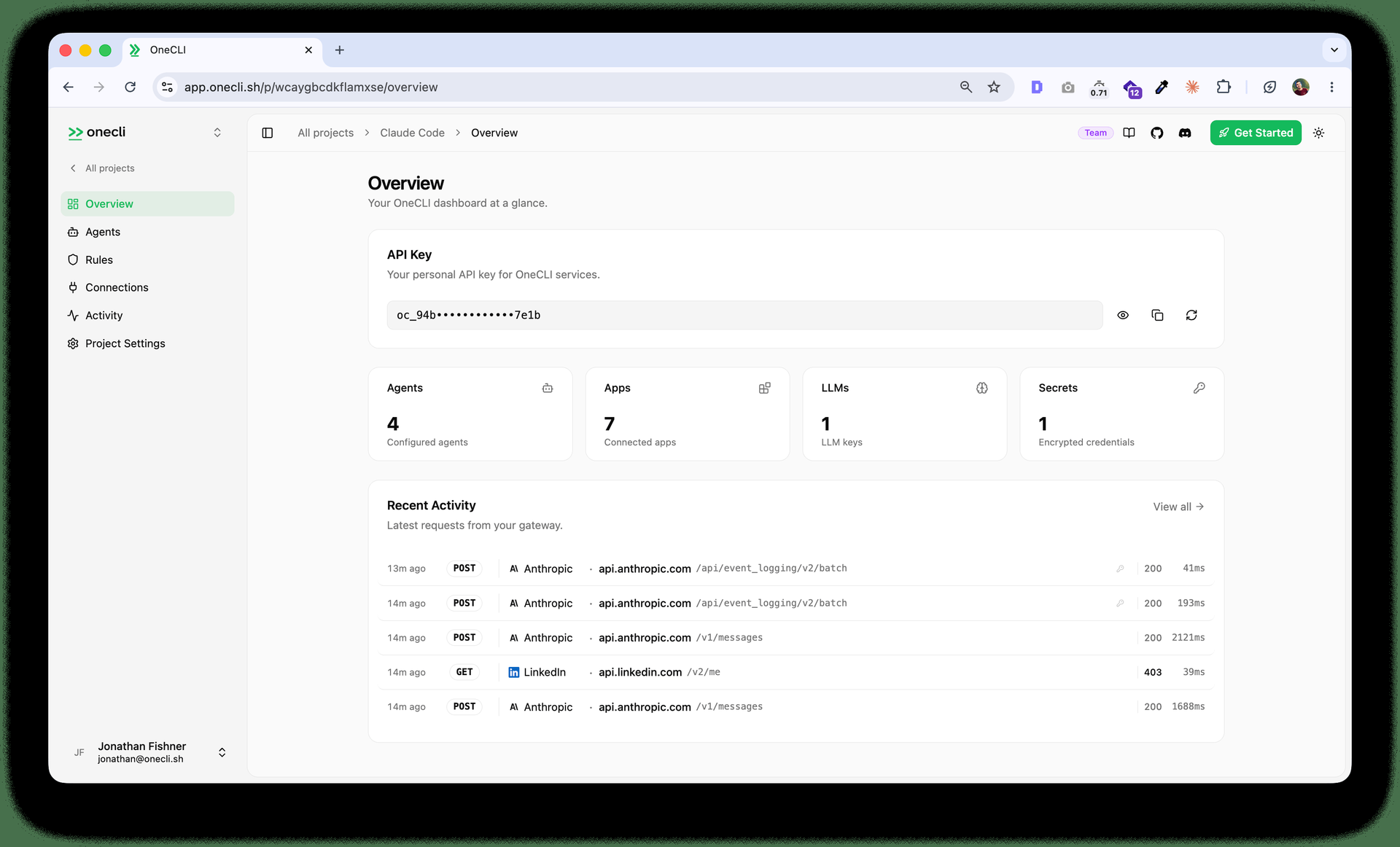
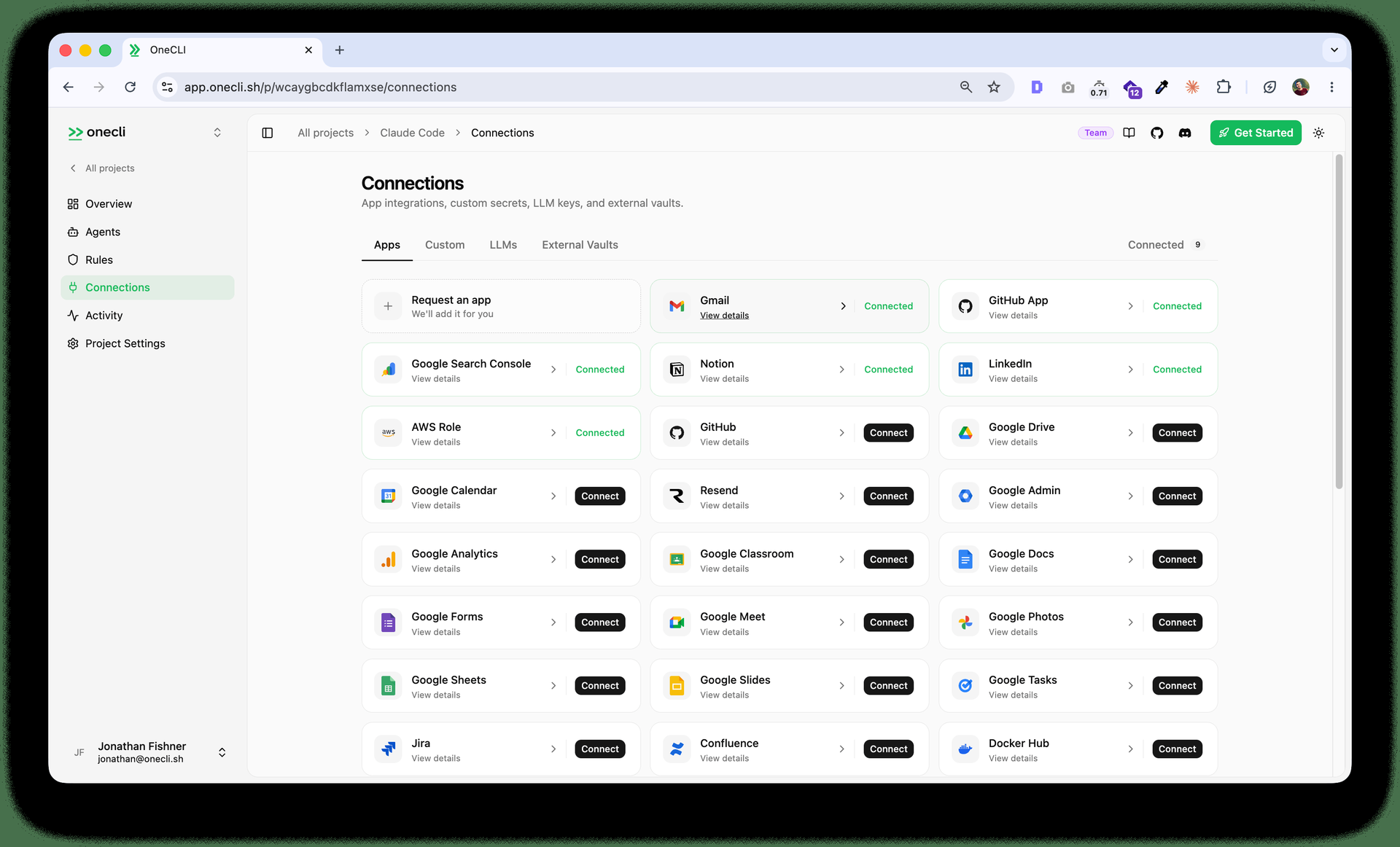
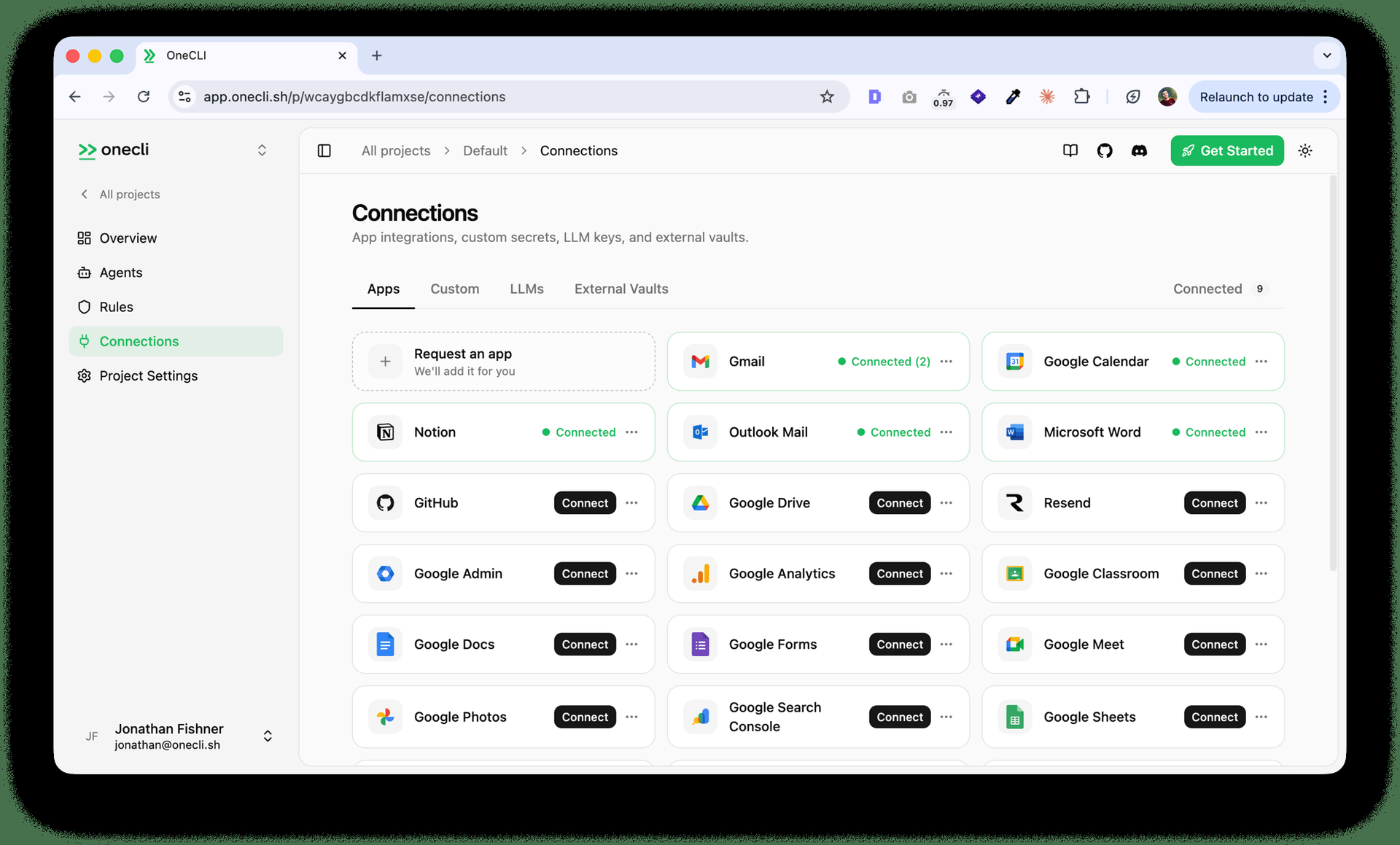
OneCLI gives every employee a sandboxed personal AI agent that works across company tools without ever seeing the real credentials it uses. Create an agent for each person, grant only the services that person may touch, and chat with it from its dashboard page or directly inside Slack channels and direct messages. The agent keeps its own filesystem, shell, memory, and skills between conversations, so follow up messages can redirect work in progress instead of starting over. Schedules wake agents at the right time to run recurring checks, reports, and follow ups without a person remembering to prompt them. When an agent calls Gmail, Salesforce, HubSpot, GitHub, Sentry, or another connected service, the gateway checks the request against team policy and injects the stored credential only for that call. Sensitive actions can pause for a deterministic human approval in chat, so sending an email, deleting a ticket, or changing a deal stage waits for your yes. Shared team connections let administrators connect a service once and grant it per agent, while memory remains readable and editable by the owner at any time. Running on a dedicated VPS on RepoCloud with guaranteed CPU, RAM, and SSD, full root SSH access, and a browser serial console. Apache 2.0 licensed.
Benefits
- Agents Never Hold Real Keys
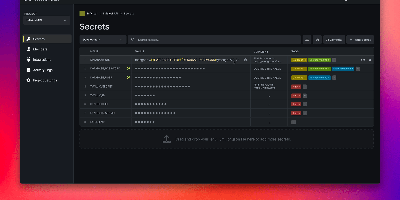
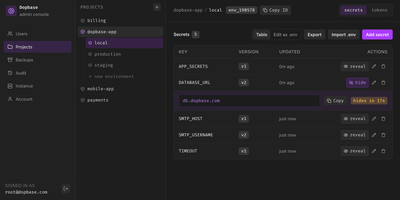
- Real credentials stay in an encrypted vault and are injected by the gateway only at request time, matched by host and path, so sandboxed agents can call APIs without possessing secrets.
- One Agent For Every Employee
- Each person receives a durable agent with its own sandbox, memory, skills, and Slack identity, making team rollouts manageable instead of copying one personal setup many times over.
- Approvals Before Sensitive Actions
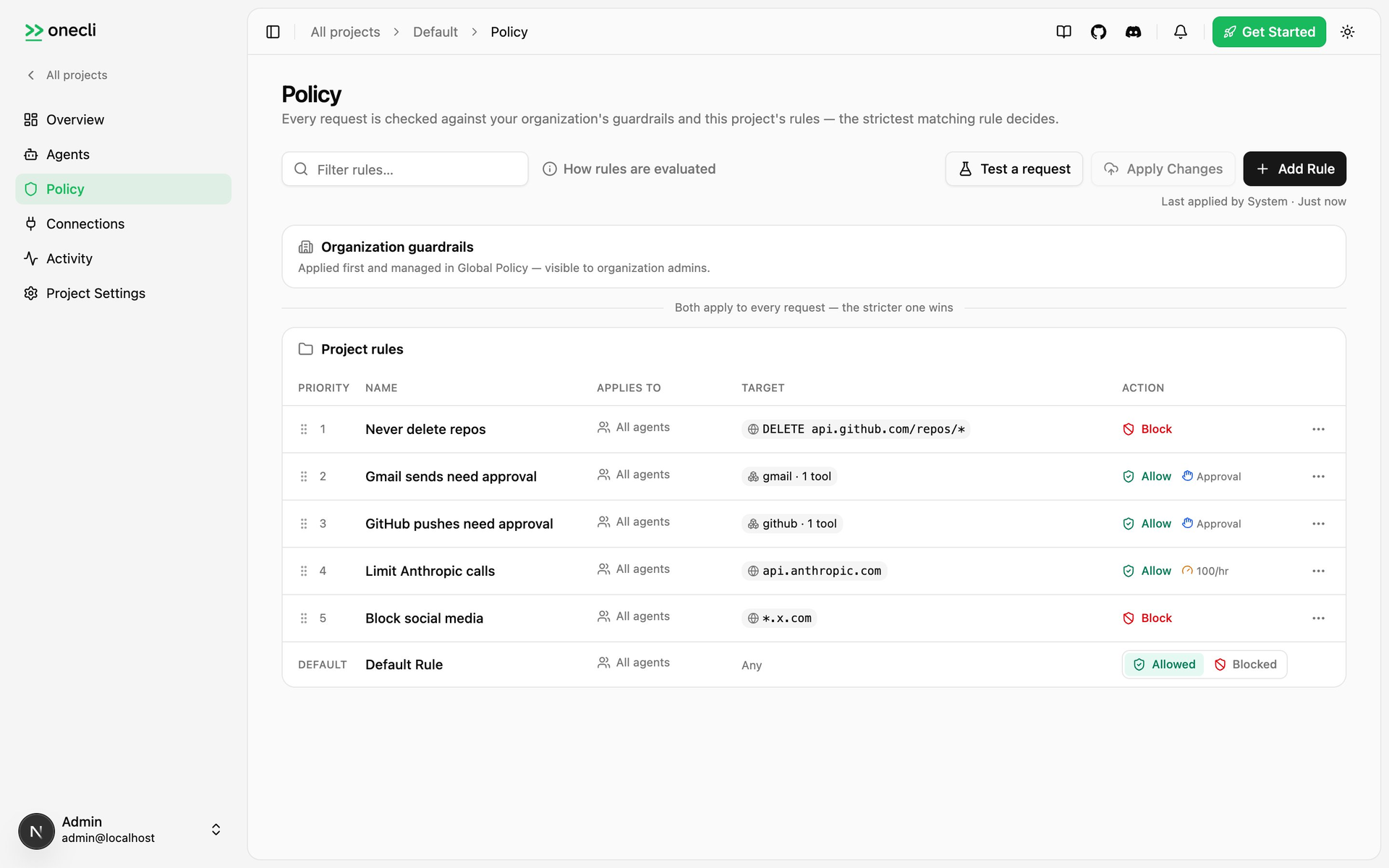
- Administrators can require human approval in chat before an agent sends email, deletes records, or changes important fields, keeping critical operations under direct control every time.
- Team Policy Enforced Everywhere
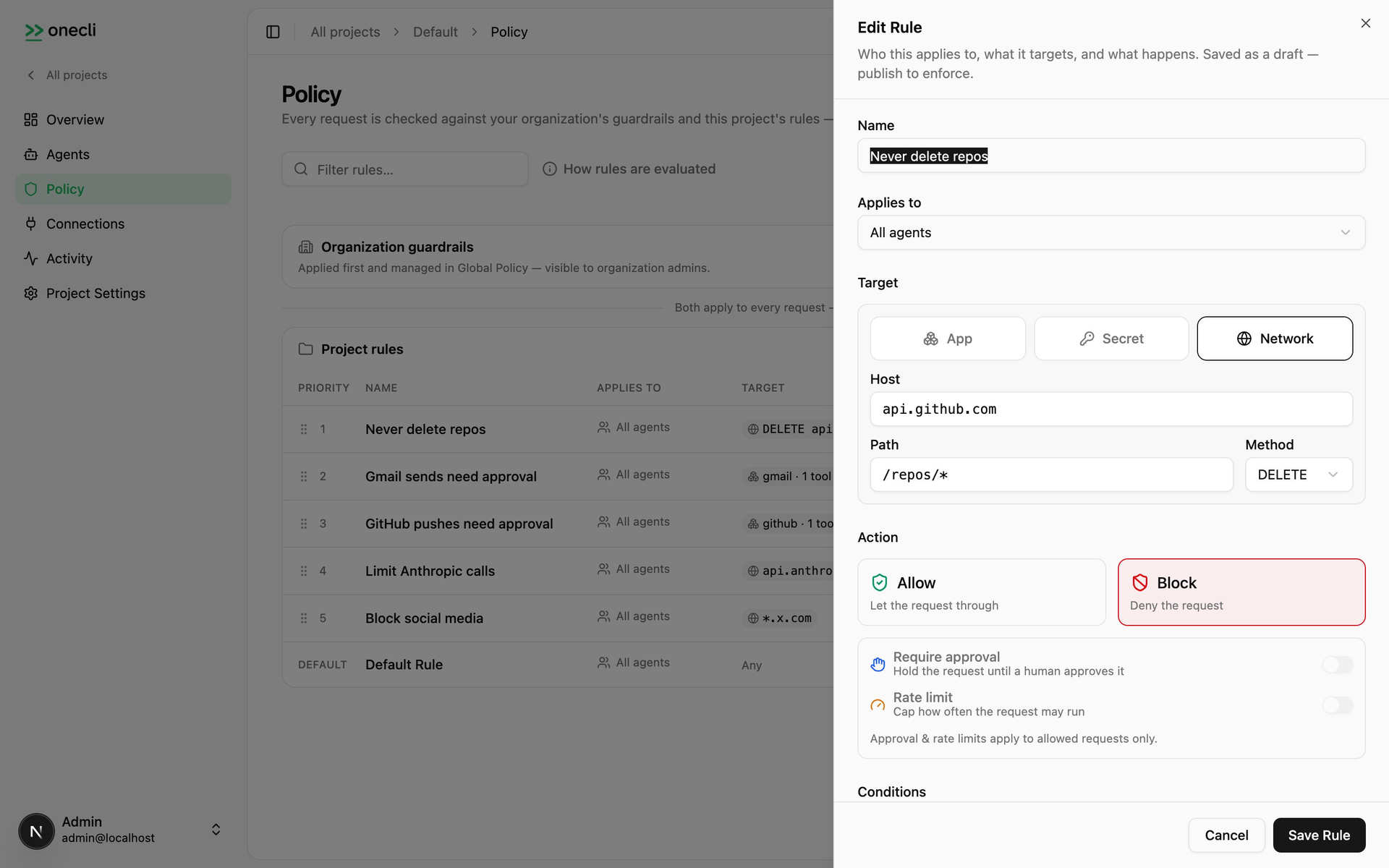
- A single workspace policy governs which agents may reach which services and data, and the gateway enforces those grants on every outbound request regardless of conversation origin.
Features
- Sandboxed Agent Computers
- Every agent runs in an isolated sandbox with filesystem and shell access, while the only outbound path passes through the credential and policy gateway.
- Credential Gateway Injection
- The Rust gateway intercepts outbound HTTPS requests, authenticates the agent, checks policy, and injects credentials stored with AES-256-GCM encryption at rest.
- Dashboard And Slack Chat
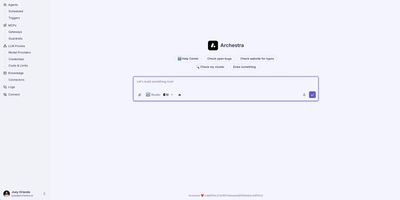
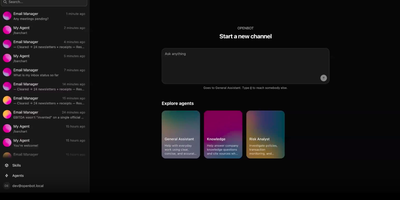
- Talk to each agent on its dashboard conversation page or through its own Slack app in channels and direct messages, including files and images.
- Memory Skills Schedules
- Persistent memory, reusable skills, and scheduled wake ups let agents retain what they learn, follow shared instructions, and perform recurring work automatically.
- Human Approval Rules
- Configure deterministic approval steps for writes and critical operations, with the proposed action presented in chat and nothing executed until a person approves.
- Shared Team Connections
- Connect LLM keys, Gmail, Salesforce, HubSpot, GitHub, and other services once at team level, then grant access per agent without handing out raw keys.