Stars
Forks
Watchers
Developer links
MaxKB
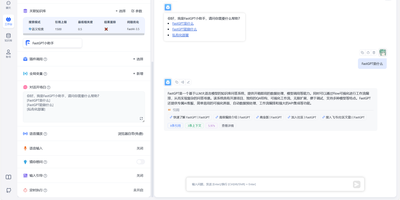
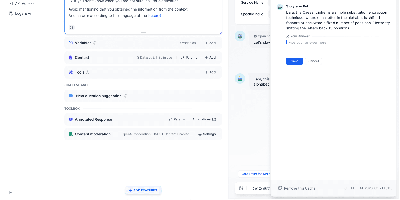
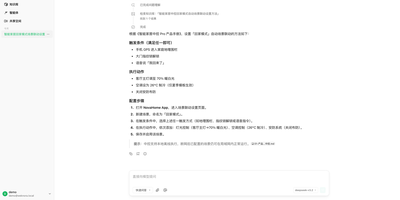
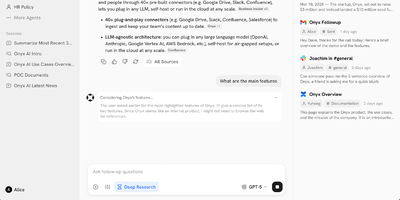
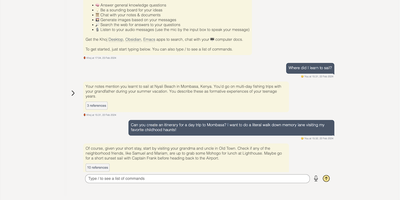
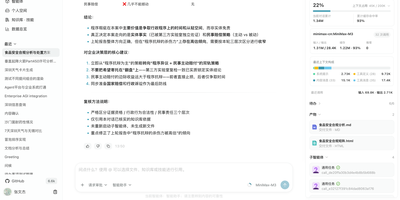
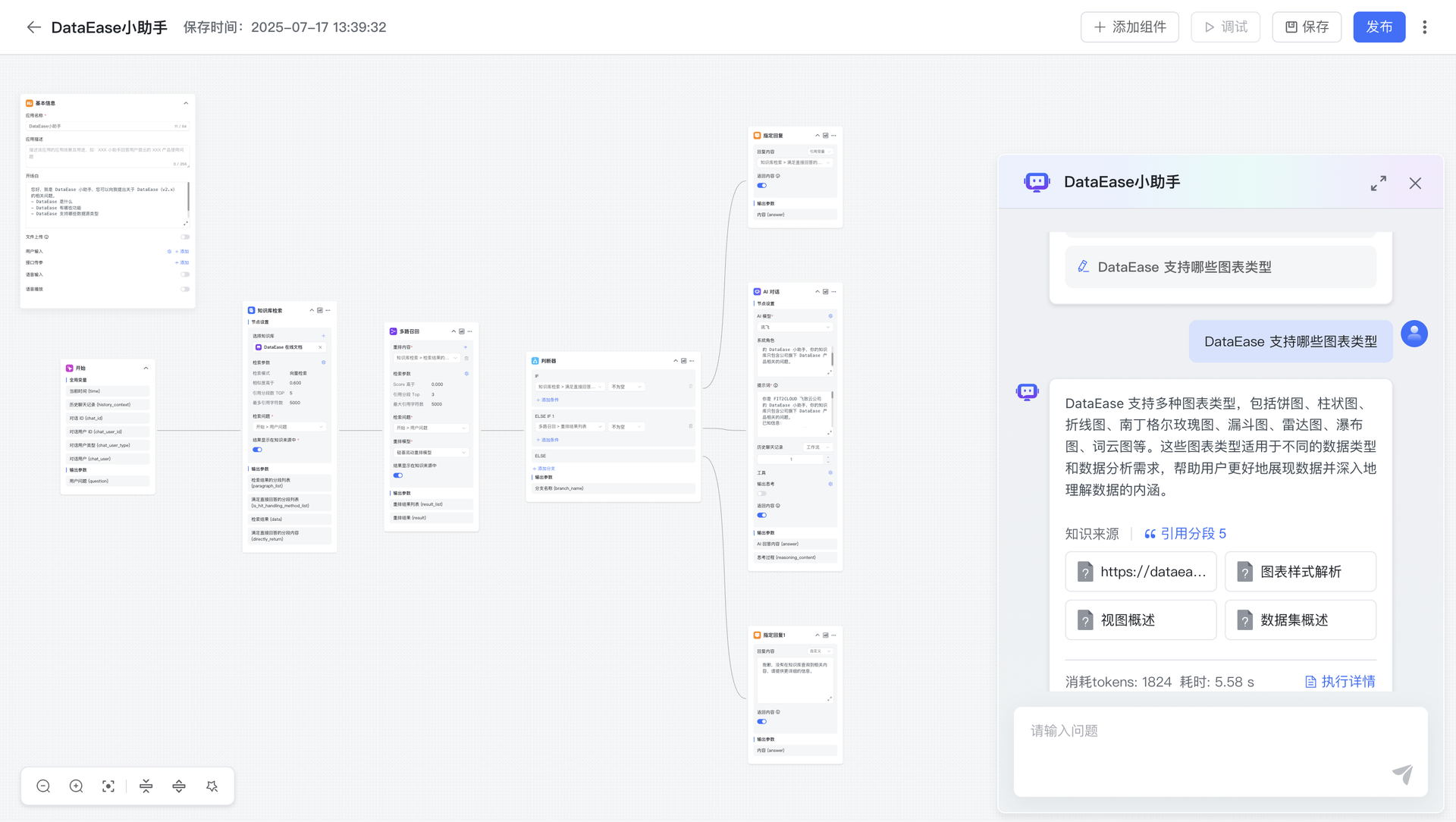
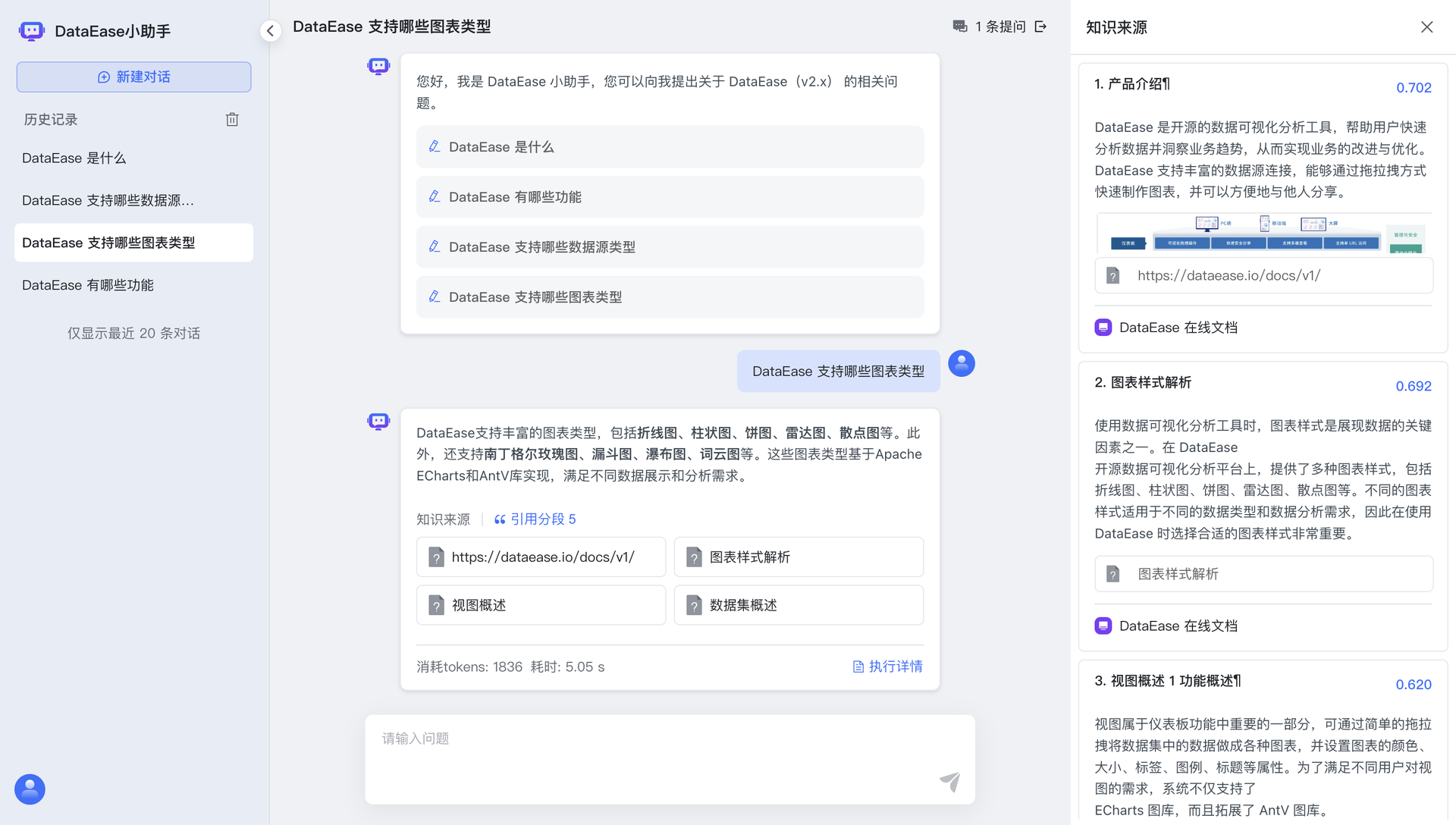
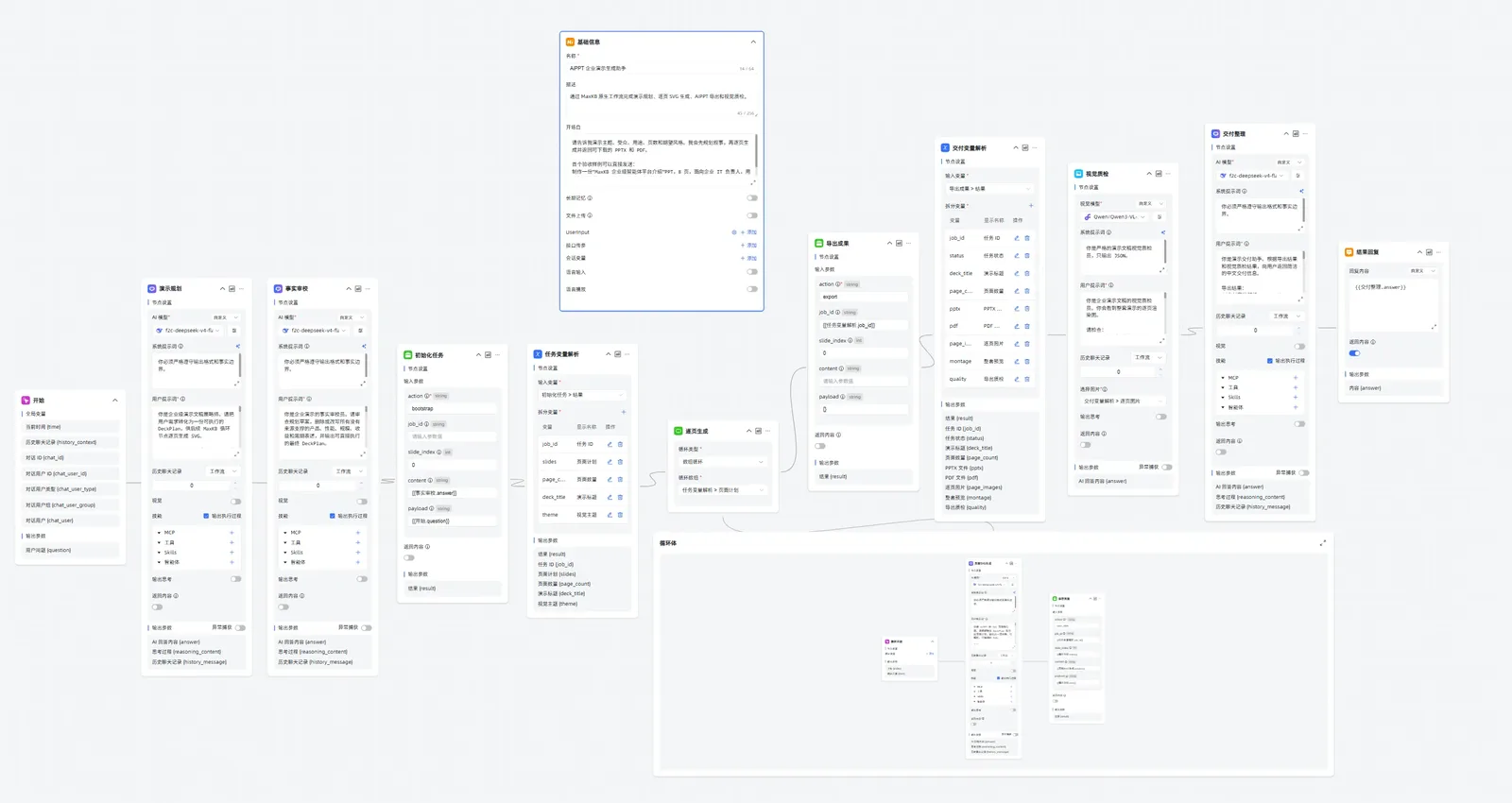
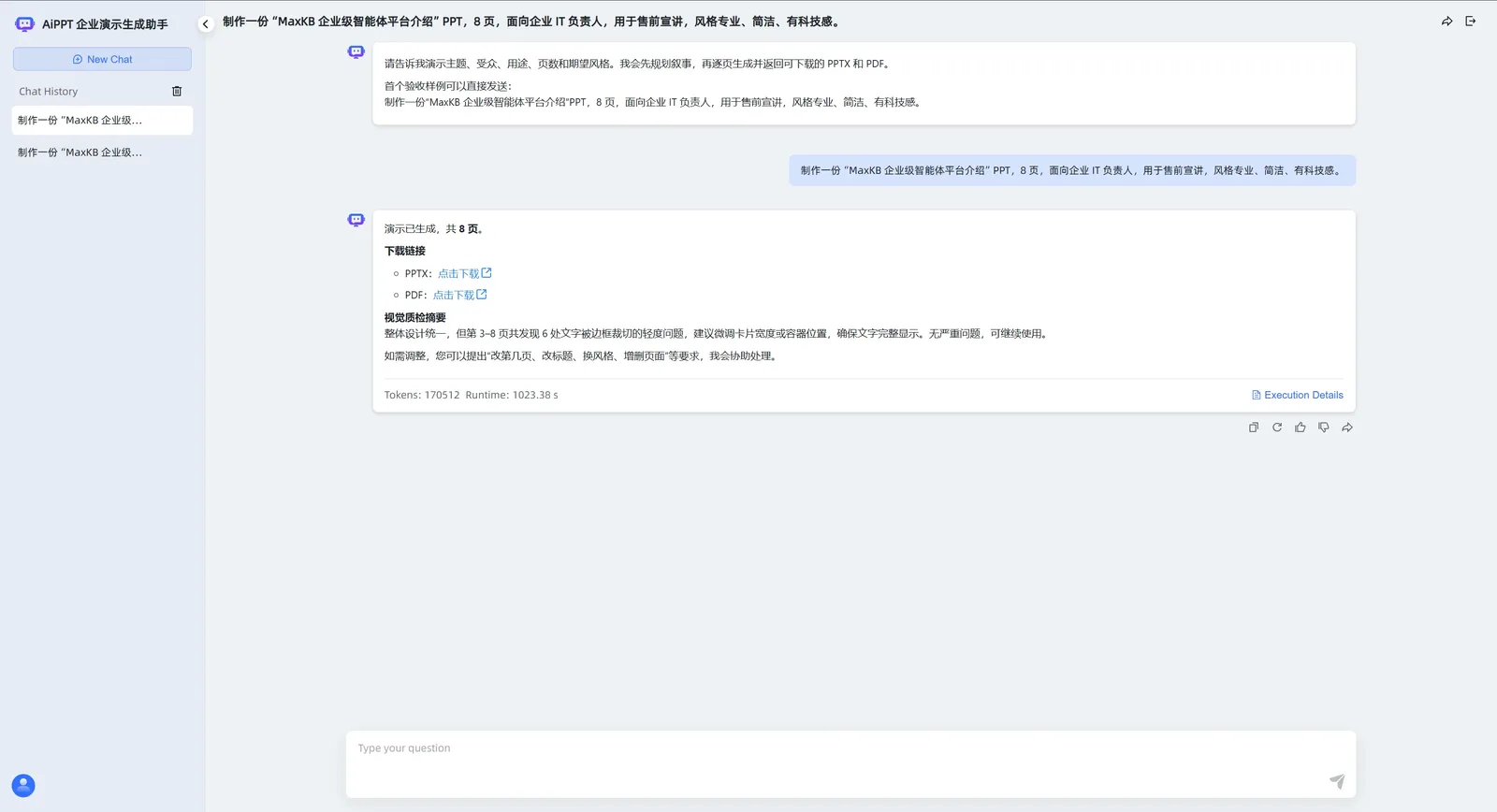
Support teams, IT departments, and researchers can put their own documents behind chatbots and AI agents built with MaxKB, an open-source platform that grounds answers in private knowledge. A support lead starts by uploading Markdown, DOCX, PDF, TXT, HTML, XLSX, XLS, or CSV files, or by syncing a web site, and MaxKB splits, vectorizes, and indexes the content on its own. An IT department can place the finished agent in any third-party site or internal tool with no coding, as a full-screen page, a mobile view, or a floating chat window. Researchers get replies that show, and let them download, the knowledge sources behind each answer. Simple agents pick tools, skills, and MCP connections from the question itself, while advanced agents are drawn as workflows with branching, multi-path recall, loops, and variables. Custom scripts, which AI can help write, plus schedules and event triggers extend what an agent can do. The model manager registers local models such as DeepSeek, Llama, and Qwen beside providers such as OpenAI, Claude, and Gemini, across language, embedding, reranking, vision, speech, and image generation. Conversation logs feed analysis for operations. Dozens of ready-made agent templates, knowledge base templates, tools, and skills in the template center and tool store shorten the first build. Running on a dedicated VPS on RepoCloud with guaranteed CPU, RAM, and SSD, full root SSH access, and a browser serial console. GPL-3.0 licensed.
Benefits
- Answers Grounded In Your Documents
- Upload files or sync web sites, and MaxKB splits, vectorizes, and indexes them so chat answers draw on your own material, reducing hallucinations and showing the sources behind each reply.
- Workflows Without Writing Glue Code
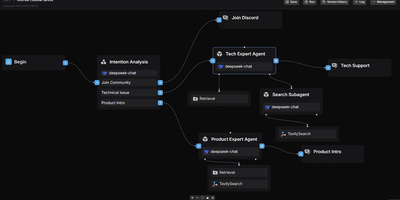
- Build advanced agents in the workflow editor with nodes for chat, retrieval, conditions, multimodal steps, and MCP tools, then add custom scripts only where a step needs real logic.
- Bring Any Language Model
- Connect local models such as DeepSeek, Llama, and Qwen or public providers such as OpenAI, Claude, Gemini, and MiniMax, with language, embedding, reranking, vision, and speech models managed in one place.
- Embed Chat Into Existing Systems
- Add an agent to a third-party site or internal tool with zero coding, as a full-screen page, a mobile view, or a floating chat window, and review conversation logs afterwards.
Features
- RAG Knowledge Bases
- Create general, web site, or workflow-built knowledge bases from Markdown, DOCX, PDF, TXT, HTML, XLSX, XLS, and CSV files, with automatic splitting and vectorization.
- Simple and Advanced Agents
- Let simple agents choose tools, skills, and MCP connections from the question, or design advanced agents as workflows with branching, multi-path recall, loops, and variables.
- Tools, Skills, and Triggers
- Add custom scripts, MCP tools, skills, and workflow tools to agents, install from the tool store, and run agents on schedules or in response to events.
- Multimodal Model Management
- Register language, embedding, reranking, vision, speech recognition, speech synthesis, and image or video generation models from local runtimes and mainstream providers, with custom model parameters.
- Embedding and Source Citations
- Embed agents as full-screen, mobile, or floating-window chat, show and download the knowledge sources behind answers, and analyze conversation logs for operations.
- Templates and Skills Library
- Start from dozens of preconfigured agent templates, knowledge base templates, tools, and skills in the template center and tool store instead of building every agent from scratch.