Categories
Knowledge Base MCP Server Team Collaboration Task Management AI Assistant Office Suite Document Editor Meeting NotesDeveloper links
Hotsauce
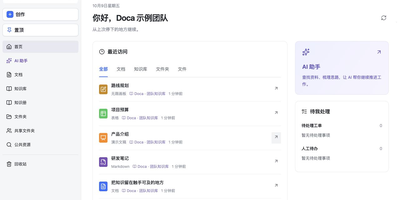
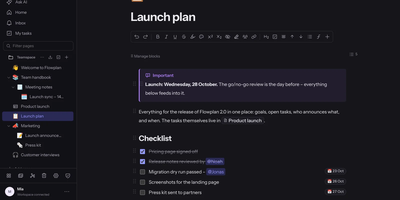
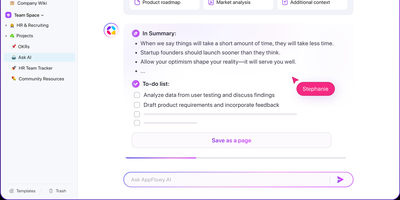
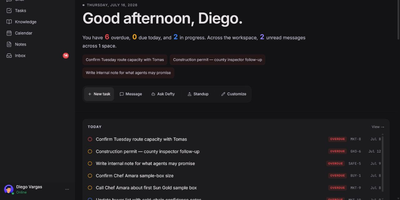
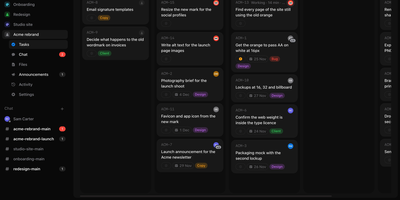
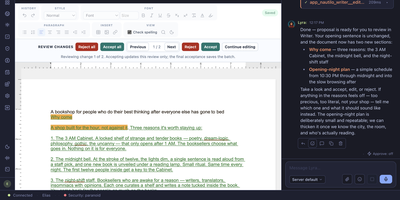
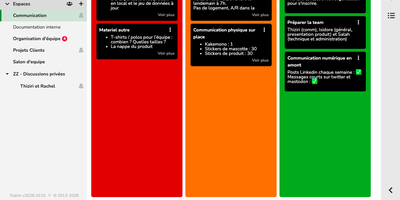
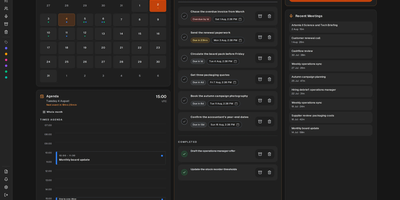
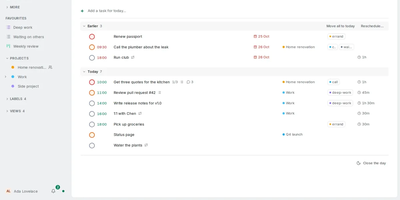
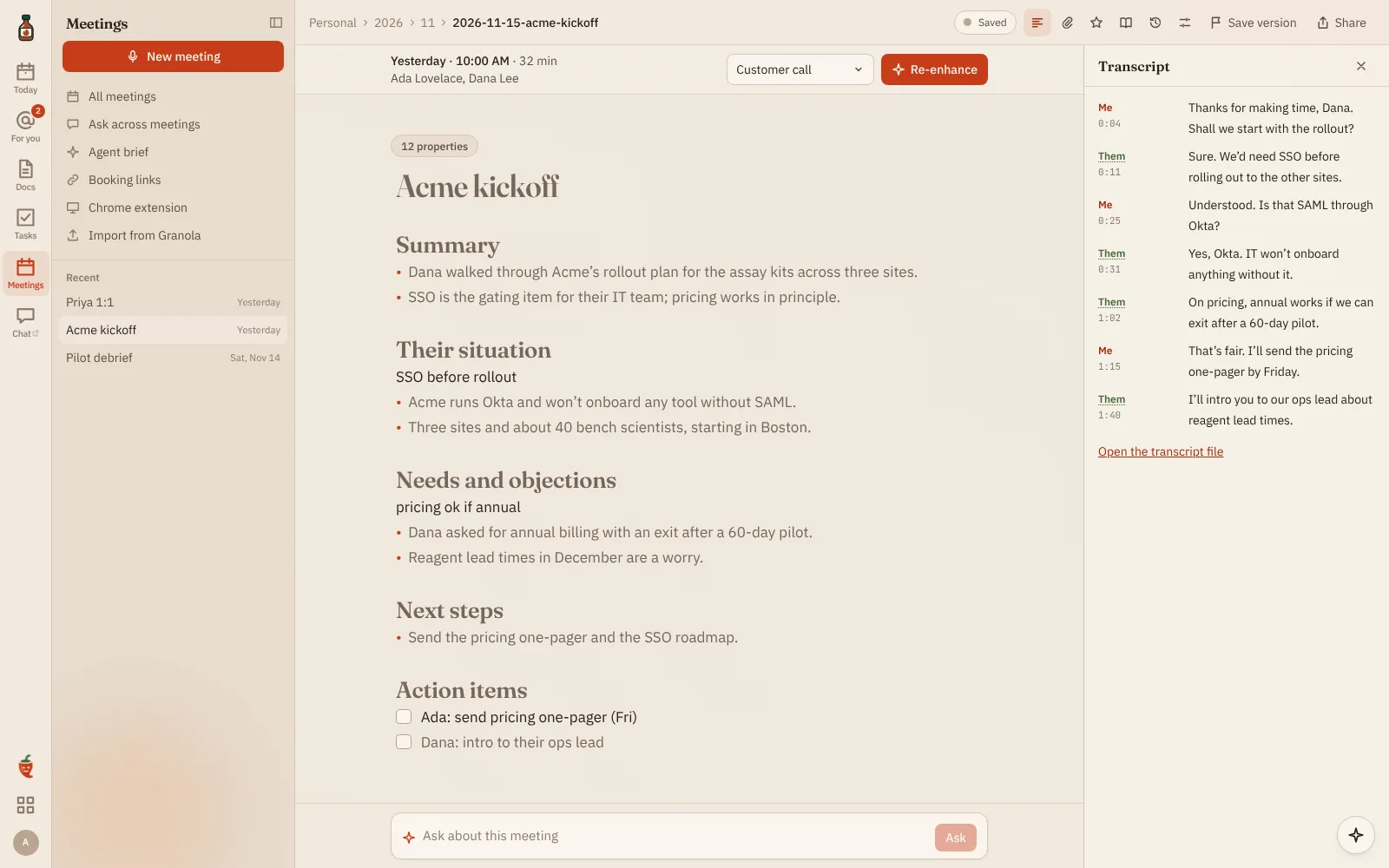
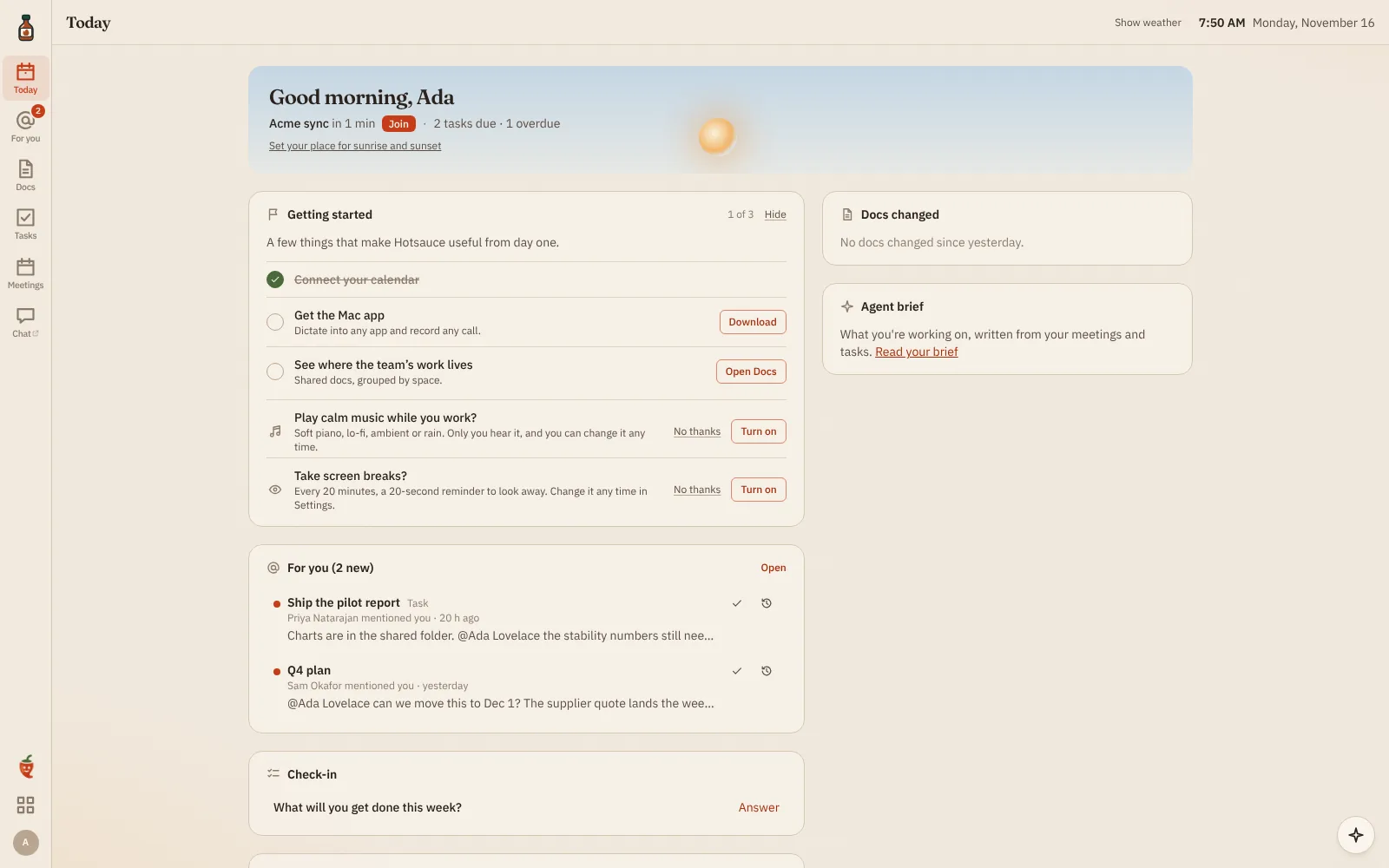
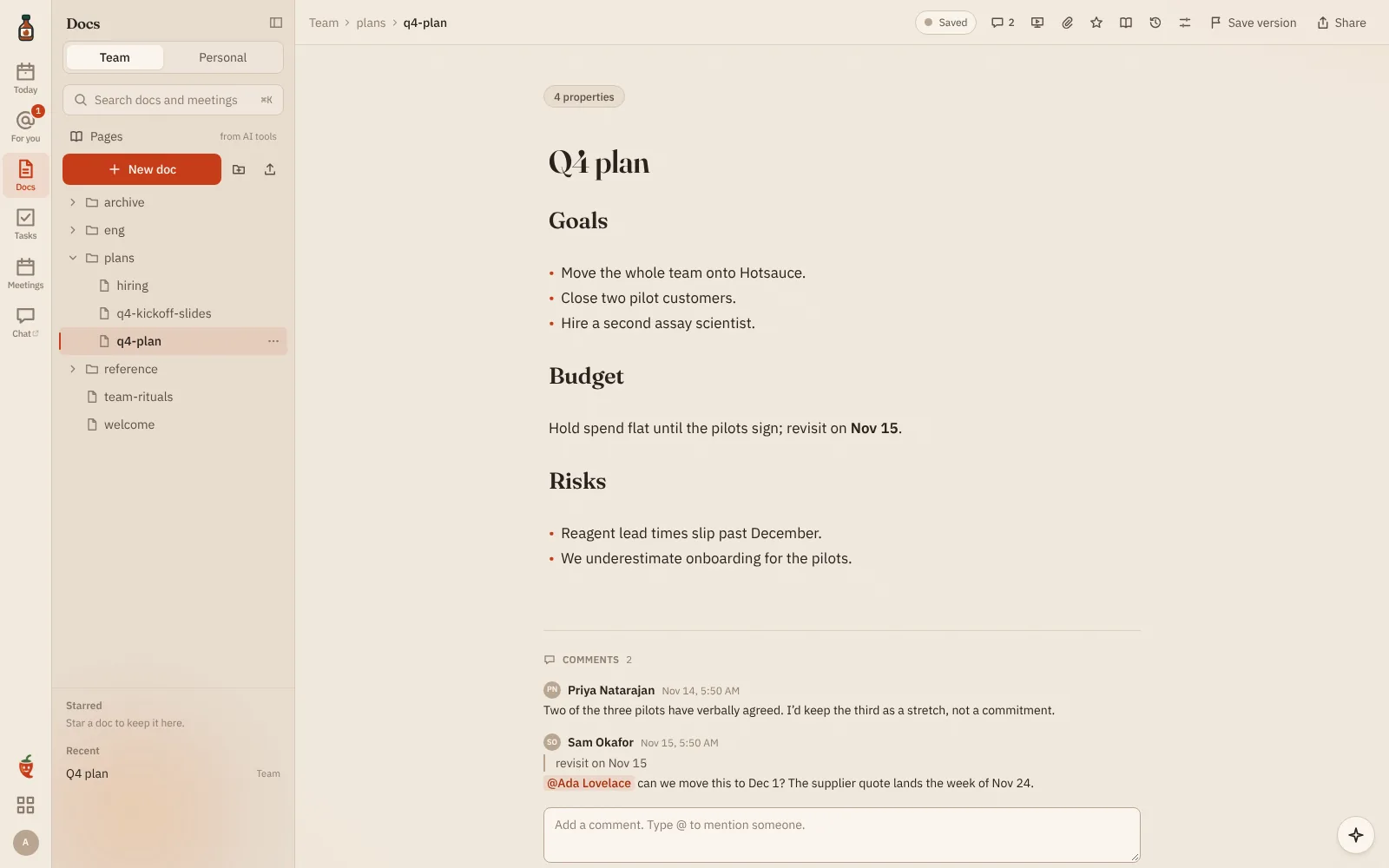
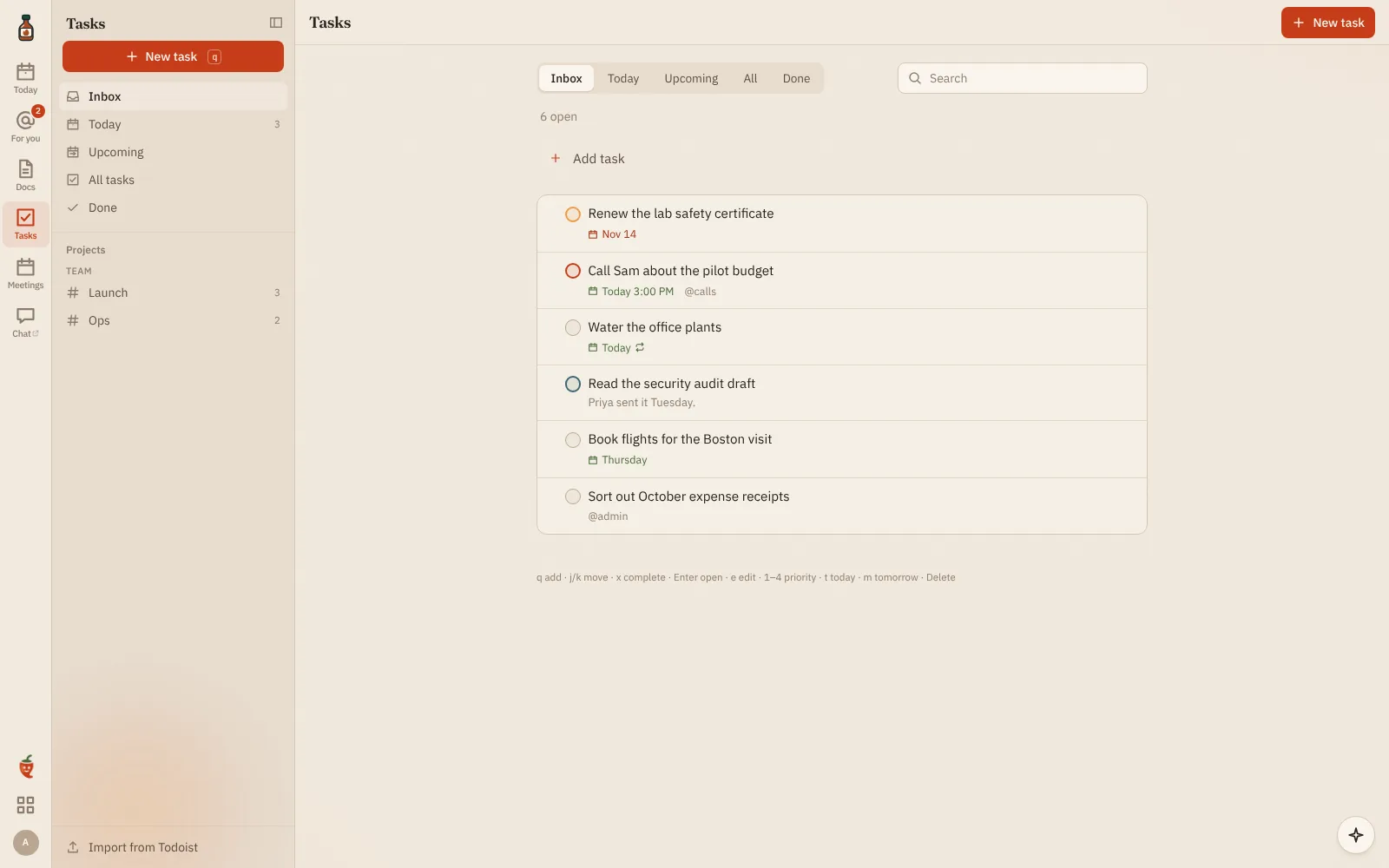
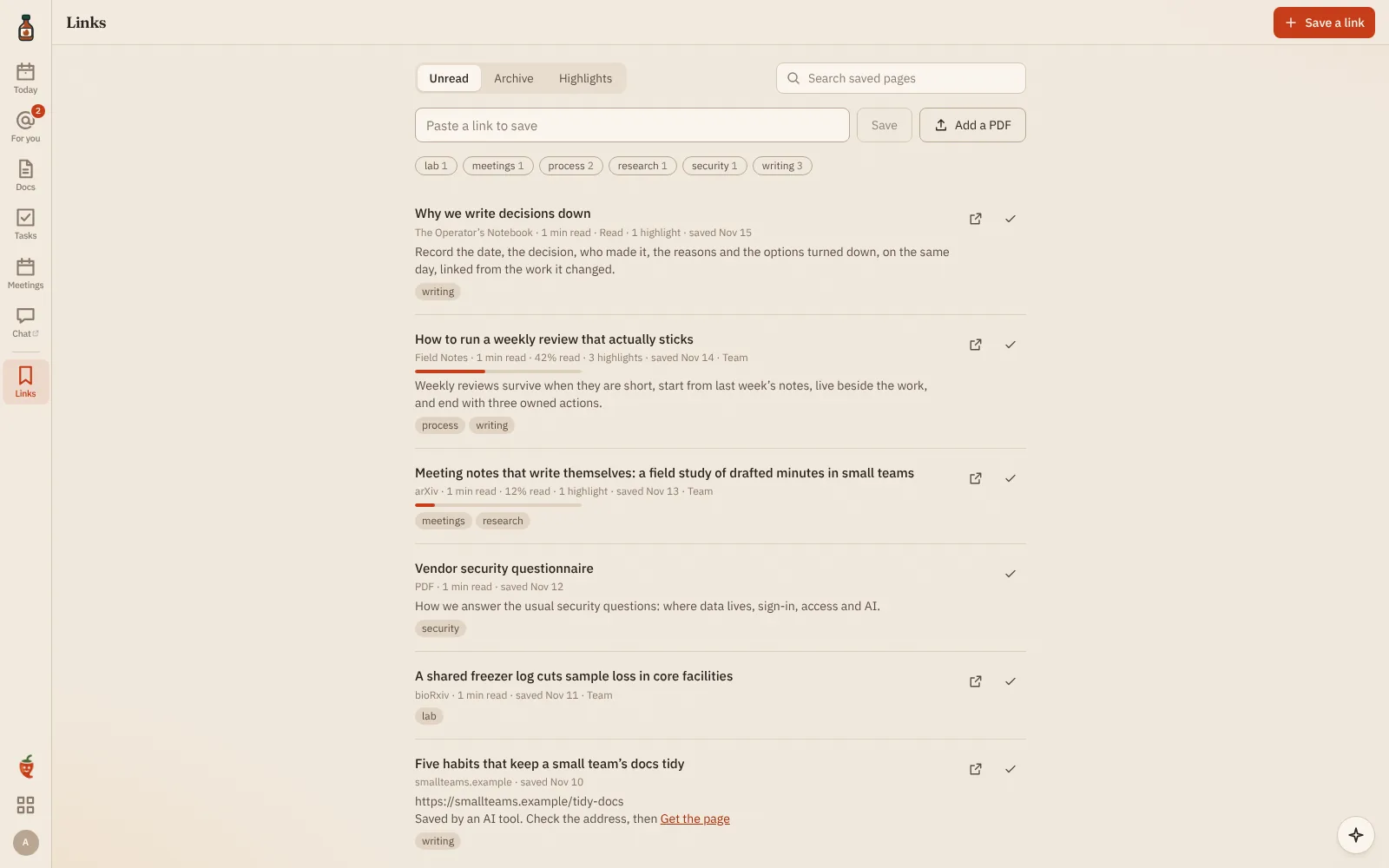
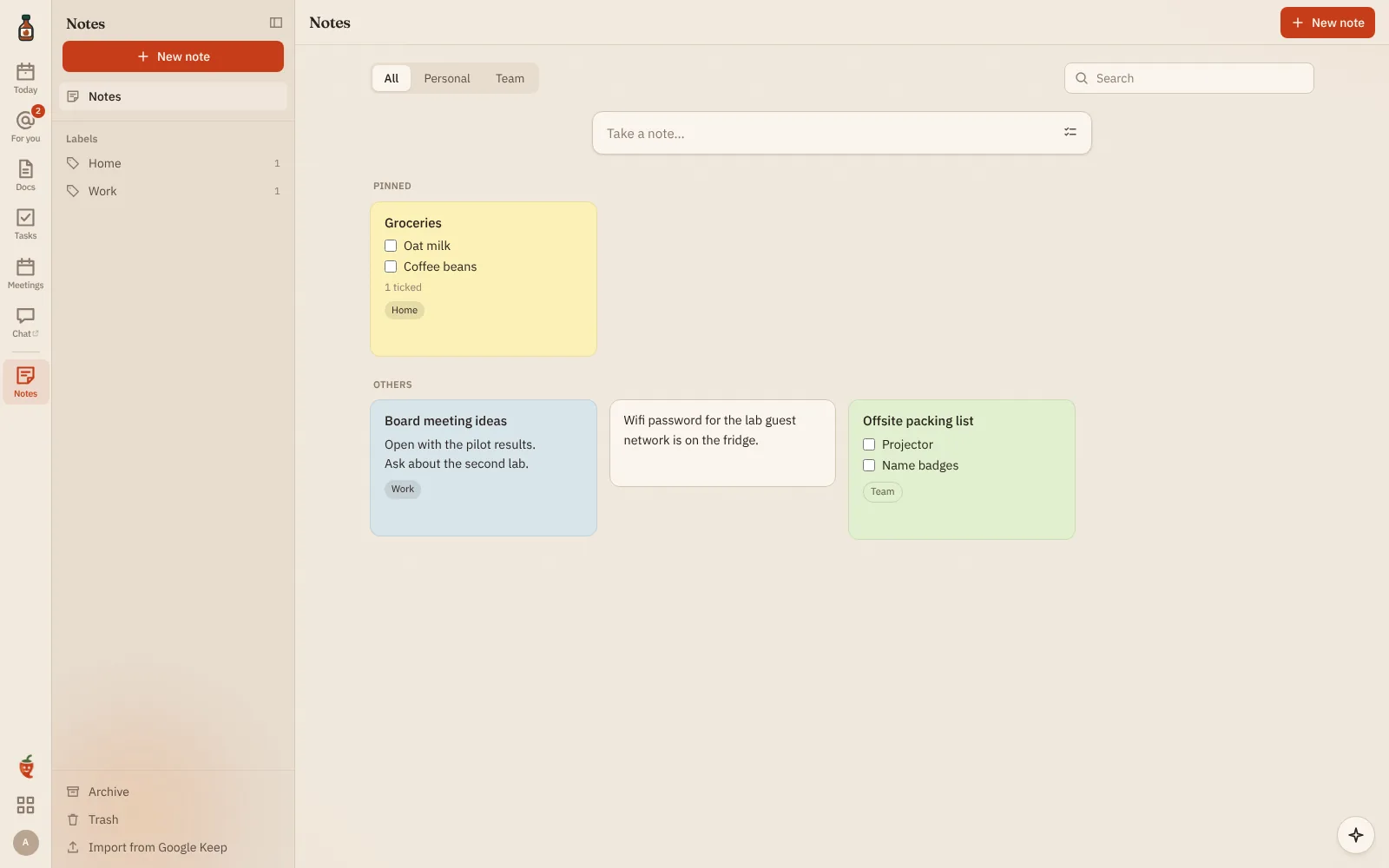
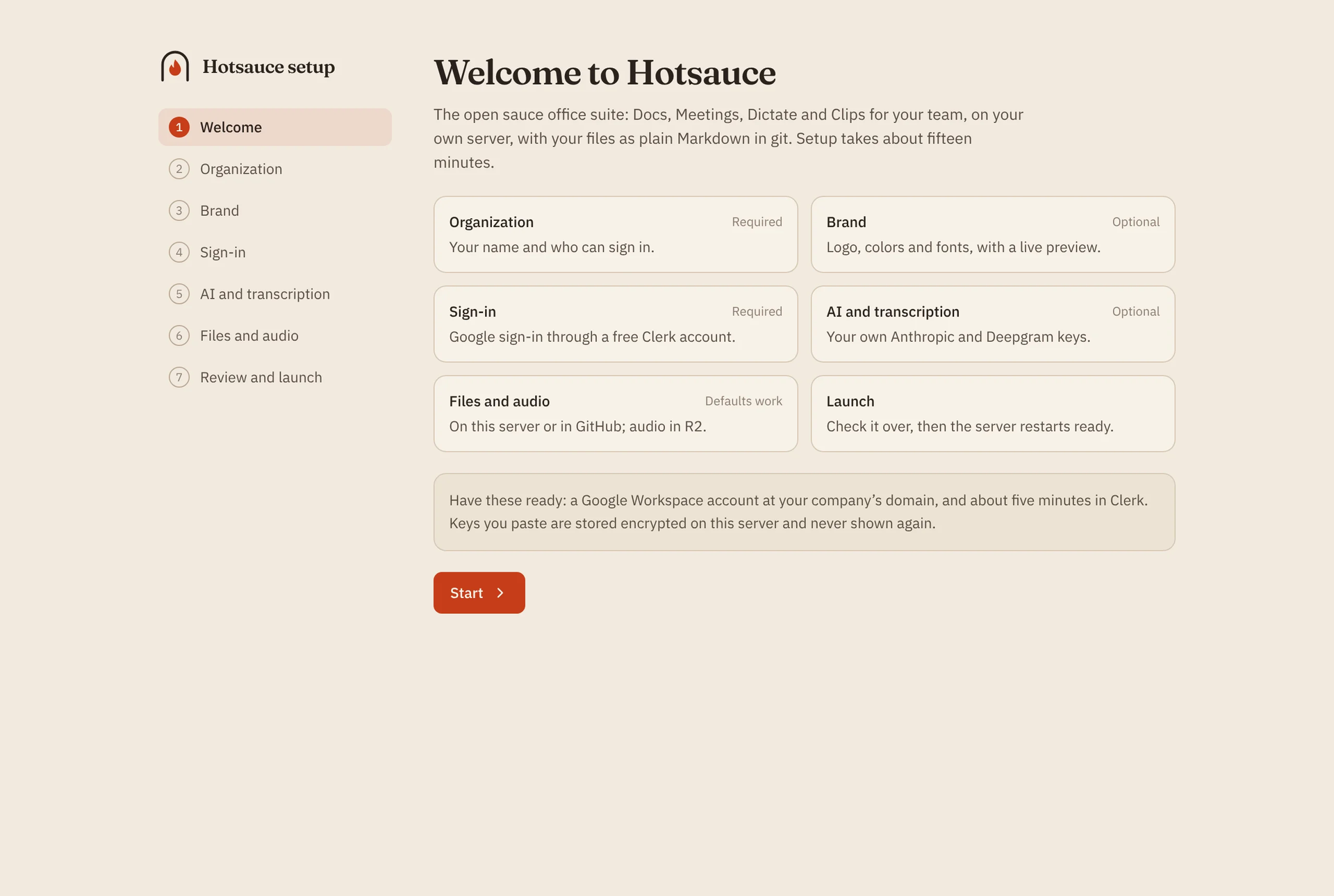
Hotsauce is an office suite for small teams that keeps every doc, meeting note, task, and saved link as a plain Markdown file in git. Meetings record in the browser, with the Chrome extension, or from the Mac app, and no bot ever joins the call. Jotted notes plus the live transcript turn into clean write-ups from customer-call, interview, or stand-up templates. The Ask assistant answers questions across every past meeting and doc, linking the sources it used. A Today page lines up the day's meetings, due and overdue tasks, and an agent brief on tiles you can rearrange. Tasks read quick-add text like "Send the deck fri p1 #Launch", and talking through your day splits it into tasks. Docs are edited together, every save is a git commit, and any doc downloads as Word or PDF or presents as slides. Links is a read-later list that keeps a clean copy and the page as you saw it, with highlights. Dictate types cleaned-up speech into any Mac app, and Clips records screen videos with a camera, transcript, and summary. A built-in MCP server lets Claude, ChatGPT, Cursor, or Codex search and edit the workspace with your permissions, and history shows which tool changed what. Booking links, forms, boards, and PDF signing round out the suite. Running on a dedicated VPS on RepoCloud with guaranteed CPU, RAM, and SSD, full root SSH access, and a browser serial console. AGPL-3.0 licensed.
Benefits
- Your files stay in git
- Every doc, meeting note, task, and saved link is a Markdown file in a git repository you control, and the database is only a search cache that rebuilds from git.
- Pay for AI, not for seats
- Hotsauce is free and open source, and you bring your own Anthropic and Deepgram keys, so a small team spends only a few dollars a month on AI usage.
- No bot joins your calls
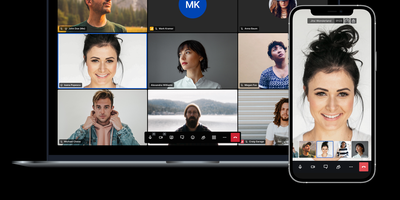
- Meetings are recorded in the browser, with the Chrome extension, or from the Mac app, so Google Meet, Zoom, Teams, and in-person calls get transcripts without a visible notetaker.
- Agents work as you do
- The built-in MCP server gives Claude, ChatGPT, Cursor, and Codex the same permissions you have, and history records which tool made each change to a file.
Features
- Git-Backed Markdown Storage
- Documents, meetings, tasks, and notes are plain Markdown files in a git repository on your server or in a GitHub organization, with a search index that rebuilds itself.
- Optional AI Keys
- A Deepgram key turns on live transcripts for meetings, clips, and dictation, and an Anthropic key adds meeting notes, the Ask assistant, and cleanup of filler words.
- Built-In MCP Server
- Claude, ChatGPT, Grok, Cursor, and Codex connect by sign-in or token to search, read, and write docs, meetings, tasks, clips, links, and files.
- Mac App and Chrome Extension
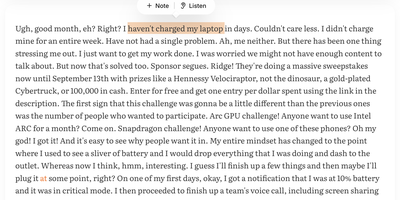
- The Mac app hears any call and dictates into any app, while the Chrome extension records Google Meet tabs and saves pages to the Links reading list.
- Collaborative Docs Editor
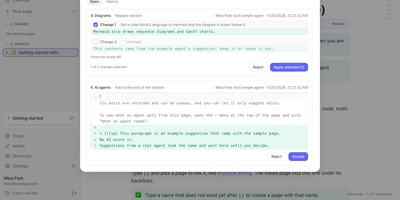
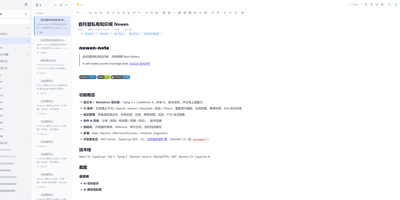
- A source-first Markdown editor with live multi-user editing, a git commit per save, rename-safe links, Word and PDF export, and slides with presenter view.
- Docker, Fly.io, or Cloudflare
- One install script sets up Docker with Caddy HTTPS on a Linux server, or you can deploy to Fly.io for about six dollars a month or to Cloudflare.